

The best AI tools for product managers can cut hours off your week across meeting notes, roadmapping, and data analysis. I tested dozens of options to find the 12 best for every stage of the PM workflow in 2026.
12 Best AI tools for product managers: Quick comparison
| 💻 Tool | 🎯 Best for | 🔥 Starting price (billed annually) | ⚡ Strengths |
|---|---|---|---|
| Granola | Bot-free AI meeting notes | $14/user/month | No-bot transcription, customizable note templates, and post-meeting AI chat |
| Notion AI | Docs, wikis, and project tracking | $10/member/month | Flexible workspace, AI writing assistance, and meeting transcription |
| Productboard | Customer feedback and roadmapping | $19/maker/month (Platform) | Feedback consolidation, roadmap prioritization, and stakeholder portal |
| Julius | Product analytics without code | $16/month | Natural language querying, web data search, live financial data for 17,000+ companies, and scheduled reports |
| Amplitude | Behavioral product analytics | $49/month | User journey mapping, A/B testing, and AI-powered insight summaries |
| Chisel | AI-assisted roadmap prioritization | $7/maker/month | Team alignment features, customer feedback integration, and roadmap scoring |
| tl;dv | Meeting recording and summaries | $18/seat/month | AI meeting summaries, CRM sync, and searchable transcripts |
| Jira (Rovo AI) | Sprint planning and issue tracking | $900/year, includes 10 seats | AI issue suggestions, workflow automation, and deep Atlassian integration |
| Miro | Visual brainstorming and diagramming | $8/member/month, billed monthly | AI diagram generation, collaborative whiteboards, and sticky note clustering |
| ChatPRD | AI-generated PRDs and specs | $15/month | PRD templates, AI writing prompts, and PM-specific workflows |
| UserTesting | User research and feedback testing | Custom pricing | AI sentiment analysis, video feedback, and participant recruitment |
| Reclaim.AI | AI calendar and time blocking | $10/seat/month | Smart scheduling, habit protection, and calendar sync |
How I researched and tested these AI tools for product managers
I tested each tool using sample PM workflows across tasks like writing product requirements, analyzing user feedback, tracking feature performance, and preparing for stakeholder meetings. For tools that don't offer direct access, I reviewed documentation, walkthroughs, and verified user reviews to round out the picture.
Here's what I considered:
Core PM task coverage: How well each tool handles the workflows product managers deal with daily, from spec writing and roadmapping to data analysis and user research.
Ease of use: How quickly you can get useful output without a steep learning curve or heavy setup.
Workflow fit: How naturally each tool connects with the platforms a typical PM team already uses, like Jira, Slack, and Notion.
Output quality: Whether the results, whether notes, roadmaps, charts, or summaries, are actually usable without significant editing or cleanup.
Value for the role: How well each tool earns its place in a PM's stack relative to what it costs and what it replaces.
From testing, I found that the tools that performed best were the ones that fit into existing workflows without asking you to change how your team operates.
1. Granola: Best for bot-free AI meeting notes
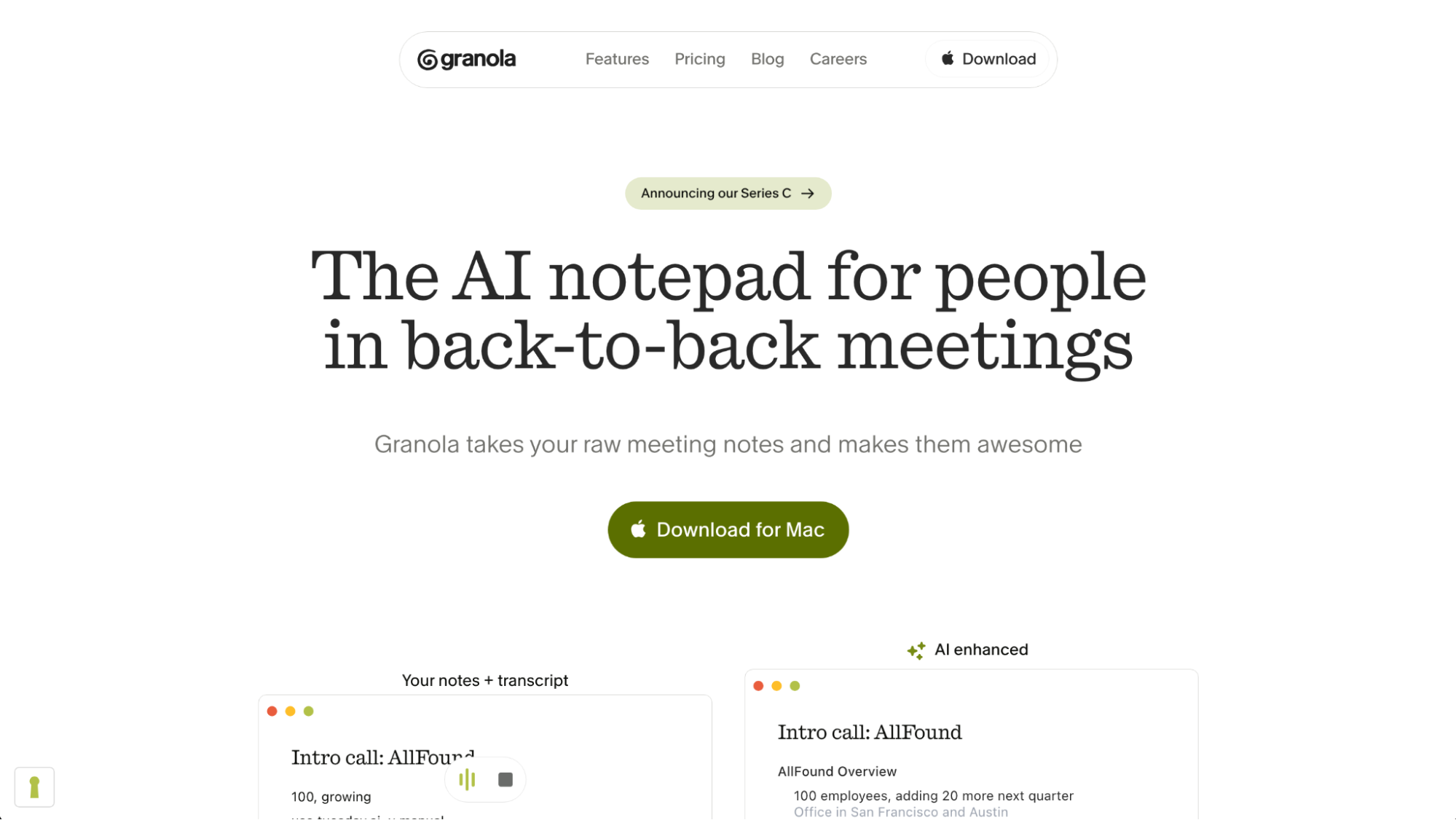
What it does: Granola is an AI notepad that transcribes your meetings directly from your computer's audio and turns your raw notes into structured summaries.
Best for: Product managers and cross-functional teams who need automatic meeting notes without adding a bot to every call.
I tested Granola with sample PM workflows across discovery calls and sprint reviews to see how well it structured different conversation types without manual note-taking. The summaries came out organized with action items and key decisions pulled out cleanly. On calls with 3 or more speakers, quote attribution often needed manual cleanup after the fact.
Key features
Customizable note templates: Set up templates for recurring meeting types like user interviews, 1-on-1s, and sprint planning so summaries follow a consistent format every time.
Post-meeting AI chat: Ask questions about a completed meeting directly, such as pulling out specific decisions or summarizing a particular section of the conversation.
Multi-platform transcription: Capture audio from Zoom, Google Meet, Microsoft Teams, Webex, and Slack calls without requiring a separate bot for each platform.
| ✅ Pros | ❌ Cons |
|---|---|
| Runs in the background without disrupting meeting flow | Speaker attribution can be inconsistent on calls with 3 or more participants |
| Customizable templates produce consistently structured notes for recurring meeting types | Mobile transcription requires the iOS app, with no Android support currently |
| Post-meeting AI chat lets you query notes without re-reading the full transcript |
What users say
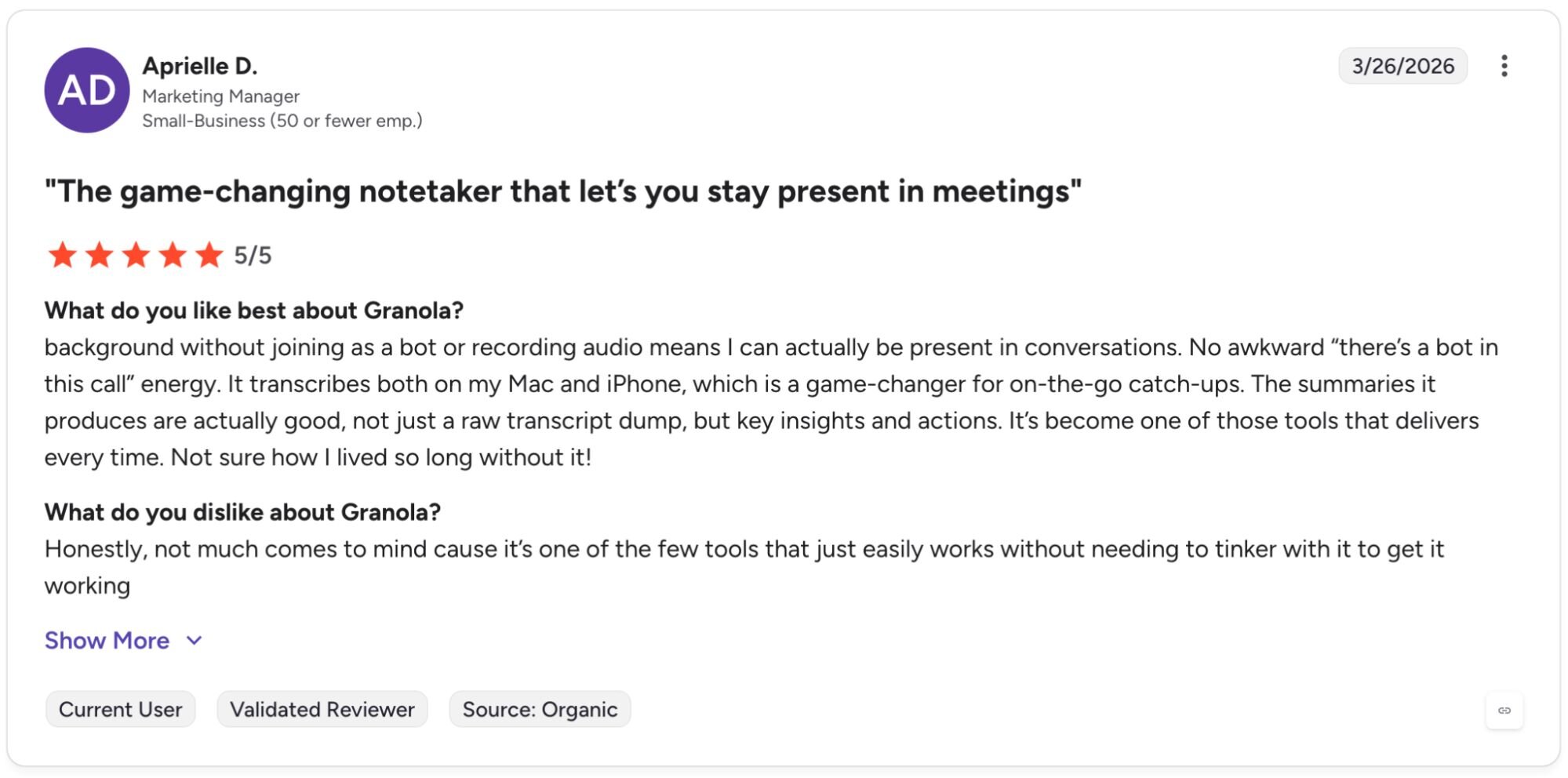
Pro: "[Background] without joining as a bot or recording audio means I can actually be present in conversations. No awkward 'there's a bot in this call' energy. It transcribes both on my Mac and iPhone, which is a game-changer for on-the-go catch-ups. The summaries it produces are actually good, not just a raw transcript dump, but key insights and actions." - Aprielle D., G2
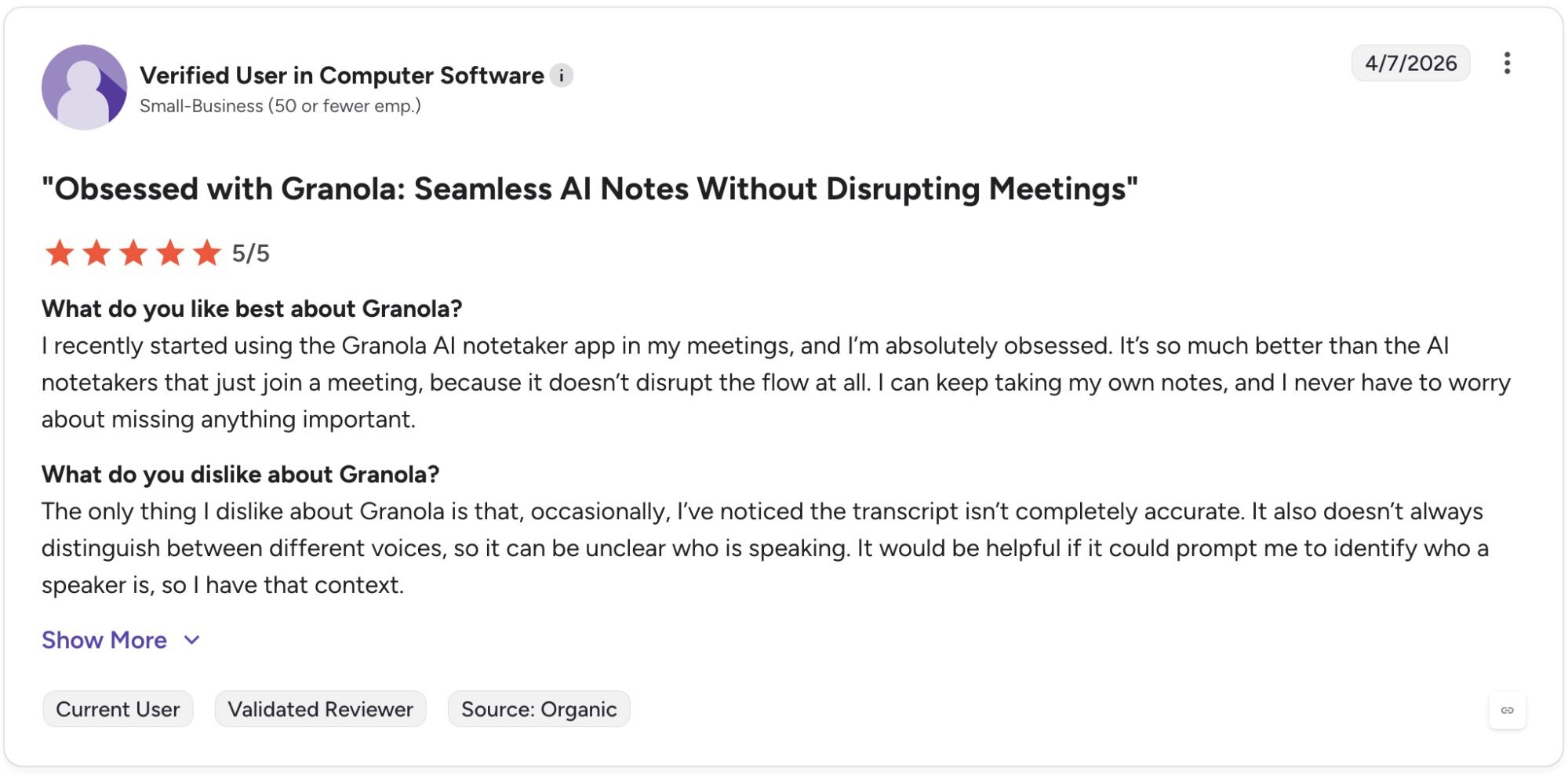
Con: "The only thing I dislike about Granola is that, occasionally, I've noticed the transcript isn't completely accurate. It also doesn't always distinguish between different voices, so it can be unclear who is speaking." - Verified User in Computer Software, G2
Pricing
Granola starts at $14 per user per month.
Bottom line
Granola's post-meeting AI chat sets it apart from tools that only produce a static summary after the call ends. If you need a workspace that handles both meeting notes and broader project documentation in one place, Notion AI might be a better fit.
2. Notion AI: Best for docs, wikis, and project tracking
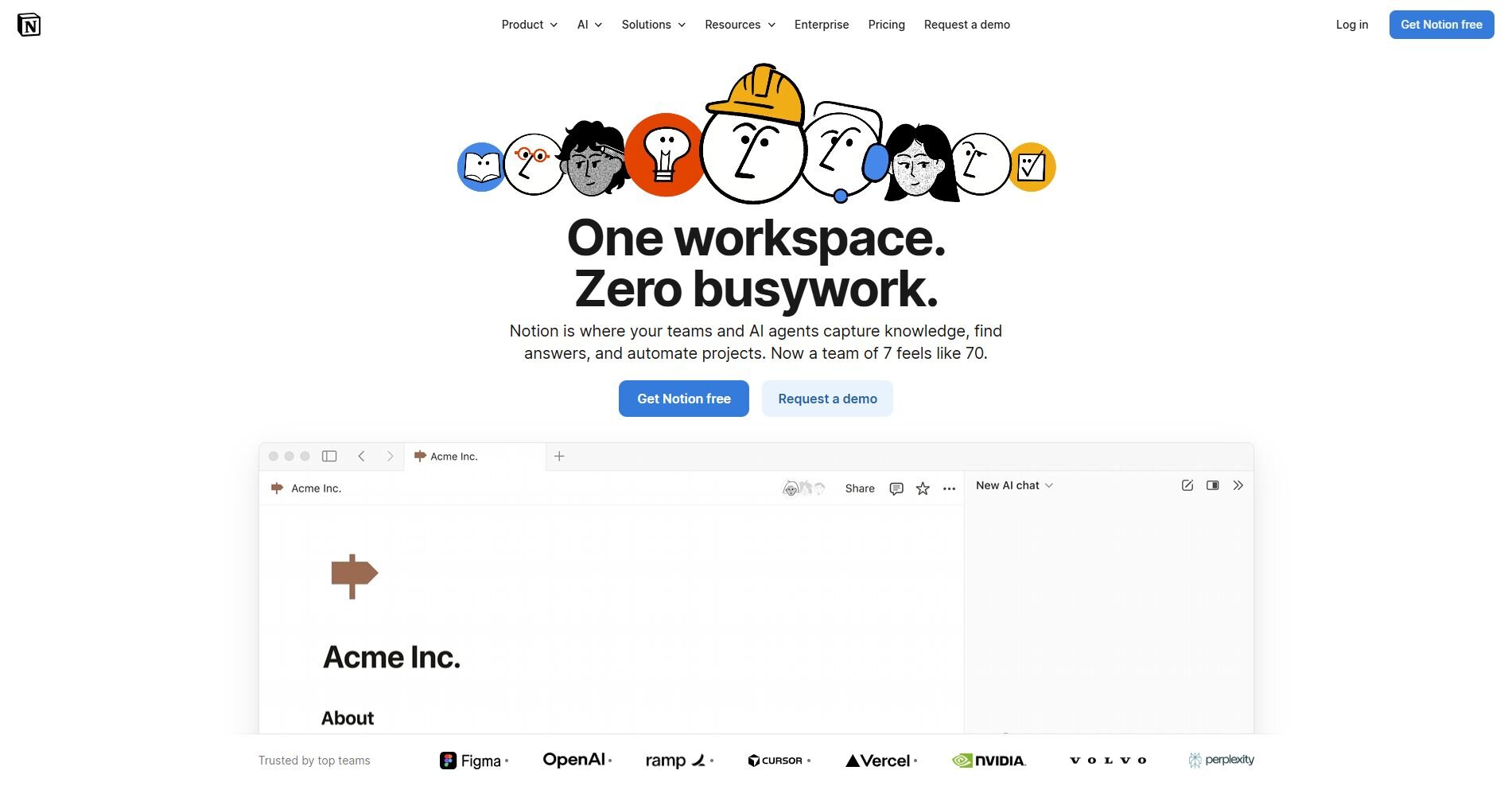
What it does: Notion AI is a connected workspace that combines docs, wikis, and project tracking with built-in AI writing and summarization tools.
Best for: Product managers who want AI writing assistance and project organization in a single workspace rather than switching between multiple tools.
I set up a sample PM workspace in Notion AI to test how well it handled spec writing, meeting documentation, and project tracking in one place. The AI writing tools made drafting PRDs and one-pagers faster, though building custom database views and linked automations required a solid understanding of Notion's page hierarchy before they worked as expected.
Key features
AI writing assistance: Draft, summarize, and rewrite docs directly inside your workspace without switching to a separate writing tool.
Connected databases: Link tasks, projects, and docs so updates in one database show up across related views in your workspace.
Meeting transcription: Capture or upload meeting audio for transcription in Notion, then store the notes alongside relevant project pages.
| ✅ Pros | ❌ Cons |
|---|---|
| Flexible enough to replace multiple tools across docs, wikis, and project tracking | Setting up automations and complex page structures has a steep learning curve |
| AI writing tools speed up first drafts for specs, PRDs, and meeting summaries | The platform can feel cluttered as your workspace grows without consistent structure |
| Stores meeting notes, project docs, and roadmaps in one connected place |
What users say
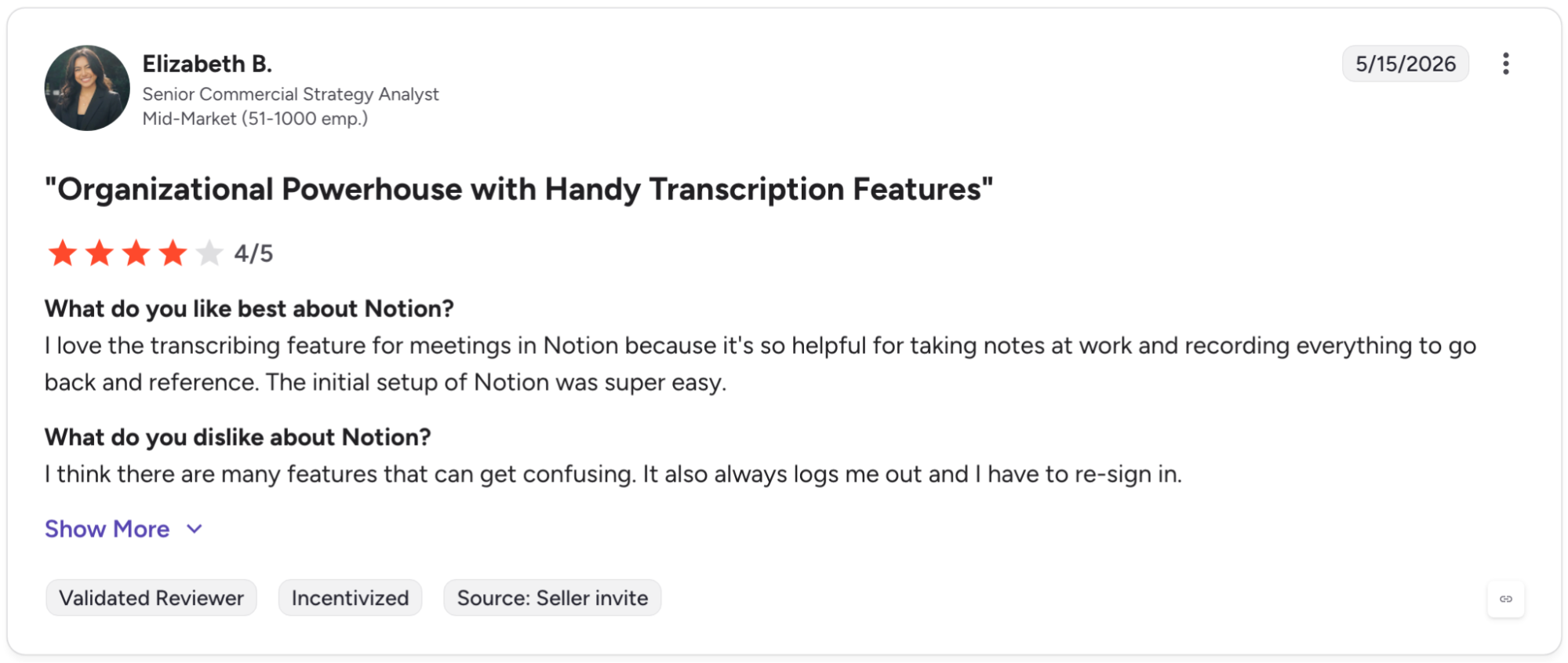
Pro: "I love the transcribing feature for meetings in Notion because it's so helpful for taking notes at work and recording everything to go back and reference. The initial setup of Notion was super easy." - Elizabeth B., G2
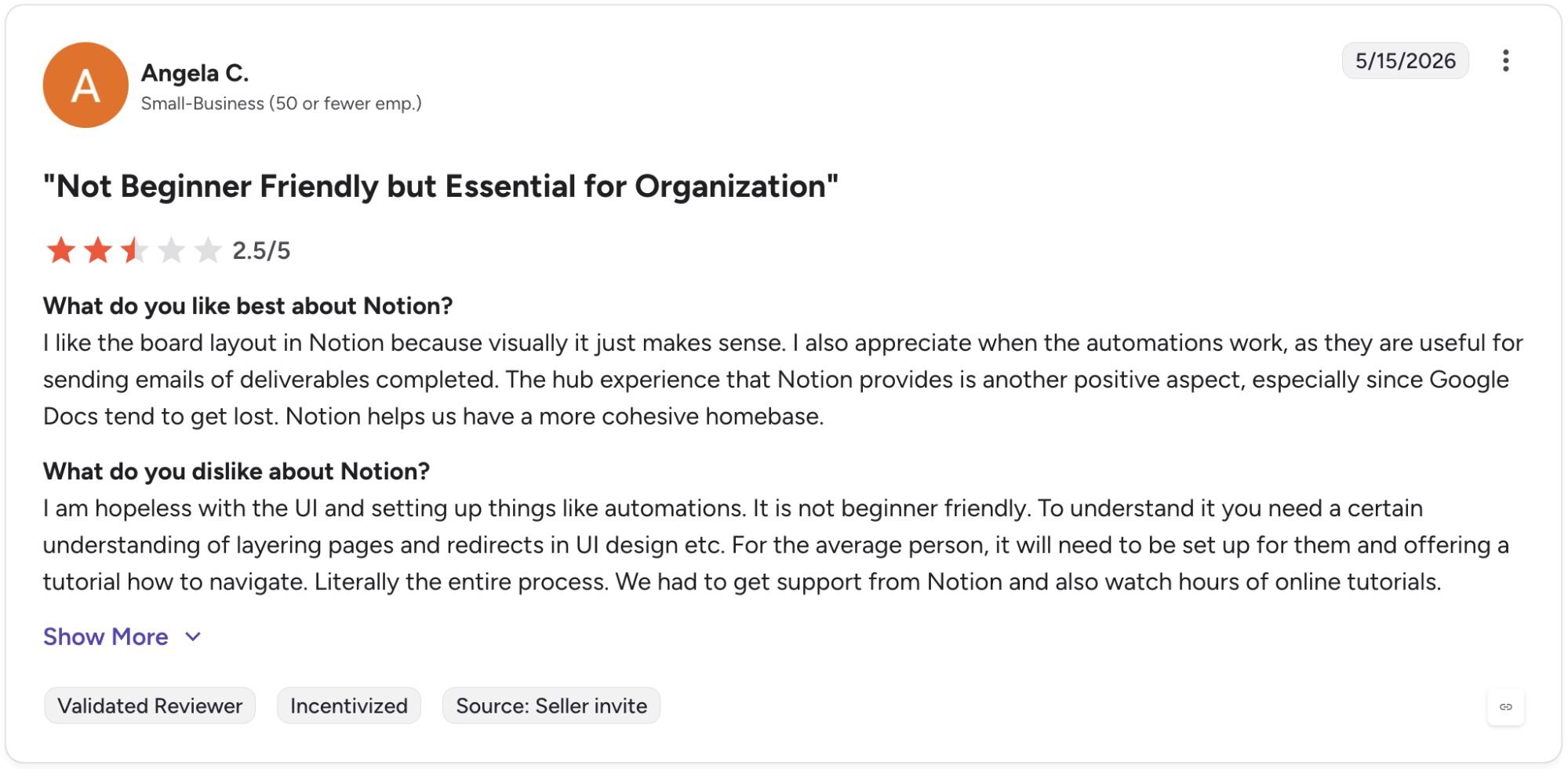
Con: "I am hopeless with the UI and setting up things like automations. It is not beginner friendly. To understand it you need a certain understanding of layering pages and redirects in UI design etc. For the average person, it will need to be set up for them and offering a tutorial [on] how to navigate." - Angela C., G2
Pricing
Notion AI starts at $10 per member per month.
Bottom line
Notion AI's strength is in connecting your docs, tasks, and meeting notes inside one workspace rather than managing them across separate tools. If your priority is structured customer feedback management tied directly to your roadmap, Productboard might be a better fit.
3. Productboard: Best for customer feedback and roadmapping
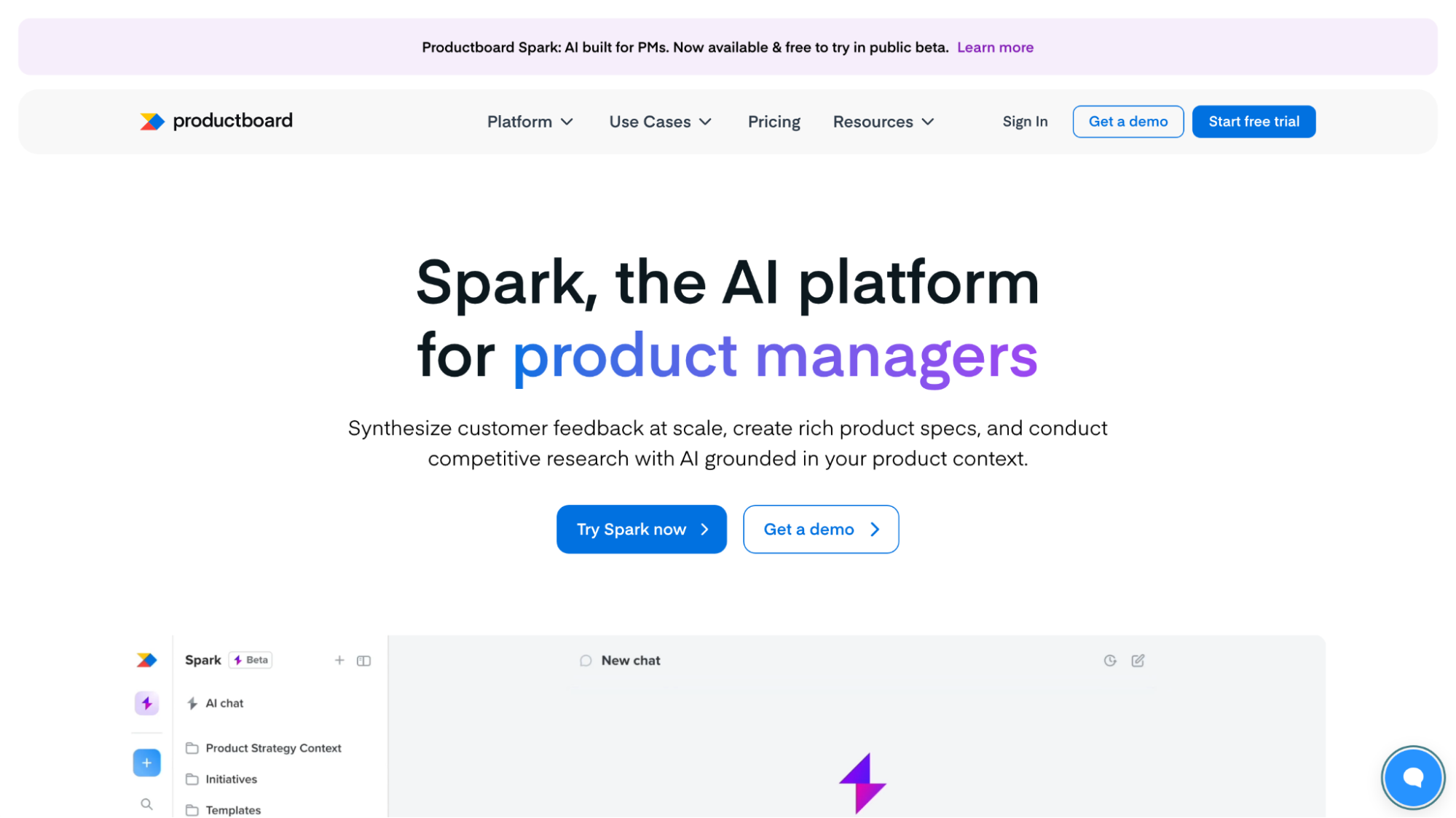
What it does: Productboard is a product management platform that centralizes customer feedback and connects it directly to roadmap prioritization.
Best for: Product managers who need to consolidate feedback from multiple sources and tie user input directly to feature decisions.
I connected sample customer feedback data in Productboard to test how well it handled organizing inputs from multiple sources. Tagging and scoring feature requests was straightforward, and the stakeholder portal made sharing roadmap progress clean without manual exports. The prioritization scoring works best when your feedback pipeline is already active.
Key features
Feedback consolidation: Collect and tag customer inputs from multiple sources like Slack, Intercom, and Zendesk, and link them directly to relevant features on your roadmap.
Prioritization scoring: Score features based on factors like user impact, effort, and strategic alignment to surface which requests carry the most weight across your customer base.
Stakeholder portal: Share a live, branded roadmap view with stakeholders or customers without giving them access to your internal workspace.
| ✅ Pros | ❌ Cons |
|---|---|
| Feedback from multiple sources can be tagged and linked to specific roadmap features | The platform requires consistent upkeep to stay useful, since outdated feedback skews prioritization scores |
| Prioritization scoring helps justify feature decisions with data rather than gut feel | Visibility into individual feature progress can feel clunky when managing a large backlog |
| Stakeholder portal lets you share roadmap updates without manual exports |
What users say
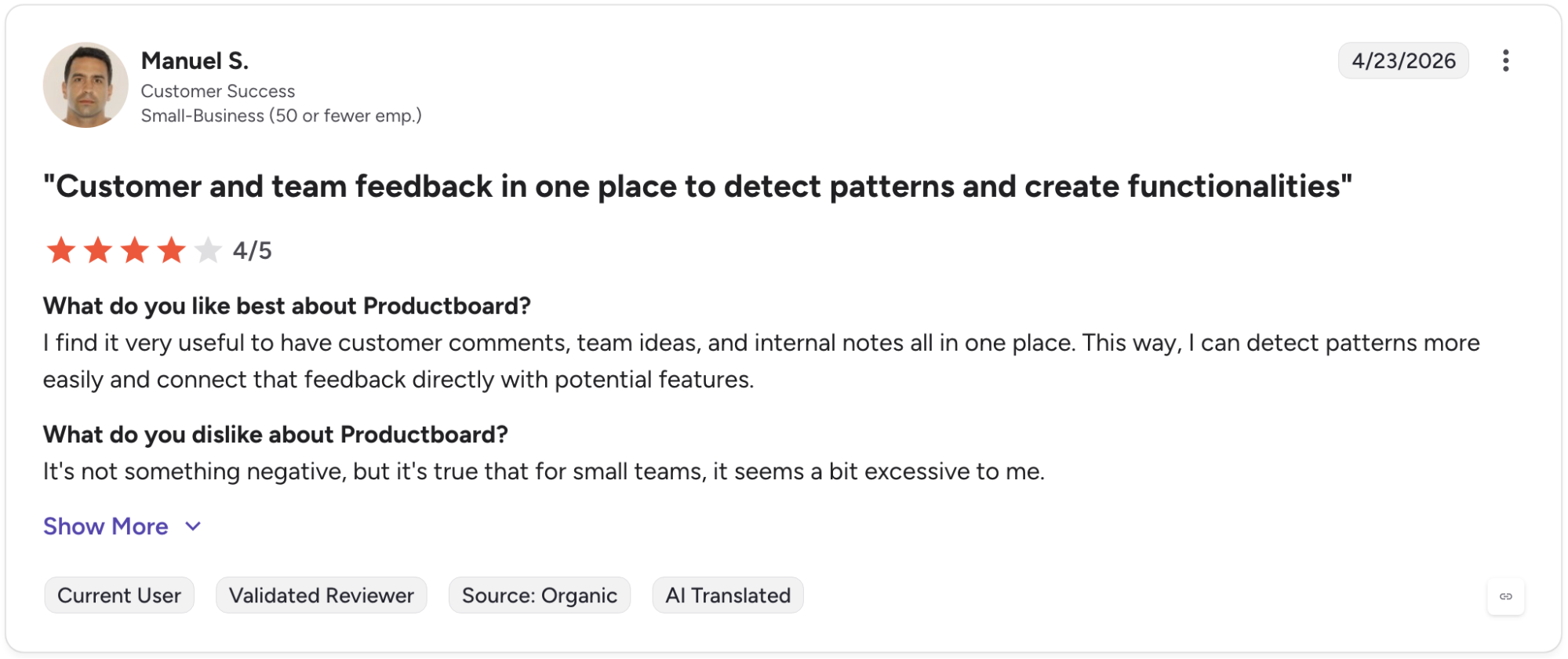
Pro: "I find it very useful to have customer comments, team ideas, and internal notes all in one place. This way, I can detect patterns more easily and connect that feedback directly with potential features." - Manuel S., G2
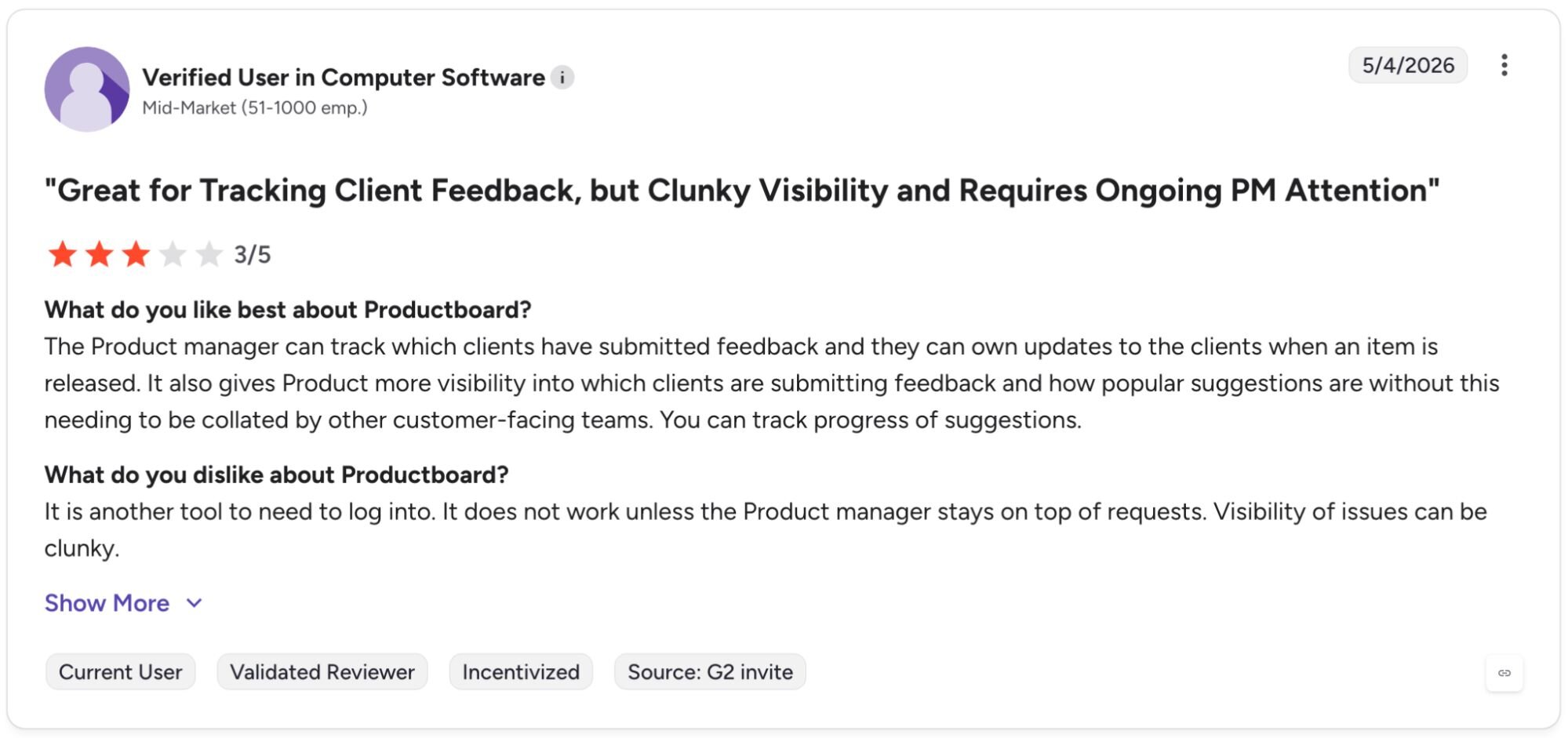
Con: "It is another tool to need to log into. It does not work unless the [p]roduct manager stays on top of requests. Visibility of issues can be clunky." - Verified User in Computer Software, G2
Pricing
Productboard starts at $19 per maker per month.
Bottom line
Productboard's direct link between customer feedback and roadmap scoring makes it easier to defend prioritization decisions in stakeholder conversations. If you need deeper behavioral data on how users are actually engaging with your product, Amplitude might be a better fit.
4. Julius: Best for product analytics without code
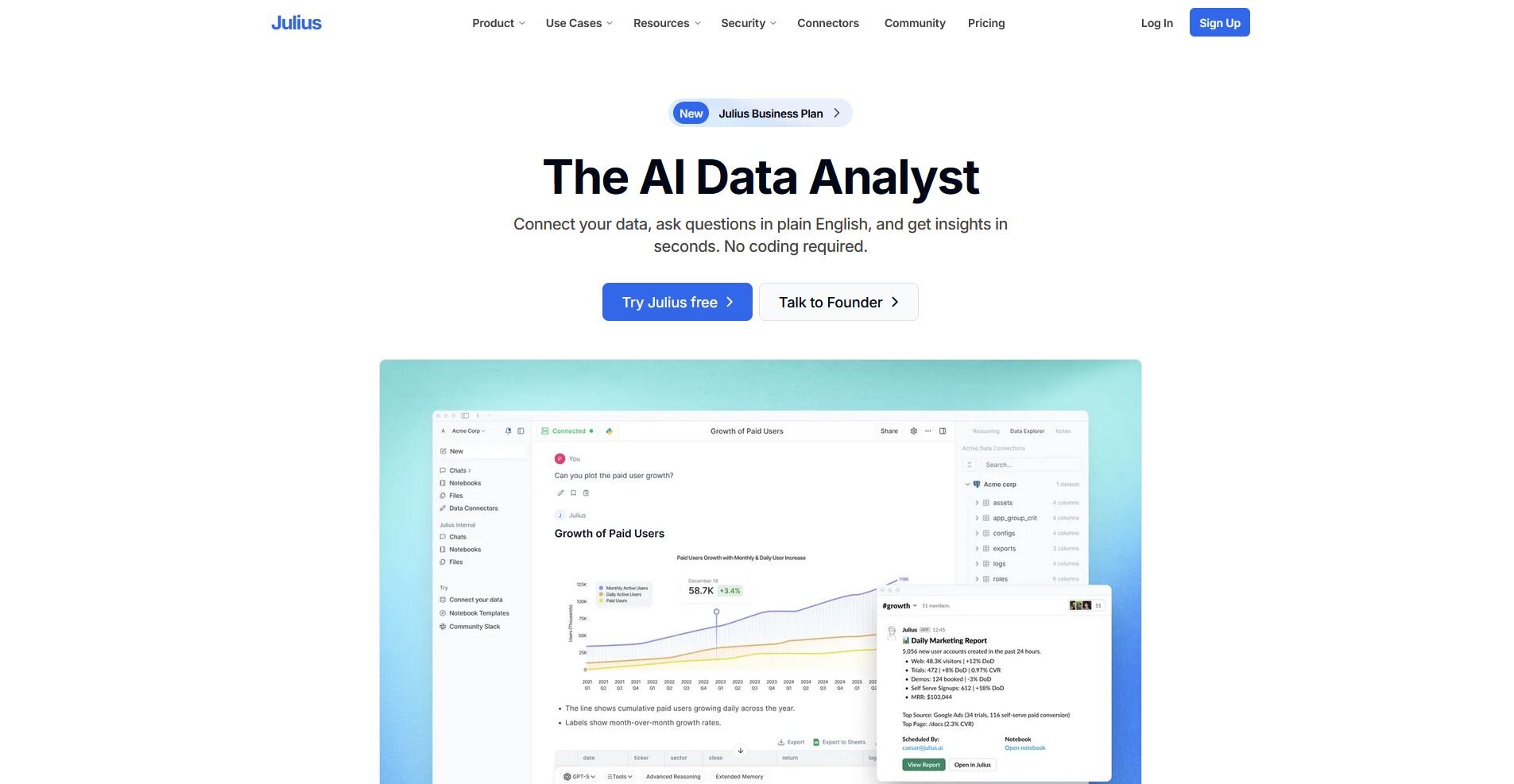
What it does: Julius is an AI-powered data analysis platform that lets you query, visualize, and report on data using natural language.
Best for: Product managers who want to explore usage data and business metrics without writing SQL or waiting on a data team.
We built Julius so product managers could get answers from their data without waiting on an analyst or writing code. You can connect data sources, upload files, or type a question and have Julius search for public financial data across 17,000+ companies to answer it. Results can vary depending on how questions are phrased.
Key features
Natural language querying: Type questions about your data in plain English and get back charts, summaries, or tables without writing SQL or Python.
Web data search and financial datasets: Search for public data or pull financial data for 17,000+ companies directly inside Julius.
Scheduled reports: Set up recurring analyses that deliver results to your inbox or Slack channel automatically on a daily or weekly cadence.
| ✅ Pros | ❌ Cons |
|---|---|
| Covers both private and public data, reducing the need to prep datasets before analysis | Output quality can vary based on how questions are phrased |
| Notebook workflows lock in repeatable analysis so the same report runs consistently | High-volume data processing is gated behind expensive tiers |
| Connects to sources like BigQuery, Postgres, and Snowflake without engineering support |
What users say
Pro: “If you spend more than 2 hours a week working with data, Julius AI will save you time. Start with the free plan. You’ll know within a week if it fits your workflow. For most non-technical users, it’s a no-brainer.” - Fahim Joharder, Fahim AI (independent Julius review)

Con: “Not gonna lie, the first time I uploaded a messy CSV with empty values, the results were off. AI can help identify outliers and handle empty values. But you still need to clean your raw data first.” -Fahim Joharder, Fahim AI (independent Julius review)
Pricing
Julius starts at $16 per month.
Bottom line
Julius covers the full path from question to chart to scheduled report without requiring any technical setup from the user. If you need deeper behavioral tracking across your product's user journeys and funnels, Amplitude might be a better fit.
5. Amplitude: Best for behavioral product analytics
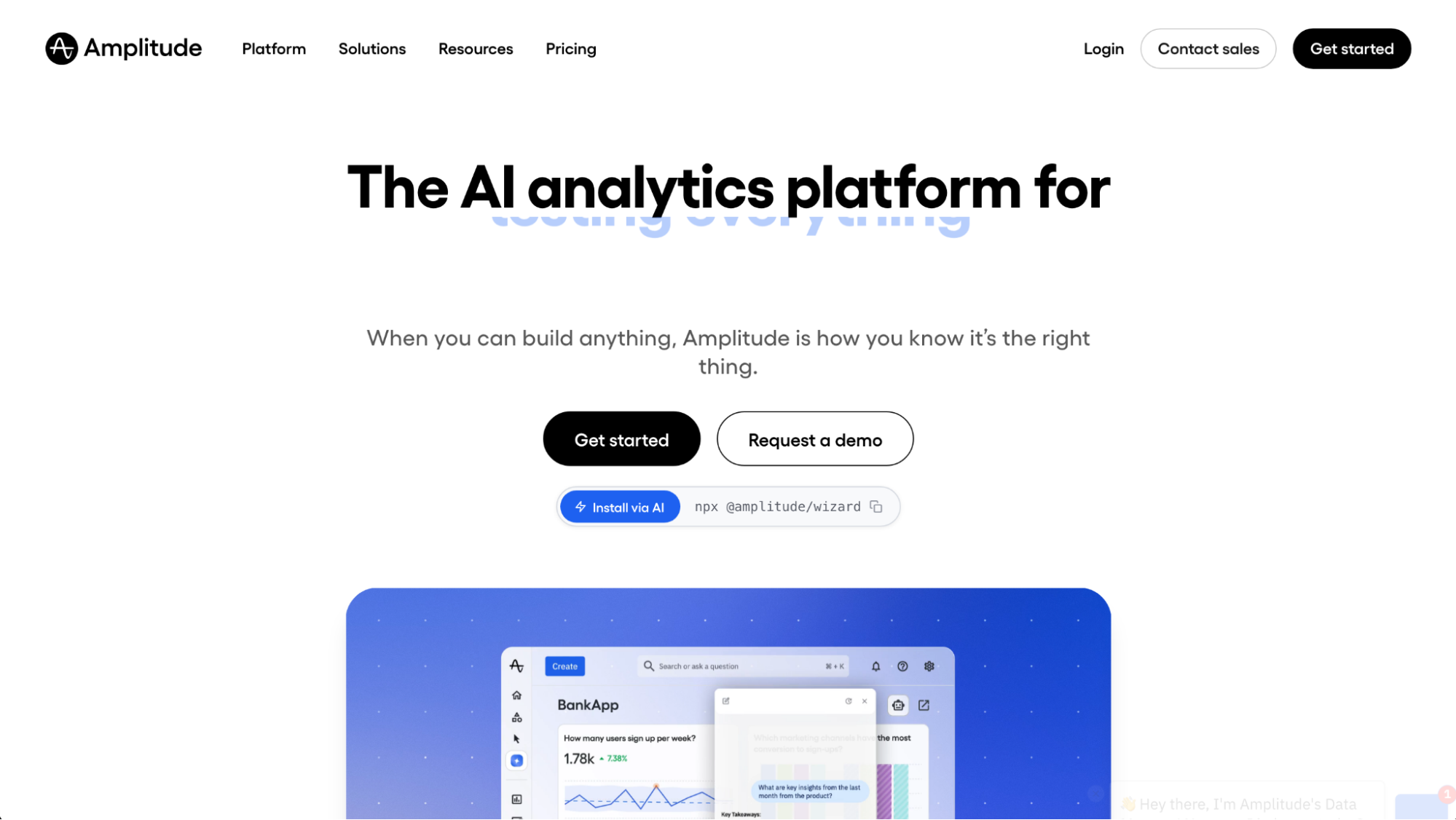
What it does: Amplitude is a product analytics platform that tracks user behavior across your product and surfaces trends in engagement, retention, and conversion.
Best for: Product managers who need deep behavioral data across user journeys, funnels, and feature adoption without relying on a data team.
I tested Amplitude with sample product datasets to evaluate how well it handled funnel analysis, retention tracking, and A/B test reporting. The drag-and-drop chart builder made it straightforward to build behavioral reports without writing queries, but funnel and cohort configuration can be confusing until you understand how Amplitude calculates each metric.
Key features
User journey mapping: Visualize how users move through your product across multiple touchpoints to identify where engagement drops off.
A/B testing and experimentation: Run and analyze experiments directly in Amplitude and tie results to product metrics like retention and conversion.
AI-powered insight summaries: Surface anomalies, trends, and correlations across your data automatically without manually building every report from scratch.
| ✅ Pros | ❌ Cons |
|---|---|
| Drag-and-drop chart builder makes behavioral reporting accessible without SQL knowledge | Funnel and cohort configuration can be confusing until you understand how Amplitude calculates each metric |
| A/B testing ties experiment results directly to retention and conversion metrics | Grouping and filtering properties requires manual setup each time, with no way to save reusable property groups |
| AI insight summaries can flag trends and anomalies without manual report building |
What users say
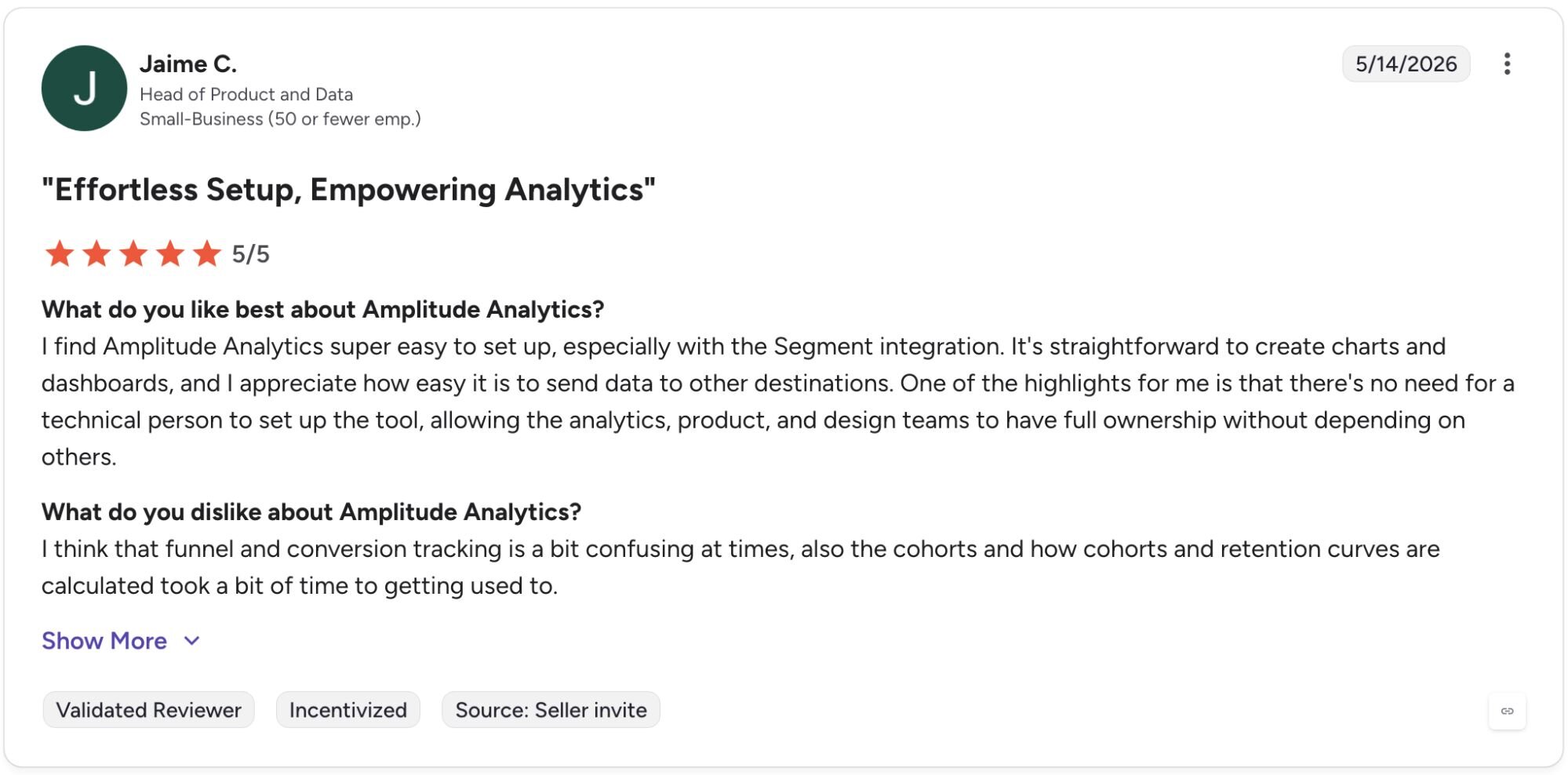
Pro: "I find Amplitude Analytics super easy to set up, especially with the Segment integration. It's straightforward to create charts and dashboards, and I appreciate how easy it is to send data to other destinations. One of the highlights for me is that there's no need for a technical person to set up the tool, allowing the analytics, product, and design teams to have full ownership without depending on others." - Jaime C., G2
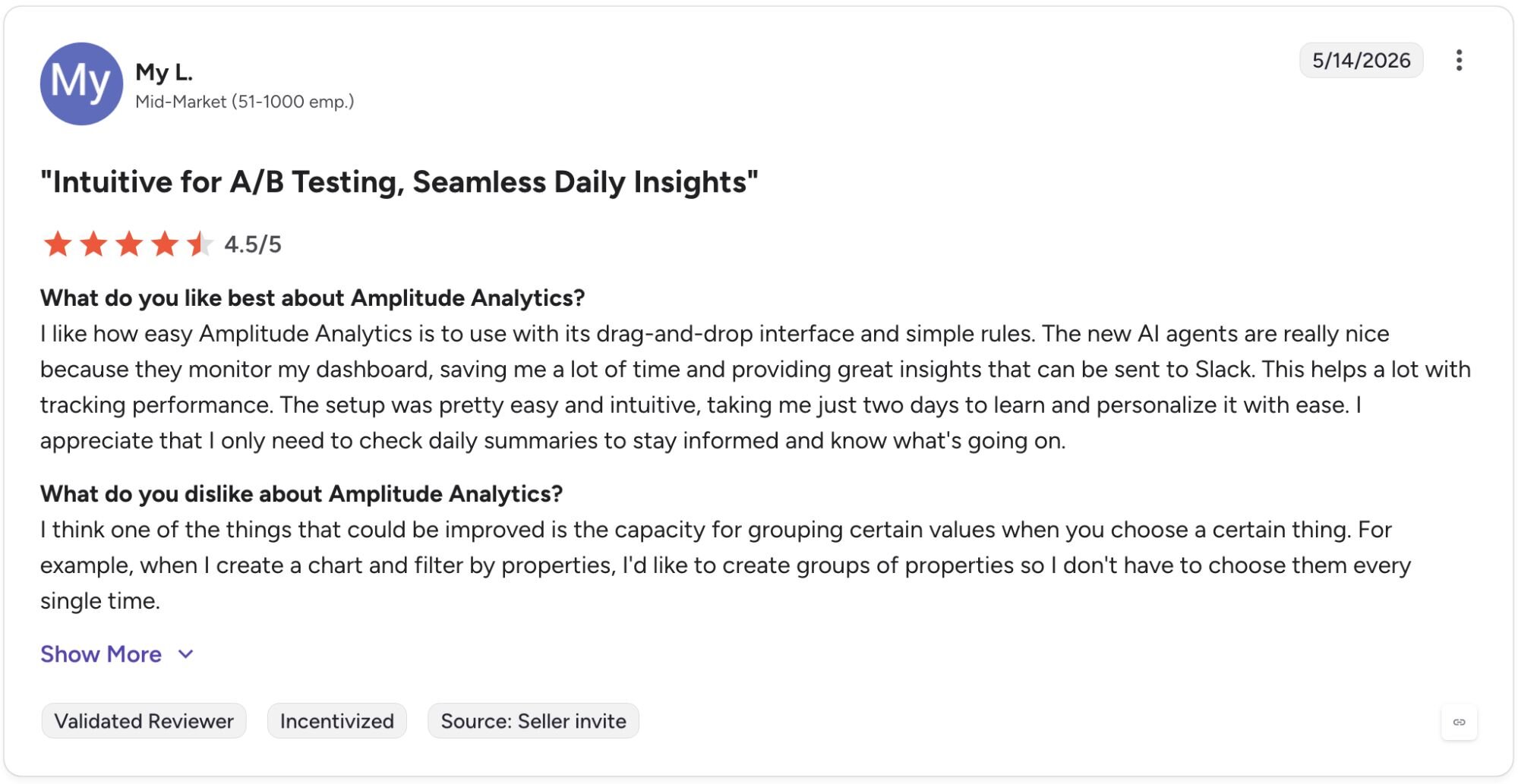
Con: "I think one of the things that could be improved is the capacity for grouping certain values when you choose a certain thing. For example, when I create a chart and filter by properties, I'd like to create groups of properties so I don't have to choose them every single time." - My L., G2
Pricing
Amplitude starts at $49 per month.
Bottom line
Amplitude's experimentation layer connects A/B test results directly to behavioral metrics, which removes the need to reconcile data across separate testing and analytics tools. If you need to analyze your own business or financial data alongside product metrics using plain English questions, Julius might be a better fit. For SaaS teams that need revenue metrics next to behavioral data, see our list of SaaS analytics software.
Special mentions
These 7 tools each bring something useful to a PM's workflow, and depending on your team's setup, one of them may be exactly what you need.
Here are 7 more AI tools for product managers worth a look:
Chisel: Chisel is a PM-specific roadmapping tool that uses AI scoring to connect customer feedback to feature prioritization. I found it useful for justifying roadmap decisions to stakeholders, but the feature set can feel excessive if your team just needs a lightweight roadmap without the scoring layer.
tl;dv: tl;dv is an AI meeting notetaker that records, transcribes, and summarizes calls across Zoom, Google Meet, and Microsoft Teams. The multi-meeting AI reports let you query across multiple calls at once, which is handy for compiling customer feedback at scale. Speaker identification can be inaccurate on larger calls.
Jira (Rovo AI): Jira is a widely used project tracking platform for product and engineering teams. Rovo is Atlassian’s AI assistant that can help with tasks like issue readiness checks and drafting bug reports across Atlassian tools. The AI features work best when your backlog is already well-structured, so teams with inconsistent ticket hygiene may see limited value out of the gate.
Miro: Miro is a collaborative whiteboard tool with AI features that can generate diagrams, cluster sticky notes by theme, and map out user flows from a prompt. I found it works well for early-stage discovery work, but the AI features tend to produce better results with specific inputs than with broad, open-ended prompts.
ChatPRD: ChatPRD is a writing assistant built around PM-specific templates for PRDs, one-pagers, and product specs. It can produce a useful first draft faster than starting from scratch, but the output typically needs a solid round of editing before it's ready to share with stakeholders.
UserTesting: UserTesting combines video feedback from participants with sentiment analysis that visually marks positive and negative moments on the video timeline. This made it easier for me to jump to key clips without watching every second. The participant pool may not always match niche target audiences, so results can vary depending on how specific your user profile is.
Reclaim.AI: Reclaim is an AI scheduling tool that automatically blocks time for focused work, habits, and meetings based on your priorities. I found it could help me carve out more predictable deep work time in a meeting-heavy week, but it tends to work best at the individual level. It may offer less value if your scheduling challenges involve coordinating across a broader team.
Which AI tool for product managers should you choose?
The right AI tool for product managers depends on which parts of your workflow eat up the most time and how your team currently operates.
Choose Granola if you:
Spend most of your day in back-to-back meetings and want hands-free notes that don't interrupt the flow of your calls
Want to ask follow-up questions about past meetings without digging through transcripts
Use Zoom, Google Meet, or Teams and want transcription that works across all 3
Choose Notion AI if you:
Already use Notion for docs, wikis, or project tracking and want AI built into that workflow
Need a flexible workspace that can handle everything from spec writing to meeting notes in one place
Want AI writing assistance without switching to a dedicated writing tool
Choose Productboard if you:
Need to consolidate customer feedback from multiple sources into a single prioritized view
Want a dedicated roadmapping tool that connects user input directly to feature decisions
Regularly share roadmap updates with stakeholders and need a clean portal for that
Choose Julius if you:
Want to ask questions about product usage data or business metrics in plain English without writing SQL
Need to pull public financial data or search public datasets without uploading files or building a pipeline for that data specifically (private and internal data still requires uploads or connectors)
Want scheduled reports delivered to your inbox or Slack without manual exports
Choose Amplitude if you:
Need deep behavioral analytics across your product, including user journeys, funnels, and retention
Want to run A/B experiments and tie results directly to product metrics
Have a data-forward team that needs self-service analytics without always relying on a data engineer
Skip this category entirely if you:
Are looking for a general-purpose project management tool rather than AI-specific functionality
Need a customer data platform or CRM, since the tools above focus on analysis, documentation, and workflow rather than customer activation or relationship management
Want a single tool that covers every PM function, since most tools here are purpose-built for specific parts of the role
Final verdict
The best AI tools for product managers range from meeting notetakers and spec writers to full product analytics platforms, and the right choice depends on where your workflow breaks down most. Granola and Notion AI cover the documentation and communication side well, while Productboard and Amplitude are stronger picks for teams that need structured feedback management and behavioral data.
If your priority is getting answers from your product data without writing SQL or waiting on a data team, Julius is worth trying first.
Here’s how Julius helps:
Data search: Type your question, and Julius can search for relevant public data or pull live financial market data for over 17,000 companies through its Financial Datasets integration, so you can start your analysis before you have a dataset ready.
Direct connections: Link databases like PostgreSQL, Snowflake, and BigQuery, or integrate with Google Ads and other business tools. You can also upload CSV or Excel files. Your analysis can reflect live data, so you’re less likely to rely on outdated spreadsheets.
Repeatable Notebooks: Save an analysis as a notebook and run it again with fresh data whenever you need. You can also schedule notebooks to send updated results to email or Slack.
For product managers who want to explore and report on their data without writing code or filing requests with an analyst, Julius is worth trying. You can connect your own data sources, upload files, or start with a question and let Julius search for the data you need.
Frequently asked questions
What is the best AI tool for product managers?
Granola, Notion AI, and Productboard are three of the most useful AI tools for product managers, each covering a different part of the role. Granola handles meeting notes, Notion AI covers docs and specs, and Productboard ties customer feedback to roadmap decisions. The best pick depends on which part of your workflow needs the most support.
Will AI replace product managers?
No, AI won't replace product managers, but it can handle a significant portion of the repetitive work that fills a PM's week. Note-taking, first-draft specs, and data reports are increasingly handled by AI, freeing PMs to focus on strategy and decision-making. The judgment and cross-functional coordination that define the role are harder to automate.
How can AI help with product roadmapping?
AI can help with product roadmapping by analyzing customer feedback at scale, scoring or ranking feature requests by impact, and generating first-draft roadmap structures from your existing data. The output often still needs human judgment to prioritize, but AI can cut down the time it takes to get to a decision.