Data Visualization
Explore our curated list of workflows focused on Data Visualization, a crucial aspect of transforming complex data into insightful graphics. Discover techniques and tools that enhance your ability to present data effectively, making it easier to analyze trends and patterns. Whether you're a beginner or an experienced analyst, these workflows will help you master data storytelling. Dive in and start visualizing your data today!

Bar Chart Maker
Upload your data and generate a bar chart
zfickenworth

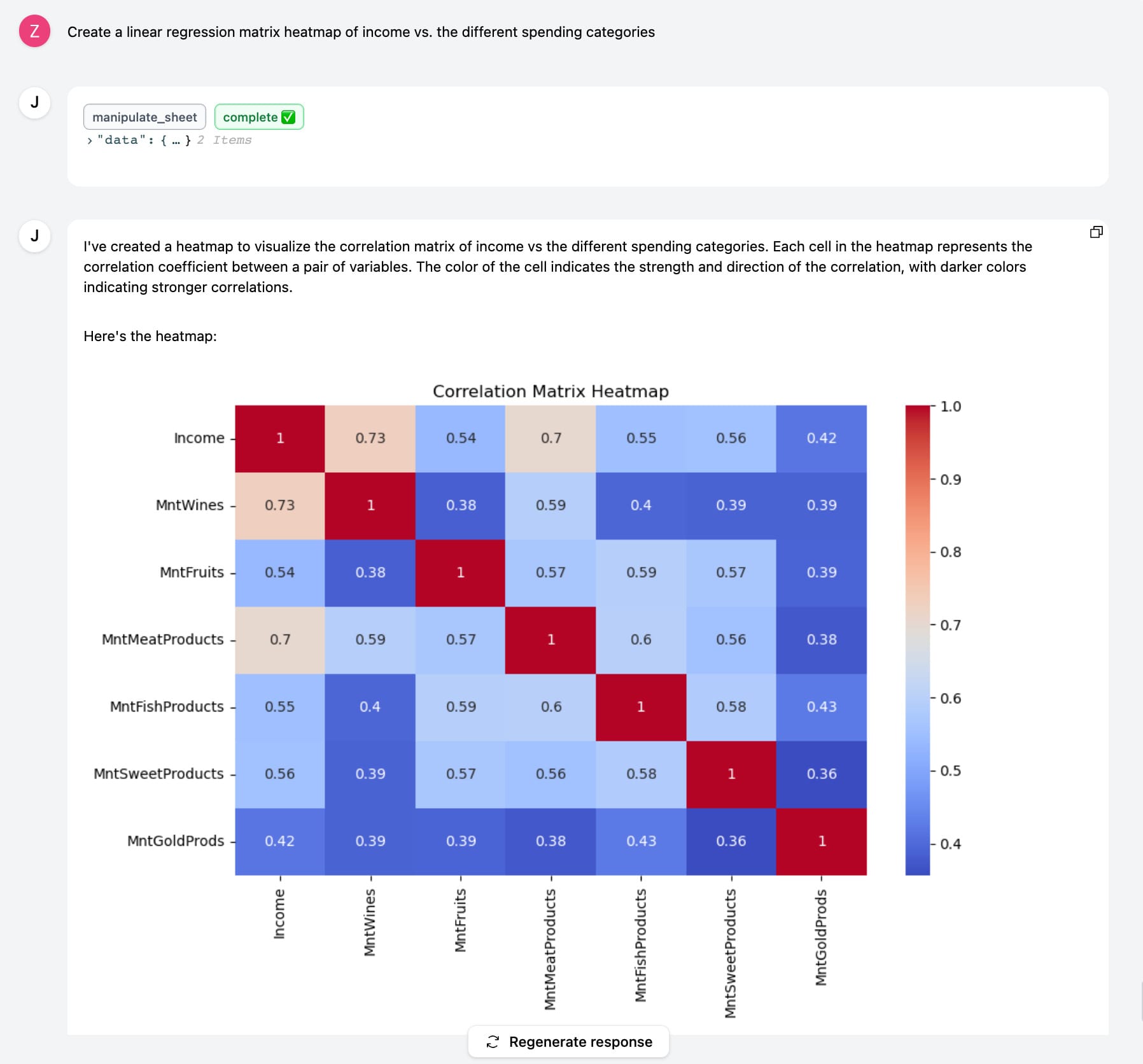
Correlation Matrix Chart Maker
Upload your data and generate a correlation matrix chart
zfickenworth

Create a simple line graph
Creates a simple line graph on the rainfall amounts by month across four different cities.
Alysha.G

Create a simple pie chart
Shows you how to create a simple pie chart from some census data collected from the United States in 2022.
Alysha.G
Creating correlation matrix on genetic dataset
This workflow guides you through creating a correlation matrix using real-world data. We will analyze 11 genes linked to breast cancer tumor development to observe expression rate variations between normal breast tissue and breast cancer tissue. The dataset comprises 572 entries, including gene names, sample information, and FPKM values (Fragments per kilobase per million mapped fragments). Video Guide: https://youtu.be/G1yKwhbLTQU?si=i7zDg4isGkXhTRGw Community Guide: https://community.julius.ai/t/guide-creating-a-correlation-matrix-on-gene-expression/4238
Alysha.G

Create Grouped Bar Graph
Grouped or clustered bar charts are used to compare frequencies, counts, or other measures across multiple categories and groups. Create your own with this workflow!
Alysha.G

Principal Component Analysis
A PCA is a statistical technique used for dimensionality reduction in data analysis and machine learning. The iris dataset is a classic dataset used in statistics, machine learning, and data visualization. The dataset consists of 150 samples from three species of flowers (Iris virginica, Iris setosa, and Iris versicolor). For each sample, the following features were measured: length and width of the sepal and petals in centimeters. Need more information? Check out the community guide: https://community.julius.ai/t/guide-introduction-to-principal-component-analysis-in-r/3509
Alysha.G

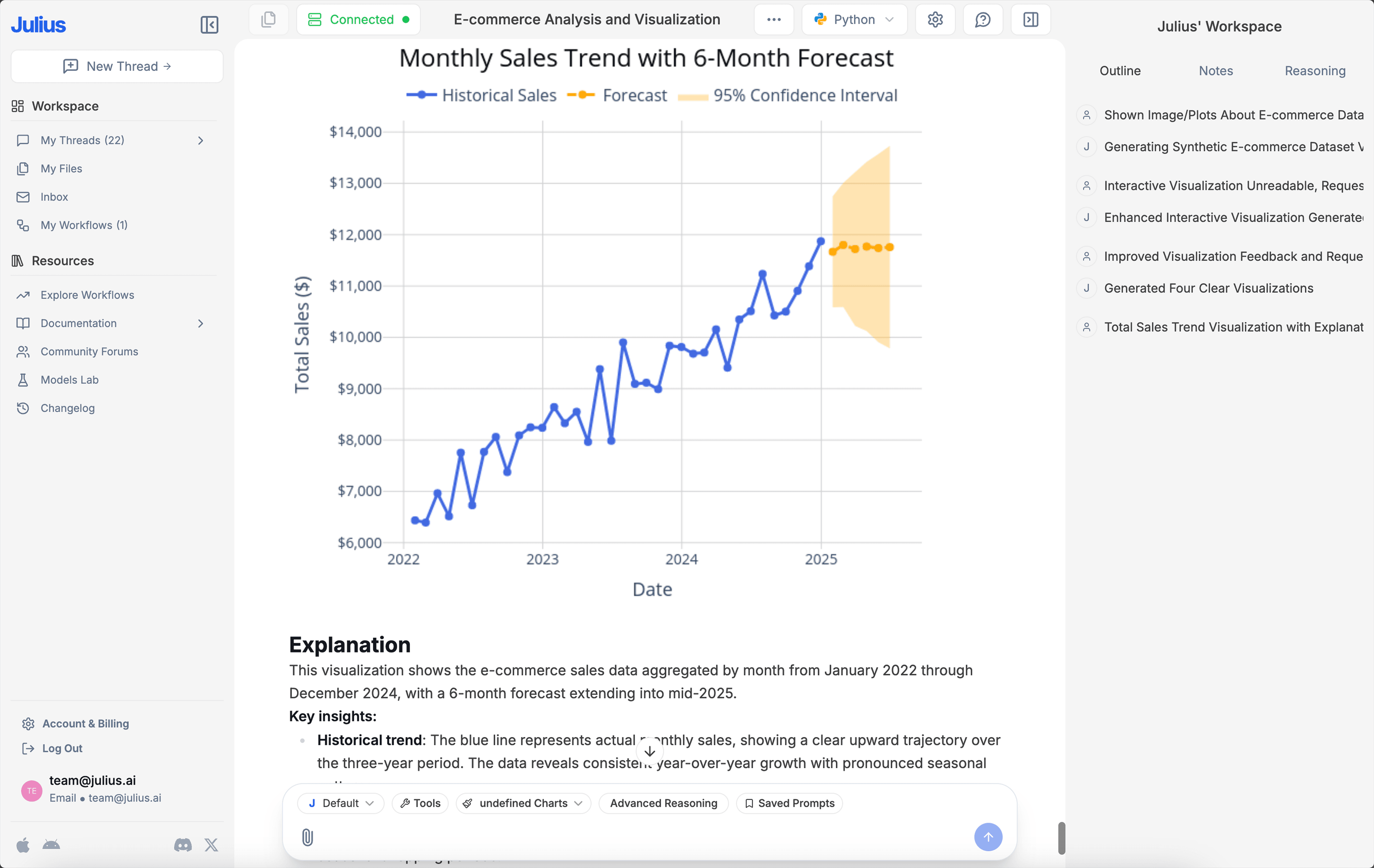
Create Line Chart from Dataset
Line charts are among the most commonly used types of charts worldwide. They are effective at showing overall trends or progress over time. Create your own with this workflow!
Alysha.G

Create a Stacked Bar Graph
Stacked bar graphs show the composition of different categories within a dataset. Each bar represents the total amount, with segments within the bar representing the categories and their relative contributions to the total. Create your own with this workflow!
Alysha.G

Create Correlation Matrices & Heatmap
Correlation graphs are used to visualize relationships between variables, showing how one variable changes in relation to another. Create your own correlation matrix and heatmap!
Alysha.G

Create Bar Chart
Bar and column charts provide clear comparisons between discrete categories based on a quantitative measure. Create your own with this workflow!
Alysha.G

Line Chart Maker
Upload your data and generate a line chart
zfickenworth

Create Pie Chart
A pie chart is a circular statistical graph divided into slices to illustrate the relative proportions of different categories within a dataset. Create your own with this workflow!
Alysha.G

Create a Heatmap
A geographic heat map illustrates where points are most concentrated within a specific geographic location by using colours to represent density. This type of map is useful for highlighting patterns, trends, and hotspots in spatial data. Create your own with this workflow!
Alysha.G

Create a Simple Scatter plot
This dataset comprises 2392 entries detailing the demographics, study habits, parental involvement, extracurricular activities, and academic performance of high school students. This workflow specifically investigates the correlation between absence rates and GPA within this dataset.
Alysha.G

Wilcoxon Signed Rank Test
The wilcoxon signed rank test is a non-parametric alternative to the paired t-test. It compares two related groups. You can follow along with the community guide here: https://community.julius.ai/t/guide-running-a-wilcoxon-signed-rank-test-non-parametric-test/874.
Alysha.G

Mann-Whitney U Test
This test is used to compare the medians of two independent groups when the assumption of normality is violated. You can follow along with the community post: https://community.julius.ai/t/guide-krusal-wallis-and-mann-whitney-u-tests-non-parametric/719
Alysha.G

Create Density Plots
A density plot measures the probability distribution of a continuous variable. By providing a smooth curve that represents the distribution of data points over a range, it helps readers to identify patterns, trends, and the overall shape of the distribution.
Alysha.G

Friedmans Test
Friedman's test is a non-parametric test alternative to the repeated measures ANOVA. This workflow will demonstrate how to perform one with a sample dataset, or with your own! You can follow along with the community guide here: https://community.julius.ai/t/guide-running-friedmans-test-non-parametric/886.
Alysha.G

Create a Histogram
A histogram is used to display the distribution of a dataset by dividing it into intervals, or bins, and counting the data points that fall into each interval. Create your own with this workflow!
Alysha.G

Pie Chart Template
Simple, clean templated workflow for creating a pie chart.
zfickenworth

Create a Boxplot
A boxplot, or box-and-whiskers plot, is a standardized method for displaying the distribution of a dataset. It highlights five key aspects: the minimum value, the first quartile (Q1), median, third quartile (Q3), and the maximum value. Create your own with this workflow!
Alysha.G

Create Donut Charts
Donut charts are similar to pie charts, but they have a hole in the center of the circle, giving them their name. This inner circle’s removal allows for the additional information to be displayed in the chart. Create your own with this workflow!
Alysha.G

Create Choropleth Map
A choropleth map is a thematic map where areas are shaded or patterned based on the values of a variable, such as population density, income level, or election results. Colours are used to represent different densities or magnitudes, which provides a clear comparative visual between spatial data distributions. Create your own with this workflow!
Alysha.G

Box Plot Maker
Upload your data and generate a Box Plot to visualize distribution
zfickenworth

Create a Gantt Chart
A Gantt chart is a visual tool used in project management to plan and track the progress of tasks. It displays individual tasks or activities along a timeline, highlighting their scheduled start and end dates. Create your own using this workflow!
Alysha.G

Create Dendrogram
Dendrograms are tree-like diagrams that illustrate the arrangement of clusters formed by a specific hierarchical structure. Create your own with this workflow!
Alysha.G

Generate Contour and Surface Plots
A contour plot is another technique that is used for visualizing data distributions and densities within a two dimensional field. A surface plot is a diagram of three-dimensional data. Create your own with this workflow!
Alysha.G

Create a Candlestick Chart
A candlestick chart is a financial visualization used to analyze price movements of an asset, derivative, or currency. It is commonly used in technical analysis to predict market trends. Create your own with this workflow!
Alysha.G

Create a Stream Graph
A stream graph displays changes in the magnitude of categorical data over time. Create your own with this workflow!
Alysha.G

Create Population Pyramid
Also known as age-sex pyramids, population pyramids are visualizations that display the gender distribution of a population. Create your own with this workflow!
Alysha.G

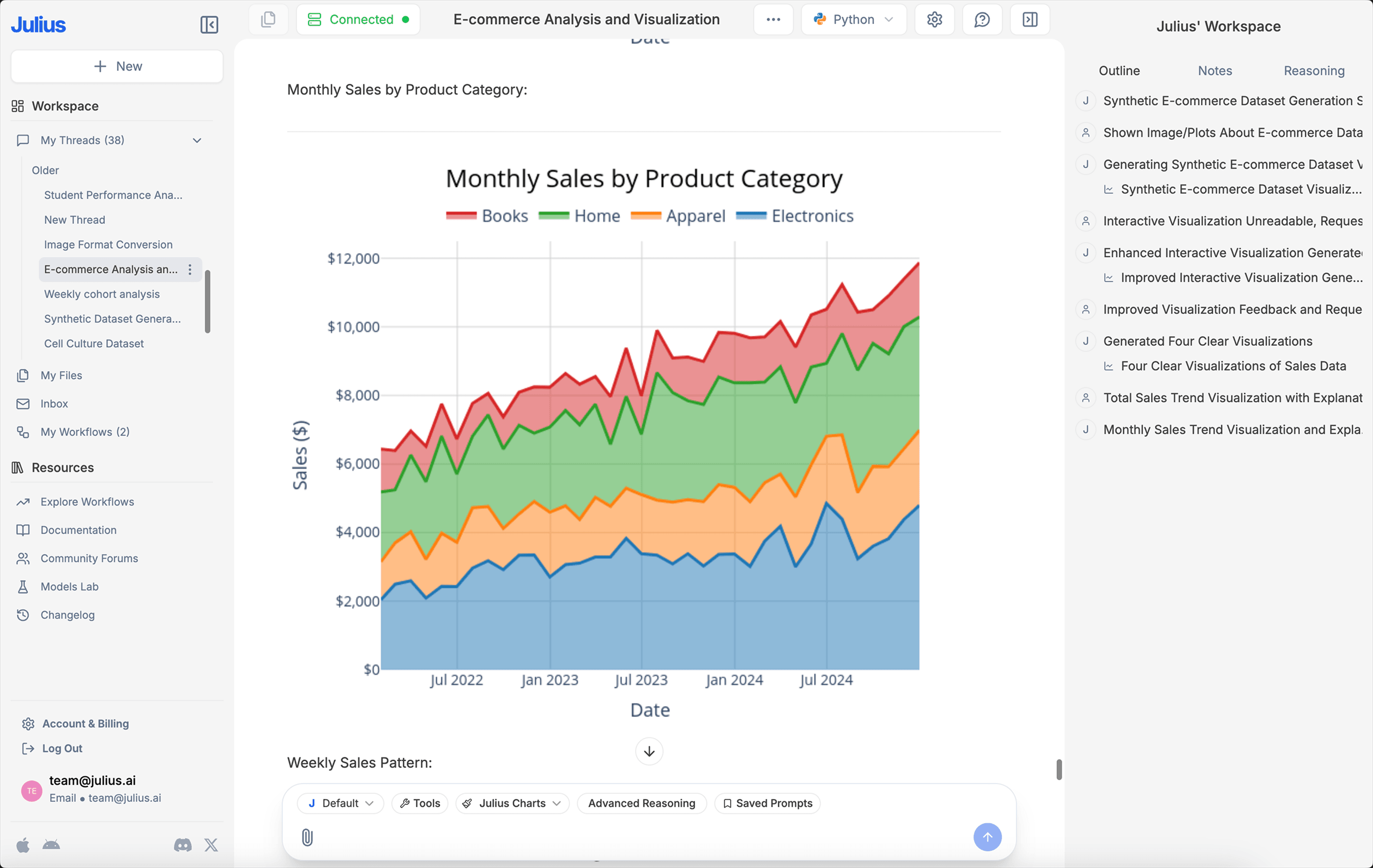
Create an Area Chart
Area charts are a type of data visualizations used to represent quantitative data and illustrate how values change over a period of time. Create your own with this workflow!
Alysha.G

Create a Bubble Chart
A bubble chart is a data visualization technique that displays multiple dimensions of data in a two-dimensional plot. Create your own with this workflow!
Alysha.G

Create Beeswarm Plot with Boxplot Overlay
A beeswarm chart visualizes data points along a single axis, with dots representing each individual datapoint. Create your own using this workflow!
Alysha.G

Create a Jitter Plot
A jitter plot is similar to scatter plot but introduces intentional random dispersions of points – referred to as ‘jittering’ – along one axis to prevent overlapping. This technique helps to reveal the density and distribution of data points that would otherwise overlap. Create your own using this workflow!
Alysha.G

Create a simple violin plot
Creates a simple violin plot out of the iris dataset.
Alysha.G

Assist User with Online Banking, Network Security, and AWS Password Reset
Amazon
Facebook account

Create a Rose Diagram of Bird Directionality
Creates a simple rose diagram from a dataset obtained from LifeWatch's INBO project. This tracks the migration of three gulls named Eric, Nico, and Sanne.
Alysha.G

Hexagonal Binning
Hexagonal binning is a technique used for large, dense datasets with continuous numerical data in two dimensions. It helps display the distribution and density of points, particularly useful when overplotting occurs, making it difficult to identify trends. Create your own with this workflow!
Alysha.G
ResearchHub Personal $RSC Balance Sheet Analysis
Process Accounting data related to ResearchHub's $RSC token balance sheet
DreamBrook Labs