> ## Documentation Index
> Fetch the complete documentation index at: https://julius.ai/docs/llms.txt
> Use this file to discover all available pages before exploring further.
# MFA
> Learn how to setup Multi Factor Authentication (MFA) on your Julius account!
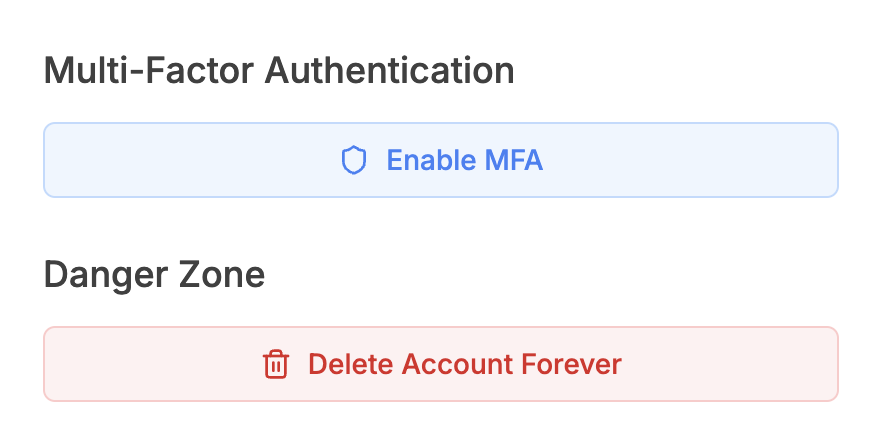
1. Go to the [Account & Billing](https://julius.ai/settings/account) page
2. Click on **Enable MFA**
3. You will receive an email in the inbox associated with your Julius account,
subject: **2FA Enrollment**
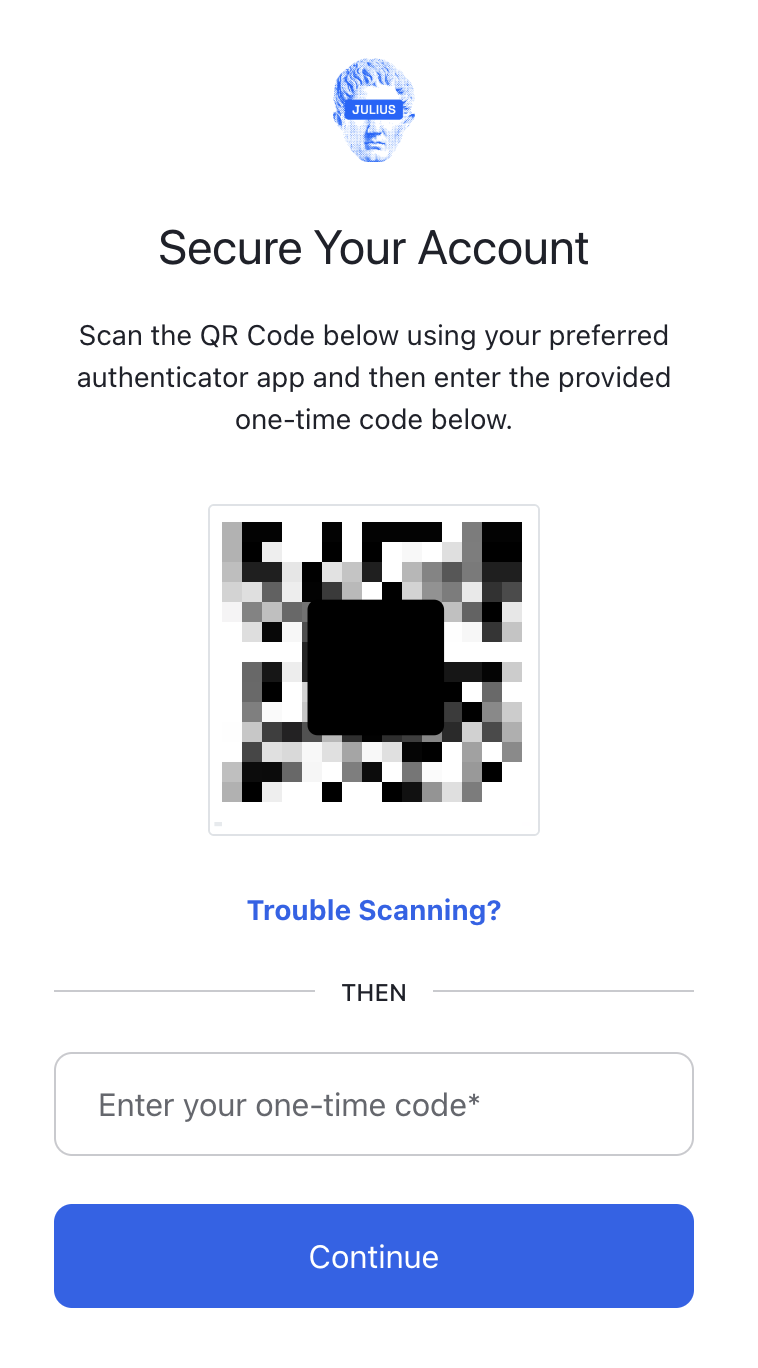
4. This will have a QR code that you can scan using your preferred Authenticator
app. Enter in the code and your 2FA will be complete!
***
Reach out to [**team@julius.ai**](mailto:team@julius.ai) for support or to ask questions not answered in our documentation.