> ## Documentation Index
> Fetch the complete documentation index at: https://julius.ai/docs/llms.txt
> Use this file to discover all available pages before exploring further.
# Customizing Connectors
> Provide instructions and context about your connection so AI can use it effectively.
After successfully connecting your data stores and business tools, check **My Connections** to see all the connections you've made.
Julius allows you to then **customize** and provide instructions and context about each connection so the AI can use it effectively.
Here's how:
Click the kebab menu and select **Edit** from the dropdown

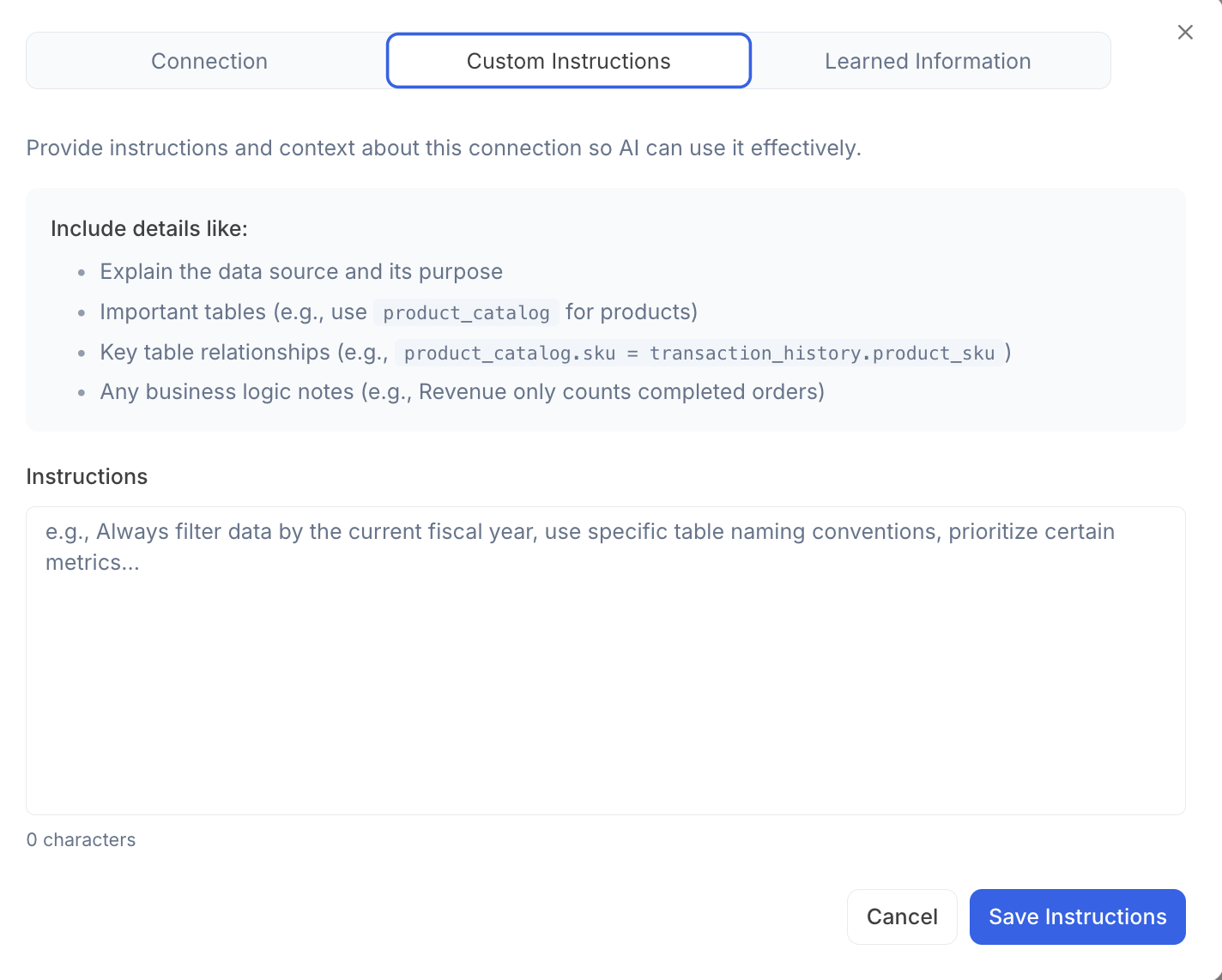 For example:
* A description of the data source and its intended use
* Key tables involved (e.g., use `product_catalog` for product information)
* Important relationships between tables (e.g., `product_catalog.sku` = `transaction_history.product_sku`)
* Notes on relevant business logic (e.g., only count revenue from completed orders)
***
Reach out to [**team@julius.ai**](mailto:team@julius.ai) for support or to ask questions not answered in our documentation.
For example:
* A description of the data source and its intended use
* Key tables involved (e.g., use `product_catalog` for product information)
* Important relationships between tables (e.g., `product_catalog.sku` = `transaction_history.product_sku`)
* Notes on relevant business logic (e.g., only count revenue from completed orders)
***
Reach out to [**team@julius.ai**](mailto:team@julius.ai) for support or to ask questions not answered in our documentation.