> ## Documentation Index
> Fetch the complete documentation index at: https://julius.ai/docs/llms.txt
> Use this file to discover all available pages before exploring further.

# Sub Teams

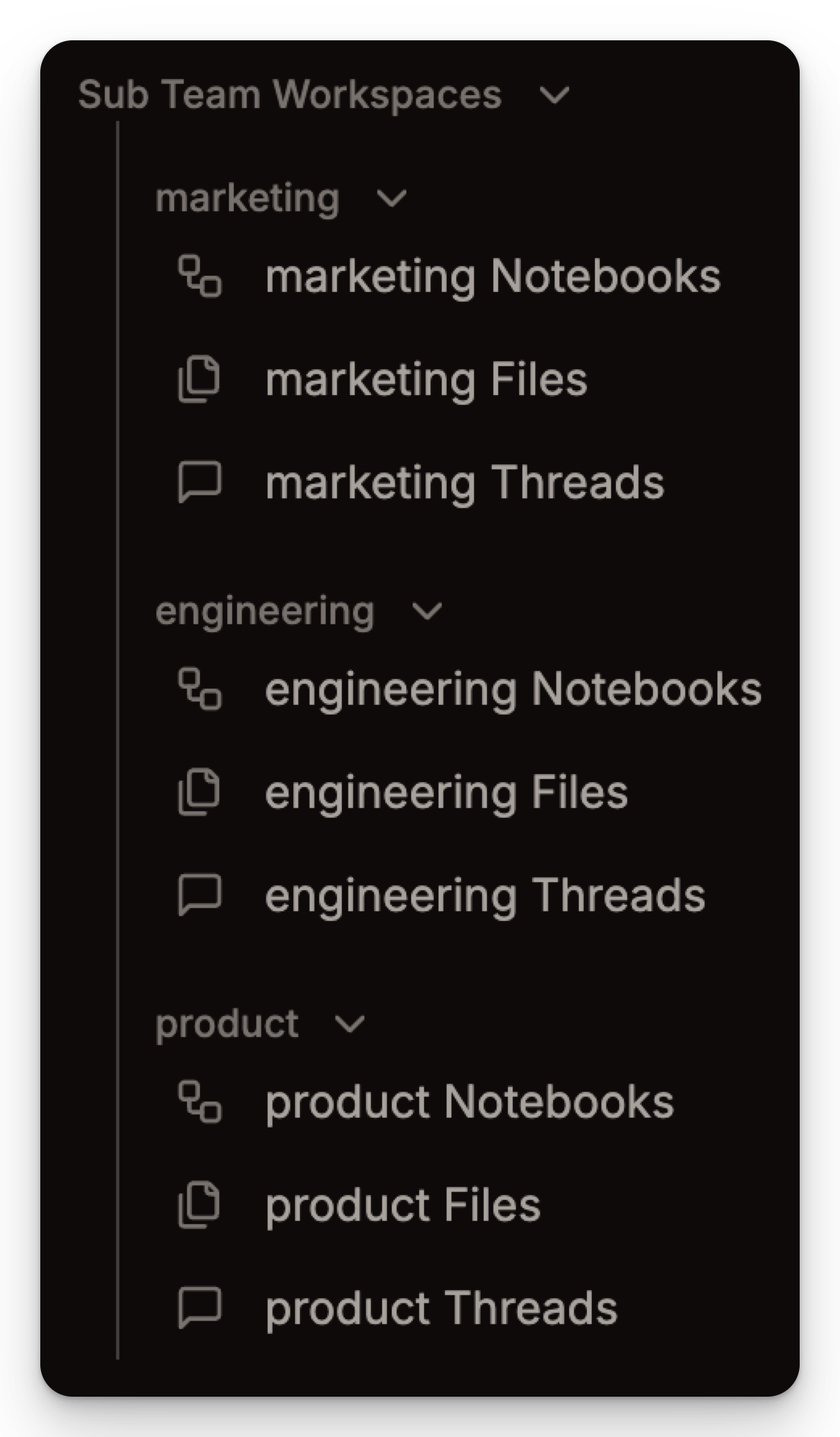
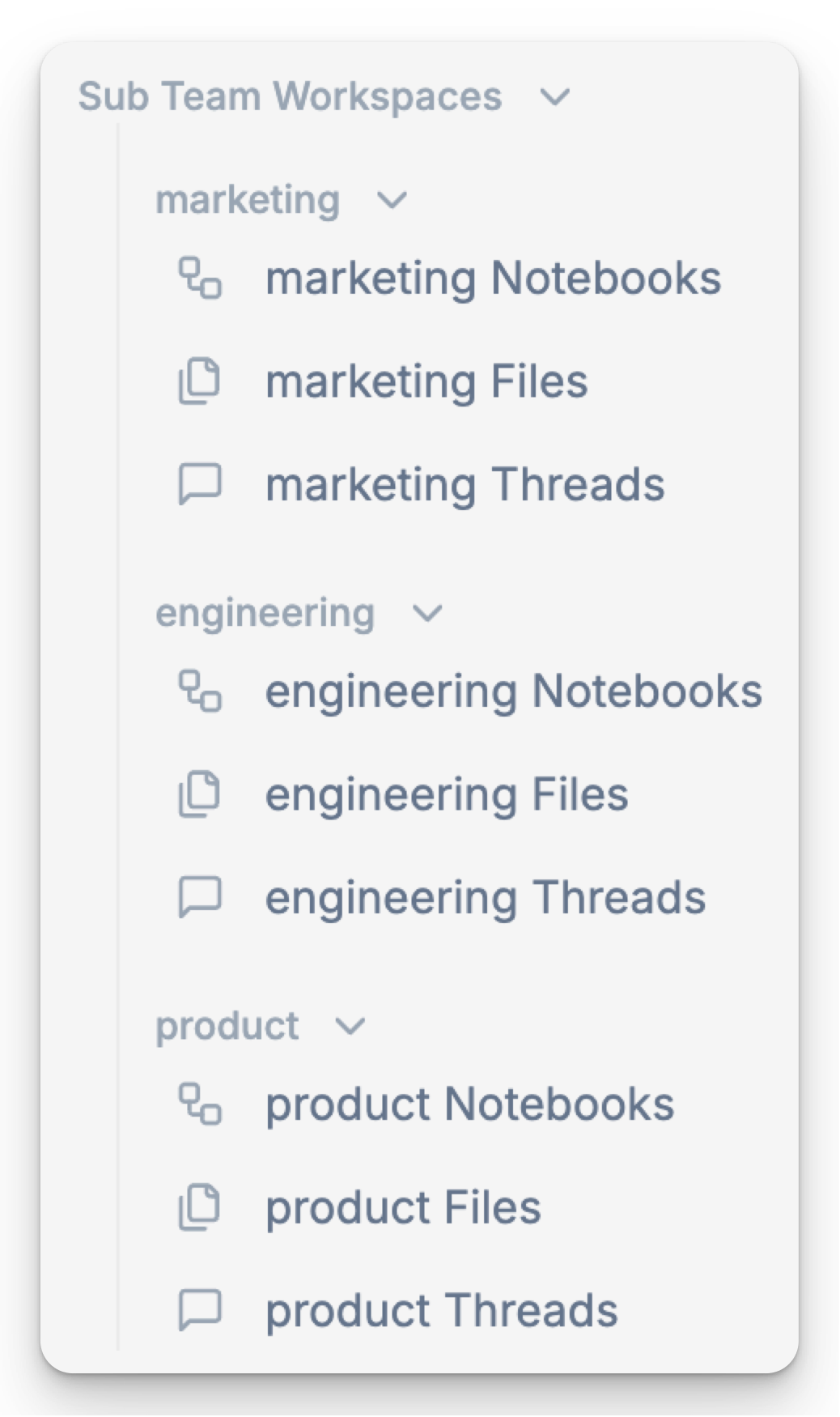
> With Sub Teams, you can break your organization into focused units—each with its own notebooks, threads, and file libraries, all under one parent team.

***

<div style={{ display: "flex", justifyContent: "center" }}>
  <iframe width="560" height="315" src="https://www.youtube.com/embed/dLE9W6Tg_Gg?si=i9_aXGYHmTulyOJb" title="YouTube video player" frameborder="0" allow="accelerometer; autoplay; clipboard-write; encrypted-media; gyroscope; picture-in-picture; web-share" referrerpolicy="strict-origin-when-cross-origin" allowfullscreen />
</div>

***

**Sub Teams** let organizations create dedicated spaces within their main team, each with its own notebooks, threads, and files.

<img src="https://mintcdn.com/julius-d061c216/EGNXds85eOb2HQZ_/images/teams/sub-teams/sub-team-workspace-light.png?fit=max&auto=format&n=EGNXds85eOb2HQZ_&q=85&s=e983c69691d4a98665e11b14d4a6b11c" alt="Sub Team workspace view in light mode" title="Sub Team workspace view in light mode" className="block dark:hidden mx-auto" style={{ width:"29%" }} width="1038" height="1750" data-path="images/teams/sub-teams/sub-team-workspace-light.png" />

<img src="https://mintcdn.com/julius-d061c216/EGNXds85eOb2HQZ_/images/teams/sub-teams/sub-team-workspace-dark.png?fit=max&auto=format&n=EGNXds85eOb2HQZ_&q=85&s=cfcd6e117ece40ea72edf92bc9554b63" alt="Sub Team workspace view in dark mode" title="Sub Team workspace view in dark mode" className="hidden dark:block mx-auto" style={{ width:"29%" }} width="1042" height="1782" data-path="images/teams/sub-teams/sub-team-workspace-dark.png" />

## Creating a Sub Team

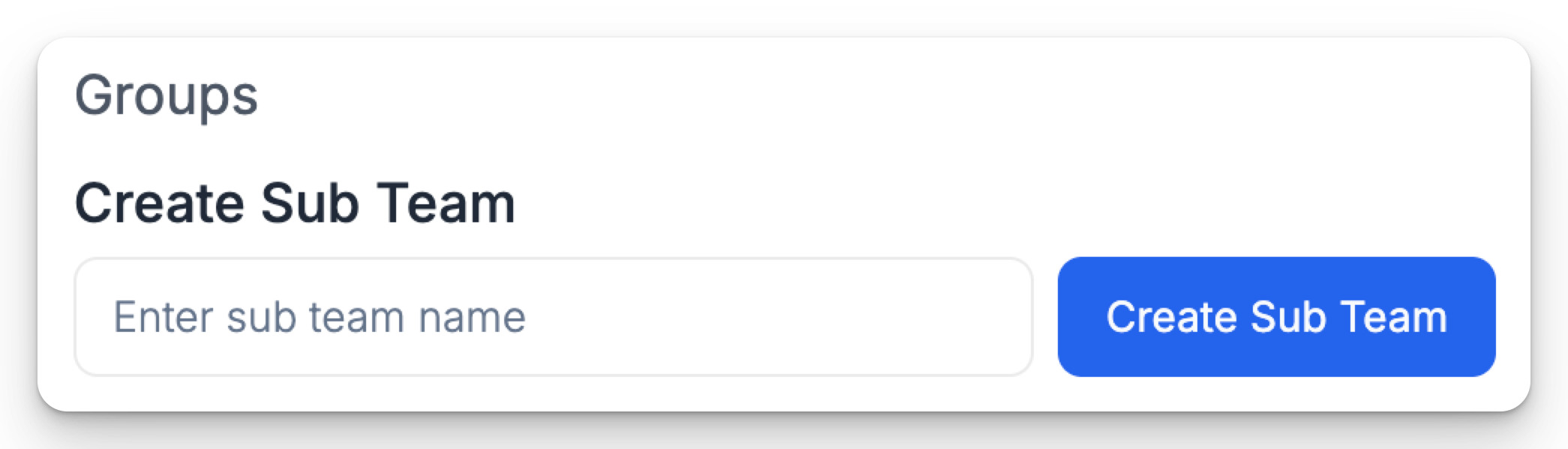
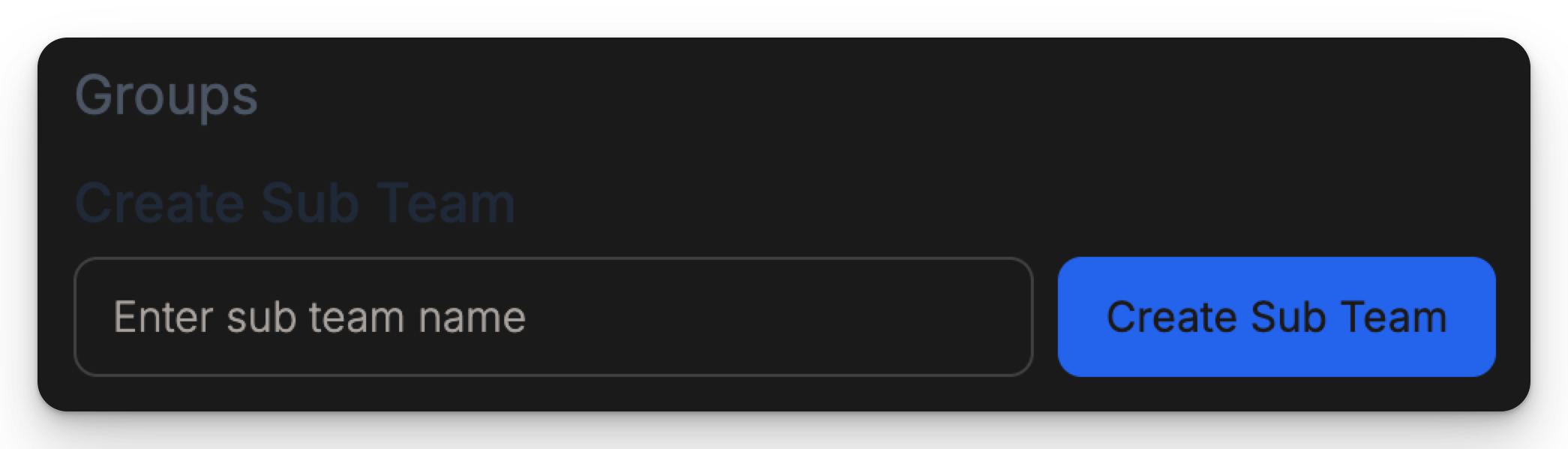
Navigate to the **Team Settings** page. Enter in your Sub Team name and click **Create Sub Team**

<img src="https://mintcdn.com/julius-d061c216/EGNXds85eOb2HQZ_/images/teams/sub-teams/sub-team-create-light.png?fit=max&auto=format&n=EGNXds85eOb2HQZ_&q=85&s=1a539b773aecba69659fe9457c0196e7" alt="Create Sub Team screen in light mode" title="Create Sub Team screen in light mode" className="block dark:hidden mx-auto" style={{ width:"69%" }} width="2090" height="598" data-path="images/teams/sub-teams/sub-team-create-light.png" />

<img src="https://mintcdn.com/julius-d061c216/EGNXds85eOb2HQZ_/images/teams/sub-teams/sub-team-create-dark.png?fit=max&auto=format&n=EGNXds85eOb2HQZ_&q=85&s=08d663a96a434835524f31f62fe34f25" alt="Create Sub Team screen in dark mode" title="Create Sub Team screen in dark mode" className="hidden dark:block mx-auto" style={{ width:"70%" }} width="2090" height="598" data-path="images/teams/sub-teams/sub-team-create-dark.png" />

## Adding Users to Sub Teams

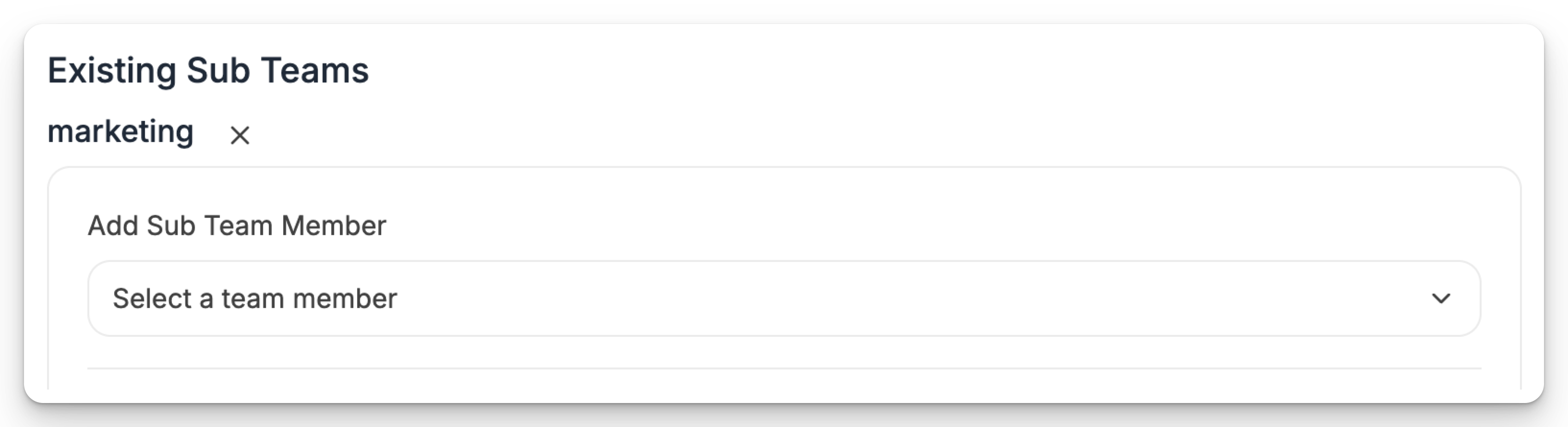
Find the sub team you created below **Existing Sub Teams**. Click the dropdown and select the users you wish to add to the Sub Team

<img src="https://mintcdn.com/julius-d061c216/EGNXds85eOb2HQZ_/images/teams/sub-teams/sub-team-add-team-light.png?fit=max&auto=format&n=EGNXds85eOb2HQZ_&q=85&s=a36f3a41f553c7a637498997ac1e004c" alt="Add users to Sub Team screen in light mode" title="Add users to Sub Team screen in light mode" className="block dark:hidden mx-auto" style={{ width:"72%" }} width="3266" height="890" data-path="images/teams/sub-teams/sub-team-add-team-light.png" />

<img src="https://mintcdn.com/julius-d061c216/EGNXds85eOb2HQZ_/images/teams/sub-teams/sub-team-add-team-dark.png?fit=max&auto=format&n=EGNXds85eOb2HQZ_&q=85&s=1b7ce61602047e6d59dbcb0916357a2d" alt="Add users to Sub Team screen in dark mode" title="Add users to Sub Team screen in dark mode" className="hidden dark:block mx-auto" style={{ width:"73%" }} width="3098" height="516" data-path="images/teams/sub-teams/sub-team-add-team-dark.png" />

## FAQs

<Accordion title="Is there a limit to the number of Sub Teams I can create?" defaultOpen>
  There currently is no limit to the number of Sub Teams you can create within an organization!
</Accordion>

<Accordion title="Can someone be a member of multiple sub teams?" defaultOpen>
  Yes! You can invite someone to multiple sub teams, and they will be able to access all of the threads, files, and notebooks within those sub teams.
</Accordion>

<Accordion title="Can sub teams see other sub teams files, threads, and notebooks?" defaultOpen>
  No, users can only see the files, threads, and notebooks of sub teams that they are added to.
</Accordion>

***

<Info>
  Reach out to [**team@julius.ai**](mailto:team@julius.ai) for support or to ask questions not answered in our documentation.
</Info>