Empower Your Data Science
Workflows: AI-Driven Insights
Workflows are templates for your tasks on Julius. You can create and share workflows, or find most popular workflows for your tasks.
- Define Custom Workflows
- Create step-by-step plans for our AI agent to follow, tailoring the data science process to your specific needs and project requirements.
- Seamless Data Integration
- Effortlessly connect to various data sources, from local files to Google Sheets and financial databases, ensuring your AI agent has access to all necessary information.
- Collaborative Sharing
- Share your workflows with team members or clients, enabling new possibilities for collaborative data science projects and knowledge transfer.
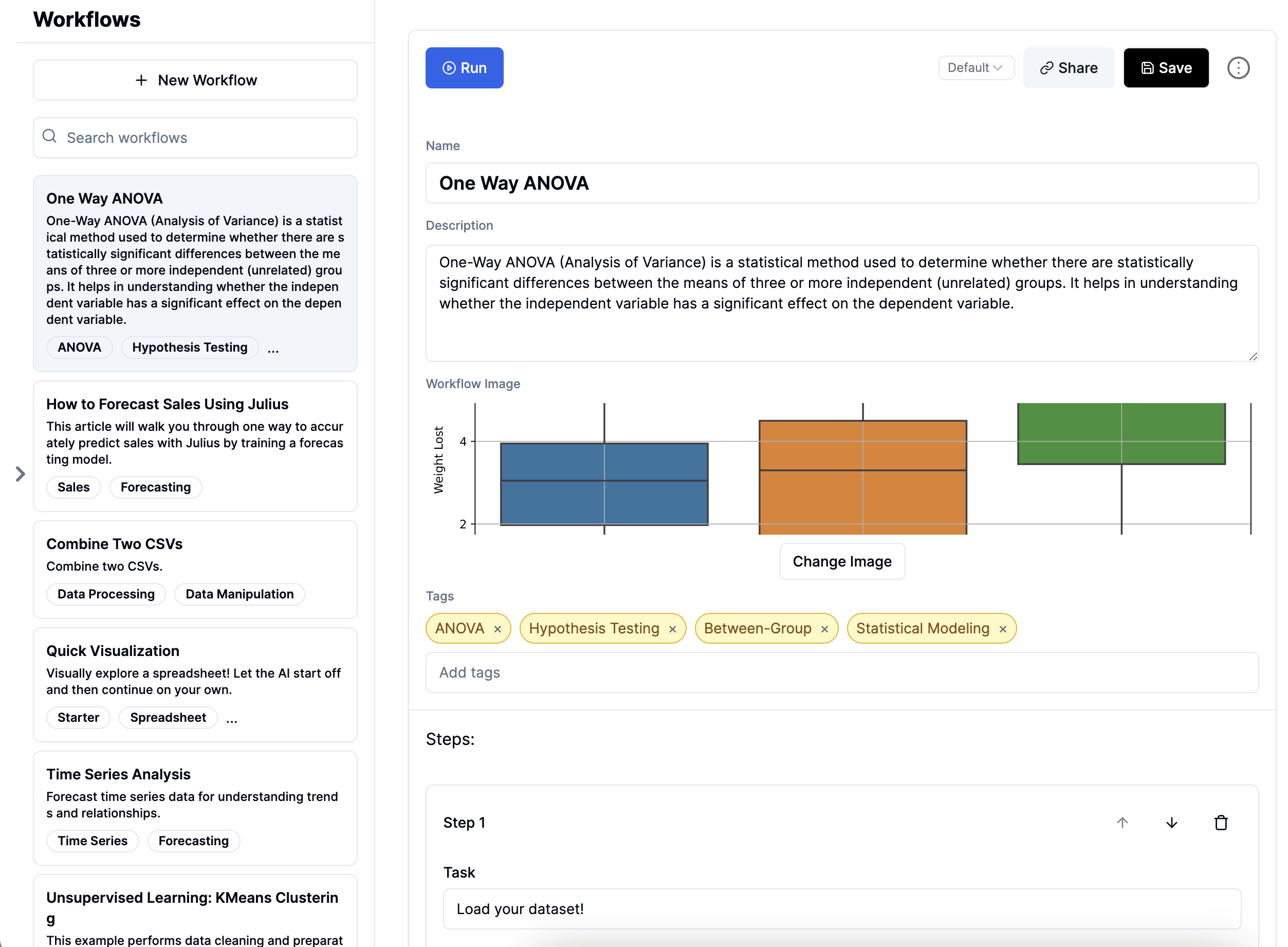
Revolutionize Your Data Science with AI-Powered Workflows
Our AI data scientist automates complex analyses, giving you more time for strategic decisions. Join thousands of data professionals already leveraging our platform.

Seamless Integration, Powerful Insights
Connect to any data source, from local files to cloud databases. Let our AI handle the heavy lifting while you focus on insights.
Experience the Future of Data Science with Our AI-Driven Workflows
Define, execute, and share complex data science tasks effortlessly. Boost your productivity and unlock new insights with our cutting-edge AI technology.

Empower Your Data Science with AI-Driven Workflows
- Custom Workflow Creation
- Design step-by-step data science workflows tailored to your specific needs. Our AI agent follows your custom plans, ensuring consistency and efficiency in your data analysis process.
- Automated Data Analysis
- Let our AI handle complex data analysis tasks. From data cleaning to advanced statistical modeling, our system automates time-consuming processes, allowing you to focus on interpreting results.
- Multi-Source Data Integration
- Seamlessly connect to various data sources, including local files, Google Sheets, and financial databases. Our AI agent can pull and integrate data from multiple sources, providing a comprehensive view of your information.
- Collaborative Sharing
- Share your workflows and results with team members or clients effortlessly. This feature opens up new possibilities for collaborative data science projects, knowledge transfer, and client communication.
Automatic Workflow Generation
Transform your data tasks with Julius. Our AI instantly creates customized workflows from your queries, streamlining your processes and boosting productivity.
- Automatic Workflow Generation
- Submit your task query and let our AI instantly create a customized workflow. Save time and effort with intelligently generated step-by-step processes.
- AI Agent Execution
- Our advanced AI agents follow the generated workflows precisely, ensuring efficient and accurate completion of your data tasks.
- Customizable Templates
- Create, edit, and share your own workflow templates. Tailor processes to your specific needs and collaborate with your team.
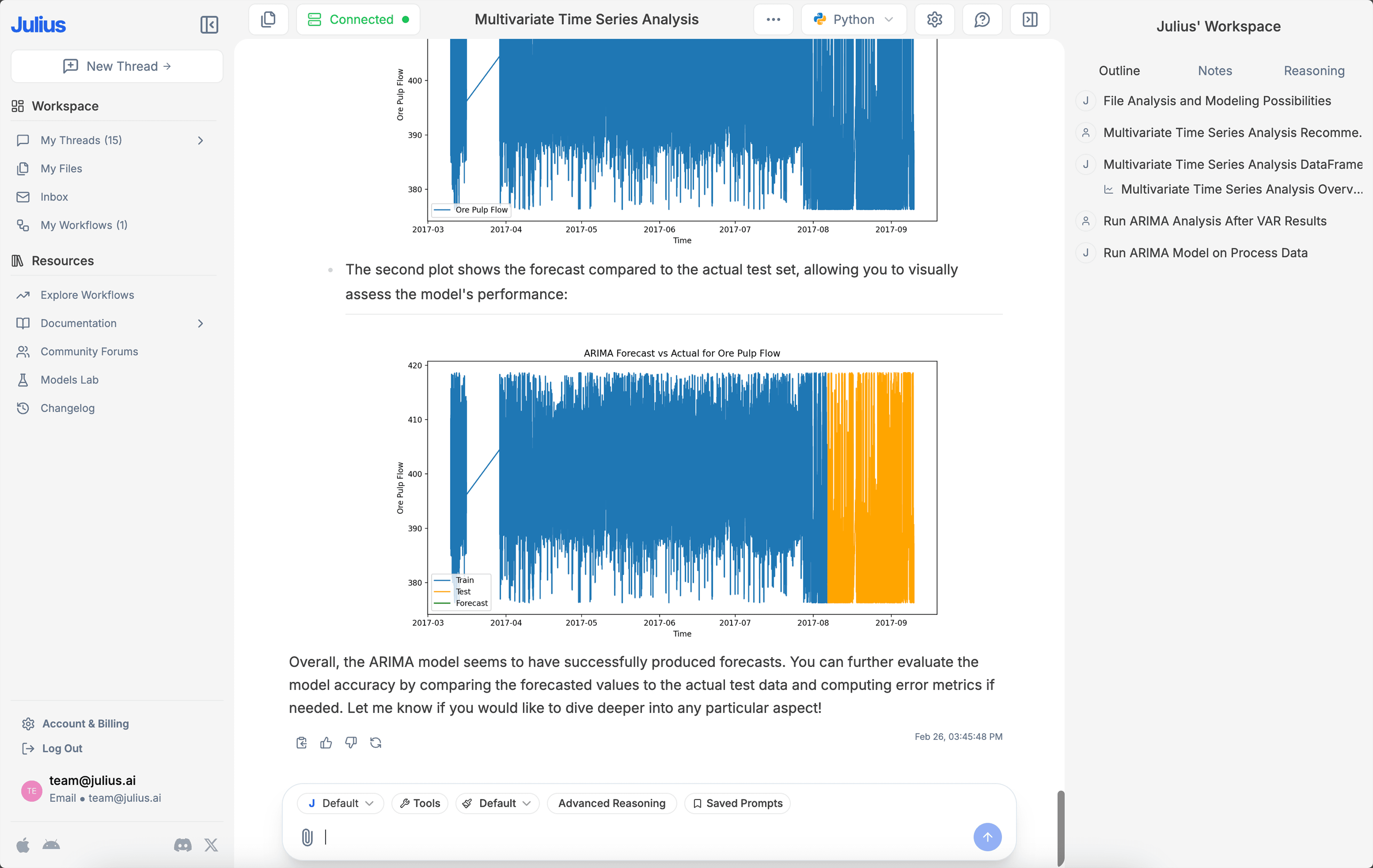
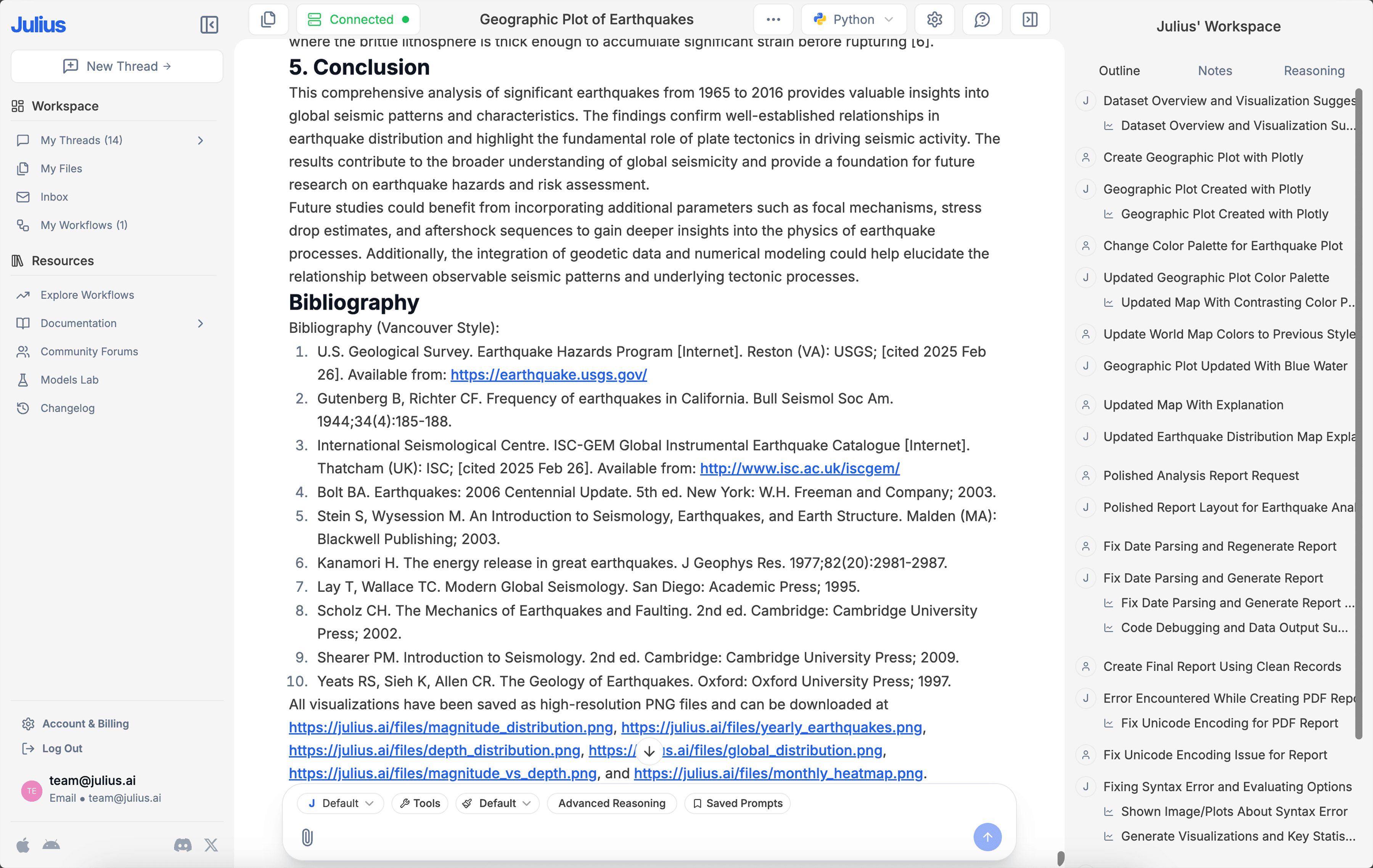


Save time. Make Julius do your data work.
Turn hours of Excel into minutes on Julius.
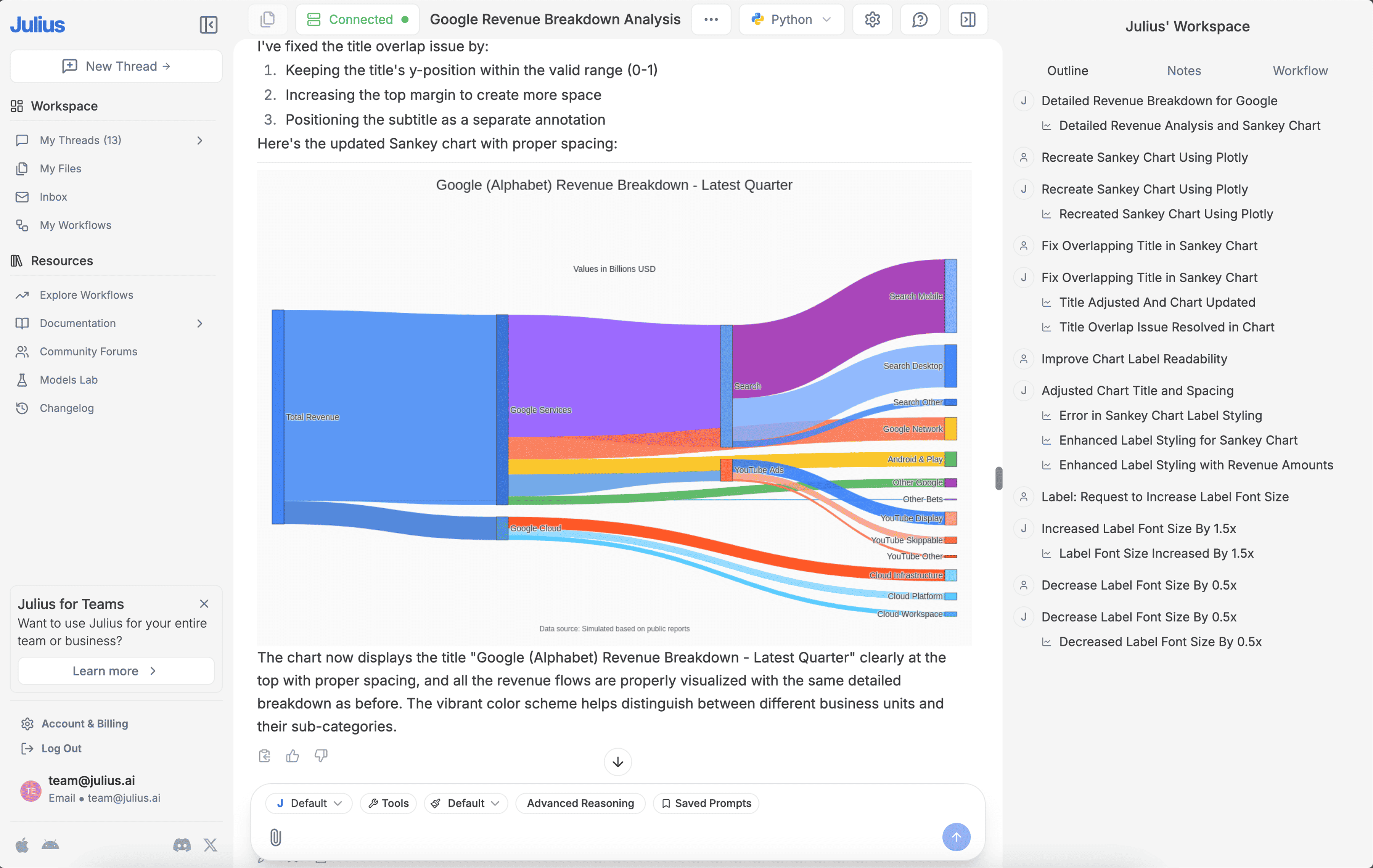
Generate sleek visualizations
Communicate findings with confidence.
Ask data questions
Get answers to your queries in seconds.
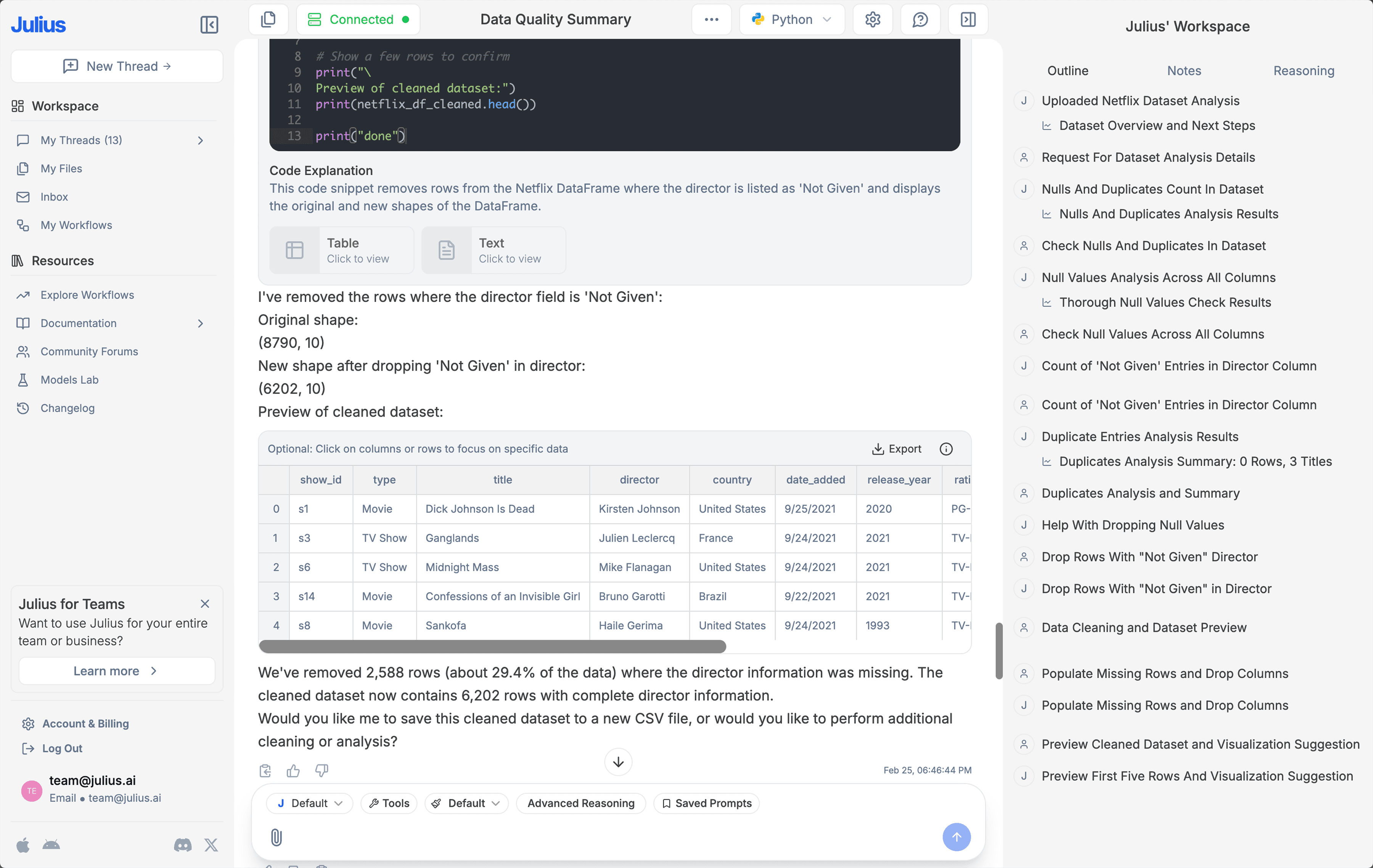
Cleaning made effortless
Automate data prep and focus on what matters.
Export instantly
Quickly download data into CSV or Excel for easy sharing.
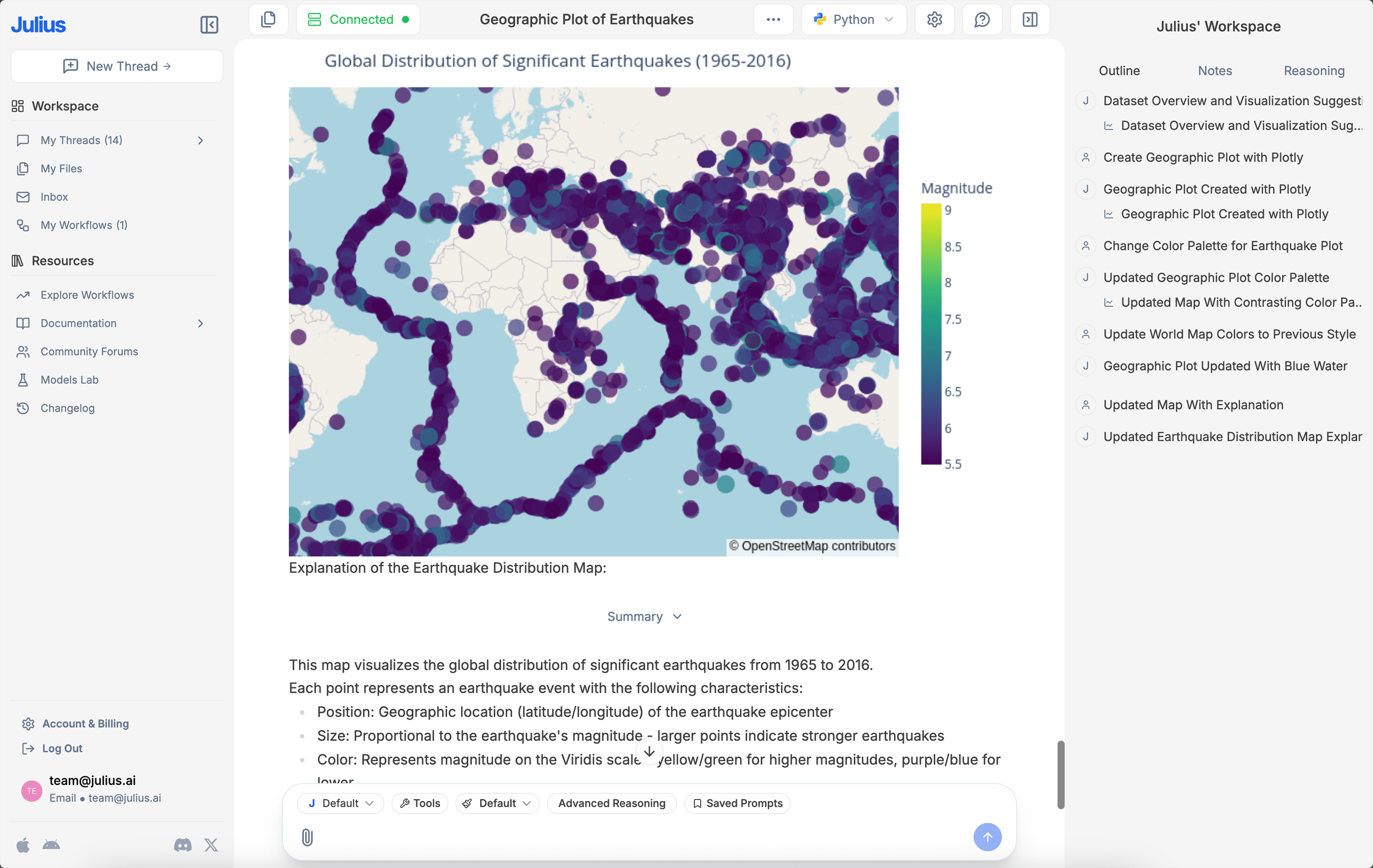
Create captivating animations
Bring data to life with dynamic GIFs.
Unlock statistical modeling
Get expert-level insights without the complexity.
Frequently asked questions
If you have anything else you want to ask, reach out to us.
How do I link a data source?
You can link a data source on the Files page or directly in our Chat interface. For more detailed instructions on linking a data source, check out our Julius Start Guide.What do I do after linking a data source?
What data sources are supported?
We currently support any data file format, including but not limited to spreadsheets (.xls, .xlsx, .csv), Google Sheets, images (.jpeg, .png), PDFs, and text-based files (.docx, .txt). If you have a different file format, odds are we support it — go ahead and try to upload it within our Chat.
Can I analyze spreadsheets with multiple tabs?
Yes! Upload your multi-tab spreadsheet as you would any other file. Once uploaded, you can refer to the individual names of the tabs in your prompts, and Julius will perform analysis on those tabs accordingly.Can I generate data visualizations?
Yes, it's very easy to generate clean-looking data visualizations using Julius. Once you have uploaded your data, simply prompt the AI to create a chart or graph.
What is Julius' data privacy policy?
We utilize strict access-control, as each user only has access to their own data in the secure notebook file storage — even our python code execution environments are sandboxed by user. In addition, your data is completely erased from the servers whenever you delete it within the app. You can read further into our data policies here.Is this free?
Yes! By default all users can send up to 5 messages a month with our most advanced AI model. Once you hit the monthly limit, you can upgrade your plan in your Account page.