Create AI Slides with Julius
Tired of spending hours on presentations? Build stunning, editable AI PowerPoint decks in seconds. No design skills. No wasted time. Just your ideas, brought to life.
Free to try · No credit card · Export as PPTX, PDF, or Google Slides

Why Use Julius to Create Slides?

Perfect Text Rendering
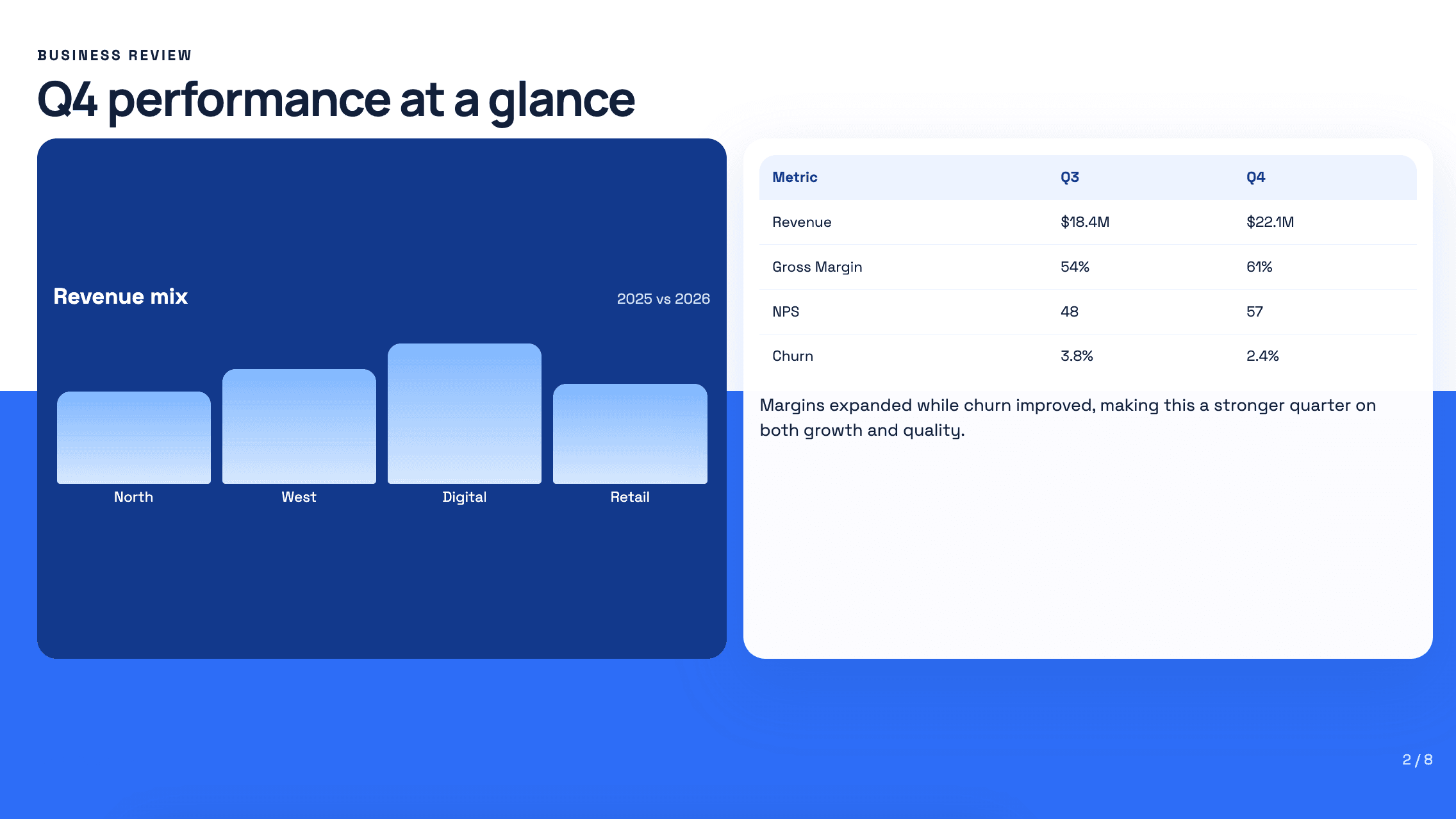
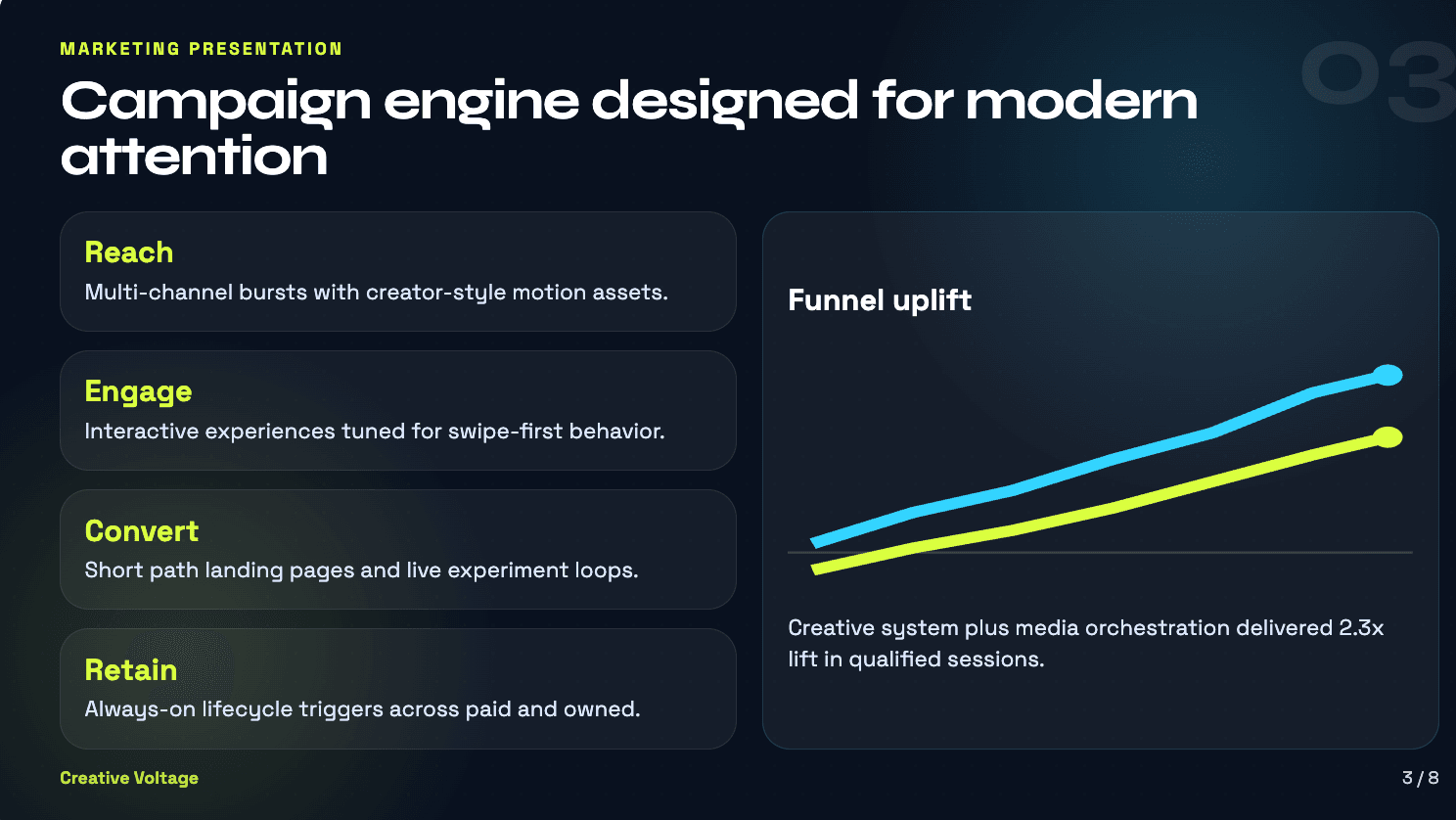
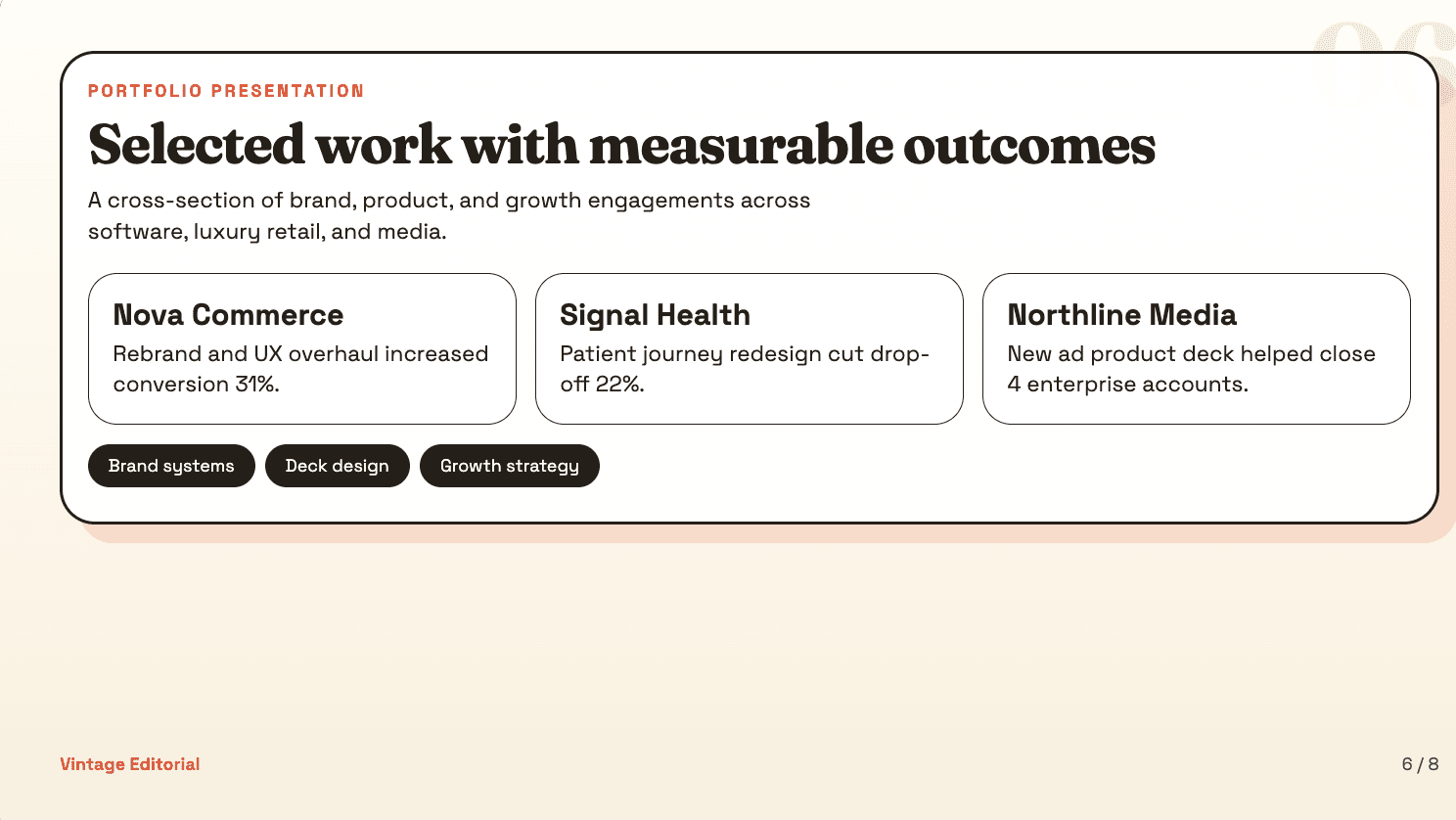
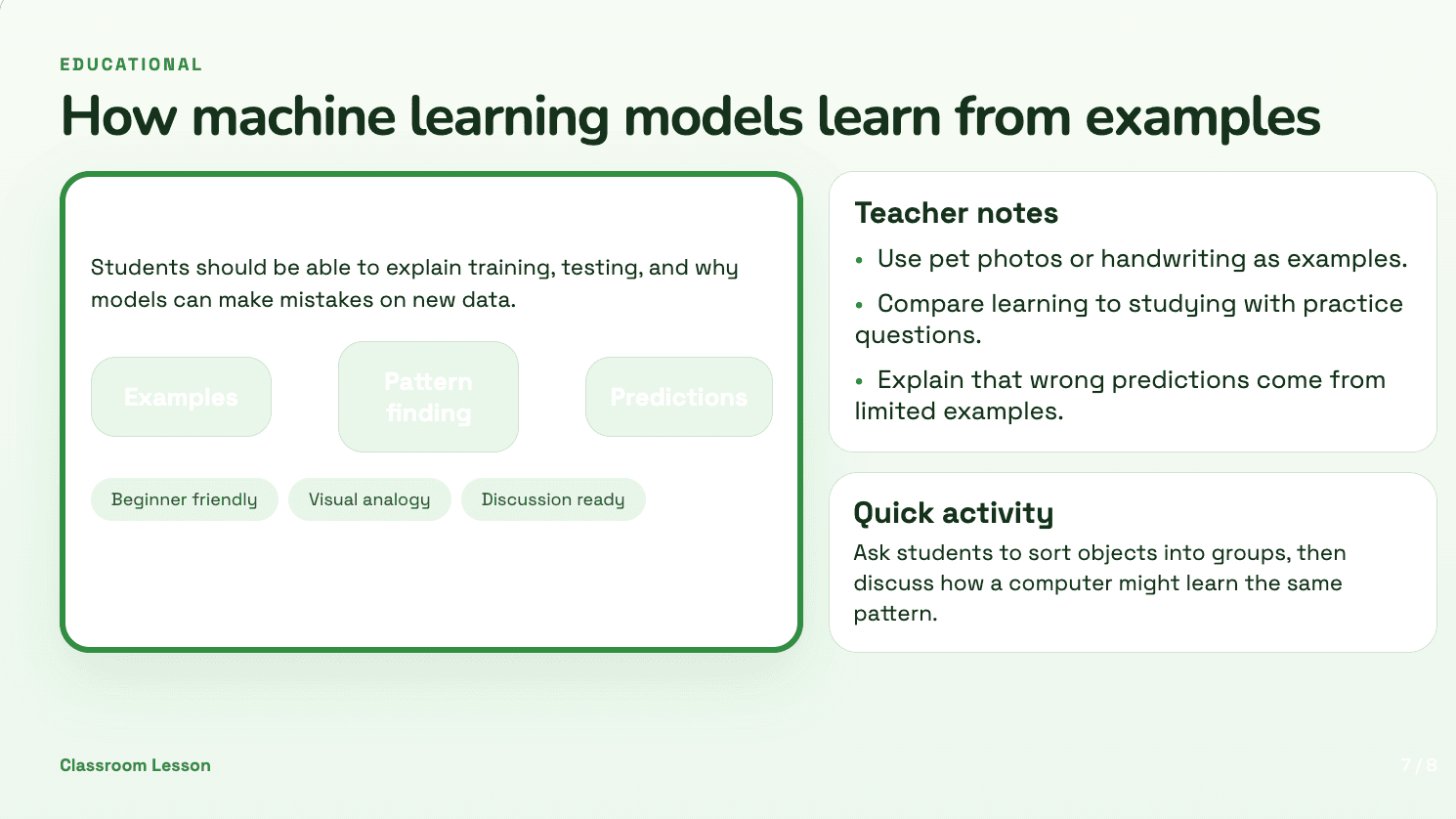
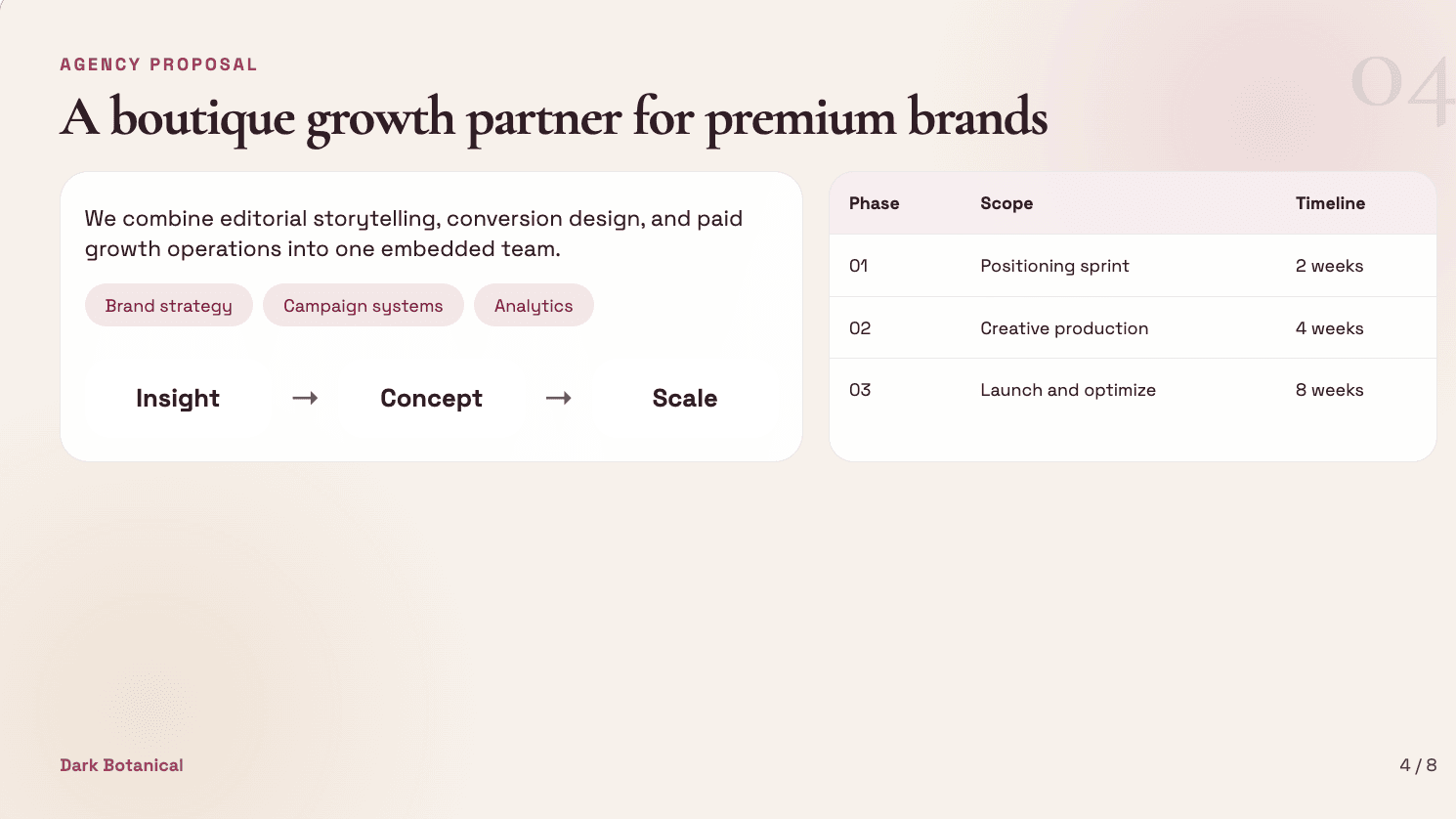
Stop fighting blurry labels and garbled text. Julius renders crisp, legible text directly into your slides — a capability other AI generators simply can't match. Your charts are always clear.
Try it now
Get Accurate Infographics Instantly
Create more accurate charts and infographics. Julius leverages extensive knowledge to create complex infographics and charts, giving you a better starting point for your slides.
Try it now
Consistent Branding Throughout
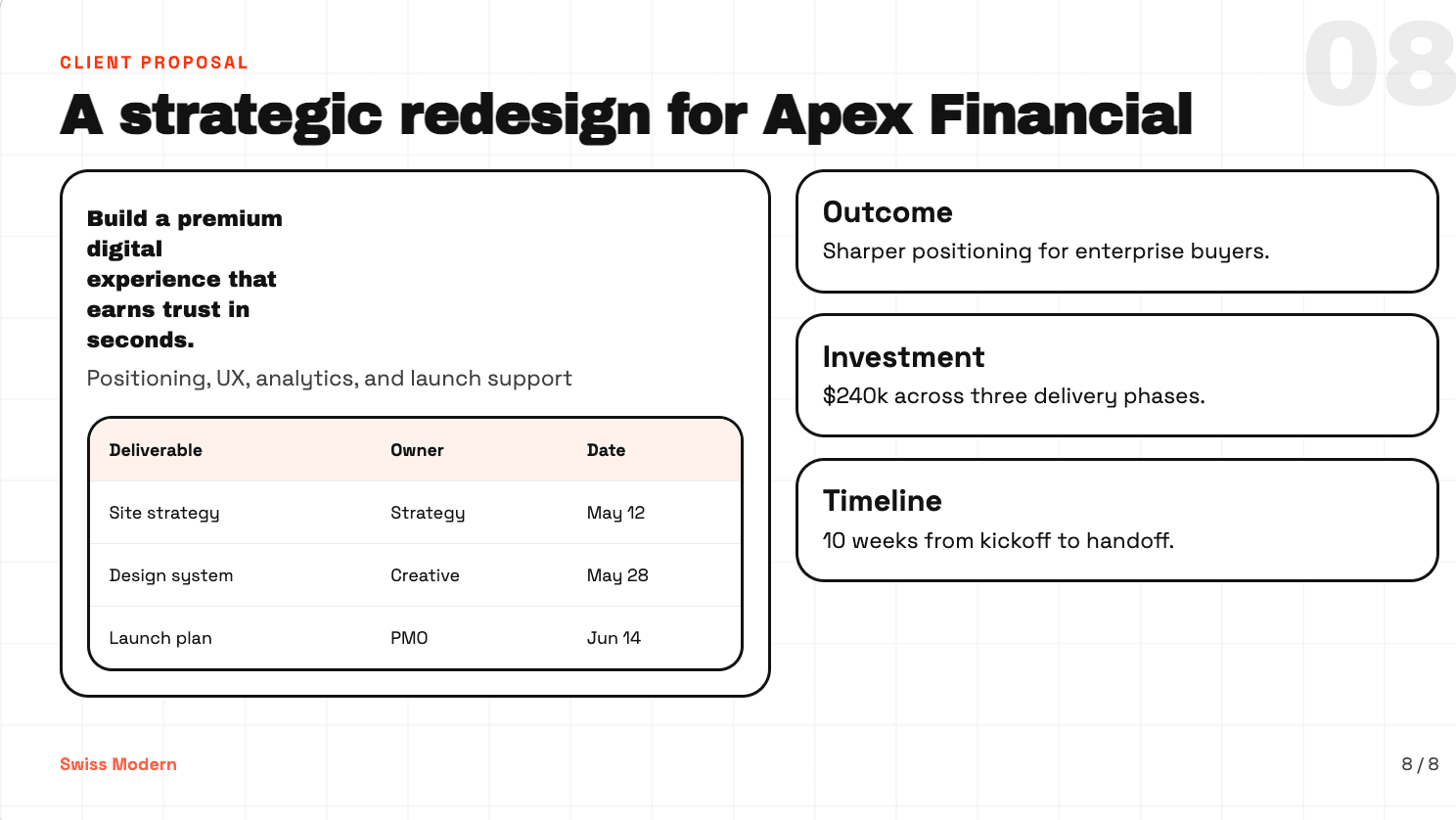
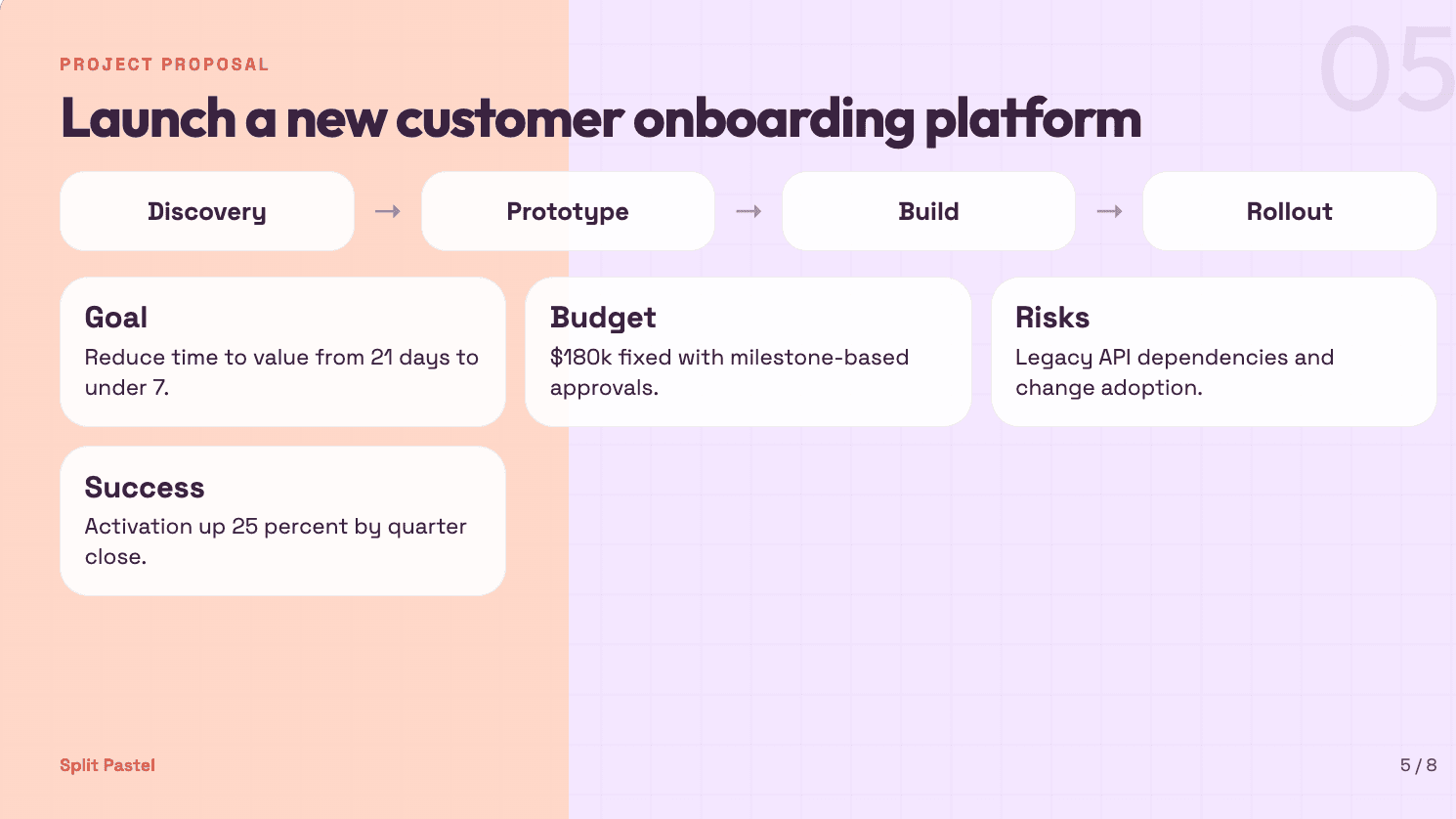
Keep every slide on-brand. Julius carries your visual identity — colors, typography, and layout — across the whole deck so you don't have to fix each slide by hand.
Try it now3 Simple Steps to Create Your Presentation
From idea to finished presentation in minutes. Here's how Julius works with you to create the perfect deck.

1. Describe Your Presentation
Tell Julius your topic, audience, and key messages. It's as simple as writing an email.

2. Watch Julius Build Your Deck
Julius creates slide-ready visuals with text, graphics, and layouts — live, as you watch.

3. Download Your Editable Deck
Download as PPTX, PDF, or Google Slides. Save it to Google Drive or OneDrive.
Frequently asked questions
How do I get access to AI Slides?
How is this different from other AI image models?
What kind of presentations can I create?
Why not just use a standard AI image model for my slides?
Does Julius just create the images, or does it build the whole presentation?
Are there limits on how many slides I can create?
Ready to Create Your Slides?
Stop wasting time and start creating. Build your first AI presentation with Julius today.