

Pitch alternatives are presentation tools that go further on AI generation, design flexibility, or export reliability than Pitch offers. Gamma leads for prompt-based decks, Canva Presentations for branded design, and Beautiful.ai for automated formatting. I tested dozens of tools to find the 12 worth your time in 2026, covering what each does well, where it falls short, and who it's built for.
12 Best Pitch alternatives: At a glance
| 💻 Tool 🎯 Best for 🔥 Starting price (billed annually) | ||
| Gamma | Teams that want a shareable, web-native deck built from a prompt | $9/seat/month (Individual) |
| Beautiful.ai | Business teams that need slides that stay on-brand | $12/month |
| Julius.ai | Teams that want data-heavy decks built directly from a prompt | $16/month |
| Canva Presentations | Marketers who want branded slides in a familiar drag-and-drop editor | $144/year |
| Visme | Teams that need data-heavy presentations with built-in infographic tools | $12.25/person/month |
| Google Slides | Teams that need a free, collaborative editor with no usage limits | Free |
| Plus AI | Teams that want AI slide generation without leaving Google Slides or PowerPoint | $10/user/month |
| Prezi | Presenters who want to navigate ideas spatially instead of slide by slide | $7/month |
| Presentations.AI | Teams that want to upload a brand kit and generate on-brand decks from a prompt | $9/month |
| Tome App AI | Teams that want a document-style format for async sharing and proposals | $15.90/month |
| Decktopus | Solo users who need a fast, structured deck with built-in speaker notes | $14.99/month |
| MagicSlides | Anyone who needs to turn a document or URL into a deck quickly | $6.70/month |
*Pricing correct as of May 2026. Verify with vendor.
Why look for Pitch alternatives?
Pitch works well as a collaborative presentation tool for modern teams. You can build polished decks from templates, co-edit in real time, and share them easily, with analytics available on higher-tier plans. For teams that present regularly and need a structured workflow, it holds up well. However, a few consistent limitations push some users to look elsewhere:
- AI features may feel less central than in AI-first tools: Pitch includes prompt-based deck generation and AI editing tools, but some dedicated AI presentation builders can still produce more fully formed first drafts.
- PPTX export has limitations: Pitch supports PowerPoint export, but the feature is tied to paid plans, so teams that regularly send .pptx files to clients or stakeholders should test it before committing.
- Some features require a paid plan: Paid tiers expand export options, sharing controls, branding, and audience-tracking features beyond what’s available on the free plan.
- Less suited for solo users: Pitch is built around team workflows, so the depth of its collaboration features can feel like extra overhead if you're working alone and just need a fast, simple deck.
Which Pitch alternative should you choose?
The right Pitch alternative depends on how much AI assistance you want, whether design consistency matters to your team, and what you're building the deck for. If that deck is a fundraising pitch, start with our roundup of the best AI pitch deck generators.
Choose:
- Gamma if you want a complete deck drafted from a single prompt and shared as a web-native link. It exports to PowerPoint, though you may want to review formatting before sending externally.
- Beautiful.ai if you want layout decisions handled automatically as you build. The template system can feel restrictive if you need layouts outside of what it supports.
- Julius if you need to turn a spreadsheet or dataset into a deck with charts already built in. Export options cover PowerPoint and Google Slides, though the template range is smaller than design-first tools.
- Canva Presentations if you need branded slides alongside other content types like social graphics or reports. The design library is broad, though some assets and exports require a paid plan.
- Visme if your presentations are data-heavy and need charts, infographics, or interactive visuals built in. The range of content types is an advantage for some teams and overkill for others.
- Google Slides if you need a free, familiar editor with strong collaboration and no usage limits. Design options are more limited than dedicated presentation tools.
Stick with Pitch if you need real-time collaboration, team-friendly workflows, and access to deck analytics on higher-tier plans.
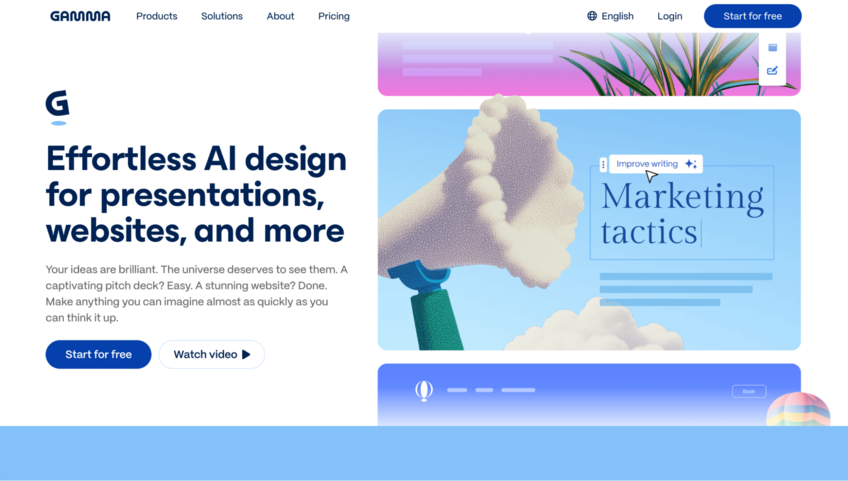
1. Gamma: Best for teams that want a shareable, web-native deck built from a prompt
Key features
- Prompt-to-deck generation: Generates a complete, structured presentation from a text prompt, topic, or pasted document.
- Web-native sharing: Publishes decks as shareable links that recipients can view in a browser without downloading a file.
- PowerPoint and PDF export: Supports exporting decks to .pptx or PDF, though free-plan exports include Gamma branding.
Pros
- ✅ Produces a full deck draft quickly, which cuts down on initial setup time for new presentations
- ✅ Web-native links make it easy to share decks without file attachments or version confusion
- ✅ The free plan includes enough credits to build and test several complete decks before committing to a paid tier
Cons
- ❌ Free plan exports include Gamma branding, which may not work for client-facing or investor presentations
- ❌ The web-first format can feel limiting for teams that need to work entirely within PowerPoint or Google Slides
Best for
- Teams that want a fast AI-generated first draft without starting from a blank slide
- Marketers and founders who share decks as links rather than file attachments
- Users who want to test an AI presentation tool before paying for a subscription
Pricing
Gamma starts at $9 per seat per month for the Plus individual plan.
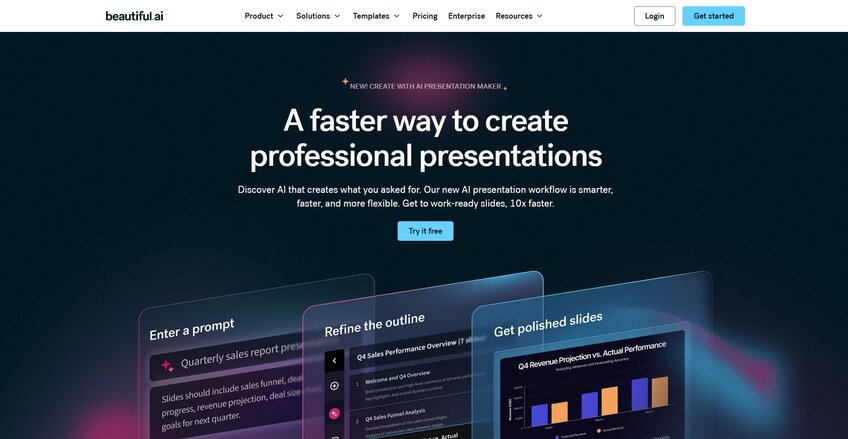
2. Beautiful.ai: Best for business teams that need slides that stay on-brand
Key features
- Smart Slides: Adjust layout and formatting automatically as you add or remove content from a slide.
- Brand kit: Applies your logo, colors, and fonts across every slide in a deck to keep presentations consistent.
- Slide library: Stores reusable slides and templates that team members can pull into new decks without rebuilding from scratch.
Pros
- ✅ Auto-formatting keeps slides looking polished without manual design work, which saves time on longer decks
- ✅ The brand kit makes it straightforward to keep presentations visually consistent across a team
- ✅ The slide library lets teams reuse approved content instead of rebuilding common slides for every new deck
Cons
- ❌ The Smart Slide system can feel restrictive if you need layouts that fall outside the available templates
- ❌ Some team-focused features, including shared collaboration tools and centralized controls, are locked behind higher-tier plans
Best for
- Business teams that need consistently formatted decks without relying on a designer
- Teams that reuse slide content across multiple presentations and want a centralized library
- Organizations that want brand controls applied automatically across all team decks
Pricing
Beautiful.ai starts at $12 per month.
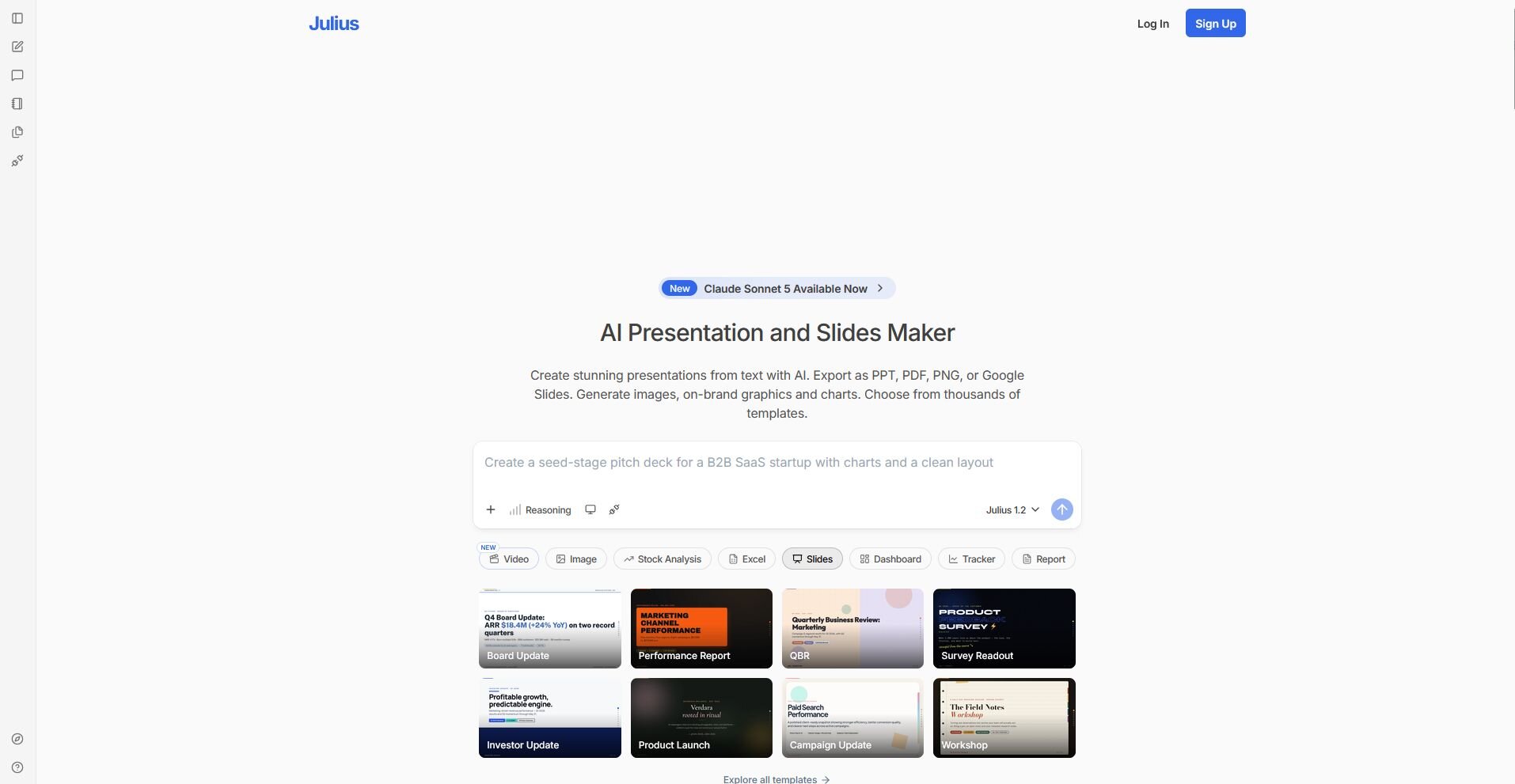
3. Julius: Best for teams that want data-heavy decks built directly from a prompt
Key features
- No upload needed: Start from a question and turn the resulting data into slides with charts and key takeaways built in.
- Prompt-to-deck generation: Generate a structured presentation from a text prompt, document, or PDF.
- Multi-format export: Export finished decks as PowerPoint, PDF, PNG, or Google Slides files.
Pros
- ✅ Building charts and slides from a dataset in one step cuts out the manual work of exporting visuals from another tool
- ✅ Multiple export formats make it easy to move a finished deck into PowerPoint or Google Slides for further editing
- ✅ Brand styling can be applied across a deck to keep slides consistent with your guidelines
Cons
- ❌ Requires clear, detailed prompts for best results
- ❌ The template range is smaller than dedicated design-first tools
Best for
- Teams that need to turn spreadsheets or datasets into presentation-ready charts and slides
- Business users who want a deck built from a document or PDF without manual formatting
- Analysts and marketers who present data findings alongside standard slide content
Pricing
Julius starts at $16 per month.
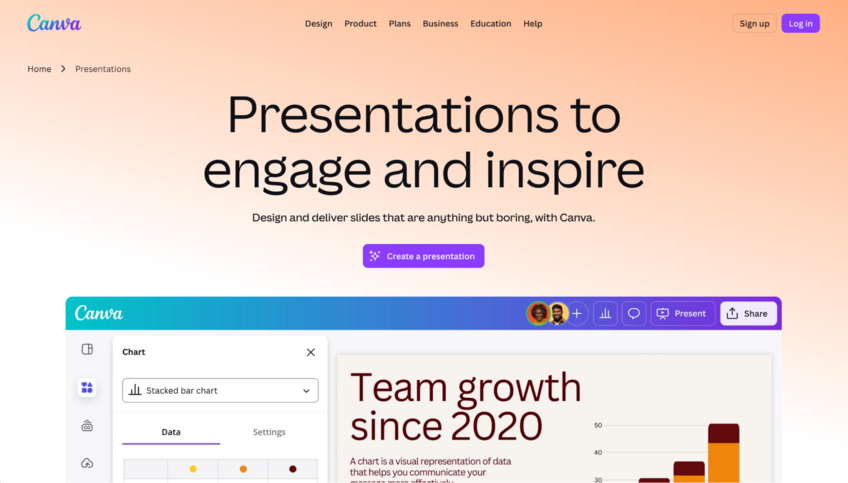
4. Canva Presentations: Best for marketers who want branded slides in a familiar drag-and-drop editor
Key features
- Brand kit: Paid plans let you store your logo, colors, and fonts so you can apply them consistently across every presentation you build.
- Template library: Provides a large range of presentation templates across business, marketing, and creative categories to start from.
- Multi-format export: Exports finished presentations to PDF, PPTX, MP4, and other formats depending on your plan.
Pros
- ✅ The drag-and-drop editor is easy to use, which makes it accessible for team members without a design background
- ✅ The template and asset library are broad, covering presentations alongside social graphics, reports, and other content types
- ✅ Brand kit tools make it straightforward to keep decks visually consistent across a team
Cons
- ❌ Some premium templates, graphics, and export options are locked behind the paid plan
- ❌ The wide range of features can make the editor feel cluttered if you only need to build straightforward business slides
Best for
- Marketers who need branded presentations alongside other visual content types, like social graphics or reports
- Teams that want a familiar drag-and-drop editor with a large template library
- Business users who need flexible export options, including PDF and PowerPoint
Pricing
Canva Presentations starts at $144 per year.
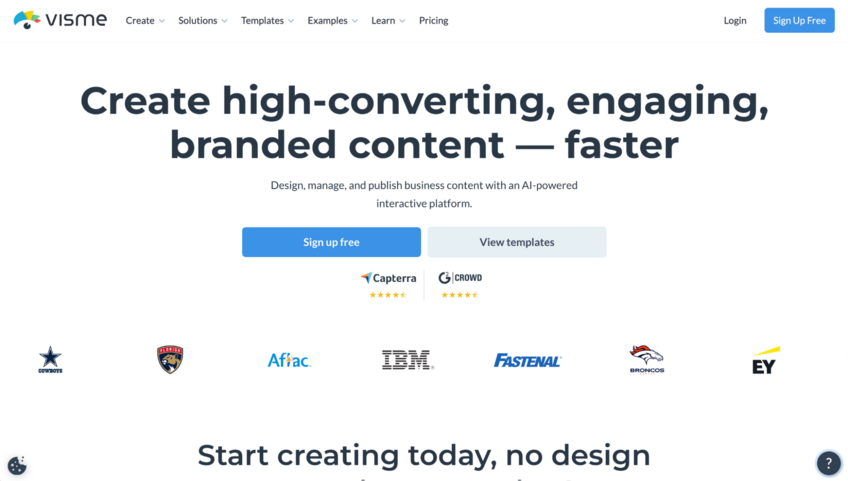
5. Visme: Best for teams that need data-heavy presentations with built-in infographic tools
Key features
- Data visualization tools: Build charts, graphs, and interactive data visuals directly inside a presentation using Visme’s built-in tools.
- Infographic builder: Creates standalone infographics and data visuals that you can embed into presentations or export separately.
- Brand kit: Applies your logo, colors, and fonts consistently across presentations and other content types you build in Visme.
Pros
- ✅ Built-in data visualization tools let you build charts and infographics directly in the editor without switching platforms
- ✅ The content range covers presentations, reports, and infographics in one place, which works well for teams that produce multiple visual formats
- ✅ Interactive elements like clickable links and animated charts can make data-heavy presentations more engaging for live or shared viewing
Cons
- ❌ The breadth of features can make the editor feel complex if your primary need is straightforward slide creation
- ❌ Some collaboration and export features are locked behind higher-tier plans
Best for
- Teams that need charts, infographics, and interactive visuals built directly into their presentations
- Marketing and communications teams that produce multiple visual content formats alongside slide decks
- Business users who need to present data in a more visual format than standard slide templates allow
Pricing
Visme starts at $12.25 per person per month.
6. Google Slides: Best for teams that need a free, collaborative editor with no usage limits
Key features
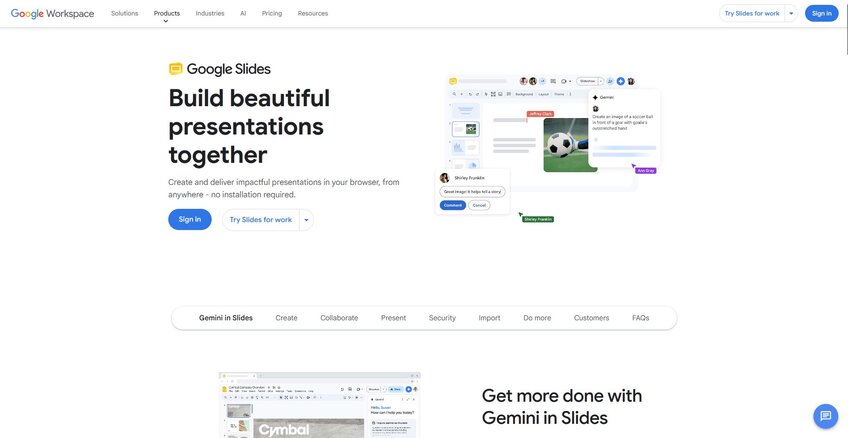
- Real-time collaboration: Lets multiple users edit, comment, and suggest changes in the same deck at the same time.
- Google Workspace integration: Connects directly with Google Drive, Docs, and Sheets so you can pull in content from other Google tools without switching platforms.
- Gemini AI integration: On eligible Google Workspace or Google AI plans, Gemini can generate images and help rewrite slide content directly inside the editor.
Pros
- ✅ Fully free for personal use with no usage caps, making it accessible for individuals and small teams
- ✅ Real-time collaboration and link-based sharing work well for teams that co-edit decks regularly
- ✅ Browser-based access means anyone with a Google account can open and edit a deck without installing software
Cons
- ❌ Animation and design options are more limited than dedicated presentation tools, which can make it harder to produce highly visual or design-forward decks
- ❌ Performance can slow down on large, image-heavy presentations
Best for
- Teams already in the Google ecosystem that want a free, familiar editor for everyday business presentations
- Collaborators who need to co-edit decks in real time without managing file versions
- Users who want a no-cost starting point before committing to a paid presentation tool
Pricing
Google Slides is free to use.
Special mentions
The tools below didn't quite make the full review list, but that doesn't mean they're not worth your time. I tested each one alongside the main picks, and any of them could be a good fit depending on how your team does presentations. Plus AI opens that list, and we looked at alternatives to Plus AI on their own.
Here are 6 more Pitch alternatives worth considering:
- Plus AI: Plus AI is a Google Slides and PowerPoint add-on that lets you generate and edit slides without leaving the tools you already use. I found it useful for teams that want AI-assisted drafting inside a familiar editor, and the ability to turn a doc or URL into a deck is a practical time-saver. The output can need some cleanup before it's ready for an external audience.
- Prezi: Prezi is a presentation tool built around a zoomable canvas instead of linear slides, which can work well for storytelling-heavy or non-sequential presentations. I used it for a few narrative-style decks and the spatial format did make the content flow more naturally. It takes a bit of adjustment if you're used to traditional slide-by-slide tools.
- Presentations.AI: Presentations.AI generates complete decks from a text prompt and focuses on helping teams stay on-brand with their presentation templates. I tested it with a few business briefs and the first drafts were more on-brand than I expected. Slide variety across longer decks can feel repetitive at times.
- Tome App AI: Tome is an AI-powered format that sits somewhere between a presentation and a webpage, which makes it a strong option for async sharing and proposal-style content. I found it quick to build with, and its support for rich, interactive content is useful for data-heavy presentations. It may not replace a traditional slide deck for live, in-room presentations.
- Decktopus: Decktopus is an AI presentation builder that generates slides and speaker notes from a prompt. I tested it for a product overview deck and the structure it suggested was solid enough to build on. Design customization is more limited compared to tools like Canva Presentations or Visme.
- MagicSlides: MagicSlides generates PowerPoint and Google Slides decks from a topic, URL, or PDF in a few steps. I used it to turn a long-form document into a deck quickly, and it handled the content extraction well. The design output tends to be on the simpler side, so you may want to apply your own formatting after generating.
How to evaluate Pitch alternatives
Pitch alternatives range from lightweight AI slide builders to full creative suites, with real differences in collaboration depth, design flexibility, and how they handle sharing and analytics.
Here are a few things to consider:
- Whether design control matters to your team: Some tools on this list automate layout decisions heavily, which speeds things up but limits how much you can adjust individual slides. If your decks need precise formatting or brand consistency across every slide, I'd test that before committing to a plan.
- How your team collaborates: Pitch is built around real-time collaboration, so if that's a core part of your workflow, it's worth checking how other tools handle it. Some on this list support live co-editing, while others are built primarily for solo use with sharing added on top.
- Who you're presenting to: A sales deck for an external client has different requirements than an internal update. Some tools produce output that works well for casual sharing but may need more polish before it's ready for a boardroom or investor meeting. I'd build a real deck with your actual content before deciding.
- How you plan to share your work: Pitch makes it easy to share decks as links, and some plans include built-in view analytics. Not every alternative handles sharing the same way, so if tracking engagement on sent decks matters to you, it's worth checking what's available on the plan you're considering.
- Export behavior: If you regularly send .pptx files to clients or stakeholders, export quality matters. Formatting can shift during conversion depending on the tool, so it's worth running a test export with your actual content before committing.
Build the analysis before you build the slides
Finding the right Pitch alternative is one part of the equation. If your presentations are data-heavy, getting your analysis done before you open a slide tool is often where the process slows down.
We built Julius for that part of the workflow, along with the slides themselves. You can search the web for public datasets, pull public-company financials for 17,000+ companies through the Financial Datasets integration, or connect your own data sources. Ask questions in plain English, get charts and analysis, and turn them into an editable presentation without switching tools.
Start your free Julius trial today.
Frequently asked questions
What are the best free Pitch alternatives?
Google Slides and Canva Presentations are two of the strongest free Pitch alternatives available right now. Google Slides is fully free with no usage limits and works well for collaborative teams already in the Google ecosystem. Canva Presentations has a generous free tier with a large template library, though some assets and premium features are locked behind the paid plan.
Is Pitch good for startup pitch decks?
Yes, Pitch is a solid choice for startup pitch decks, with templates built around standard investor deck structures and real-time collaboration that works well for founding teams. The free plan covers unlimited presentations, which makes it accessible early on. If you need advanced analytics on shared decks and more advanced sharing or export features, check the paid plan details before committing.
Does Pitch have AI features?
Yes, Pitch has AI features, including AI-assisted text generation and slide content suggestions built into the editor. The AI tools can help you draft slide copy and refine existing content, but they work more as editing aids than full deck generators. If you want a tool that builds a complete deck from a single prompt, Gamma and Canva Presentations may produce more fully-formed first drafts.