AI Presentation and Slides Maker
Create stunning presentations from text with AI. Export as PPT, PDF, PNG, or Google Slides. Generate images, on-brand graphics and charts. Choose from thousands of templates.
How it works
1. Describe your presentation
Tell Julius your topic, audience, and main points in a sentence or two.
2. Watch Julius build your slides
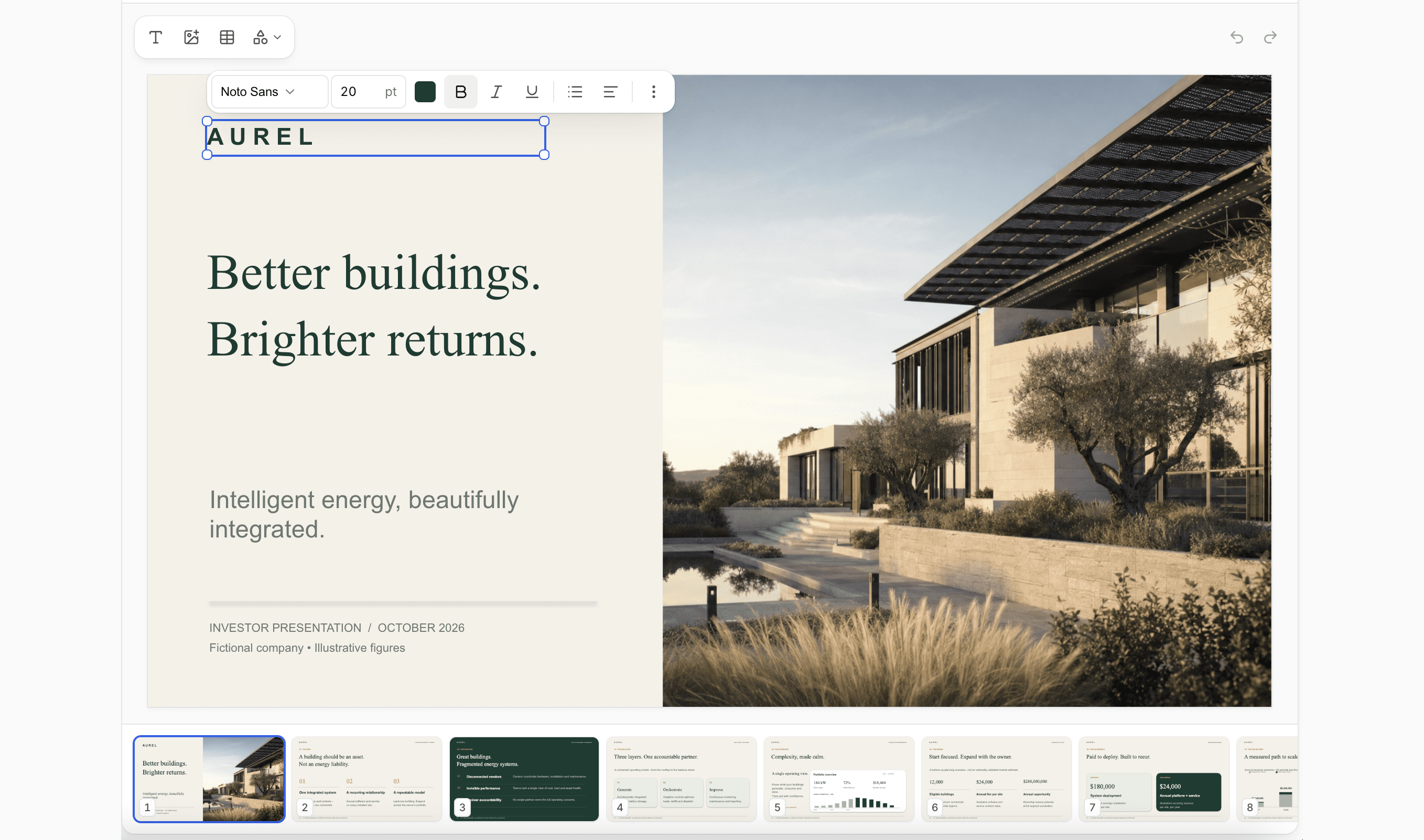
Julius drafts each slide in front of you, text and visuals already in place.
3. Download your editable presentation
Export as PPT, PDF, PNG, or Google Slides, then save to Google Drive or OneDrive.

Text to PPT
Type what you want and Julius writes the slides. A plain prompt becomes a finished PPT, with text rendered cleanly on every slide instead of the blurry labels other AI tools leave behind. Download it as PowerPoint or push it to Google Slides.

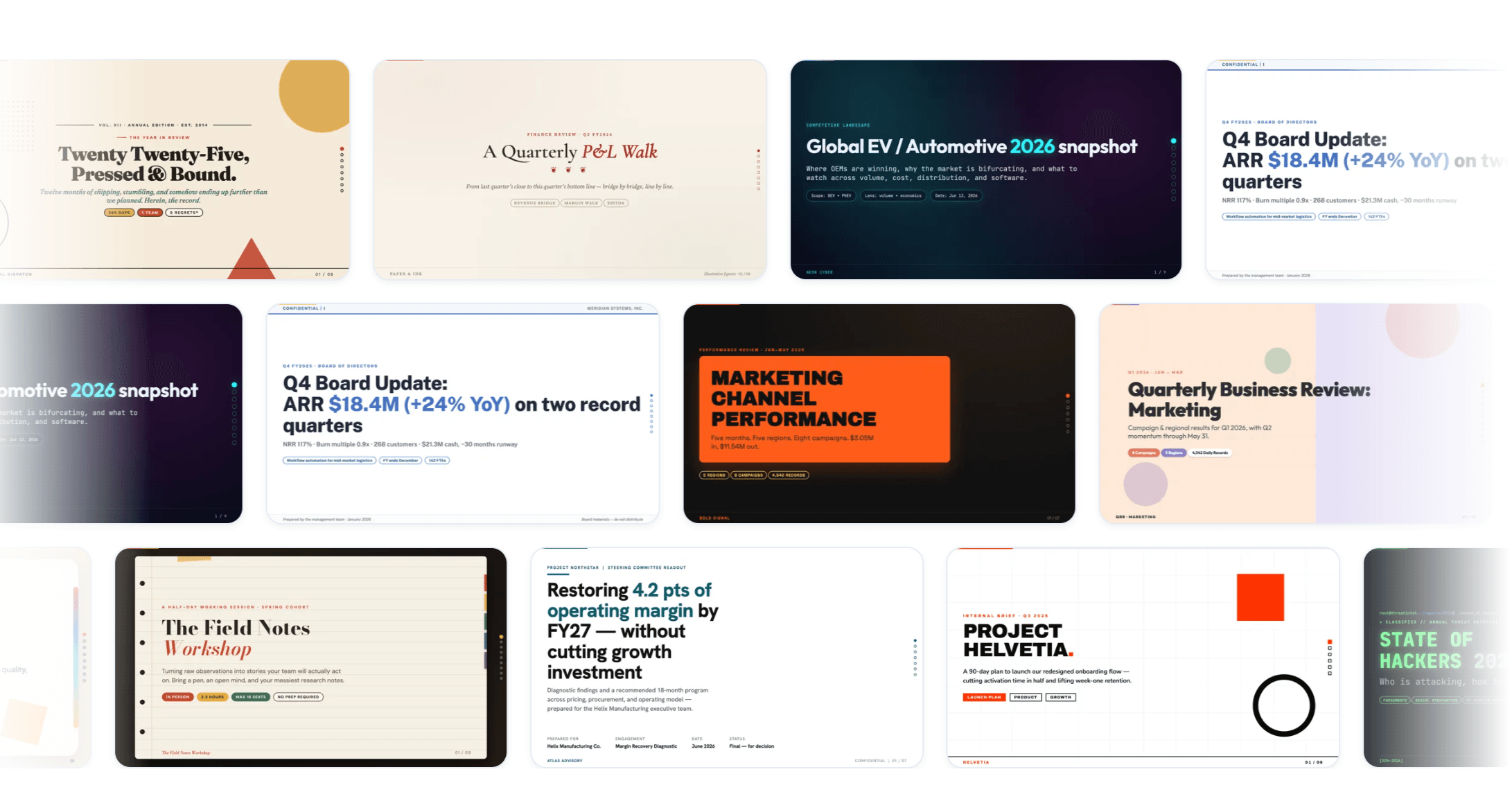
Hundreds of templates
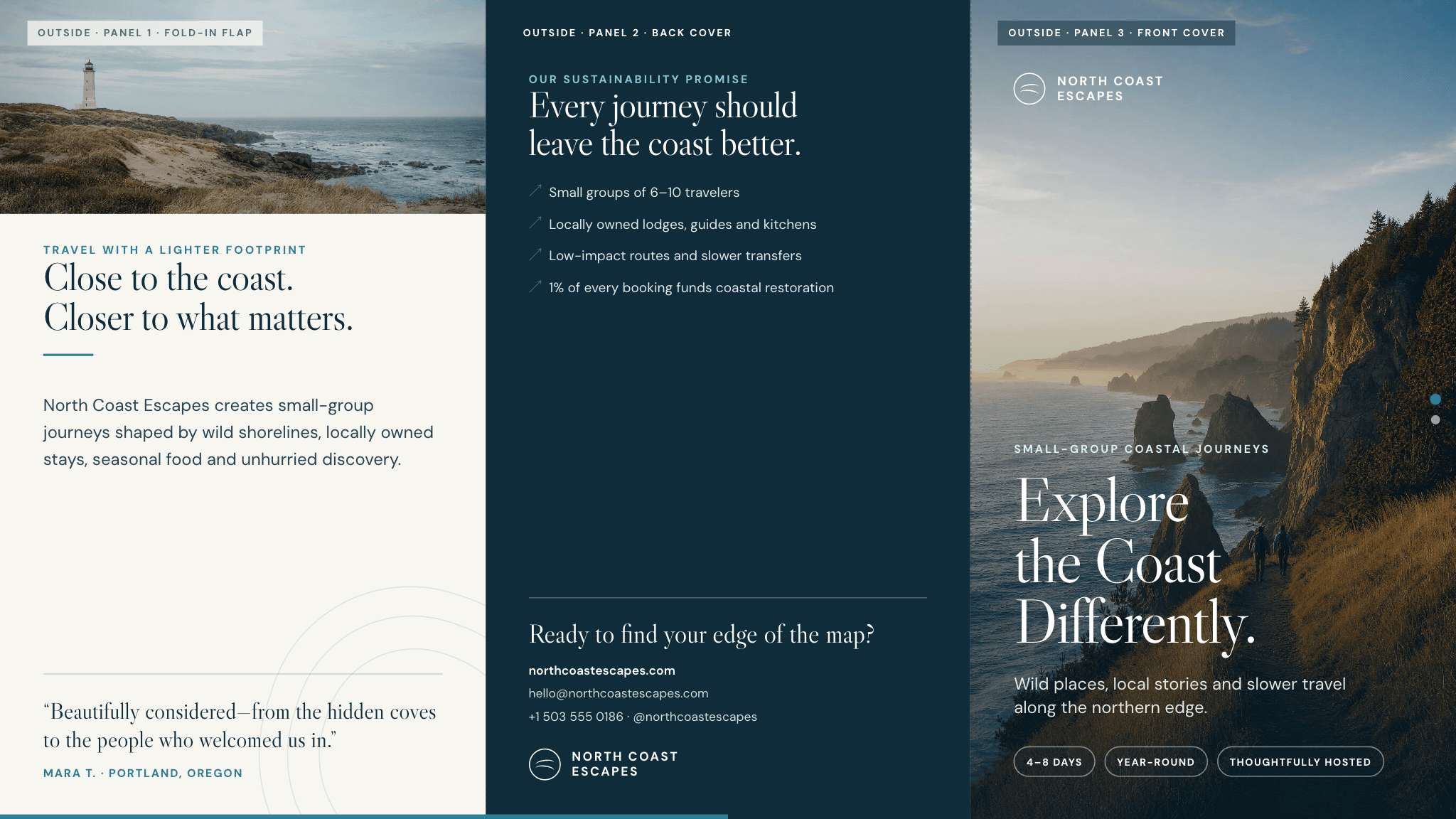
Don't start from a blank slide. Pick from hundreds of templates built for real presentations, like pitch decks, business reviews, and proposals, and Julius fills the one you choose with your content. Bring your own branding and it matches your colors and fonts from the first slide, so the result looks like a professional presentation, not a generated one.

Consistent branding
Every slide stays on brand. Julius keeps your colors, fonts, and layout steady across the whole deck instead of leaving you to fix them slide by slide. Upload your brand guidelines once and they carry through the whole presentation.
What you can create

Pitch deck
Raise with a clear story: problem, solution, market, traction, and the ask.

Business review
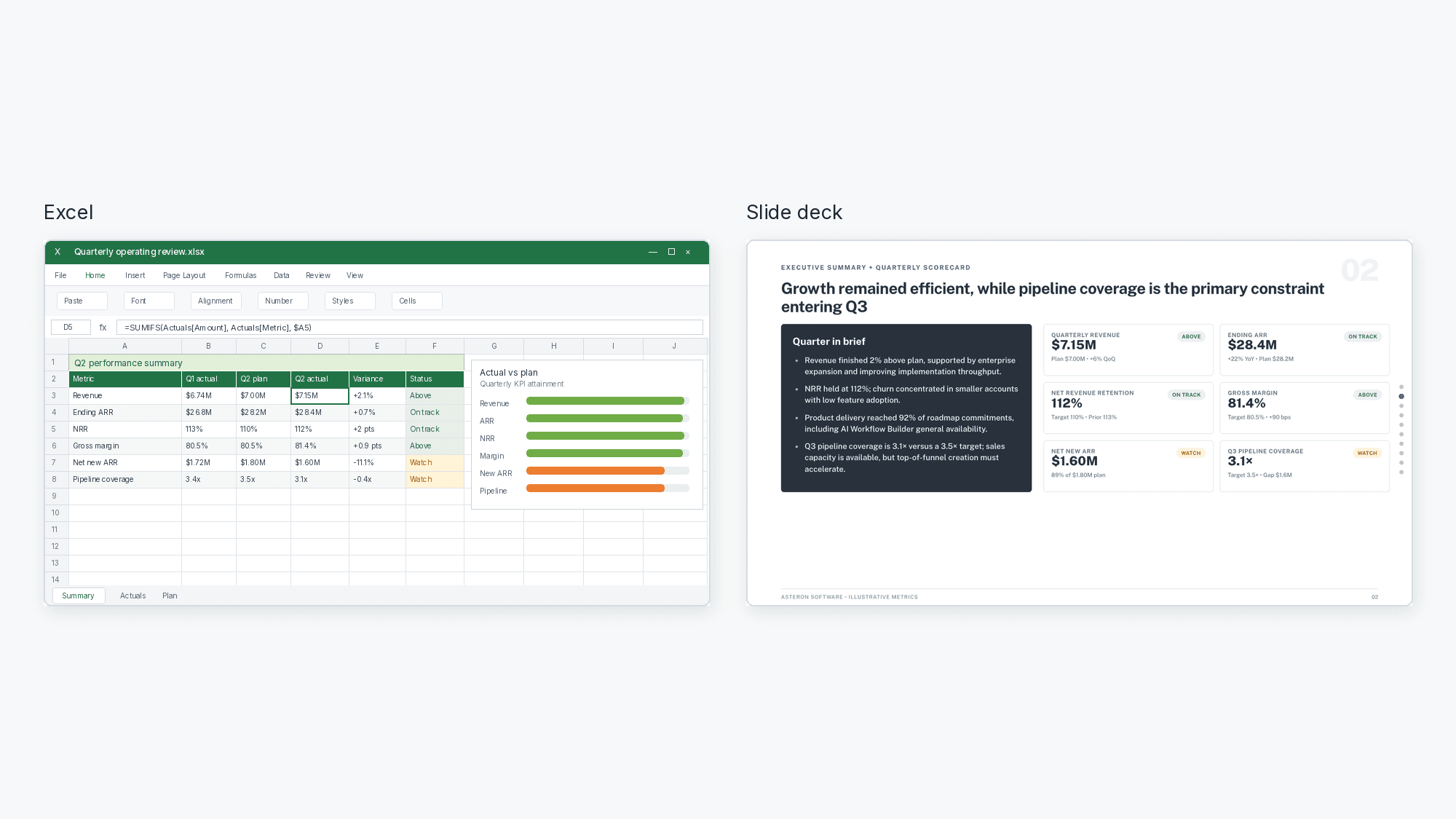
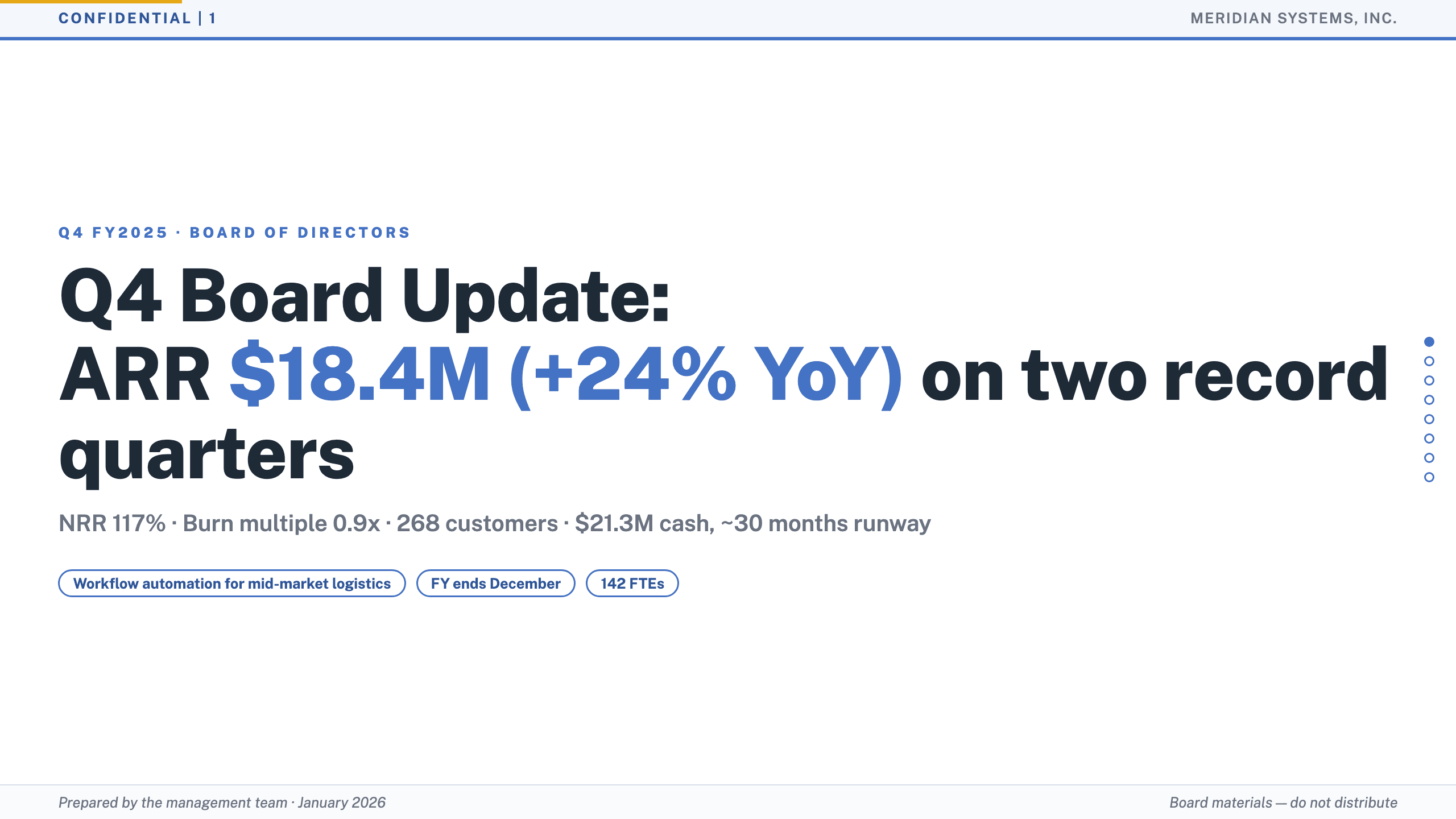
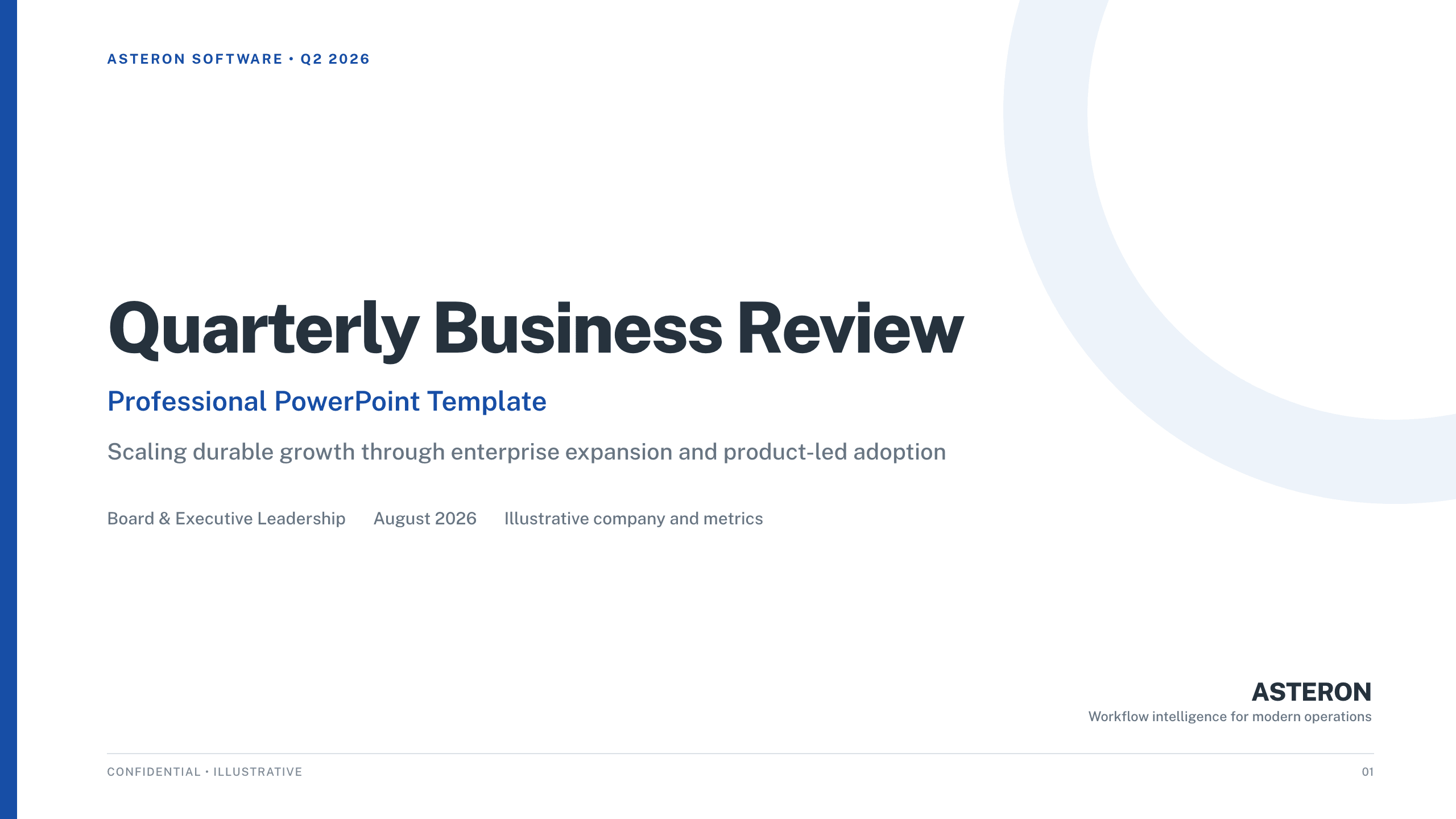
Quarterly performance with the metrics and charts leadership expects.

Marketing presentation
Campaign plans and results, laid out for stakeholders.

Agency proposal
Win the pitch with scope, approach, and pricing in one deck.

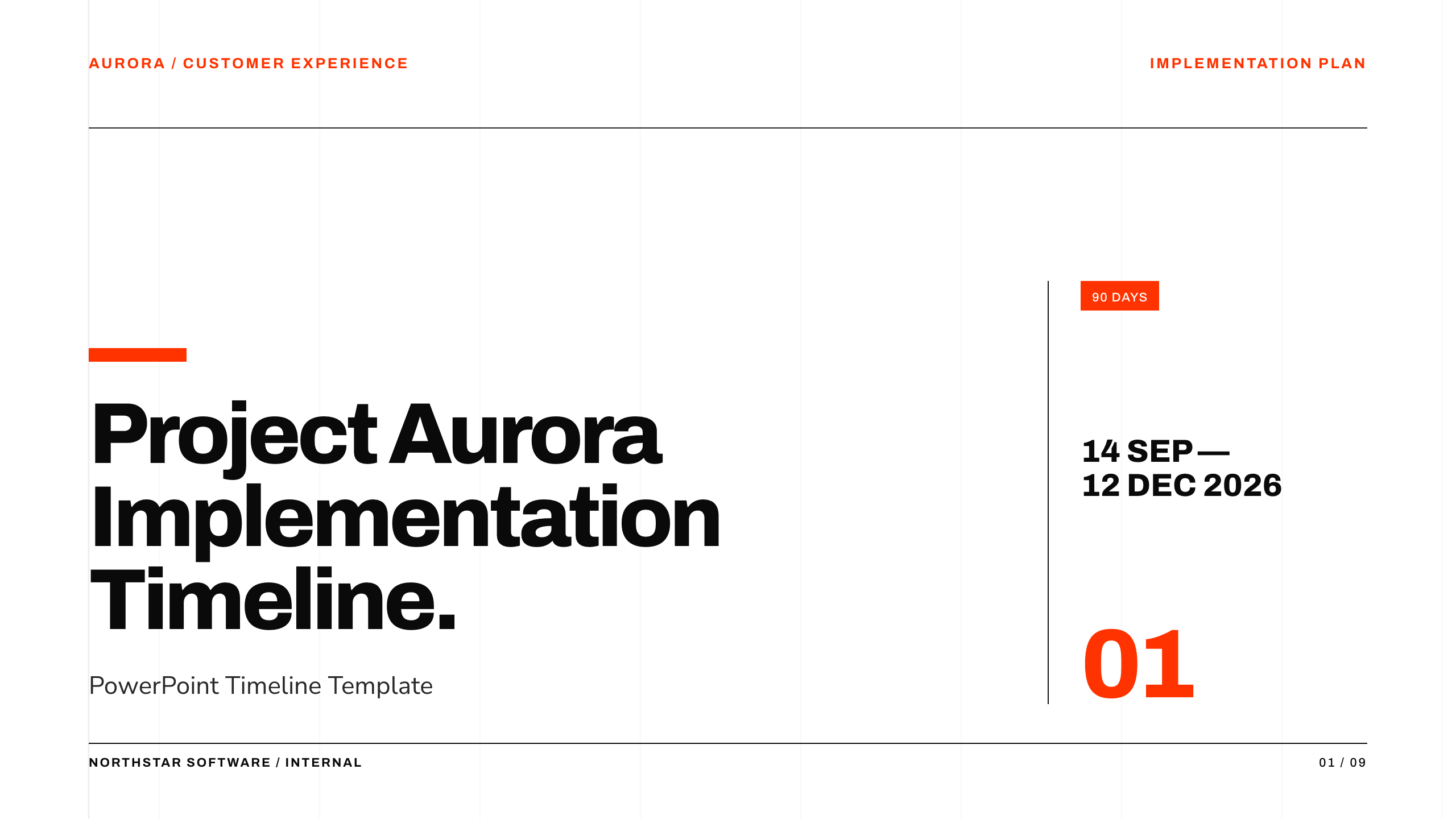
Project proposal
Goals, timeline, and budget framed for a fast yes.

Portfolio presentation
Showcase your work with a clean, visual narrative.

Educational deck
Lessons and lectures structured for a class or workshop.

Client proposal
Tailored recommendations and next steps for a client.
Presentation prompt examples
Pitch deck
Create a seed-stage pitch deck for a B2B SaaS startup, with slides for problem, solution, market size, traction, and the ask
Quarterly business review
Build a quarterly business review with revenue, churn, and customer growth charts, plus next-quarter goals
Sales pipeline review
Create a sales pipeline review deck with a funnel chart, win/loss analysis, and forecast vs. actuals
Investor update
Build an investor update deck covering ARR, growth rate, runway, product milestones, and the roadmap
Market analysis
Create a market analysis presentation with market size charts, a competitive landscape, and strategic recommendations
Product launch
Create a product launch presentation covering the problem, the product, pricing tiers, and the launch timeline
Why Julius for presentations
Most text-to-slides tools stop at a rough draft. Julius takes the presentation the rest of the way. Tell it what you need and it does the slide creation for you, whether you're going from a prompt with AI text to PPT or uploading a document for AI PDF to PPT. Pick one of the templates or bring your own branding, and your colors and fonts stay put across every slide. What you get are professional presentations you can keep editing in PowerPoint or Google Slides, then export as PPT, PDF, PNG, or Google Slides.