


Source
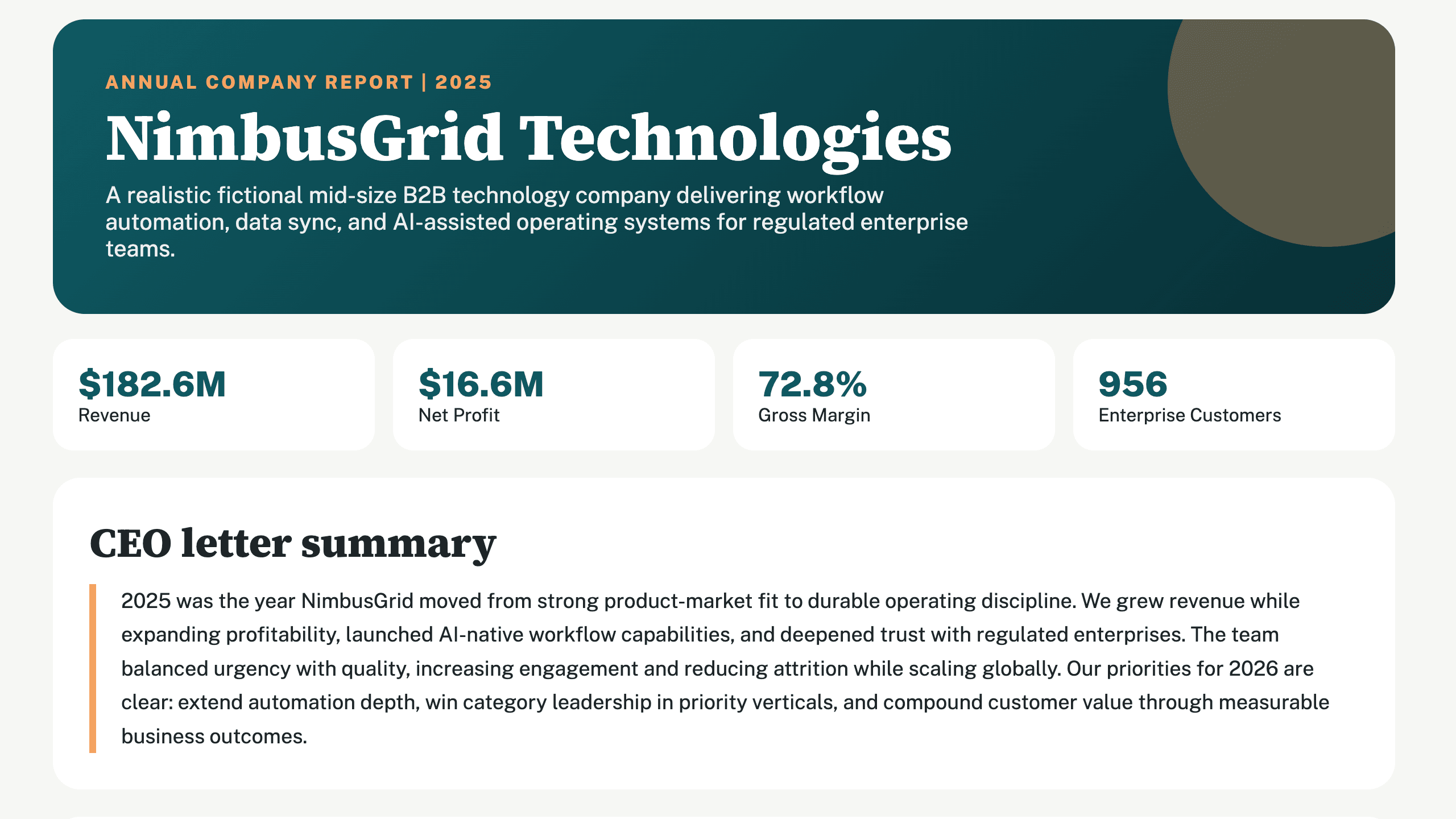
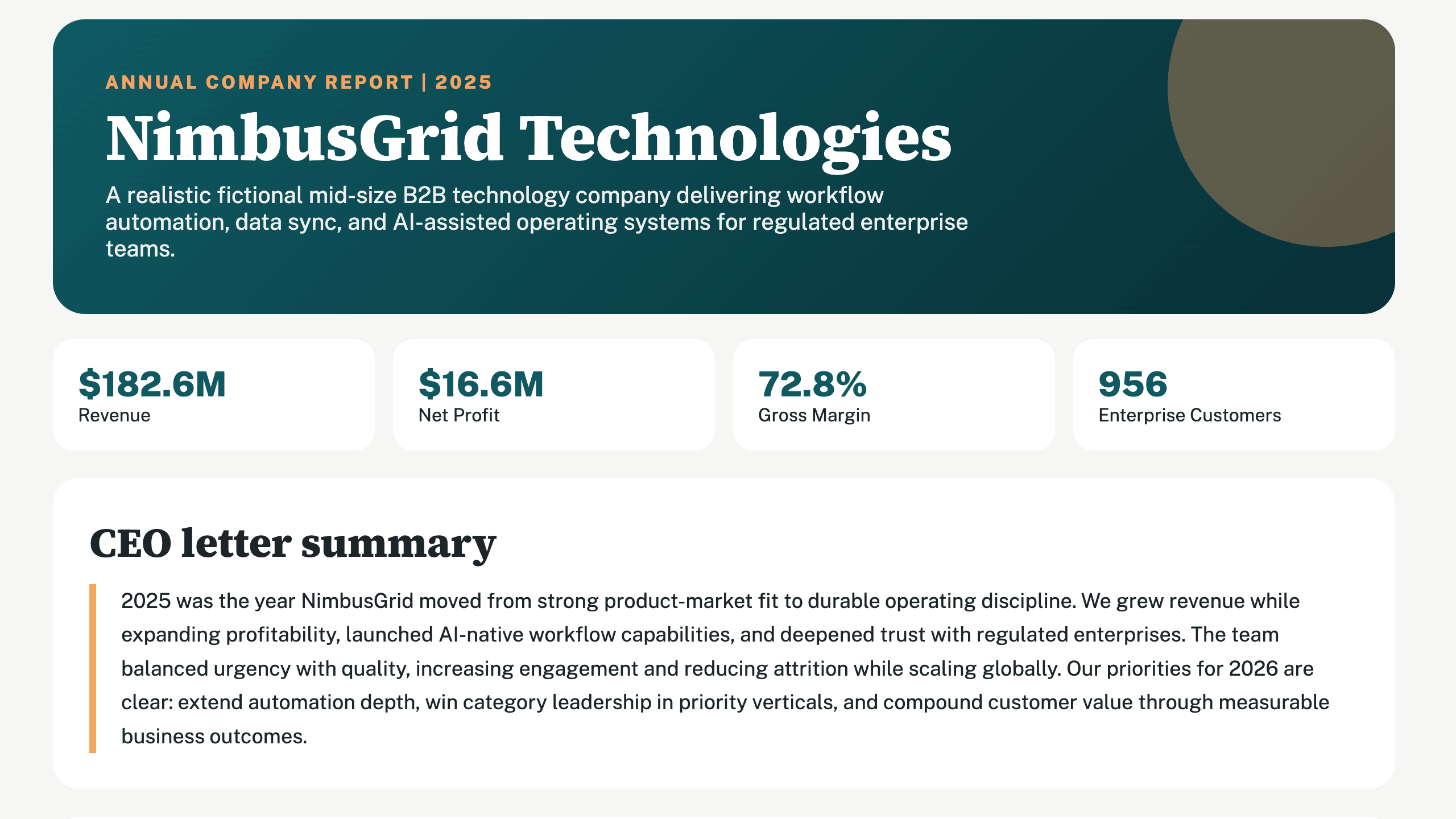
NimbusGrid annual report
Loved by 2,000,000+ users and trusted by individuals at















PDF to PowerPoint example
Start with the source, tell Julius what your audience needs, and turn the key findings into a focused slide story.
Source
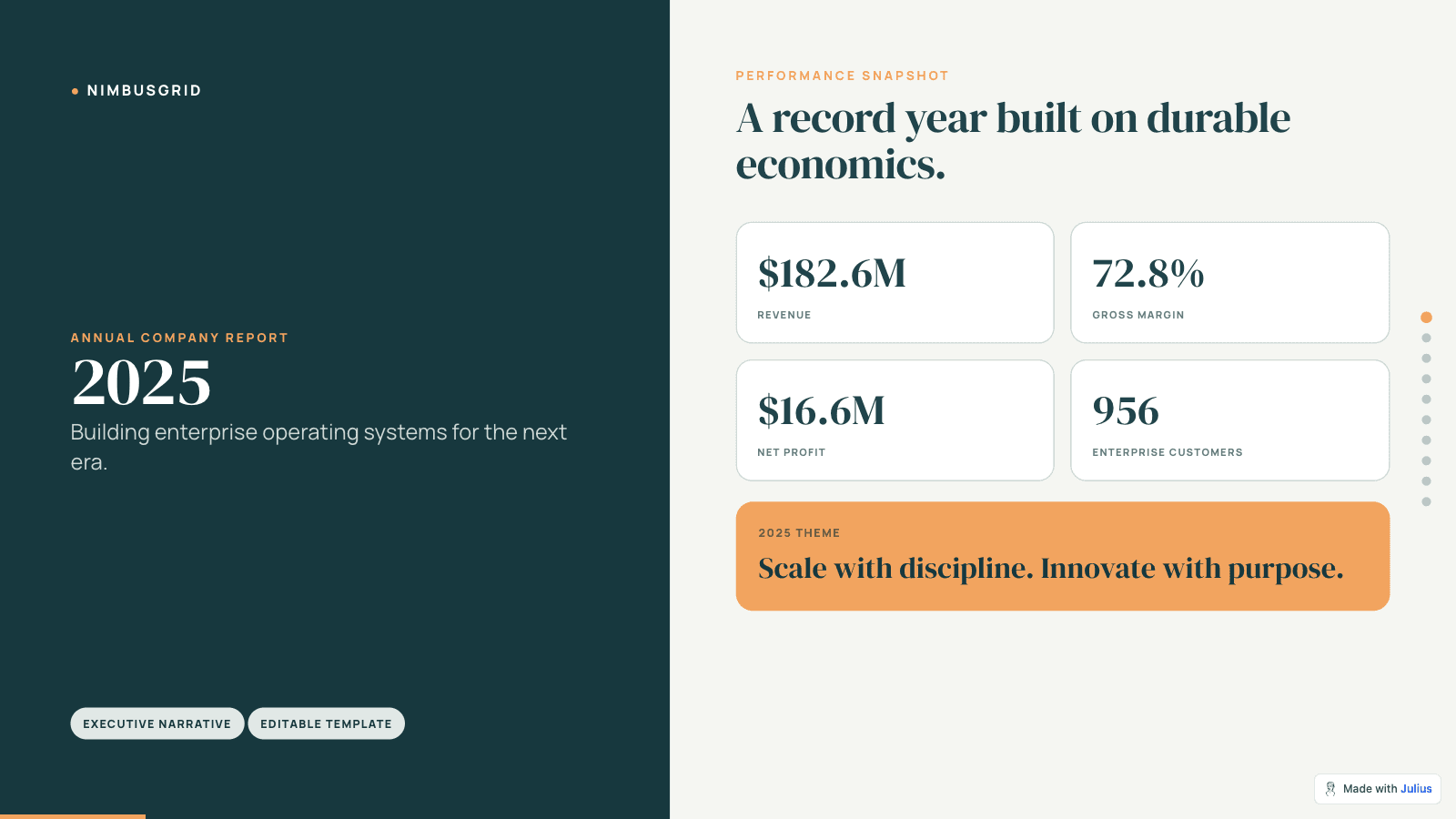
Output
Example prompt
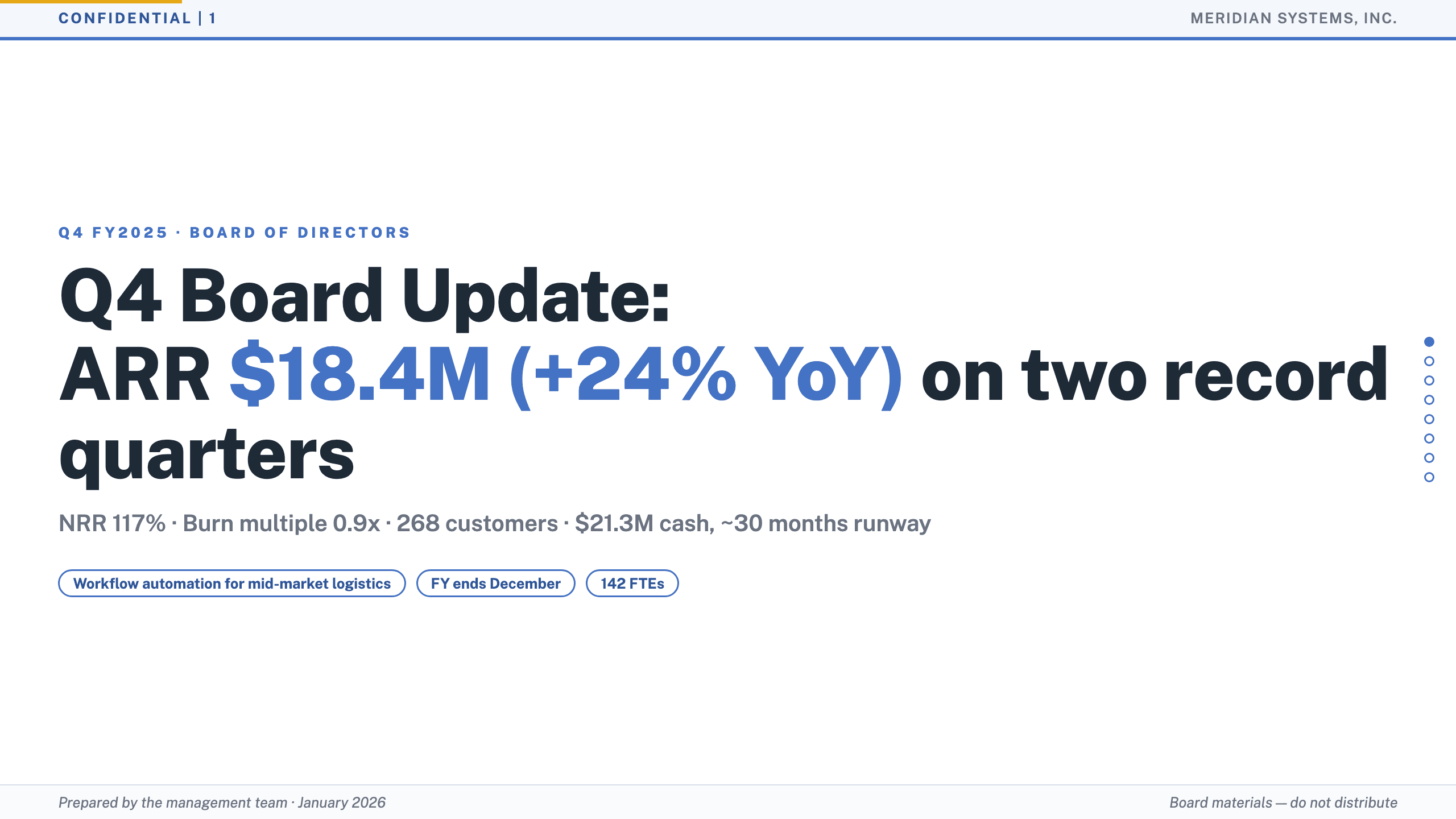
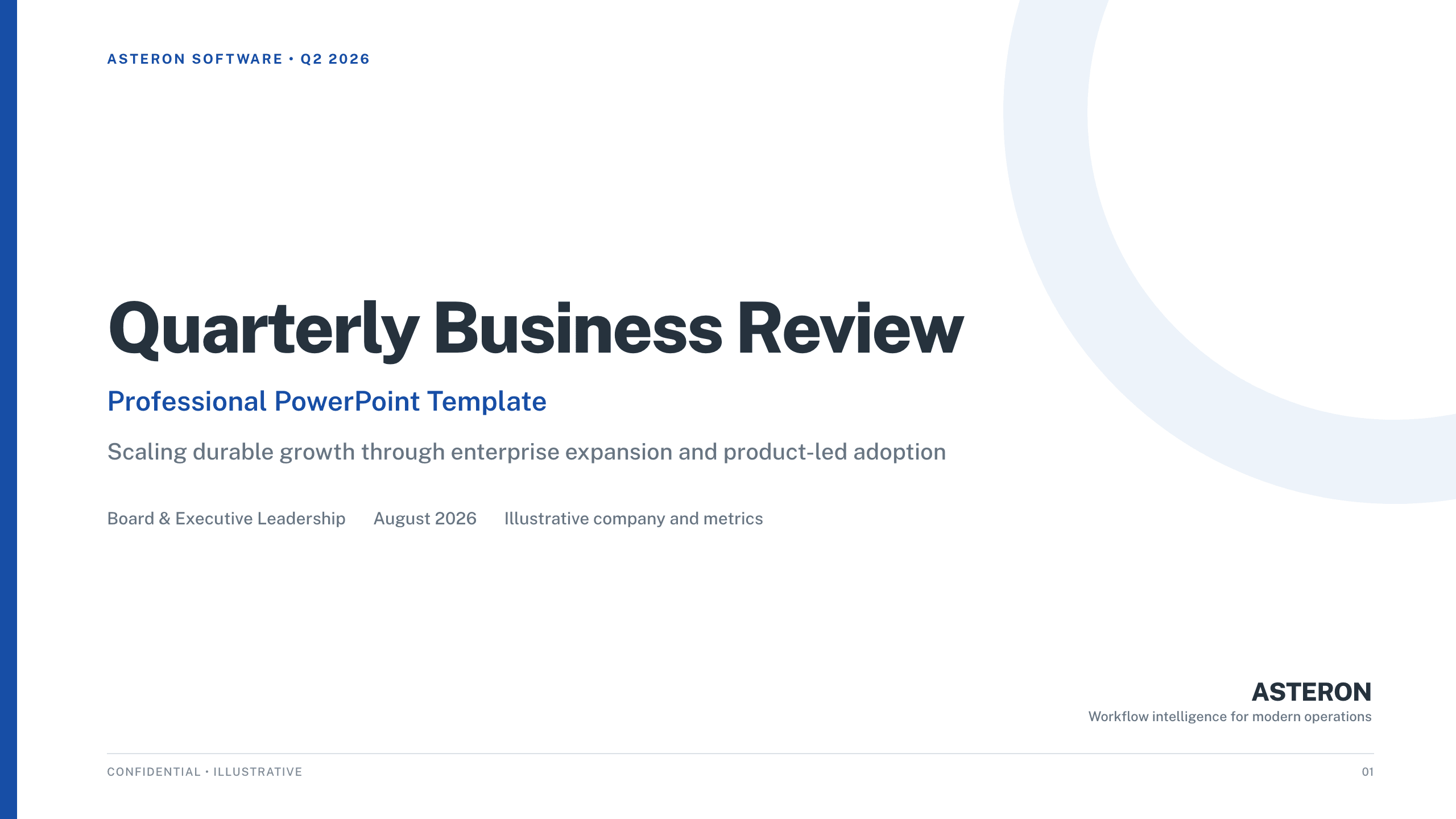
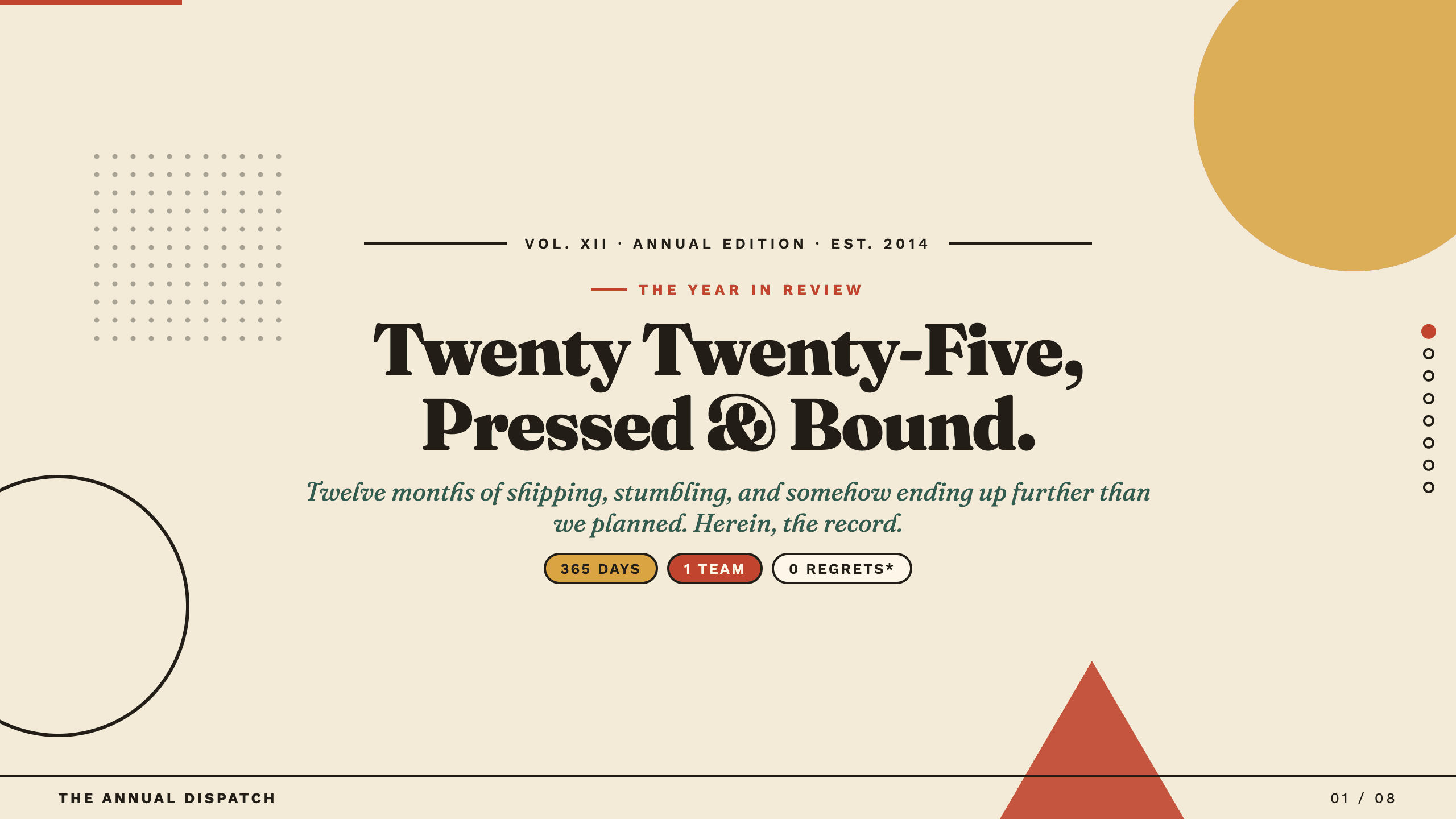
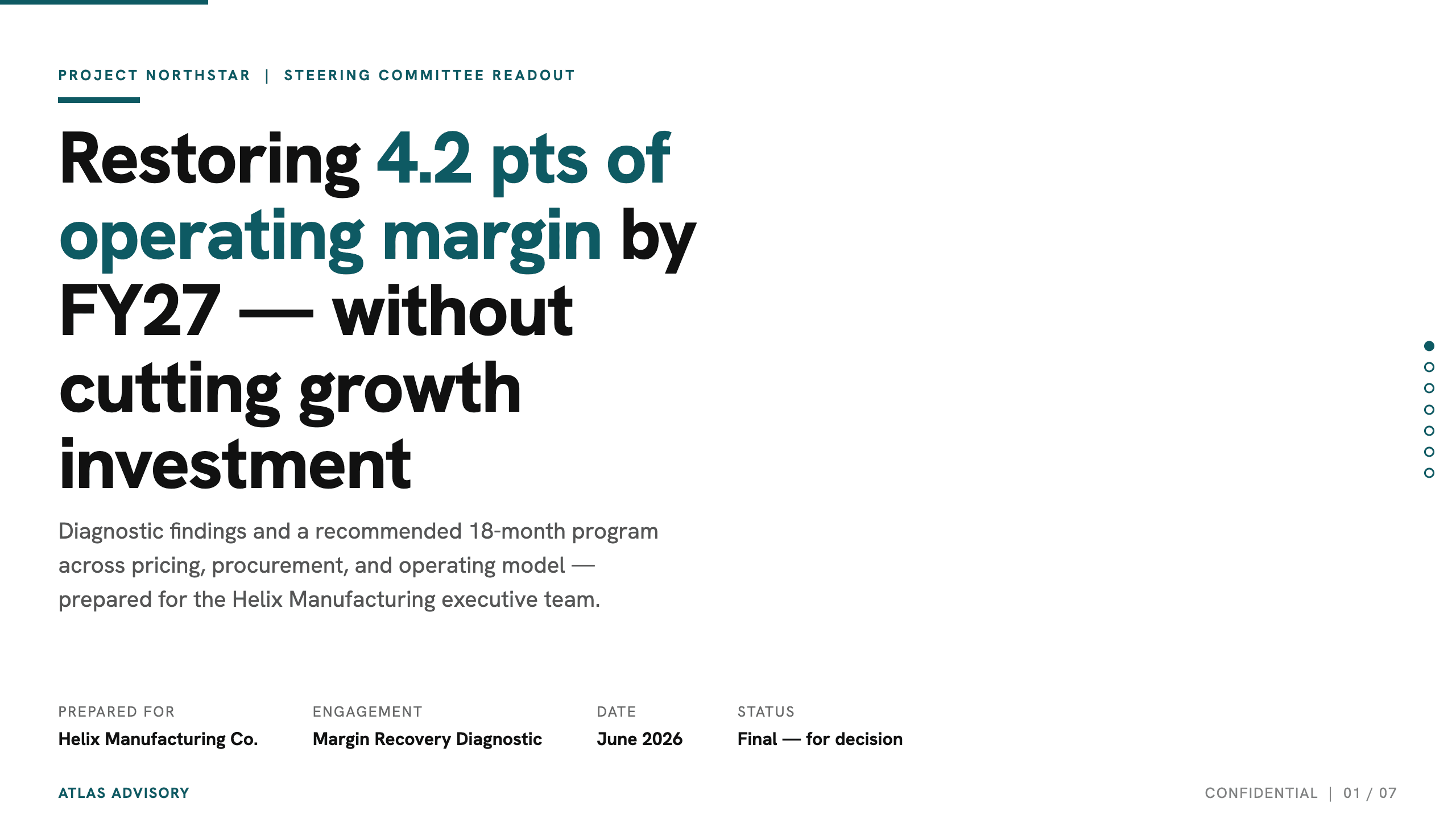
“Turn this annual report into a concise board presentation. Prioritize revenue, margins, customer growth, key risks, and 2026 priorities.”
Transform a long document into an editable, audience-ready presentation in four steps.
Add a PDF, Word document, or text file that contains the findings you want to present.
Build an editable slide story around what your audience needs to know.
Turn a PDF into a new presentation structure instead of copying each document page onto a slide.
Condense long reports into a focused narrative with findings, evidence, recommendations, and next steps.
Choose a starting style, then adapt the tone, detail, and emphasis for executives, clients, teams, or a classroom.
Create visuals for the trends and comparisons that deserve attention in the presentation.
Revise the content and design in chat, then apply colors, fonts, and brand guidance across the deck.
Analyze your data and create the source report in Julius before turning its findings into slides.
Turn the source into a focused presentation with clear findings, visuals, and next steps.