AI Report Generator
Upload a spreadsheet or describe what you need. Julius analyzes your data with real code, then writes the report. Every chart and number traces back to the source.
How it works
1. Start with your data or a brief
Upload an Excel file, CSV, Google Sheet, or PDF, or just describe the report you need.
2. Julius runs the analysis
It writes and executes code against your data, so the figures in your report are computed, not guessed.
3. Get a structured report
Clear sections, charts, and tables, ready to share.
What you can create
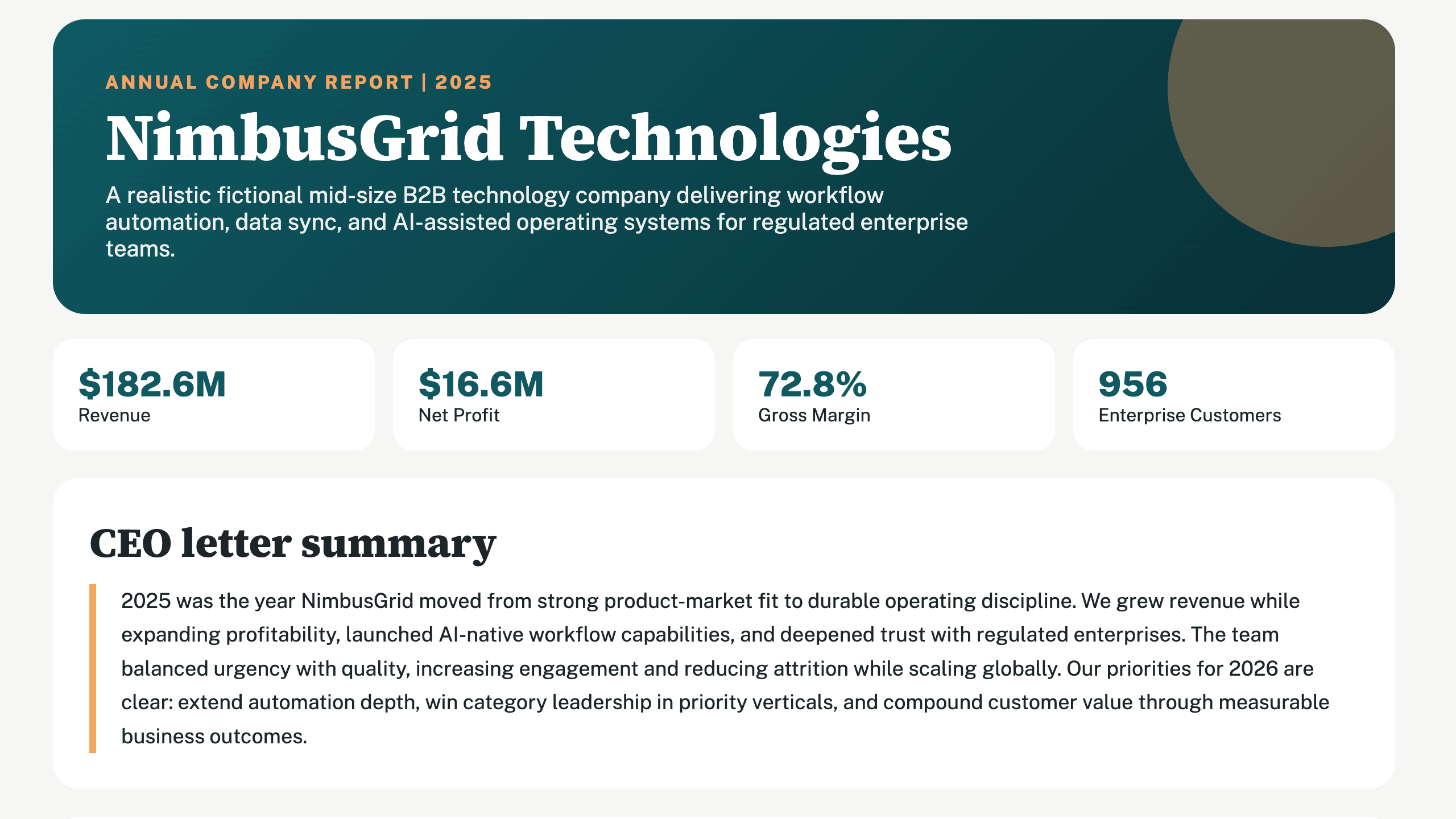
Business performance report
KPIs, trends, and commentary from your operating data.
Sales report
Pipeline, conversion, and revenue breakdowns from your CRM exports or spreadsheets.
Marketing report
Campaign performance with channel, CTR, and CPA analysis from your exports.
Financial summary
Revenue, costs, and margin summaries computed from your transaction data.
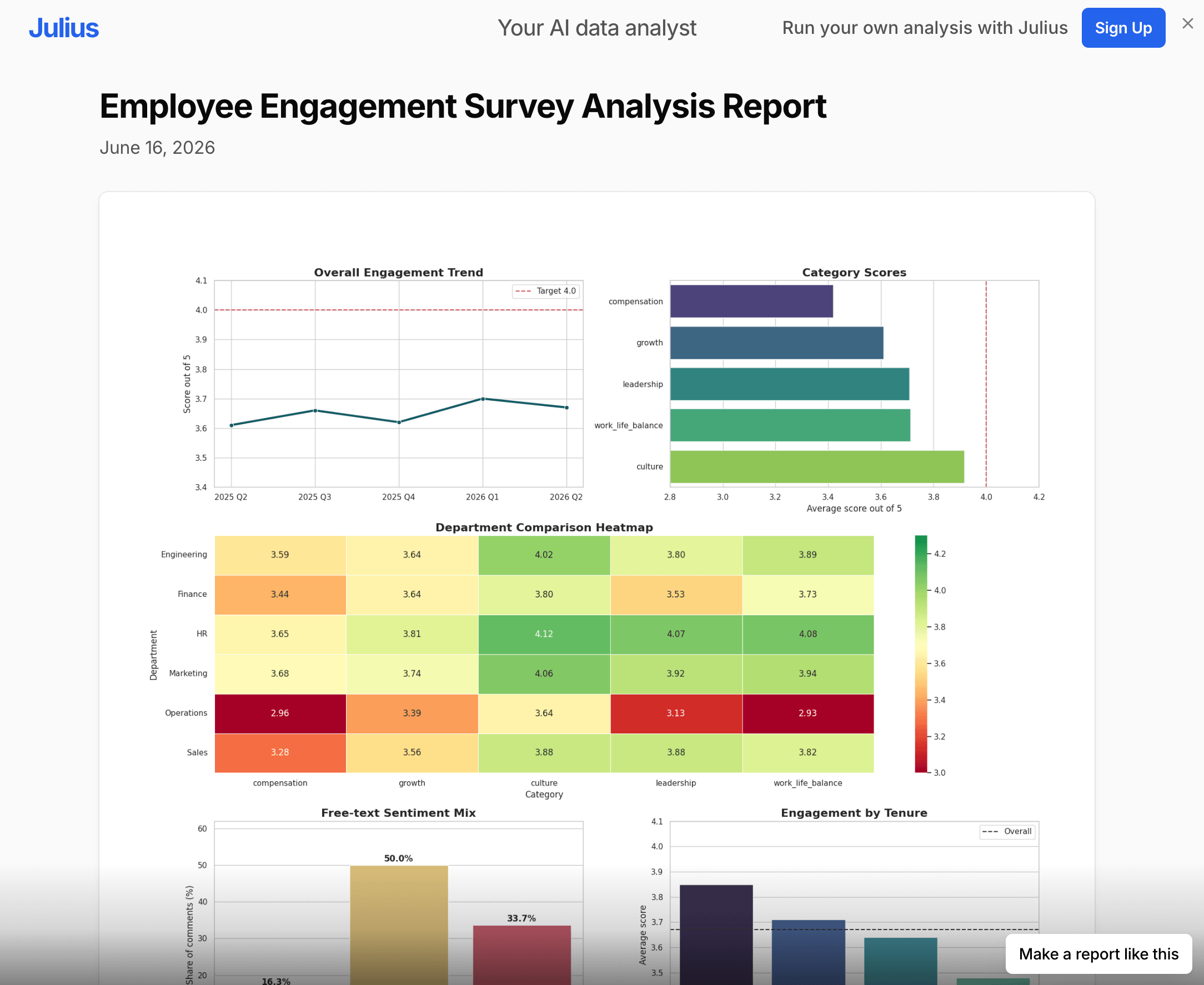
Survey results report
Response distributions, cross-tabs, and key findings with charts.
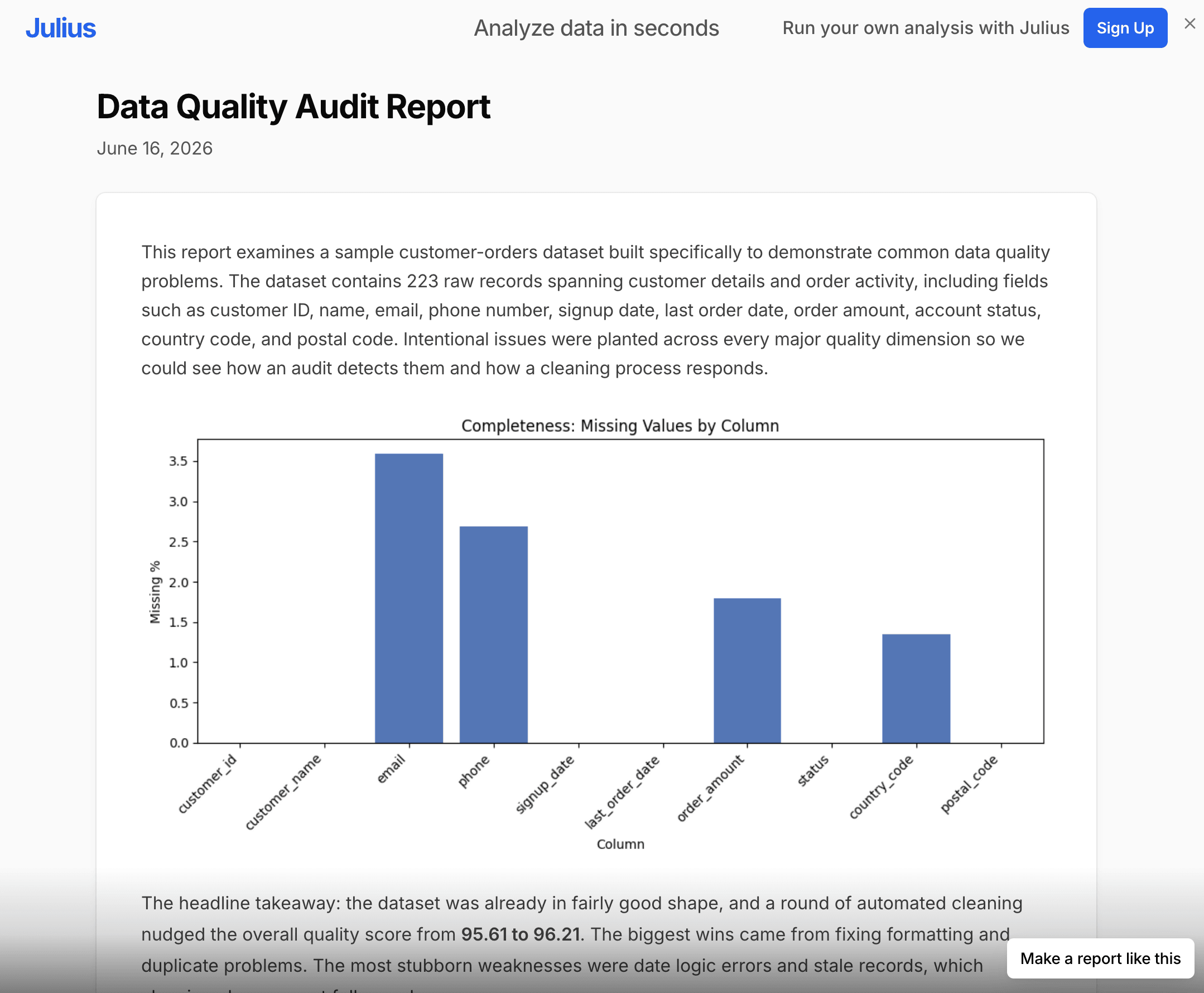
Data analysis report
A written narrative of what your dataset actually shows, with the supporting figures.
Project status report
Progress, risks, and next steps from your project tracker.
Executive summary
The one-page version: headline numbers and what they mean.
Why the numbers hold up
Numbers you can verify
Julius runs code on your actual data. Every figure in the report comes from a computation you can inspect, not from a model's best guess.
Charts and tables, built automatically
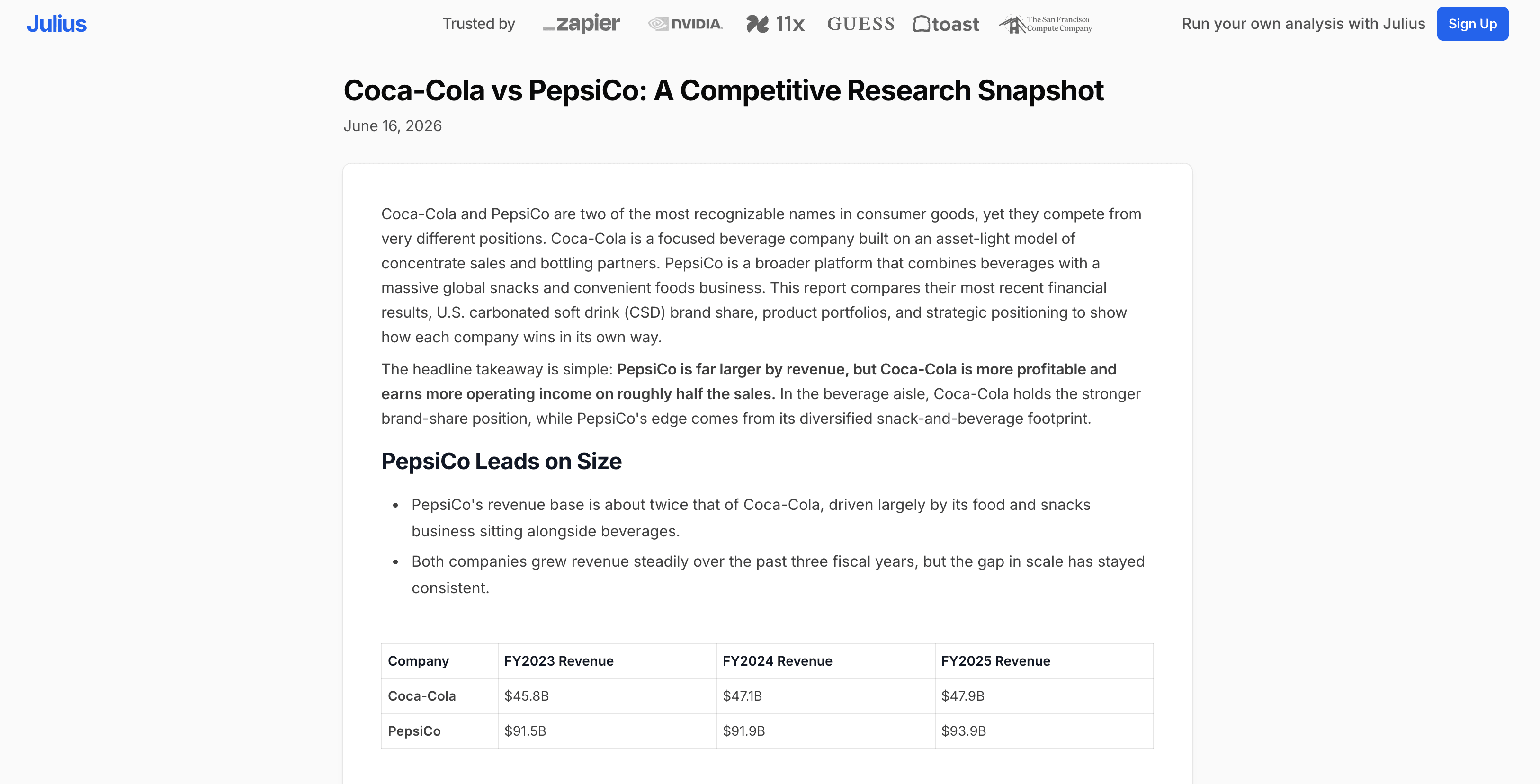
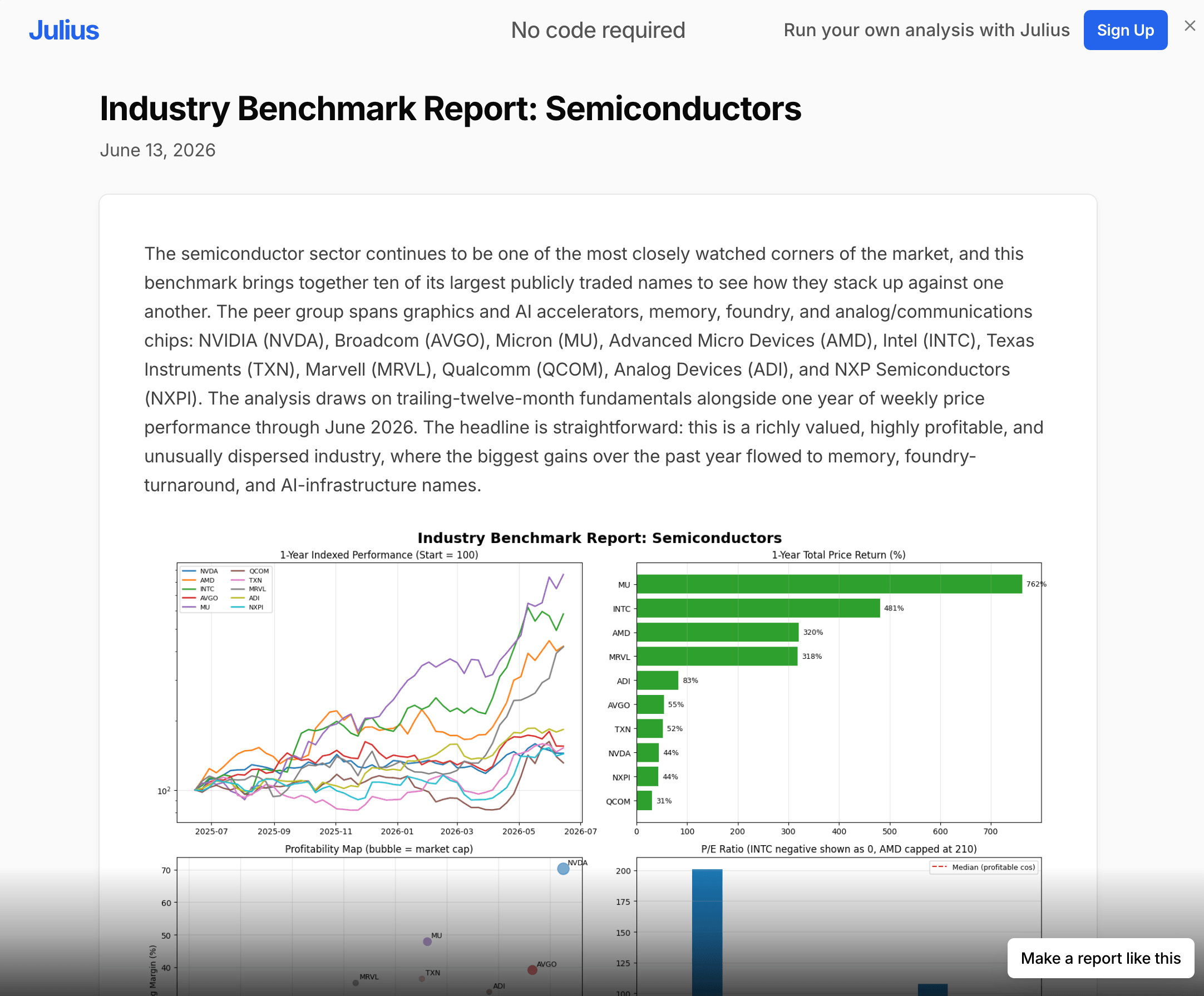
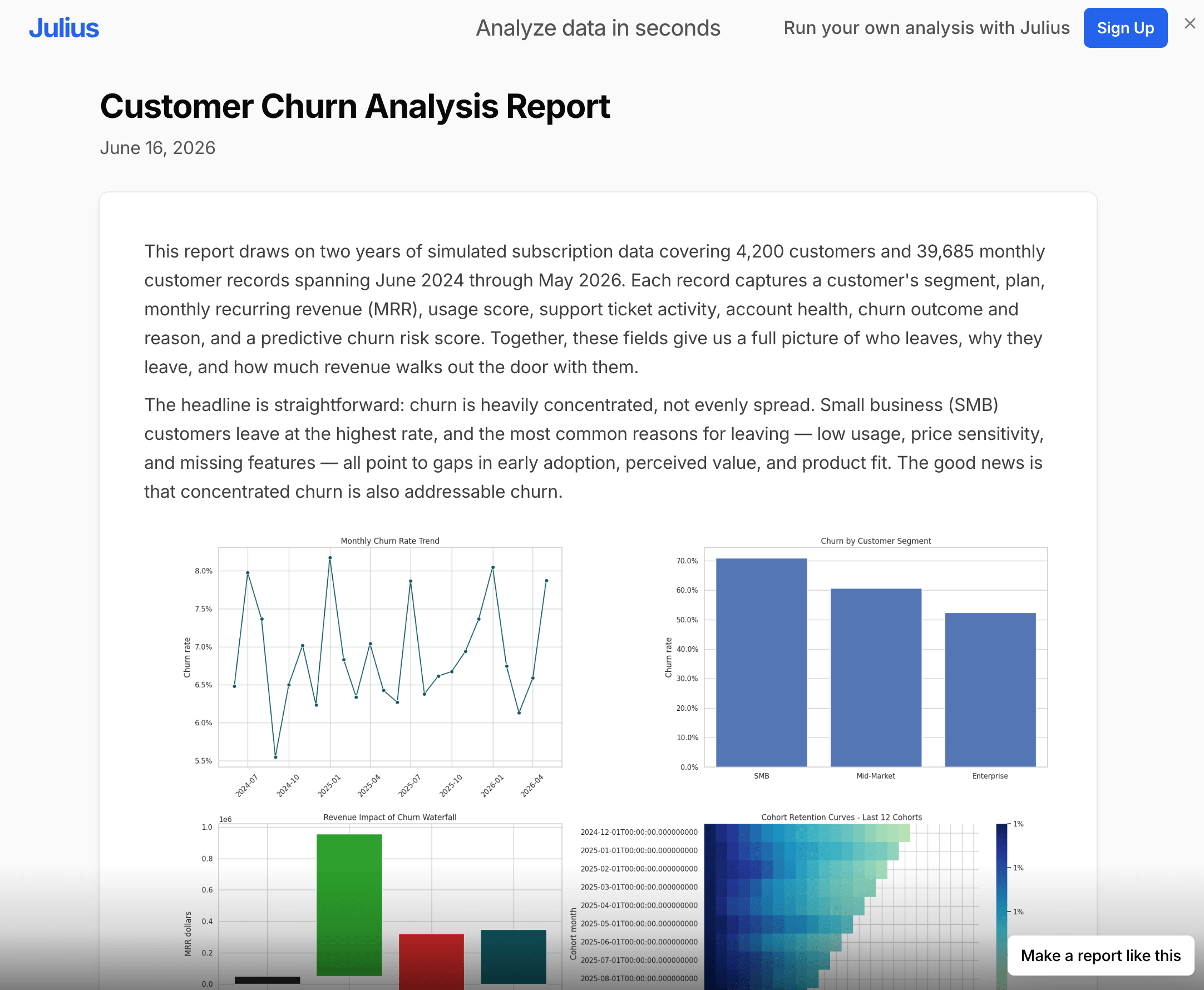
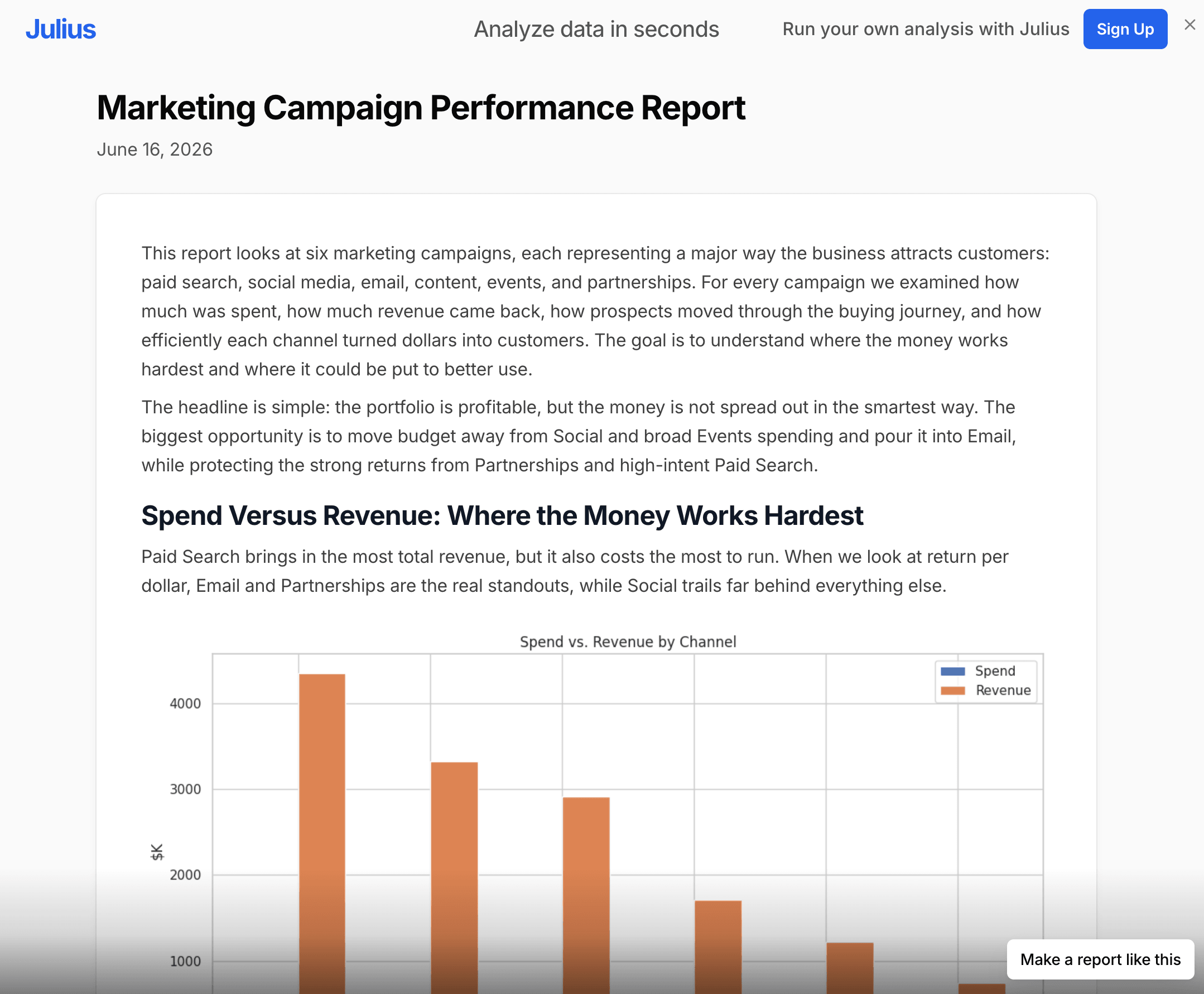
Julius builds the charts from the computed results and embeds them in the report, so the picture always matches the numbers in the text.
Works with your files
Excel files, CSVs, Google Sheets, PDFs, and text files, or connect a database directly.
Iterate in chat
Ask for a different cut, a new section, or a different tone, and the report updates.
Automate recurring reports
With Scheduled Runs, Julius can run your analysis on a recurring basis, so regular reports start from fresh numbers.
Report prompt examples
Executive summary
Analyze the attached CSV of monthly revenue and write an executive summary with a trend chart
Marketing performance
Create a marketing performance report from this campaign data, including CTR, CPA, and top channels
Survey findings
Summarize these survey responses into a findings report with charts for the key questions
Financial summary
Build a quarterly financial summary from this P&L spreadsheet
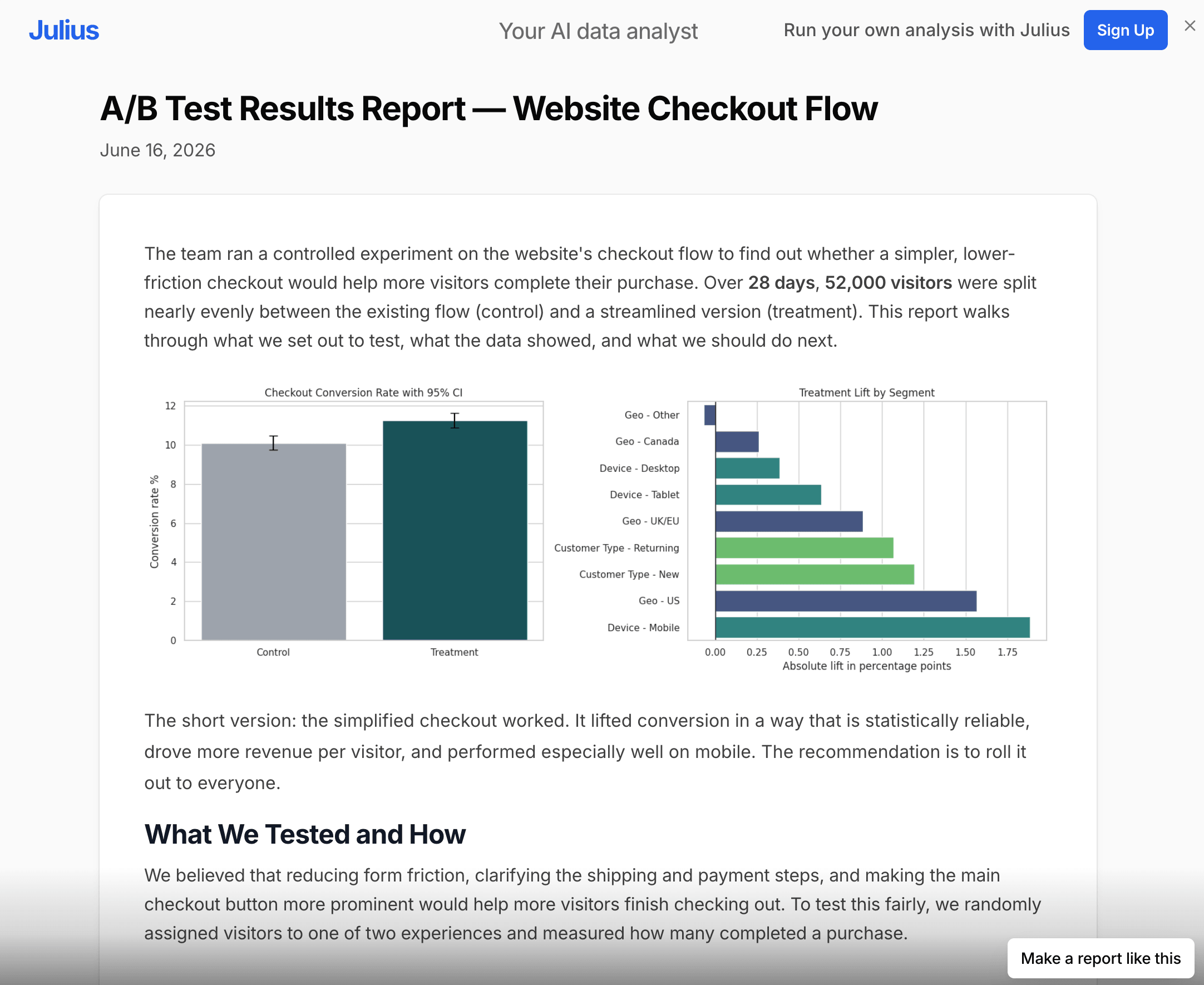
A/B test results
Write an A/B test results report from this experiment data, including statistical significance
Status report
Turn this project tracker into a weekly status report for stakeholders
Why Julius for reports
Most tools called "AI report generators" are writing assistants or template libraries: they draft prose or lay out a document, and leave the numbers to you. Julius starts with the analysis. It runs code on your data first, then writes the report around results it actually computed. The chart and the sentence describing it come from the same source.