AI Video Generator
Generate videos from text, animate images, edit existing footage, or extend a clip in one conversation.
How to create a video with AI
Start with a prompt or source file, then refine the result in chat.
1. Describe the video
Write the scene, motion, camera direction, and visual style you want. You can also upload an image or video to start from.
2. Generate
Julius turns your prompt and source media into a video directly in the conversation.
3. Refine and download
Ask for an edit, a different direction, or a longer ending, then download the finished clip.
Text to video, image to video, and AI video editing
Start from a prompt, a still image, or an existing clip. Then refine the result in the same conversation.
Generate videos from a prompt
Describe the subject, action, camera movement, lighting, and style. Julius turns that direction into a finished clip you can keep refining in chat.
Turn a still image into motion
Upload an image and describe how the scene should move. Add camera movement, realistic depth, and environmental motion while preserving the original composition.
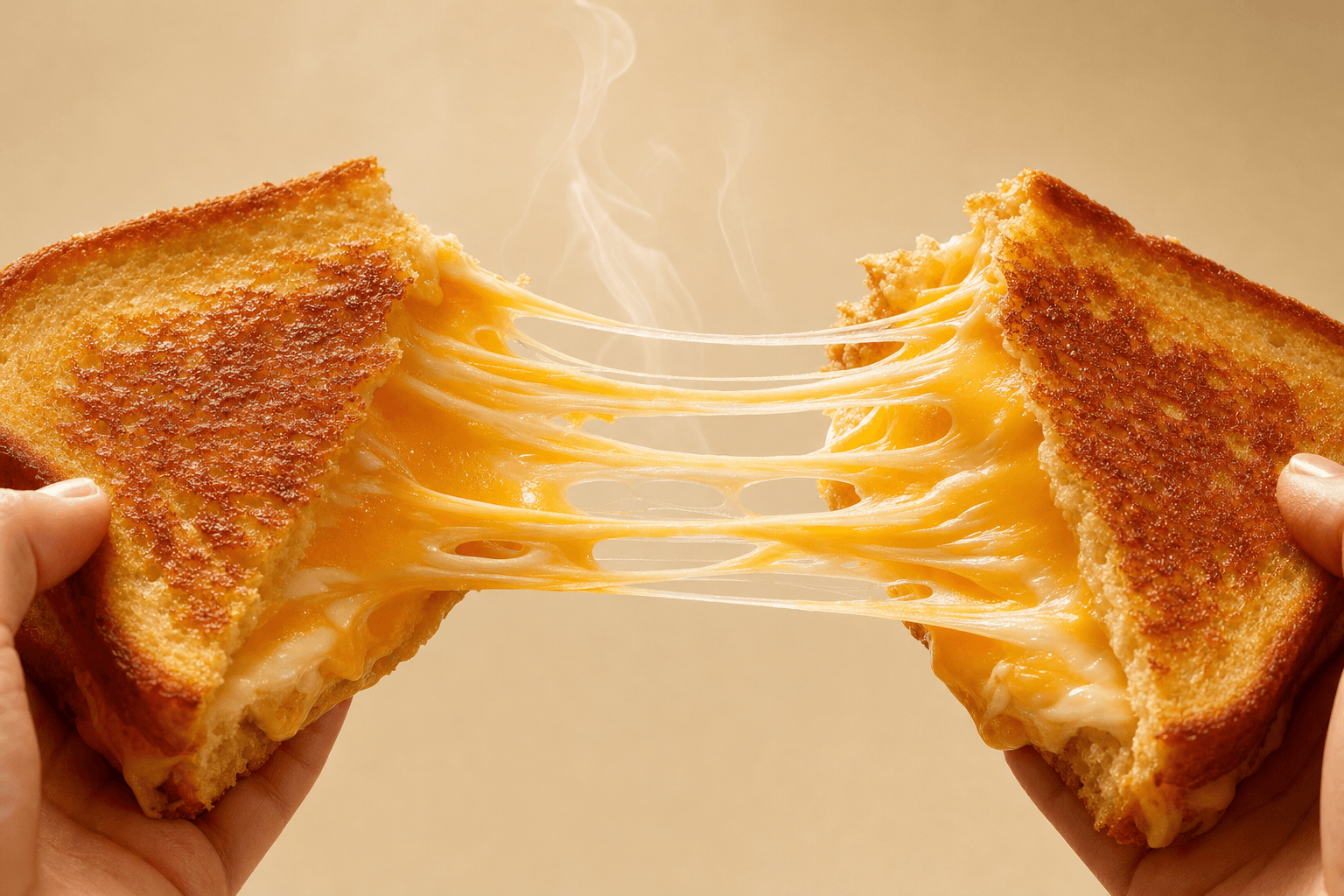
Edit video with plain-language direction
Transform an existing clip without learning a timeline. Describe the changes you want while preserving the subjects, motion, and details that already work.
Extend a clip seamlessly
Continue beyond the final frame with matching subjects, lighting, camera movement, and visual style. Ask for more time without rebuilding the scene.
AI video prompt examples
Include the subject, action, camera movement, lighting, and visual style.
Cinematic product shot
Create a cinematic product video of a stainless steel watch rotating on black stone, slow camera push-in, soft studio lighting, premium commercial style.
Social video
Generate a fast-paced vertical video for a summer travel campaign, bright coastal scenes, energetic movement, crisp daylight, polished social ad style.
Animate a photo
Animate my uploaded landscape photo with a slow forward camera move, drifting clouds, moving grass, and realistic depth.
Extend a clip
Extend my uploaded clip with five more seconds of seamless action, matching the camera path, lighting, subject, and pace.
Create and refine video in one conversation
Julius' AI video generator works like the rest of the workspace: describe the result, review it, and ask for changes in plain language. Use it as a text to video tool, an image to video animator, or an AI video editor, and keep refining without switching to a separate timeline.
Ways to use AI-generated video
Marketing and social
Create campaign concepts, product teasers, and short social clips.
Product storytelling
Turn a product image or creative brief into a visual demonstration.
Creative iteration
Explore alternate edits, continuations, and visual directions from one source.