AI Image Generator
Create product shots, marketing visuals, and report graphics from a text prompt. No design skills needed.
How to generate AI images
From a sentence to a finished image in three steps. No design tools, no learning curve.
1. Describe the image you want
Type what you need in plain English: the subject, the style, the mood. Or start from one of the example prompts on this page.
2. Generate
Julius creates your image right in the chat. No design tools to learn, no settings to configure first.
3. Refine and download
Not quite right? Reply and say what to change. Swap the background, soften the lighting, try another style. Download it when it looks right.
What can you create?
Every image below was generated in Julius with the prompt shown. Copy one and make it yours.
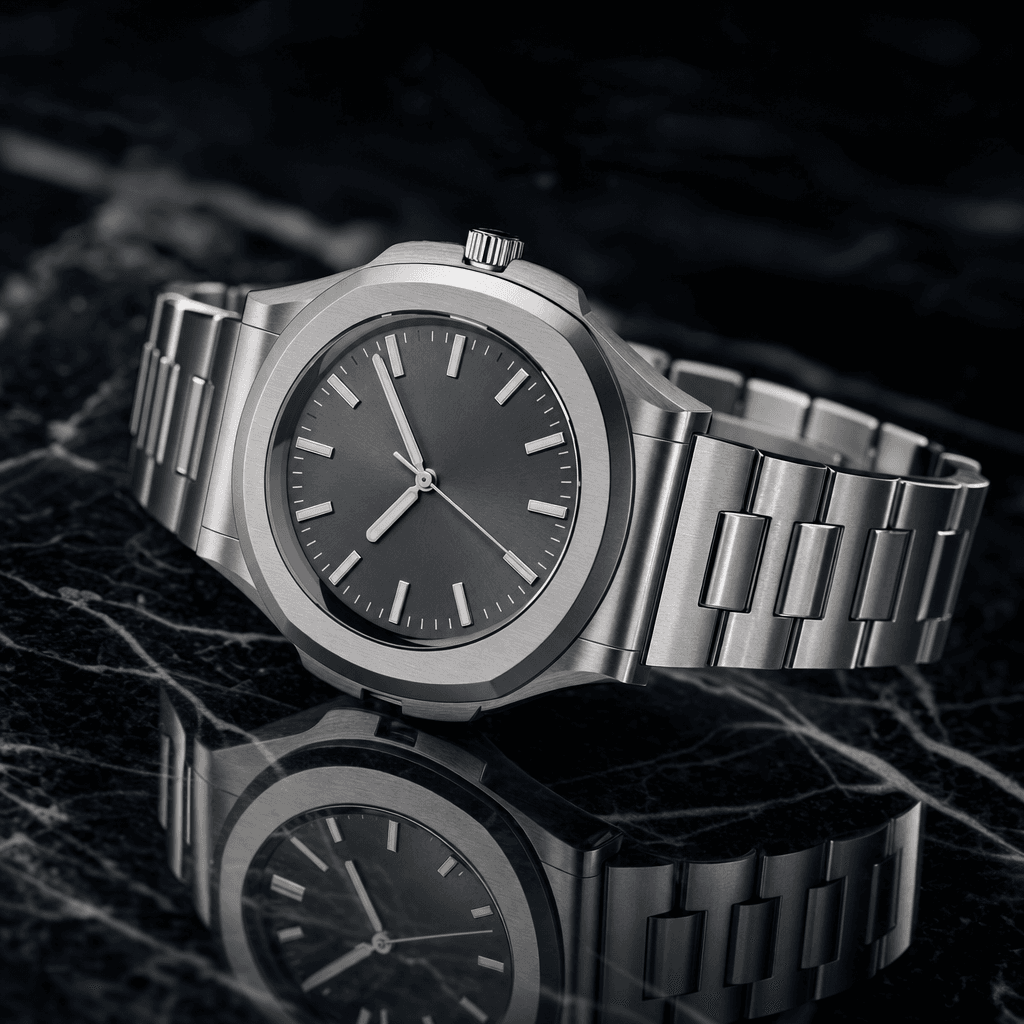
Product Image
Studio-quality product photos for e-commerce listings, ads, and catalogs, without booking a photoshoot.
Create a premium product photo of a brushed steel wristwatch on black marble, crisp reflections, soft studio lighting, shallow depth of field, editorial advertising style.

Ad Creative
Campaign-ready visuals for marketing and social posts, generated from a one-sentence brief.
Make a clean skincare campaign image with three glass serum bottles, fresh citrus slices, clear water droplets, bright natural light, high-end wellness brand aesthetic.

App Mockup
App and SaaS product mockups for launch pages, app-store listings, and investor decks.
Create a polished mobile app product visual with a floating smartphone, dark analytics dashboard UI, neon blue gradients, glassmorphism notification cards, premium SaaS launch style.

Hotel Concept
Concept imagery for hospitality, real estate, and architecture pitches.
Make a boutique hotel courtyard with arched walkways, olive trees, terracotta tile, linen umbrellas, late afternoon sunlight, architectural digest style.
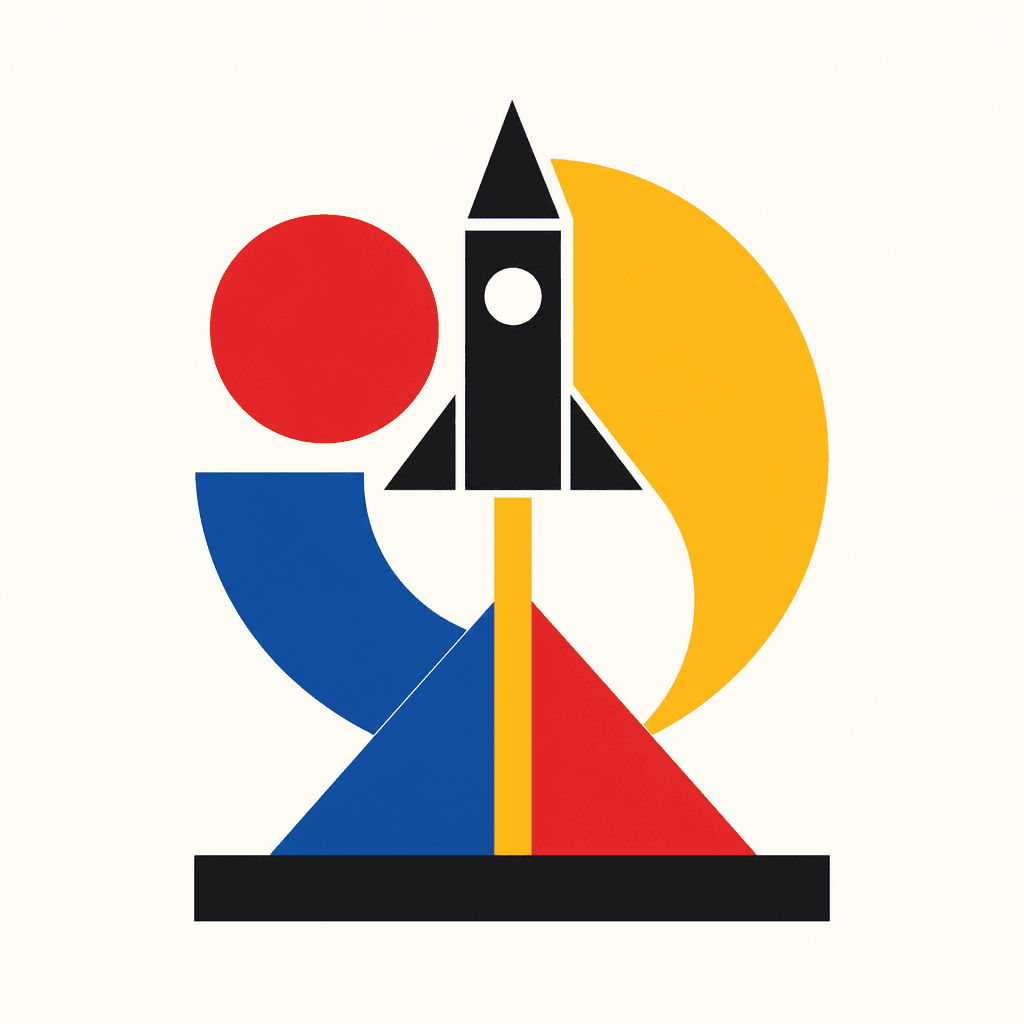
Logo Design
Logo concepts to explore styles and directions before you brief a designer.
Create a geometric logo for a rocket startup called Launchr, black rocket lifting off over bold primary shapes (red circle, yellow crescent, blue arc, red triangle launch pad), flat vector, Bauhaus poster style, warm cream background.
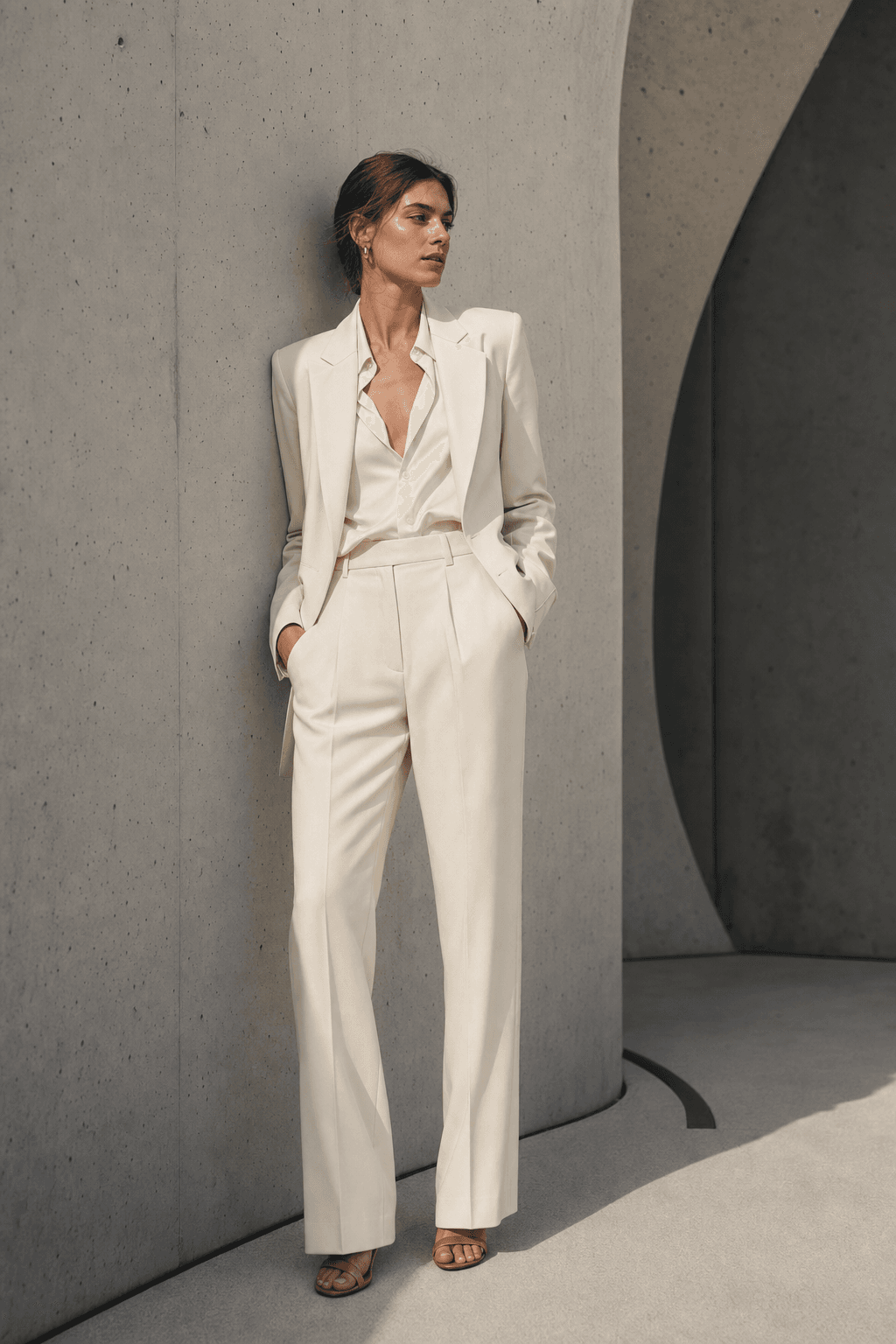
Style Guide
Editorial-style lookbook frames for fashion and retail brands.
Make a fashion lookbook image of a model in a tailored cream suit against a sculptural concrete wall, natural pose, soft shadows, editorial photography.
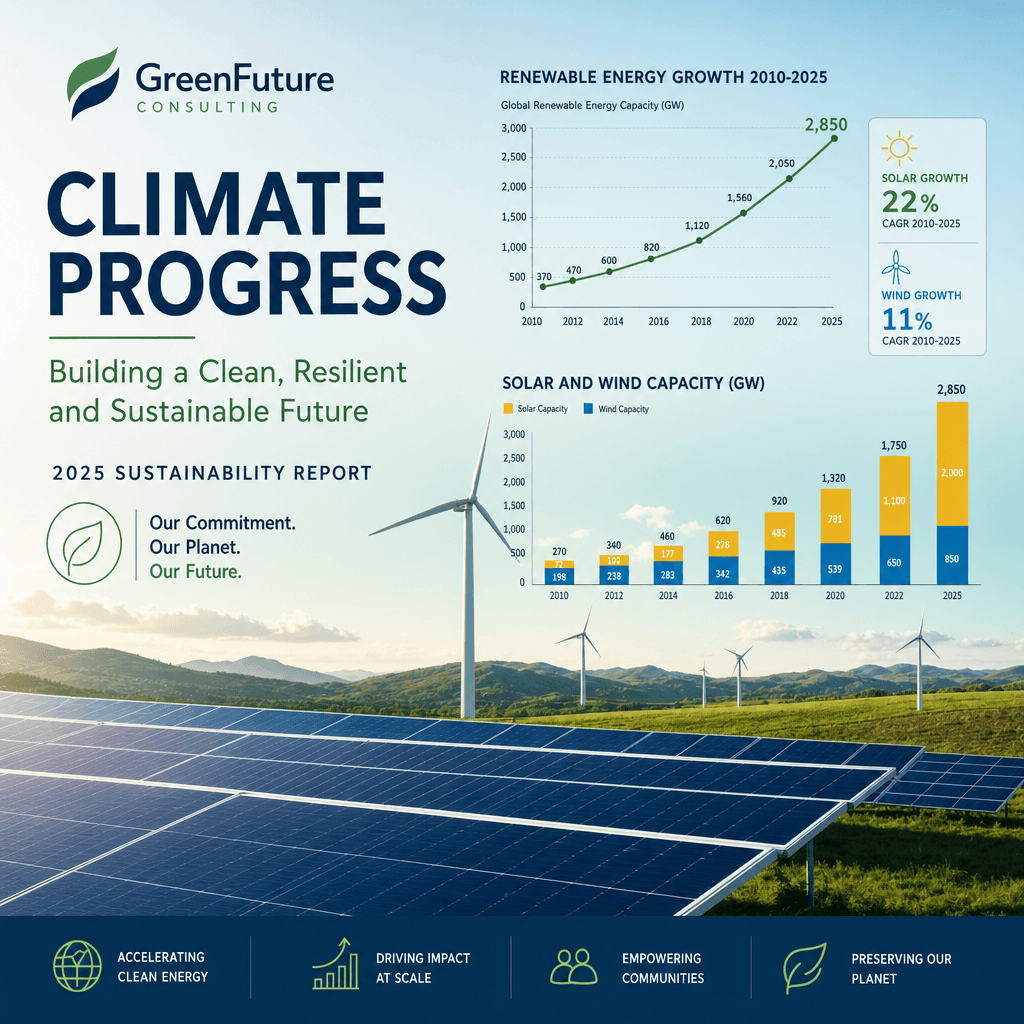
Infographic
Report covers and infographic-style visuals with readable labels and accurate charts.
Create a climate report visual showing renewable energy growth, clean charts with readable labels, solar and wind imagery, professional report cover style.

Webinar Thumbnail
Promo graphics for webinars, events, and announcements with clean typography.
Make a polished webinar promo graphic for business leaders, bold headline typography, speaker cards, date and time details, clear call-to-action button, professional growth strategy theme.
Generate Images from Text
Describe the image in a sentence or two and Julius makes it. No canvases, no layer panels. The prompt box is the whole workflow, and every example on this page was made that way.
Crisp, Legible Text in Every Image
Most image generators mangle words. Julius renders headlines and labels you can actually read, which is why it works for promo graphics and webinar thumbnails where the text is the whole point.
Charts and Infographics That Get the Data Right
Julius is a data tool first, and it shows. Chart-style images come out with sensible axes and labels that read correctly, so report covers and infographics start out closer to done.
Use Your Images in Slides and Reports
Image generation sits in the same workspace as AI Slides, Excel analysis, and report writing. Make a visual, then drop it into the deck or report you were already building. Nothing to export.
AI image prompt examples
A good prompt names the subject, the style, and the specifics: lighting, colors, where the text goes. Start from one of these.
Product photography
Create a product photo of wireless earbuds in an open charging case on pale linen, soft window light, shallow depth of field, premium e-commerce style.
Marketing visual
Make a bold social media graphic announcing a summer sale, large friendly typography reading "Summer Sale", warm gradient background, clean modern layout.
Slide graphic
Create a wide title-slide background showing an abstract upward trend, subtle line chart motif, calm blue palette, space on the left for a headline.
Illustration
Make a flat illustration of a person watering a plant shaped like a bar chart, optimistic startup style, simple shapes, two-color palette.
Concept exploration
Create three variations of a minimalist logo concept for a coffee brand called Summit, mountain motif, single color, on a white background.
Report cover
Create a professional annual report cover about urban transit, clean geometric city skyline, muted navy and gold palette, space for a title at the top.
Why Julius for AI images
Built for work
Product shots, marketing visuals, and report graphics, not fantasy art.
One workspace
Images live next to your data, slides, and reports, so a generated visual can go straight into the deck you were building.
Text and charts that hold up
Legible labels and data-accurate visuals where other generators produce gibberish.
One account for everything
Image generation comes with the same Julius account you use for analysis, slides, and docs.