Professional PowerPoint Templates for Business
Create a polished business deck with a professional PowerPoint template designed for clear decisions. Add your topic or data, let Julius organize the story, and export an editable PPTX for final review in PowerPoint.
Choose a professional PowerPoint template
Explore executive-ready designs for business reviews, strategic plans, financial reporting, and stakeholder updates.
Professional presentation templates that make the decision clear
Professional slides should help an audience understand what changed, why it matters, and what should happen next. Use a restrained visual system, consistent hierarchy, and charts that support the recommendation instead of competing with it.
These templates work well for quarterly reviews, operating plans, investor updates, financial analysis, and executive briefings.
Create a consistent business deck from your own data
Attach your files when the presentation depends on real performance or financial figures. Julius can turn the findings into a coherent slide sequence while keeping layouts and visual language consistent across the deck.
How to customize professional PowerPoint templates
1
Choose an executive style
Pick a layout that fits the audience, subject, and level of detail.
2
Add your business context
Describe the decision or attach the data and source material behind the deck.
3
Export an editable PPTX
Review the narrative and figures, then continue editing in PowerPoint.
Explore more
Related collections and templates
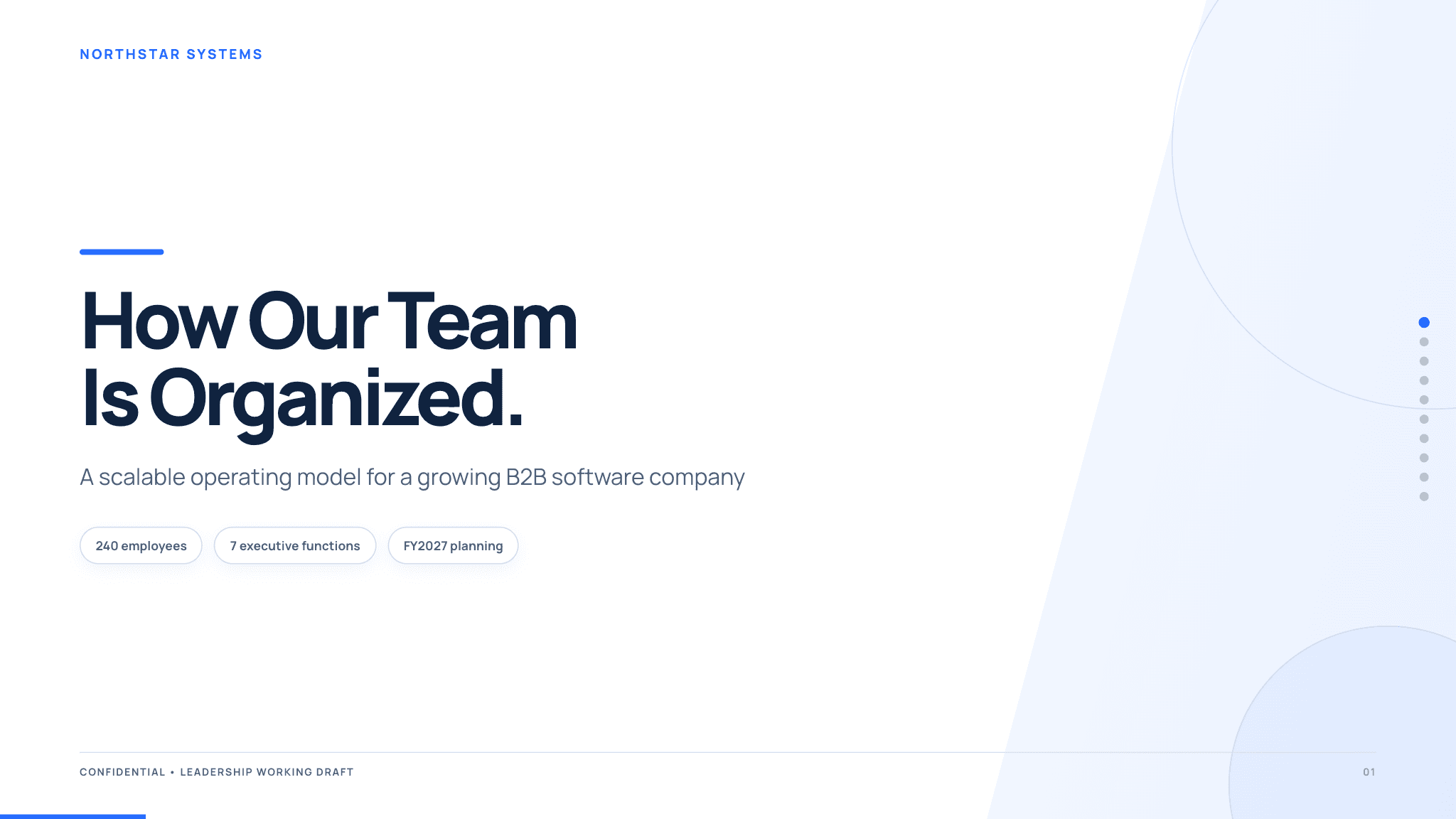
Org chart PowerPoint template
Turn teams, roles, and reporting relationships into a clear structure.
View template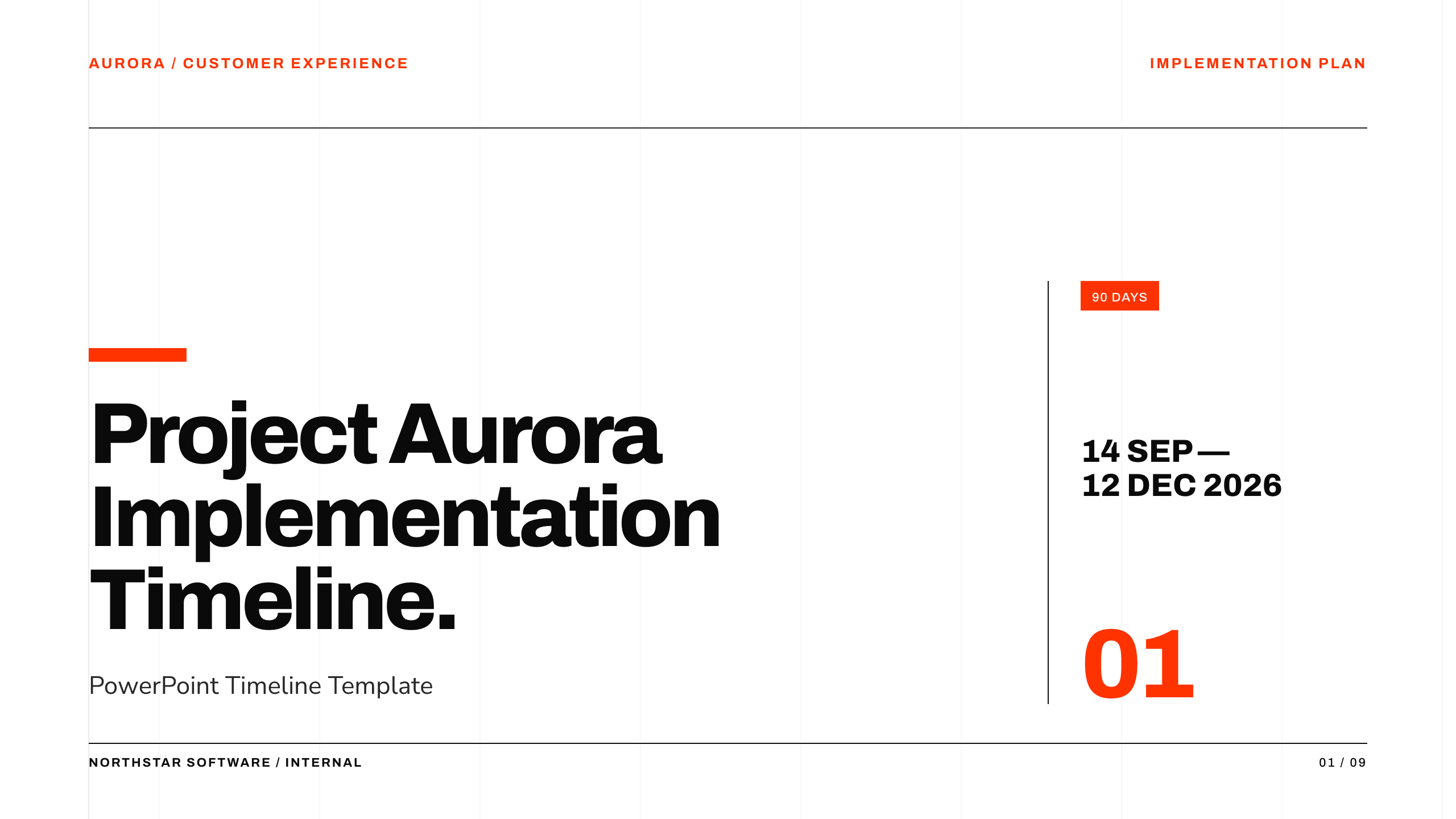
PowerPoint timeline template
Turn milestones, phases, owners, and dependencies into a clear plan.
View template
Roadmap PowerPoint template
Connect strategic themes, initiatives, milestones, and outcomes.
View template