Google Slides Templates for Polished Presentations
Choose from professionally designed templates for Google Slides, add your topic or data, and let Julius build the presentation. Refine the content in your browser, then export the finished deck to Google Slides for final edits.
Choose a Google Slides template
Preview each design, then use its prompt as the starting point for your presentation.
Explore more Google Slides templates
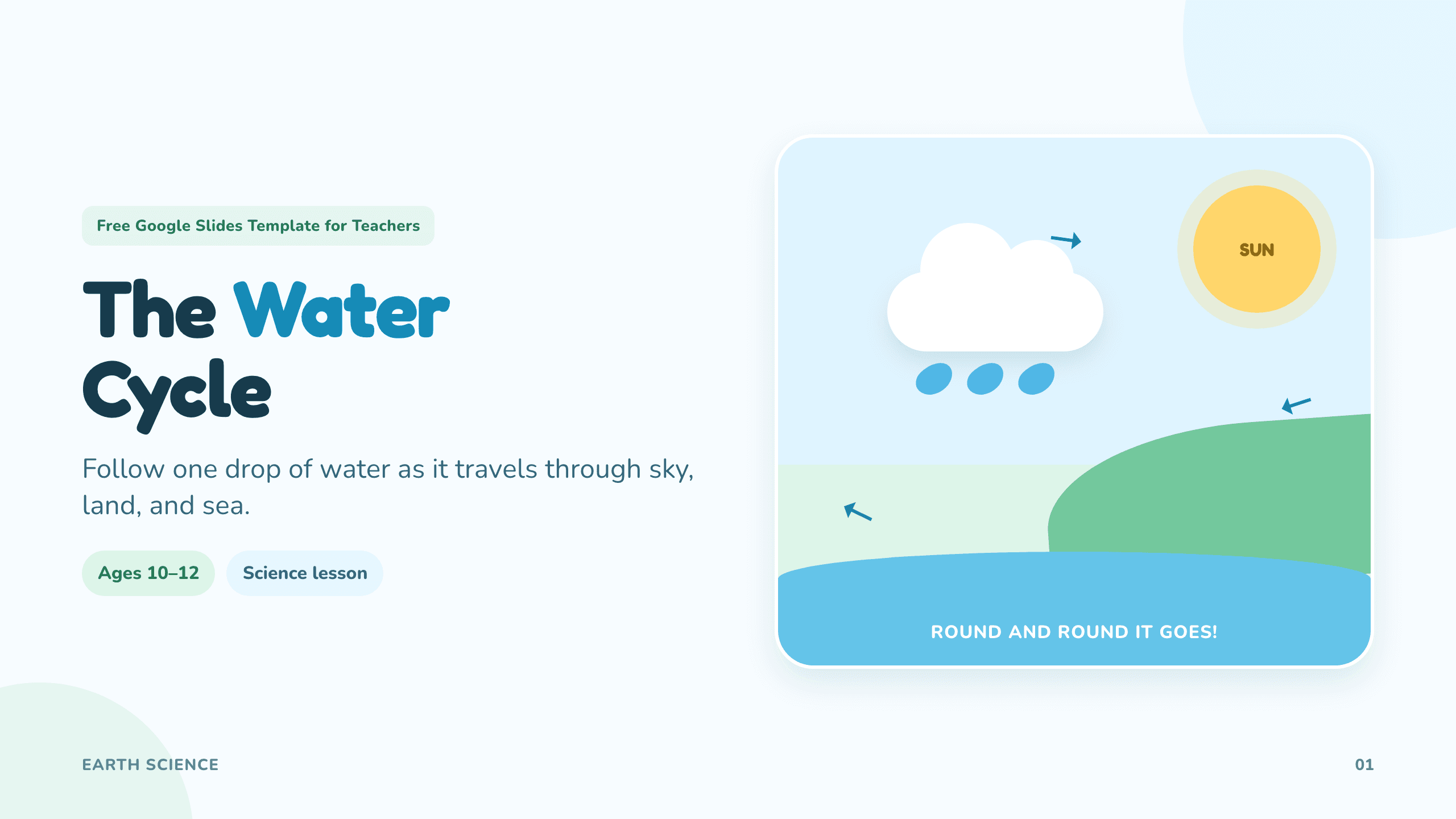
Google Slides template for teachers
Create classroom-ready lessons, diagrams, activities, and quizzes.
View template
Fall Google Slides template
Create a warm autumn presentation for events, lessons, or updates.
View template
Halloween Google Slides template
Create playful seasonal slides for events, lessons, games, and activities.
View template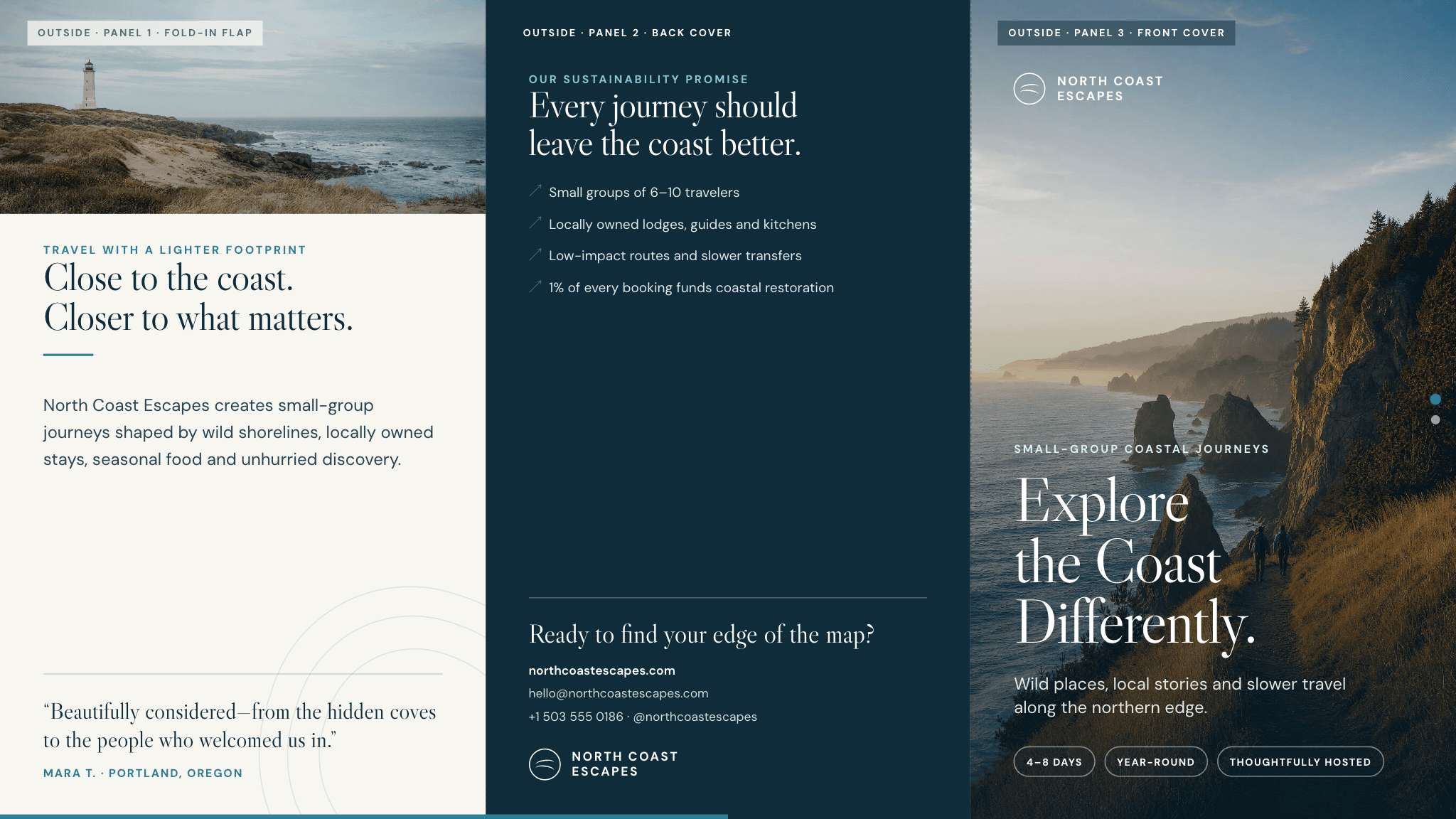
Google Slides brochure template
Create a polished tri-fold brochure for a business, event, destination, or program.
View template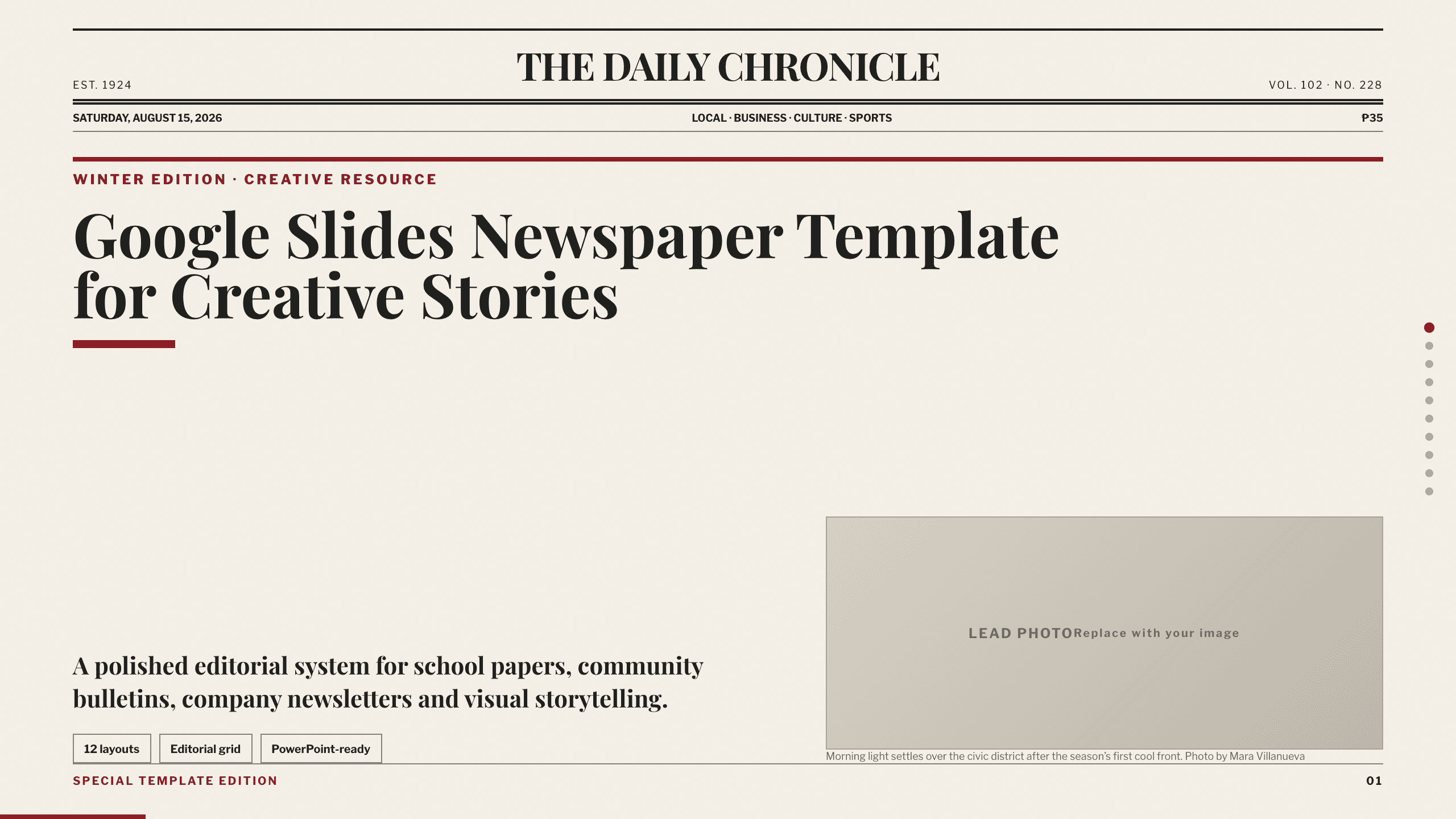
Google Slides Newspaper Template
Build a school paper, community bulletin, or company newsletter with 10 distinct editorial layouts for lead news, briefs, features, opinion, events, and photography.
View template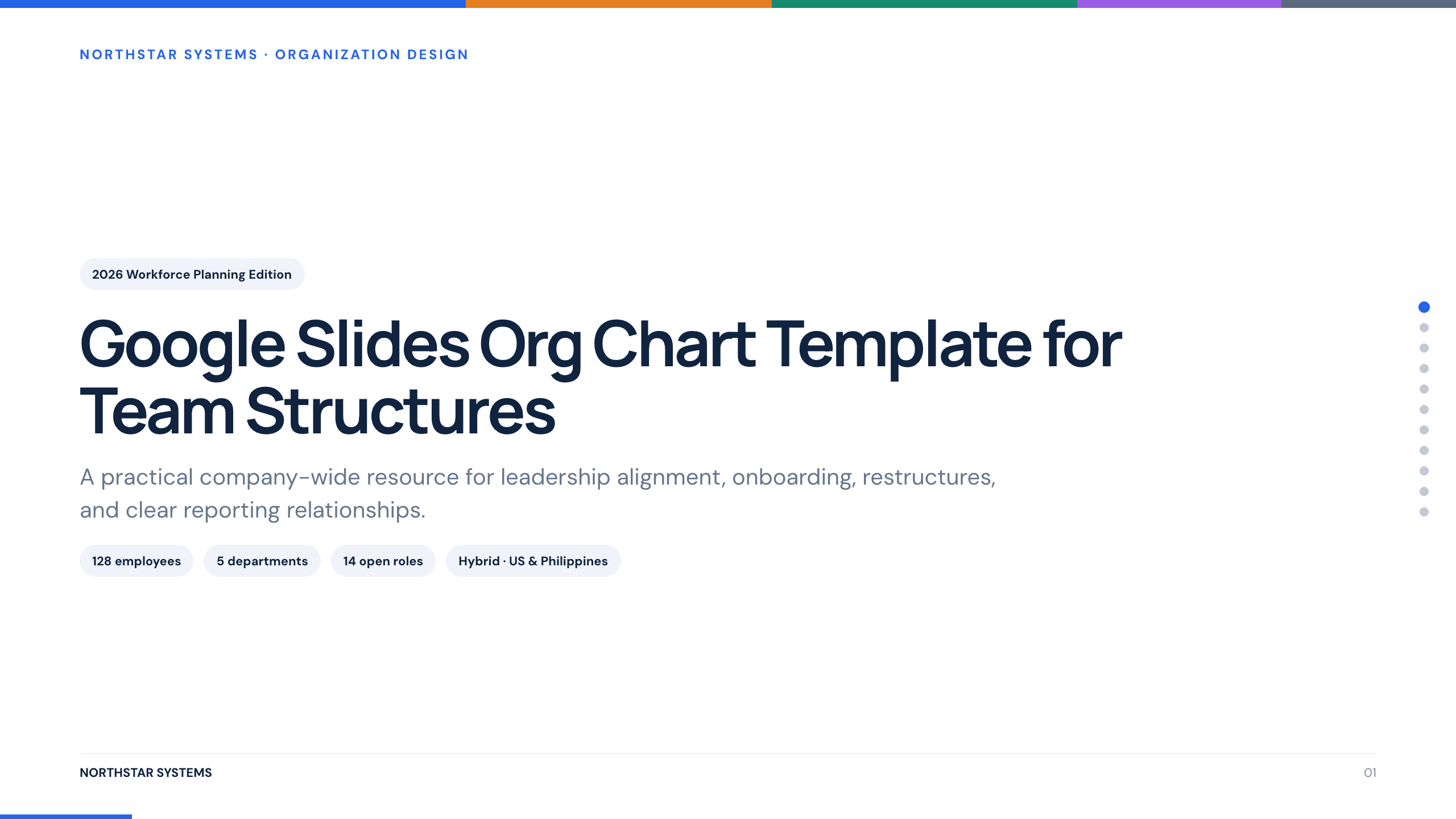
Google Slides Org Chart Template
Clarify reporting lines and ownership with 11 org-chart slides covering leadership, functions, customer teams, interfaces, and operating-model changes.
View template
Google Slides Portfolio Template
Showcase selected work in nine editorial Google Slides layouts covering your point of view, capabilities, project context, process, outcomes, and contact.
View template
Google Slides Pitch Deck Template
Build a nine-slide investor story in Google Slides covering the customer problem, solution, market, business model, traction, growth plan, team, and ask.
View template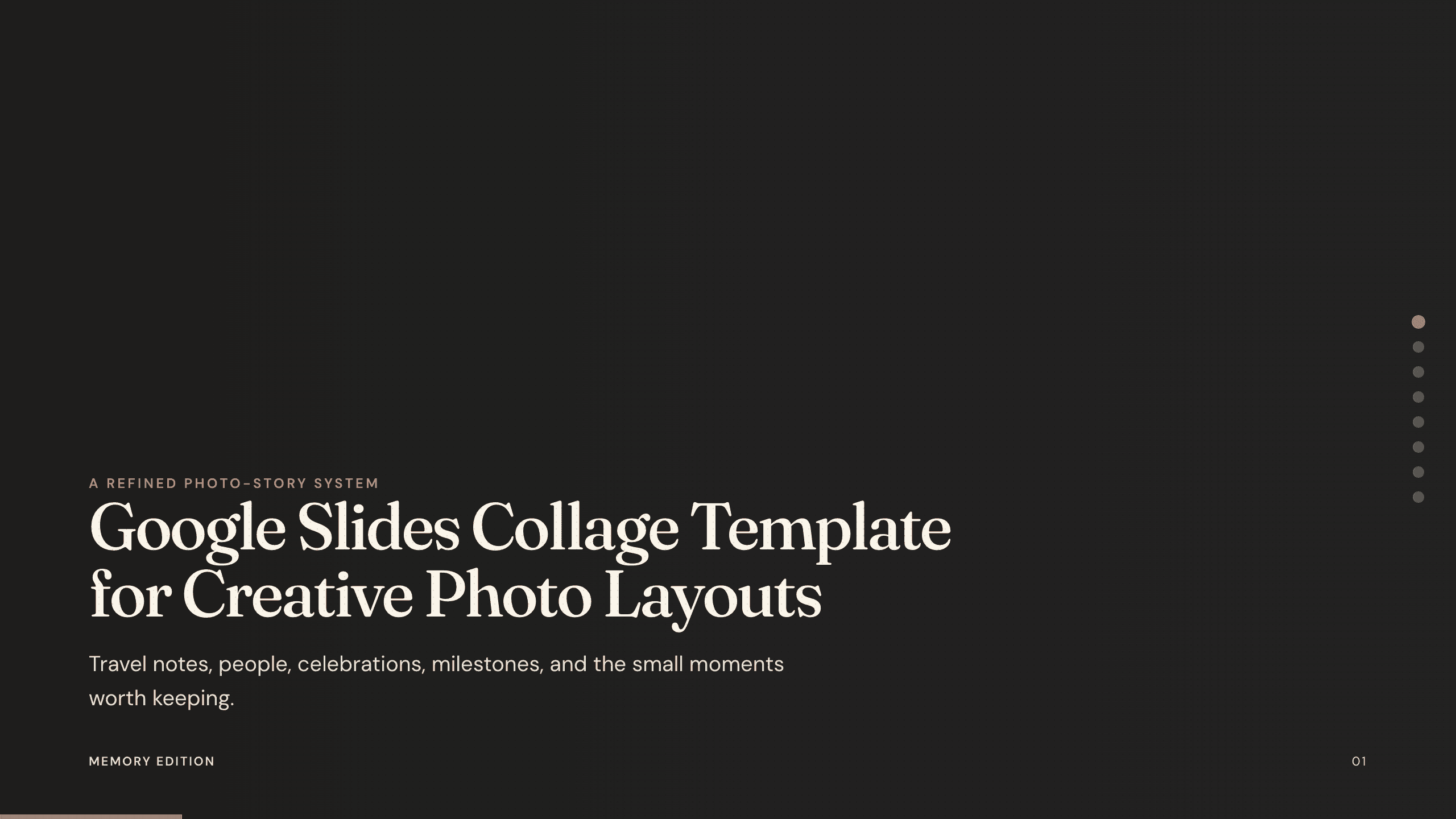
Google Slides Collage Template
Arrange travel, celebration, milestone, and everyday photos in eight flexible Google Slides collage layouts with room for dates, captions, and reflection.
View template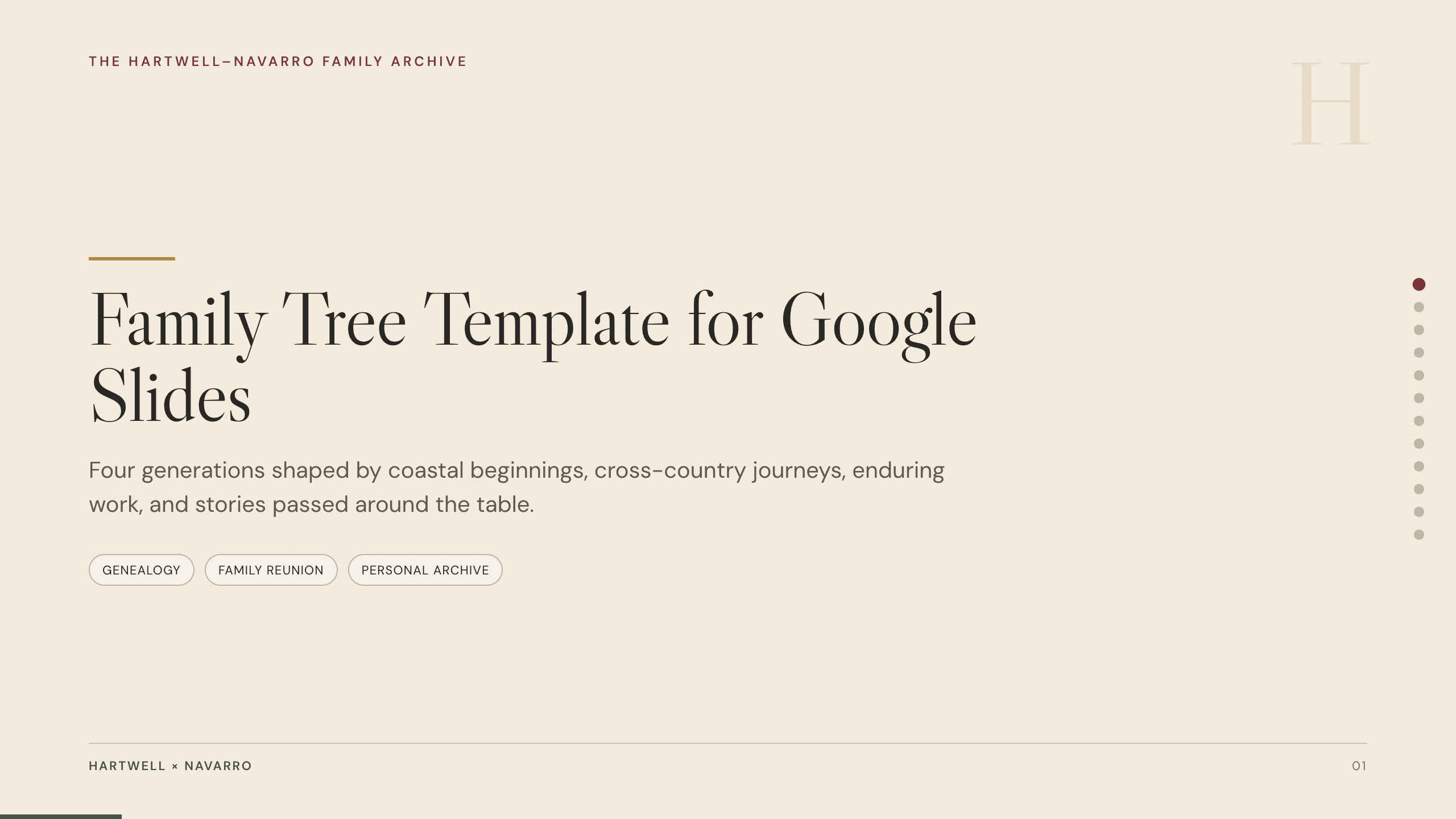
Family Tree Template
Document a family story in 12 Google Slides layouts for generations, branches, profiles, migrations, occupations, traditions, sources, and memories.
View template
Storyboard Template
Plan a video with 10 Google Slides covering concept, audience, objective, script beats, frame sequences, audio, production notes, and approval.
View template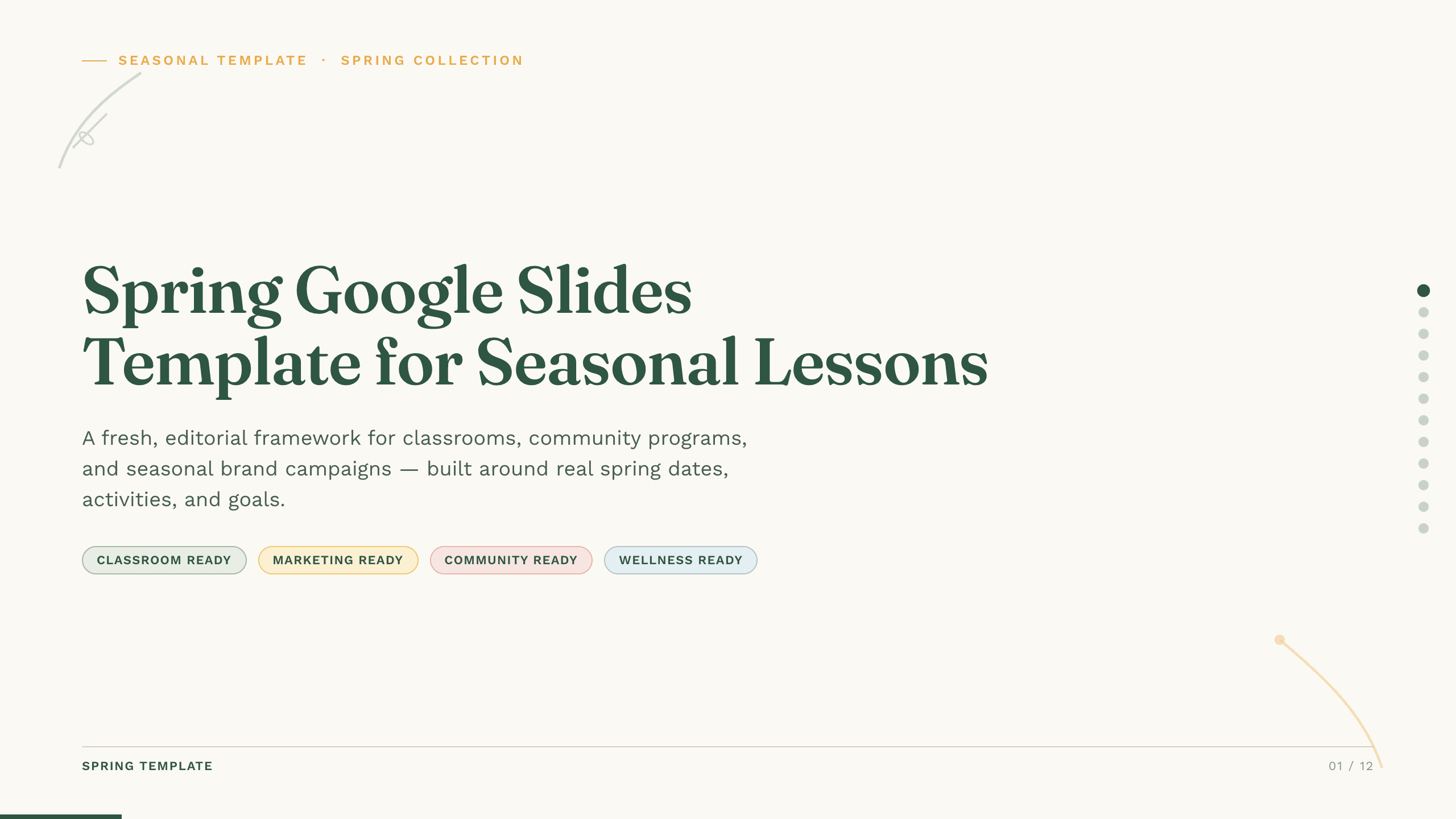
Spring Google Slides Template
Create an 11-slide spring Google Slides lesson or community plan covering season changes, key dates, nature, activities, sustainability, goals, and next steps.
View templateView moreShow fewer slide templates
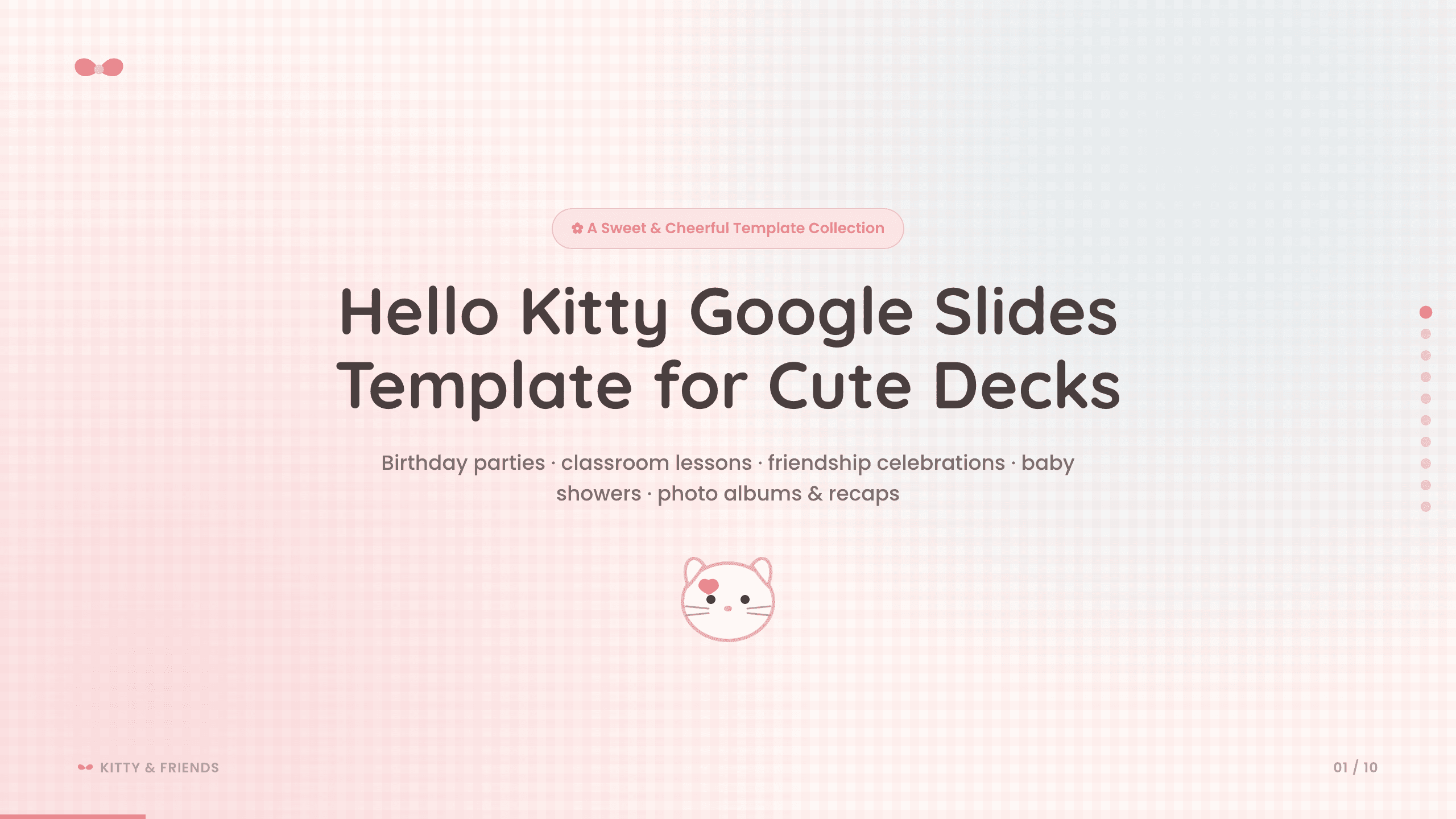
Hello Kitty Google Slides Template
Create a sweet 10-slide fan-made Google Slides deck for birthdays, classroom activities, friendship celebrations, baby showers, photo albums, and recaps.
View template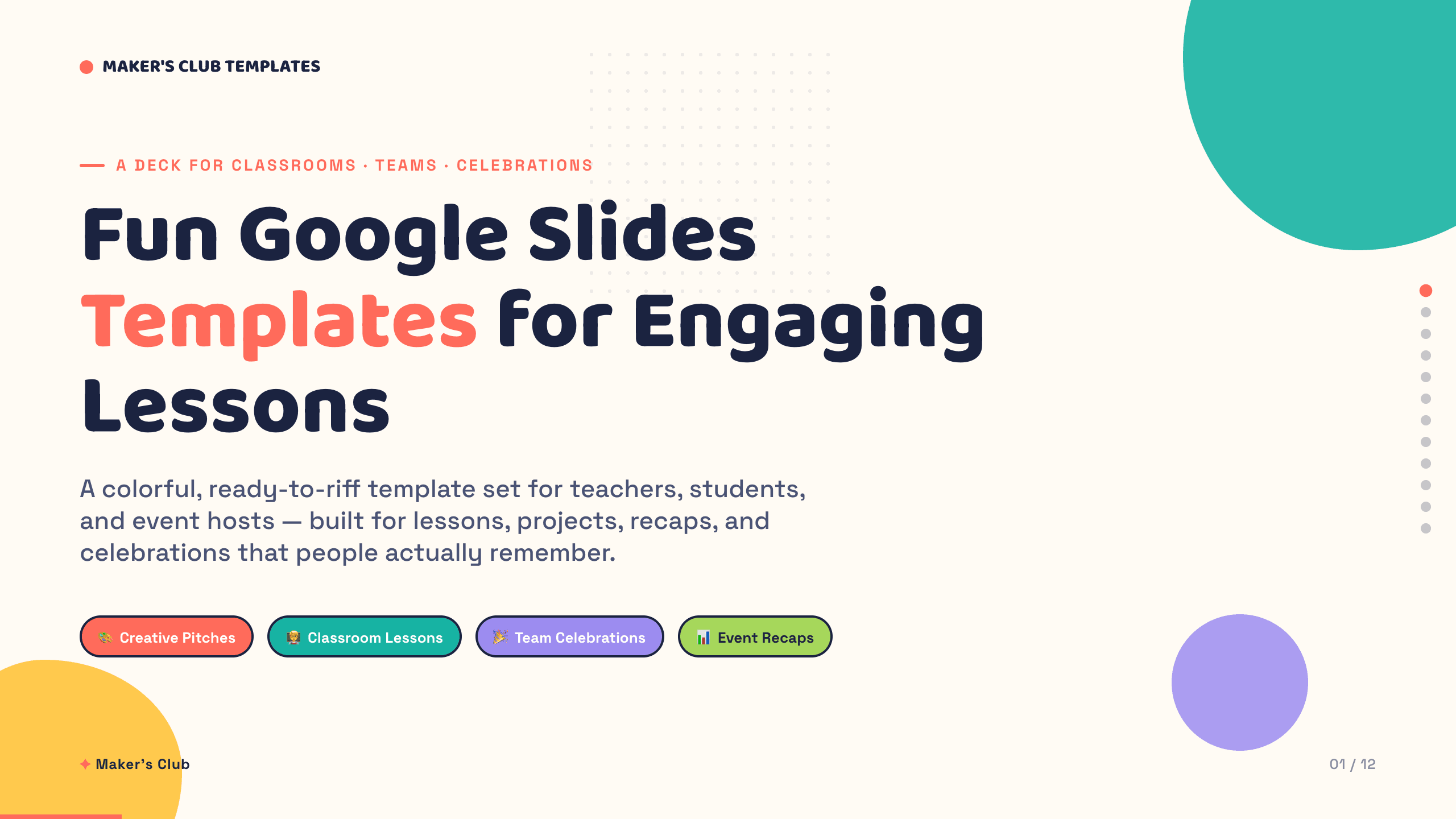
Fun Google Slides Templates
Inspect a 12-slide featured example and find a starting point for engaging lessons.
Browse collectionExplore other template hubs
How to use Google Slides templates
1
Choose a design
Preview the templates and select the visual direction that fits your story.
2
Describe your presentation
Add your topic, audience, instructions, or data so Julius can build the deck.
3
Export to Google Slides
Refine the generated slides, then export them to Google Slides for final edits.
Google Slides presentation templates for every audience
The collection includes Google slide templates for campaign plans, lessons, business reviews, workshops, research, and team updates. Choose a restrained design for reports or a more expressive style for classrooms and creative projects.
Each template supplies a visual direction while your prompt, files, and data give Julius the information needed to build the story.
Customize your template before exporting to Google Slides
Rewrite sections, reorganize the narrative, add charts, and adjust the visual direction in Julius. When the deck is ready, export it to Google Slides and continue editing in the workflow your team already uses.