Google Slides Collage Template for Creative Photo Layouts
Arrange travel, celebration, milestone, and everyday photos in eight flexible Google Slides collage layouts with room for dates, captions, and reflection.
Preview the 8-slide Google Slides Collage Template
Explore the complete year-in-photos sequence, with opening statement, place and people collages, details, milestones, and an optimistic final page.
What you're getting
A photo collage with rhythm, hierarchy, and breathing room
This eight-slide Google Slides template provides a visual system for combining multiple photographs without treating every image equally. Large anchors, supporting details, grids, margins, and brief captions create a clear reading order.
The worked year-in-photos example can become a travel diary, celebration recap, classroom project, mood board, or creative journal. Use images you have permission to share and crop copies rather than altering your originals.
- Included
- 8 collage layouts
- Best for
- Photo stories and recaps
- Export
- Editable Google Slides
Built for
Travelers assembling a visual journal
People organizing places, companions, textures, and favorite moments into a compact story.
Families and friends marking a milestone
Groups creating a birthday, graduation, anniversary, reunion, or year-end photo recap.
Students and creators building a mood board
Presenters combining reference images, themes, captions, and observations in a coherent grid.
Getting started
Build each collage around one visual idea
Choose an anchor image for every slide, then let smaller frames provide context rather than compete.
- 1
Sort the image set
Group photographs by place, person, event, color, sequence, or idea before choosing layouts.
- 2
Pick the anchors
Select the strongest image in each group to receive the most space and attention.
- 3
Match crop to frame
Use duplicates while testing portrait, landscape, detail, and edge-to-edge crops.
- 4
Keep spacing consistent
Preserve margins, gutters, alignment, and caption style so varied photographs still feel connected.
- 5
Check sharing rights
Confirm consent and licensing for people, artwork, private moments, and images sourced from elsewhere.
Explore more
Related templates worth comparing

Google Slides Portfolio Template
Showcase selected work in nine editorial Google Slides layouts covering your point of view, capabilities, project context, process, outcomes, and contact.
View template
Real Estate Presentation Template
Present a property or portfolio with 12 slides for market context, neighborhood, specifications, floor plan, amenities, comparables, marketing, and next steps.
View template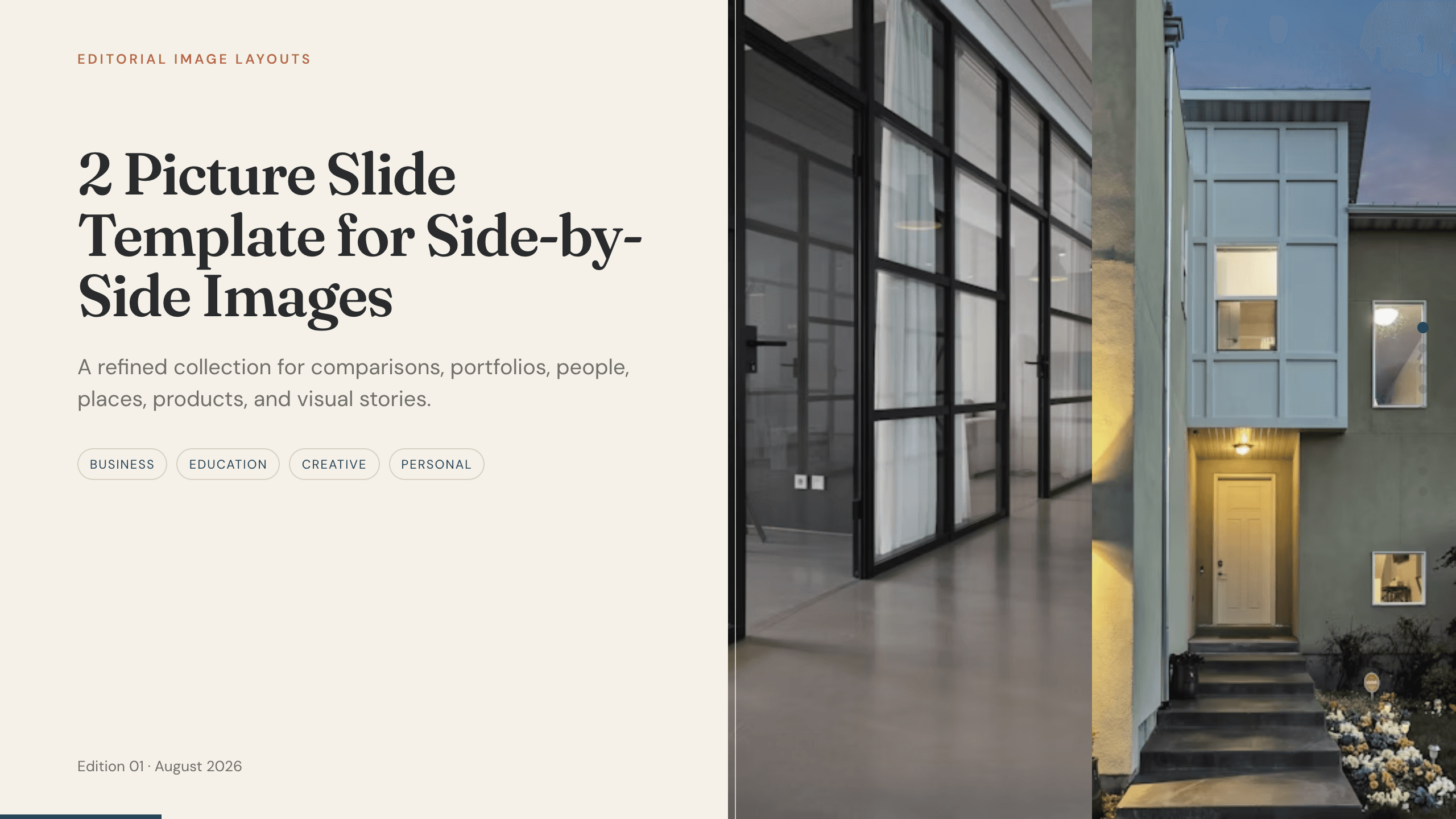
2 Picture Slide Template
Use nine two-picture slide layouts for clear before-and-after, option, person, place, product, portfolio, and process comparisons with minimal supporting copy.
View template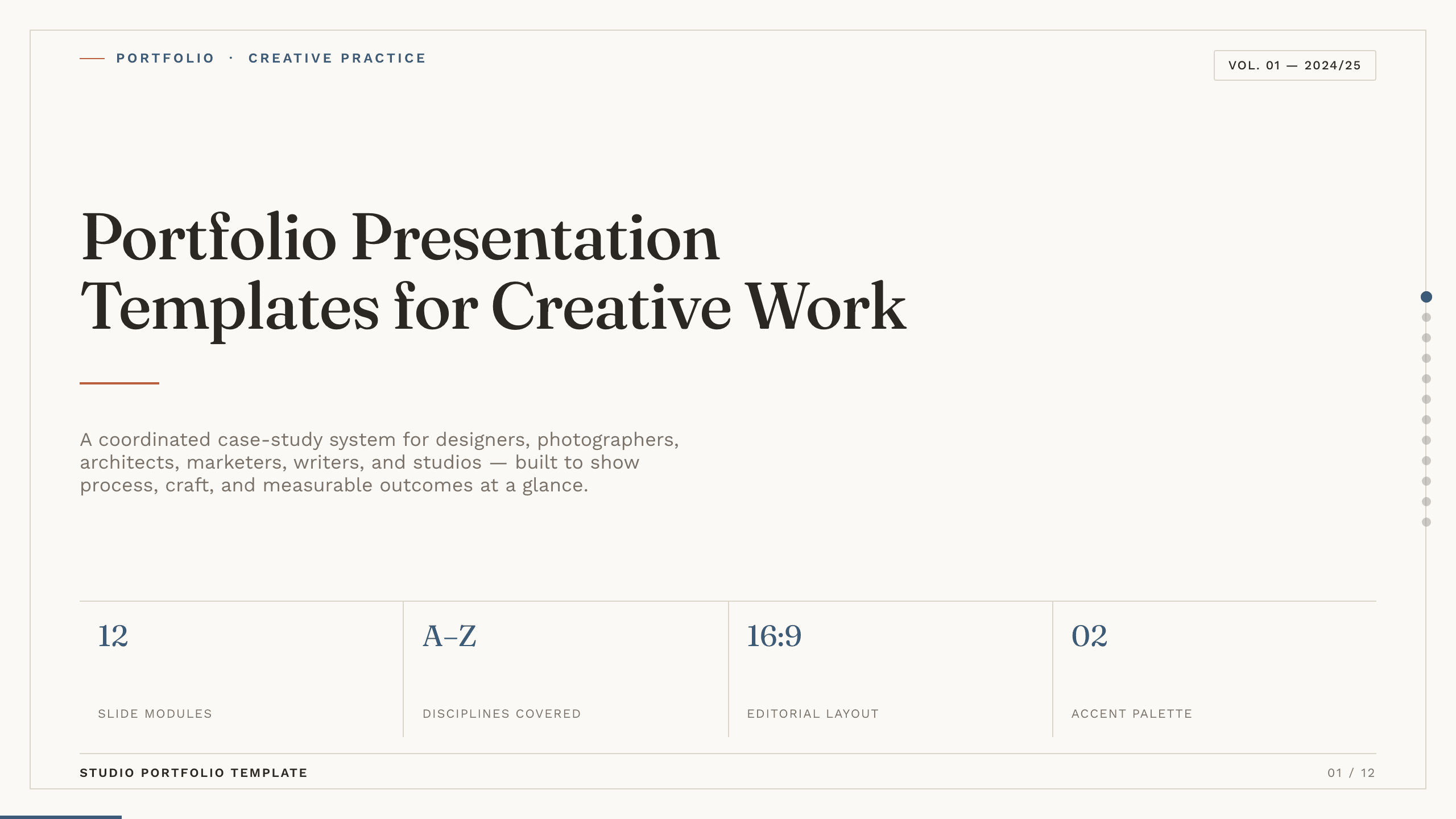
Portfolio Presentation Templates
Inspect a 10-slide featured example and find a starting point for creative work.
Browse collection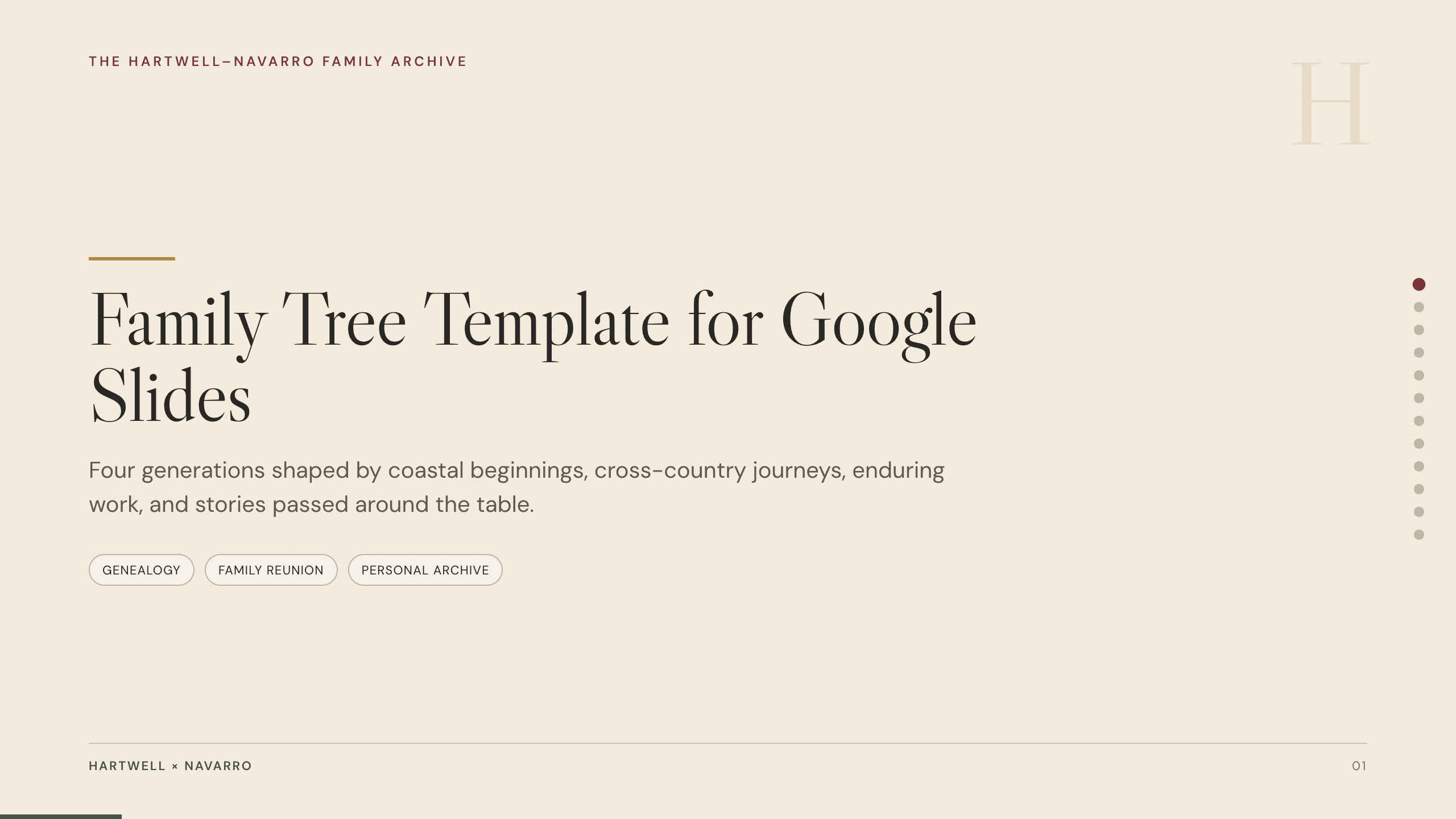
Family Tree Template
Document a family story in 12 Google Slides layouts for generations, branches, profiles, migrations, occupations, traditions, sources, and memories.
View template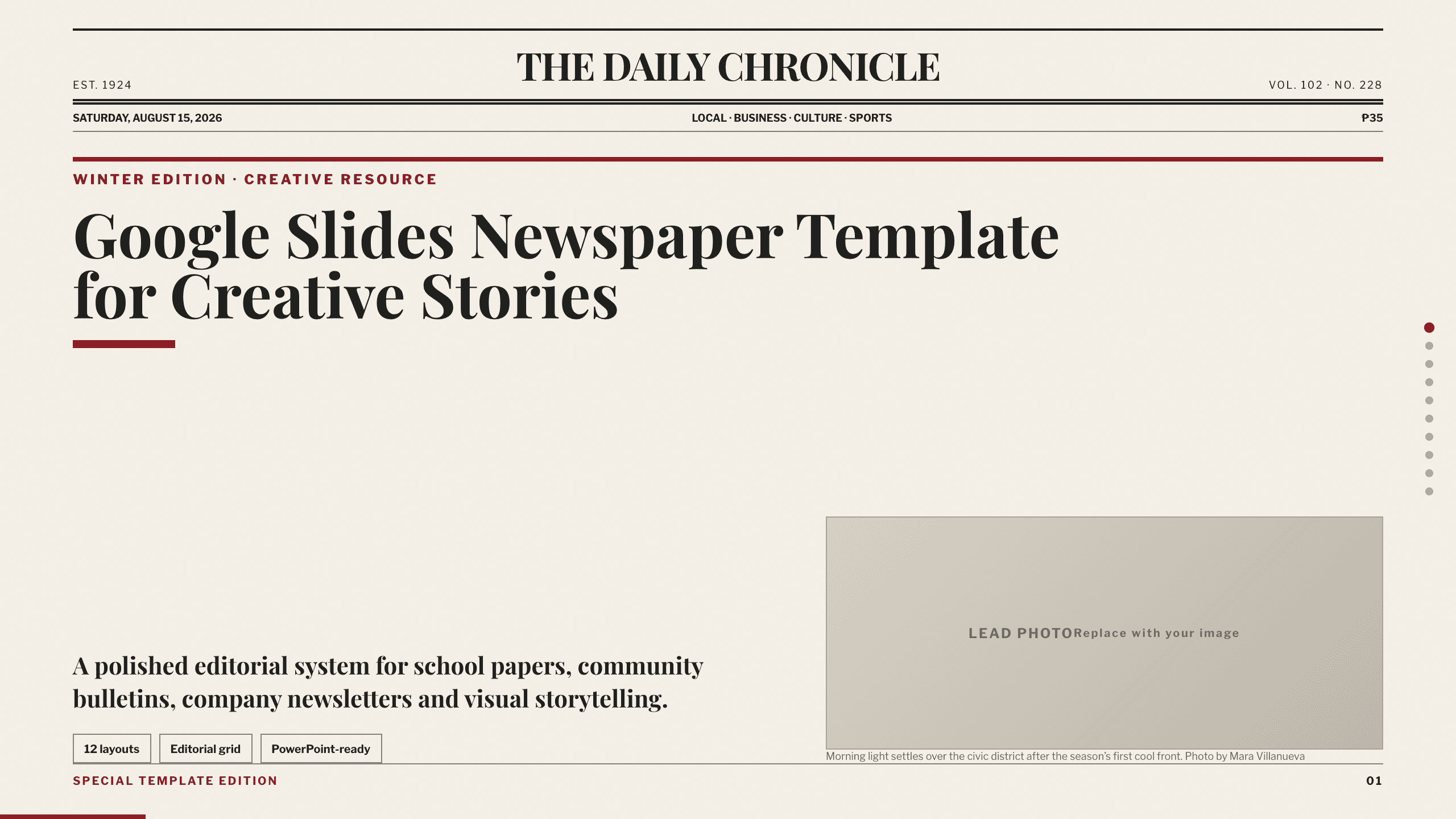
Google Slides Newspaper Template
Build a school paper, community bulletin, or company newsletter with 10 distinct editorial layouts for lead news, briefs, features, opinion, events, and photography.
View templateExplore other template hubs
Customize the Google Slides Collage Template with Julius AI
1
Preview the complete example
Inspect all 8 slides to understand the narrative, layouts, and level of detail before replacing the example content.
2
Add your content and direction
Give Julius AI your source material, evidence, audience, constraints, and desired outcome.
3
Review and export
Check the narrative, facts, and design, then export an editable version to Google Slides for final delivery.