Family Tree Template for Google Slides
Document a family story in 12 Google Slides layouts for generations, branches, profiles, migrations, occupations, traditions, sources, and memories.
Preview the 12-slide Family Tree Template
Review the four-generation worked example, including branch charts, individual profiles, migration stories, shared traditions, source notes, and open questions.
What you're getting
A family tree that preserves stories as well as names
This 12-slide Google Slides template combines relationship charts with the context that makes a family history meaningful. It includes generational views, branch stories, individual profiles, places, occupations, traditions, photographs, and a source record.
The Hartwell family is fictional. Replace it carefully, distinguish documented facts from family memory, ask permission before sharing sensitive personal information, and record where dates, names, and images came from.
- Included
- 12 history slides
- Best for
- Genealogy and family stories
- Export
- Editable Google Slides
Built for
Families preserving shared history
Relatives organizing names, relationships, photographs, places, traditions, and stories across generations.
Students completing a heritage project
Learners presenting family or community history while respecting privacy and varied family structures.
Genealogy groups sharing research
Researchers communicating a branch, migration, source discovery, uncertainty, or next research question.
Getting started
Build the tree from sources, then add the stories
Family structures vary; use the relationships and language people choose for themselves rather than forcing one model.
- 1
Set privacy boundaries
Decide who will see the deck and which living-person details, photographs, and stories may be included.
- 2
Verify core relationships
Confirm names, dates, places, and links using records, interviews, photographs, and existing family research.
- 3
Choose the clearest branches
Split large generations or family lines across slides instead of shrinking one chart beyond readability.
- 4
Add context and uncertainty
Label oral history, conflicting records, approximate dates, migrations, work, and traditions honestly.
- 5
Record sources and stewardship
Cite documents and contributors, name the file custodian, and list questions future research could answer.
Explore more
Related templates worth comparing

Google Slides Collage Template
Arrange travel, celebration, milestone, and everyday photos in eight flexible Google Slides collage layouts with room for dates, captions, and reflection.
View template
Google Slides Portfolio Template
Showcase selected work in nine editorial Google Slides layouts covering your point of view, capabilities, project context, process, outcomes, and contact.
View template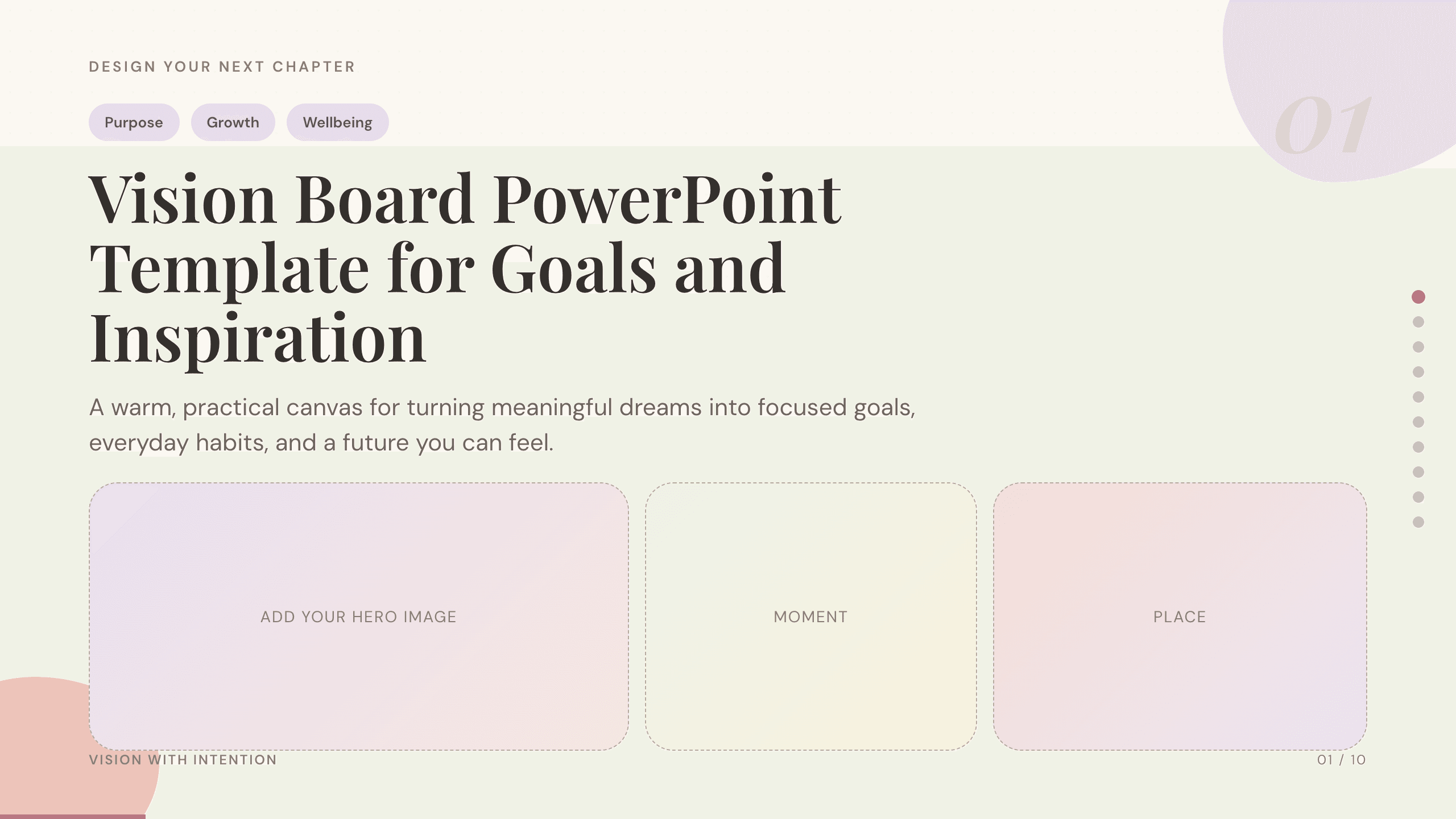
Vision Board PowerPoint Template
Turn long-term aspirations into a visual plan with dedicated slides for purpose, time horizons, life priorities, monthly actions, habits, and progress.
View template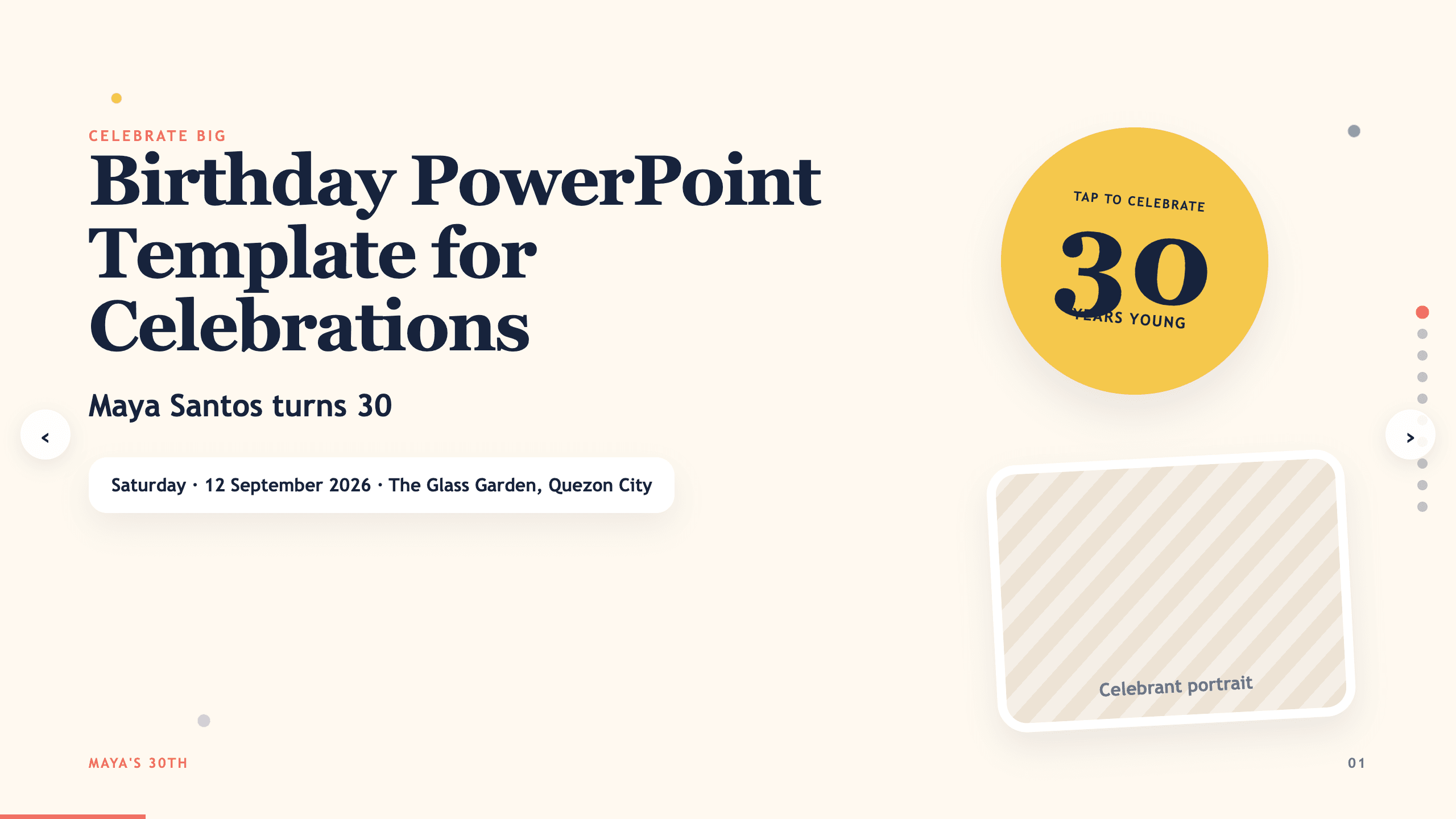
Birthday PowerPoint Template
Celebrate a birthday with 10 adaptable PowerPoint slides for welcome, life timeline, favorite things, people, messages, photos, highlights, and wishes ahead.
View template
Graduation Slideshow Template
Celebrate graduation with 12 slides for early years, school milestones, favorite classes, activities, friendships, achievements, and future plans.
View template
Photo Slideshow Template
Turn photographs into a coherent 10-slide story with layouts for places, people, details, milestones, reflection, and a memorable closing image.
View templateExplore other template hubs
Customize the Family Tree Template with Julius AI
1
Preview the complete example
Inspect all 12 slides to understand the narrative, layouts, and level of detail before replacing the example content.
2
Add your content and direction
Give Julius AI your source material, evidence, audience, constraints, and desired outcome.
3
Review and export
Check the narrative, facts, and design, then export an editable version to Google Slides for final delivery.