Photo Slideshow Template for Memorable Stories
Turn photographs into a coherent 10-slide story with layouts for places, people, details, milestones, reflection, and a memorable closing image.
Preview the 10-slide Photo Slideshow Template
Explore the full cinematic sequence, from an opening memory through places, people, everyday details, turning points, and the final look ahead.
What you're getting
A photo slideshow shaped like a story, not a folder
This 10-slide template gives images a beginning, rhythm, and ending. Wide scenes establish place, paired and grid layouts create relationships, and quieter reflection slides give the audience time to understand why the photographs matter.
The sample year-in-review story is deliberately selective. Replace it with high-resolution images from your event, trip, family, or project, then use short captions only when they add context the photograph cannot carry alone.
- Included
- 10 photo layouts
- Best for
- Memories and visual stories
- Export
- PowerPoint or Google Slides
Built for
Families preserving a shared chapter
People assembling travel, anniversary, reunion, memorial, or year-in-review photographs.
Event teams creating a recap
Organizers turning highlights, participants, details, and outcomes into a warm closing presentation.
Photographers presenting a narrative
Creators sequencing a project or session so the work feels intentional rather than chronological by default.
Getting started
Edit the story before arranging the photographs
Start with a smaller, stronger selection; repetition weakens the impact of the images you most want remembered.
- 1
Name the chapter
Choose the event, period, relationship, or idea that gives the slideshow a clear boundary.
- 2
Select the essential images
Group photographs by moment or theme and remove near-duplicates, weak frames, and distracting screenshots.
- 3
Create visual rhythm
Alternate establishing shots, people, details, sequences, and quiet images instead of using one layout repeatedly.
- 4
Add only useful context
Use names, places, dates, or a short reflection when the audience cannot infer them from the image.
- 5
Finish on meaning
Choose a final photograph and line that summarize the chapter or point gently toward what comes next.
Explore more
Related templates worth comparing

Graduation Slideshow Template
Celebrate graduation with 12 slides for early years, school milestones, favorite classes, activities, friendships, achievements, and future plans.
View template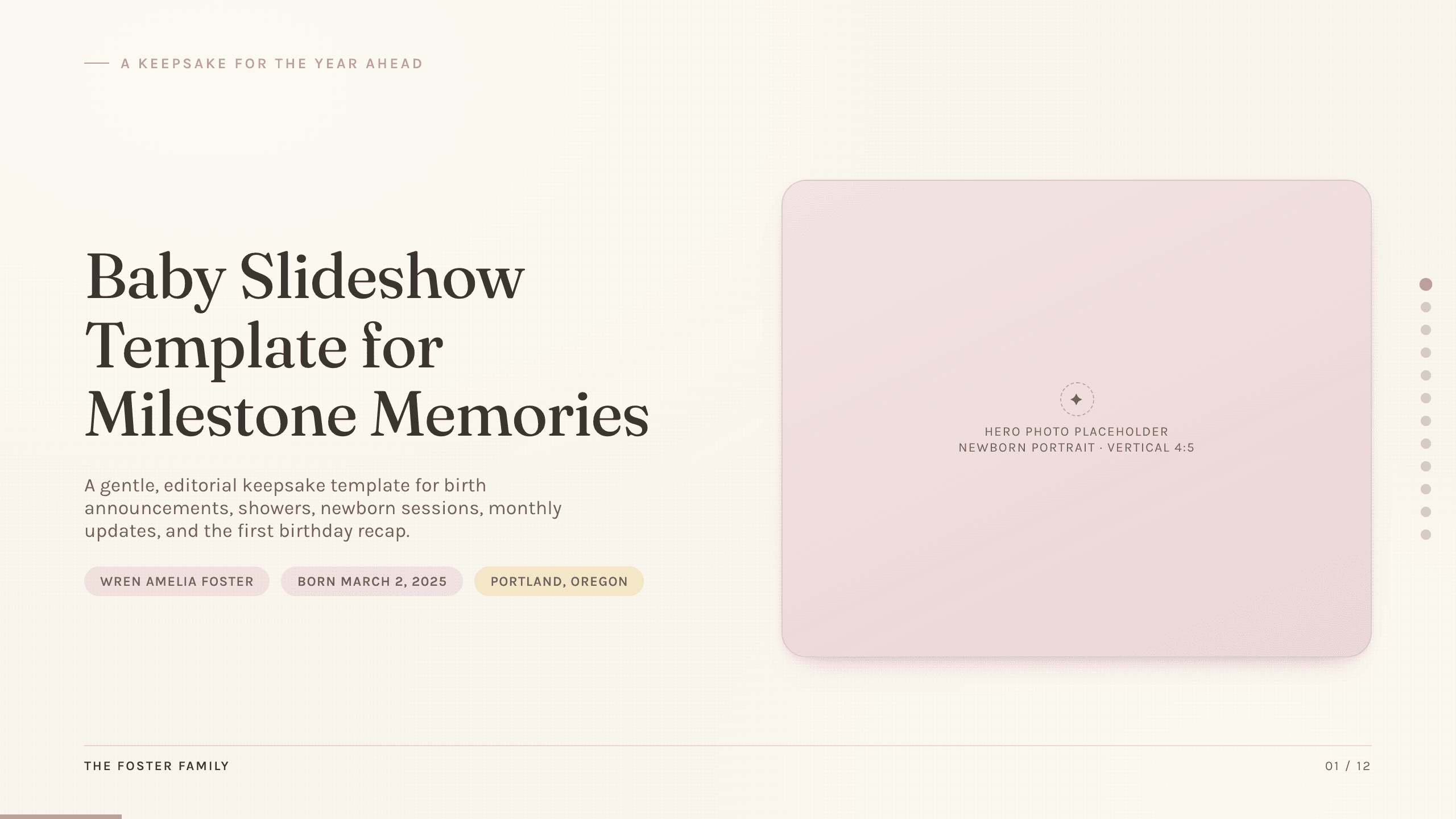
Baby Slideshow Template
Preserve a baby’s first year with 12 gentle slides for arrival, family, monthly changes, favorite things, smiles, words, steps, celebrations, and wishes ahead.
View template
Travel Slides Template
Tell a memorable trip story with 10 travel slides for place, itinerary, neighborhoods, food, culture, logistics, recommendations, photographs, and reflection.
View template
Summary Slide Template
Use nine summary-slide layouts to present key findings, performance, decisions, risks, priorities, actions, owners, and executive takeaways.
View template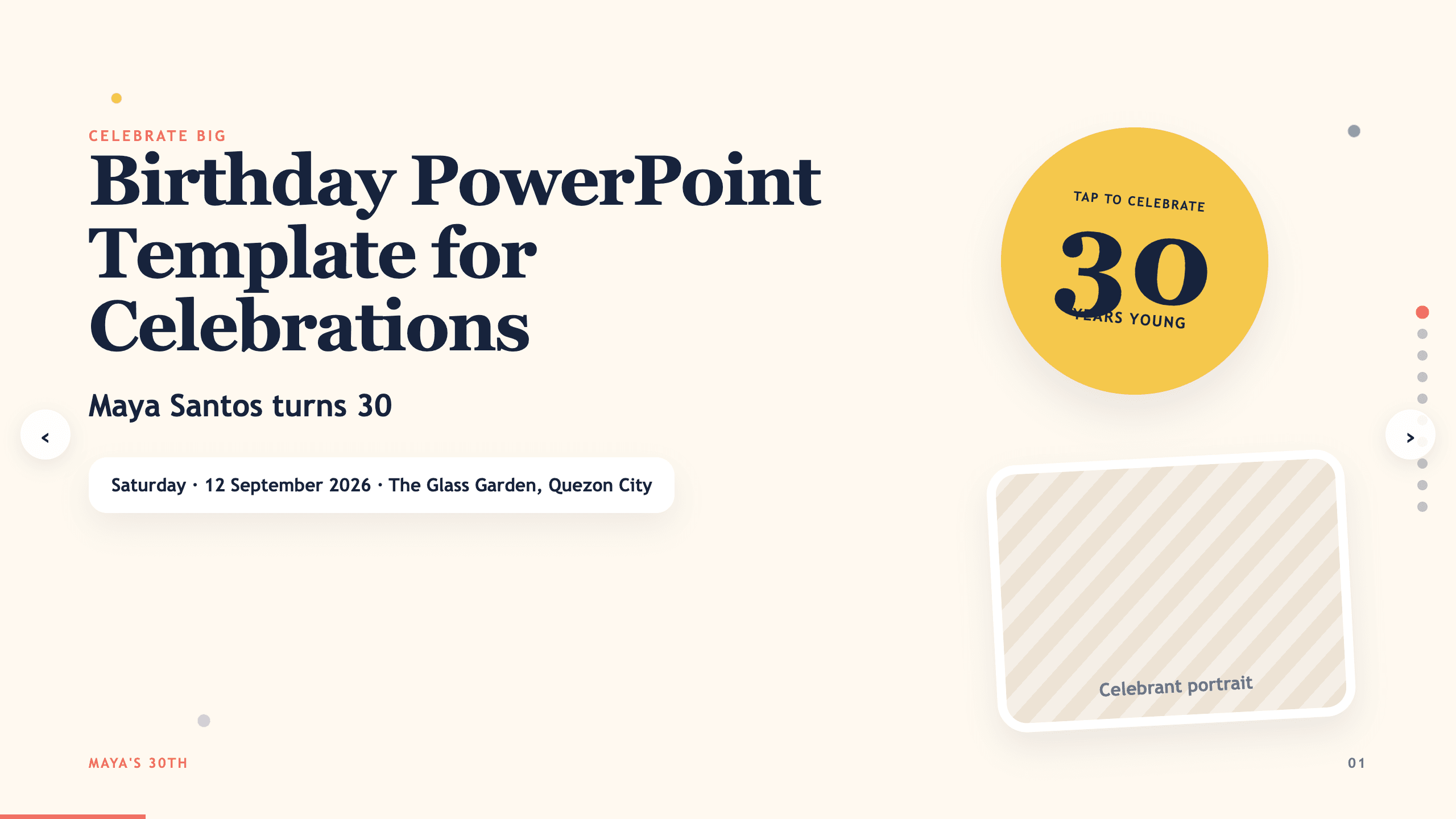
Birthday PowerPoint Template
Celebrate a birthday with 10 adaptable PowerPoint slides for welcome, life timeline, favorite things, people, messages, photos, highlights, and wishes ahead.
View template
Food Slides Template
Present food and hospitality with 11 editorial slides for concept, chef, ingredients, menu, recipe method, sourcing, experience, events, and reservation.
View templateExplore other template hubs
Customize the Photo Slideshow Template with Julius AI
1
Preview the complete example
Inspect all 10 slides to understand the narrative, layouts, and level of detail before replacing the example content.
2
Add your content and direction
Give Julius AI your source material, evidence, audience, constraints, and desired outcome.
3
Review and export
Check the narrative, facts, and design, then export an editable version to PowerPoint or Google Slides for final delivery.