Food Slides Template for Recipe Presentations
Present food and hospitality with 11 editorial slides for concept, chef, ingredients, menu, recipe method, sourcing, experience, events, and reservation.
Preview the 11-slide Food Slides Template
Review the full Olive & Ember story from restaurant concept and seasonal philosophy through menu, ingredients, recipe walkthrough, experience, and booking.
What you're getting
A food deck that gives the ingredients and experience room to breathe
This 11-slide template pairs editorial food imagery with practical layouts for restaurant concept, chef, seasonal sourcing, menu, signature dish, recipe sequence, hospitality experience, events, press, and reservation.
The Olive & Ember example is fictional. Replace recipes, prices, dietary information, suppliers, photography, and availability with accurate approved content, and treat allergy or food-safety details as controlled operational information.
- Included
- 11 culinary slides
- Best for
- Restaurants and recipe stories
- Export
- PowerPoint or Google Slides
Built for
Restaurants presenting a concept
Hospitality teams combining story, food philosophy, menu, experience, proof, events, and reservation.
Chefs building a culinary portfolio
Practitioners showing point of view, ingredients, technique, signature work, collaborators, and opportunities.
Teachers leading a cooking lesson
Instructors organizing ingredients, preparation, method, timing, safety, plating, and reflection.
Getting started
Build the presentation around one culinary point of view
Use excellent images selectively and make practical information easy to distinguish from atmosphere.
- 1
Define the audience and occasion
Choose whether the deck markets a venue, teaches a recipe, presents a menu, or showcases a portfolio.
- 2
Verify the food information
Confirm ingredients, quantities, dietary labels, allergens, sourcing, pricing, dates, and availability.
- 3
Sequence the experience
Connect concept, ingredients, technique, dish, setting, service, and desired guest response.
- 4
Use images responsibly
Work with permitted high-resolution photography and label styled, seasonal, or illustrative content.
- 5
Close with a practical action
End with booking, ordering, class preparation, event inquiry, or the next step in the recipe.
Explore more
Related templates worth comparing
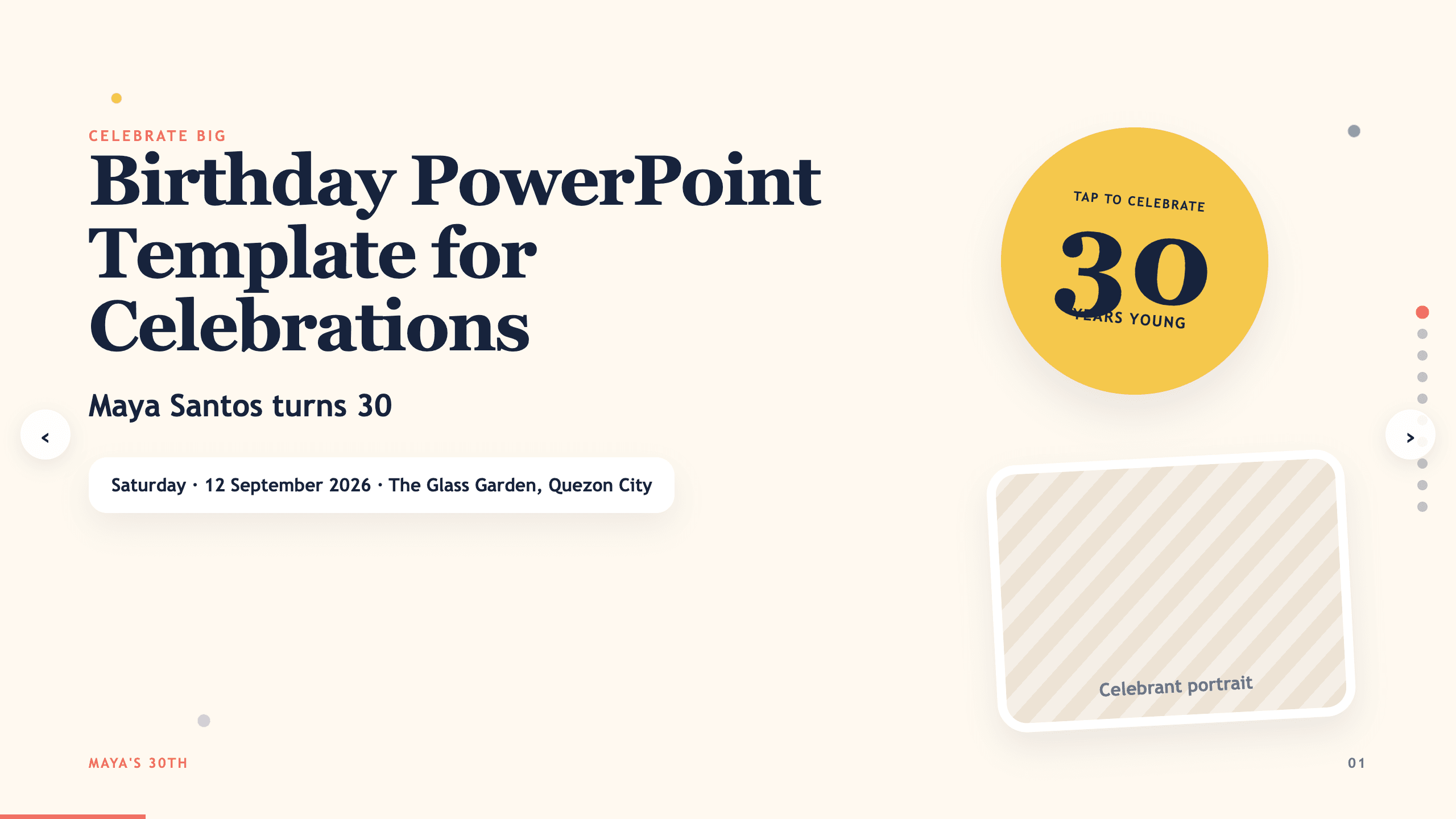
Birthday PowerPoint Template
Celebrate a birthday with 10 adaptable PowerPoint slides for welcome, life timeline, favorite things, people, messages, photos, highlights, and wishes ahead.
View template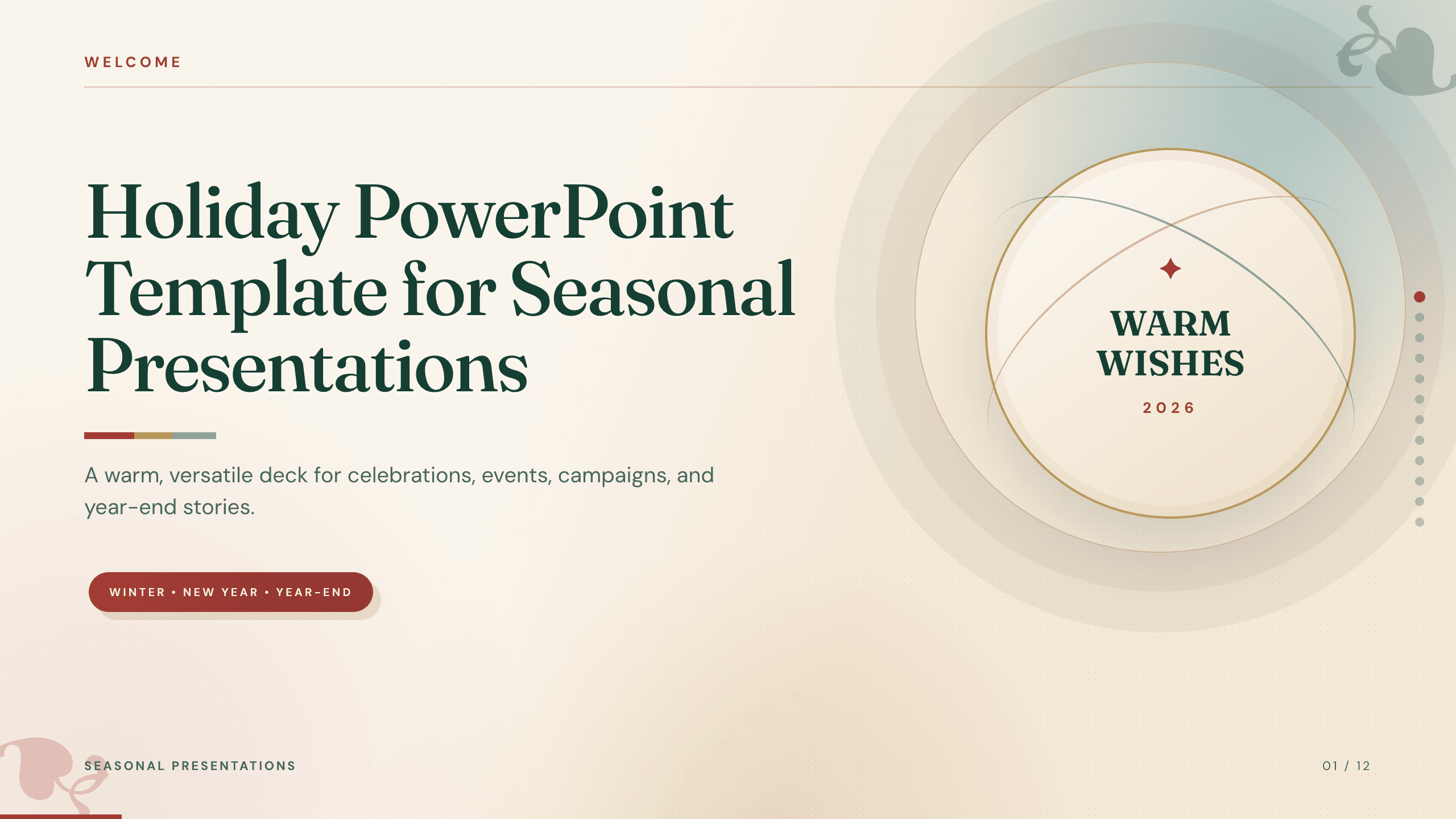
Holiday PowerPoint Template
Build a 12-slide holiday presentation for events, campaigns, year-end updates, gift guides, traditions, schedules, highlights, and closing messages.
View template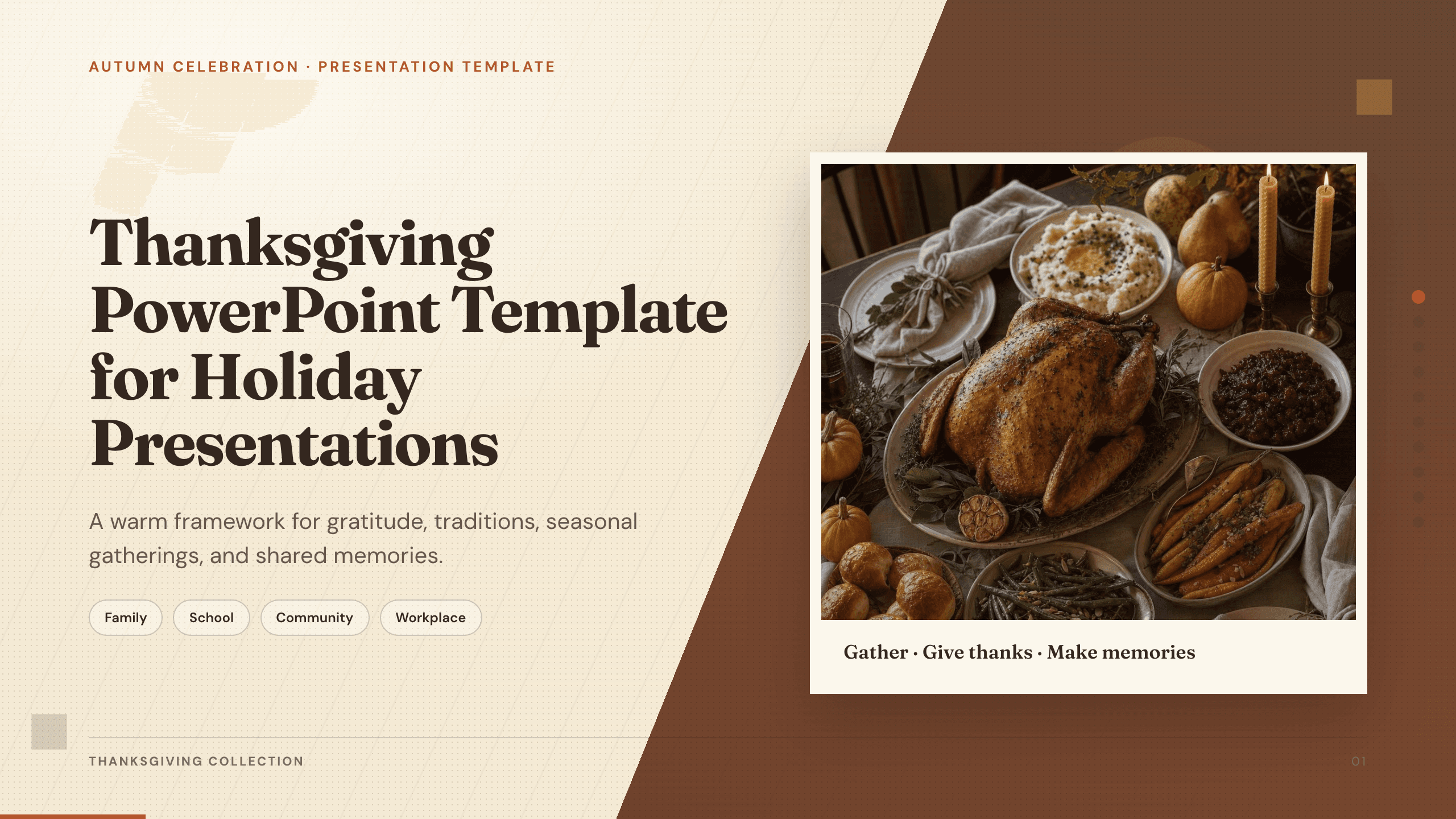
Thanksgiving PowerPoint Template
Create a warm 10-slide Thanksgiving presentation for gatherings, classroom activities, community events, menus, gratitude reflections, and shared memories.
View template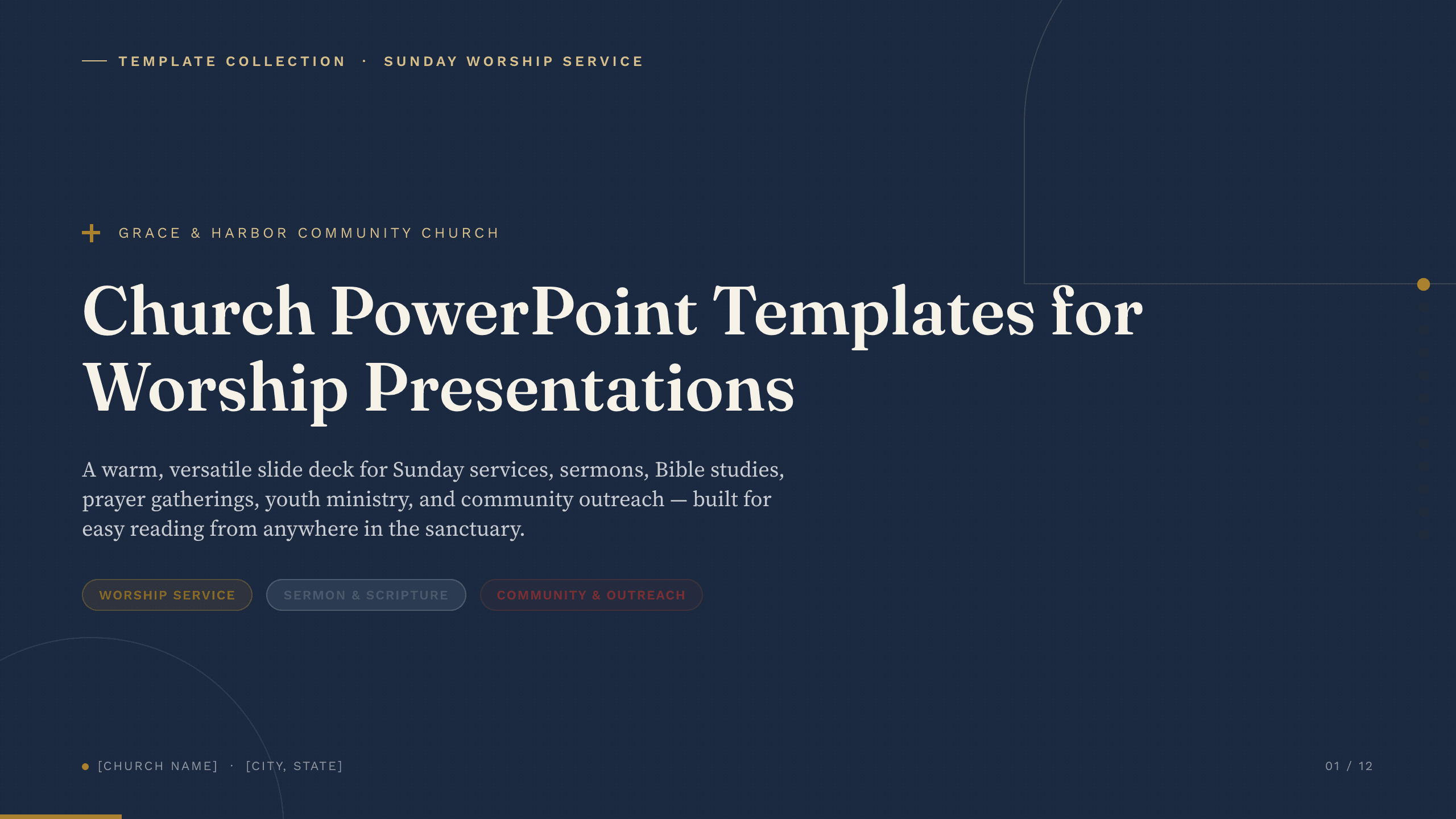
Church PowerPoint Templates
Inspect a 9-slide featured example and find a starting point for worship presentations.
Browse collection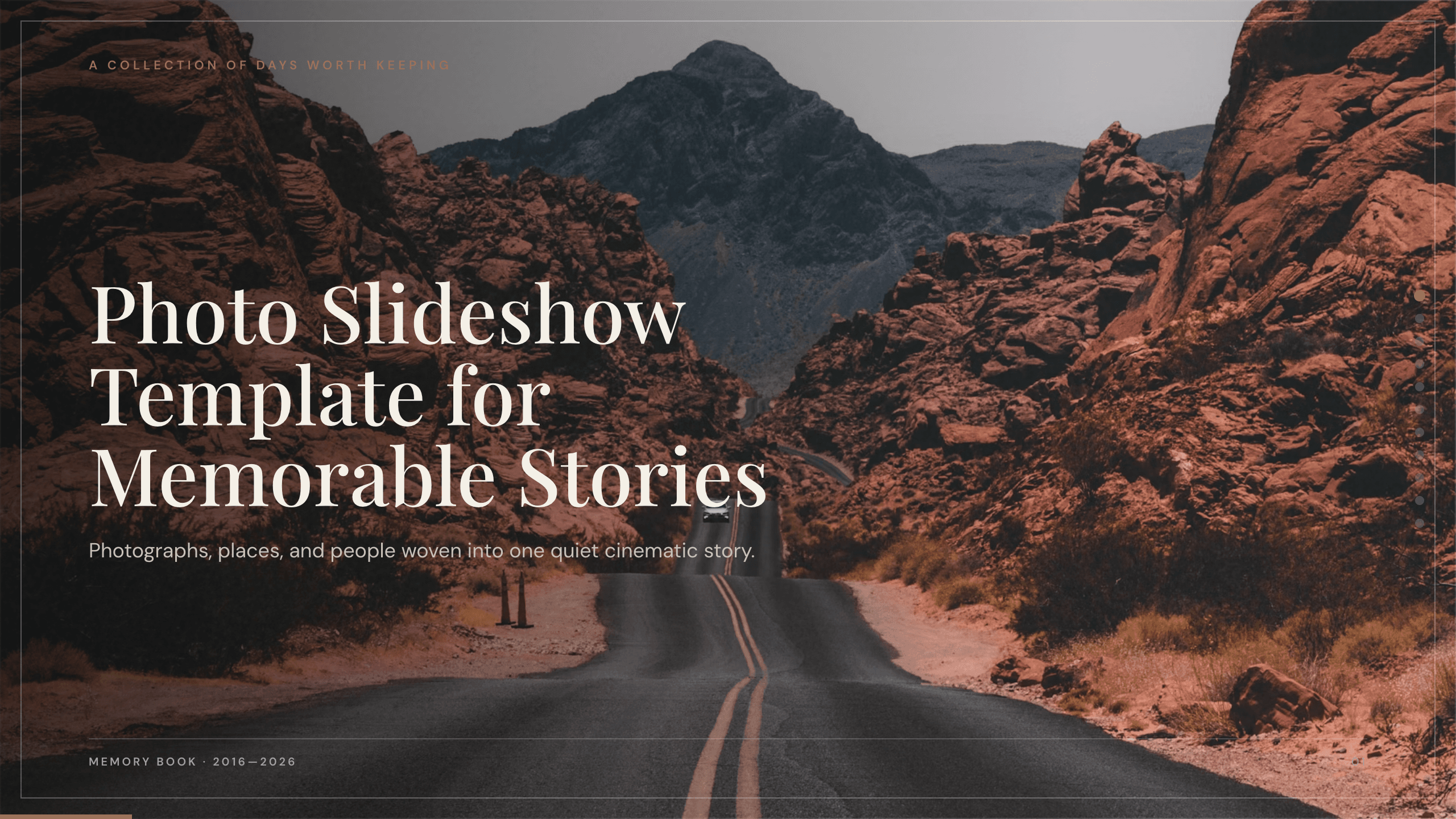
Photo Slideshow Template
Turn photographs into a coherent 10-slide story with layouts for places, people, details, milestones, reflection, and a memorable closing image.
View template
Travel Slides Template
Tell a memorable trip story with 10 travel slides for place, itinerary, neighborhoods, food, culture, logistics, recommendations, photographs, and reflection.
View templateExplore other template hubs
Customize the Food Slides Template with Julius AI
1
Preview the complete example
Inspect all 11 slides to understand the narrative, layouts, and level of detail before replacing the example content.
2
Add your content and direction
Give Julius AI your source material, evidence, audience, constraints, and desired outcome.
3
Review and export
Check the narrative, facts, and design, then export an editable version to PowerPoint or Google Slides for final delivery.