Travel Slides Template for Trip Presentations
Tell a memorable trip story with 10 travel slides for place, itinerary, neighborhoods, food, culture, logistics, recommendations, photographs, and reflection.
Preview the 10-slide Travel Slides Template
Explore the five-day Kyoto example from city context and route through temples, markets, makers, transportation, recommendations, and final reflection.
What you're getting
A travel deck with a sense of place and a useful route
This 10-slide template combines visual travel storytelling with enough practical structure to make a trip understandable. It includes destination context, itinerary, place highlights, food, people, cultural details, logistics, recommendations, and reflection.
The Kyoto example demonstrates thoughtful pacing rather than a universal itinerary. Replace dates, opening information, prices, transport details, and access requirements with current sources, and share local customs with care rather than stereotype.
- Included
- 10 travel slides
- Best for
- Trips and destination stories
- Export
- PowerPoint or Google Slides
Built for
Travelers sharing a trip recap
People turning photographs, places, meals, discoveries, and lessons into a story others can follow.
Trip planners presenting an itinerary
Organizers communicating route, timing, reservations, transport, costs, responsibilities, and contingencies.
Teachers introducing a destination
Educators connecting geography, history, culture, daily life, and respectful travel behavior.
Getting started
Build the route around the experience you want to remember
Choose whether the deck is a plan or a recap; future logistics and reflective storytelling need different language.
- 1
Define the trip frame
Set dates, travelers, destination boundary, pace, budget, accessibility, and the deck’s purpose.
- 2
Organize by route or theme
Group places by day, neighborhood, experience, or story rather than listing every stop.
- 3
Verify practical details
Check current reservations, transit, opening times, costs, entry rules, weather, and local guidance.
- 4
Add cultural context responsibly
Use specific sources, correct names, and avoid reducing living communities to visual motifs.
- 5
Close with useful reflection
Share what surprised you, what you would change, and the advice or memory worth carrying forward.
Explore more
Related templates worth comparing
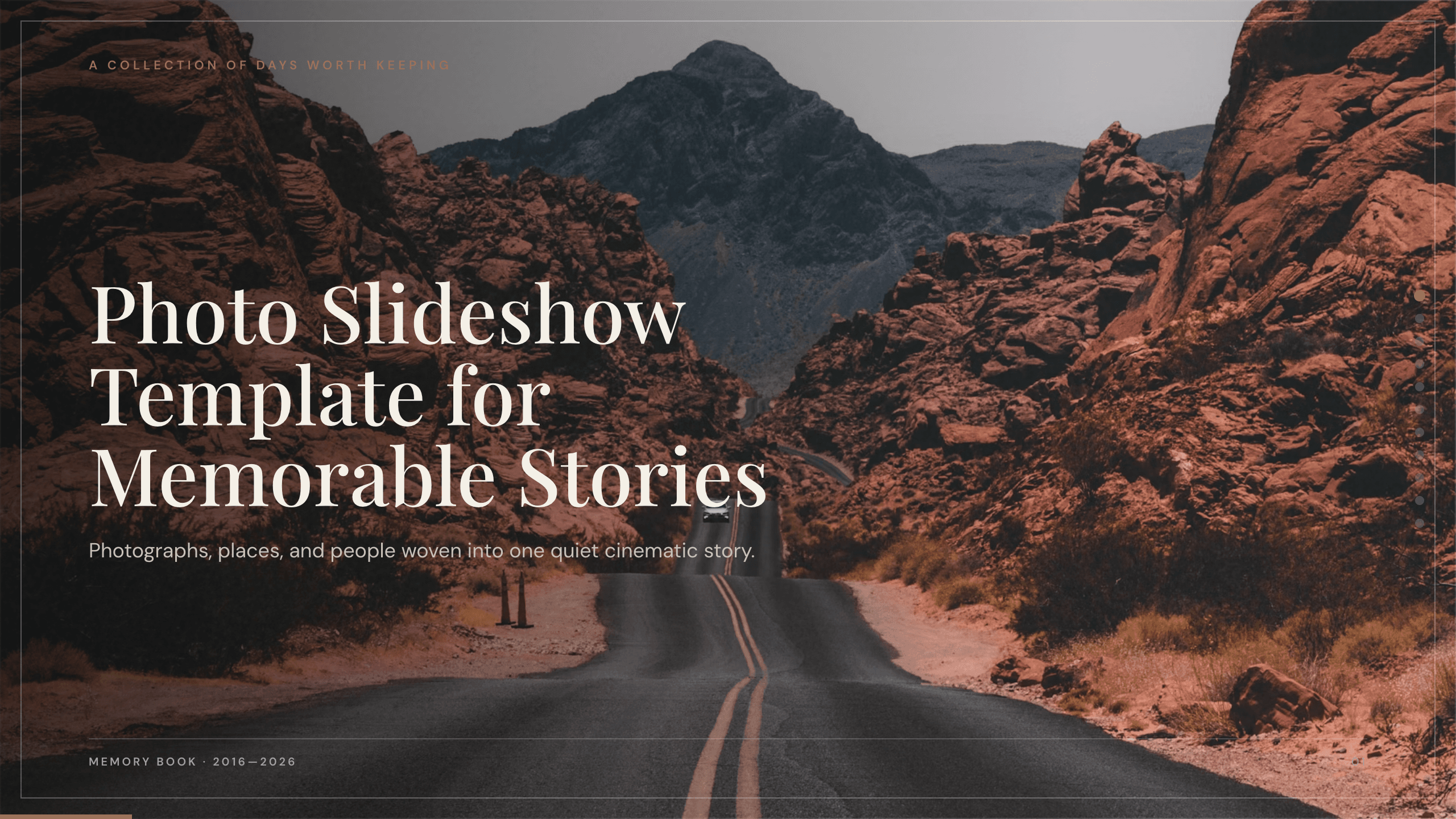
Photo Slideshow Template
Turn photographs into a coherent 10-slide story with layouts for places, people, details, milestones, reflection, and a memorable closing image.
View template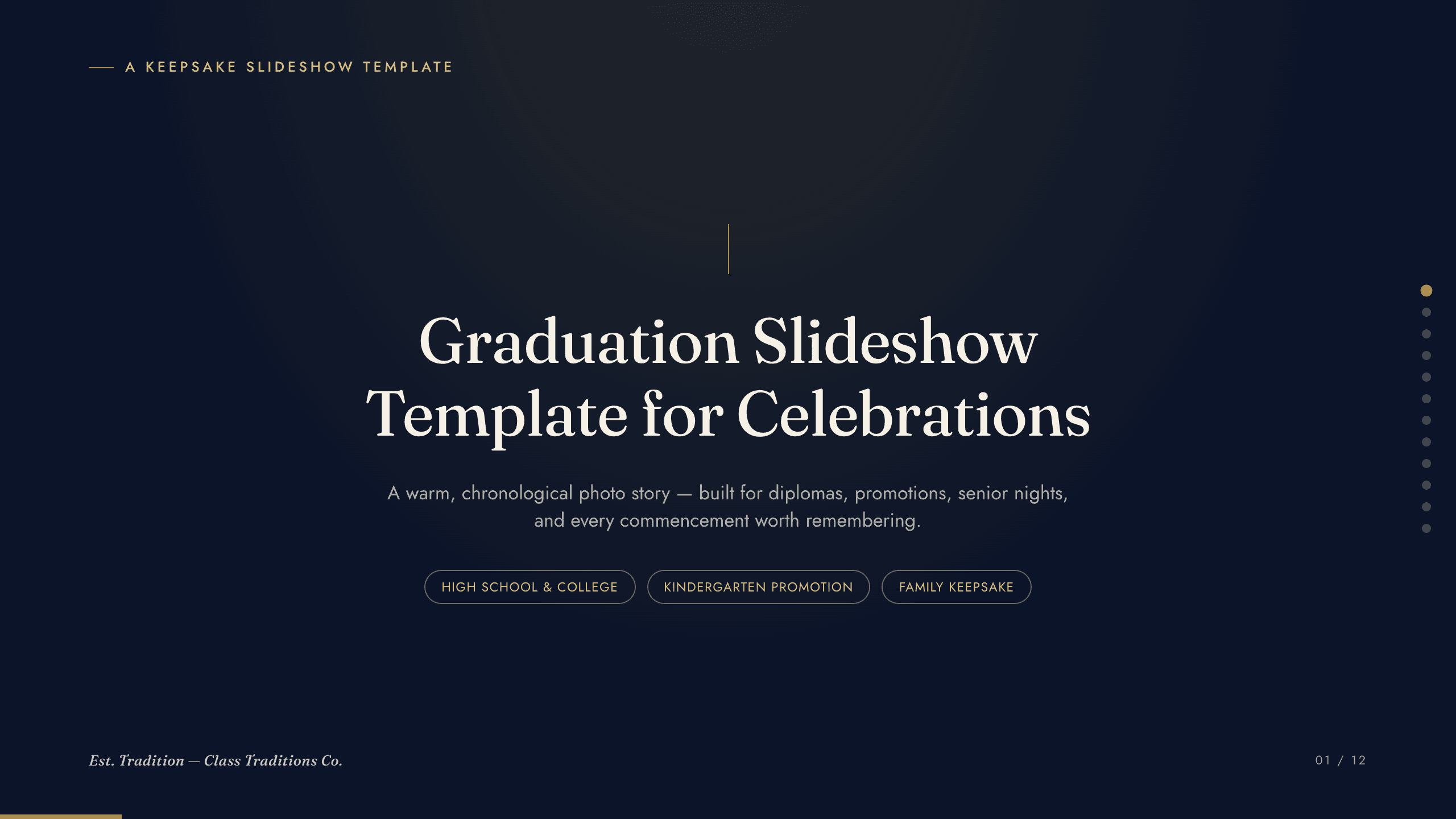
Graduation Slideshow Template
Celebrate graduation with 12 slides for early years, school milestones, favorite classes, activities, friendships, achievements, and future plans.
View template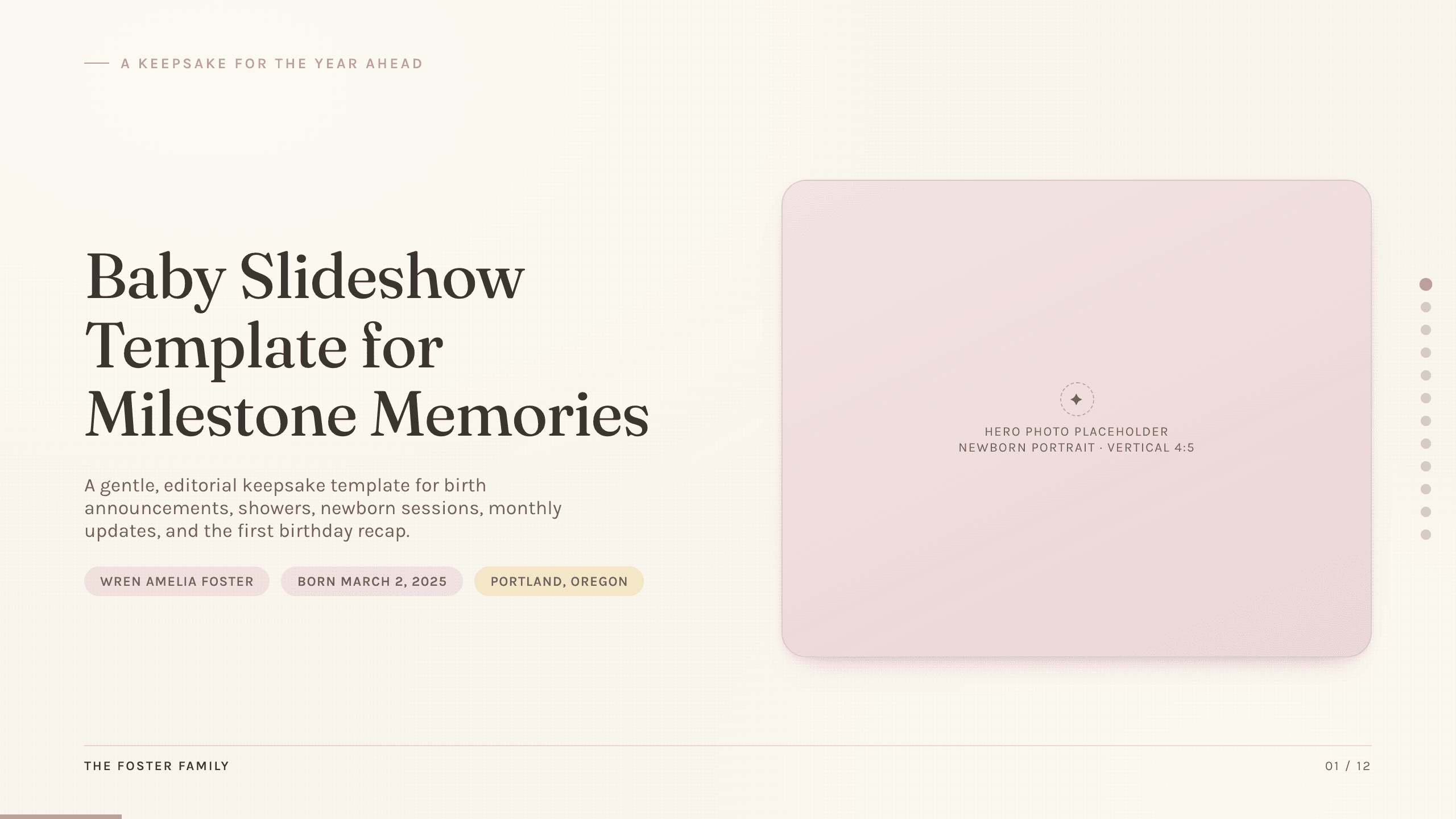
Baby Slideshow Template
Preserve a baby’s first year with 12 gentle slides for arrival, family, monthly changes, favorite things, smiles, words, steps, celebrations, and wishes ahead.
View template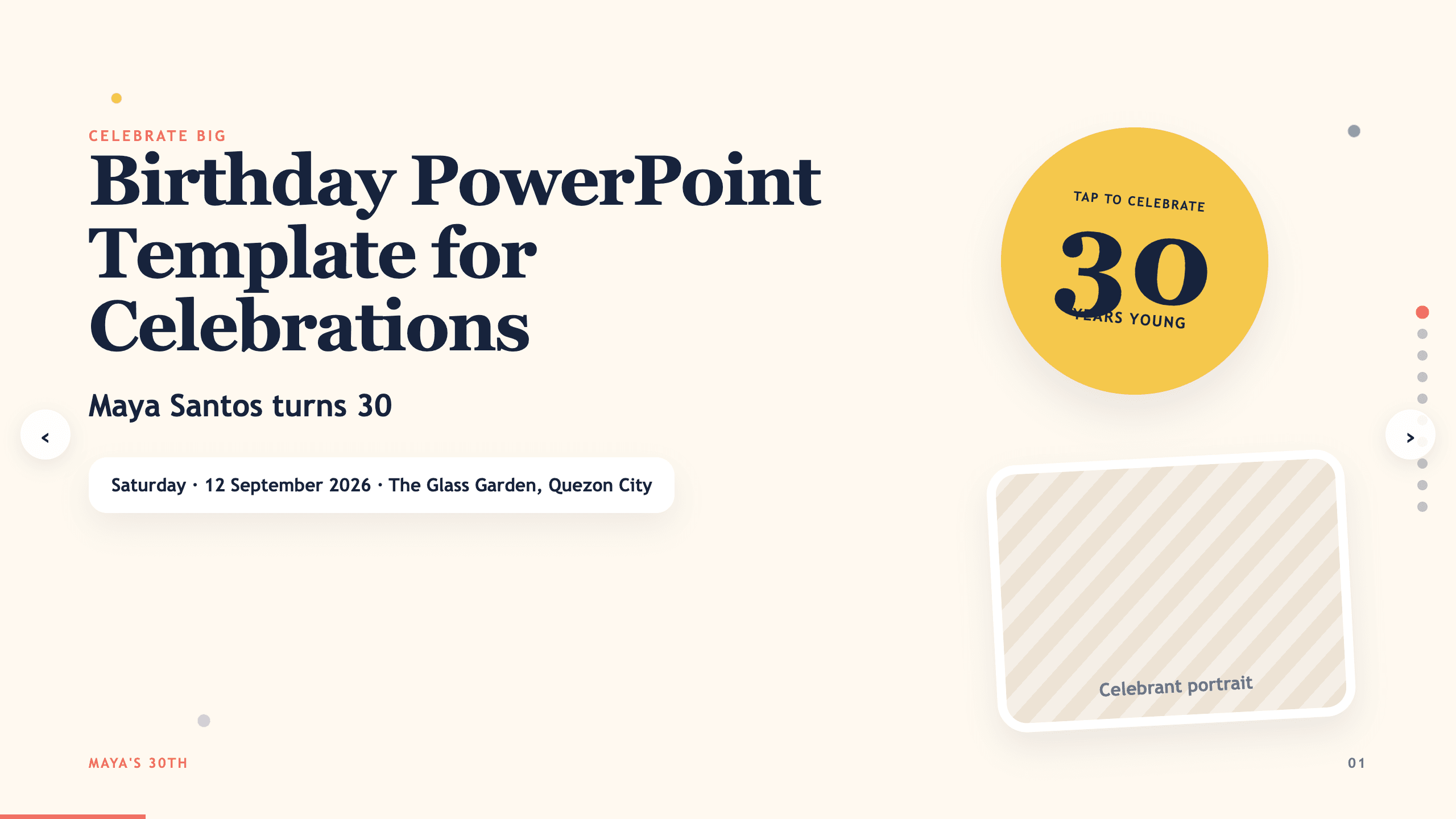
Birthday PowerPoint Template
Celebrate a birthday with 10 adaptable PowerPoint slides for welcome, life timeline, favorite things, people, messages, photos, highlights, and wishes ahead.
View template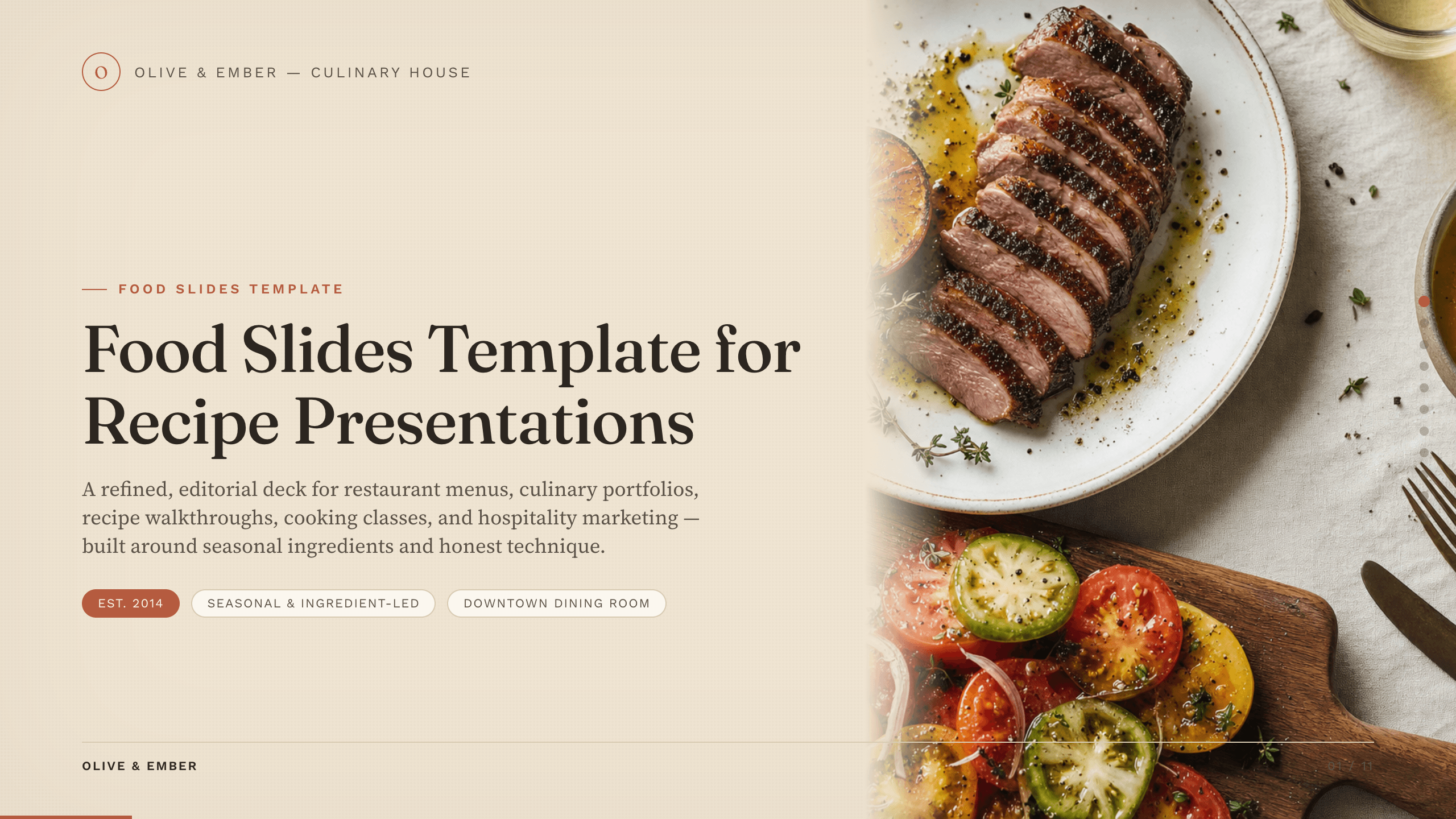
Food Slides Template
Present food and hospitality with 11 editorial slides for concept, chef, ingredients, menu, recipe method, sourcing, experience, events, and reservation.
View template
Real Estate Presentation Template
Present a property or portfolio with 12 slides for market context, neighborhood, specifications, floor plan, amenities, comparables, marketing, and next steps.
View templateExplore other template hubs
Customize the Travel Slides Template with Julius AI
1
Preview the complete example
Inspect all 10 slides to understand the narrative, layouts, and level of detail before replacing the example content.
2
Add your content and direction
Give Julius AI your source material, evidence, audience, constraints, and desired outcome.
3
Review and export
Check the narrative, facts, and design, then export an editable version to PowerPoint or Google Slides for final delivery.