Birthday PowerPoint Template for Celebrations
Celebrate a birthday with 10 adaptable PowerPoint slides for welcome, life timeline, favorite things, people, messages, photos, highlights, and wishes ahead.
Preview the 10-slide Birthday PowerPoint Template
Review the complete 30th-birthday story, from welcoming title and joyful timeline through favorite moments, people, photographs, and future wishes.
What you're getting
A birthday deck that feels personal without becoming cluttered
This 10-slide PowerPoint template turns photographs and memories into a short celebratory story. It includes a welcome, timeline, favorite things, meaningful people, highlights, messages, and a forward-looking close.
The Maya Santos example shows the intended warmth and pacing. Replace it with details the guest of honor is comfortable sharing, invite contributions early, and choose a few excellent photographs instead of filling every available frame.
- Included
- 10 celebration slides
- Best for
- Birthday stories and events
- Export
- Editable PowerPoint
Built for
Friends preparing a surprise tribute
Groups gathering photographs, stories, favorite things, and short messages for a shared celebration.
Families marking a milestone
Relatives creating a warm timeline that spans childhood, relationships, achievements, and hopes.
Event hosts guiding the program
Organizers combining the welcome, activities, toast prompts, visuals, and closing wishes.
Getting started
Tell one warm story about the person being celebrated
Agree on privacy and tone first, especially when the presentation will be shown to a large or mixed audience.
- 1
Choose the narrative
Decide whether the deck is chronological, thematic, humorous, reflective, or tied to the event program.
- 2
Gather contributions
Ask for high-resolution photos, dates, captions, memories, and messages with a clear deadline.
- 3
Curate respectfully
Remove private, embarrassing, unclear, or repetitive material and verify names and dates.
- 4
Balance images and words
Let photographs lead while using short captions and quotes to add context or voice.
- 5
Rehearse the moment
Check timing, display quality, transitions, pronunciation, and who advances or speaks to each slide.
Explore more
Related templates worth comparing
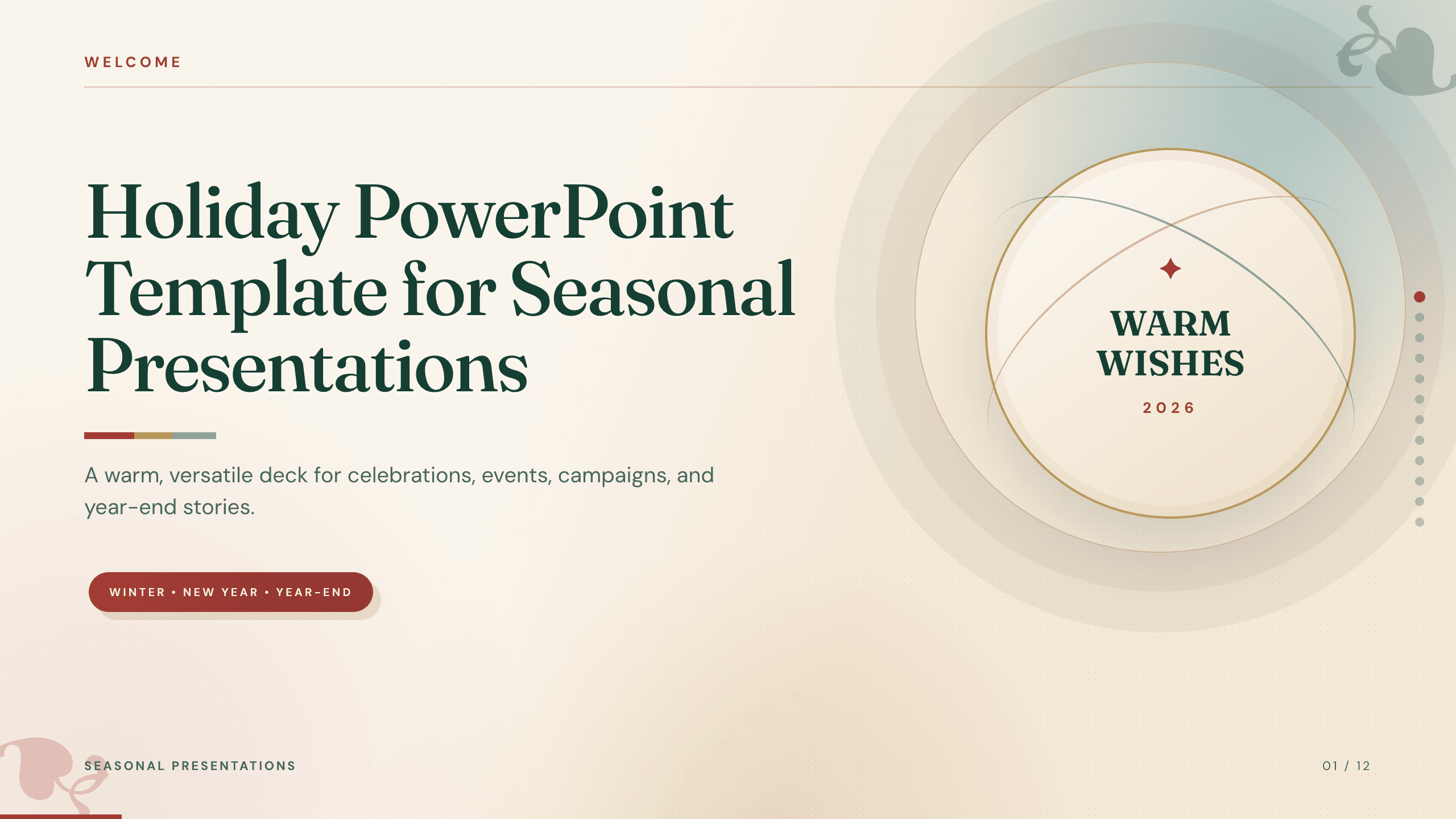
Holiday PowerPoint Template
Build a 12-slide holiday presentation for events, campaigns, year-end updates, gift guides, traditions, schedules, highlights, and closing messages.
View template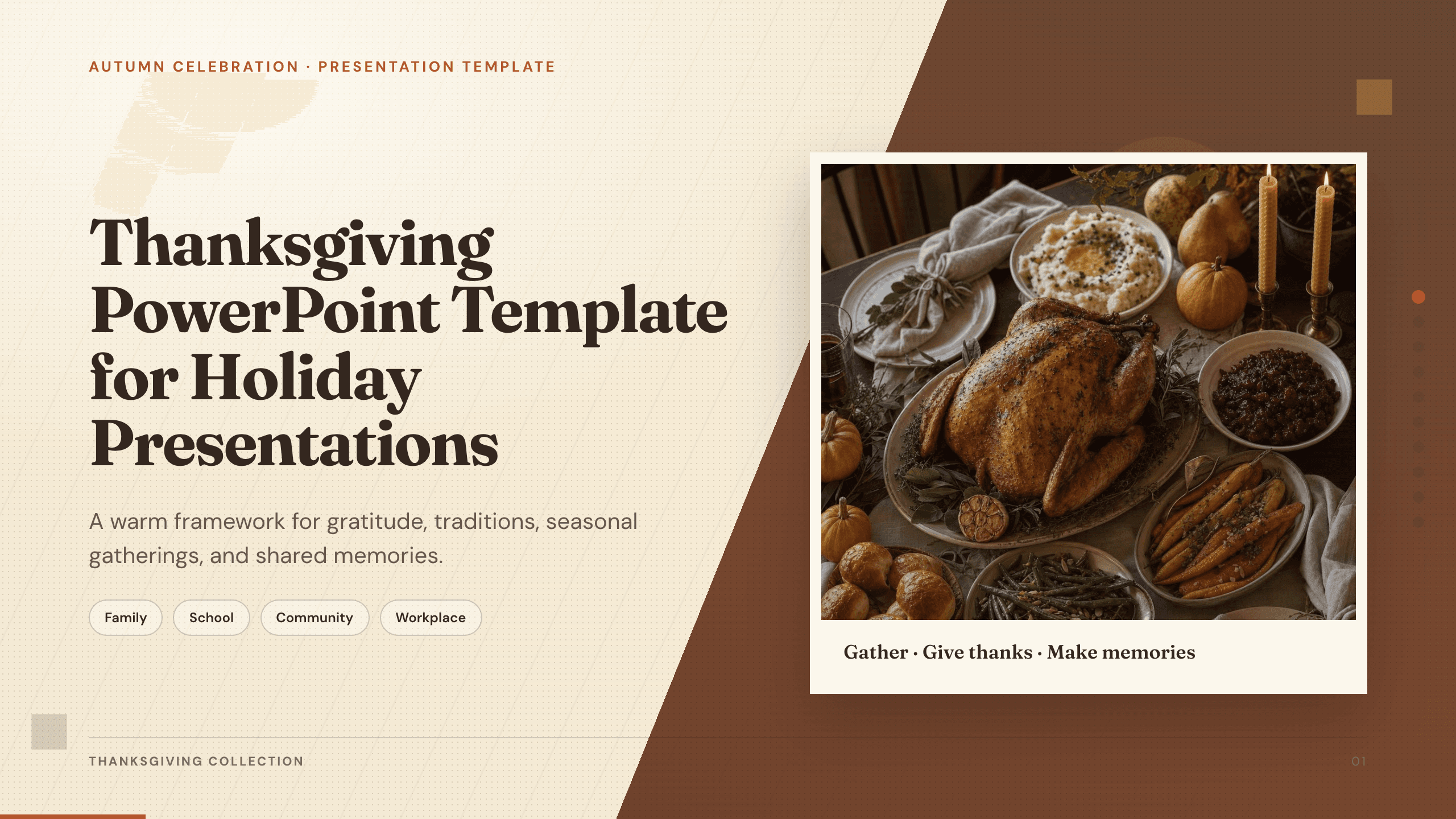
Thanksgiving PowerPoint Template
Create a warm 10-slide Thanksgiving presentation for gatherings, classroom activities, community events, menus, gratitude reflections, and shared memories.
View template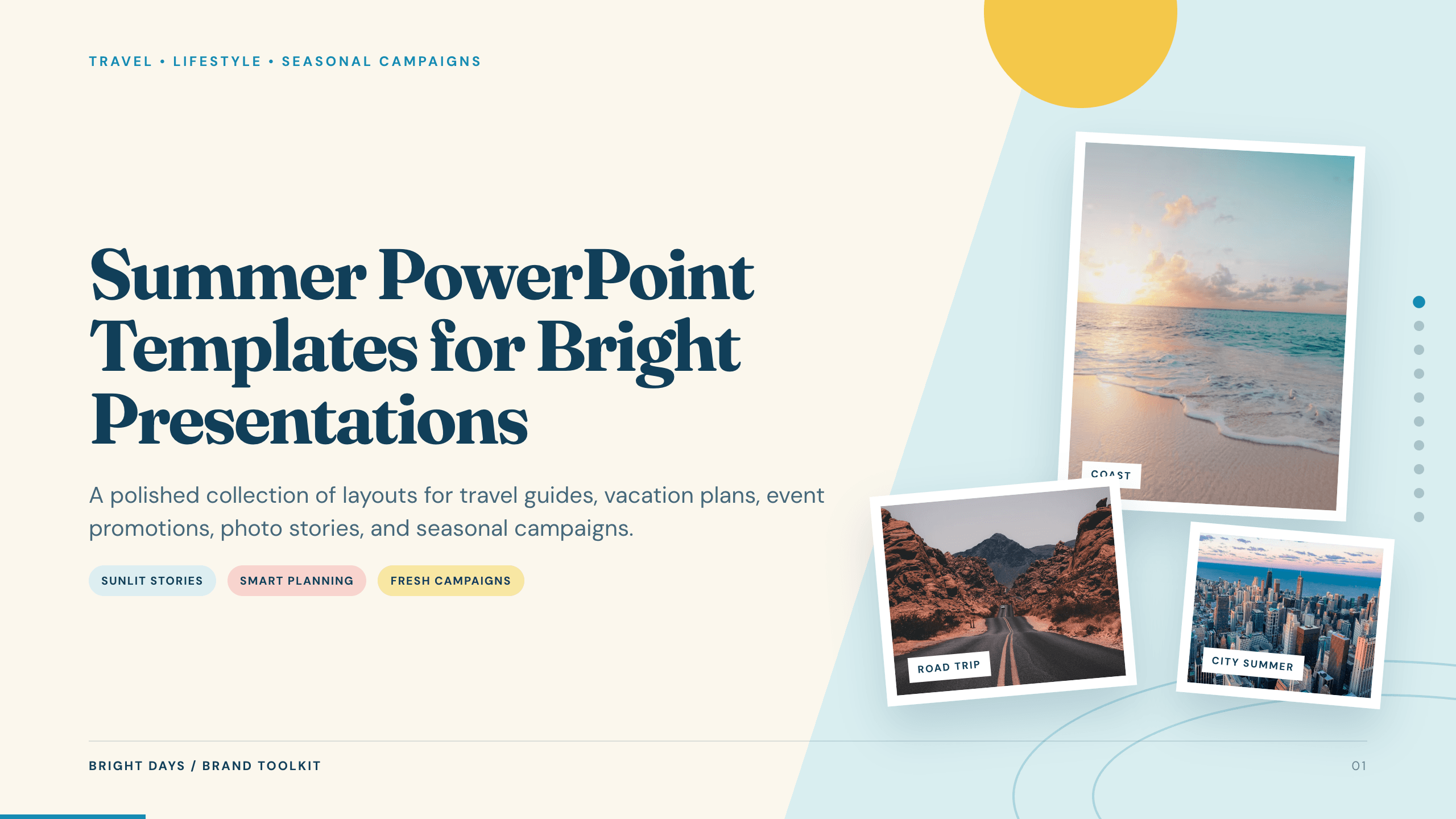
Summer PowerPoint Templates
Inspect a 10-slide featured example and find a starting point for bright presentations.
Browse collection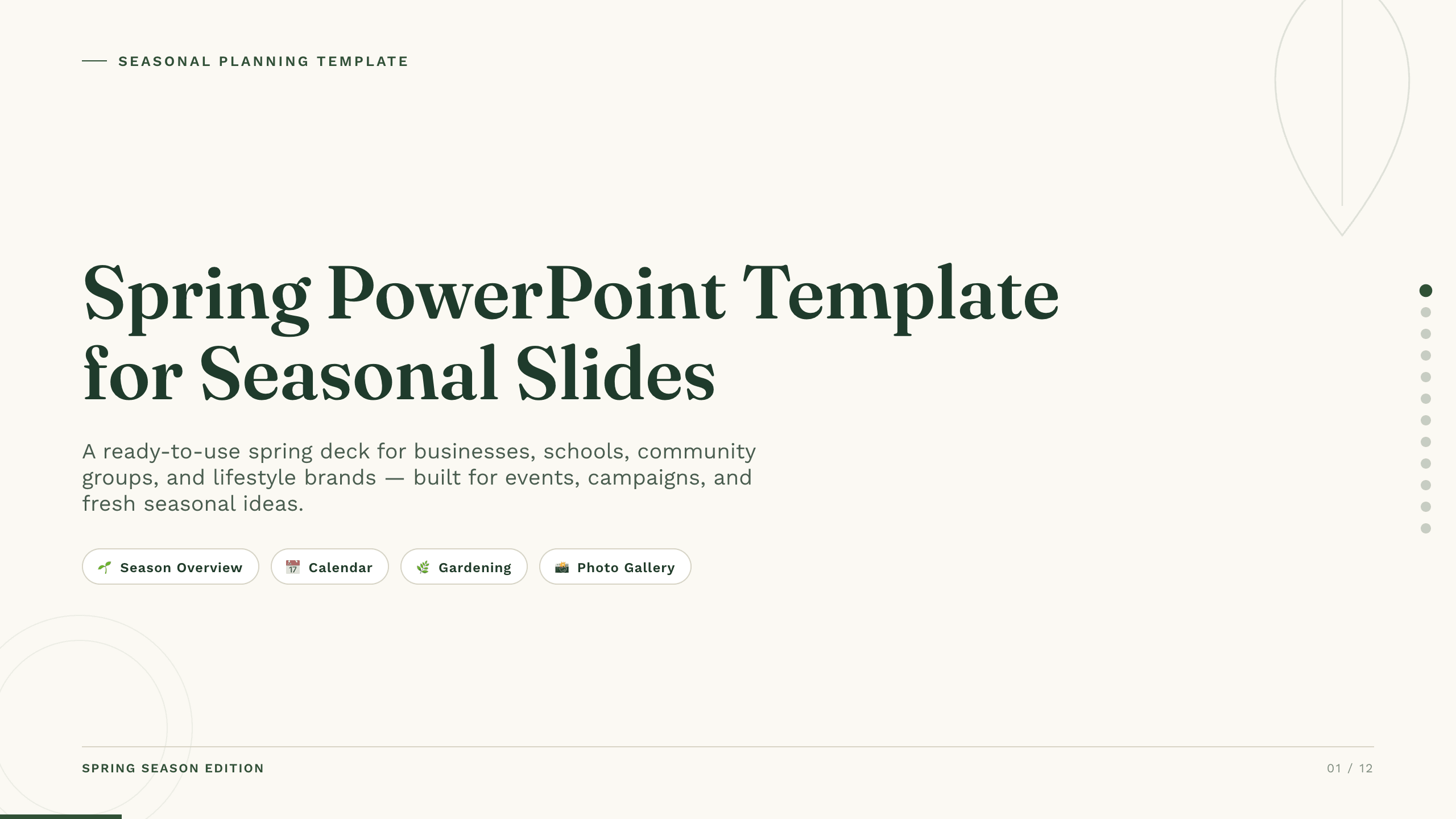
Spring PowerPoint Template
Plan a spring event, campaign, lesson, or community initiative with 11 PowerPoint slides for seasonal context, audience, ideas, schedule, promotion, and action.
View template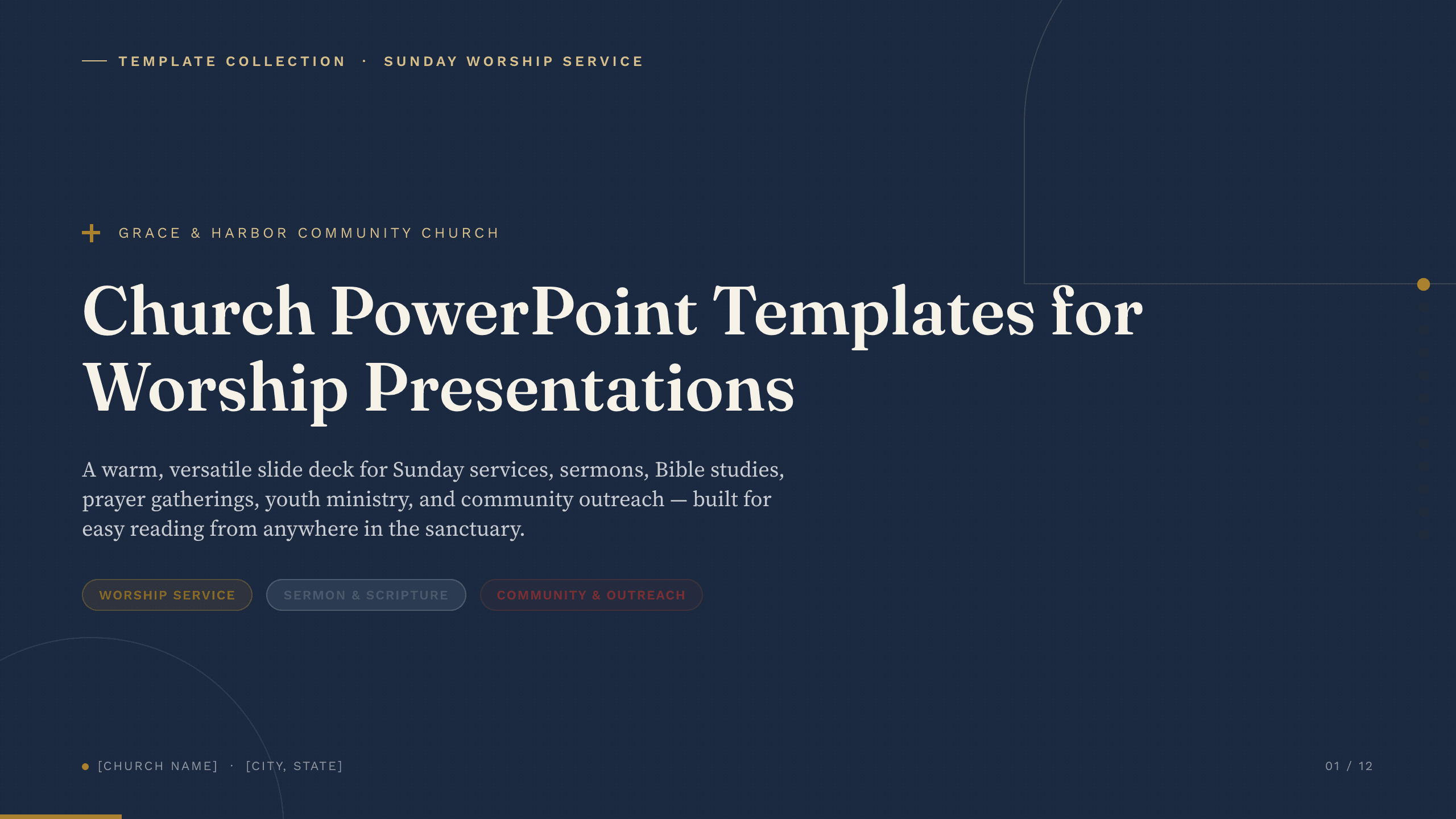
Church PowerPoint Templates
Inspect a 9-slide featured example and find a starting point for worship presentations.
Browse collection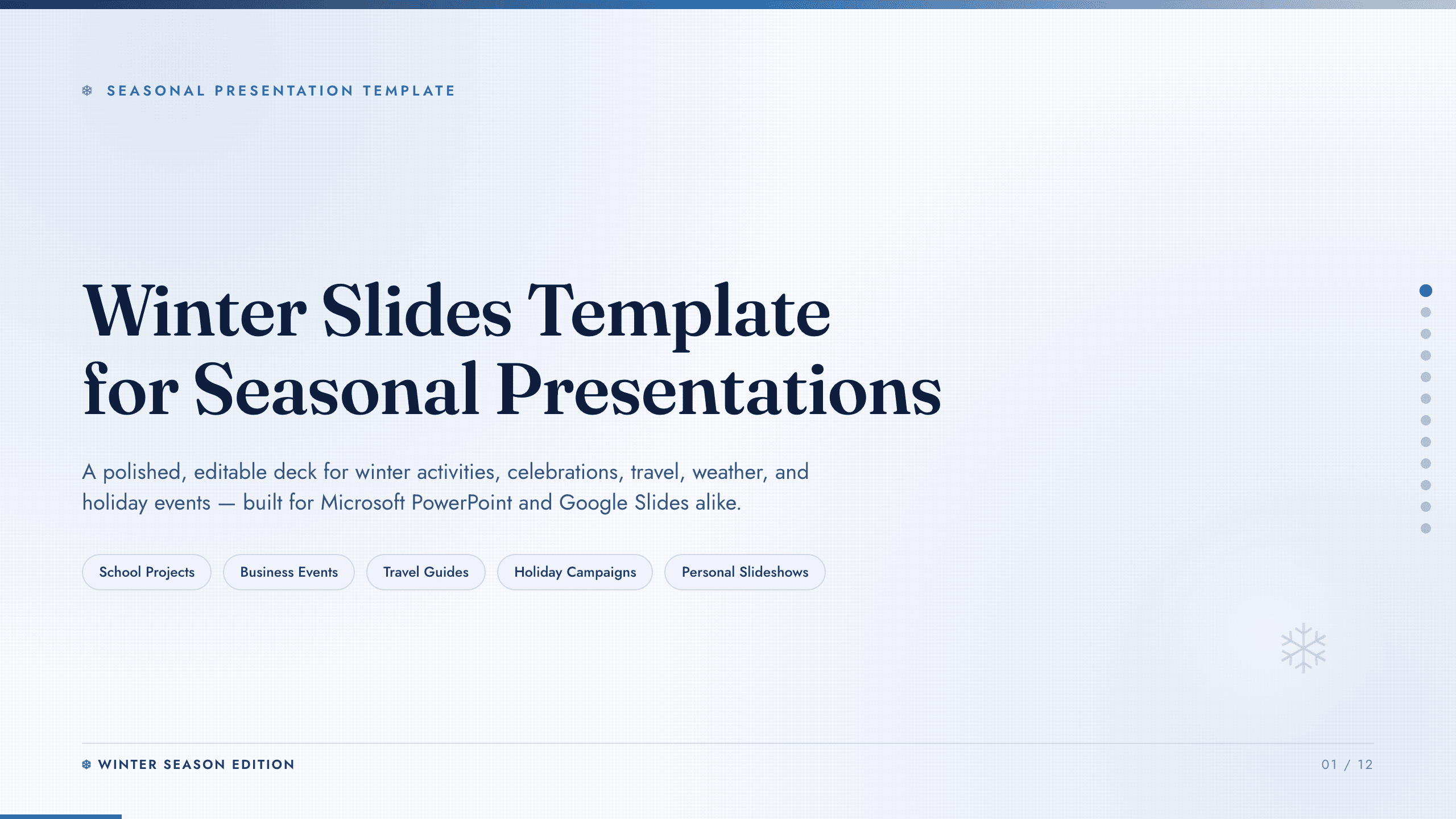
Winter Slides Template
Create a focused winter lesson, event, travel guide, or seasonal campaign from 12 coordinated layouts for activities, safety, food, photography, and planning.
View templateExplore other template hubs
Customize the Birthday PowerPoint Template with Julius AI
1
Preview the complete example
Inspect all 10 slides to understand the narrative, layouts, and level of detail before replacing the example content.
2
Add your content and direction
Give Julius AI your source material, evidence, audience, constraints, and desired outcome.
3
Review and export
Check the narrative, facts, and design, then export an editable version to PowerPoint for final delivery.