Spring PowerPoint Template for Seasonal Slides
Plan a spring event, campaign, lesson, or community initiative with 11 PowerPoint slides for seasonal context, audience, ideas, schedule, promotion, and action.
Preview the 11-slide Spring PowerPoint Template
Explore the complete seasonal planning example from what spring brings through audiences, events, growth themes, campaign ideas, calendar, and launch actions.
What you're getting
A spring deck that turns seasonal energy into a plan
This 11-slide PowerPoint template combines a fresh seasonal visual system with practical planning layouts. It can support events, campaigns, classroom topics, community programs, sustainability themes, schedules, and next steps.
Use the sample as a planning sequence rather than a collection of generic spring motifs. Replace dates, audience needs, activities, and claims with local context, then keep imagery and color consistent across the selected layouts.
- Included
- 11 seasonal slides
- Best for
- Events, campaigns, and lessons
- Export
- Editable PowerPoint
Built for
Marketing teams planning a spring campaign
Teams aligning audience, offer, theme, channels, calendar, production, and measures.
Schools organizing seasonal activities
Educators introducing spring science, events, projects, reflection, and participation.
Community groups launching a program
Organizers communicating goals, schedule, volunteer roles, local relevance, and the next action.
Getting started
Choose the seasonal opportunity, then build the plan
Tie the spring theme to a real audience need or event rather than relying on color and imagery alone.
- 1
Define the spring objective
Set the audience, outcome, location, dates, and reason the season matters to the plan.
- 2
Select the relevant layouts
Keep only the context, idea, event, content, schedule, resource, or action slides needed.
- 3
Verify seasonal details
Check local dates, weather, school calendars, cultural context, availability, and accessibility.
- 4
Build the execution path
Name owners, dependencies, content, promotion, materials, measures, and contingency plans.
- 5
Close with a launch action
End on the registration, approval, assignment, event detail, or team commitment required next.
Explore more
Related templates worth comparing
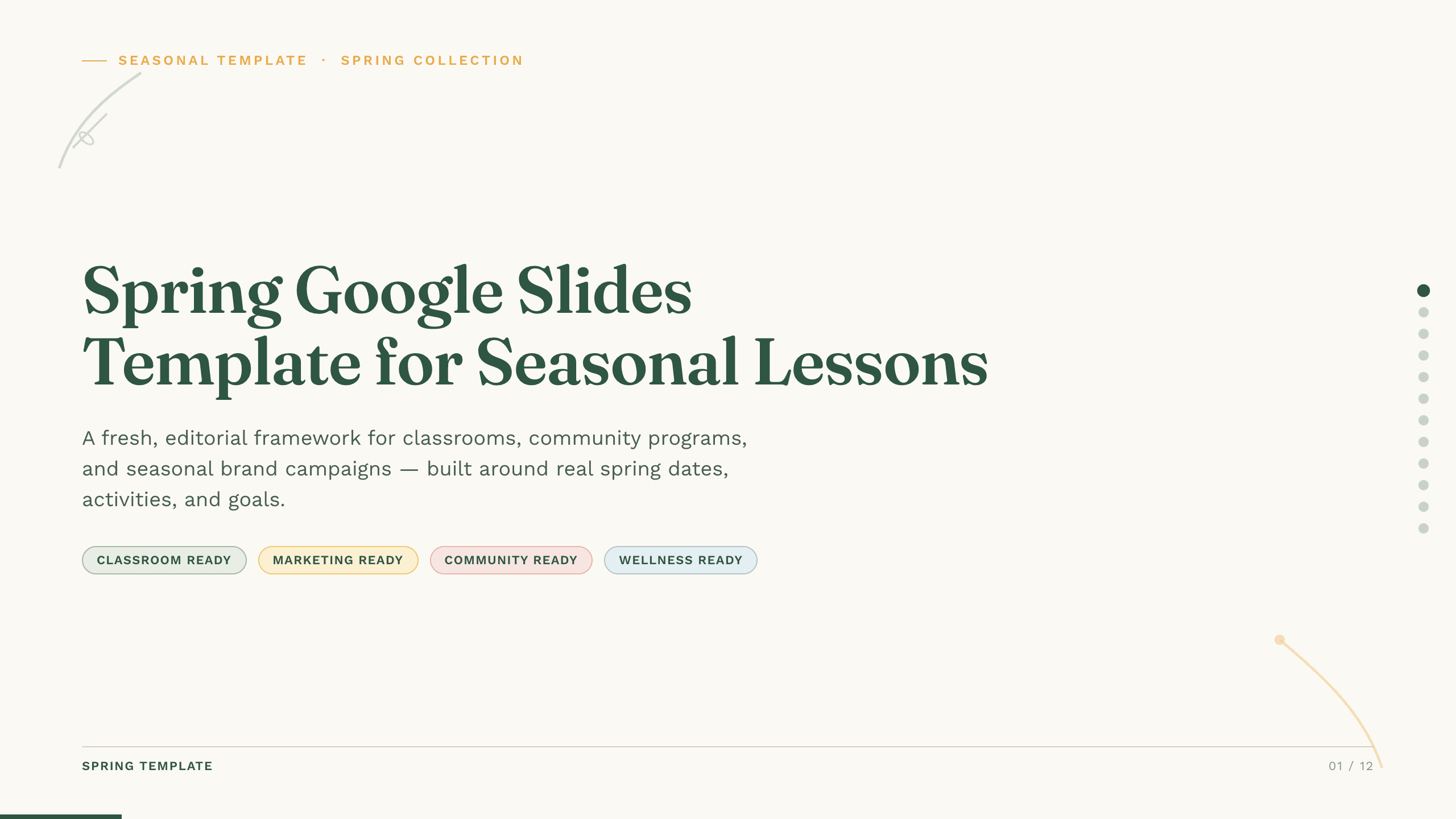
Spring Google Slides Template
Create an 11-slide spring Google Slides lesson or community plan covering season changes, key dates, nature, activities, sustainability, goals, and next steps.
View template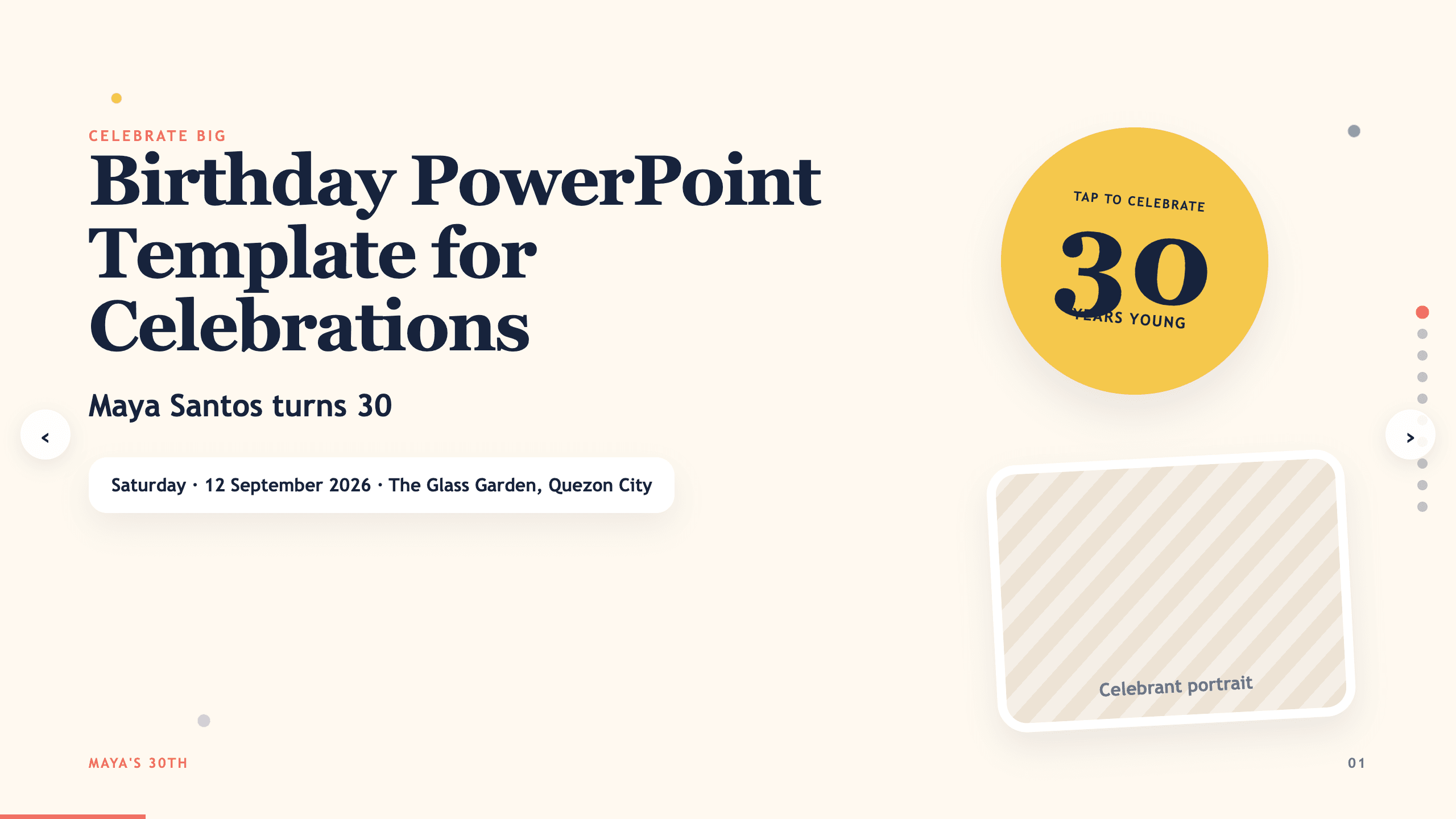
Birthday PowerPoint Template
Celebrate a birthday with 10 adaptable PowerPoint slides for welcome, life timeline, favorite things, people, messages, photos, highlights, and wishes ahead.
View template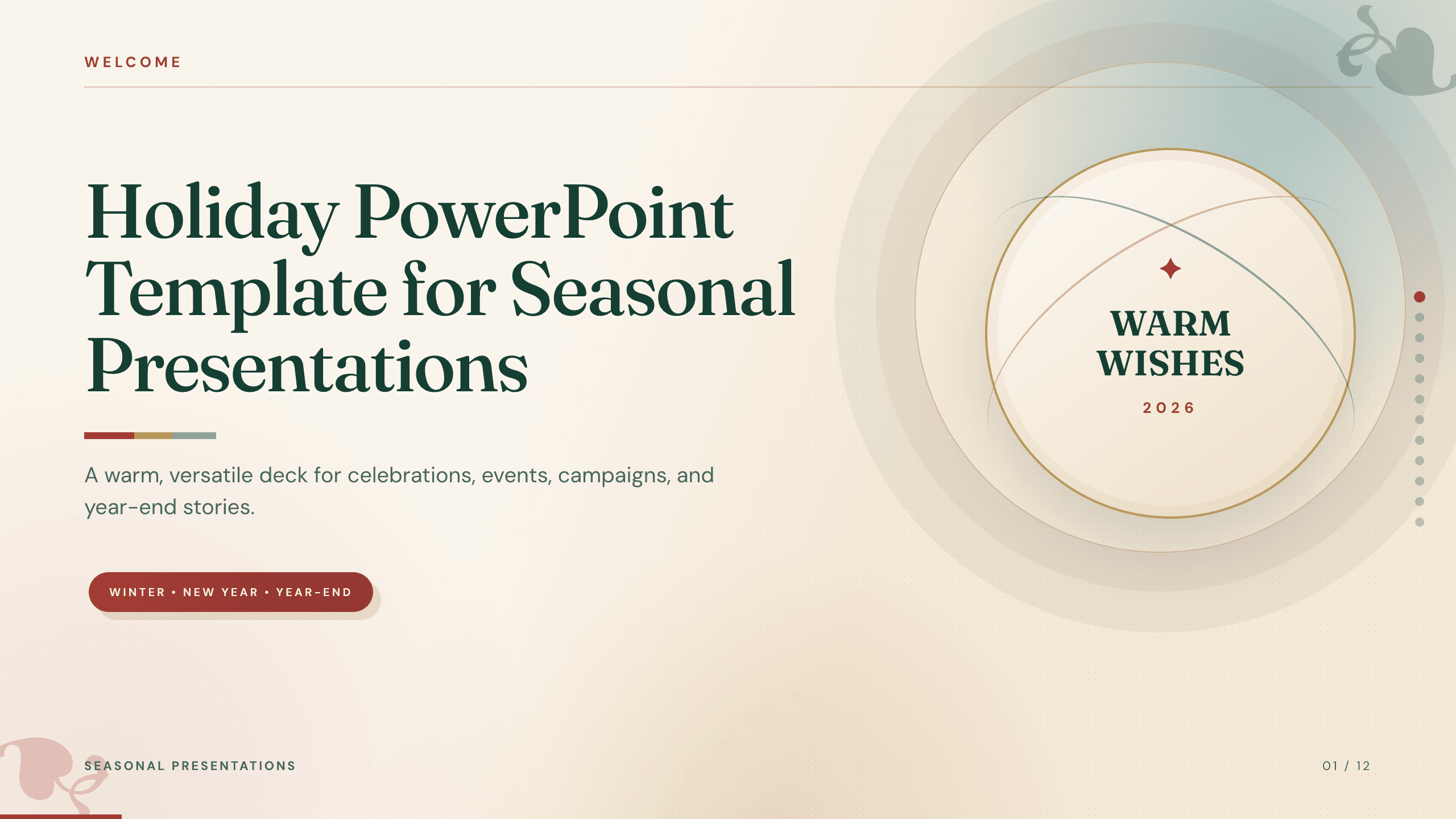
Holiday PowerPoint Template
Build a 12-slide holiday presentation for events, campaigns, year-end updates, gift guides, traditions, schedules, highlights, and closing messages.
View template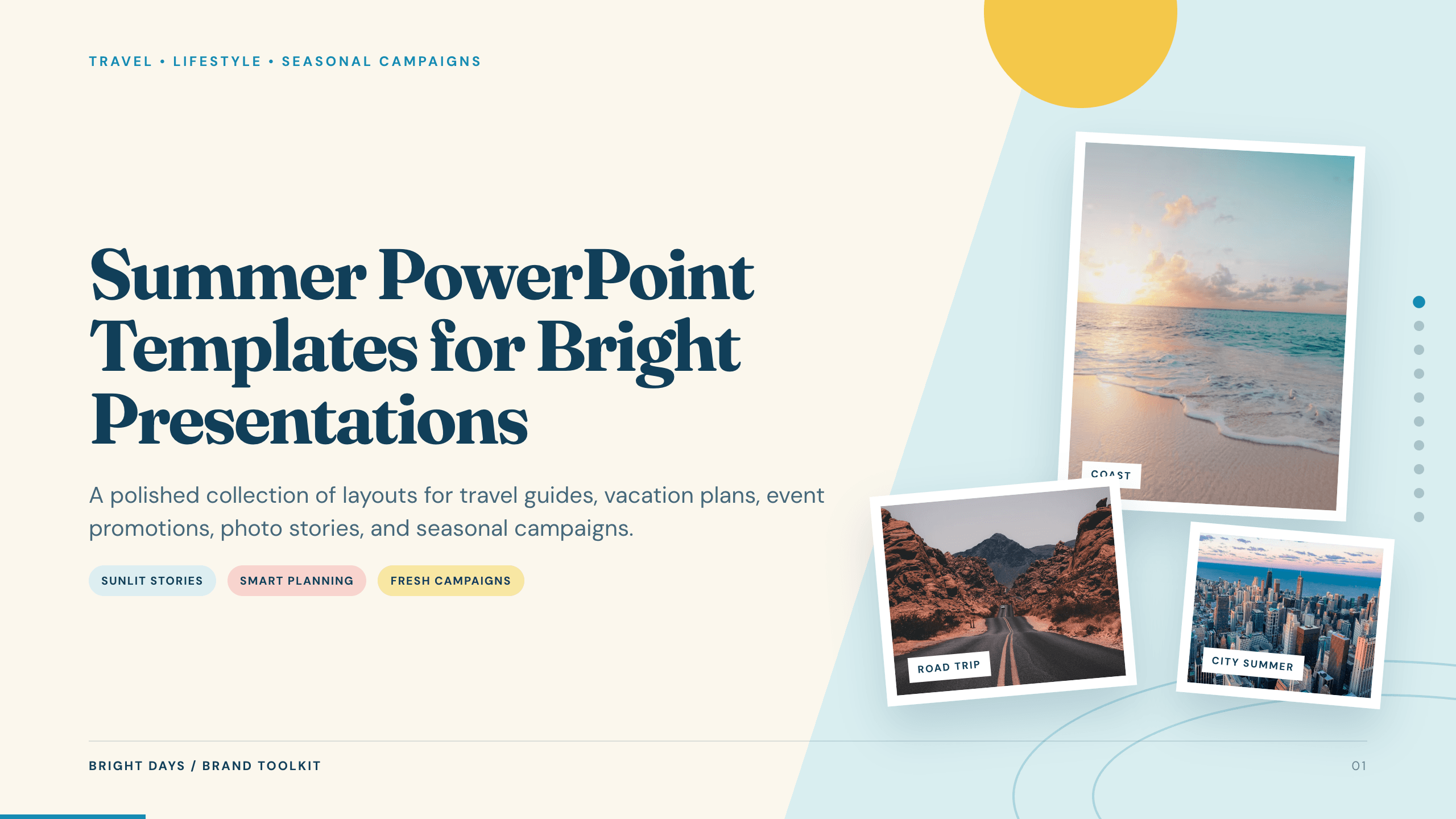
Summer PowerPoint Templates
Inspect a 10-slide featured example and find a starting point for bright presentations.
Browse collection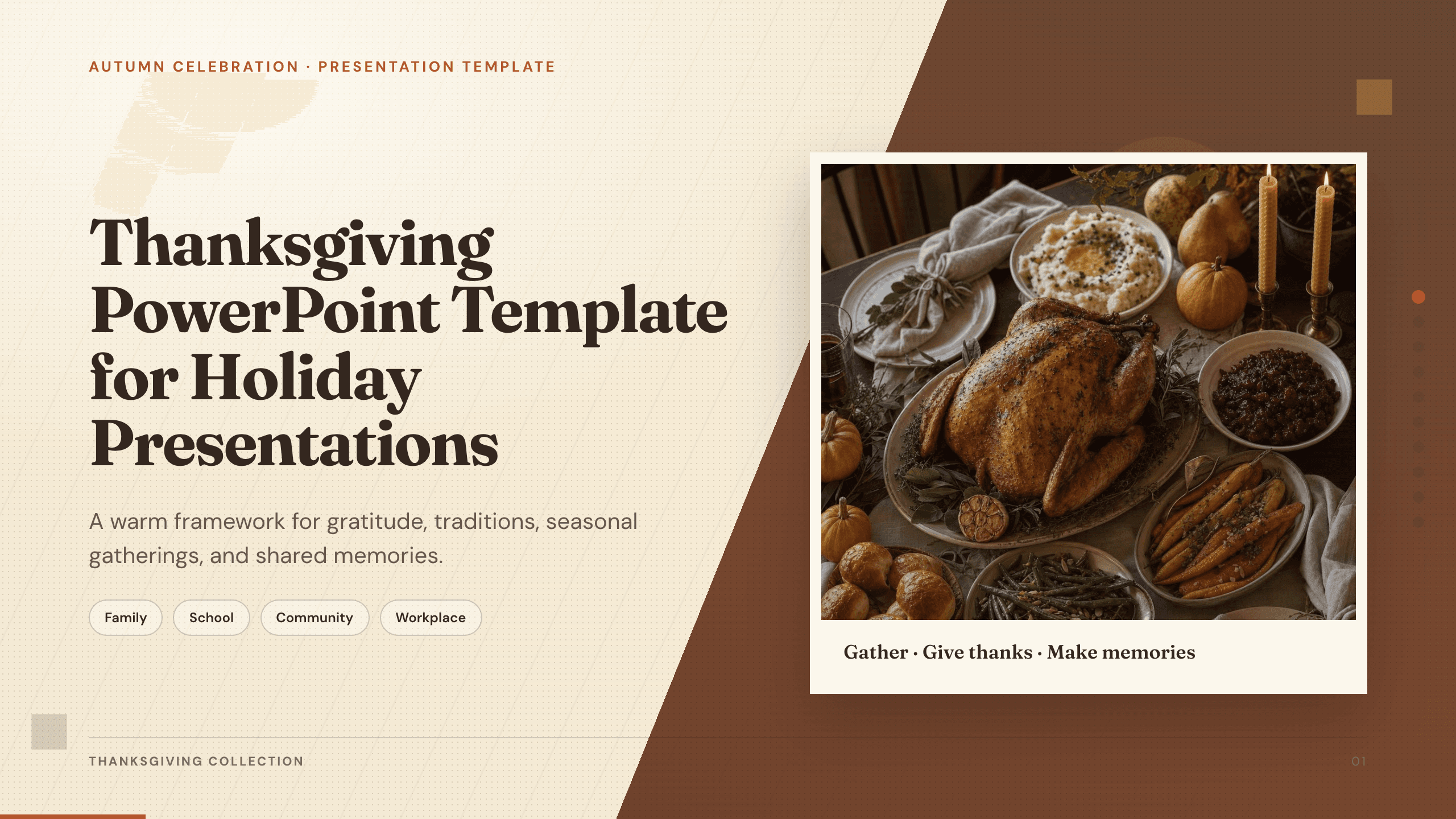
Thanksgiving PowerPoint Template
Create a warm 10-slide Thanksgiving presentation for gatherings, classroom activities, community events, menus, gratitude reflections, and shared memories.
View template
Winter Slides Template
Create a focused winter lesson, event, travel guide, or seasonal campaign from 12 coordinated layouts for activities, safety, food, photography, and planning.
View templateExplore other template hubs
Customize the Spring PowerPoint Template with Julius AI
1
Preview the complete example
Inspect all 11 slides to understand the narrative, layouts, and level of detail before replacing the example content.
2
Add your content and direction
Give Julius AI your source material, evidence, audience, constraints, and desired outcome.
3
Review and export
Check the narrative, facts, and design, then export an editable version to PowerPoint for final delivery.