Winter Slides Template for Seasonal Presentations
Create a focused winter lesson, event, travel guide, or seasonal campaign from 12 coordinated layouts for activities, safety, food, photography, and planning.
Preview the 12-slide Winter Slides Template
See every winter layout before deciding which sections fit your audience and which should be removed from the final presentation.
What you're getting
A flexible winter deck with a coherent seasonal story
This 12-slide template covers the season from several useful angles: weather, outdoor and indoor activities, travel, celebrations, safety, food, photography, an event calendar, and a closing bucket list. The sections are broad enough for a lesson or event deck, but consistent enough to feel like one presentation.
Do not try to keep every section for every audience. Choose one purpose, remove the layouts that do not support it, and replace the example facts and photography with details that match your location, event, or campaign.
- Included
- 12 seasonal slides
- Best for
- Lessons and events
- Export
- PowerPoint or Google Slides
Built for
Teachers building a seasonal lesson
Educators combining weather, traditions, safety, activities, and discussion prompts for a specific age group.
Event and community organizers
Teams presenting a winter program, celebration schedule, preparation checklist, and practical visitor details.
Travel and seasonal marketing teams
Presenters turning destinations, experiences, food, photography, and calendar moments into a focused campaign.
Getting started
Shape the template around one winter purpose
The template is intentionally broad. Editing begins by deciding what the audience should know or do afterward.
- 1
Choose the audience and outcome
Decide whether this is a lesson, event guide, travel plan, campaign, or personal seasonal recap.
- 2
Keep only the useful sections
Remove activities, travel, food, safety, or calendar layouts that do not advance that purpose.
- 3
Verify seasonal information
Update weather, operating hours, travel guidance, safety recommendations, dates, and locations from current sources.
- 4
Replace the visual story
Use relevant local or campaign imagery while preserving the cool palette, contrast, and consistent crops.
- 5
End with a useful action
Turn the final calendar, checklist, or bucket list into dates, owners, reservations, or next steps.
Explore more
Related templates worth comparing

Valentine’s Day Slides Template
Create an elegant 11-slide Valentine’s Day presentation for celebrations, classroom activities, campaigns, dinners, memories, and messages of appreciation.
View template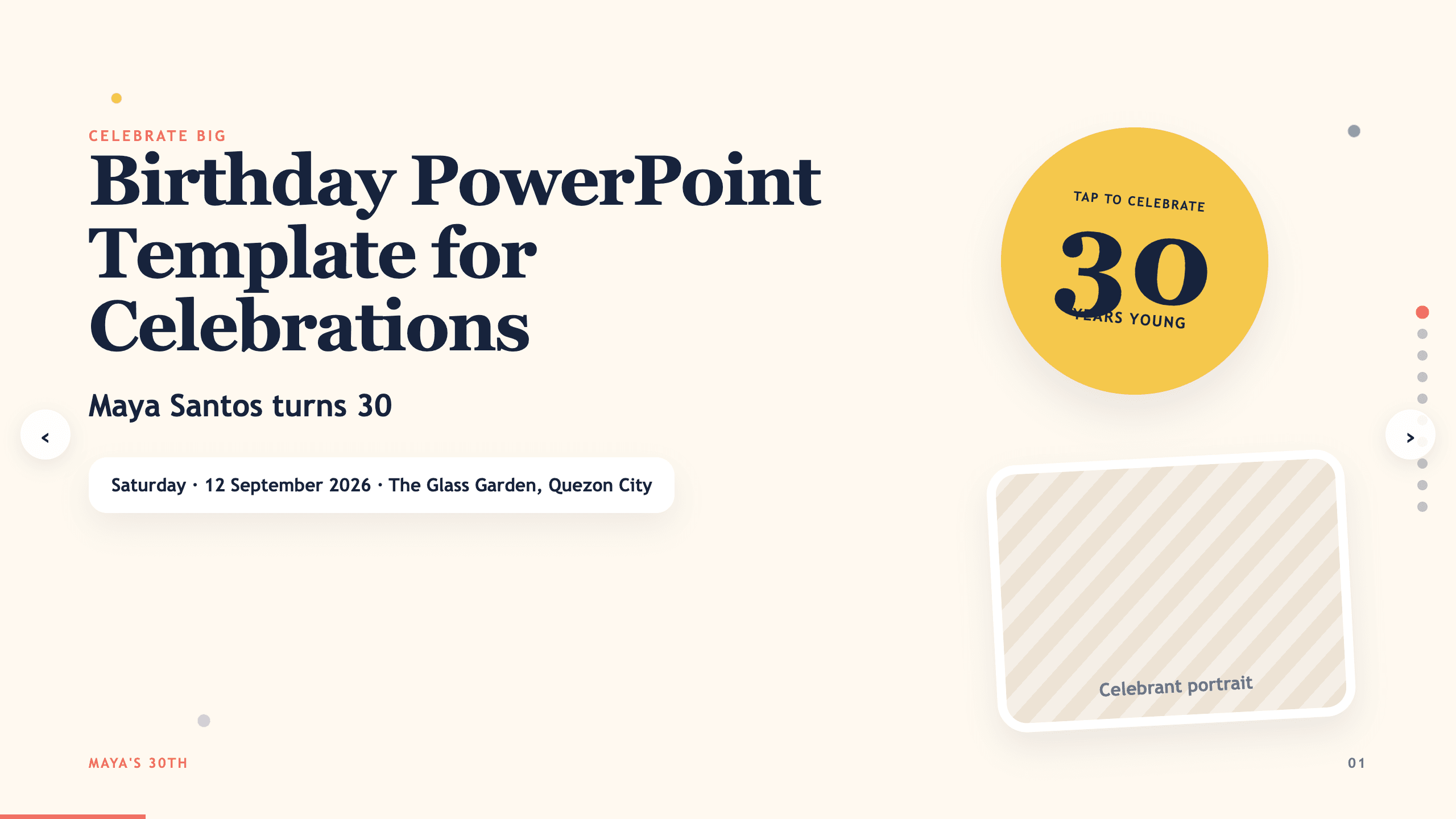
Birthday PowerPoint Template
Celebrate a birthday with 10 adaptable PowerPoint slides for welcome, life timeline, favorite things, people, messages, photos, highlights, and wishes ahead.
View template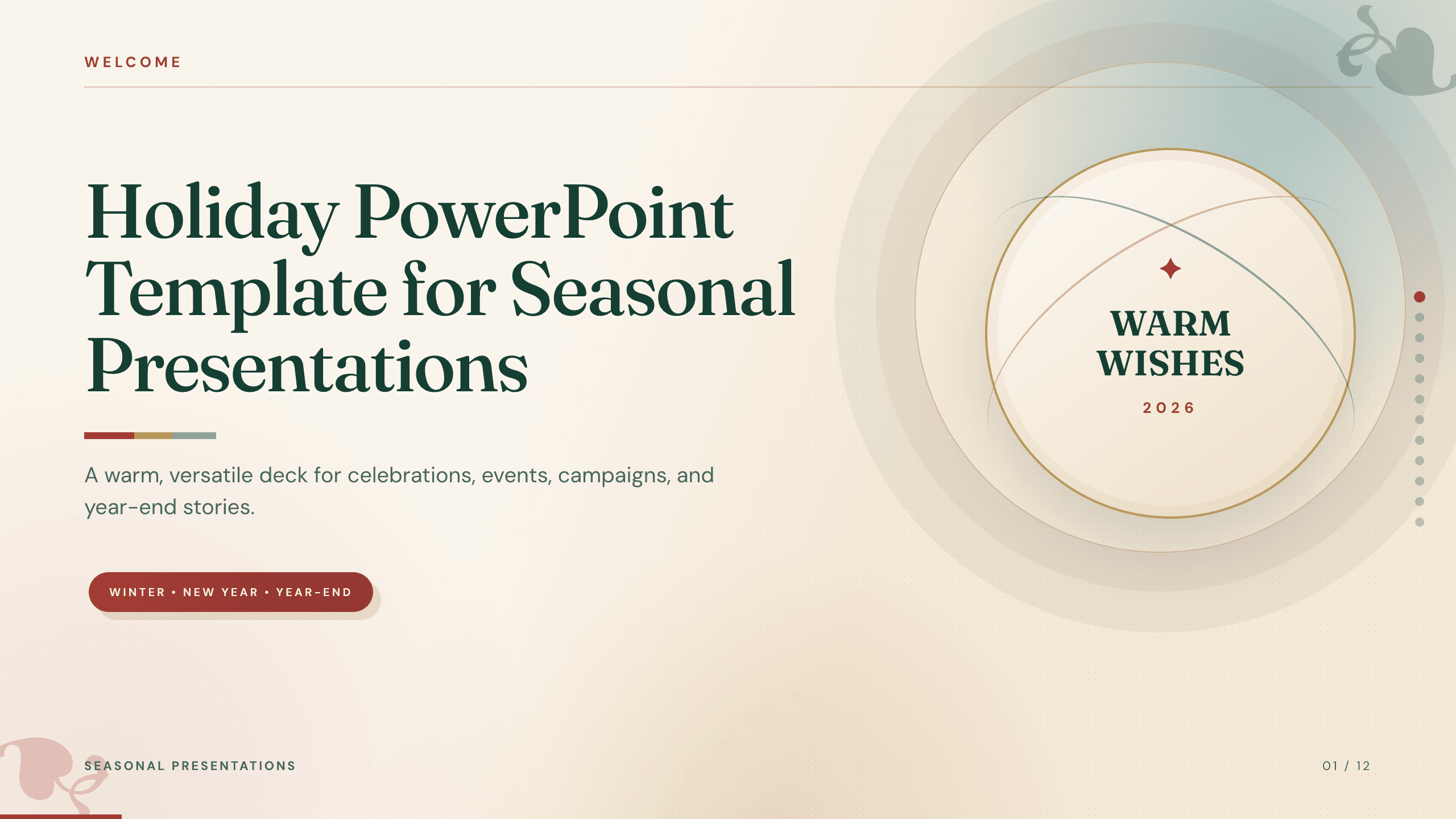
Holiday PowerPoint Template
Build a 12-slide holiday presentation for events, campaigns, year-end updates, gift guides, traditions, schedules, highlights, and closing messages.
View template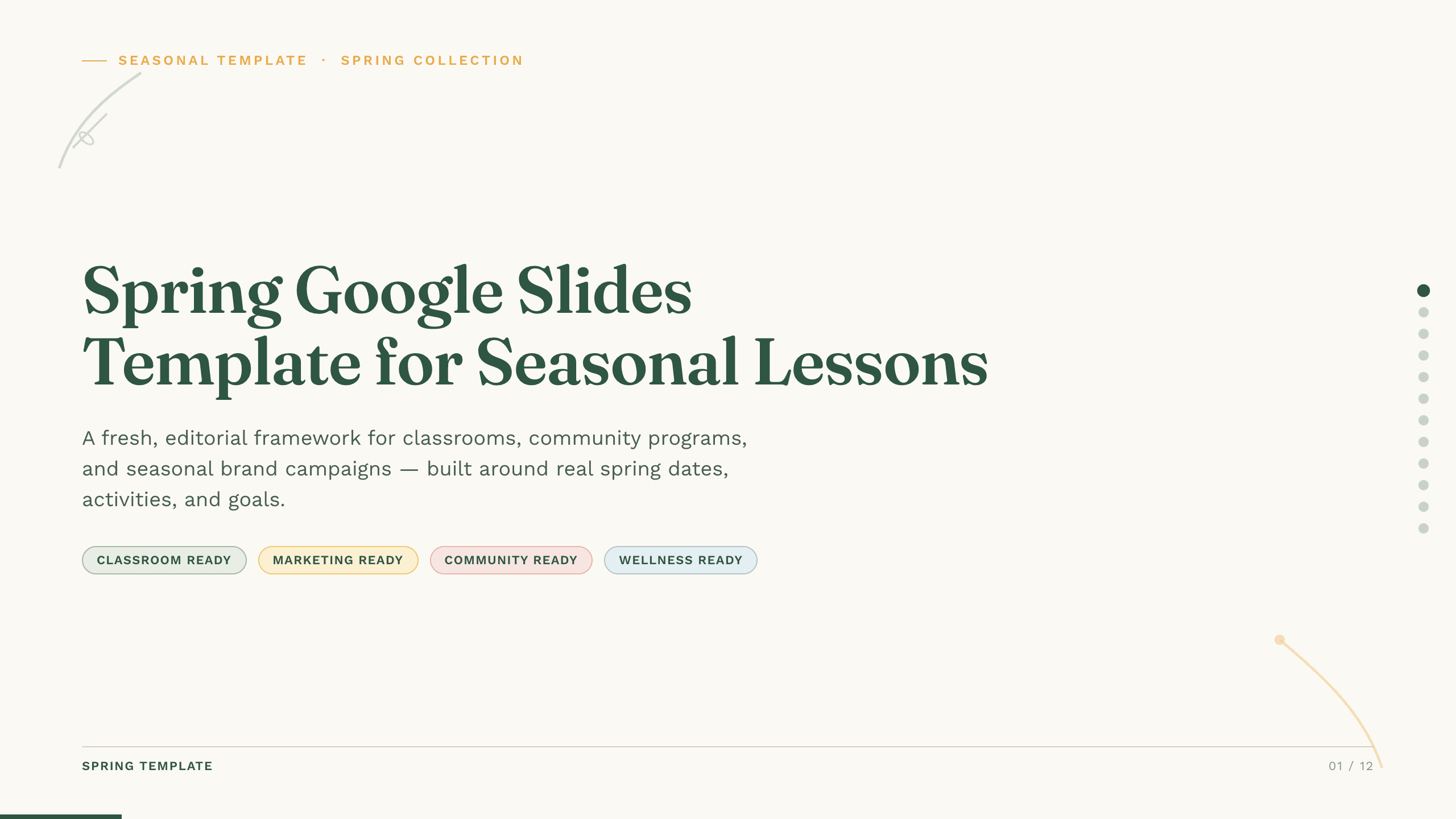
Spring Google Slides Template
Create an 11-slide spring Google Slides lesson or community plan covering season changes, key dates, nature, activities, sustainability, goals, and next steps.
View template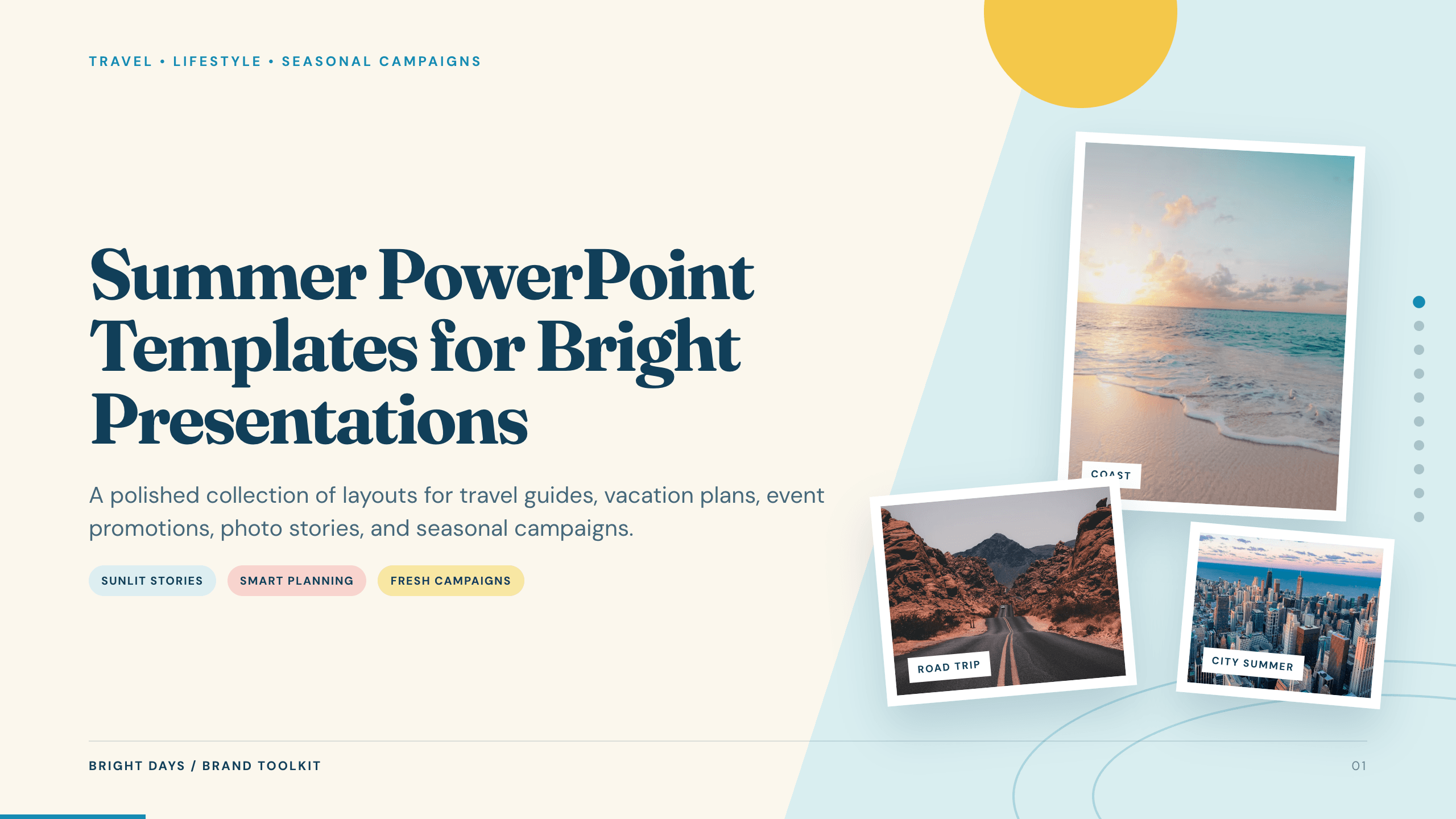
Summer PowerPoint Templates
Inspect a 10-slide featured example and find a starting point for bright presentations.
Browse collection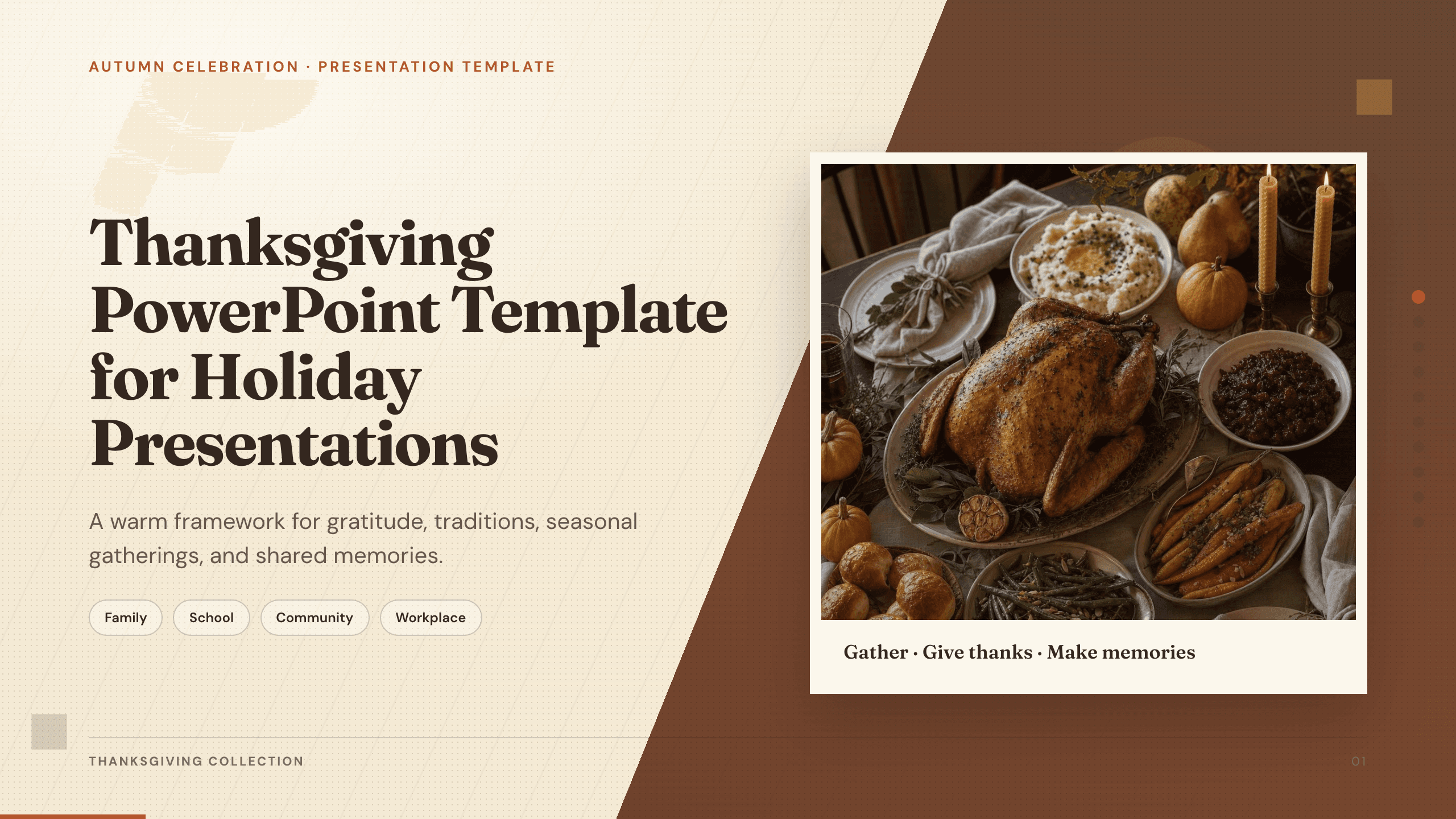
Thanksgiving PowerPoint Template
Create a warm 10-slide Thanksgiving presentation for gatherings, classroom activities, community events, menus, gratitude reflections, and shared memories.
View templateExplore other template hubs
Customize the Winter Slides Template with Julius AI
1
Preview the complete example
Inspect all 12 slides to understand the narrative, layouts, and level of detail before replacing the example content.
2
Add your content and direction
Give Julius AI your source material, evidence, audience, constraints, and desired outcome.
3
Review and export
Check the narrative, facts, and design, then export an editable version to PowerPoint or Google Slides for final delivery.