Summer PowerPoint Templates for Bright Presentations
Summer presentations do different jobs: plan a trip, promote an event, teach a seasonal lesson, or turn a month of photos into a story. Compare six complete approaches before you choose one.
Browse the collection
Explore Summer PowerPoint Templates
Open each deck to compare its full 16:9 sequence, not just the cover. The options range from practical planning layouts to image-led recaps and seasonal campaigns.
Choose by purpose
Start with the summer story you actually need to tell
A vacation itinerary and a summer campaign may share a bright palette, but they need very different slide structures. The strongest starting point is the one that already has room for your dates, decisions, evidence, and audience, not simply the one with the most summery cover.
This collection brings together planning, event, classroom, and photo-led formats. Use the comparison below to narrow the field, then inspect the complete preview before committing to a deck.
- Options
- 6 complete presentations
- Best for
- Trips, events, lessons, and recaps
- Format
- Editable widescreen slides
Compare the options
Six useful ways to frame a summer presentation
These decks overlap visually, but each one solves a different communication problem. Choose the structure that removes the most rewriting from your first draft.
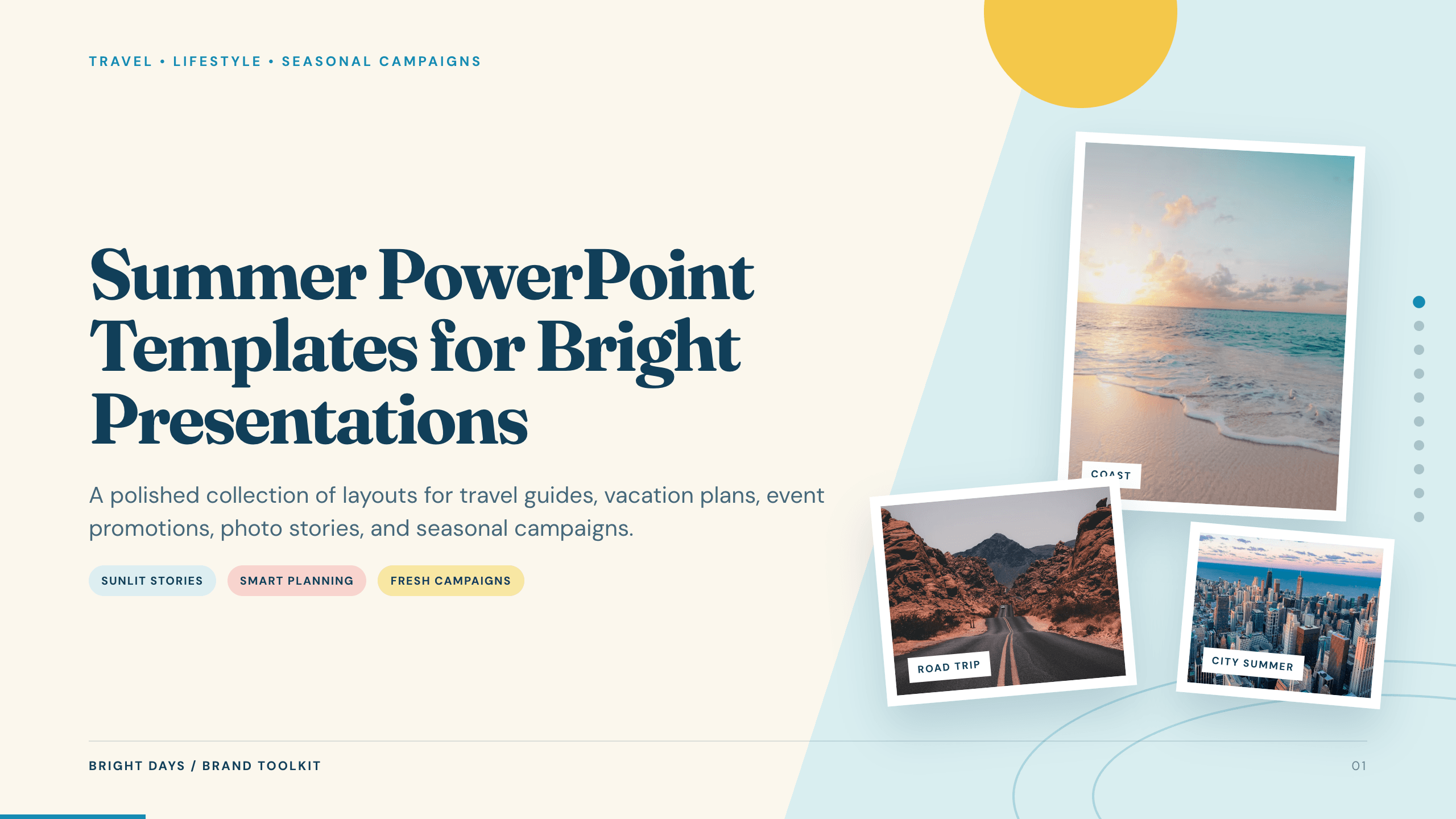
Best for
A mixed summer plan or seasonal overview
Summer planning collection
A flexible seasonal deck with destination comparisons, an itinerary, event ideas, a menu, a packing list, and a photo recap.
Preview this collection
Best for
Trip proposals and destination guides
Travel Slides Template
Build the presentation around a destination, daily route, practical logistics, local highlights, and the decisions travelers need before departure.
View template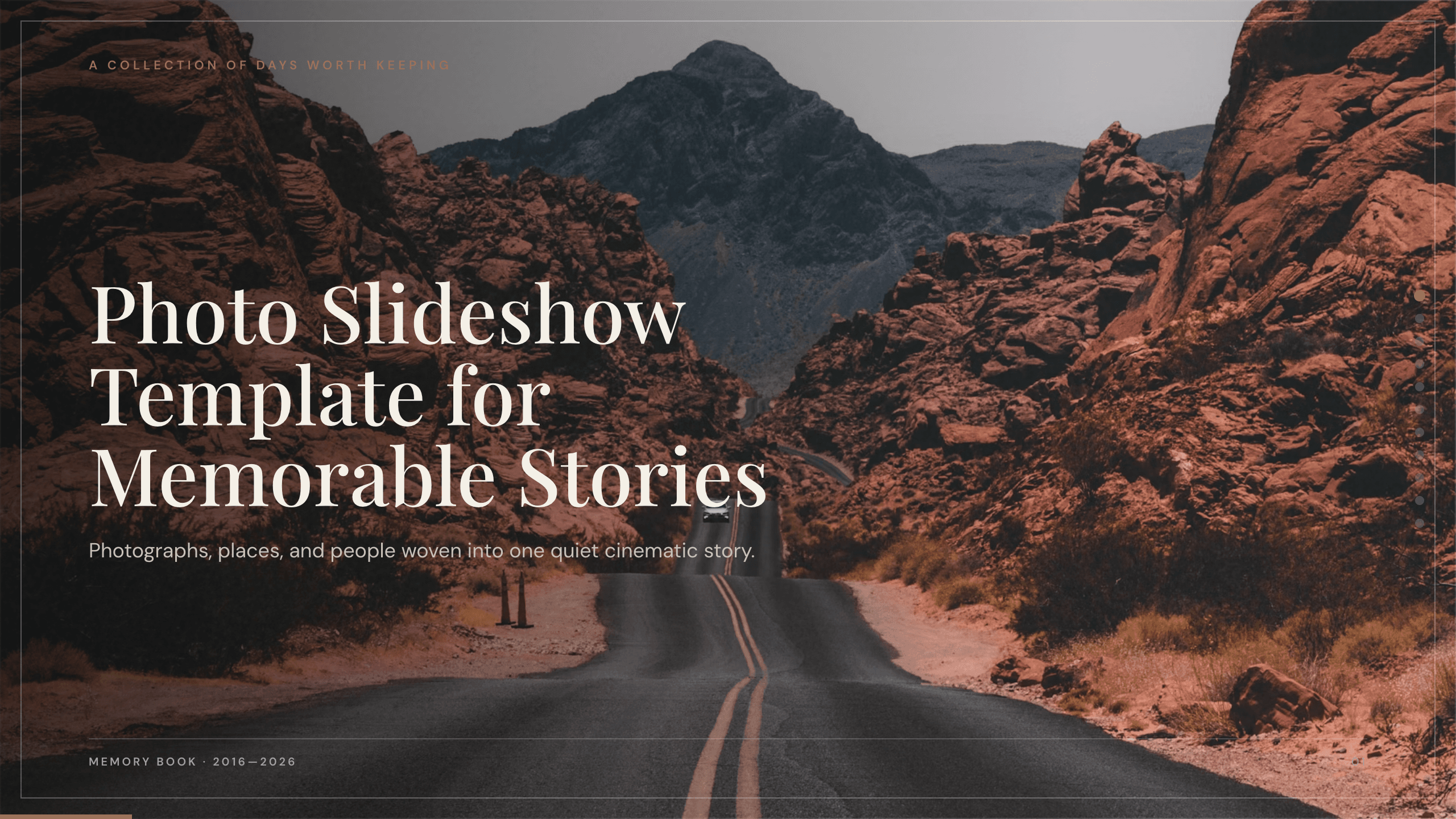
Best for
Vacation, camp, and family recaps
Photo Slideshow Template
Let photographs carry the narrative while short captions, dates, and section breaks turn a camera roll into a coherent memory.
View template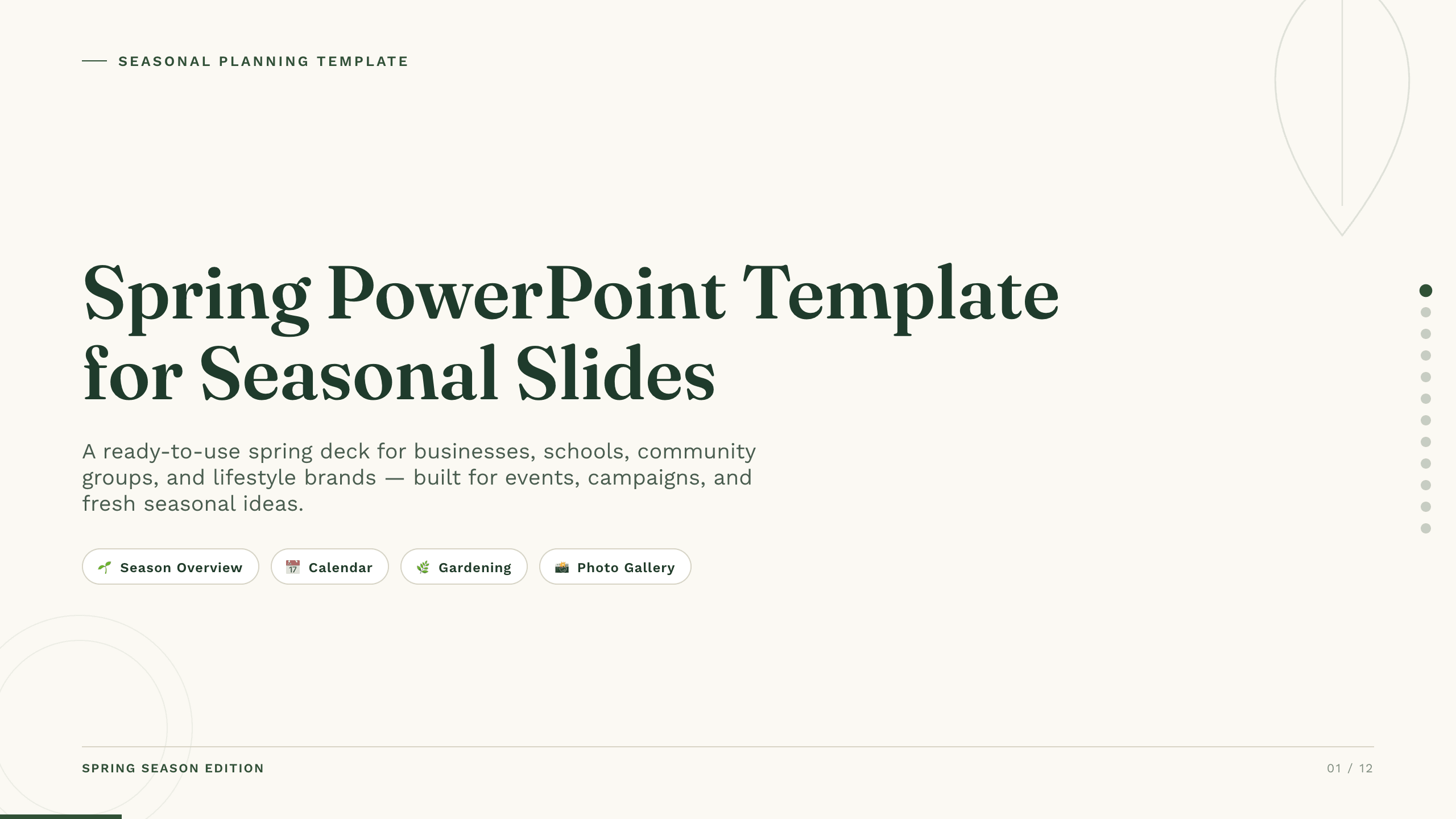
Best for
Seasonal lessons and program planning
Spring PowerPoint Template
Use a lighter seasonal system for lessons, community plans, campaigns, or events that begin in spring and continue into summer.
View template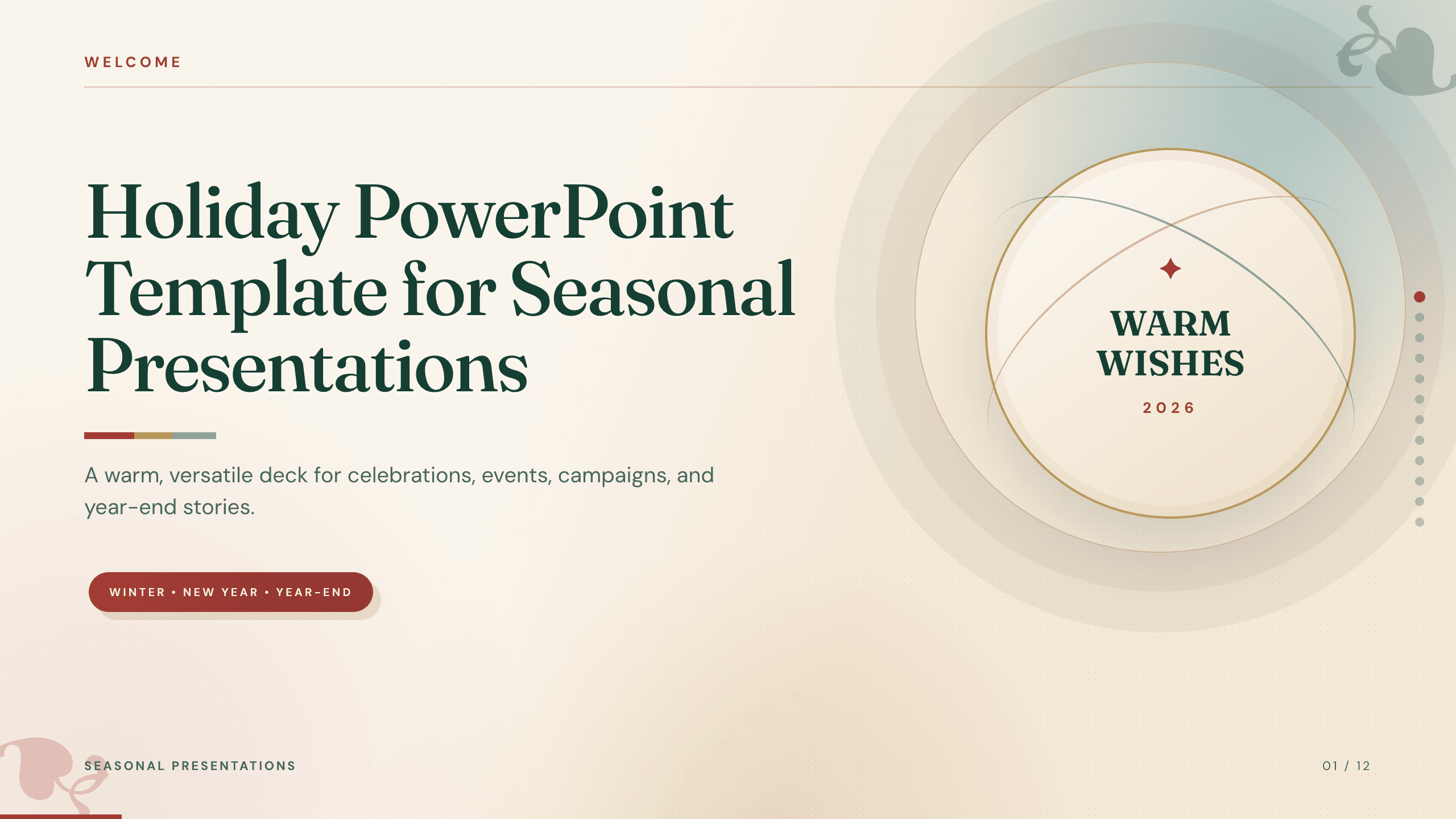
Best for
Summer parties and community events
Holiday PowerPoint Template
Organize a celebration around the schedule, activities, food, responsibilities, and practical information guests need.
View template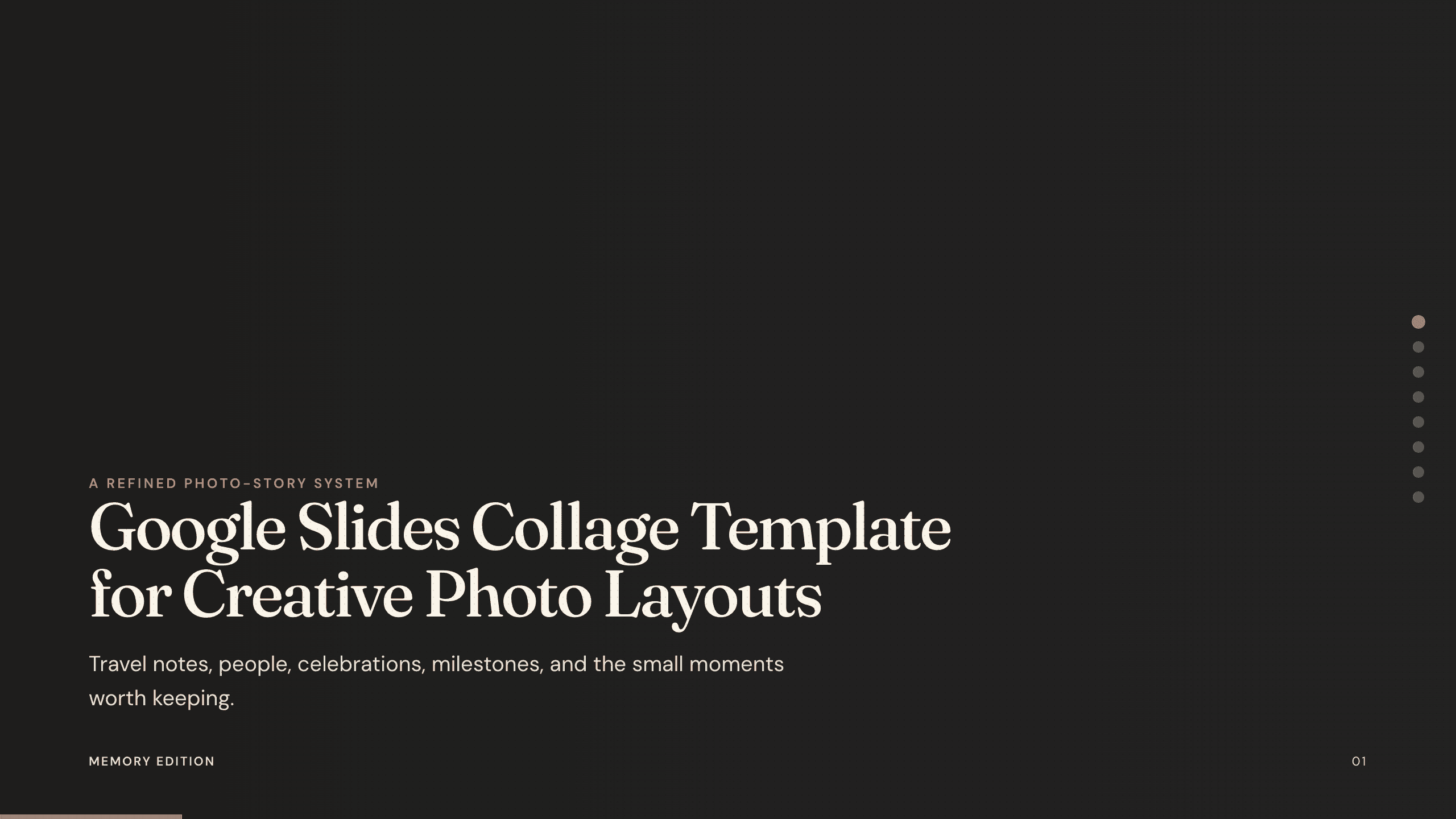
Best for
Visual journals and milestone collections
Google Slides Collage Template
Arrange several images per slide when the goal is to capture atmosphere, compare moments, or document a season without long passages of text.
View templateMake the choice
Let the content, not the season, choose the deck
A good template should make the next edit obvious. Before opening Julius, decide what the audience must know or feel at the end.
- 1
Choose planning layouts when dates drive the story
Use the summer or travel option when itineraries, locations, responsibilities, and logistics matter more than visual reflection.
- 2
Choose image-led layouts when the experience is the story
Use the photo or collage option when your strongest source material is a set of photographs with only light narration.
- 3
Choose an event structure when people need to act
Use the holiday format when the deck must communicate a schedule, activities, menu, venue details, or volunteer roles.
Customize a design from Summer PowerPoint Templates with Julius AI
1
Compare the complete previews
Open the live 16:9 decks and choose the structure that best fits your audience and presentation goal.
2
Add your content and direction
Give Julius AI your source material, evidence, audience, constraints, and desired outcome.
3
Review and export
Check the narrative, facts, and design, then export an editable version to PowerPoint for final delivery.