Church PowerPoint Templates for Worship Presentations
A service deck, sermon aid, youth activity, and ministry recap ask people to participate in different ways. Compare six complete formats for the moment you are planning.
Browse the collection
Explore Church PowerPoint Templates
Explore service, seasonal, teaching, youth, and photo-led formats with complete slide sequences for worship and community settings.
Choose by moment
Support the gathering without competing with it
Church slides work best when they help people follow, reflect, respond, or remember. The text must be readable in the room, the sequence must match the gathering, and visual choices should serve the message rather than become the message.
The featured collection covers a complete service and ministry rhythm. The adjacent decks give more room to a seasonal gathering, a Bible-study discussion, a youth activity, or an image-led community recap.
- Options
- 6 worship and ministry formats
- Best for
- Services, teaching, groups, and outreach
- Format
- Editable widescreen slides
Compare the options
Choose a structure for the way people will participate
Start with the order of the gathering and the distance from which the slides will be read. Then choose the format that supports listening, discussion, activity, or reflection.
Best for
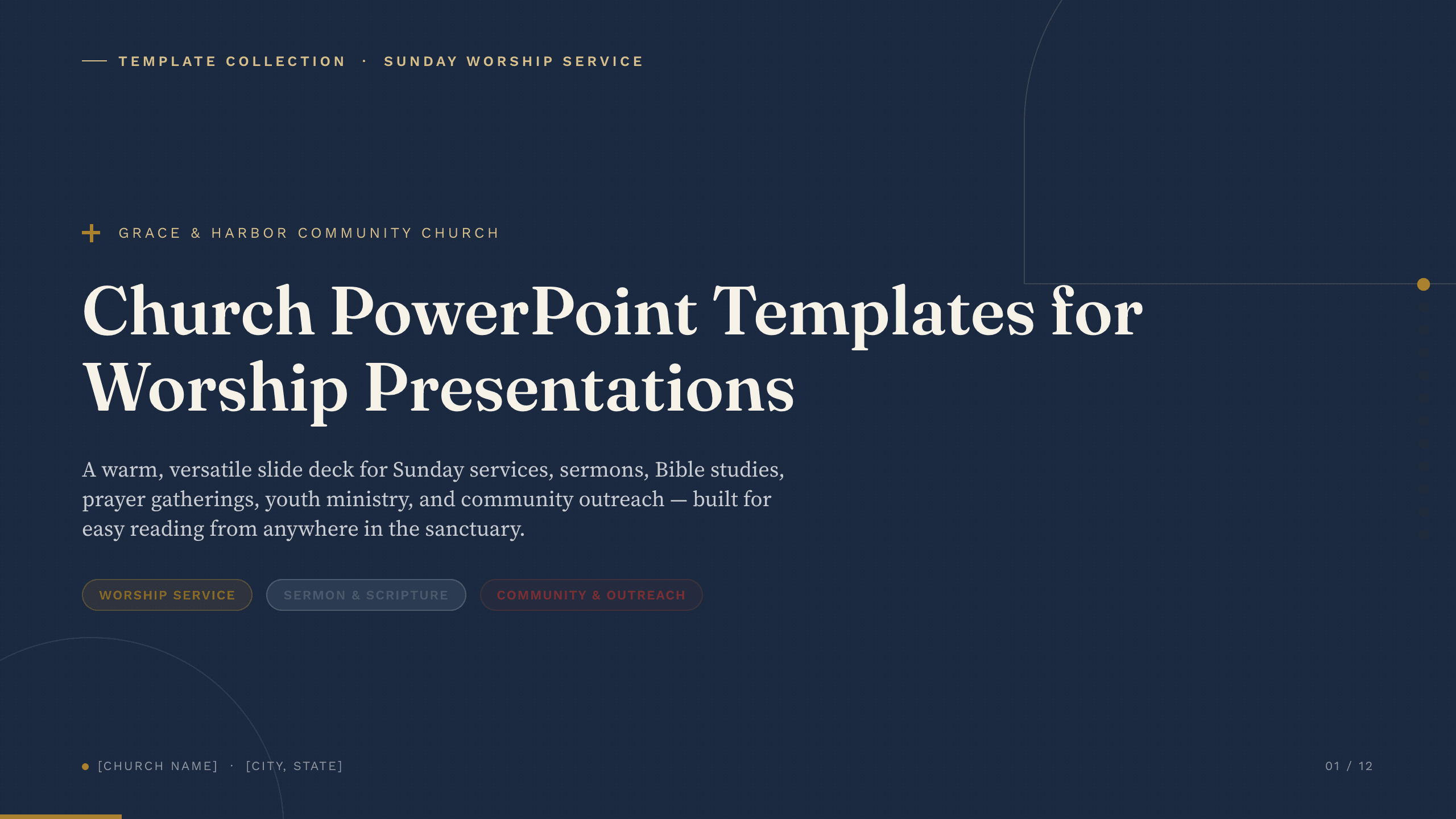
Weekly services and ministry overviews
Church presentation collection
Build a complete sequence for worship, sermon points, scripture, events, serving, generosity, and the week ahead.
Preview this collection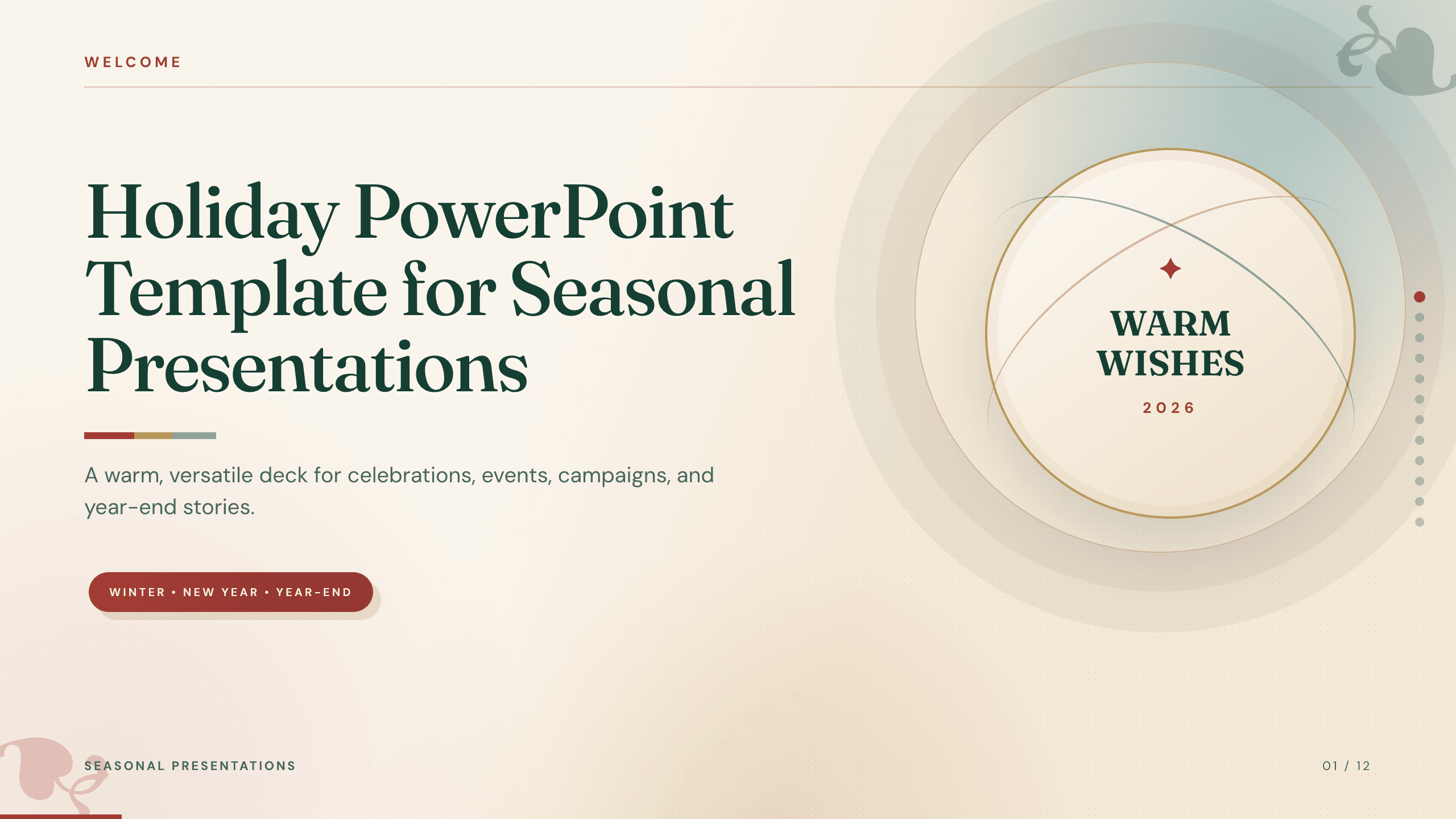
Best for
Christmas, Easter, and seasonal gatherings
Holiday PowerPoint Template
Plan a seasonal service or community event around the schedule, activities, practical details, roles, and welcome information.
View template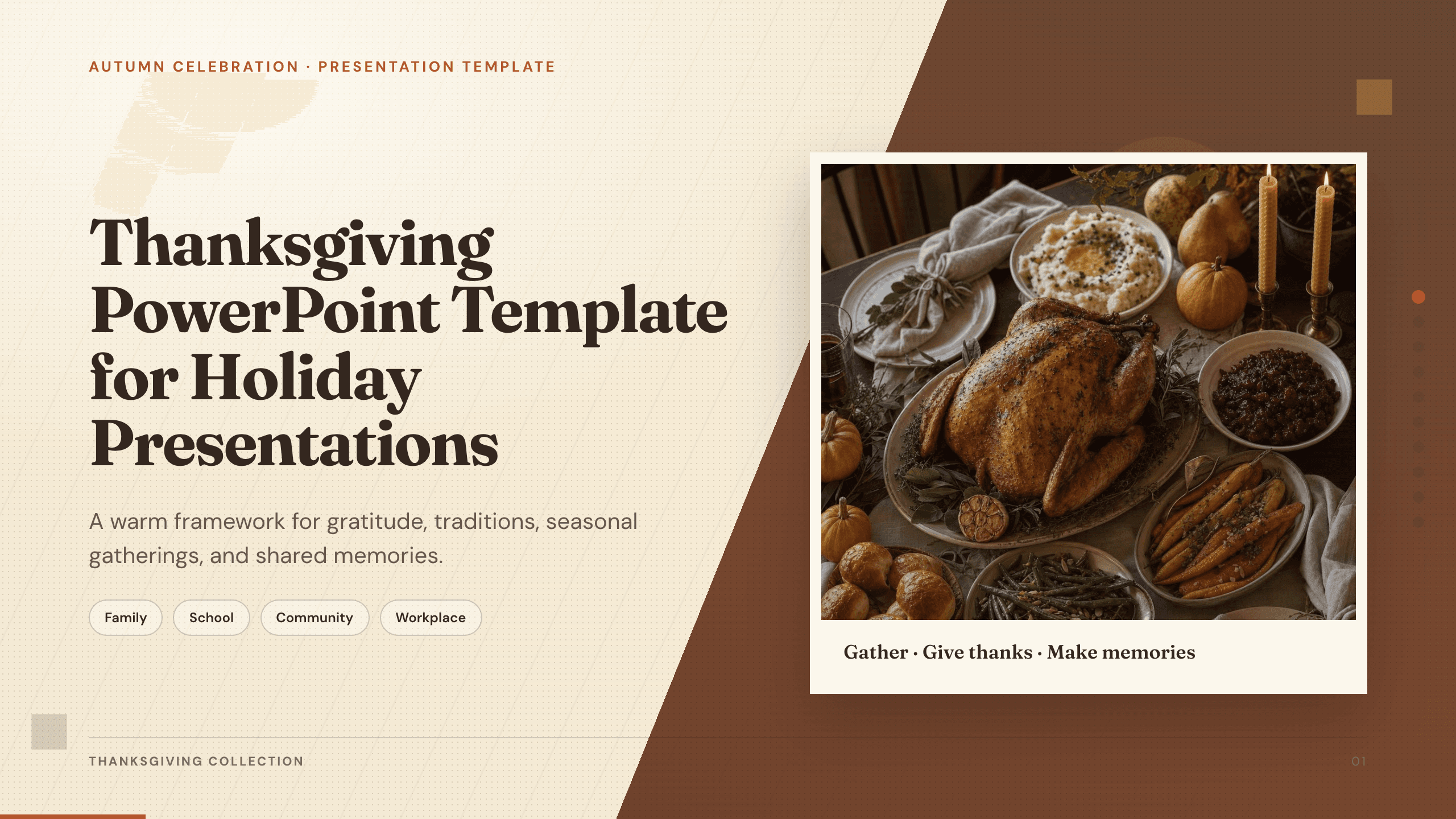
Best for
Gratitude services and community meals
Thanksgiving PowerPoint Template
Create a focused gratitude theme with room for reflection, community stories, a shared meal, service, or a seasonal message.
View template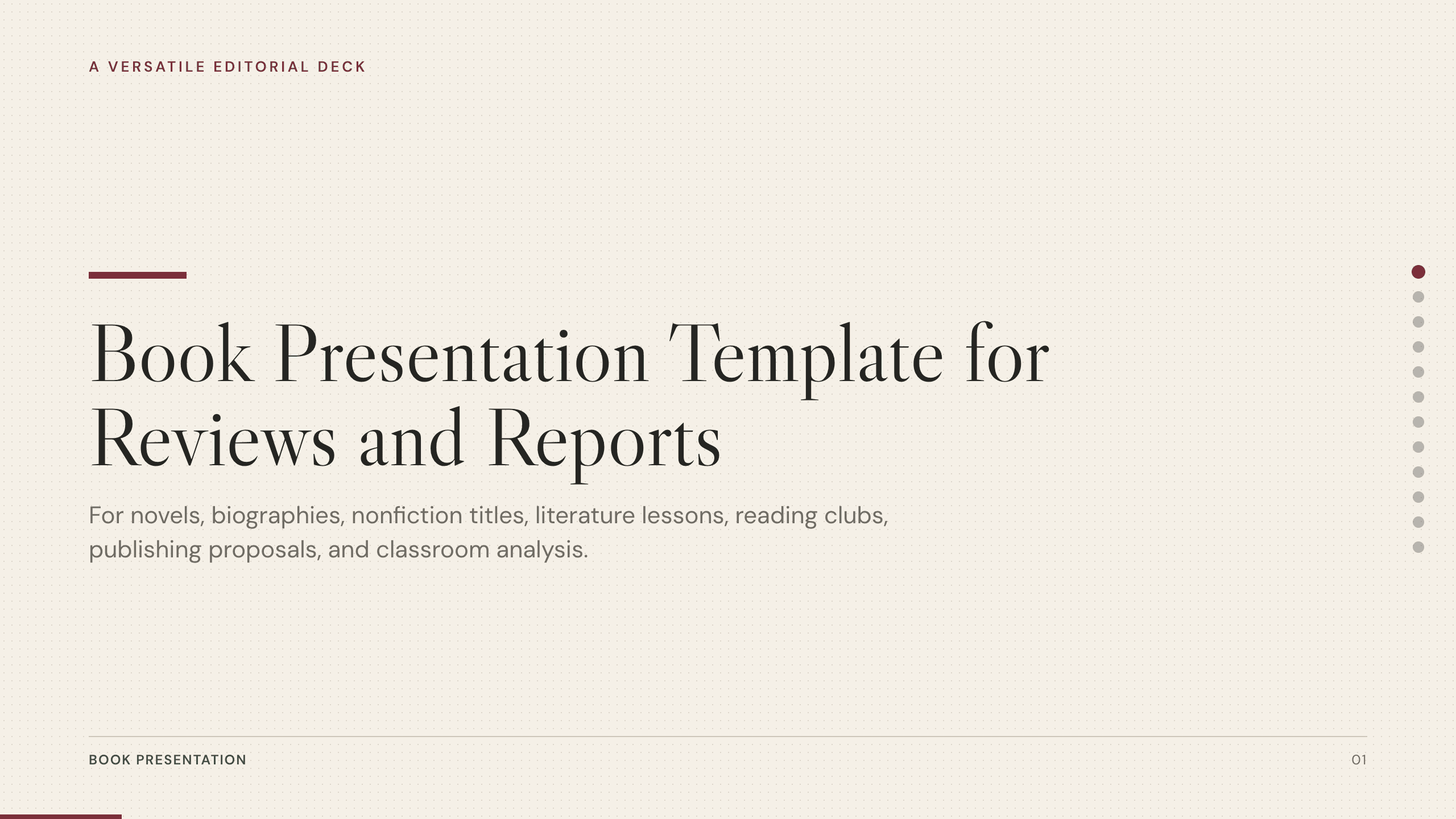
Best for
Bible study and reading groups
Book Presentation Template
Structure a small-group discussion around context, key passages, themes, evidence, interpretation, and questions for reflection.
View template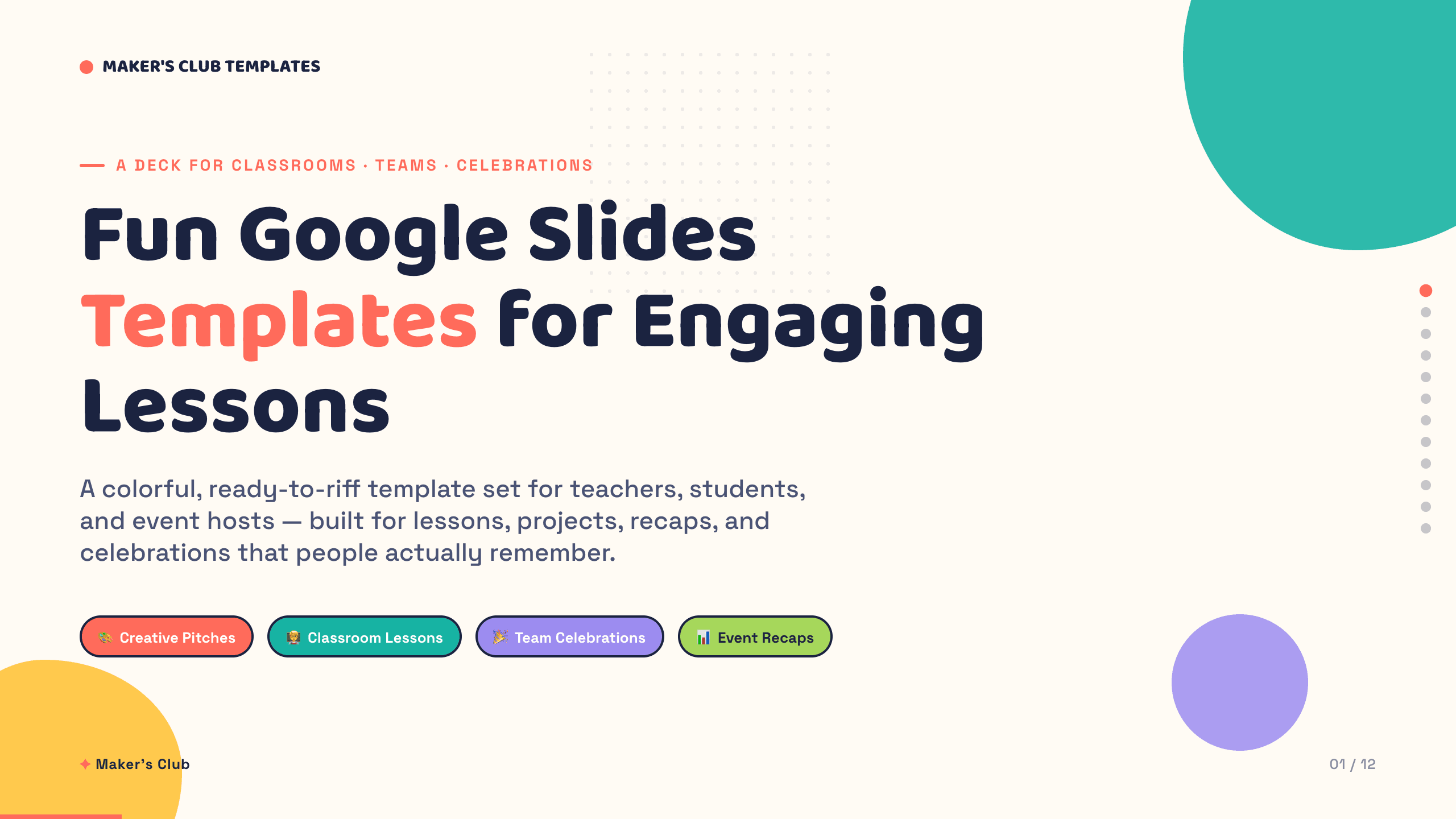
Best for
Youth groups and volunteer activities
Fun Google Slides Templates
Use playful, participatory layouts for team introductions, quizzes, activities, milestones, and a clear next action.
Browse collection
Best for
Ministry recaps and celebration Sundays
Photo Slideshow Template
Turn event, mission, volunteer, or community photographs into a paced recap with dates, captions, milestones, and thanks.
View templateMake the choice
Design for the room and the role of the slide
A projected service aid needs fewer words and larger type than a discussion deck people view up close. Decide how the slides will be used before adapting them.
- 1
For worship, prioritize sequence and readability
Use the church collection and simplify each screen so people can follow the service without shifting attention away from the gathering.
- 2
For teaching, prioritize the text and the question
Use the book format when context, passages, interpretation, and discussion prompts need more room than a service slide allows.
- 3
For participation, prioritize welcome and action
Use the seasonal, fun, or photo format when people need to join an activity, remember a shared experience, or take a concrete next step.
Customize a design from Church PowerPoint Templates with Julius AI
1
Compare the complete previews
Open the live 16:9 decks and choose the structure that best fits your audience and presentation goal.
2
Add your content and direction
Give Julius AI your source material, evidence, audience, constraints, and desired outcome.
3
Review and export
Check the narrative, facts, and design, then export an editable version to PowerPoint for final delivery.