Book Presentation Template for Reviews and Reports
Present a book review or report with 10 slides covering context, plot or argument, characters, themes, craft, evidence, interpretation, and recommendation.
Preview the 10-slide Book Presentation Template
Follow the worked literary mystery from context and synopsis through character, structure, themes, interpretation, and the final critical takeaway.
What you're getting
A book presentation that goes beyond plot summary
This 10-slide template supports fiction, biography, and nonfiction by separating context, synopsis, people or ideas, structure, themes, evidence, interpretation, and evaluation. It gives the audience the information needed to understand your reading without retelling the entire book.
The sample mystery demonstrates analysis through specific observations. Replace it with your chosen text, cite page numbers or editions where required, and use short quotations sparingly within applicable classroom or review rules.
- Included
- 10 literary slides
- Best for
- Reviews, reports, and lessons
- Export
- PowerPoint or Google Slides
Built for
Students preparing a book report
Readers organizing comprehension, evidence, interpretation, and personal evaluation for a class presentation.
Teachers leading literary discussion
Educators framing context, themes, craft, questions, and close-reading evidence.
Book clubs and reviewers
Readers introducing a title, guiding conversation, and making a supported recommendation without spoilers taking over.
Getting started
Build the presentation around your interpretation
Summarize only enough for the audience to understand the evidence and argument you want to discuss.
- 1
Set context and scope
Identify the author, genre, publication context, edition, and whether spoilers are included.
- 2
Write a disciplined synopsis
Explain the central situation or thesis without narrating every event or chapter.
- 3
Choose the analytical lens
Focus on the most relevant characters, ideas, structure, language, themes, evidence, or historical context.
- 4
Support the interpretation
Use brief cited examples and explain how each one changes the way the book can be understood.
- 5
Close with evaluation
State who should read the book, what it accomplishes, and the question worth discussing next.
Explore more
Related templates worth comparing
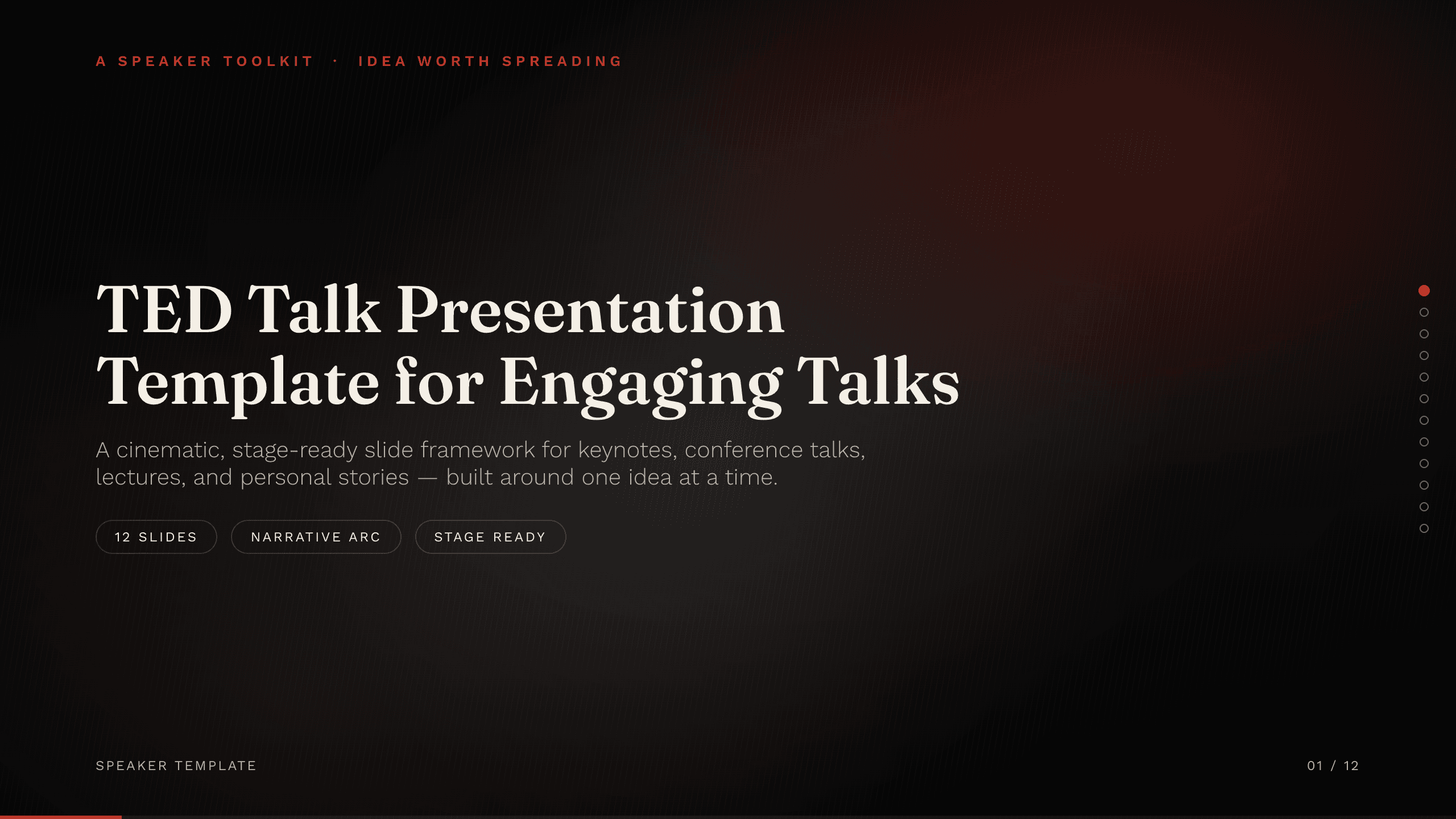
TED Talk Presentation Template
Shape a compelling seven-slide talk around one idea, with a human opening, evidence, tension, insight, practical application, and a memorable closing action.
View template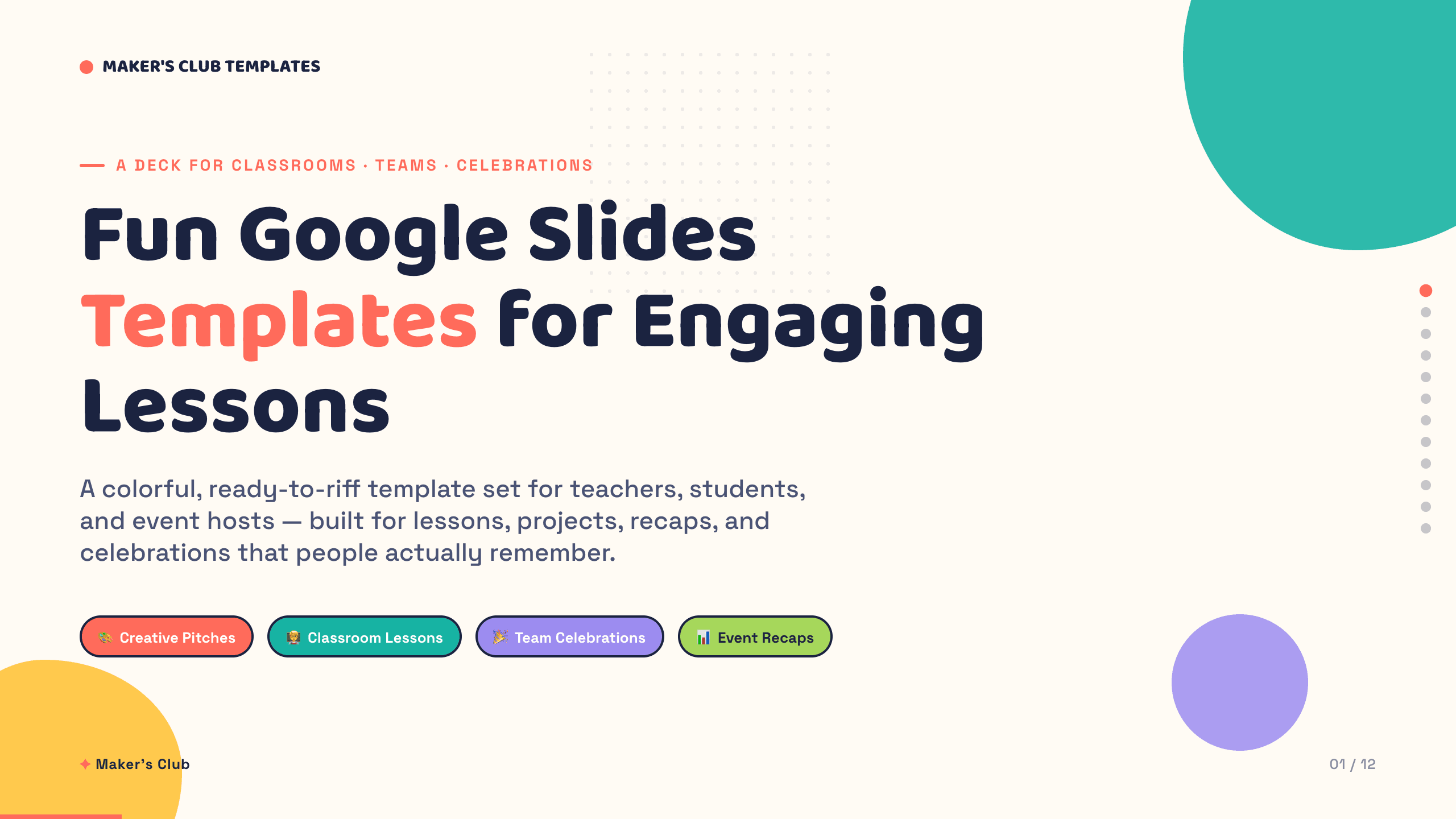
Fun Google Slides Templates
Inspect a 12-slide featured example and find a starting point for engaging lessons.
Browse collection
Social Media Presentation Template
Turn audience insight into an operating social plan with 11 slides for channel roles, content franchises, cadence, creators, performance, and the next 90 days.
View template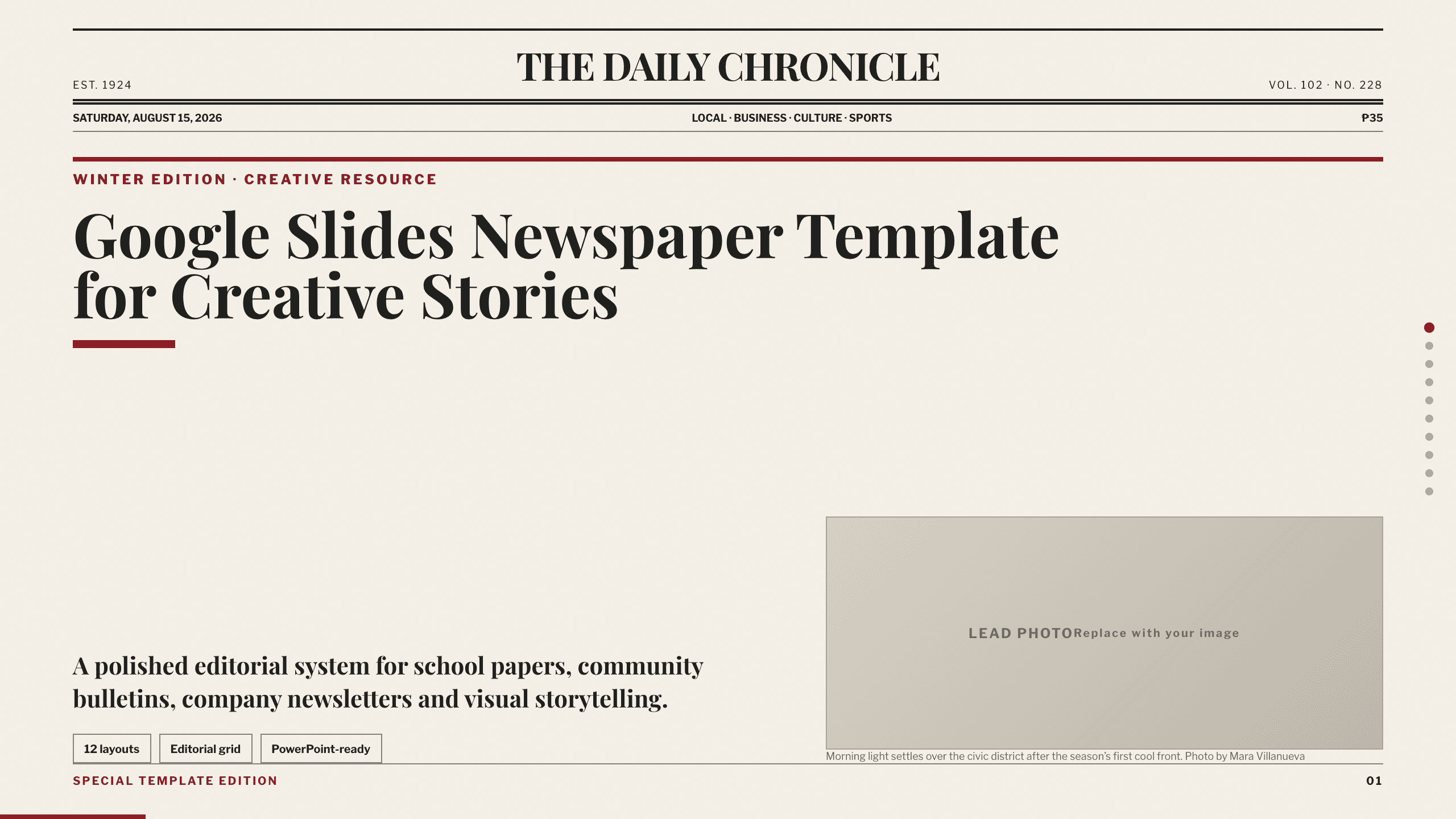
Google Slides Newspaper Template
Build a school paper, community bulletin, or company newsletter with 10 distinct editorial layouts for lead news, briefs, features, opinion, events, and photography.
View template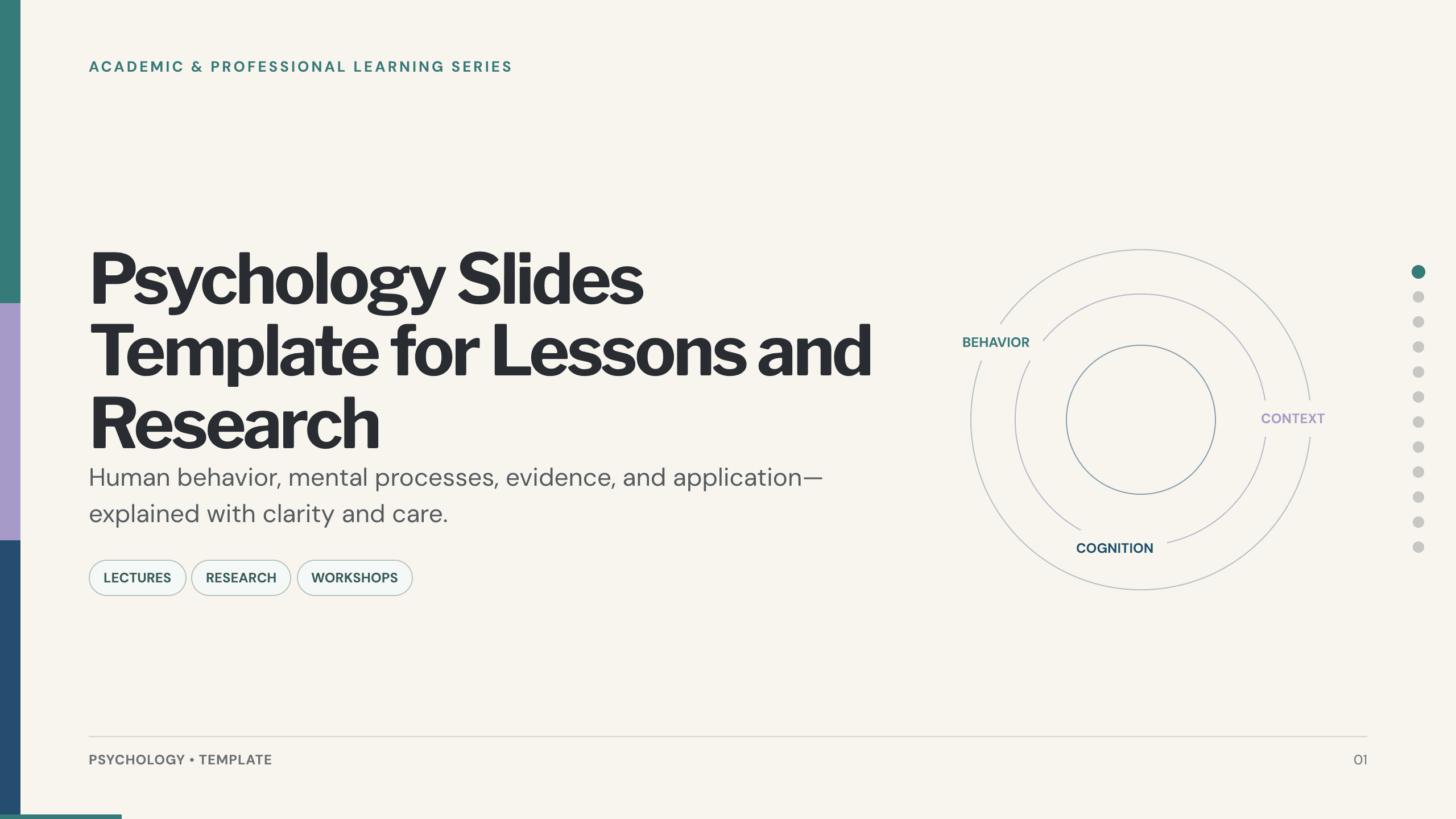
Psychology Slides Template
Explain human behavior with 12 psychology slides covering perspectives, cognition, emotion, motivation, development, evidence, ethics, and application.
View template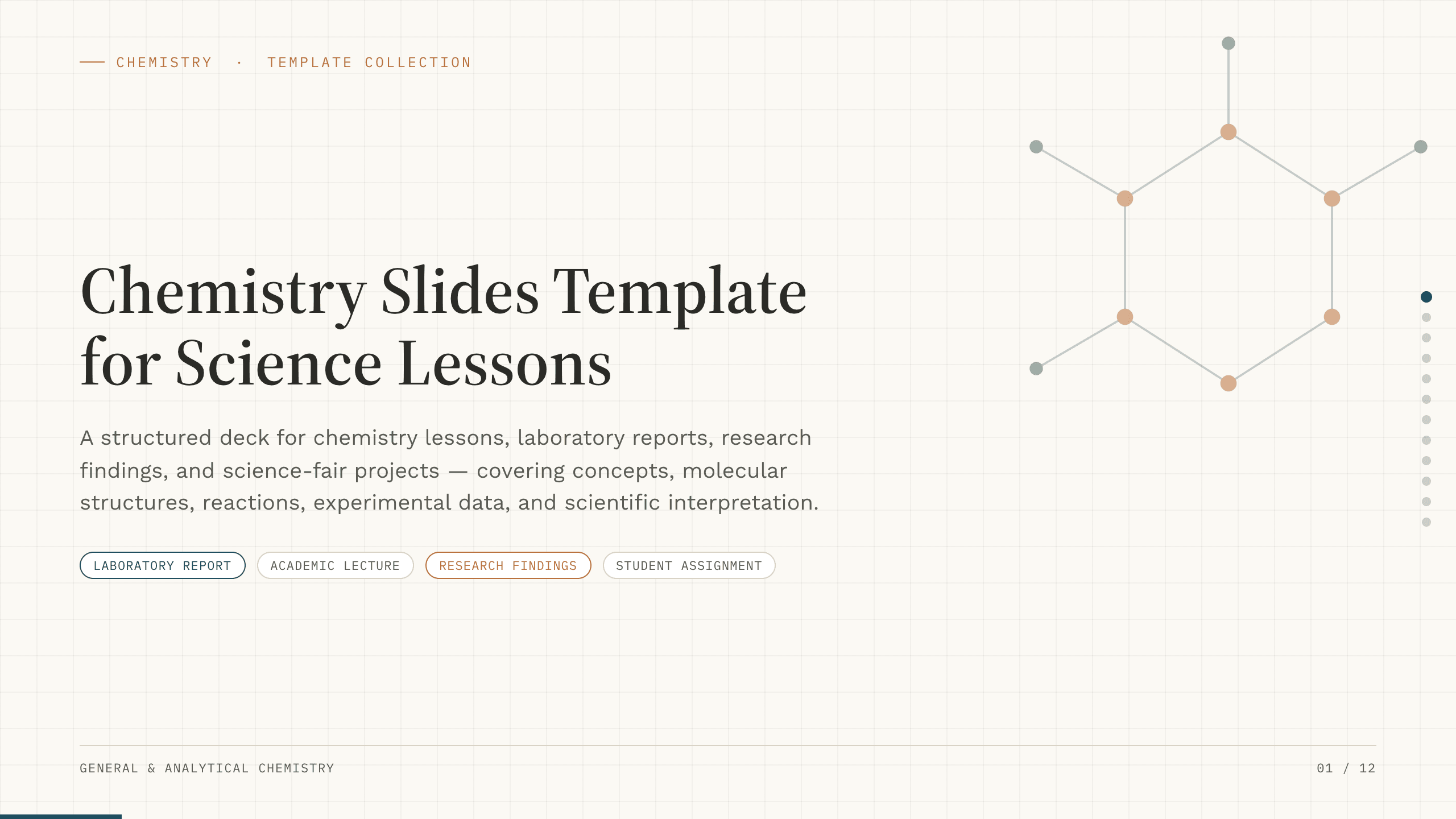
Chemistry Slides Template
Teach or report chemistry with 12 slides for objectives, molecular concepts, equations, reactions, methods, safety, data, findings, and sources.
View templateExplore other template hubs
Customize the Book Presentation Template with Julius AI
1
Preview the complete example
Inspect all 10 slides to understand the narrative, layouts, and level of detail before replacing the example content.
2
Add your content and direction
Give Julius AI your source material, evidence, audience, constraints, and desired outcome.
3
Review and export
Check the narrative, facts, and design, then export an editable version to PowerPoint or Google Slides for final delivery.