Social Media Presentation Template for Campaign Planning
Turn audience insight into an operating social plan with 11 slides for channel roles, content franchises, cadence, creators, performance, and the next 90 days.
Preview the 11-slide Social Media Presentation Template
Review the complete consumer-brand example to see how strategy, publishing operations, campaign evidence, and next actions fit together.
What you're getting
A social strategy your team can actually operate
This 11-slide template connects the audience and business objective to channel roles, recurring content franchises, a weekly publishing rhythm, creator partnerships, competitive whitespace, campaign performance, and a focused 90-day plan. It is built to answer what the team will publish and why, not only how the feed should look.
The consumer-brand example uses illustrative campaign data and personas. Replace them with platform analytics, customer research, creative evidence, and the real capacity of your team before setting the cadence or investment level.
- Included
- 11 planning slides
- Best for
- Social campaigns
- Export
- PowerPoint or Google Slides
Built for
Social and brand managers setting direction
Leads who need one plan for audience, channel roles, content pillars, cadence, community, and measurement.
Agencies presenting a campaign system
Partners connecting the creative idea to repeatable formats, creators, paid support, and expected results.
Cross-functional launch teams
Product, marketing, sales, and customer teams agreeing on messages, proof, publishing responsibilities, and feedback.
Getting started
Turn the strategy into a repeatable publishing system
Build around what the audience needs and what the team can sustain after the launch moment passes.
- 1
Set the objective and audience
Define the behavior or business outcome social should influence and the audience insight behind the plan.
- 2
Give every platform one job
Decide where the brand teaches, participates, proves value, builds community, and drives conversion.
- 3
Design repeatable content franchises
Replace the examples with formats the team can produce consistently and the audience can recognize.
- 4
Build the operating rhythm
Map cadence, approvals, creators, community responses, paid support, and room for timely content.
- 5
Measure and focus the next 90 days
Use comparable platform metrics, identify what changed performance, and assign the next tests and owners.
Explore more
Related templates worth comparing
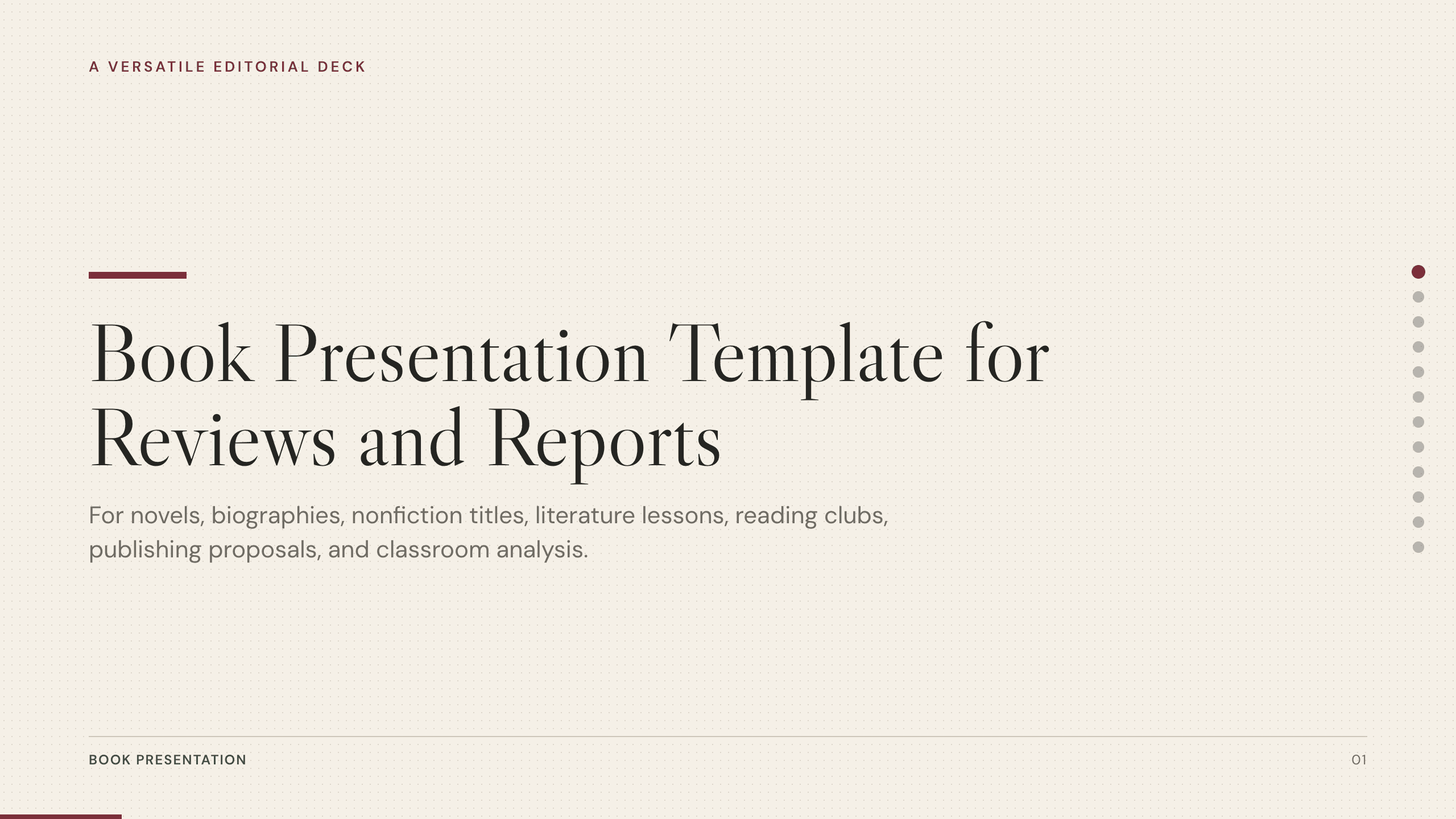
Book Presentation Template
Present a book review or report with 10 slides covering context, plot or argument, characters, themes, craft, evidence, interpretation, and recommendation.
View template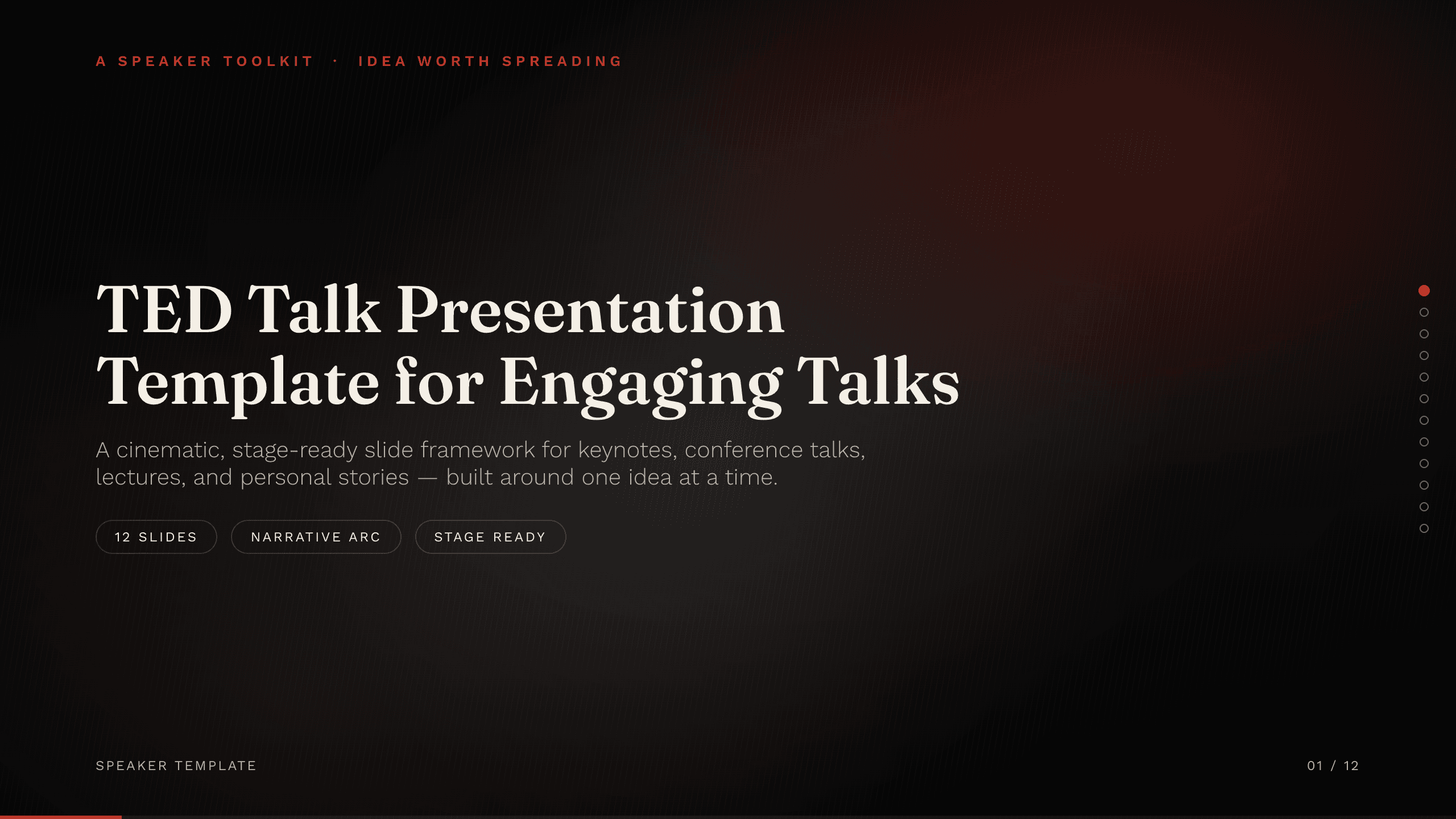
TED Talk Presentation Template
Shape a compelling seven-slide talk around one idea, with a human opening, evidence, tension, insight, practical application, and a memorable closing action.
View template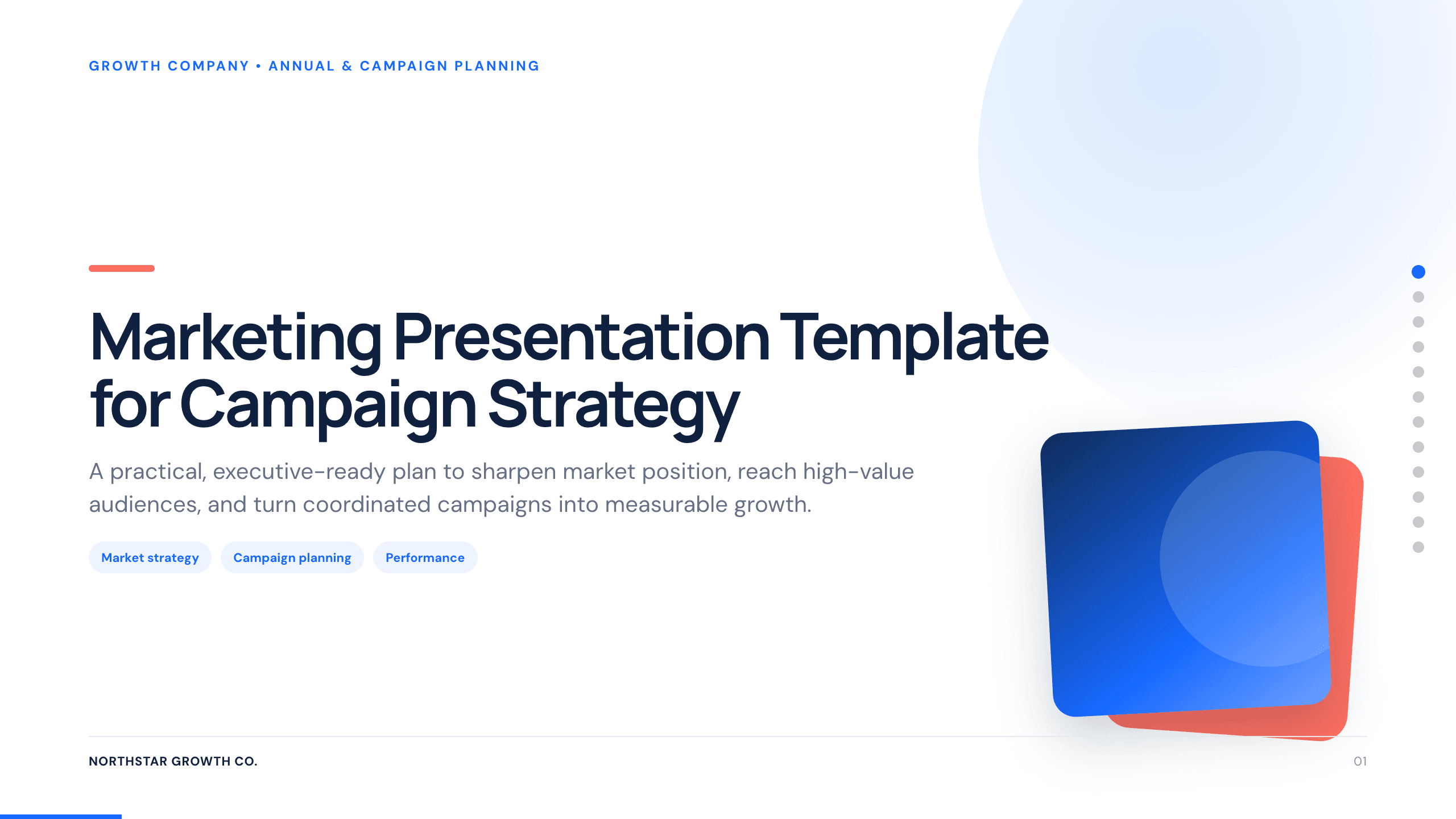
Marketing Presentation Template
Present a campaign strategy with 12 slides connecting audience, positioning, message, channel roles, investment, measurement, and launch decisions.
View template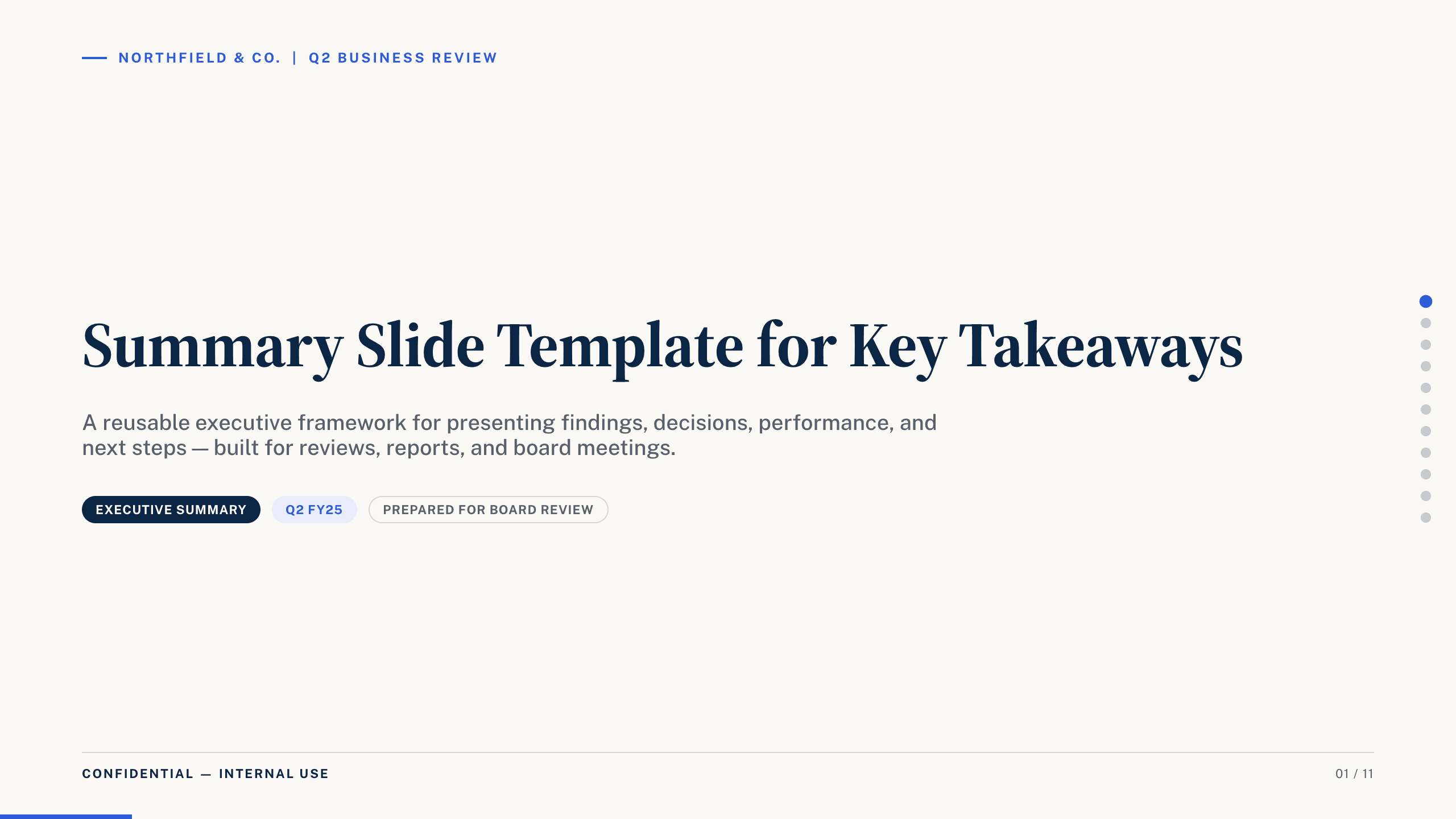
Summary Slide Template
Use nine summary-slide layouts to present key findings, performance, decisions, risks, priorities, actions, owners, and executive takeaways.
View template
Graduation Slideshow Template
Celebrate graduation with 12 slides for early years, school milestones, favorite classes, activities, friendships, achievements, and future plans.
View template
Photo Slideshow Template
Turn photographs into a coherent 10-slide story with layouts for places, people, details, milestones, reflection, and a memorable closing image.
View templateExplore other template hubs
Customize the Social Media Presentation Template with Julius AI
1
Preview the complete example
Inspect all 11 slides to understand the narrative, layouts, and level of detail before replacing the example content.
2
Add your content and direction
Give Julius AI your source material, evidence, audience, constraints, and desired outcome.
3
Review and export
Check the narrative, facts, and design, then export an editable version to PowerPoint or Google Slides for final delivery.