Summary Slide Template for Key Takeaways
Use nine summary-slide layouts to present key findings, performance, decisions, risks, priorities, actions, owners, and executive takeaways.
Preview the 9-slide Summary Slide Template
Review the full summary toolkit, including executive headline, scorecard, findings, decisions, risk, action, ownership, and final Q3 tracking views.
What you're getting
Summary slides that preserve the decision, not every detail
This nine-slide template provides multiple ways to close a report, review, proposal, or board presentation. It supports a governing headline, key findings, scorecard, decisions, risks, priorities, actions, owners, and measures without repeating the entire deck.
The worked Q3 example demonstrates how a summary should synthesize rather than copy. Replace it only after the core presentation is stable, and make sure each takeaway is supported by evidence the audience has already seen.
- Included
- 9 summary layouts
- Best for
- Executive takeaways
- Export
- PowerPoint or Google Slides
Built for
Executives closing a business review
Leaders distilling performance, risk, decisions, priorities, and owners into a final management view.
Consultants summarizing a recommendation
Teams restating the answer, evidence, value, roadmap, and client decisions without introducing new analysis.
Project teams documenting next steps
Owners capturing agreed actions, dependencies, measures, dates, and governance after a review.
Getting started
Write the summary after the rest of the deck is true
A reader who sees only the summary should understand the conclusion, why it matters, and what happens next.
- 1
Identify the governing takeaway
Write the single conclusion or decision that best represents the complete presentation.
- 2
Select supporting points
Keep only findings, measures, risks, or trade-offs already established in the body of the deck.
- 3
Choose the matching layout
Use headline, scorecard, decision, action, or ownership structures according to the closing job.
- 4
Make action accountable
Name decisions, owners, dates, measures, dependencies, and escalation where the presentation requires follow-through.
- 5
Remove repetition and new claims
Edit for synthesis, verify figures, and move any late-breaking analysis back into the main story.
Explore more
Related templates worth comparing
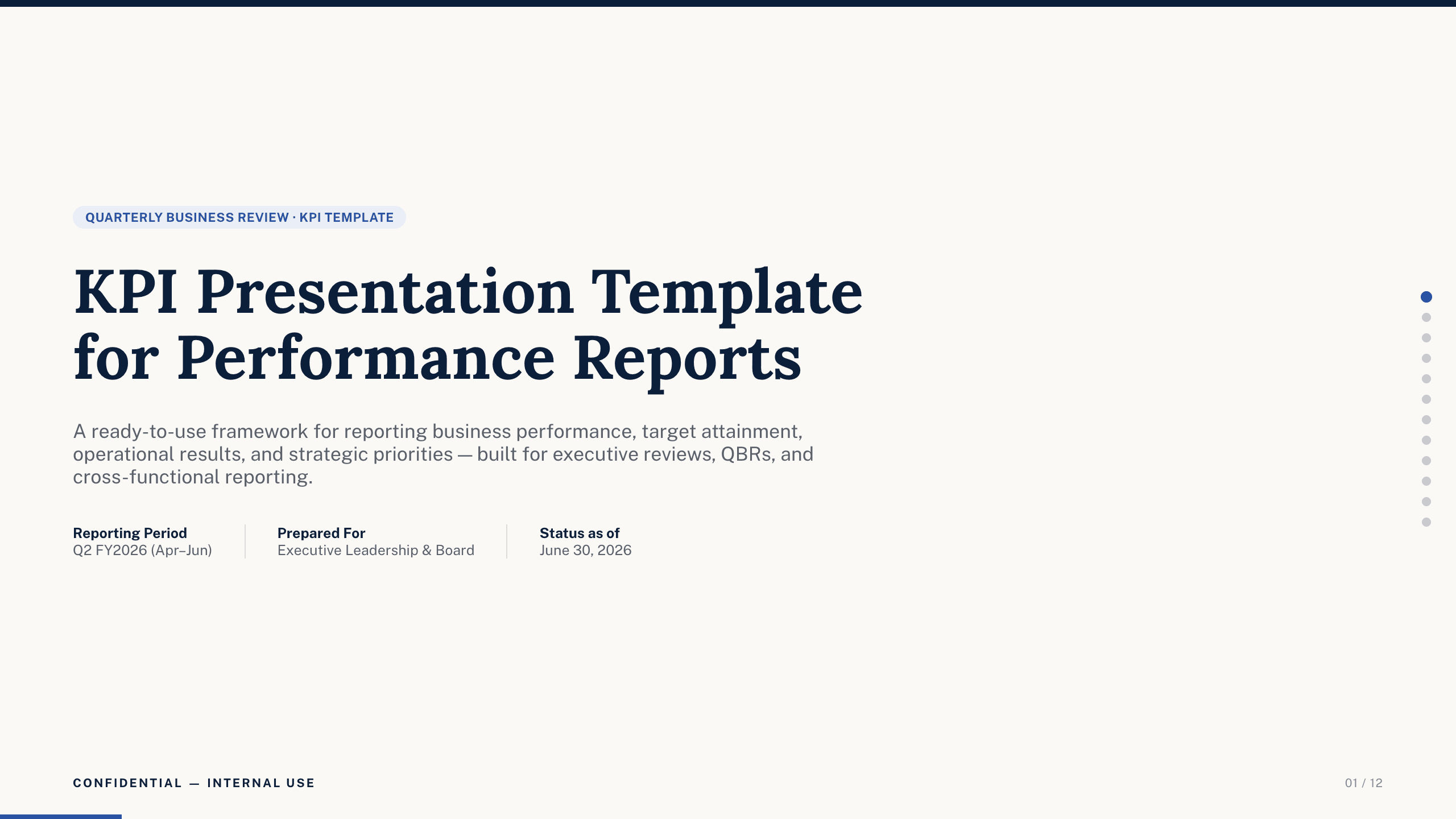
KPI Presentation Template
Run a KPI review with 12 slides covering scorecard, revenue, margin, customer, operations, people, trends, variance, priorities, and actions.
View template
Photo Slideshow Template
Turn photographs into a coherent 10-slide story with layouts for places, people, details, milestones, reflection, and a memorable closing image.
View template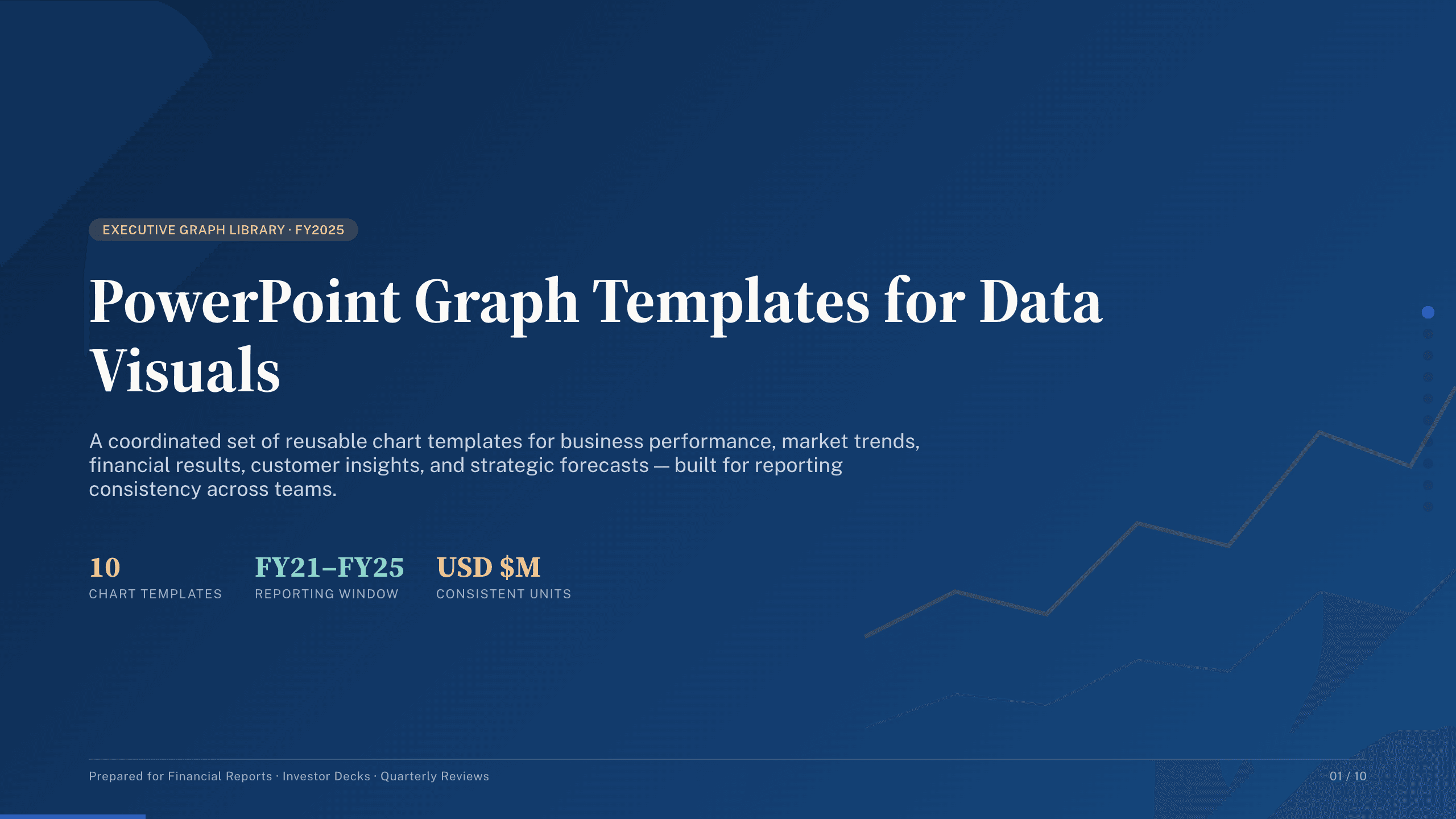
PowerPoint Graph Templates
Inspect a 10-slide featured example and find a starting point for data visuals.
Browse collection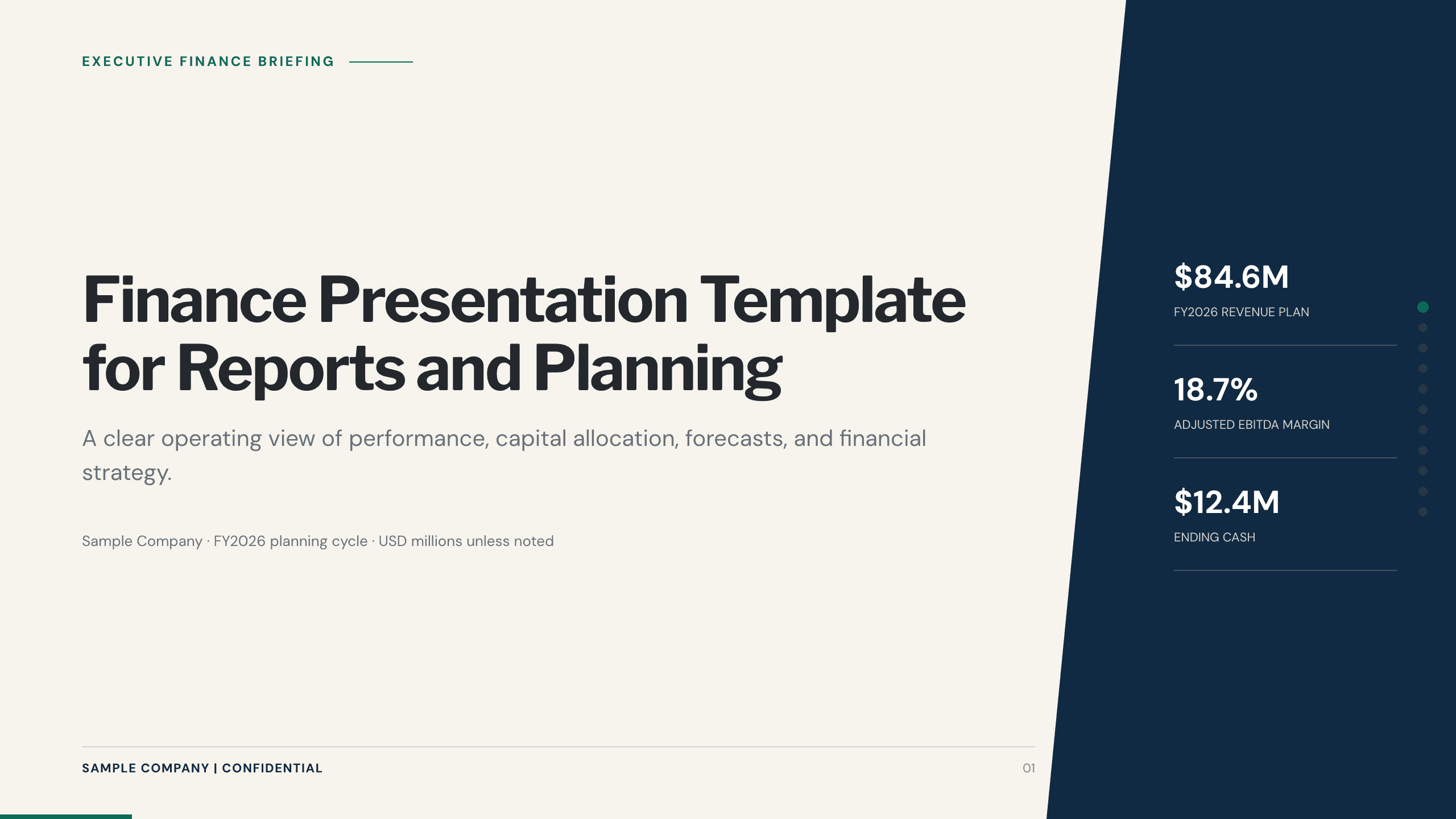
Finance Presentation Template
Present financial performance with 11 slides for results, drivers, margin, cash, capital allocation, forecast, risks, priorities, and decisions.
View template
Social Media Presentation Template
Turn audience insight into an operating social plan with 11 slides for channel roles, content franchises, cadence, creators, performance, and the next 90 days.
View template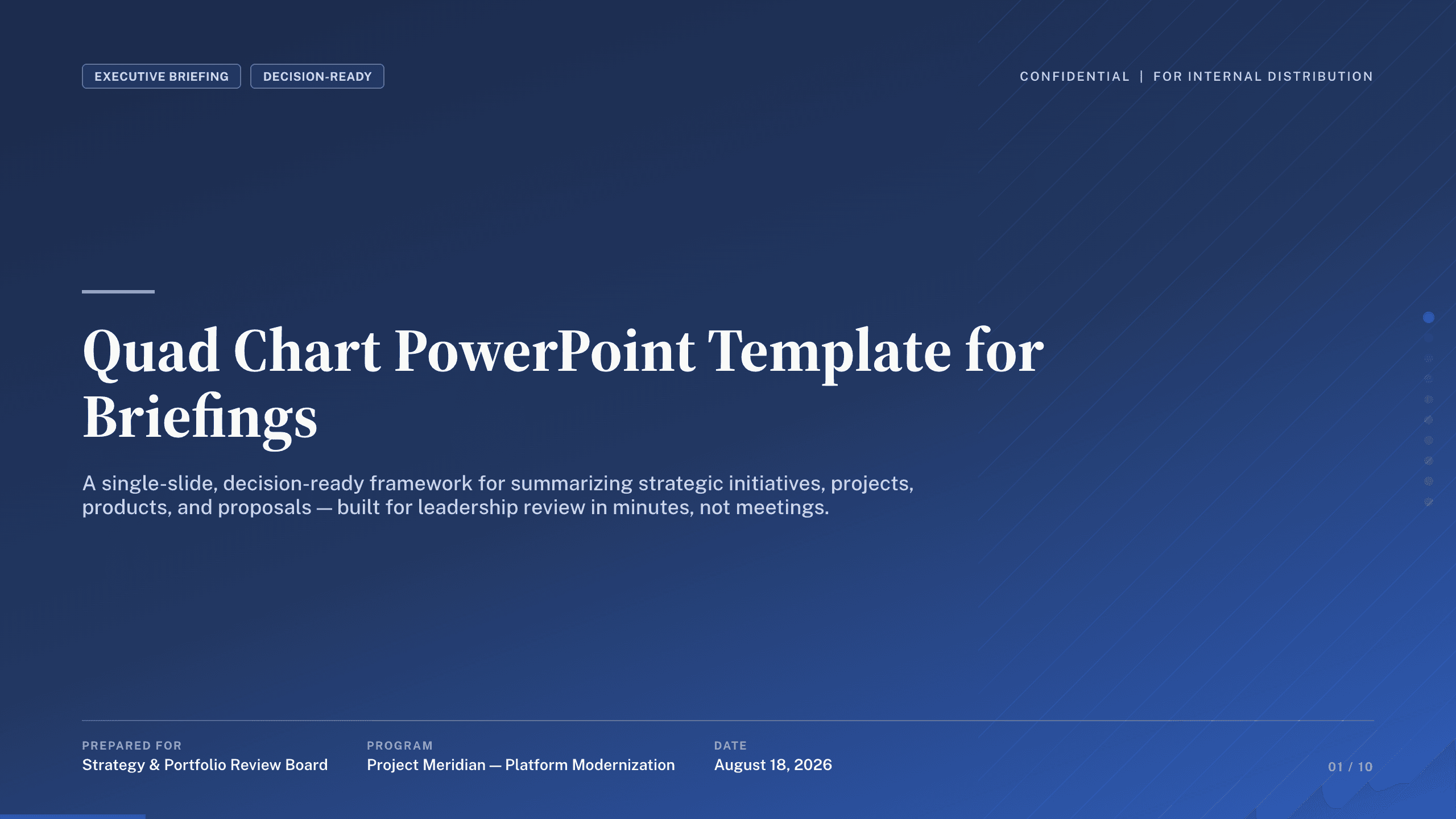
Quad Chart PowerPoint Template
Summarize an initiative in 10 PowerPoint quad charts covering objective, status, approach, milestones, budget, risks, recommendation, and decisions.
View templateExplore other template hubs
Customize the Summary Slide Template with Julius AI
1
Preview the complete example
Inspect all 9 slides to understand the narrative, layouts, and level of detail before replacing the example content.
2
Add your content and direction
Give Julius AI your source material, evidence, audience, constraints, and desired outcome.
3
Review and export
Check the narrative, facts, and design, then export an editable version to PowerPoint or Google Slides for final delivery.