Finance Presentation Template for Reports and Planning
Present financial performance with 11 slides for results, drivers, margin, cash, capital allocation, forecast, risks, priorities, and decisions.
Preview the 11-slide Finance Presentation Template
Follow the worked operating review from revenue and margin performance through cash conversion, capital allocation, forecast scenarios, and four disciplined decisions.
What you're getting
A finance deck that explains performance and the decisions behind it
This 11-slide template connects reported performance to operating drivers and forward decisions. Revenue, profitability, mix, cash, capital allocation, forecast, scenarios, risks, priorities, and recommendations use a consistent executive narrative.
The sample company data is illustrative. Replace every number and forecast with reconciled source data, label actuals and assumptions clearly, and document the definitions behind non-standard metrics.
- Included
- 11 finance slides
- Best for
- Planning and performance reviews
- Export
- PowerPoint or Google Slides
Built for
Finance leaders preparing an operating review
Teams explaining results, variance, drivers, liquidity, forecast, and recommended management action.
Business leaders managing a plan
Operators connecting commercial and delivery decisions to revenue, margin, cash, and risk.
Boards and investors reviewing performance
Decision-makers who need consistent measures, scenario implications, capital priorities, and clear asks.
Getting started
Reconcile the numbers, then build the management story
A reader should be able to distinguish actual, plan, forecast, estimate, and scenario on every relevant slide.
- 1
Lock definitions and sources
Confirm period, currency, consolidation, accounting basis, owners, and reconciled source data.
- 2
Explain variance through drivers
Connect price, volume, mix, cost, productivity, timing, and one-time items to the reported result.
- 3
Link profit to cash
Show working capital, investment, financing, and liquidity rather than stopping at earnings.
- 4
Update the forward view
Rebuild forecast and scenarios with explicit assumptions, sensitivities, risks, and management responses.
- 5
Close on decisions
Name the allocation, cost, growth, risk, or governance actions required and how outcomes will be monitored.
Explore more
Related templates worth comparing
KPI Presentation Template
Run a KPI review with 12 slides covering scorecard, revenue, margin, customer, operations, people, trends, variance, priorities, and actions.
View template
Summary Slide Template
Use nine summary-slide layouts to present key findings, performance, decisions, risks, priorities, actions, owners, and executive takeaways.
View template
Quad Chart PowerPoint Template
Summarize an initiative in 10 PowerPoint quad charts covering objective, status, approach, milestones, budget, risks, recommendation, and decisions.
View template
Business Case Presentation Template
Build the case for an investment with a worked 12-slide sequence covering the current-state problem, options, economics, delivery risk, resources, KPIs, and approval ask.
View template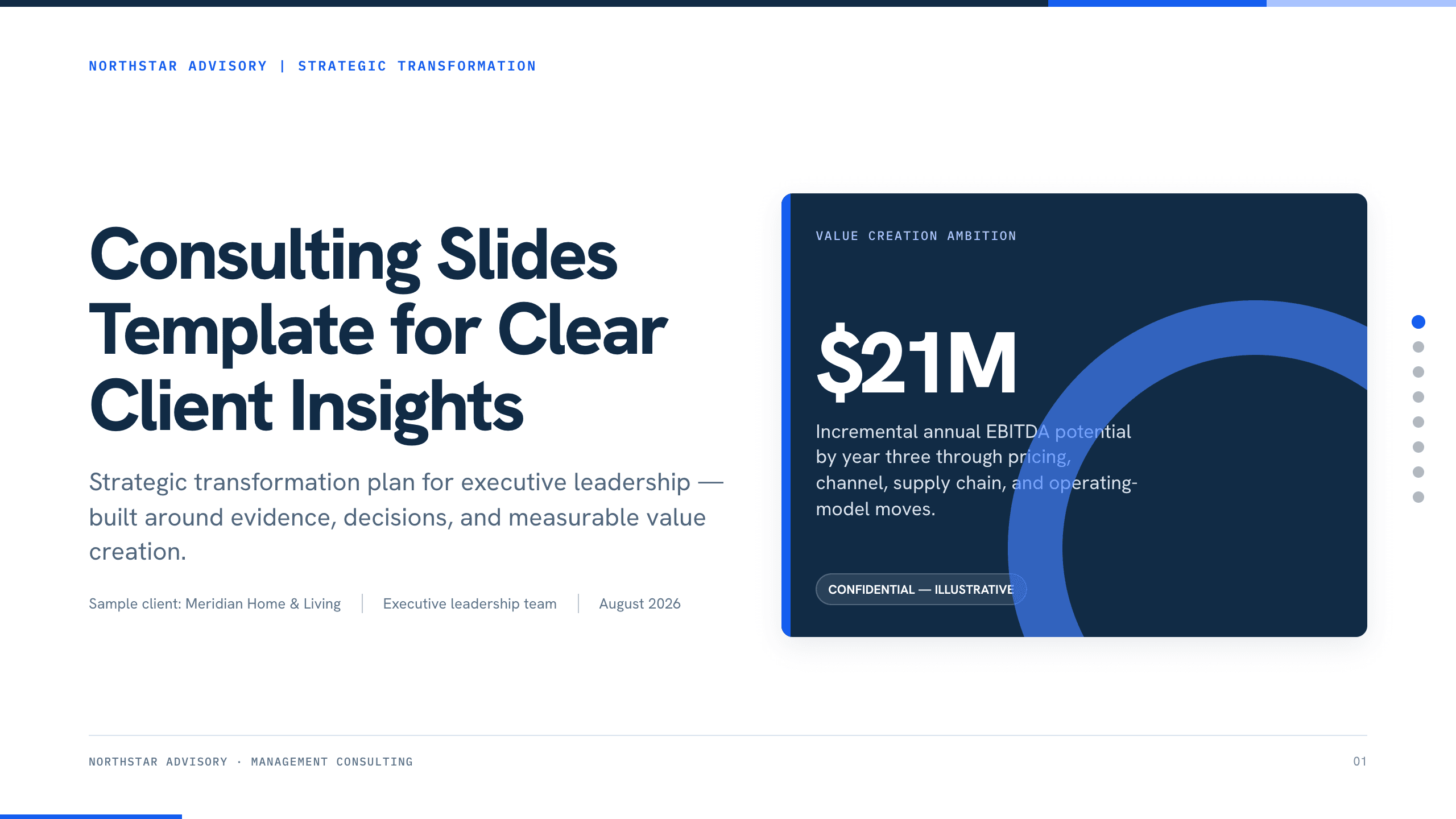
Consulting Slides Template
Present a concise executive recommendation with eight slides covering the value at stake, diagnosis, investment return, delivery roadmap, and outcome scorecard.
View template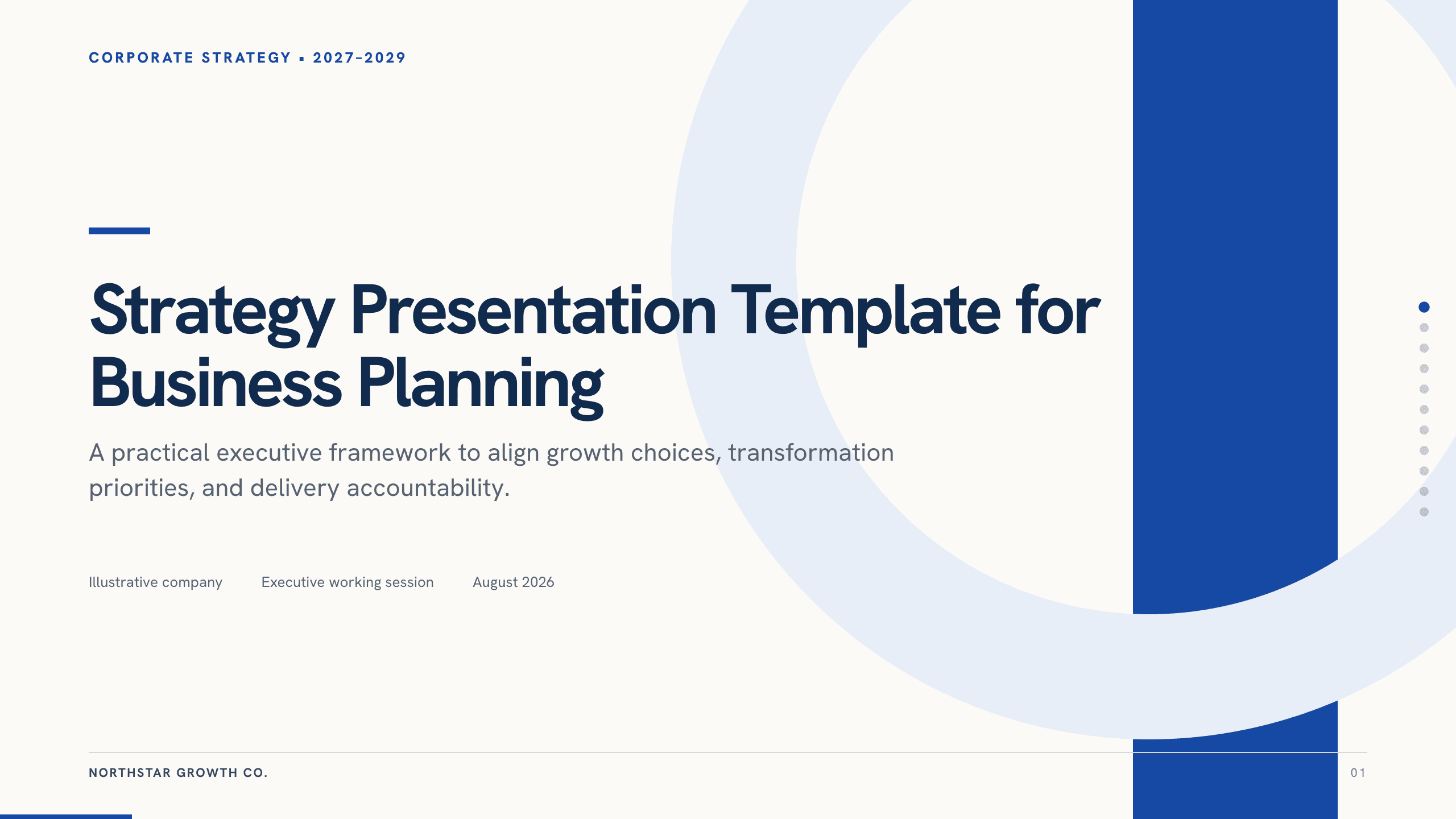
Strategy Presentation Template
Present a business strategy with 11 slides for ambition, diagnosis, choices, growth priorities, operating model, initiatives, roadmap, metrics, and decisions.
View templateExplore other template hubs
Customize the Finance Presentation Template with Julius AI
1
Preview the complete example
Inspect all 11 slides to understand the narrative, layouts, and level of detail before replacing the example content.
2
Add your content and direction
Give Julius AI your source material, evidence, audience, constraints, and desired outcome.
3
Review and export
Check the narrative, facts, and design, then export an editable version to PowerPoint or Google Slides for final delivery.