Business Case Presentation Template for Better Decisions
Build the case for an investment with a worked 12-slide sequence covering the current-state problem, options, economics, delivery risk, resources, KPIs, and approval ask.
Preview the 12-slide Business Case Presentation Template
Inspect the complete customer-intelligence business case to see how the recommendation, financial model, rollout, risks, and governance connect.
What you're getting
A decision-ready business case, not a project summary
This 12-slide business case is organized around the questions an approver will ask: What is broken today? What are the credible options? Why is the recommendation better? What will it cost, when does value appear, and who owns the risk?
The customer-intelligence example includes a current-state problem, option comparison, three-year value model, phased rollout, risk owners, team requirements, KPIs, and a specific approval request. Use those mechanics while replacing every illustrative assumption with your own evidence.
- Included
- 12 decision slides
- Best for
- Funding and approval
- Export
- PowerPoint or Google Slides
Built for
Initiative owners seeking approval
Leaders who need to explain why action is necessary and make a clear recommendation to a steering group.
Finance partners testing the economics
Reviewers who need costs, benefits, timing, sensitivities, and resource assumptions in one connected story.
Executives comparing investment options
Decision-makers who want the trade-offs, major risks, implementation gates, and approval ask without project-level noise.
Getting started
Move from problem to approval without losing the thread
Draft the recommendation early, then make every slide earn its place by helping the audience evaluate it.
- 1
State the decision and ask
Rewrite the executive summary with the requested approval, expected value, timing, and consequence of waiting.
- 2
Quantify the current state
Replace the sample retention problem with sourced costs, missed outcomes, customer evidence, and a clear baseline.
- 3
Compare credible options
Use consistent criteria for the alternatives, including cost, speed, risk, capability, and reversibility.
- 4
Pressure-test value and delivery
Update the financial model, rollout phases, resources, dependencies, and risk mitigations as one set of assumptions.
- 5
Close with governance
Name the sponsor, operating owner, approval date, implementation gates, and KPIs that will track realized value.
Explore more
Related templates worth comparing
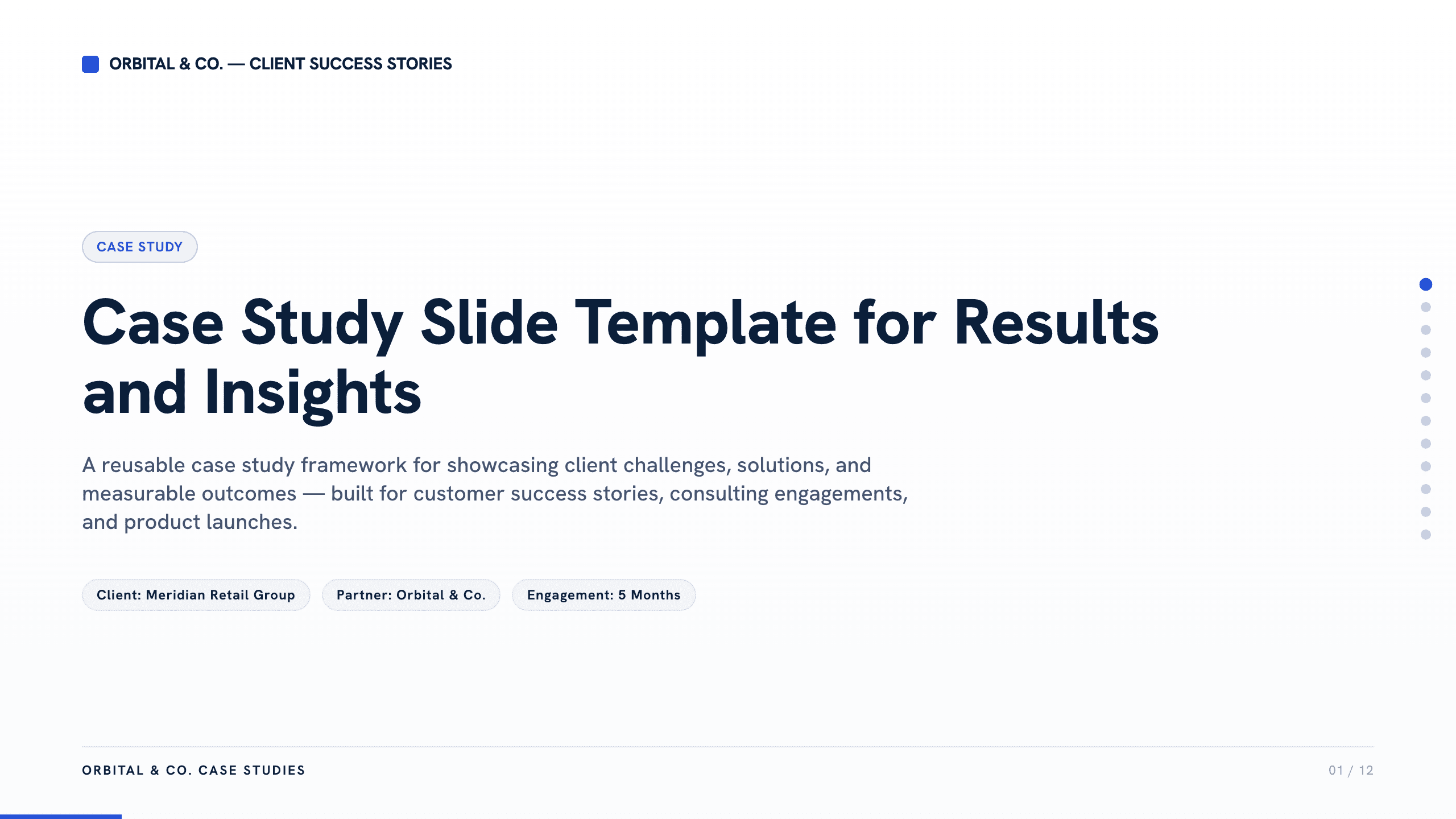
Case Study Slide Template
Tell a credible client or project story with 11 slides connecting the starting challenge, discovery, solution, rollout, measurable results, and lessons learned.
View template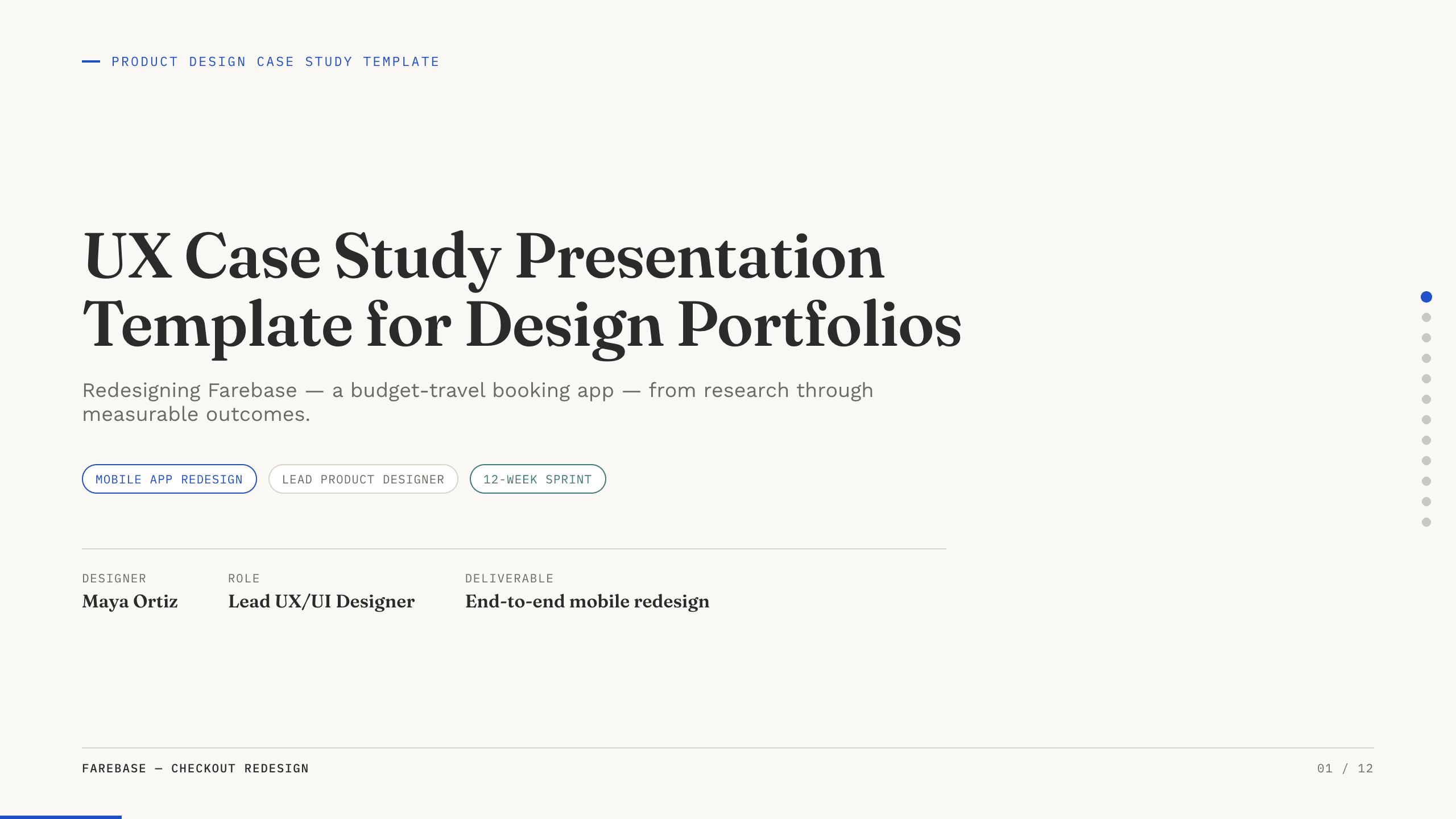
UX Case Study Presentation Template
Build a 12-slide UX case study covering product context, user problem, research, journey, insight, iterations, testing, outcome, and reflection.
View template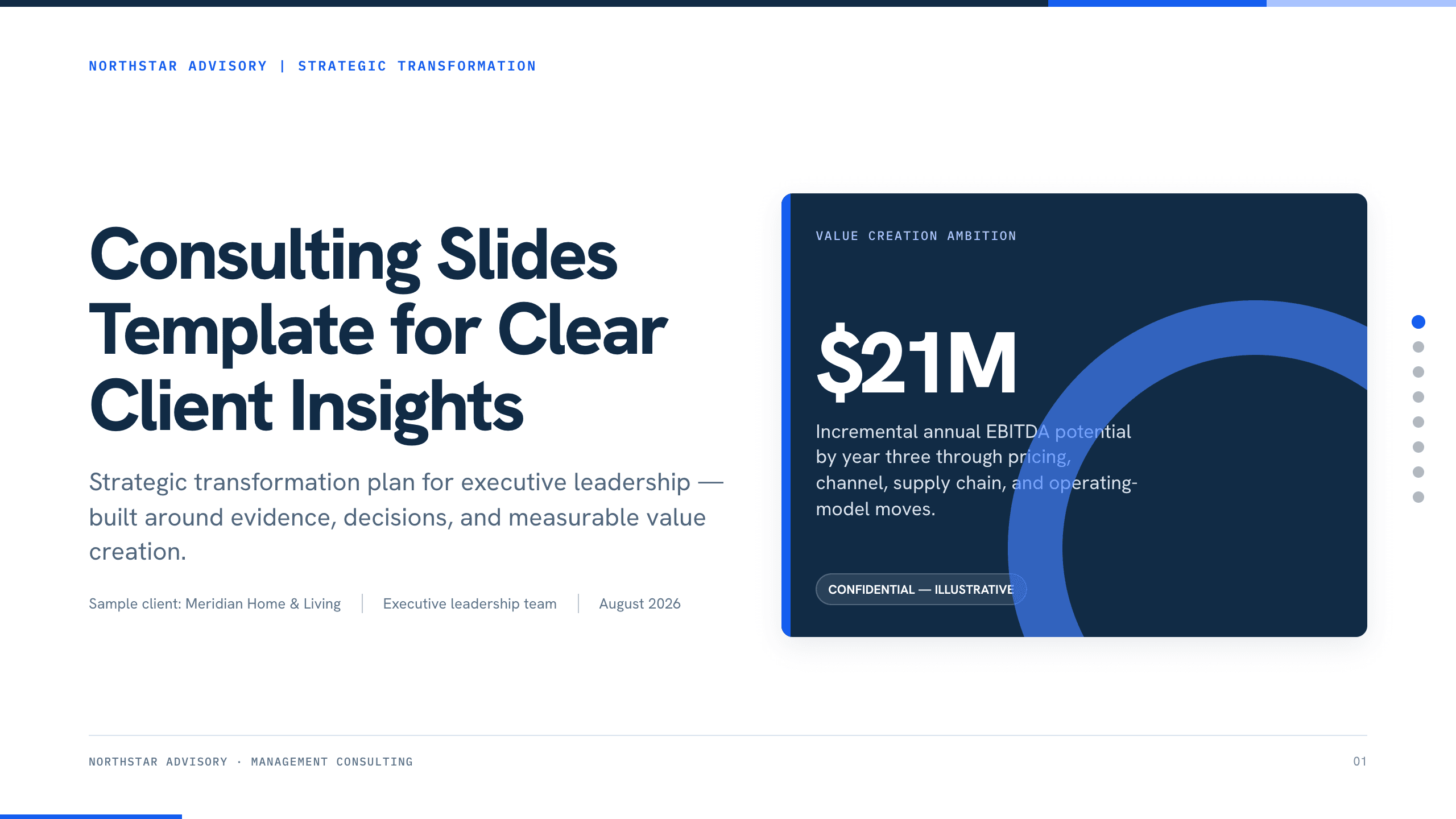
Consulting Slides Template
Present a concise executive recommendation with eight slides covering the value at stake, diagnosis, investment return, delivery roadmap, and outcome scorecard.
View template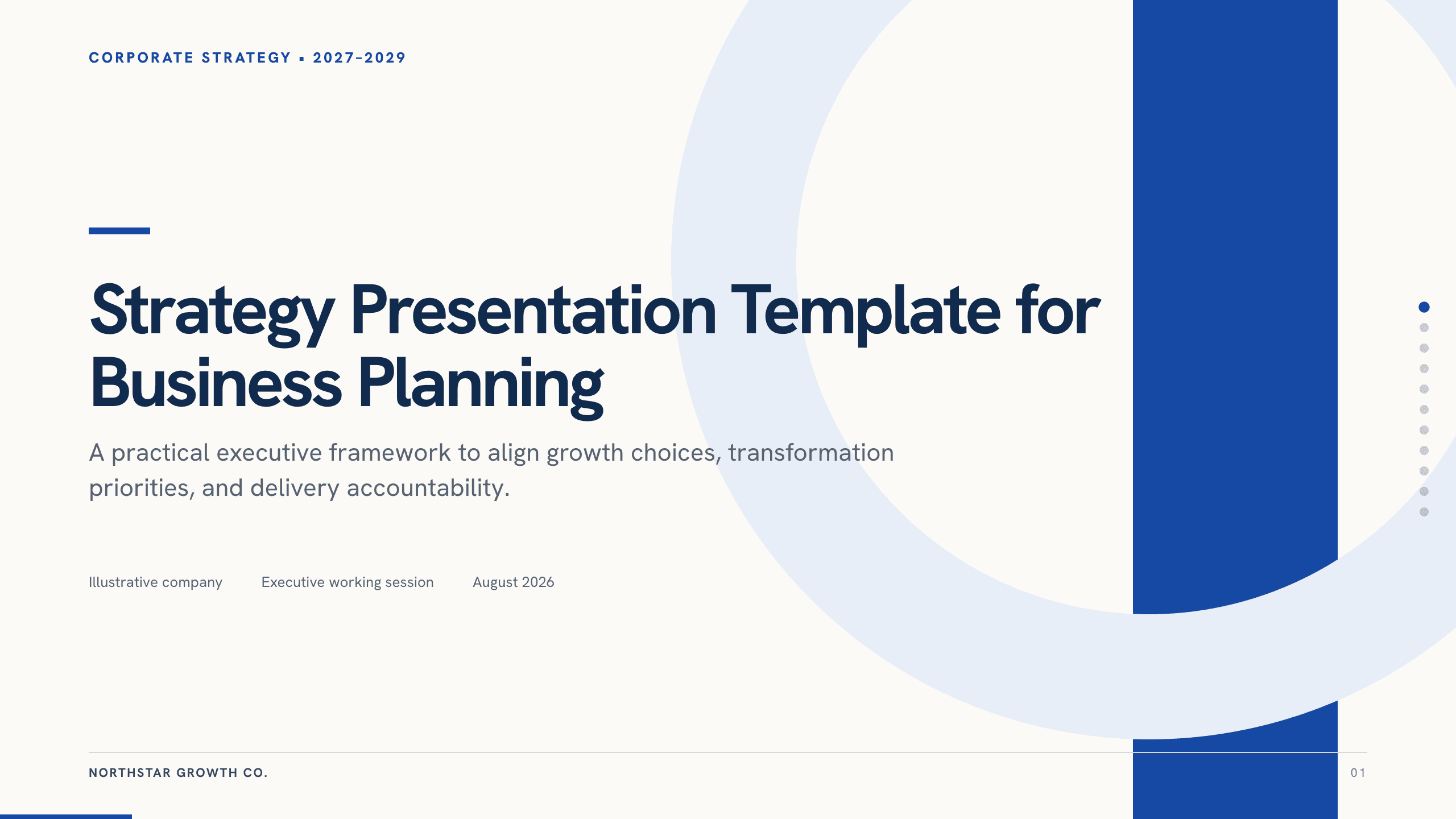
Strategy Presentation Template
Present a business strategy with 11 slides for ambition, diagnosis, choices, growth priorities, operating model, initiatives, roadmap, metrics, and decisions.
View template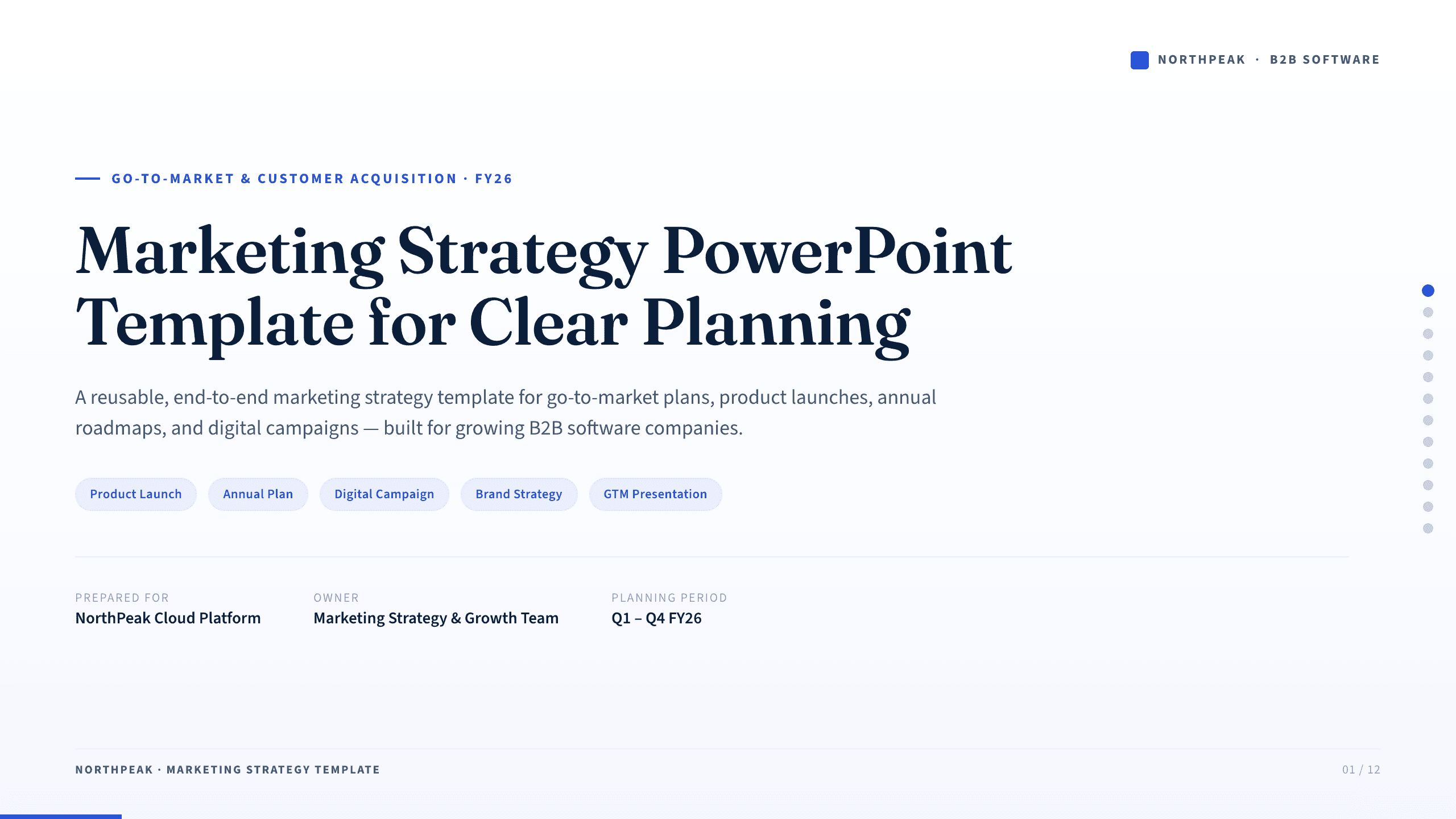
Marketing Strategy PowerPoint Template
Connect revenue goals to the market, audience, positioning, customer journey, channel mix, campaigns, budget, and measurement in one 12-slide strategy.
View template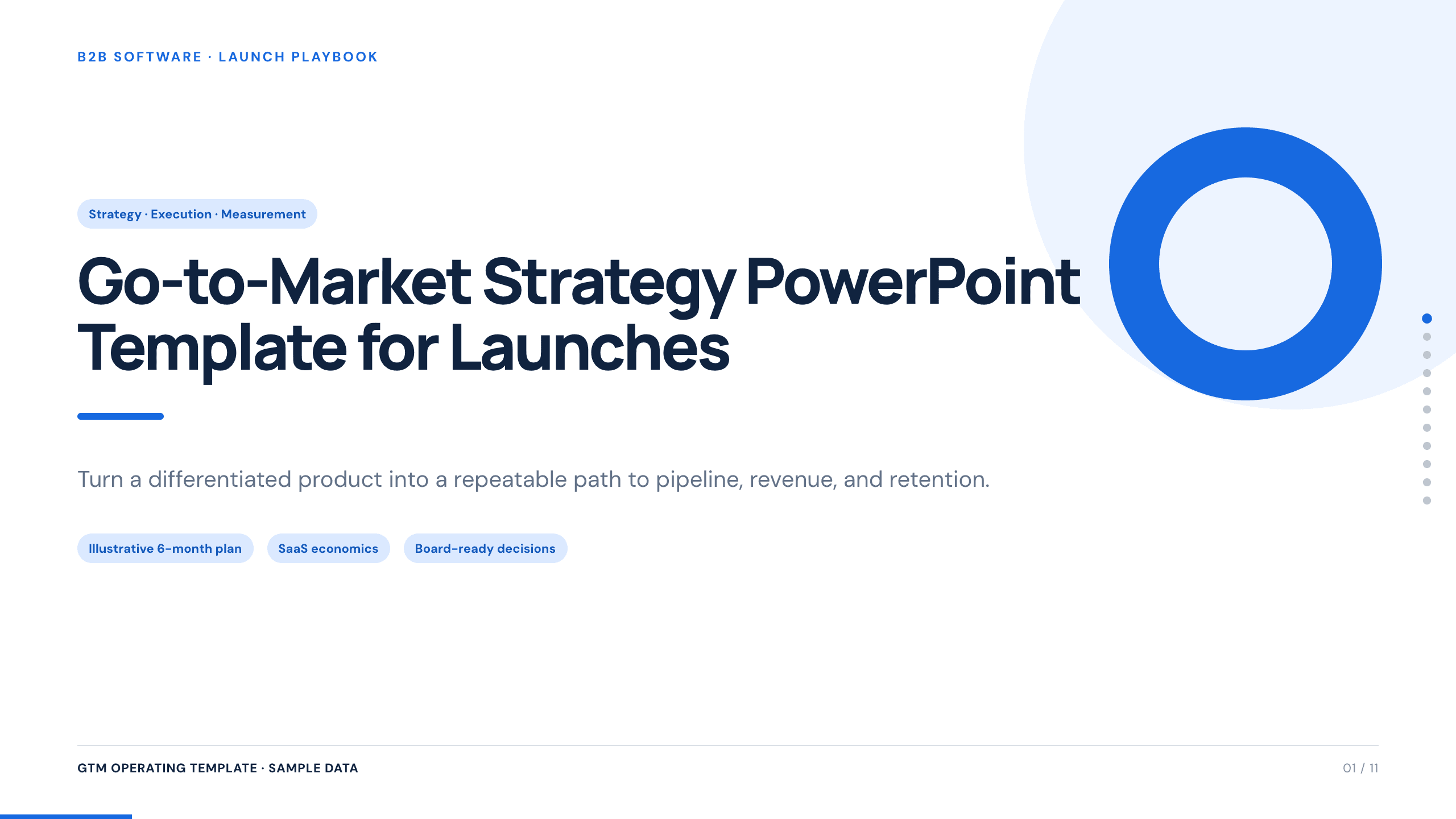
Go-to-Market Strategy PowerPoint Template
Plan a focused market entry with 11 connected slides for the initial wedge, market size, buying committee, positioning, packaging, demand, sales, and launch waves.
View templateExplore other template hubs
Customize the Business Case Presentation Template with Julius AI
1
Preview the complete example
Inspect all 12 slides to understand the narrative, layouts, and level of detail before replacing the example content.
2
Add your content and direction
Give Julius AI your source material, evidence, audience, constraints, and desired outcome.
3
Review and export
Check the narrative, facts, and design, then export an editable version to PowerPoint or Google Slides for final delivery.