Strategy Presentation Template for Business Planning
Present a business strategy with 11 slides for ambition, diagnosis, choices, growth priorities, operating model, initiatives, roadmap, metrics, and decisions.
Preview the 11-slide Strategy Presentation Template
Follow the worked executive strategy from current performance and strategic choices through prioritized initiatives, sequencing, accountability, and 90-day mobilization.
What you're getting
A strategy deck built around choices and accountable delivery
This 11-slide template turns strategy into a connected set of choices. It covers ambition, current position, external context, where to play, how to win, capabilities, initiatives, sequencing, value, ownership, metrics, and immediate decisions.
The worked growth strategy demonstrates conclusion-led titles and explicit trade-offs. Replace the analysis and economics with sourced evidence, show what the organization will not pursue, and keep the initiative portfolio realistic for available capacity.
- Included
- 11 strategy slides
- Best for
- Executive planning
- Export
- PowerPoint or Google Slides
Built for
Executives aligning a multi-year direction
Leadership teams choosing growth arenas, sources of advantage, capability bets, and investment priorities.
Strategy teams synthesizing analysis
Practitioners connecting market, customer, financial, and operating evidence to a coherent recommendation.
Business-unit leaders mobilizing delivery
Owners translating enterprise choices into initiatives, milestones, measures, and near-term commitments.
Getting started
Turn the ambition into a small number of reinforcing choices
If every opportunity remains a priority, the strategy has not yet made the resource trade-offs delivery requires.
- 1
Define the ambition and constraints
Set the outcome, horizon, baseline, financial boundary, risk appetite, and non-negotiables.
- 2
Build the diagnosis
Use customer, competitor, market, capability, and performance evidence to explain the real strategic problem.
- 3
Make explicit choices
State where to play, how to win, what capabilities matter, and which attractive options will not be funded.
- 4
Sequence the initiative portfolio
Connect each initiative to value, owner, dependencies, capacity, investment, milestones, and leading indicators.
- 5
Mobilize the first 90 days
Close with decisions, governance, communication, resource moves, and evidence the team must produce next.
Explore more
Related templates worth comparing
Marketing Strategy PowerPoint Template
Connect revenue goals to the market, audience, positioning, customer journey, channel mix, campaigns, budget, and measurement in one 12-slide strategy.
View template
Go-to-Market Strategy PowerPoint Template
Plan a focused market entry with 11 connected slides for the initial wedge, market size, buying committee, positioning, packaging, demand, sales, and launch waves.
View template
Business Case Presentation Template
Build the case for an investment with a worked 12-slide sequence covering the current-state problem, options, economics, delivery risk, resources, KPIs, and approval ask.
View template
Consulting Slides Template
Present a concise executive recommendation with eight slides covering the value at stake, diagnosis, investment return, delivery roadmap, and outcome scorecard.
View template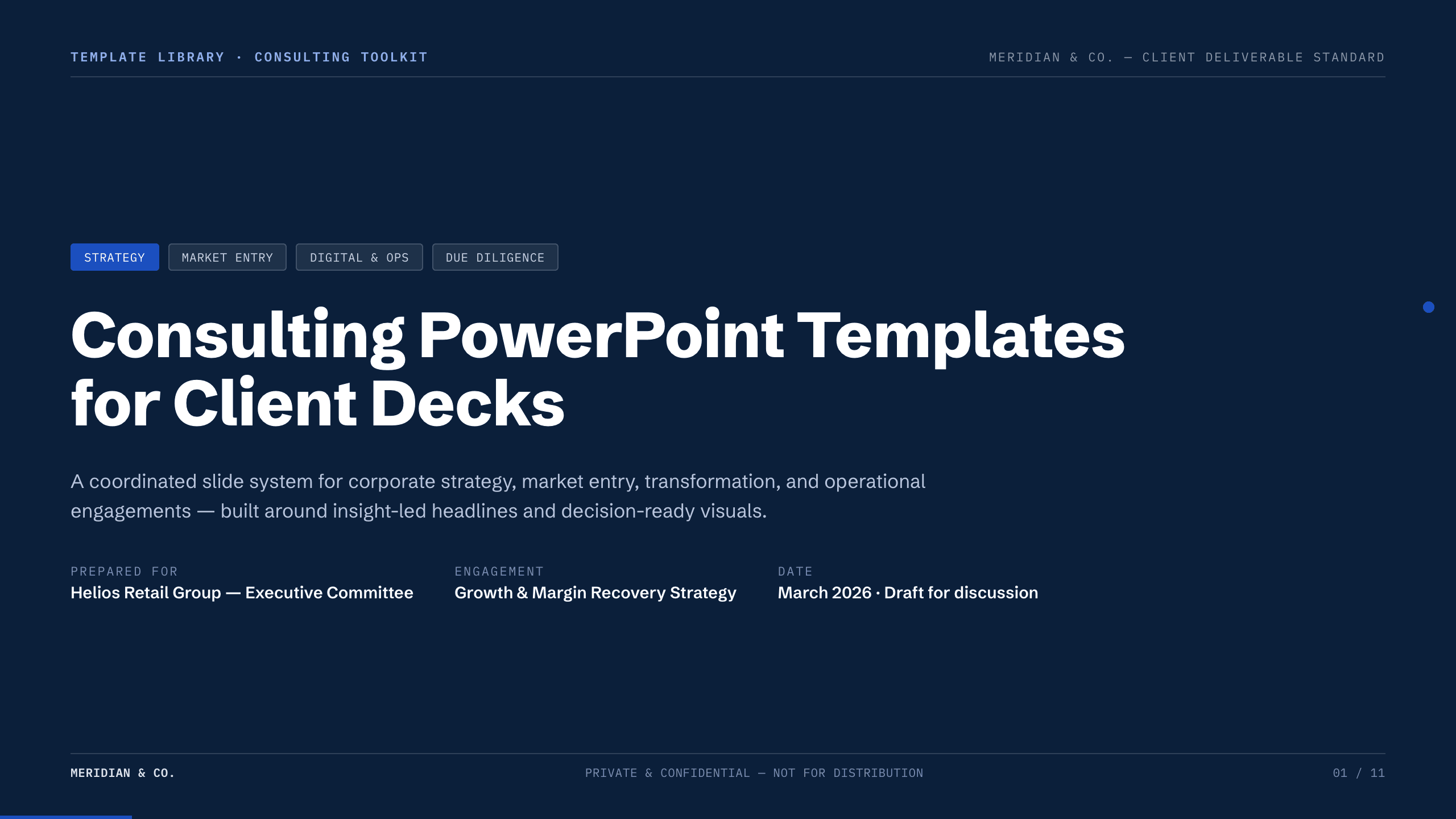
Consulting PowerPoint Templates
Inspect a 11-slide featured example and find a starting point for client decks.
Browse collection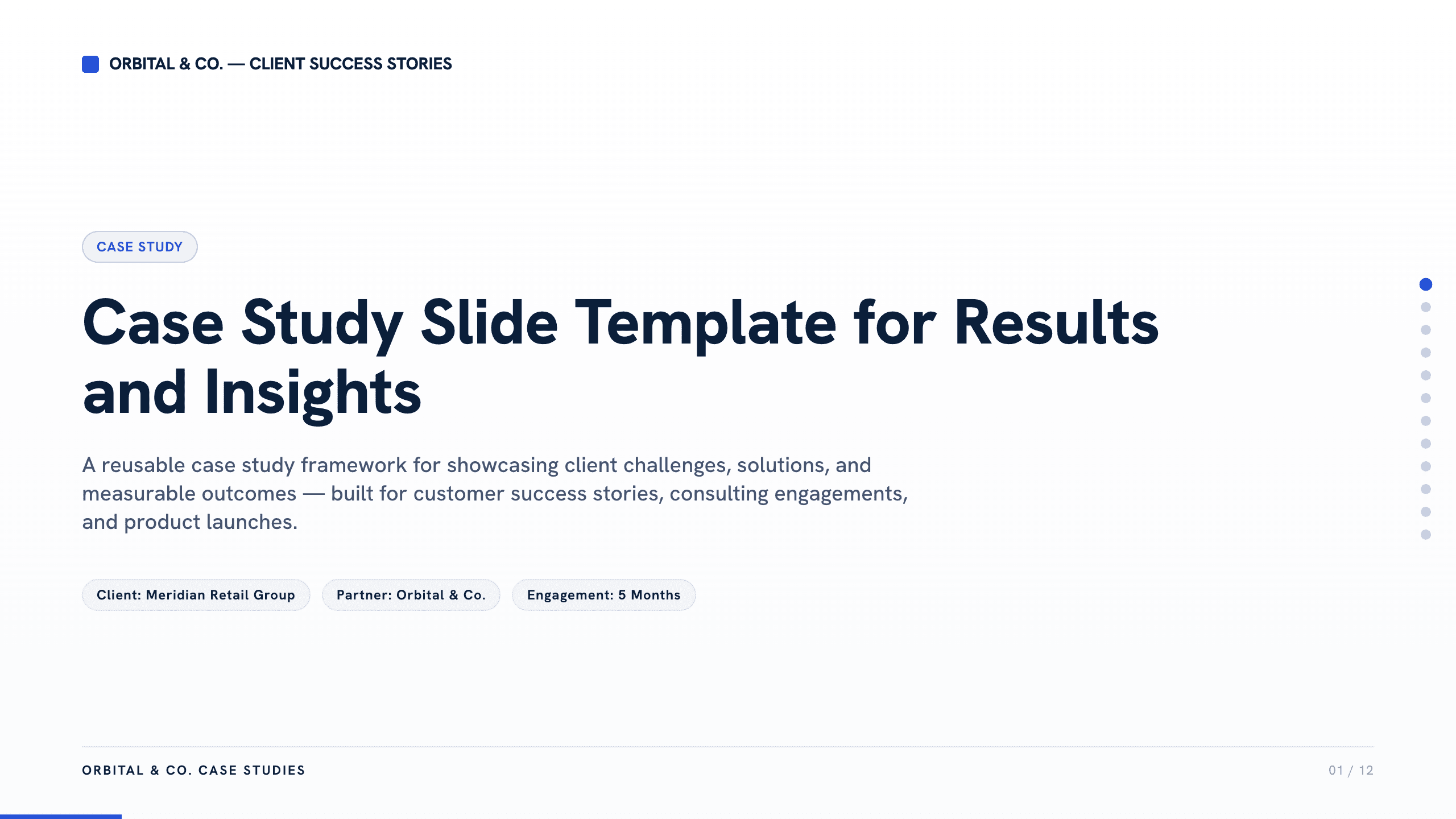
Case Study Slide Template
Tell a credible client or project story with 11 slides connecting the starting challenge, discovery, solution, rollout, measurable results, and lessons learned.
View templateExplore other template hubs
Customize the Strategy Presentation Template with Julius AI
1
Preview the complete example
Inspect all 11 slides to understand the narrative, layouts, and level of detail before replacing the example content.
2
Add your content and direction
Give Julius AI your source material, evidence, audience, constraints, and desired outcome.
3
Review and export
Check the narrative, facts, and design, then export an editable version to PowerPoint or Google Slides for final delivery.