Go-to-Market Strategy PowerPoint Template for Launches
Plan a focused market entry with 11 connected slides for the initial wedge, market size, buying committee, positioning, packaging, demand, sales, and launch waves.
Preview the 11-slide Go-to-Market Strategy PowerPoint Template
Follow the worked product launch from beachhead selection through the commercial motion, phased rollout, and investment priorities.
What you're getting
A go-to-market plan from beachhead to repeatable growth
This 11-slide GTM template covers the initial wedge, serviceable market, segment priorities, buying committee, positioning, packaging, demand generation, sales motion, phased launch, and investment priorities. The sequence keeps product, marketing, sales, and customer success decisions connected.
The example shows a fictional workflow product entering through a focused segment before scaling by use case. Replace the market sizes, buying roles, price points, conversion assumptions, and launch targets with evidence from your own customers and operating model.
- Included
- 11 launch slides
- Best for
- Product and market entry
- Export
- Editable PowerPoint
Built for
Founders and product marketers choosing a wedge
Teams narrowing the first market, buyer problem, position, package, and proof needed to earn early traction.
Sales and revenue leaders designing the motion
Leaders aligning demand generation, qualification, champion enablement, validation, conversion, and expansion.
Product and customer teams preparing a launch
Partners connecting readiness, onboarding, adoption, feedback, retention, and launch milestones.
Getting started
Make the market choices before building the launch calendar
The strongest GTM plans are explicit about where they will begin, what they will learn, and what must be true before scaling.
- 1
Define the first wedge
Choose the narrow customer problem and segment where urgency, product fit, access, and proof overlap.
- 2
Size and prioritize the opportunity
Replace sample market numbers with sourced TAM, SAM, and near-term target-account assumptions.
- 3
Map the buying group
Name the champion, economic buyer, users, validators, objections, evidence needs, and decision path.
- 4
Align offer and commercial motion
Connect positioning, packaging, demand channels, sales stages, onboarding, and expansion around the same promise.
- 5
Launch in learning waves
Set readiness gates, leading indicators, owners, and feedback loops for each phase before committing the next investment.
Explore more
Related templates worth comparing
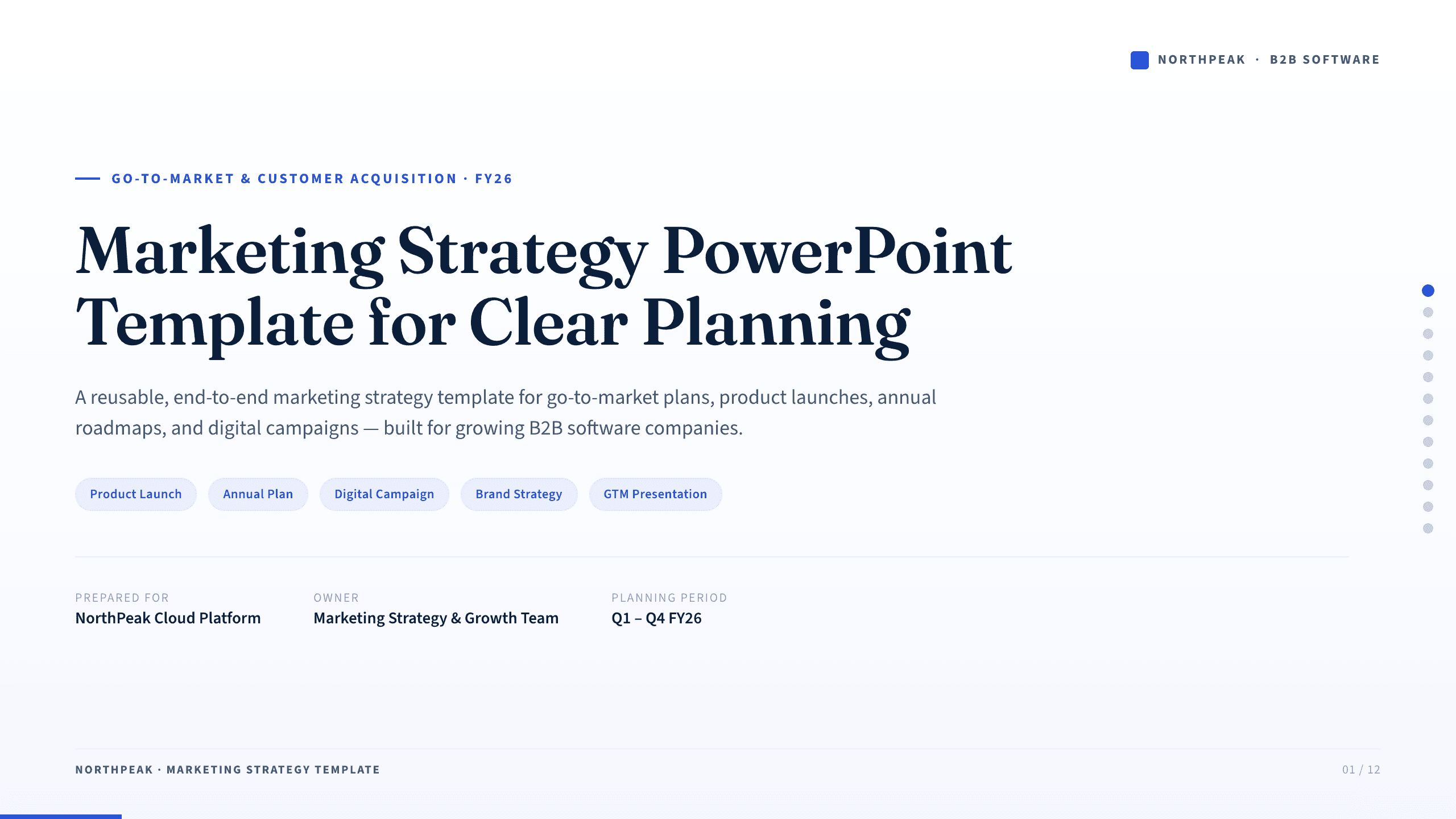
Marketing Strategy PowerPoint Template
Connect revenue goals to the market, audience, positioning, customer journey, channel mix, campaigns, budget, and measurement in one 12-slide strategy.
View template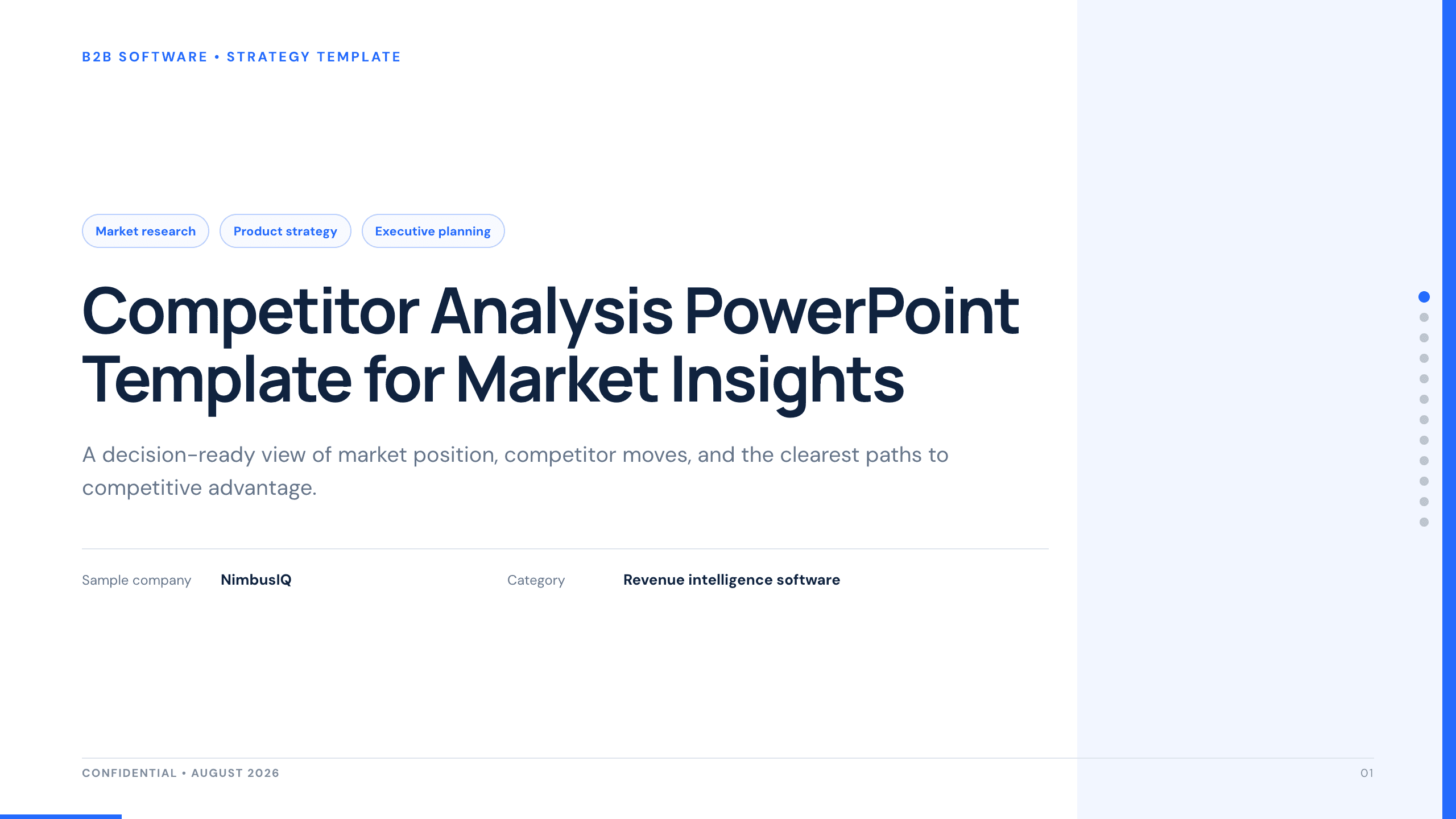
Competitor Analysis PowerPoint Template
Compare competitors with 12 slides covering market position, buyer needs, feature gaps, pricing, messaging, and strategic moves.
View template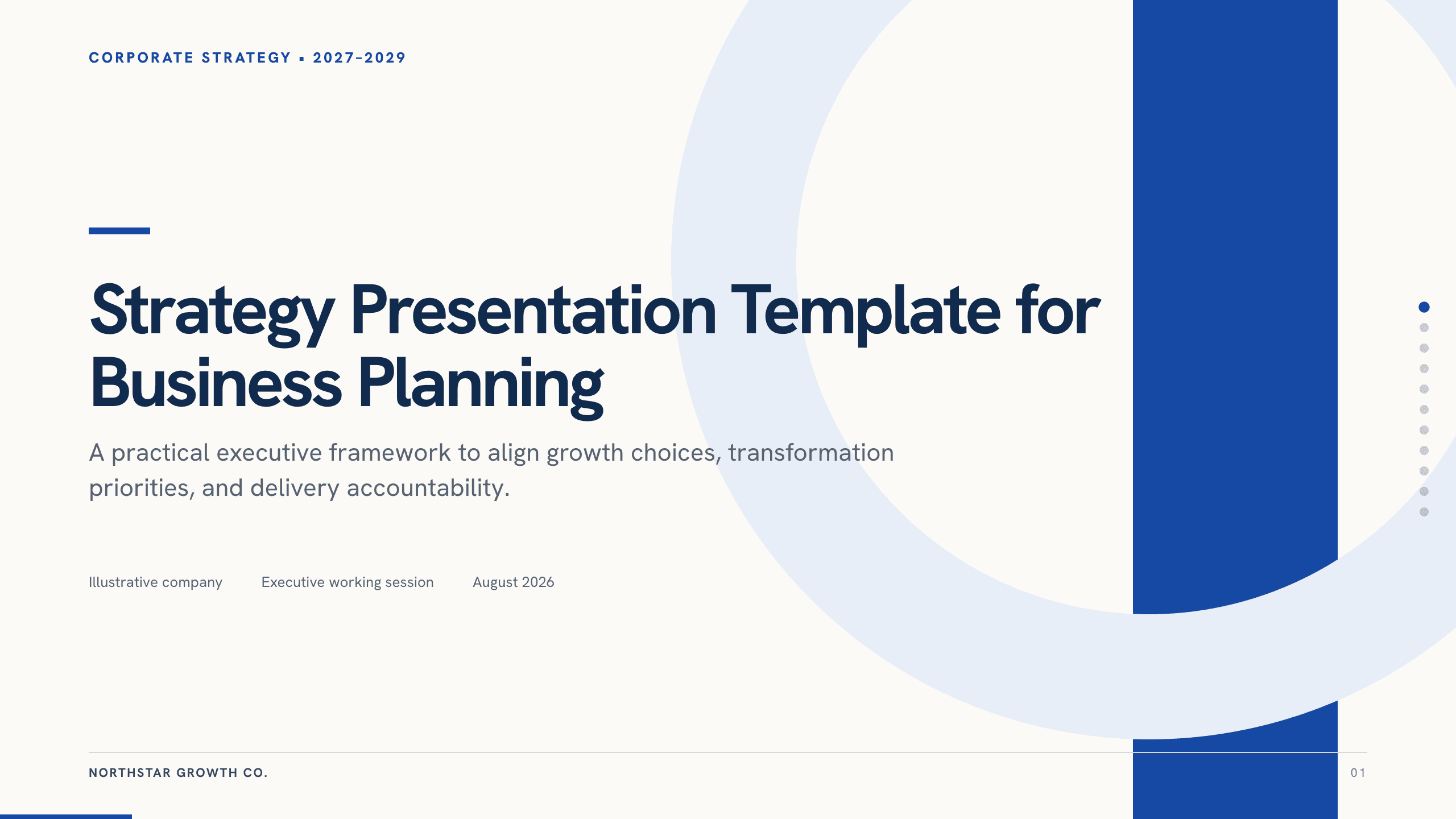
Strategy Presentation Template
Present a business strategy with 11 slides for ambition, diagnosis, choices, growth priorities, operating model, initiatives, roadmap, metrics, and decisions.
View template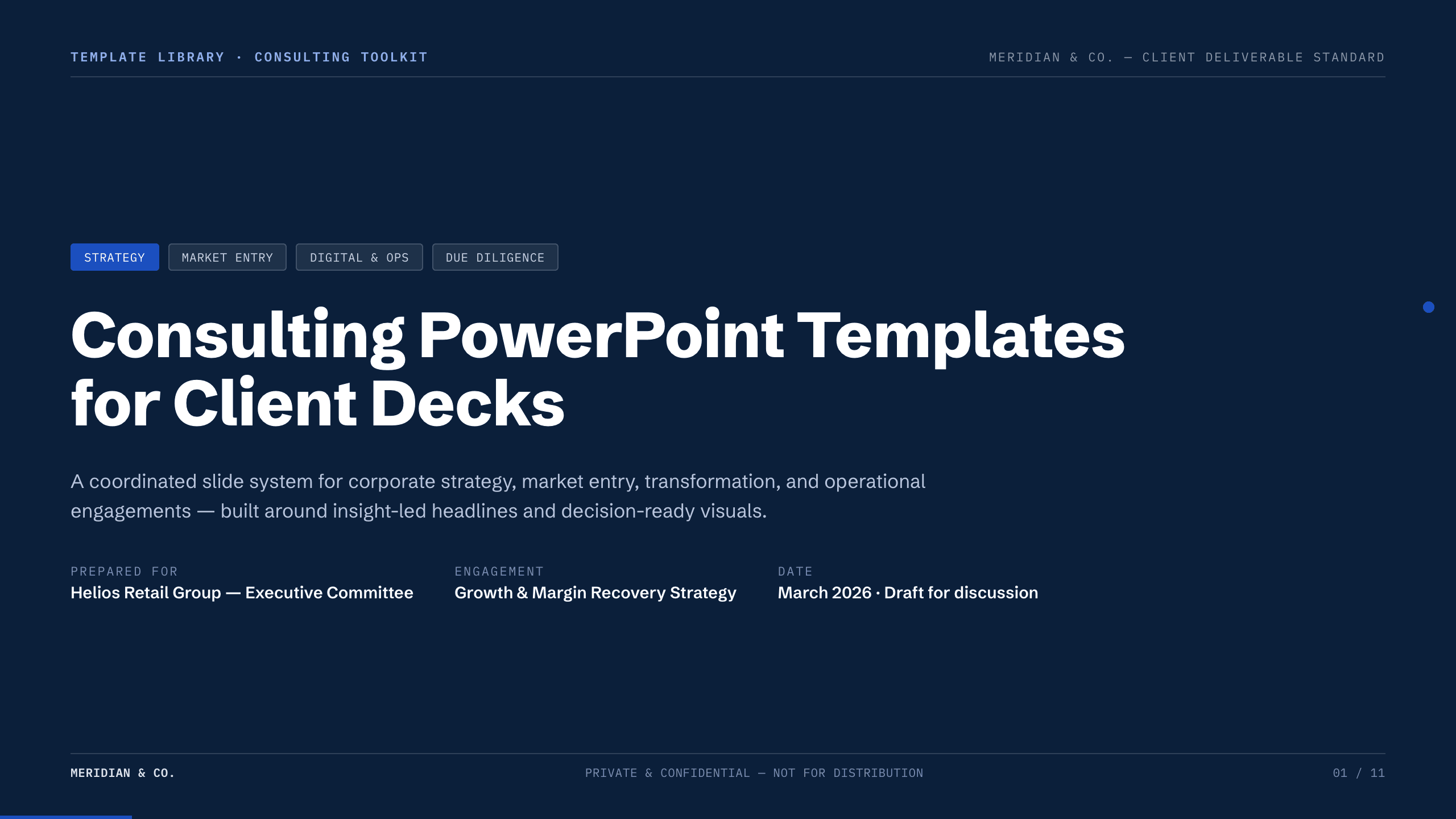
Consulting PowerPoint Templates
Inspect a 11-slide featured example and find a starting point for client decks.
Browse collection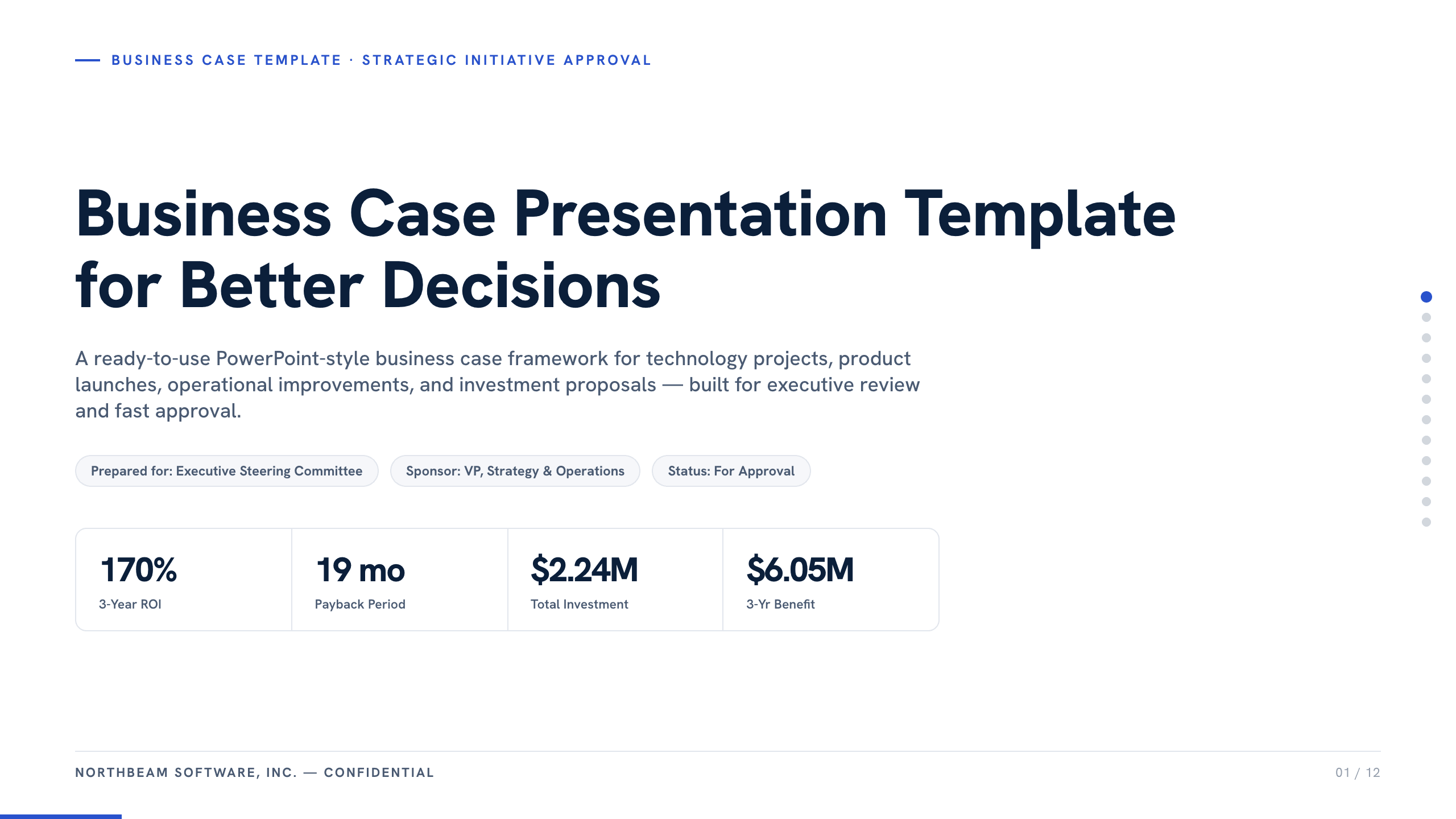
Business Case Presentation Template
Build the case for an investment with a worked 12-slide sequence covering the current-state problem, options, economics, delivery risk, resources, KPIs, and approval ask.
View template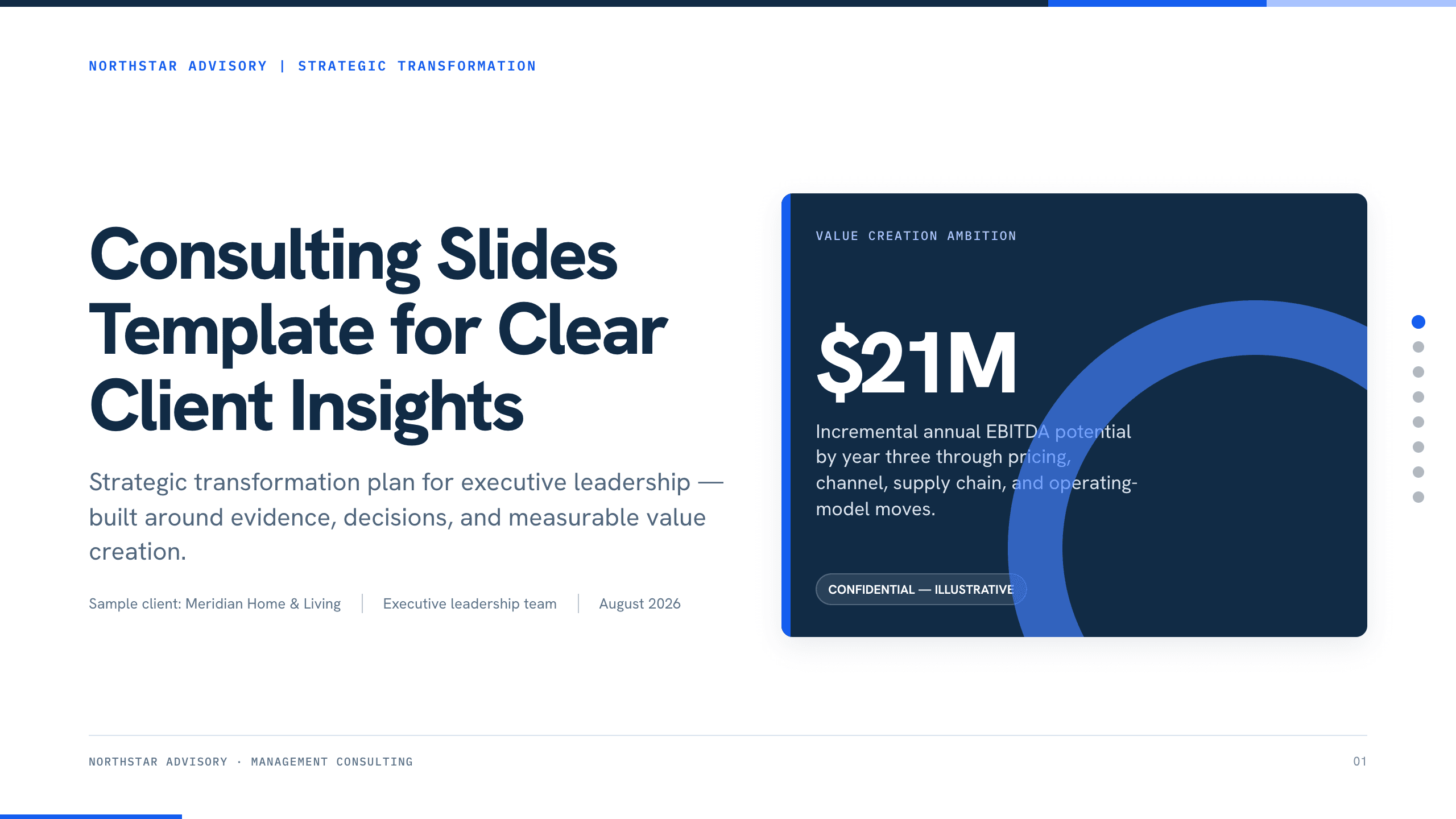
Consulting Slides Template
Present a concise executive recommendation with eight slides covering the value at stake, diagnosis, investment return, delivery roadmap, and outcome scorecard.
View templateExplore other template hubs
Customize the Go-to-Market Strategy PowerPoint Template with Julius AI
1
Preview the complete example
Inspect all 11 slides to understand the narrative, layouts, and level of detail before replacing the example content.
2
Add your content and direction
Give Julius AI your source material, evidence, audience, constraints, and desired outcome.
3
Review and export
Check the narrative, facts, and design, then export an editable version to PowerPoint for final delivery.