Consulting PowerPoint Templates for Client Decks
A consulting deck should make the answer easier to challenge and act on. Compare six structures for diagnosis, strategy, investment, market entry, and competitive decisions.
Browse the collection
Explore Consulting PowerPoint Templates
Explore complete consulting, strategy, business-case, go-to-market, SWOT, and competitor-analysis narratives before choosing a starting point.
Choose by decision
Start with the question the client must resolve
A consulting presentation is not a container for everything the team learned. It is a structured argument: the answer, the evidence that supports it, the alternatives or tradeoffs, and the actions required to move forward.
The featured collection demonstrates a complete client-style case. The adjacent templates narrow the story to strategy, investment, market entry, internal analysis, or the competitive landscape.
- Options
- 6 decision-oriented formats
- Best for
- Strategy, growth, and transformation work
- Format
- Editable widescreen slides
Compare the options
Choose the consulting story before polishing the slides
Each option supports a different kind of answer. Pick the structure that naturally holds the evidence and decision, then edit the story at headline level before refining visuals.
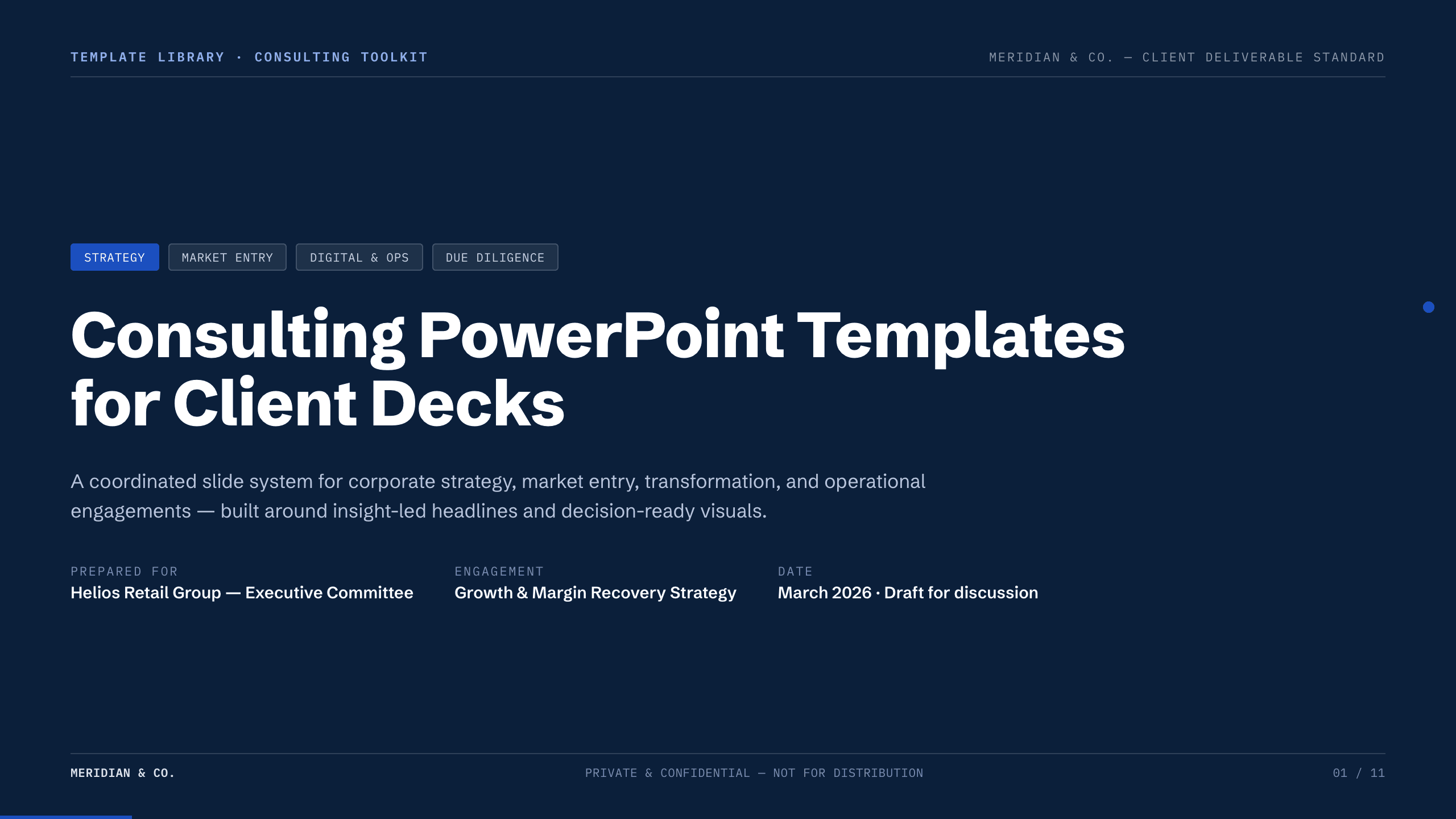
Best for
A complete diagnosis-to-recommendation story
Consulting case collection
Follow a worked retail margin case through market context, competitors, root causes, findings, strategic levers, recommendation, roadmap, risk, KPIs, and decision.
Preview this collection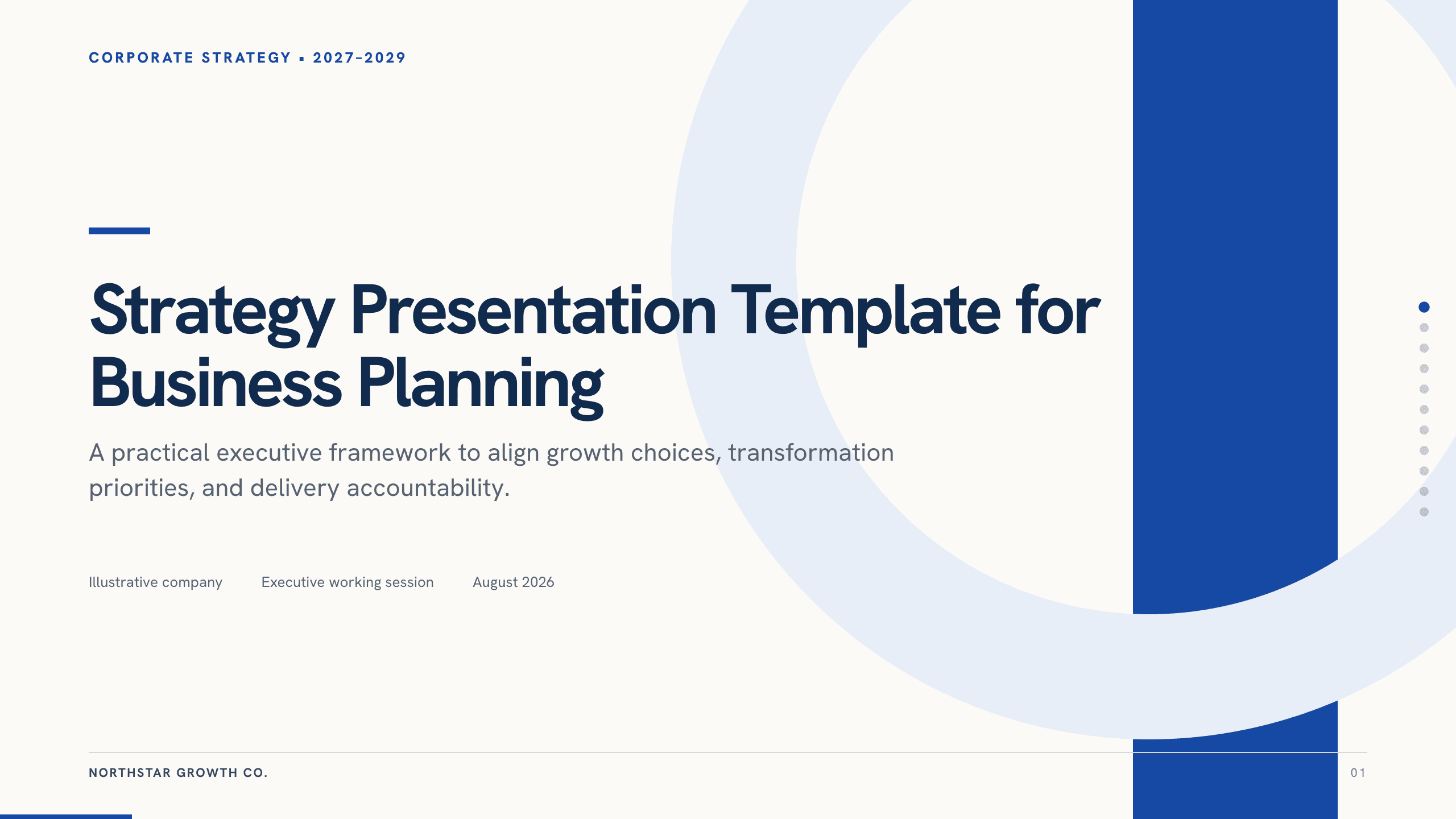
Best for
Enterprise and business-unit strategy
Strategy Presentation Template
Connect ambition, diagnosis, explicit choices, initiatives, resource tradeoffs, measures, risks, roadmap, and decisions.
View template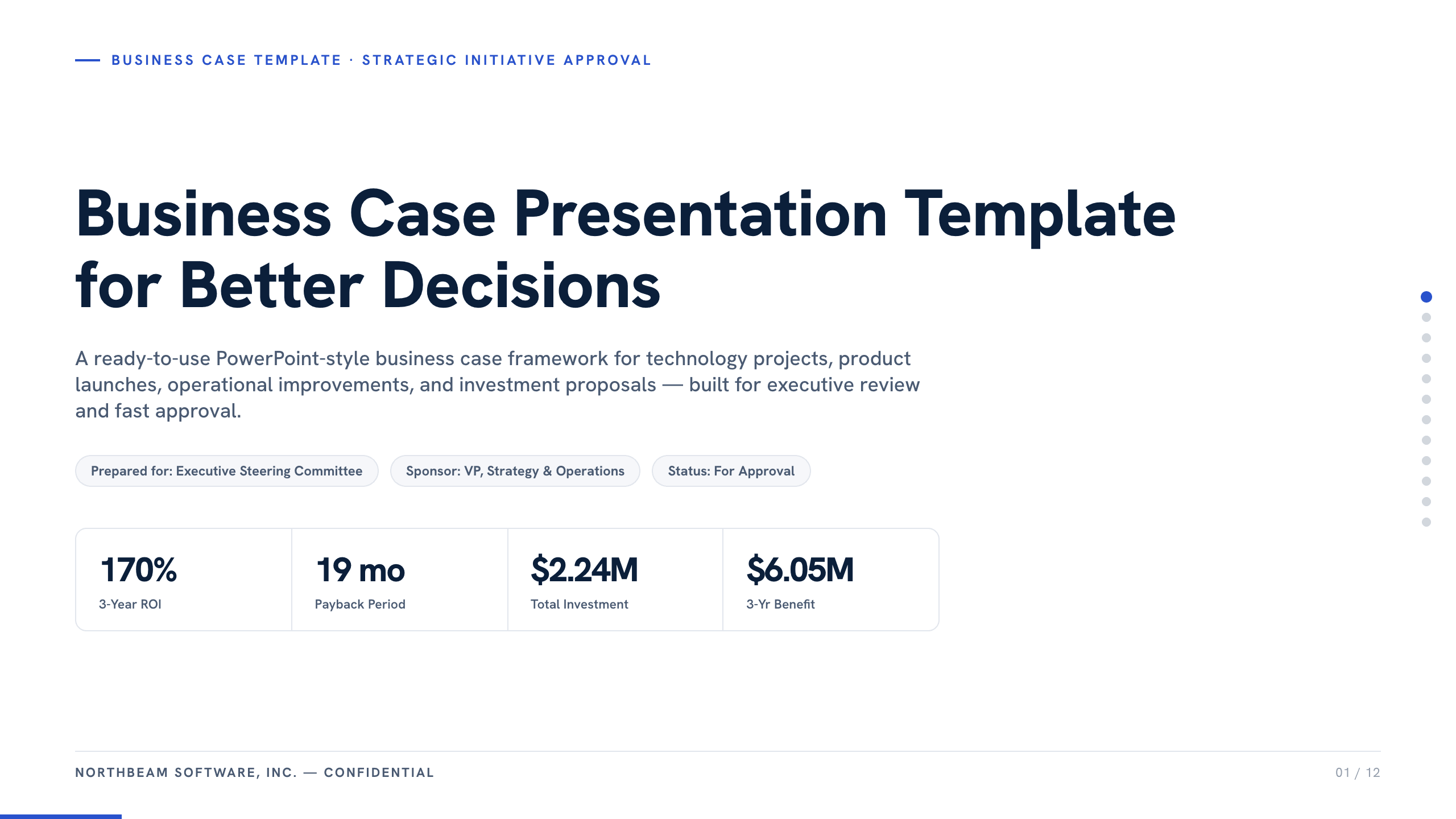
Best for
Funding and investment decisions
Business Case Presentation Template
Frame the problem, current-state cost, options, recommendation, benefits, investment, risk, implementation, and approval required.
View template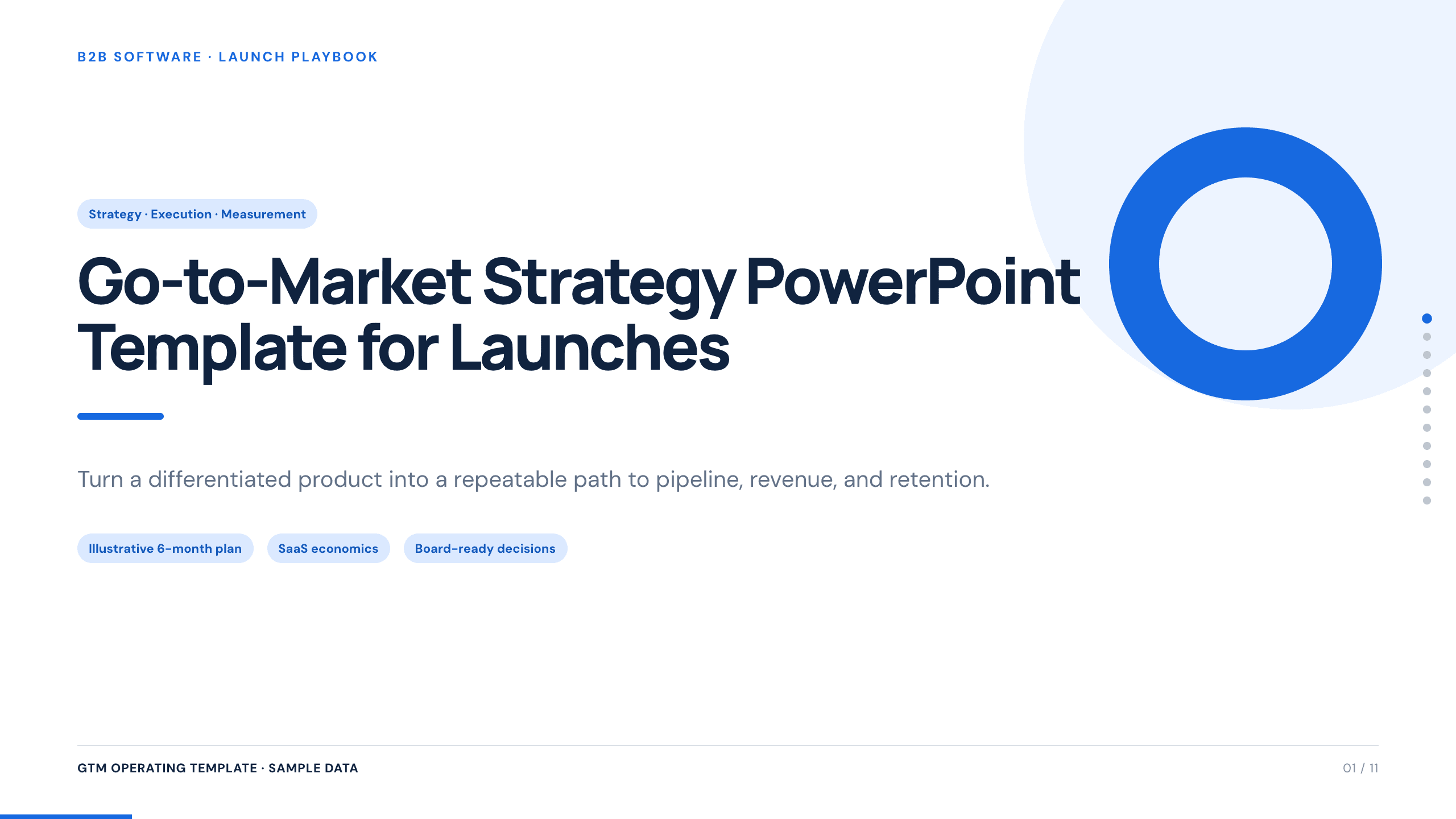
Best for
Launch and market-entry planning
Go-to-Market Strategy Template
Define the segment, customer problem, positioning, offer, route to market, launch phases, enablement, measures, dependencies, and risks.
View template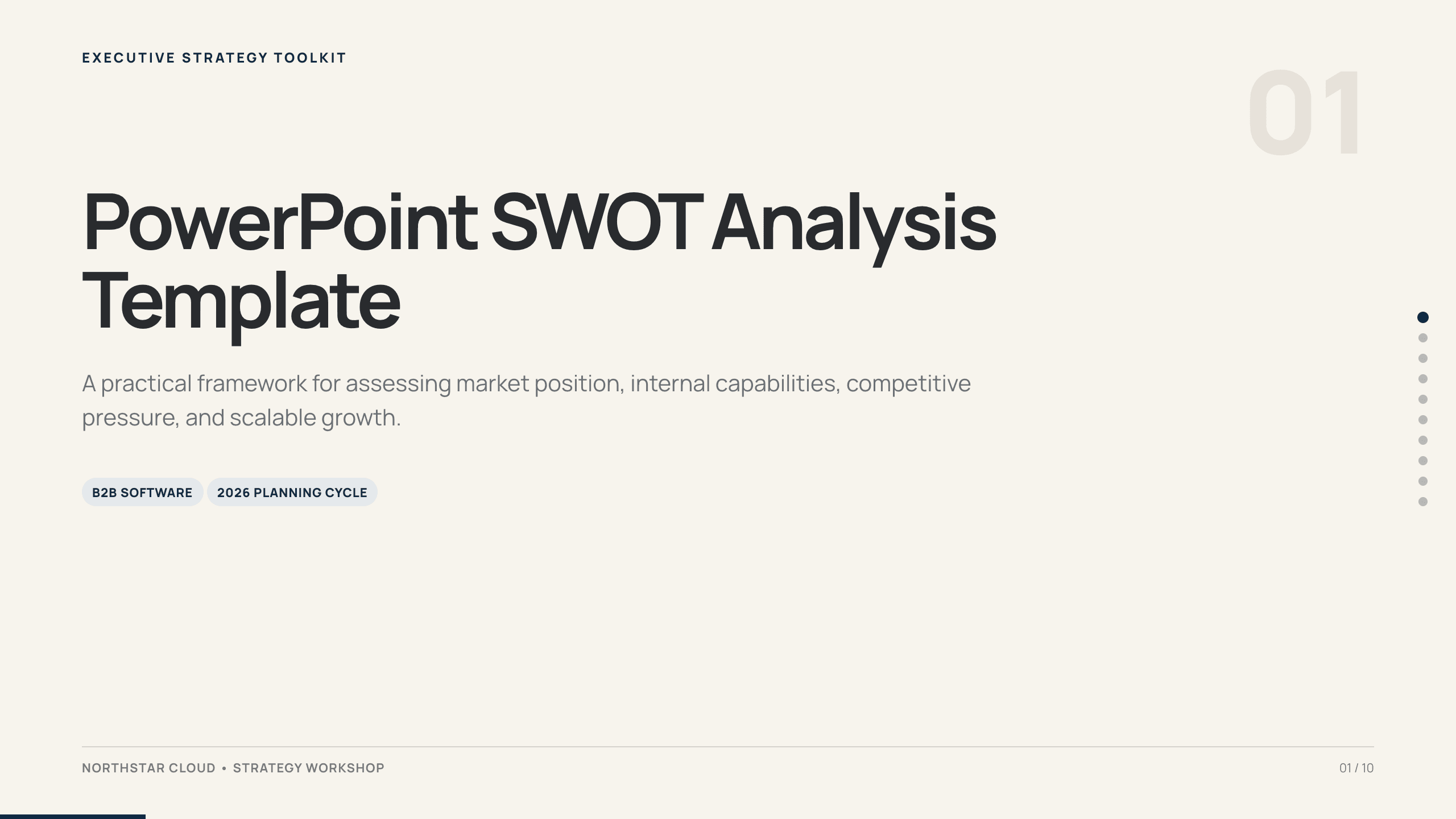
Best for
Fast, structured situation analysis
PowerPoint SWOT Analysis Template
Separate internal capabilities from external conditions, support each point with evidence, and turn the matrix into strategic priorities.
View template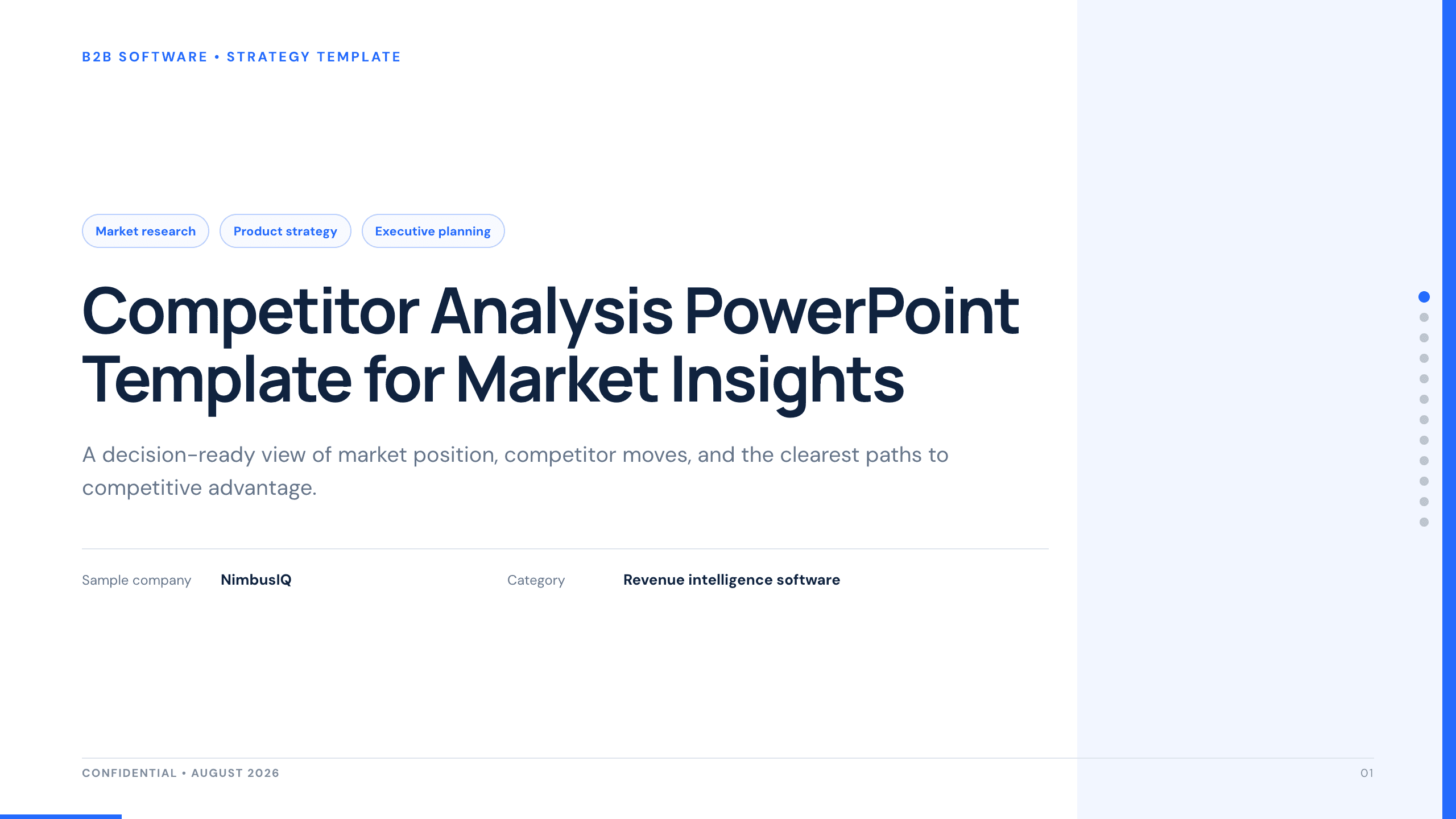
Best for
Competitive strategy and market reviews
Competitor Analysis PPT Template
Compare players, positioning, capabilities, pricing, strengths, gaps, customer implications, white space, and recommended moves.
View templateMake the choice
Match the narrative to the decision mechanism
If the deck’s conclusion could fit unchanged into every template, the problem is probably still too vague. Name the decision, alternatives, and proof standard first.
- 1
Use a full case for diagnosis and implementation
The consulting collection is strongest when findings, root causes, recommendations, roadmap, risk, and measures must remain connected.
- 2
Use strategy or GTM for a set of choices
These formats force clarity about where to play, how to win, what to prioritize, how to reach the market, and what not to do.
- 3
Use business case, SWOT, or competitor analysis for one lens
Choose the narrower structure when the decision depends primarily on economics, internal and external factors, or relative market position.
Customize a design from Consulting PowerPoint Templates with Julius AI
1
Compare the complete previews
Open the live 16:9 decks and choose the structure that best fits your audience and presentation goal.
2
Add your content and direction
Give Julius AI your source material, evidence, audience, constraints, and desired outcome.
3
Review and export
Check the narrative, facts, and design, then export an editable version to PowerPoint for final delivery.