Competitor Analysis PowerPoint Template for Market Insights
Compare competitors with 12 slides covering market position, buyer needs, feature gaps, pricing, messaging, and strategic moves.
Preview the 12-slide Competitor Analysis PowerPoint Template
Review the worked mid-market software analysis, from market map and competitor profiles through the underserved buyer and sequenced response.
What you're getting
A competitor analysis built around where you can win
This 12-slide deck moves beyond a feature checklist. It frames the market, profiles credible rivals, compares position and pricing, identifies the buyer each competitor serves best, and finishes with a focused set of competitive moves.
Use the worked software example to see the required level of evidence, then replace every claim with current product research, customer interviews, win-loss data, and sourced public information.
- Included
- 12 analysis slides
- Best for
- Market positioning
- Export
- Editable PowerPoint
Built for
Strategy teams sizing a competitive move
Leaders deciding which segment, capability, or route to market offers a defensible advantage.
Product marketers sharpening positioning
Teams connecting competitor claims and feature gaps to a clearer reason for customers to choose.
Sales leaders improving battlecards
Revenue teams that need evidence-based distinctions, likely objections, and practical response themes.
Getting started
Build the comparison around a real market decision
Choose the decision first; the deck should help the audience act, not simply prove that competitors exist.
- 1
Define the arena
Set the customer segment, geography, category boundaries, and decision the analysis must support.
- 2
Choose credible competitors
Include direct rivals, substitutes, and the status quo only when each can realistically win the same buyer.
- 3
Collect comparable evidence
Use consistent sources for capabilities, pricing, proof, customer fit, traction, and messaging.
- 4
Find the meaningful gaps
Translate differences into buyer consequences instead of treating every feature as equally important.
- 5
Sequence the response
Close with the positioning, product, proof, and go-to-market actions your team will own.
Explore more
Related templates worth comparing
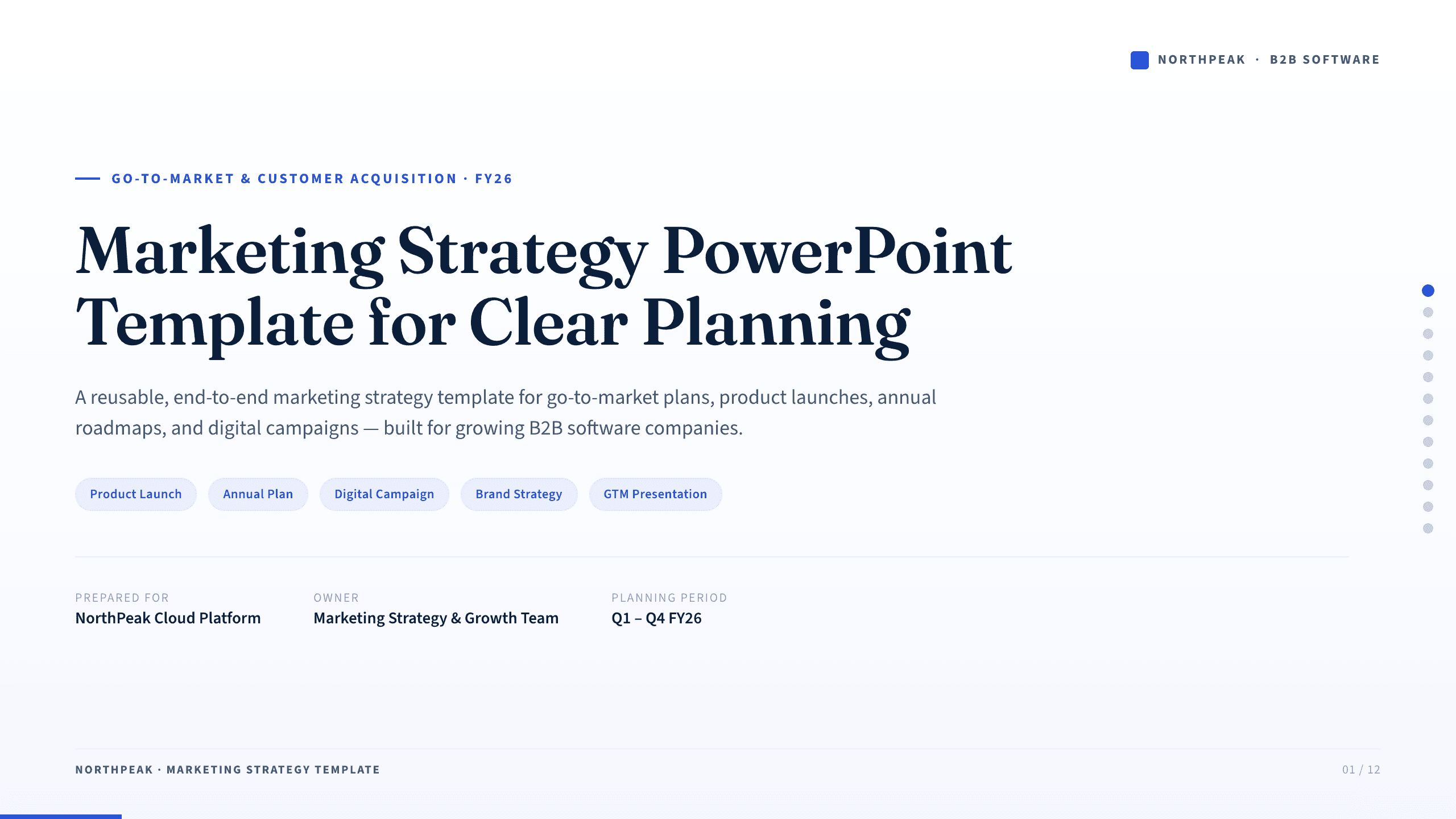
Marketing Strategy PowerPoint Template
Connect revenue goals to the market, audience, positioning, customer journey, channel mix, campaigns, budget, and measurement in one 12-slide strategy.
View template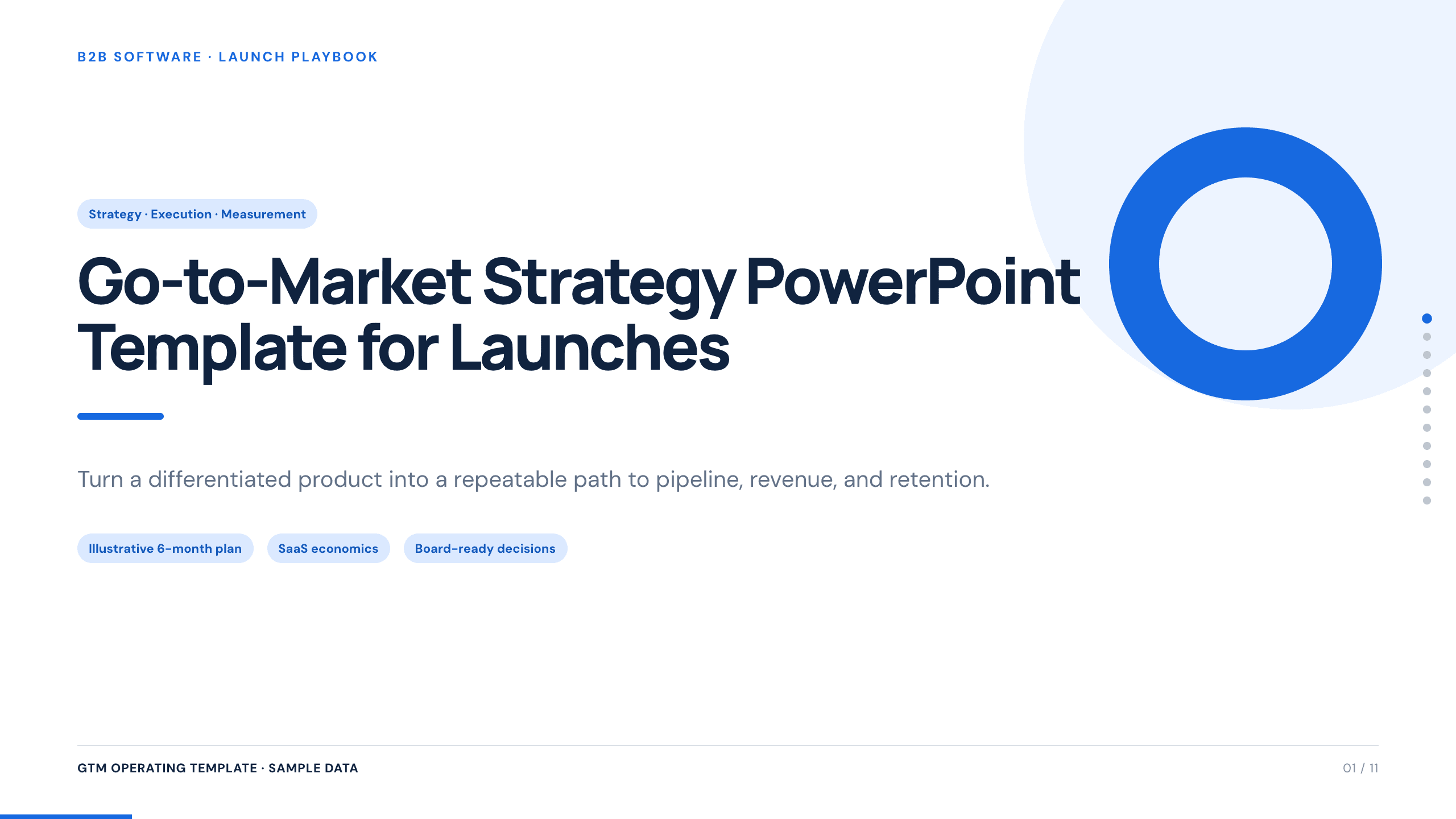
Go-to-Market Strategy PowerPoint Template
Plan a focused market entry with 11 connected slides for the initial wedge, market size, buying committee, positioning, packaging, demand, sales, and launch waves.
View template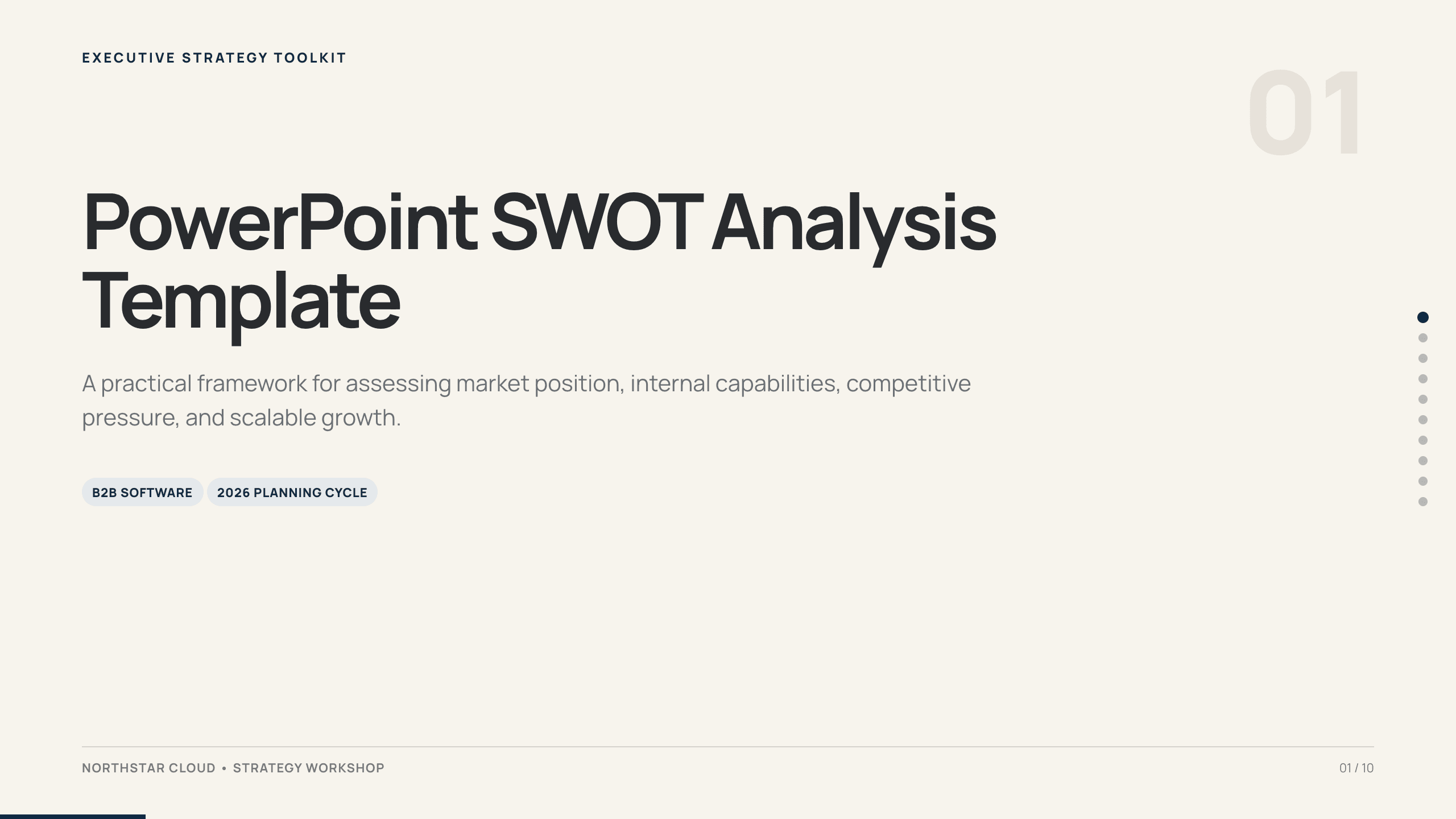
PowerPoint SWOT Analysis Template
Use a 10-slide SWOT analysis to assess market position, capabilities, competitive pressure, growth constraints, priorities, and a 90-day response.
View template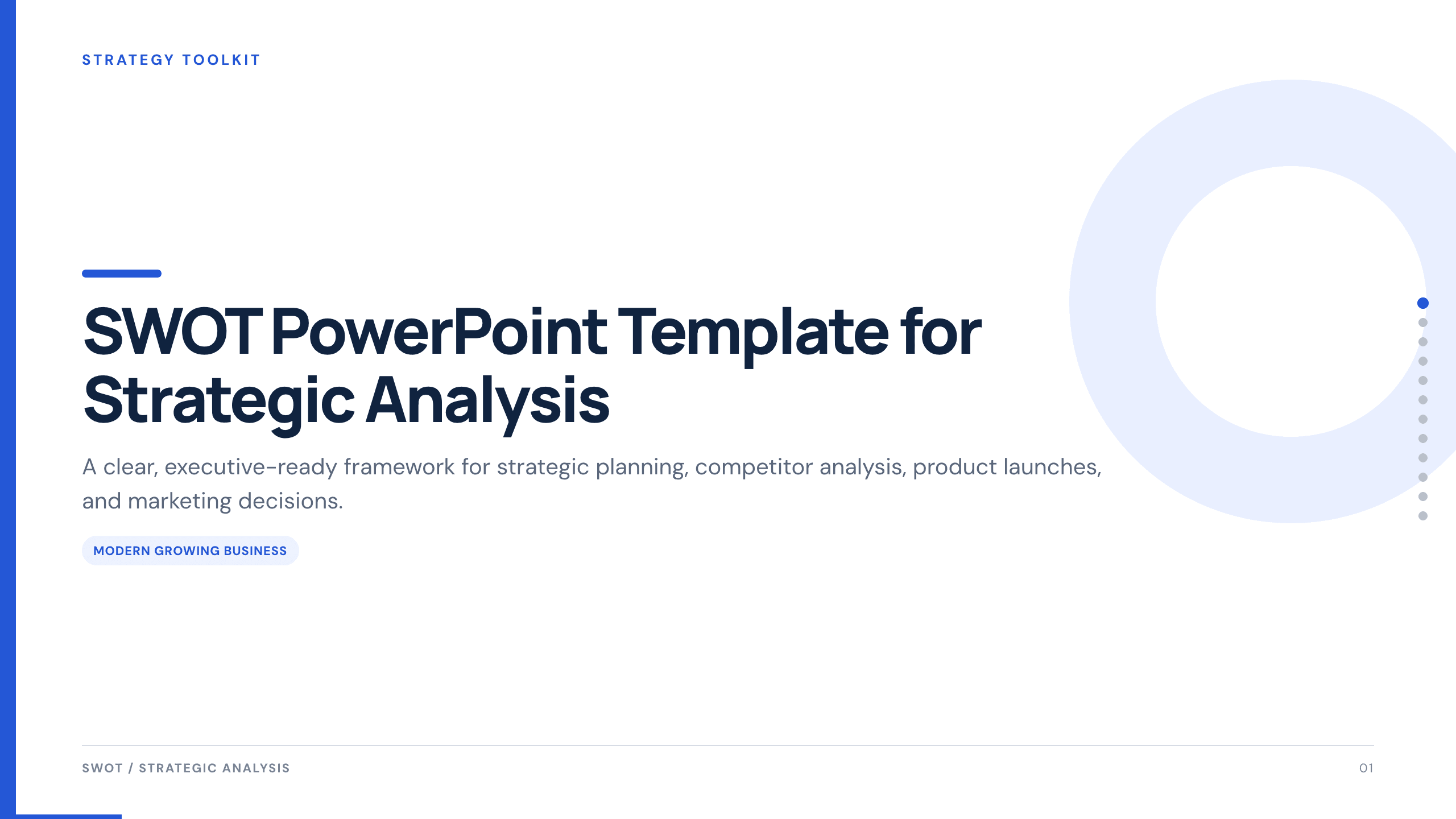
SWOT PowerPoint Template
Use a complete 12-slide SWOT deck to separate internal and external factors, prioritize what matters, and turn the analysis into concrete strategic actions.
View template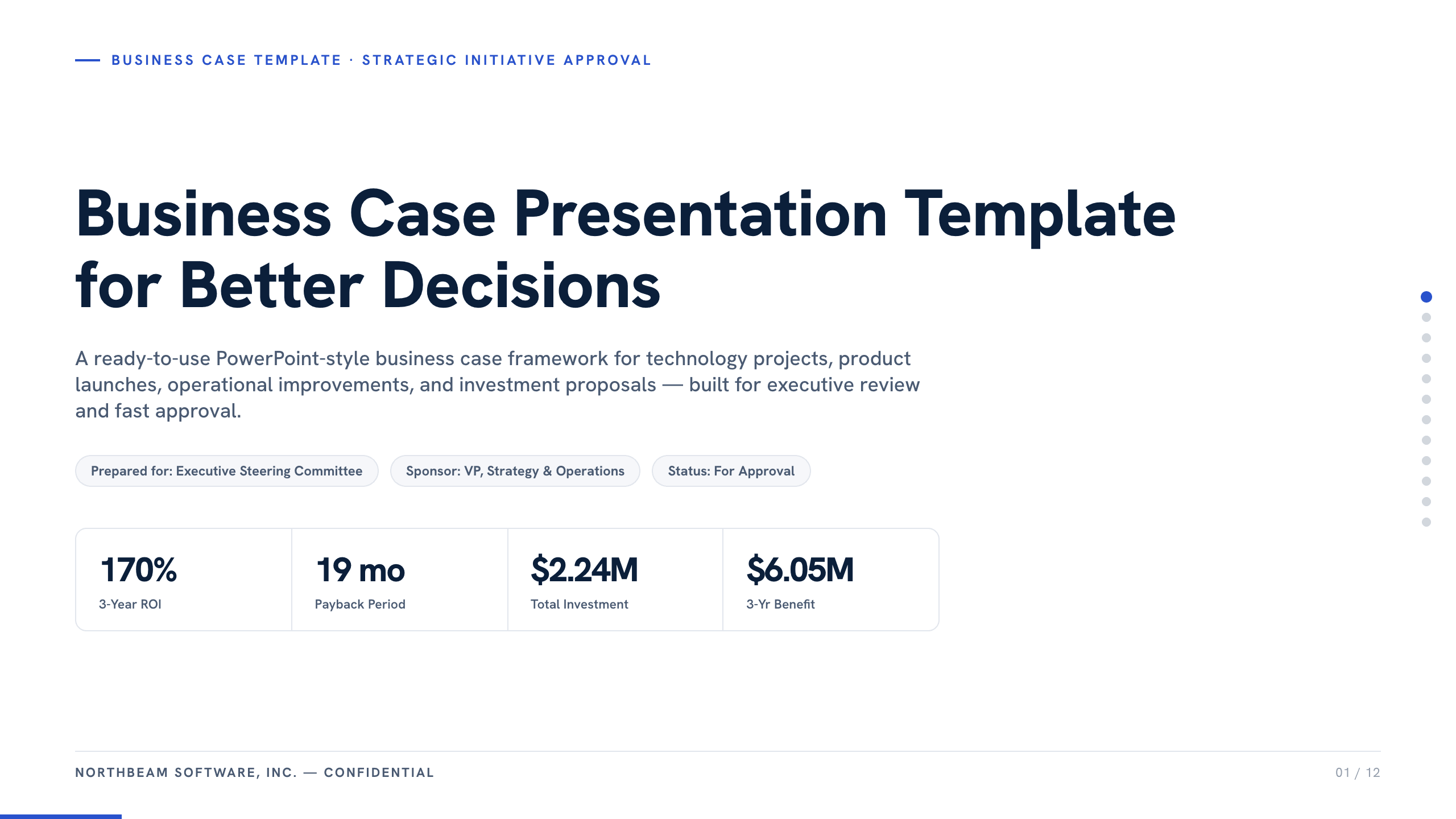
Business Case Presentation Template
Build the case for an investment with a worked 12-slide sequence covering the current-state problem, options, economics, delivery risk, resources, KPIs, and approval ask.
View template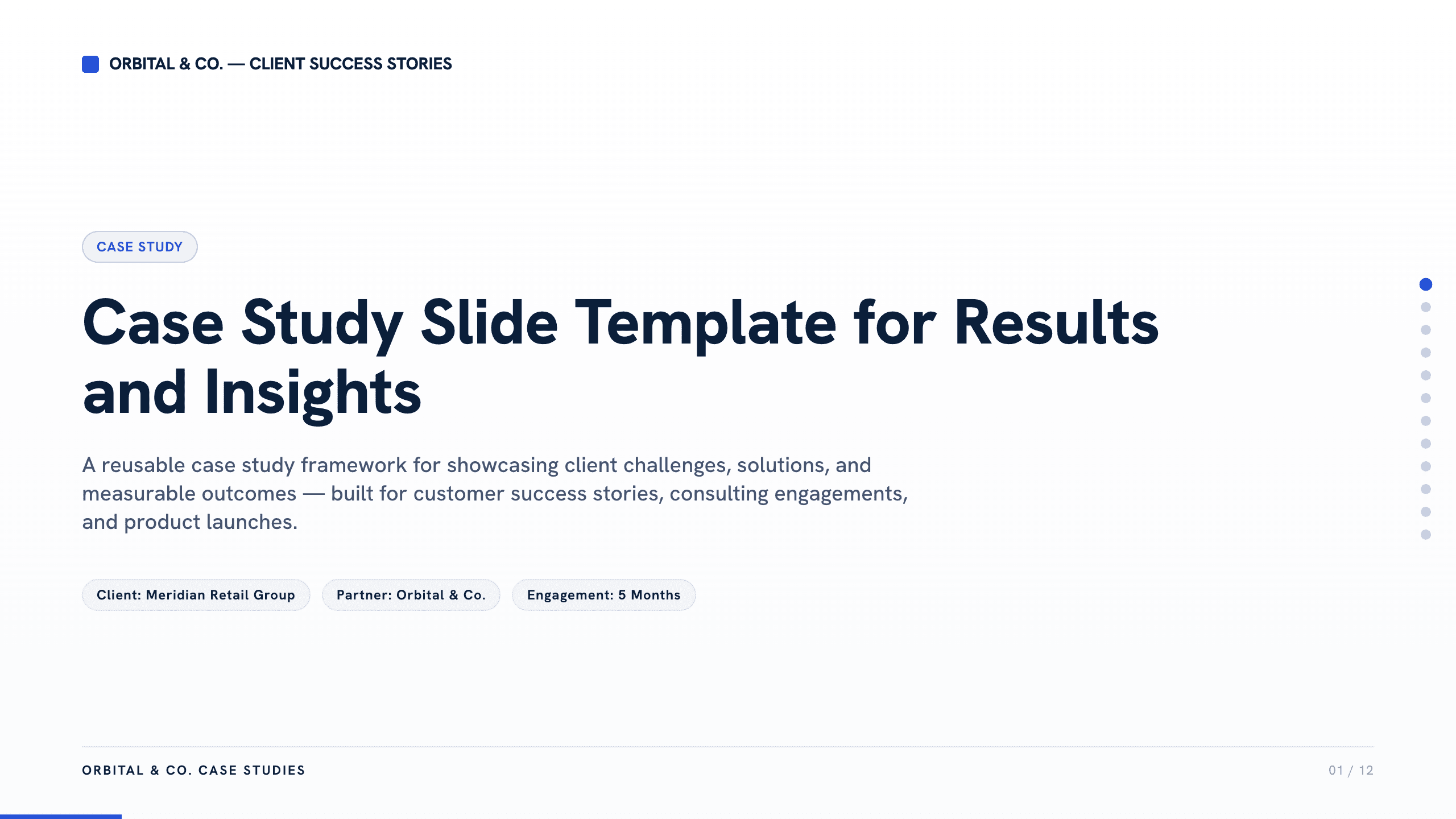
Case Study Slide Template
Tell a credible client or project story with 11 slides connecting the starting challenge, discovery, solution, rollout, measurable results, and lessons learned.
View templateExplore other template hubs
Customize the Competitor Analysis PowerPoint Template with Julius AI
1
Preview the complete example
Inspect all 12 slides to understand the narrative, layouts, and level of detail before replacing the example content.
2
Add your content and direction
Give Julius AI your source material, evidence, audience, constraints, and desired outcome.
3
Review and export
Check the narrative, facts, and design, then export an editable version to PowerPoint for final delivery.