PowerPoint SWOT Analysis Template
Use a 10-slide SWOT analysis to assess market position, capabilities, competitive pressure, growth constraints, priorities, and a 90-day response.
Preview the 10-slide PowerPoint SWOT Analysis Template
Review the complete Northstar Cloud analysis from current position and four-factor matrix through market pressure, strategic implications, and immediate actions.
What you're getting
A concise SWOT analysis for teams deciding how to scale
This 10-slide PowerPoint template keeps the familiar SWOT structure but uses it to answer a growth question. It separates internal capability from external conditions, adds market and competitive context, and carries the findings into strategic implications and a 90-day response.
The Northstar Cloud example is distinct from a blank four-quadrant worksheet. Replace the evidence with your own customer, product, commercial, and competitor data, then narrow the final priorities to what the team can actually resource.
- Included
- 10 strategy slides
- Best for
- Growth-focused SWOT reviews
- Export
- Editable PowerPoint
Built for
Scale-up leaders reviewing growth constraints
Teams deciding whether product, market, sales, delivery, or organizational readiness is the next bottleneck.
Product marketers assessing position
Groups combining customer needs, competitor movement, brand proof, and go-to-market capability.
Business-unit teams planning a quarter
Operators translating a strategic diagnosis into a small set of owned near-term priorities.
Getting started
Use the SWOT to focus the next strategic move
Define the growth question and planning horizon first so the four categories do not become a general company inventory.
- 1
Set the decision context
Name the business, segment, objective, timeframe, constraints, and decision owner.
- 2
Collect current evidence
Use customer, product, financial, operational, talent, market, and competitor sources rather than workshop opinion alone.
- 3
Classify each factor correctly
Place controllable capabilities inside strengths or weaknesses and external shifts inside opportunities or threats.
- 4
Draw strategic implications
Combine the most important factors to identify leverage points, exposure, and choices.
- 5
Commit to a 90-day response
Assign the few actions, owners, milestones, and indicators that will test or improve the diagnosis.
Explore more
Related templates worth comparing
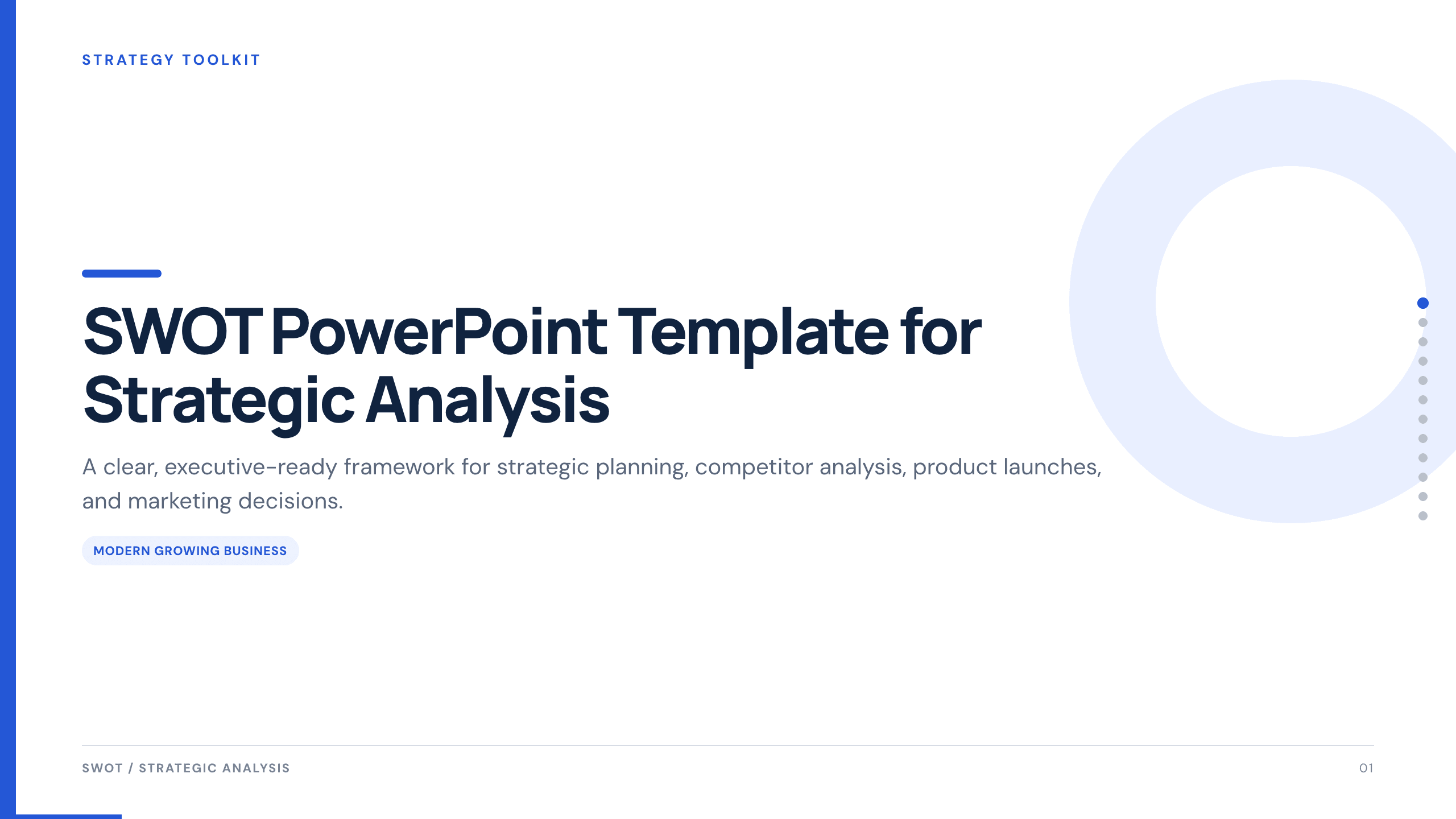
SWOT PowerPoint Template
Use a complete 12-slide SWOT deck to separate internal and external factors, prioritize what matters, and turn the analysis into concrete strategic actions.
View template
Competitor Analysis PowerPoint Template
Compare competitors with 12 slides covering market position, buyer needs, feature gaps, pricing, messaging, and strategic moves.
View template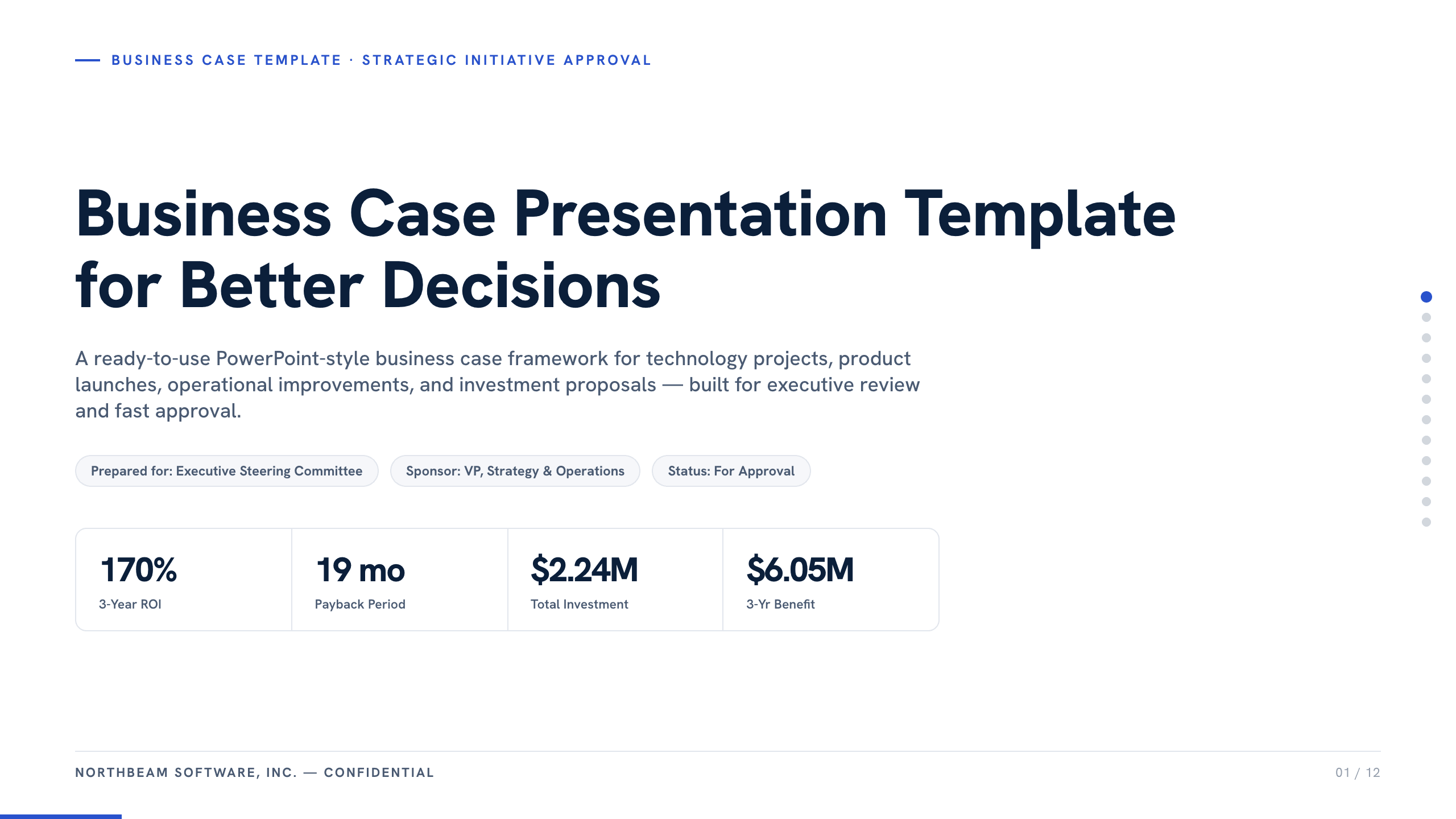
Business Case Presentation Template
Build the case for an investment with a worked 12-slide sequence covering the current-state problem, options, economics, delivery risk, resources, KPIs, and approval ask.
View template
Case Study Slide Template
Tell a credible client or project story with 11 slides connecting the starting challenge, discovery, solution, rollout, measurable results, and lessons learned.
View template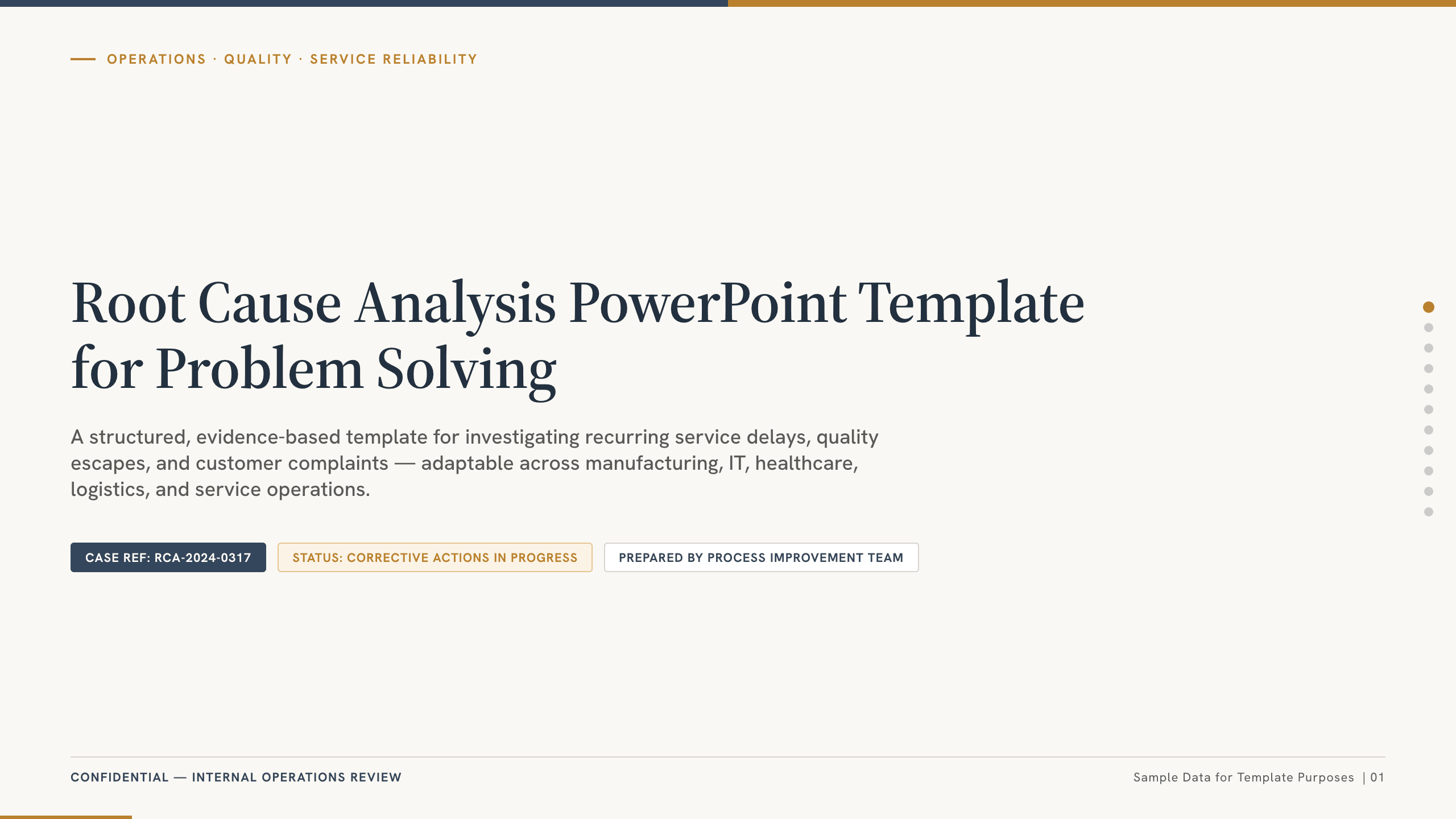
Root Cause Analysis PowerPoint Template
Run a root cause analysis with 11 slides covering the incident, timeline, symptoms, hypotheses, validation, corrective actions, owners, and controls.
View template
UX Case Study Presentation Template
Build a 12-slide UX case study covering product context, user problem, research, journey, insight, iterations, testing, outcome, and reflection.
View templateExplore other template hubs
Customize the PowerPoint SWOT Analysis Template with Julius AI
1
Preview the complete example
Inspect all 10 slides to understand the narrative, layouts, and level of detail before replacing the example content.
2
Add your content and direction
Give Julius AI your source material, evidence, audience, constraints, and desired outcome.
3
Review and export
Check the narrative, facts, and design, then export an editable version to PowerPoint for final delivery.