Case Study Slide Template for Results and Insights
Tell a credible client or project story with 11 slides connecting the starting challenge, discovery, solution, rollout, measurable results, and lessons learned.
Preview the 11-slide Case Study Slide Template
Follow the Meridian Retail story from business context through the 20-week rollout and the before-and-after results reported 90 days later.
What you're getting
A case study that shows the work and proves the result
This 11-slide case study follows a complete before-and-after story: client context, business challenge, objectives, discovery, solution, rollout, results, metric comparison, and lessons learned. It gives the audience enough process to trust the outcome without turning the presentation into a project archive.
The Meridian Retail example demonstrates how to connect a platform implementation to measurable results within 90 days. Replace the fictional company and metrics, preserve the causal chain, and be precise about which outcomes your team can credibly claim.
- Included
- 11 story slides
- Best for
- Proof and outcomes
- Export
- PowerPoint or Google Slides
Built for
Customer marketers building proof
Teams turning a successful engagement into a sales asset with a clear challenge, intervention, and outcome.
Consultants and agencies presenting an engagement
Practitioners who need to show their method, the client contribution, and the measurable change without overclaiming.
Product and implementation leaders sharing lessons
Internal teams documenting what shipped, how adoption happened, what changed, and what they would refine.
Getting started
Build the case around one measurable change
A useful case study is selective. Choose the evidence that explains the outcome and leave supporting detail in an appendix.
- 1
Establish the starting point
Introduce the customer or project, the operating context, and the baseline before your team became involved.
- 2
Define success upfront
Replace the sample objectives with the targets, constraints, timeframe, and measures agreed at the start.
- 3
Show how the solution emerged
Connect discovery evidence to the chosen approach instead of presenting the final solution as inevitable.
- 4
Make the rollout understandable
Summarize phases, responsibilities, adoption work, and the moments that reduced implementation risk.
- 5
Prove and qualify the result
Use comparable before-and-after metrics, explain the measurement window, and close with transferable lessons.
Explore more
Related templates worth comparing

UX Case Study Presentation Template
Build a 12-slide UX case study covering product context, user problem, research, journey, insight, iterations, testing, outcome, and reflection.
View template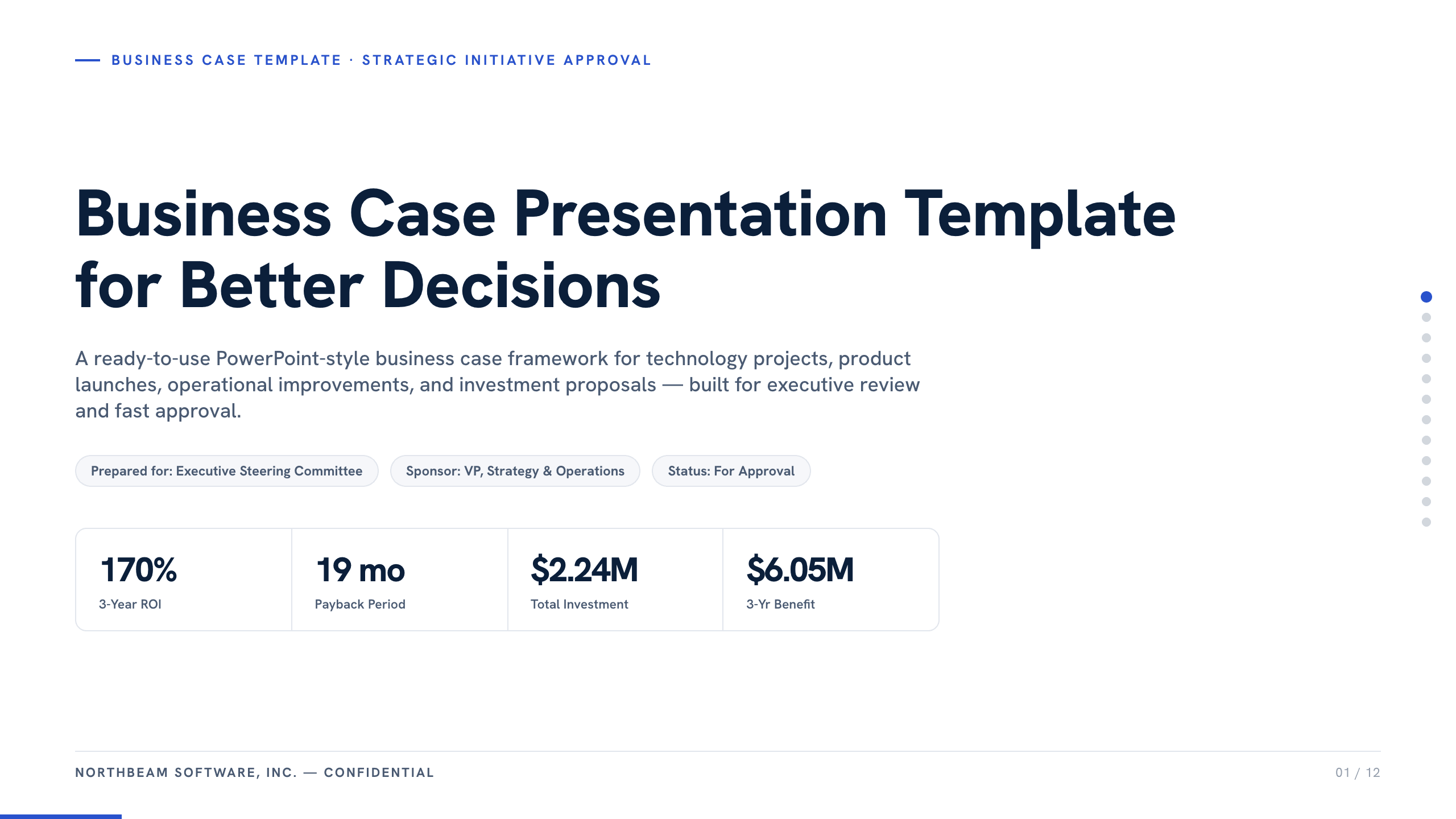
Business Case Presentation Template
Build the case for an investment with a worked 12-slide sequence covering the current-state problem, options, economics, delivery risk, resources, KPIs, and approval ask.
View template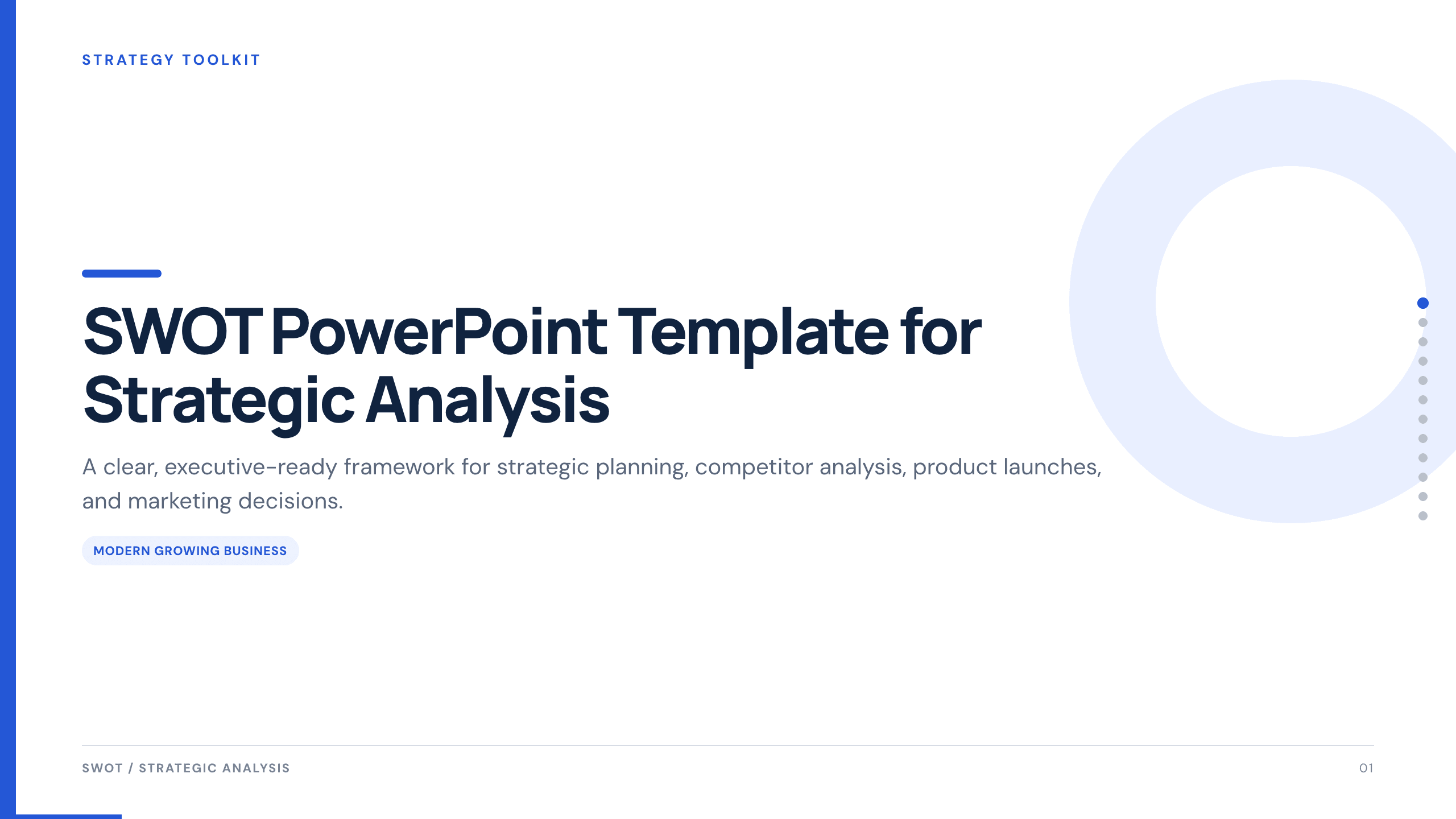
SWOT PowerPoint Template
Use a complete 12-slide SWOT deck to separate internal and external factors, prioritize what matters, and turn the analysis into concrete strategic actions.
View template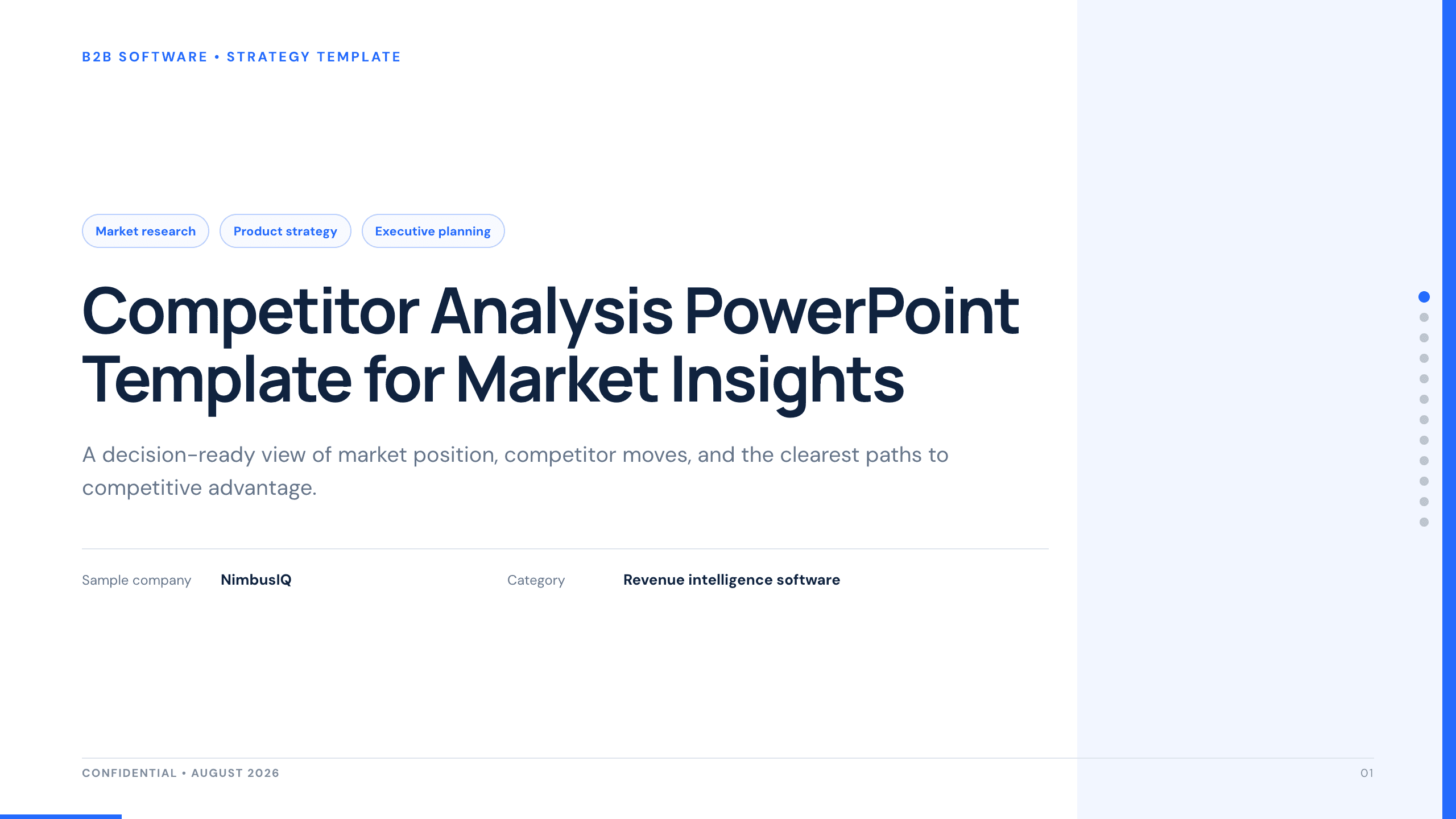
Competitor Analysis PowerPoint Template
Compare competitors with 12 slides covering market position, buyer needs, feature gaps, pricing, messaging, and strategic moves.
View template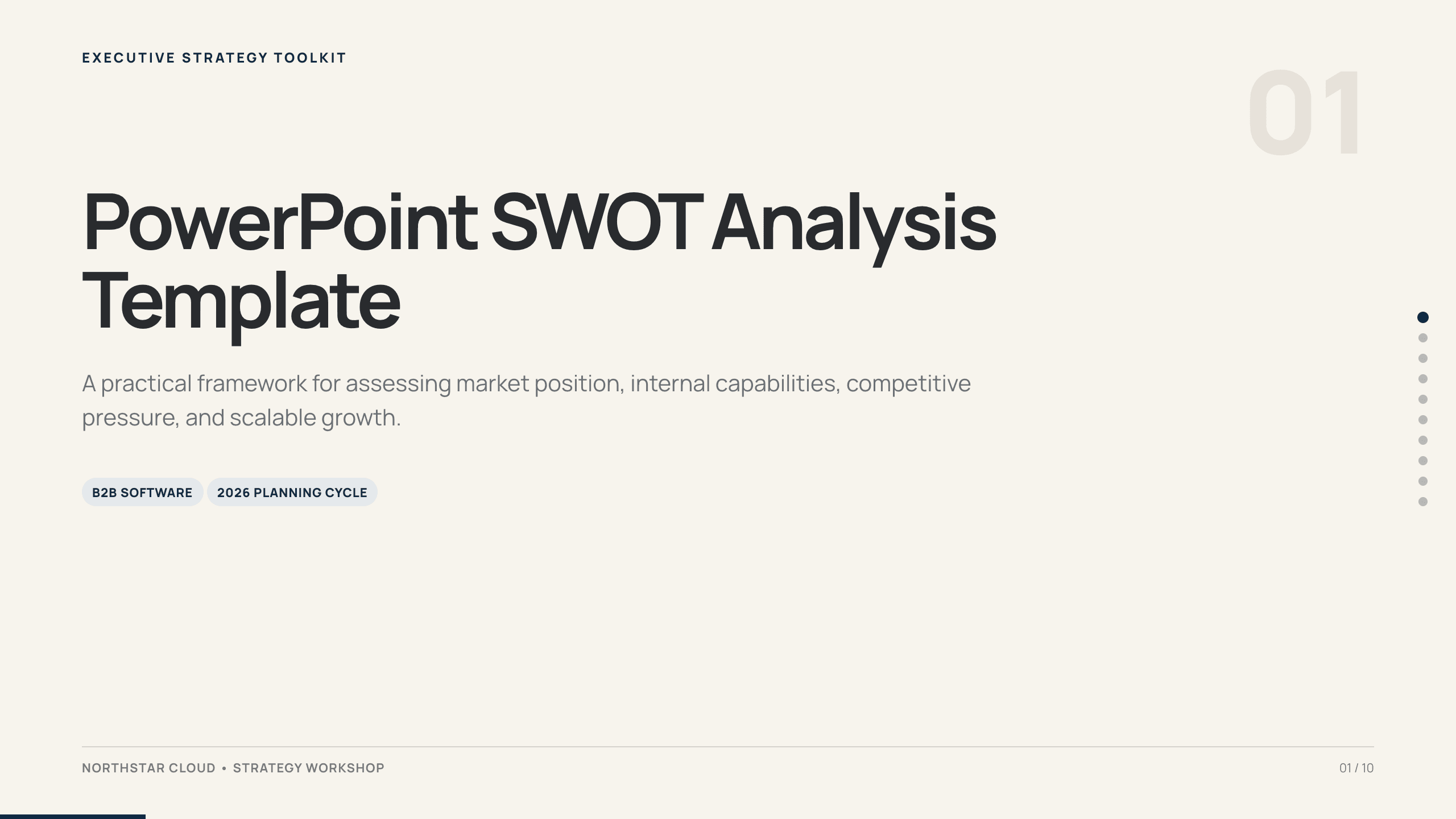
PowerPoint SWOT Analysis Template
Use a 10-slide SWOT analysis to assess market position, capabilities, competitive pressure, growth constraints, priorities, and a 90-day response.
View template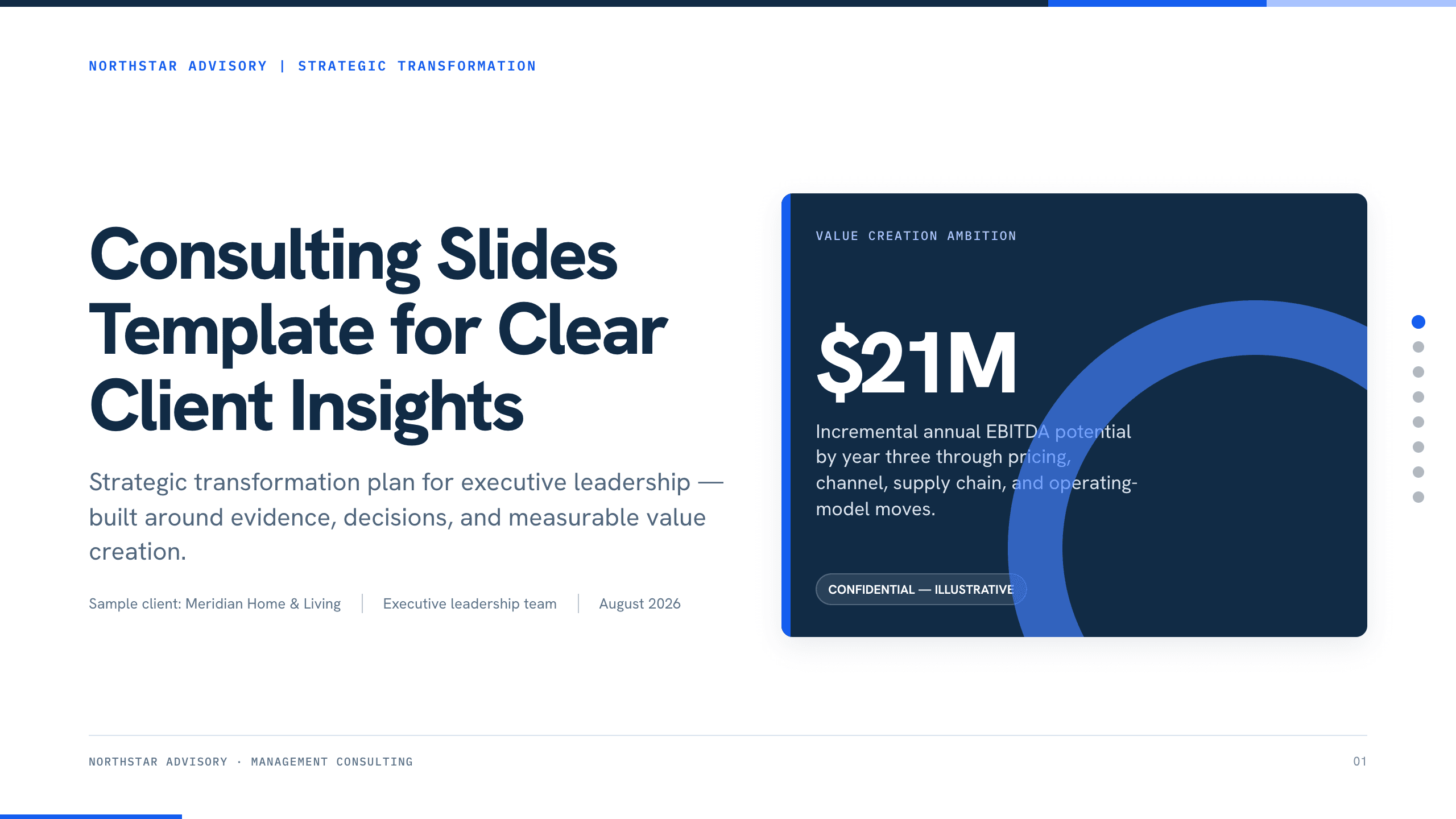
Consulting Slides Template
Present a concise executive recommendation with eight slides covering the value at stake, diagnosis, investment return, delivery roadmap, and outcome scorecard.
View templateExplore other template hubs
Customize the Case Study Slide Template with Julius AI
1
Preview the complete example
Inspect all 11 slides to understand the narrative, layouts, and level of detail before replacing the example content.
2
Add your content and direction
Give Julius AI your source material, evidence, audience, constraints, and desired outcome.
3
Review and export
Check the narrative, facts, and design, then export an editable version to PowerPoint or Google Slides for final delivery.