Consulting Slides Template for Clear Client Insights
Present a concise executive recommendation with eight slides covering the value at stake, diagnosis, investment return, delivery roadmap, and outcome scorecard.
Preview the 8-slide Consulting Slides Template
Review the full Meridian transformation story and the conclusion-led titles that make the recommendation understandable at a glance.
What you're getting
An executive storyline built around a recommendation
This eight-slide consulting deck is deliberately concise. It leads with the value at stake, establishes the client context, explains the engagement logic, concentrates the diagnosis into four connected capabilities, quantifies the return, sequences the roadmap, and closes with a shared scorecard.
The Meridian transformation is a worked example, not generic filler. Use it to calibrate the specificity of the slide titles and economics, then replace every conclusion with one your own evidence supports.
- Included
- 8 executive slides
- Best for
- Recommendations
- Export
- PowerPoint or Google Slides
Built for
Consultants preparing a client readout
Teams distilling a diagnosis, value case, recommendation, roadmap, and decision into an executive discussion.
Internal transformation leaders
Operators using consulting-style logic to align functions around a change program and its measurable outcomes.
Executive and finance sponsors
Decision-makers who need to test the evidence, investment logic, sequencing, ownership, and performance measures.
Getting started
Build the answer first, then earn it slide by slide
Read only the slide titles before presenting. They should form a complete argument even without the supporting detail.
- 1
Write the governing recommendation
State the proposed action, value, timeframe, and conditions in the opening title before polishing the analysis.
- 2
Establish the relevant context
Keep only the client and market facts needed to understand why the current model is no longer sufficient.
- 3
Structure the diagnosis
Group the findings into distinct, complete themes and connect each conclusion directly to supporting evidence.
- 4
Quantify value and sequence delivery
Rebuild the investment case, benefits, dependencies, early wins, capability work, risks, and accountable owners.
- 5
Close on decisions and measures
Specify what the client must decide now and the small set of outcomes that will track whether the plan works.
Explore more
Related templates worth comparing
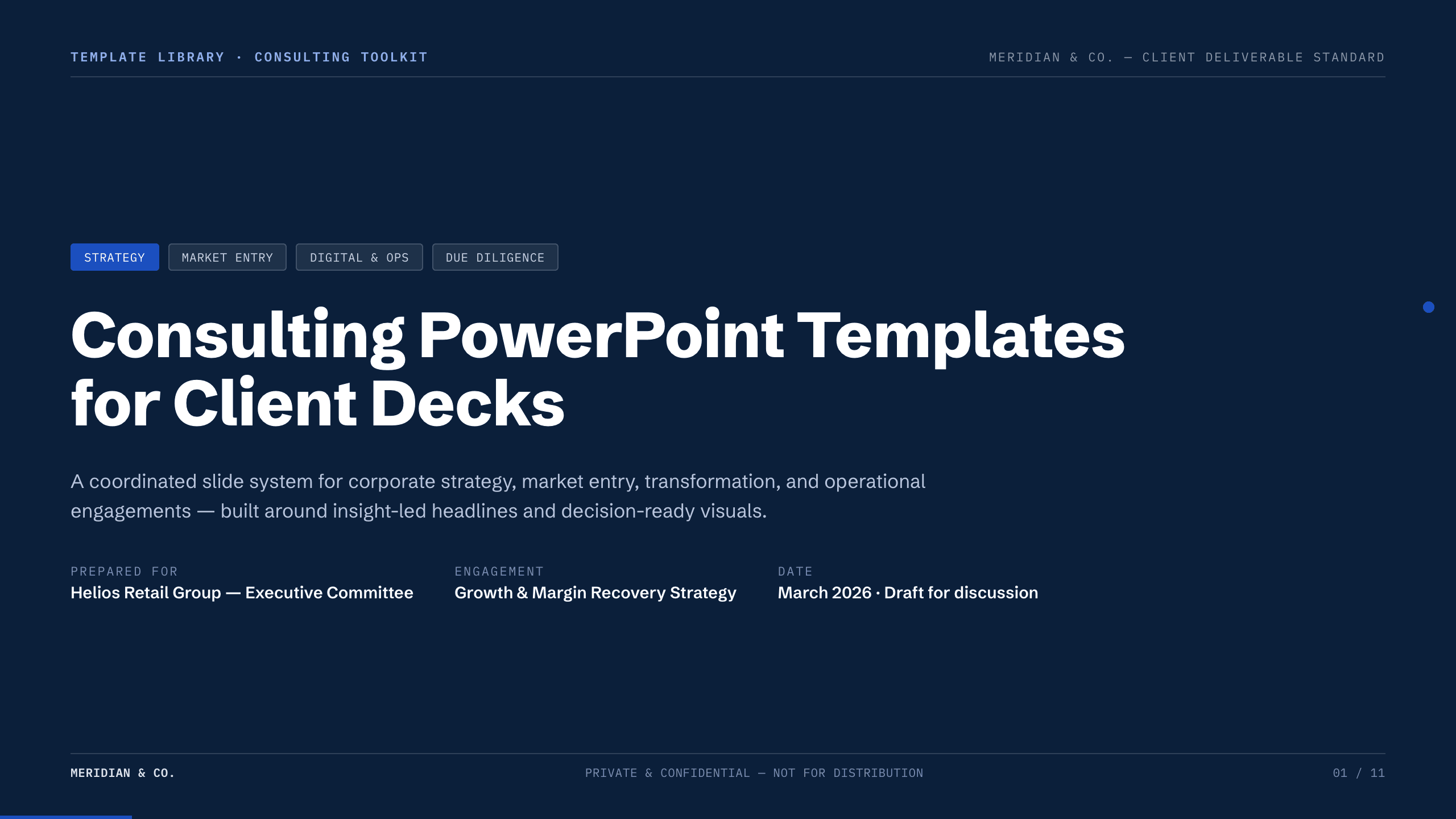
Consulting PowerPoint Templates
Inspect a 11-slide featured example and find a starting point for client decks.
Browse collection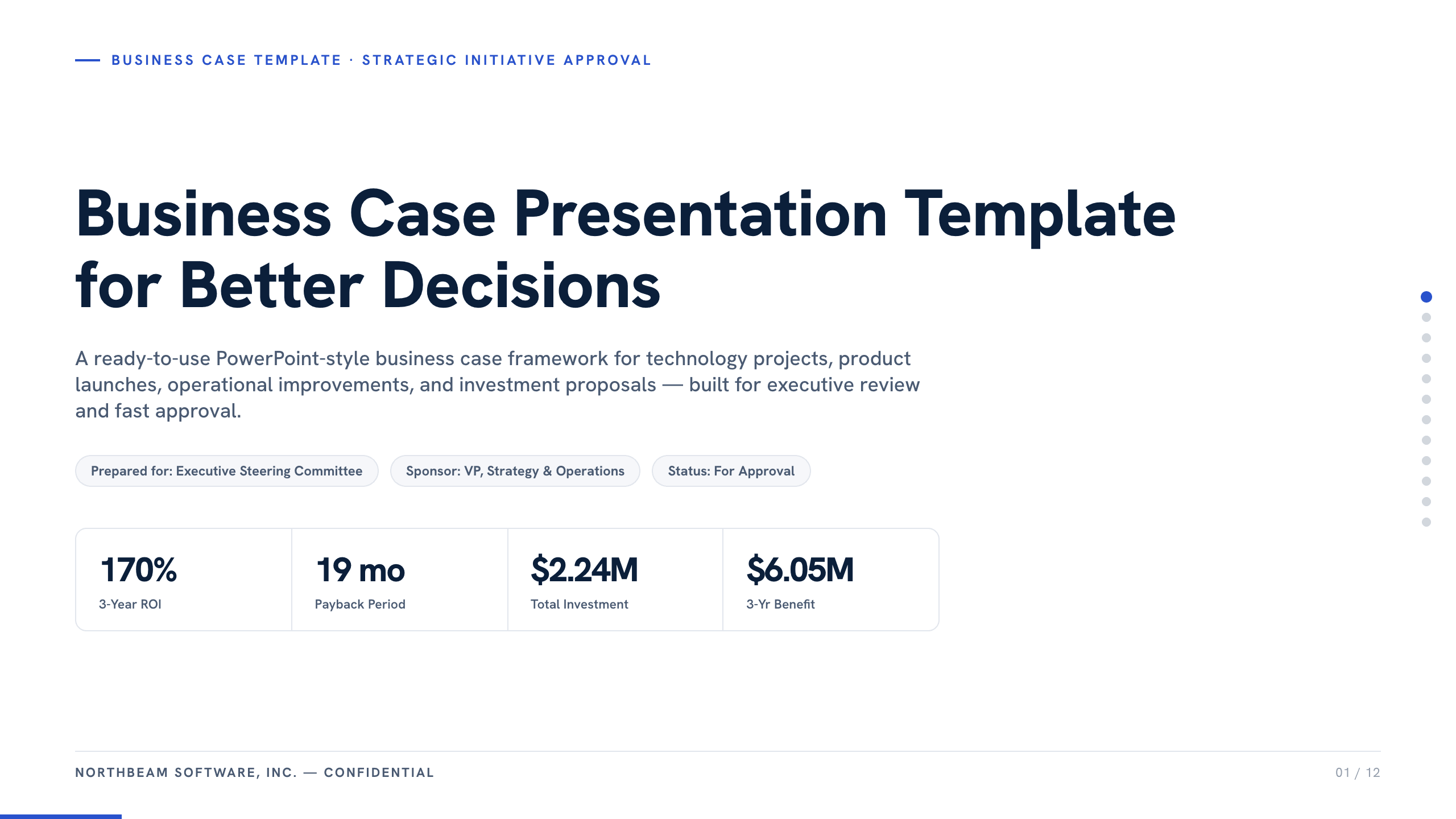
Business Case Presentation Template
Build the case for an investment with a worked 12-slide sequence covering the current-state problem, options, economics, delivery risk, resources, KPIs, and approval ask.
View template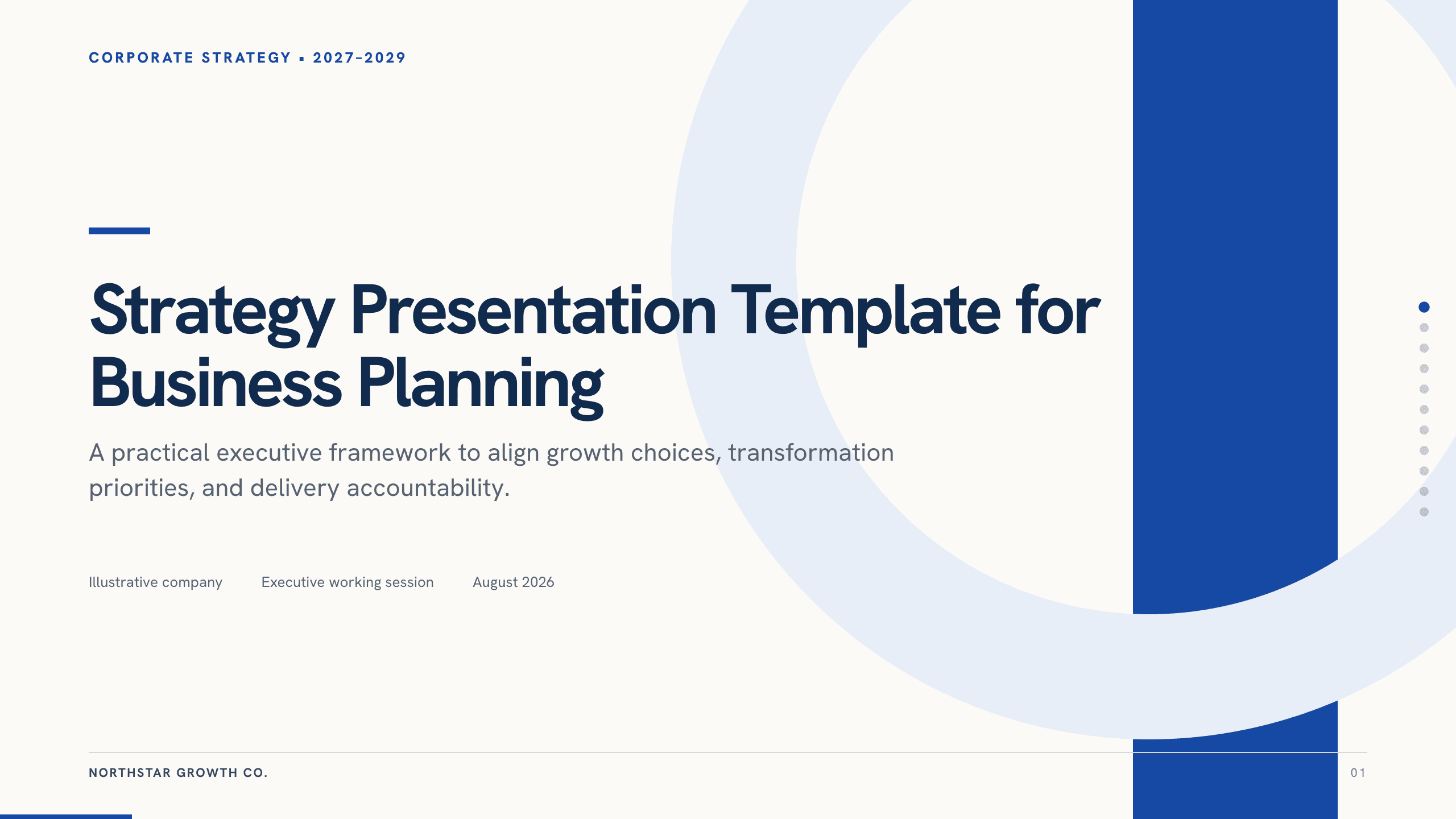
Strategy Presentation Template
Present a business strategy with 11 slides for ambition, diagnosis, choices, growth priorities, operating model, initiatives, roadmap, metrics, and decisions.
View template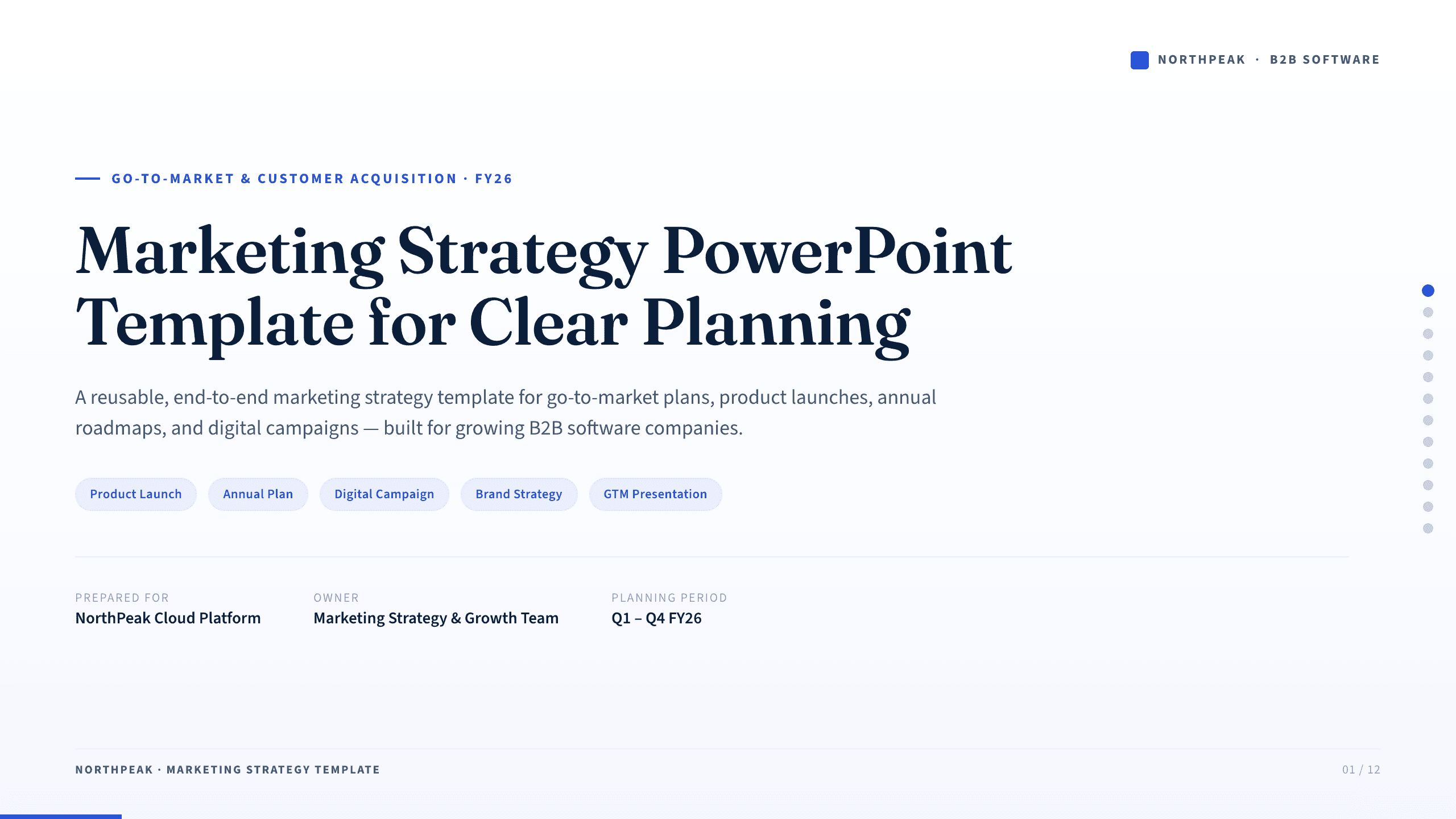
Marketing Strategy PowerPoint Template
Connect revenue goals to the market, audience, positioning, customer journey, channel mix, campaigns, budget, and measurement in one 12-slide strategy.
View template
Go-to-Market Strategy PowerPoint Template
Plan a focused market entry with 11 connected slides for the initial wedge, market size, buying committee, positioning, packaging, demand, sales, and launch waves.
View template
Case Study Slide Template
Tell a credible client or project story with 11 slides connecting the starting challenge, discovery, solution, rollout, measurable results, and lessons learned.
View templateExplore other template hubs
Customize the Consulting Slides Template with Julius AI
1
Preview the complete example
Inspect all 8 slides to understand the narrative, layouts, and level of detail before replacing the example content.
2
Add your content and direction
Give Julius AI your source material, evidence, audience, constraints, and desired outcome.
3
Review and export
Check the narrative, facts, and design, then export an editable version to PowerPoint or Google Slides for final delivery.