Marketing Strategy PowerPoint Template for Clear Planning
Connect revenue goals to the market, audience, positioning, customer journey, channel mix, campaigns, budget, and measurement in one 12-slide strategy.
Preview the 12-slide Marketing Strategy PowerPoint Template
Explore the complete B2B software example, from commercial objectives and personas through the campaign calendar, budget, and KPI plan.
What you're getting
A marketing strategy that connects revenue to execution
This 12-slide template links the commercial goal to the market, buyer personas, pain points, positioning, customer journey, channel mix, campaign calendar, budget, and success measures. It is designed to make the trade-offs visible, not simply list every tactic the team could run.
The worked B2B software example shows what a complete strategy looks like, including a $480K illustrative budget and a channel system built around owned authority and paid precision. Replace those assumptions with your own funnel economics and capacity before presenting the plan.
- Included
- 12 strategy slides
- Best for
- Annual and launch plans
- Export
- Editable PowerPoint
Built for
Marketing leaders setting the annual plan
Teams aligning revenue goals, positioning, investment, campaign priorities, and measurement for the year.
Product marketers preparing a launch
Leads defining the audience, pain points, message, buying journey, and proof needed to enter the market.
Agencies presenting a client strategy
Partners who need to connect research and creative direction to channels, budget, timing, and expected outcomes.
Getting started
Build the plan from the business goal outward
Keep one line of logic visible from the revenue target to the customer, message, channel choices, and measures.
- 1
Set the commercial objective
Replace the sample pipeline goal with a measurable outcome, baseline, timeframe, and strategic constraint.
- 2
Ground the audience in evidence
Update the market, personas, and pain points using customer research, product data, and sales insight.
- 3
Sharpen positioning and proof
Define why the offer is easier to choose and what evidence makes the promise credible for each buyer.
- 4
Connect journey, channels, and campaigns
Give every channel a job, map campaigns to buying stages, and check the calendar against team capacity.
- 5
Rebuild the budget and scorecard
Tie spend to assumptions, then assign leading and lagging KPIs, owners, targets, and review dates.
Explore more
Related templates worth comparing
Go-to-Market Strategy PowerPoint Template
Plan a focused market entry with 11 connected slides for the initial wedge, market size, buying committee, positioning, packaging, demand, sales, and launch waves.
View template
Marketing Plan PowerPoint Template
Build a 12-slide marketing plan covering objectives, audience, offers, channels, content, budget, calendar, funnel, owners, and optimization.
View template
Competitor Analysis PowerPoint Template
Compare competitors with 12 slides covering market position, buyer needs, feature gaps, pricing, messaging, and strategic moves.
View template
Strategy Presentation Template
Present a business strategy with 11 slides for ambition, diagnosis, choices, growth priorities, operating model, initiatives, roadmap, metrics, and decisions.
View template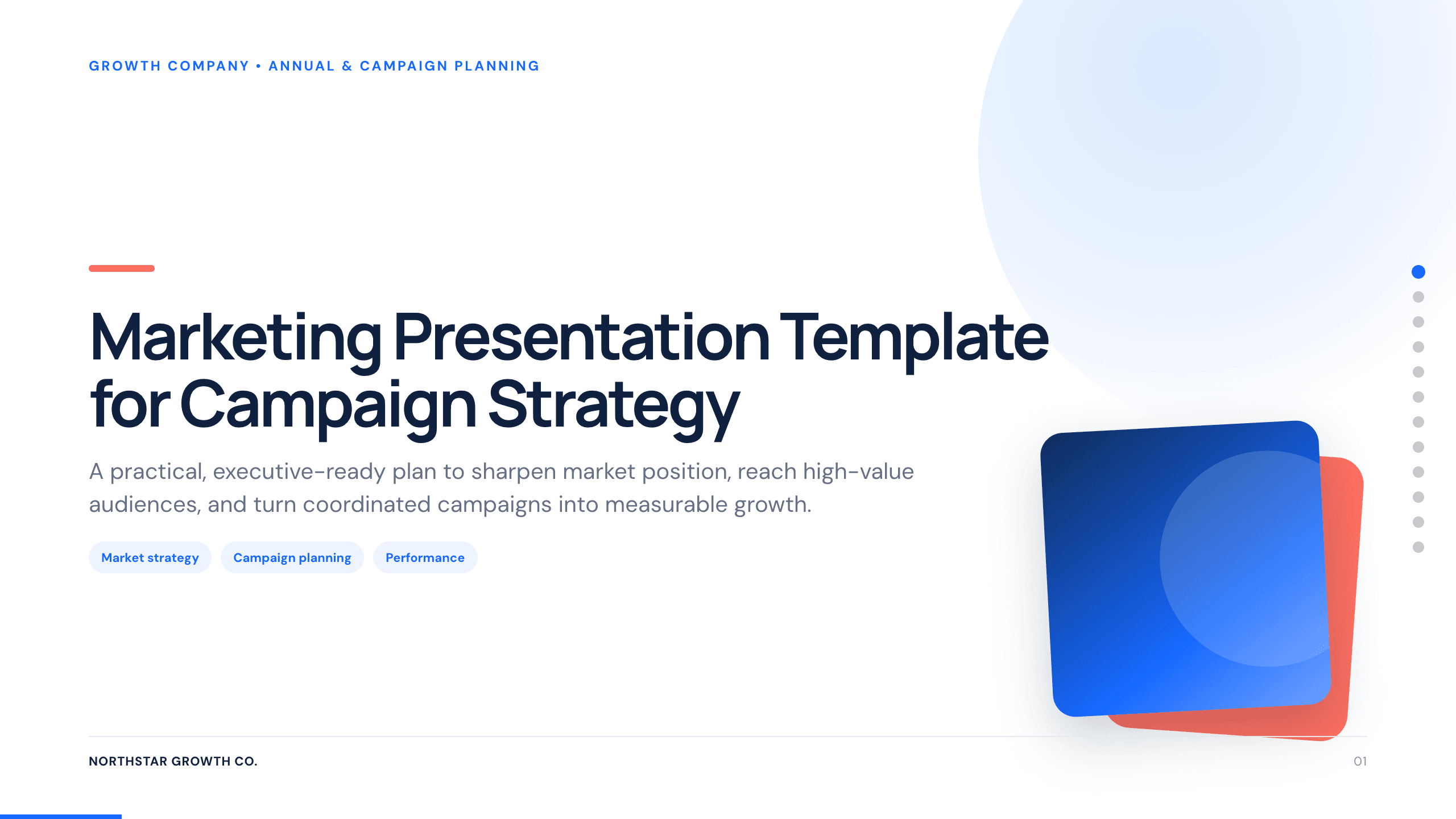
Marketing Presentation Template
Present a campaign strategy with 12 slides connecting audience, positioning, message, channel roles, investment, measurement, and launch decisions.
View template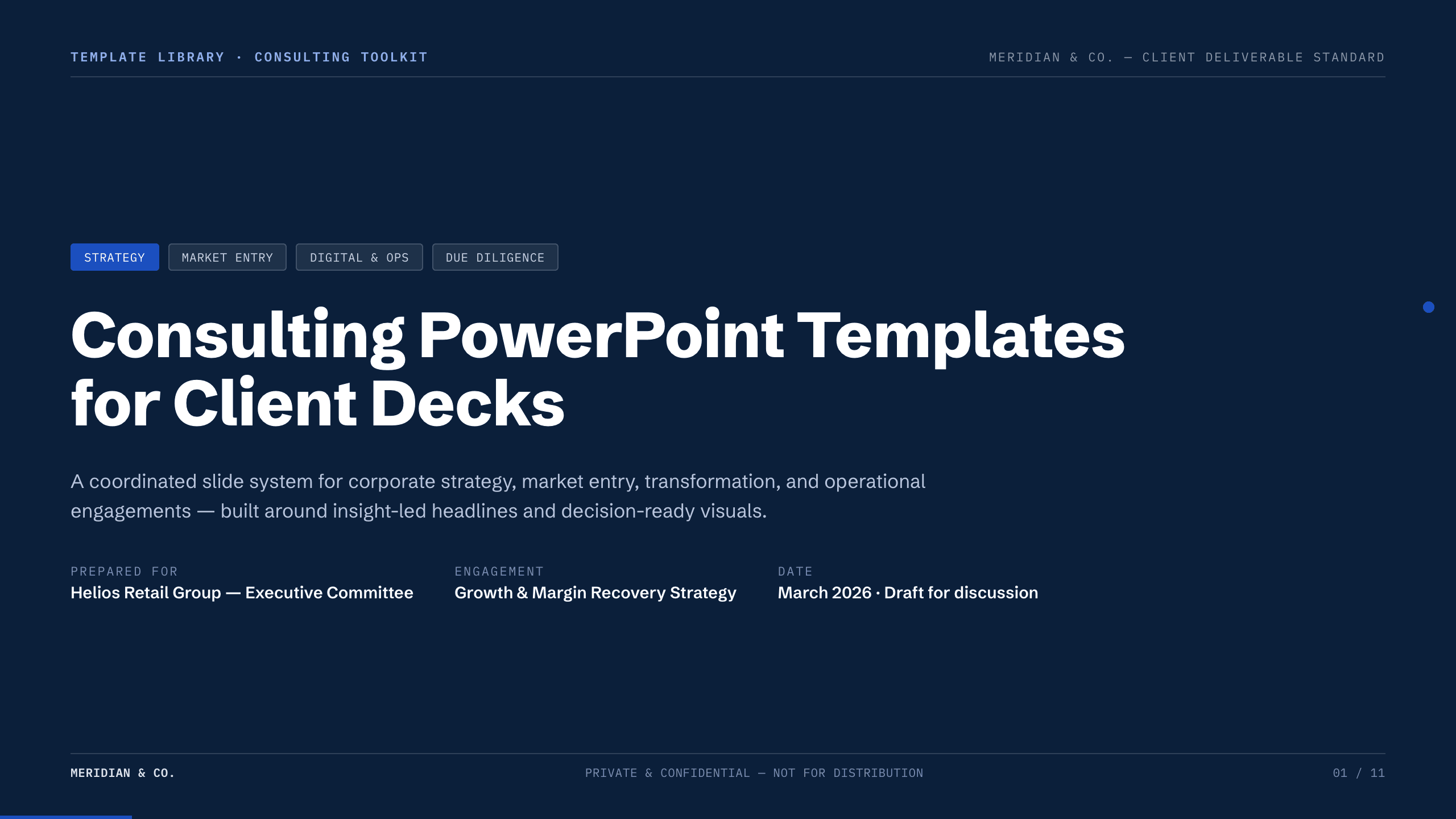
Consulting PowerPoint Templates
Inspect a 11-slide featured example and find a starting point for client decks.
Browse collectionExplore other template hubs
Customize the Marketing Strategy PowerPoint Template with Julius AI
1
Preview the complete example
Inspect all 12 slides to understand the narrative, layouts, and level of detail before replacing the example content.
2
Add your content and direction
Give Julius AI your source material, evidence, audience, constraints, and desired outcome.
3
Review and export
Check the narrative, facts, and design, then export an editable version to PowerPoint for final delivery.