Marketing Plan PowerPoint Template for Campaign Strategy
Build a 12-slide marketing plan covering objectives, audience, offers, channels, content, budget, calendar, funnel, owners, and optimization.
Preview the 12-slide Marketing Plan PowerPoint Template
Inspect the worked growth plan from market diagnosis and audience focus through full-funnel channel roles, investment, calendar, measurement, and execution priorities.
What you're getting
A marketing plan designed for weekly execution
This 12-slide PowerPoint template connects strategic focus to the operating decisions a marketing team must make. Objectives, audience, offer, message, content, channel roles, budget, calendar, funnel measures, owners, and optimization cadence fit together.
The sample plan treats forecasts as assumptions and execution discipline as the source of learning. Replace the benchmarks and targets with your own baselines, then make every activity accountable to a customer behavior and business outcome.
- Included
- 12 planning slides
- Best for
- Campaign execution
- Export
- Editable PowerPoint
Built for
Marketing leaders building an annual plan
Teams translating company goals into audience priorities, investments, programs, measures, and operating rhythm.
Campaign managers coordinating delivery
Owners aligning content, media, events, lifecycle, sales support, deadlines, and dependencies.
Finance and executives reviewing investment
Partners testing resource allocation, expected value, measurement, and the choices behind the plan.
Getting started
Connect every activity to an audience behavior and metric
Use the deck as an operating contract, then move detailed tasks into the campaign system your team maintains.
- 1
Set baselines and objectives
Define current performance, target outcomes, timeframe, contribution assumptions, and measurement ownership.
- 2
Prioritize audiences and offers
Choose the segments, needs, propositions, proof, and actions that deserve investment.
- 3
Design the channel system
Assign clear roles to brand, content, search, social, lifecycle, partnerships, events, and sales enablement.
- 4
Build the budget and calendar
Map spend, people, production, launch waves, dependencies, and capacity against the expected return.
- 5
Run the optimization rhythm
Set leading indicators, experiments, reporting, decision thresholds, and the owners who will change the plan.
Explore more
Related templates worth comparing
Marketing Strategy PowerPoint Template
Connect revenue goals to the market, audience, positioning, customer journey, channel mix, campaigns, budget, and measurement in one 12-slide strategy.
View template
Marketing Presentation Template
Present a campaign strategy with 12 slides connecting audience, positioning, message, channel roles, investment, measurement, and launch decisions.
View template
Go-to-Market Strategy PowerPoint Template
Plan a focused market entry with 11 connected slides for the initial wedge, market size, buying committee, positioning, packaging, demand, sales, and launch waves.
View template
Business Plan PowerPoint Template
Present a business plan with 11 slides covering the customer problem, product, market, revenue model, go-to-market plan, operations, financials, and risks.
View template
Social Media Presentation Template
Turn audience insight into an operating social plan with 11 slides for channel roles, content franchises, cadence, creators, performance, and the next 90 days.
View template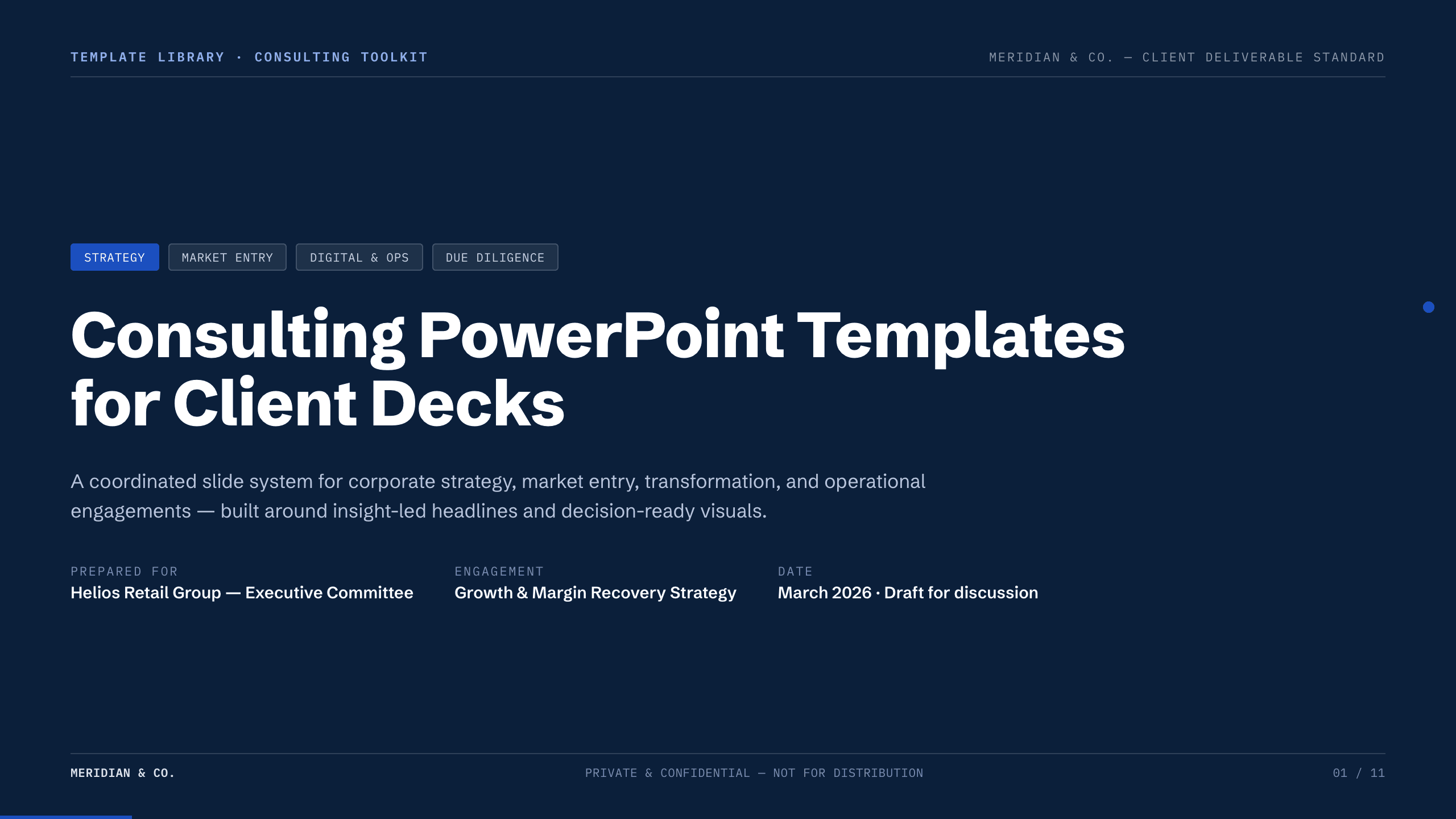
Consulting PowerPoint Templates
Inspect a 11-slide featured example and find a starting point for client decks.
Browse collectionExplore other template hubs
Customize the Marketing Plan PowerPoint Template with Julius AI
1
Preview the complete example
Inspect all 12 slides to understand the narrative, layouts, and level of detail before replacing the example content.
2
Add your content and direction
Give Julius AI your source material, evidence, audience, constraints, and desired outcome.
3
Review and export
Check the narrative, facts, and design, then export an editable version to PowerPoint for final delivery.