Marketing Presentation Template for Campaign Strategy
Present a campaign strategy with 12 slides connecting audience, positioning, message, channel roles, investment, measurement, and launch decisions.
Preview the 12-slide Marketing Presentation Template
Follow the worked growth campaign from market insight and audience focus through creative system, channel mix, measurement, and launch priorities.
What you're getting
A marketing presentation that connects story to growth
This 12-slide template creates an executive marketing narrative from market context to coordinated execution. Audience choice, positioning, message, creative direction, channel roles, budget, timing, KPIs, and decisions reinforce one another.
The worked growth example shows how a campaign becomes a system rather than a list of tactics. Replace the evidence, targets, creative, and forecasts with your own research and make clear which results are goals rather than observed outcomes.
- Included
- 12 campaign slides
- Best for
- Integrated marketing strategy
- Export
- PowerPoint or Google Slides
Built for
Marketing leaders aligning a campaign
Teams connecting brand, demand, product, content, and sales around one audience and outcome.
Agencies presenting a recommendation
Partners explaining the insight, creative platform, channel logic, investment, and measurement plan.
Executives approving spend
Decision-makers testing strategic focus, expected return, execution readiness, and trade-offs.
Getting started
Build one campaign system from audience to measurement
Start with the behavior that must change; channels and deliverables come after the strategic choice.
- 1
Define the business outcome
Set the baseline, target, audience action, timeframe, and commercial consequence.
- 2
Choose the audience and insight
Use research to identify the segment, tension, barrier, and reason the message can matter now.
- 3
Write the position and creative idea
Connect a credible brand promise to a memorable organizing thought and supporting proof.
- 4
Assign channel roles
Show how each channel creates reach, trust, consideration, conversion, or retention across the journey.
- 5
Plan the learning loop
Define budget, owners, leading indicators, experiments, reporting cadence, and optimization decisions.
Explore more
Related templates worth comparing
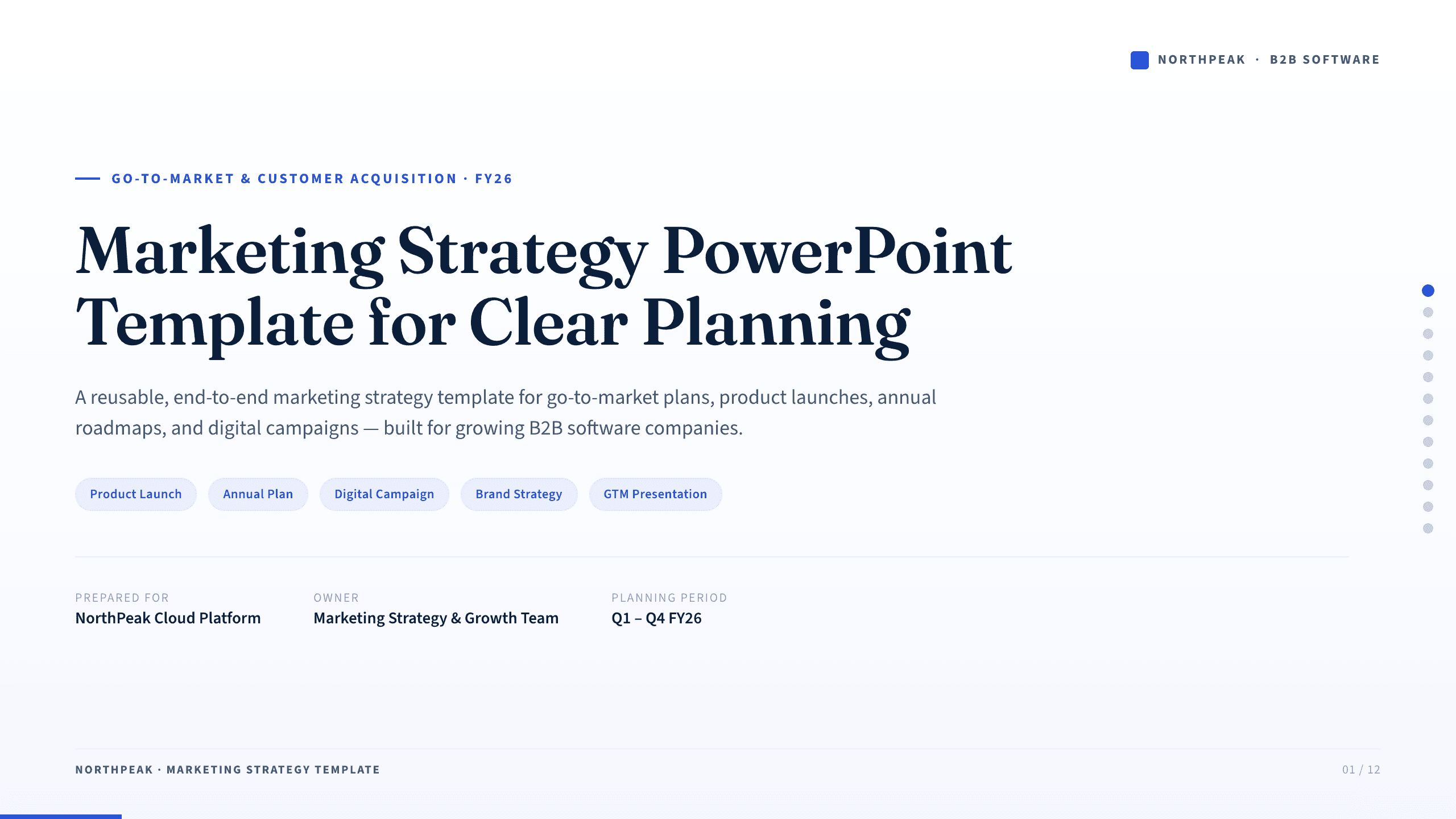
Marketing Strategy PowerPoint Template
Connect revenue goals to the market, audience, positioning, customer journey, channel mix, campaigns, budget, and measurement in one 12-slide strategy.
View template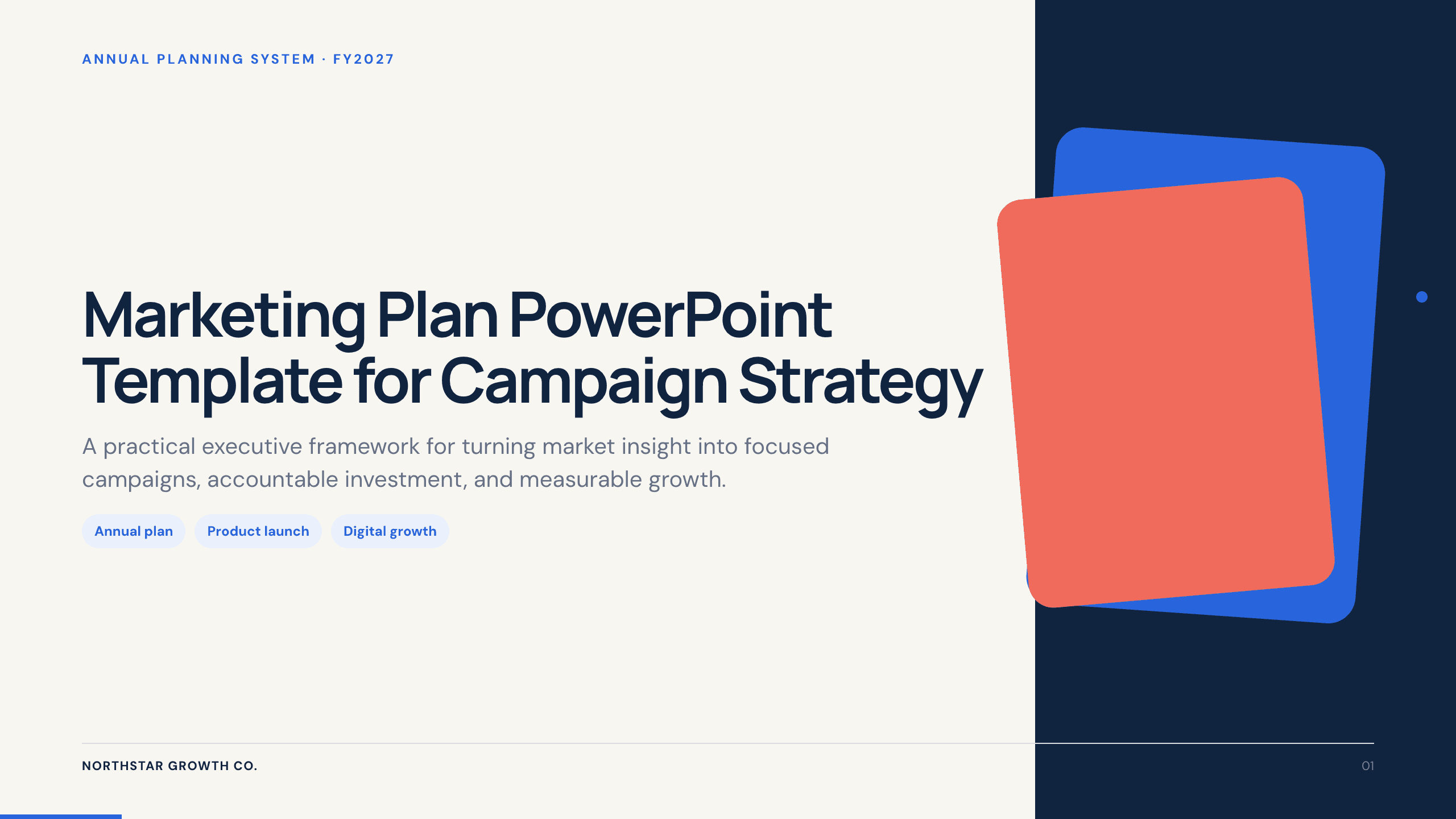
Marketing Plan PowerPoint Template
Build a 12-slide marketing plan covering objectives, audience, offers, channels, content, budget, calendar, funnel, owners, and optimization.
View template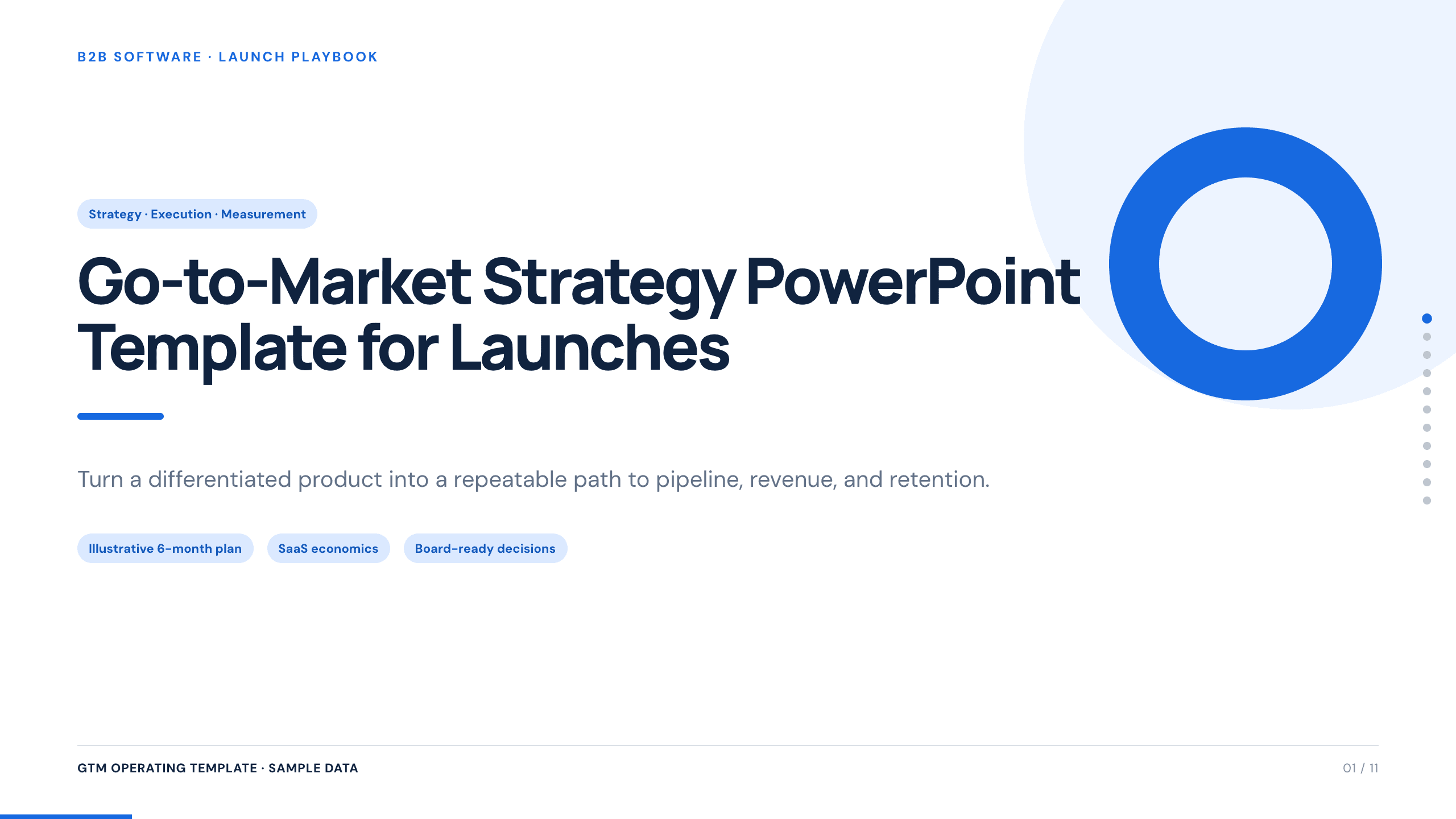
Go-to-Market Strategy PowerPoint Template
Plan a focused market entry with 11 connected slides for the initial wedge, market size, buying committee, positioning, packaging, demand, sales, and launch waves.
View template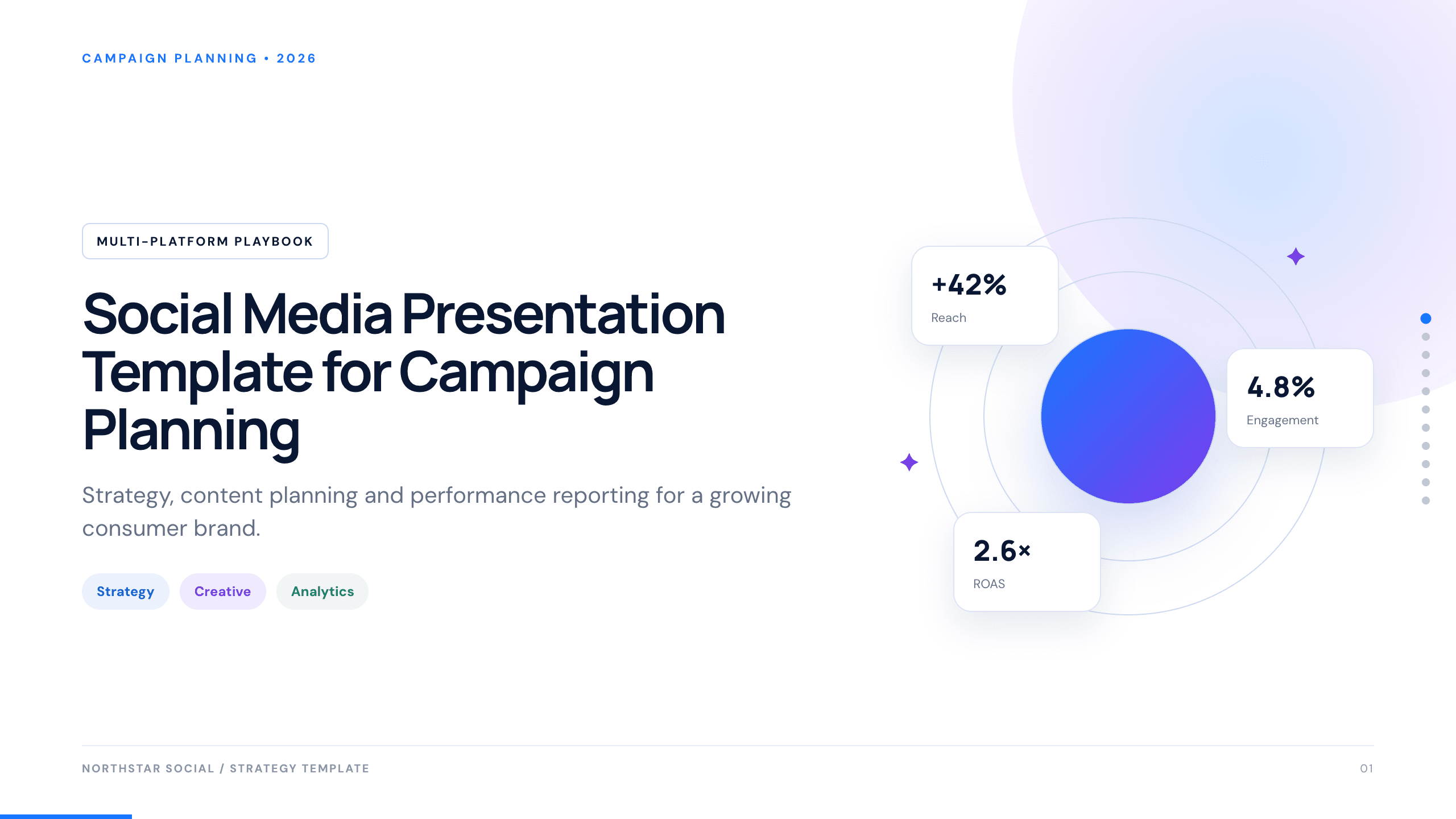
Social Media Presentation Template
Turn audience insight into an operating social plan with 11 slides for channel roles, content franchises, cadence, creators, performance, and the next 90 days.
View template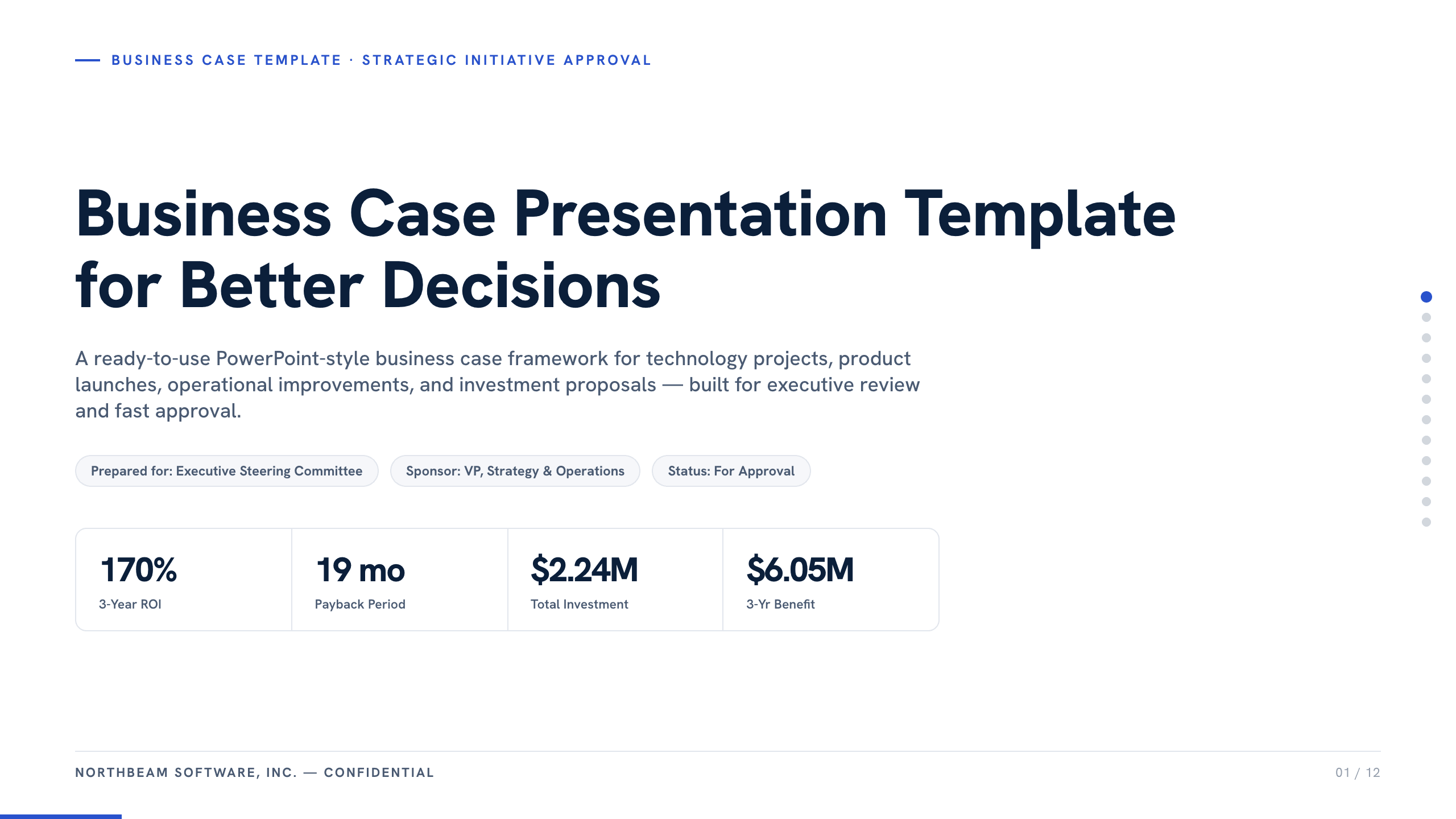
Business Case Presentation Template
Build the case for an investment with a worked 12-slide sequence covering the current-state problem, options, economics, delivery risk, resources, KPIs, and approval ask.
View template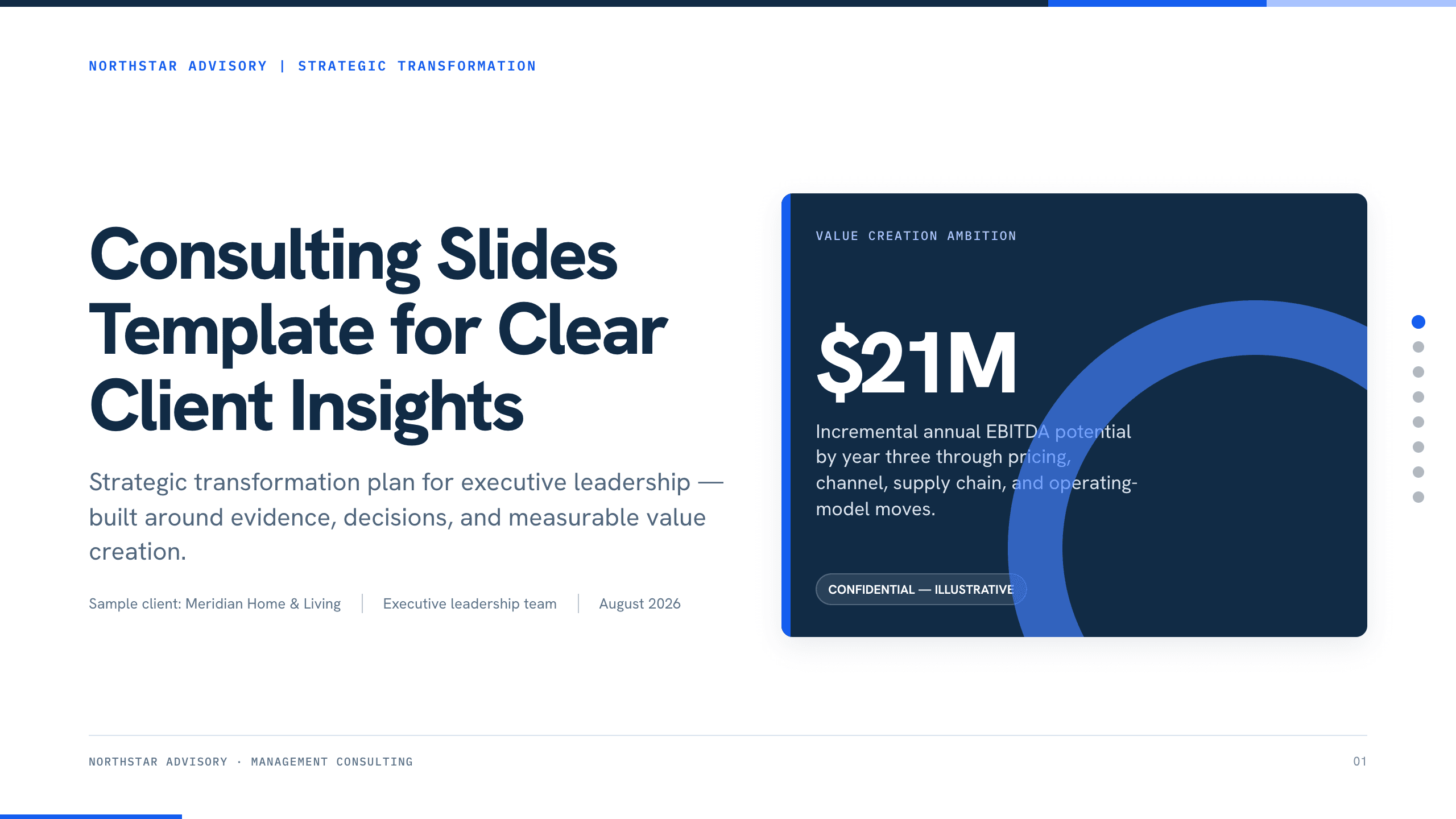
Consulting Slides Template
Present a concise executive recommendation with eight slides covering the value at stake, diagnosis, investment return, delivery roadmap, and outcome scorecard.
View templateExplore other template hubs
Customize the Marketing Presentation Template with Julius AI
1
Preview the complete example
Inspect all 12 slides to understand the narrative, layouts, and level of detail before replacing the example content.
2
Add your content and direction
Give Julius AI your source material, evidence, audience, constraints, and desired outcome.
3
Review and export
Check the narrative, facts, and design, then export an editable version to PowerPoint or Google Slides for final delivery.