Business Plan PowerPoint Template for a Clear Strategy
Present a business plan with 11 slides covering the customer problem, product, market, revenue model, go-to-market plan, operations, financials, and risks.
Preview the 11-slide Business Plan PowerPoint Template
Review the worked field-service software plan, including product value, target market, recurring revenue, sales motion, operating model, economics, and risk controls.
What you're getting
A business plan that links the opportunity to execution
This 11-slide PowerPoint template turns a company idea into an operating argument. It connects the customer problem and product to market focus, business model, acquisition plan, capabilities, financial trajectory, milestones, and risks.
The Northstar Flow example makes the assumptions visible rather than presenting aspiration as fact. Replace the market, pricing, funnel, cost, and hiring inputs with your own model and show what evidence would change the plan.
- Included
- 11 planning slides
- Best for
- New ventures and growth plans
- Export
- Editable PowerPoint
Built for
Founders formalizing a business model
Teams connecting customer need, offer, economics, milestones, and funding into one coherent plan.
Operators planning a new business line
Leaders testing whether a growth initiative has the capabilities, ownership, and path to profit it needs.
Investors and lenders reviewing viability
Reviewers who need market assumptions, revenue mechanics, cash requirements, risks, and proof points.
Getting started
Turn the plan into a set of testable assumptions
The deck should show how the business works, what must be true, and how the team will learn before scaling.
- 1
Define the customer and problem
Use interviews, behavior, and current alternatives to show whose problem is urgent enough to solve.
- 2
Explain the offer and advantage
Connect product capabilities to customer outcomes and the reason your approach can win.
- 3
Model acquisition and revenue
Replace sample pricing, conversion, retention, and channel assumptions with a consistent bottom-up model.
- 4
Plan operations and milestones
Name the people, systems, partnerships, and evidence required at each stage of growth.
- 5
Pressure-test the downside
Show cash needs, key risks, leading indicators, and the actions the team will take if assumptions miss.
Explore more
Related templates worth comparing
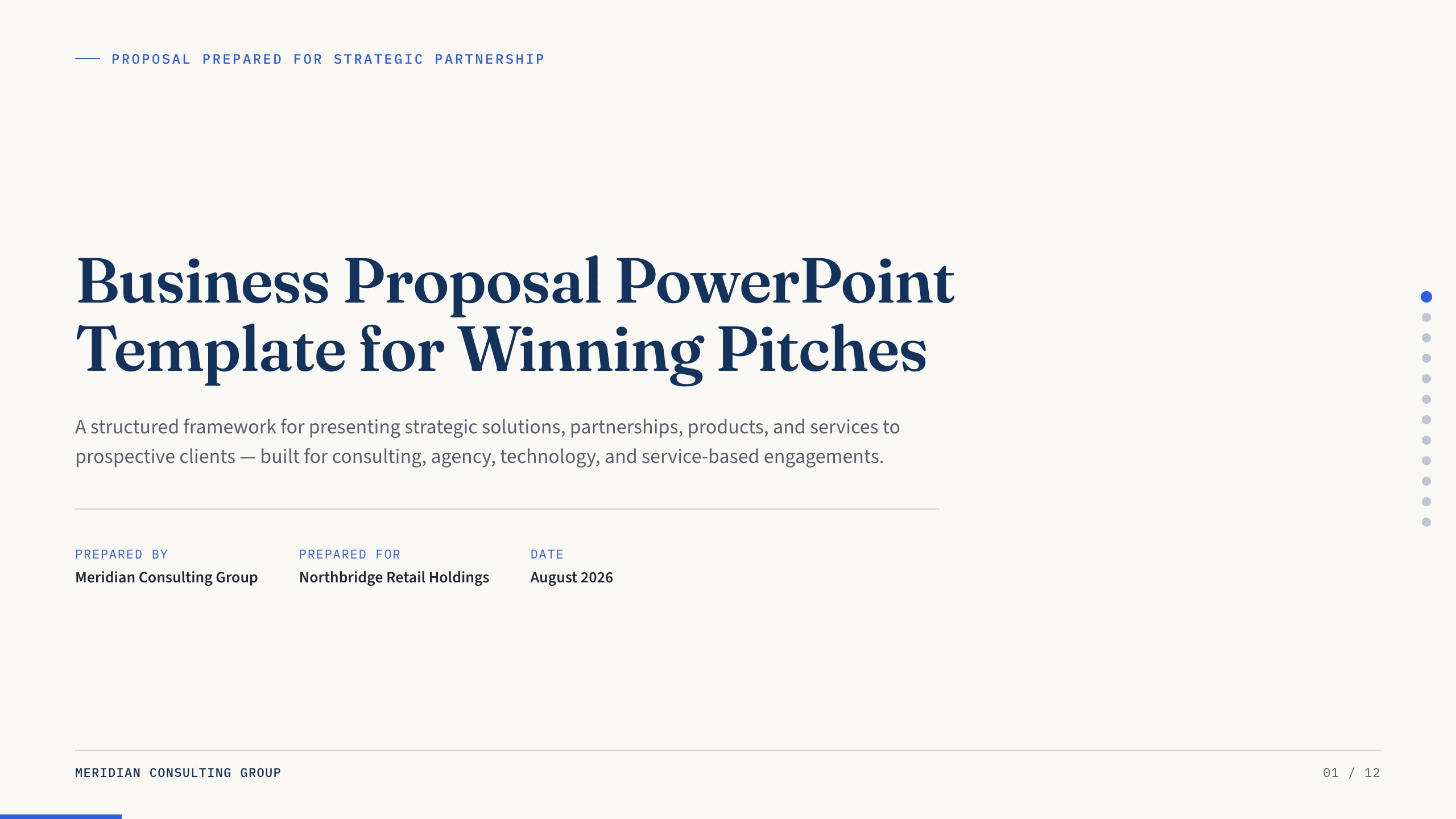
Business Proposal PowerPoint Template
Present a 12-slide business proposal covering client context, needs, approach, deliverables, team, timeline, investment, proof, terms, and next steps.
View template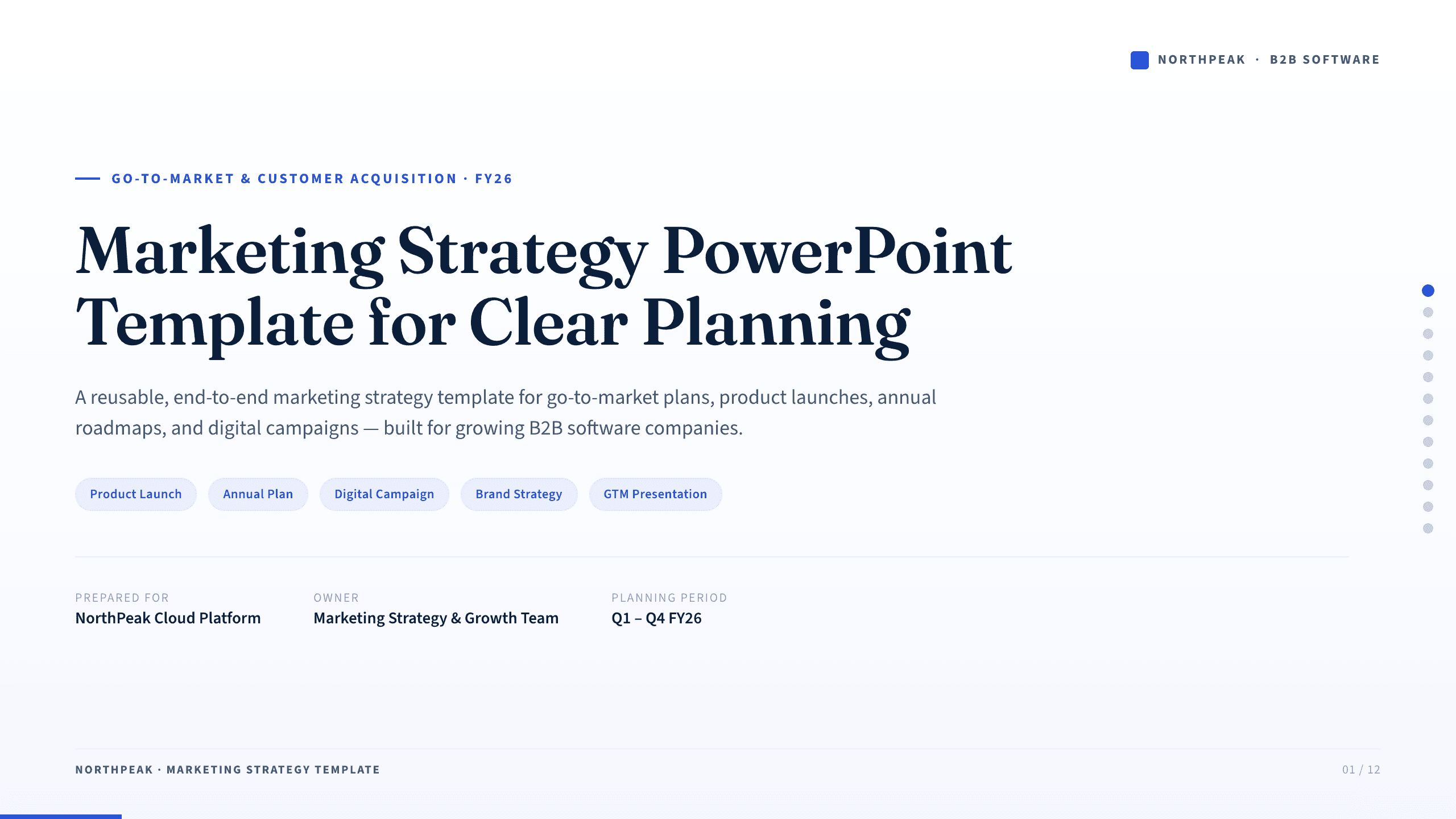
Marketing Strategy PowerPoint Template
Connect revenue goals to the market, audience, positioning, customer journey, channel mix, campaigns, budget, and measurement in one 12-slide strategy.
View template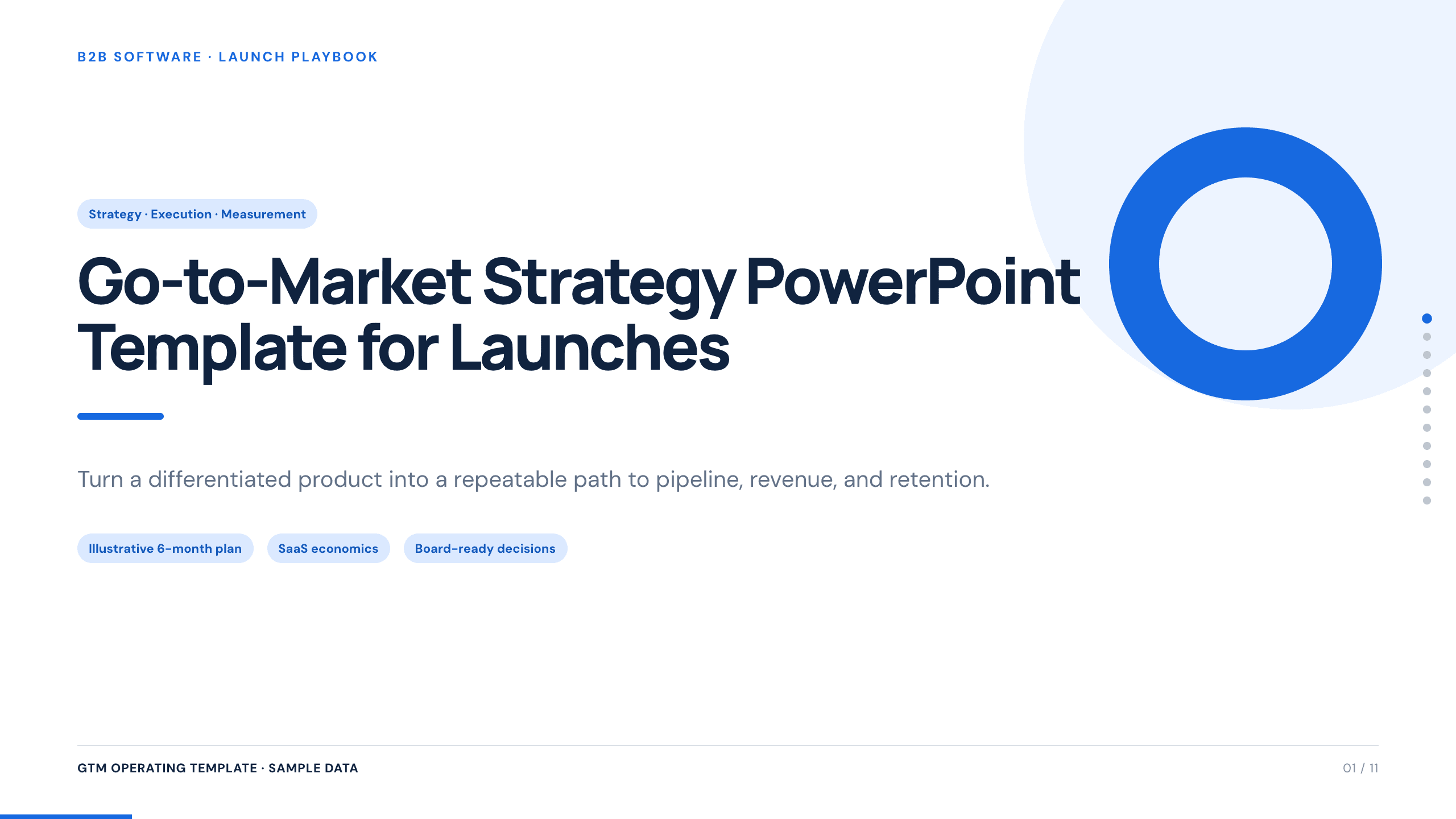
Go-to-Market Strategy PowerPoint Template
Plan a focused market entry with 11 connected slides for the initial wedge, market size, buying committee, positioning, packaging, demand, sales, and launch waves.
View template
Google Slides Pitch Deck Template
Build a nine-slide investor story in Google Slides covering the customer problem, solution, market, business model, traction, growth plan, team, and ask.
View template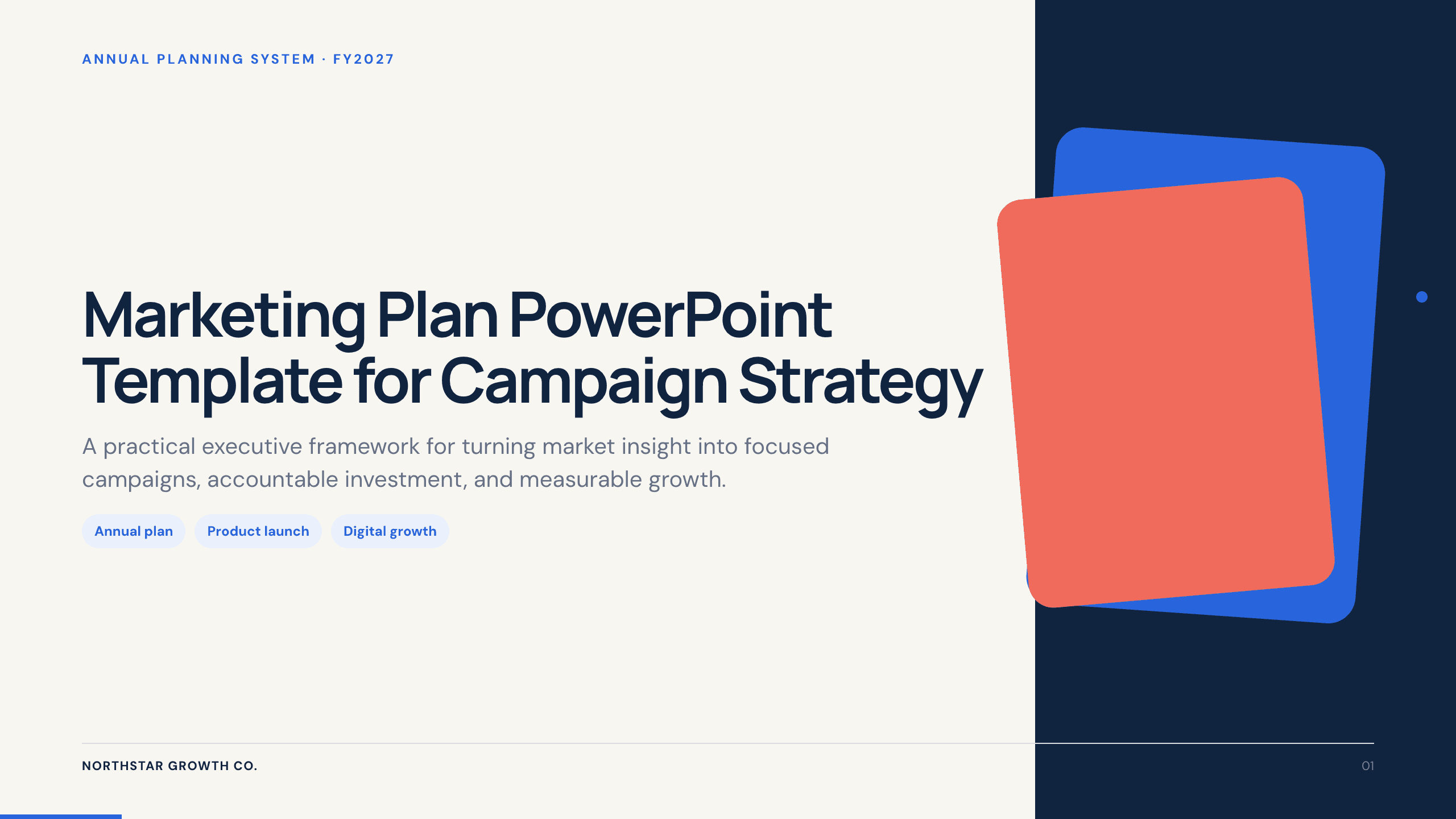
Marketing Plan PowerPoint Template
Build a 12-slide marketing plan covering objectives, audience, offers, channels, content, budget, calendar, funnel, owners, and optimization.
View template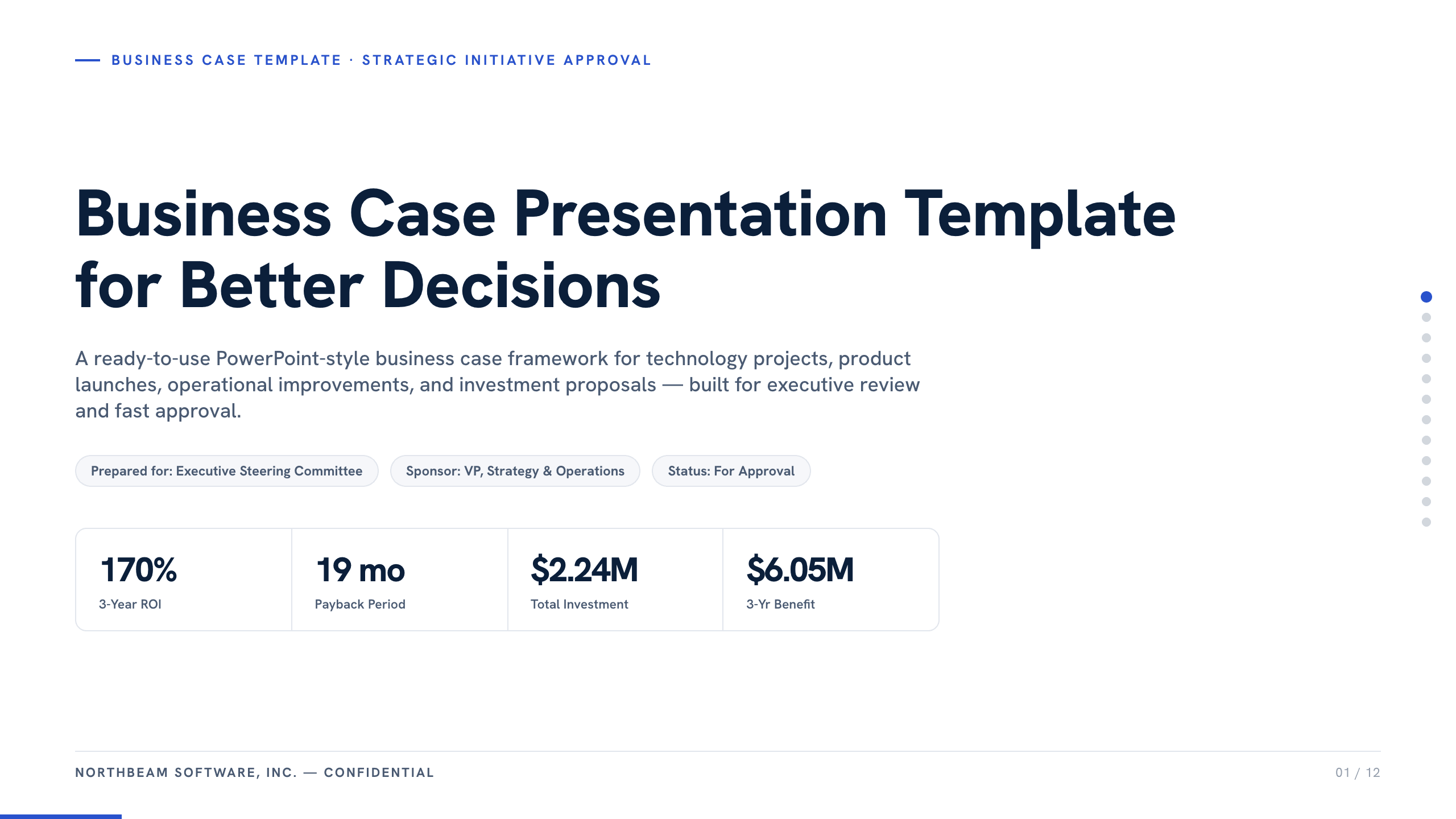
Business Case Presentation Template
Build the case for an investment with a worked 12-slide sequence covering the current-state problem, options, economics, delivery risk, resources, KPIs, and approval ask.
View templateExplore other template hubs
Customize the Business Plan PowerPoint Template with Julius AI
1
Preview the complete example
Inspect all 11 slides to understand the narrative, layouts, and level of detail before replacing the example content.
2
Add your content and direction
Give Julius AI your source material, evidence, audience, constraints, and desired outcome.
3
Review and export
Check the narrative, facts, and design, then export an editable version to PowerPoint for final delivery.