Google Slides Pitch Deck Template for a Stronger Story
Build a nine-slide investor story in Google Slides covering the customer problem, solution, market, business model, traction, growth plan, team, and ask.
Preview the 9-slide Google Slides Pitch Deck Template
Inspect the worked field-service software pitch from urgent problem and product promise through market entry, economics, proof, team, and funding ask.
What you're getting
A pitch deck that earns the next investor question
This nine-slide Google Slides template prioritizes the essential investor argument: a meaningful problem, differentiated solution, attractive market, repeatable business model, credible proof, focused growth plan, capable team, and specific use of capital.
The field-service software example shows how to make the narrative concrete without claiming certainty. Replace all fictional metrics and forecasts, label assumptions honestly, and keep the detailed model available for diligence.
- Included
- 9 investor slides
- Best for
- Early-stage fundraising
- Export
- Editable Google Slides
Built for
Founders raising an early round
Teams that need a focused narrative for first meetings rather than a complete diligence archive.
Accelerator teams refining a pitch
Builders connecting customer evidence, product, market, traction, model, and ask into one coherent argument.
Internal venture leads
Operators seeking sponsorship for a new business with startup-style evidence and milestones.
Getting started
Make the investment thesis understandable in nine slides
Lead with the customer and evidence. A polished market story cannot compensate for an unclear problem or unsupported traction.
- 1
Define the change in the world
Explain the customer problem, why it is urgent now, and how people solve it today.
- 2
Show the product advantage
Use the simplest credible workflow or proof to demonstrate a meaningfully better outcome.
- 3
Build a focused market case
Define the initial segment and bottom-up path before presenting broad category totals.
- 4
Prove the model
Replace sample pricing, retention, acquisition, margin, and traction with sourced actuals and labeled assumptions.
- 5
Make the ask operational
State the amount, runway, milestones, key hires, and evidence the round is intended to unlock.
Explore more
Related templates worth comparing
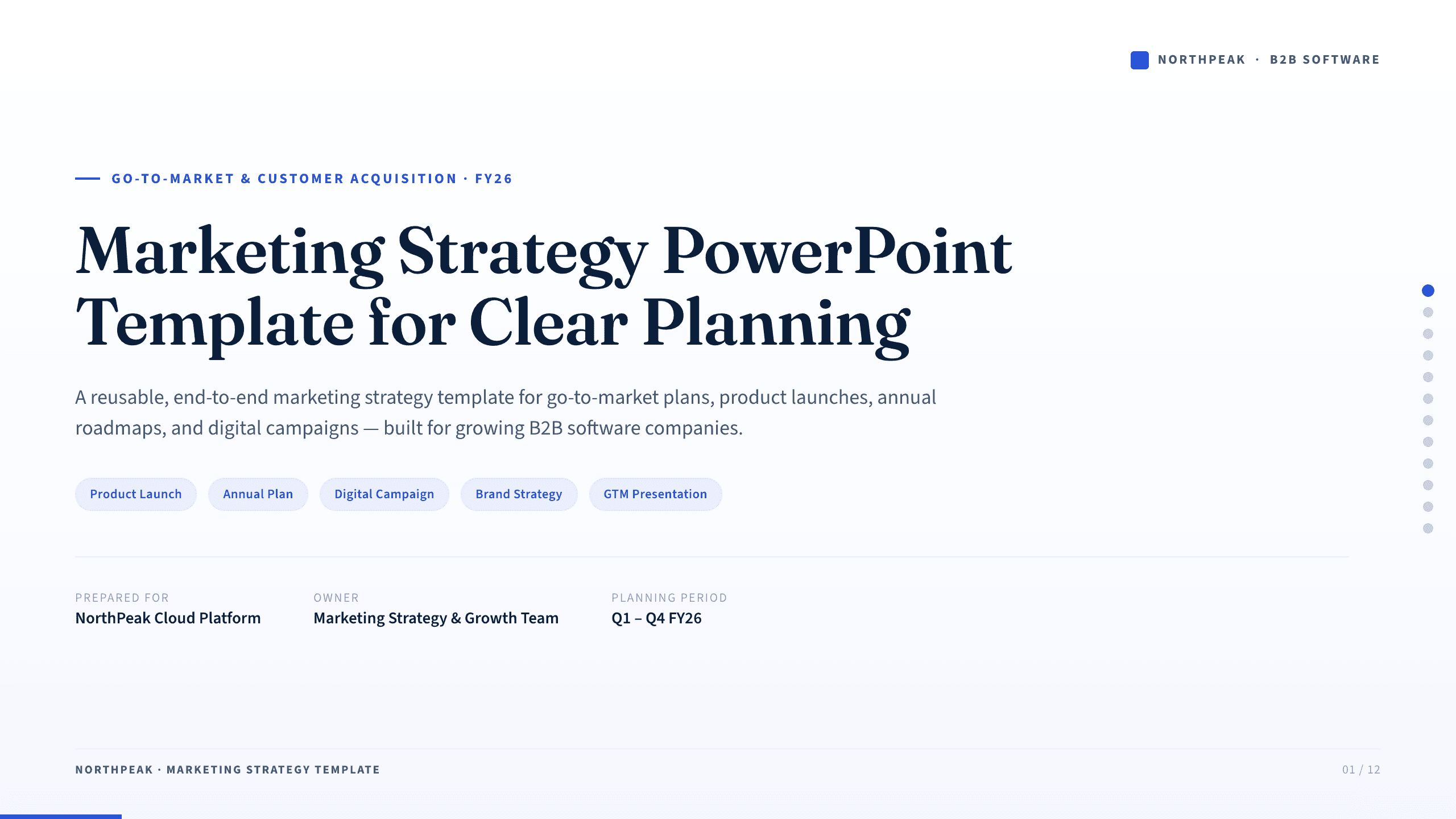
Marketing Strategy PowerPoint Template
Connect revenue goals to the market, audience, positioning, customer journey, channel mix, campaigns, budget, and measurement in one 12-slide strategy.
View template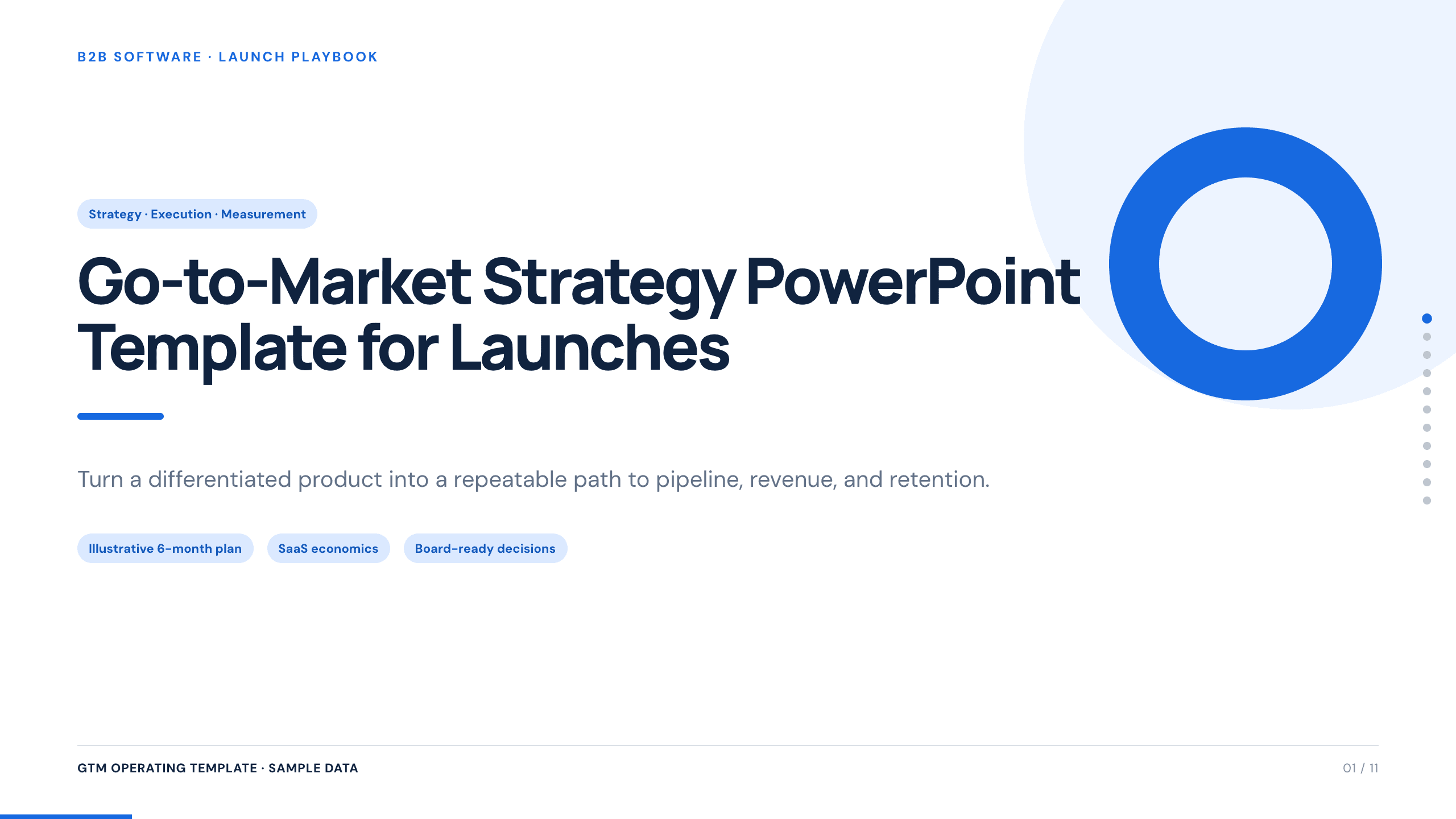
Go-to-Market Strategy PowerPoint Template
Plan a focused market entry with 11 connected slides for the initial wedge, market size, buying committee, positioning, packaging, demand, sales, and launch waves.
View template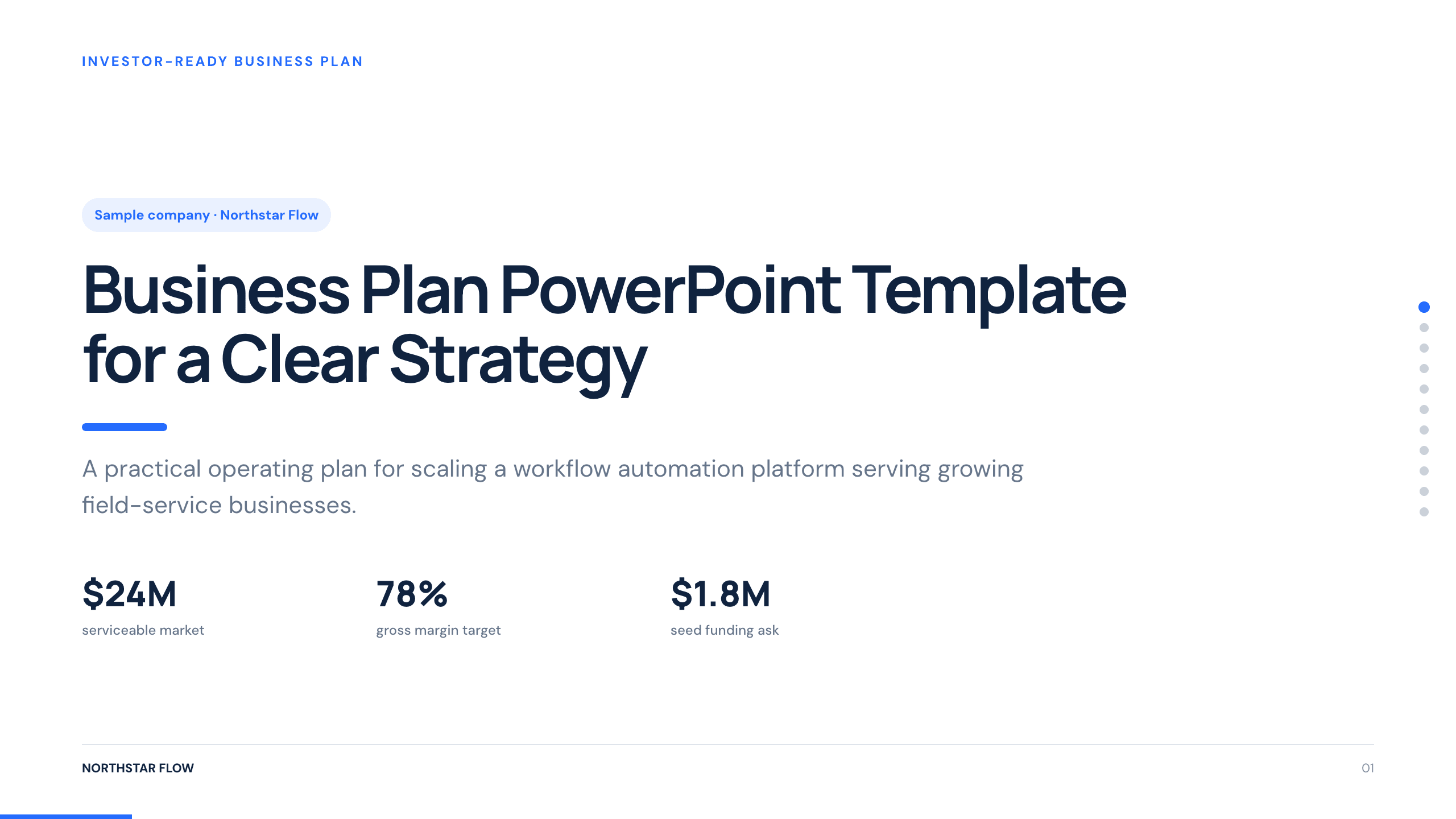
Business Plan PowerPoint Template
Present a business plan with 11 slides covering the customer problem, product, market, revenue model, go-to-market plan, operations, financials, and risks.
View template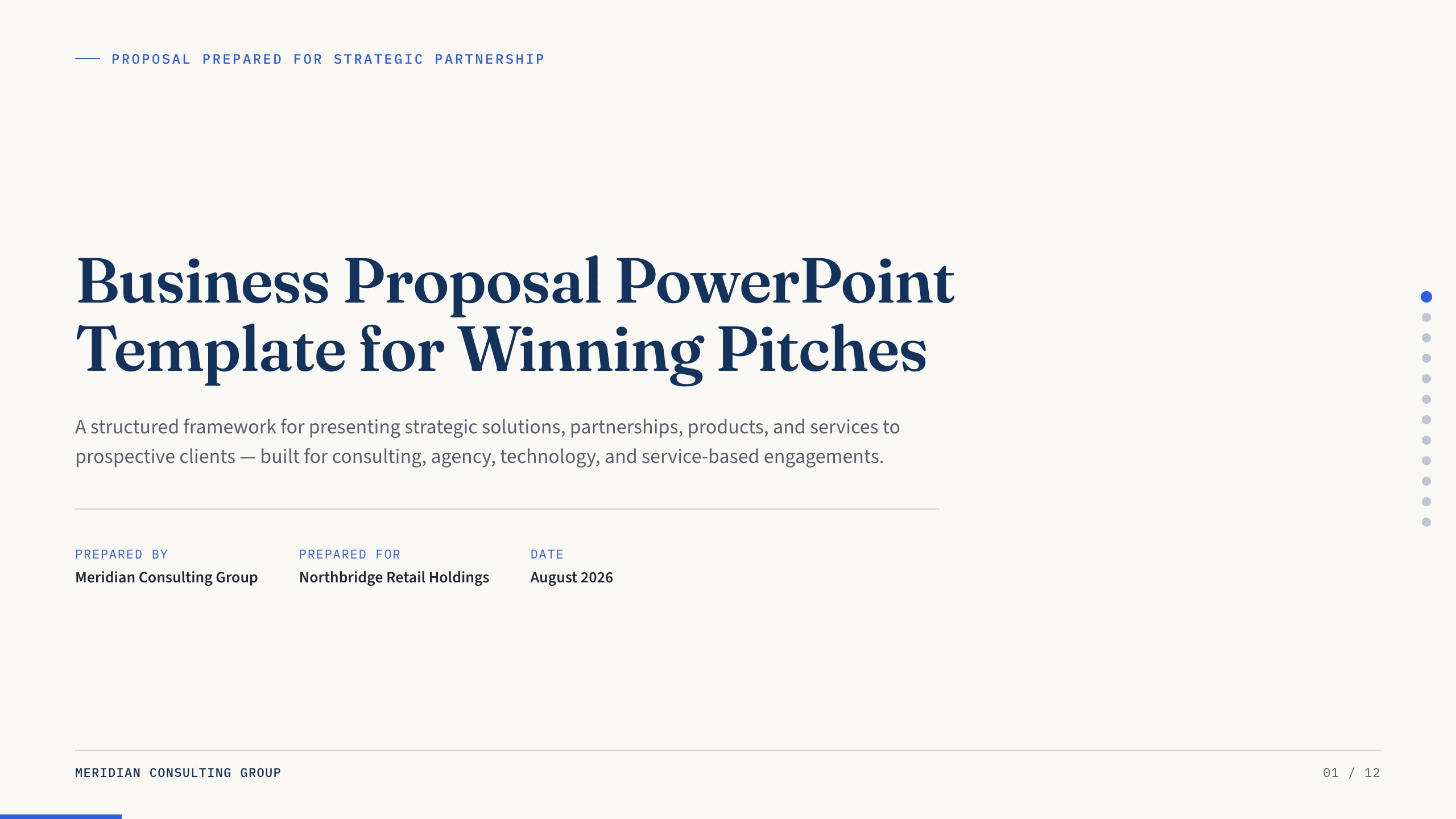
Business Proposal PowerPoint Template
Present a 12-slide business proposal covering client context, needs, approach, deliverables, team, timeline, investment, proof, terms, and next steps.
View template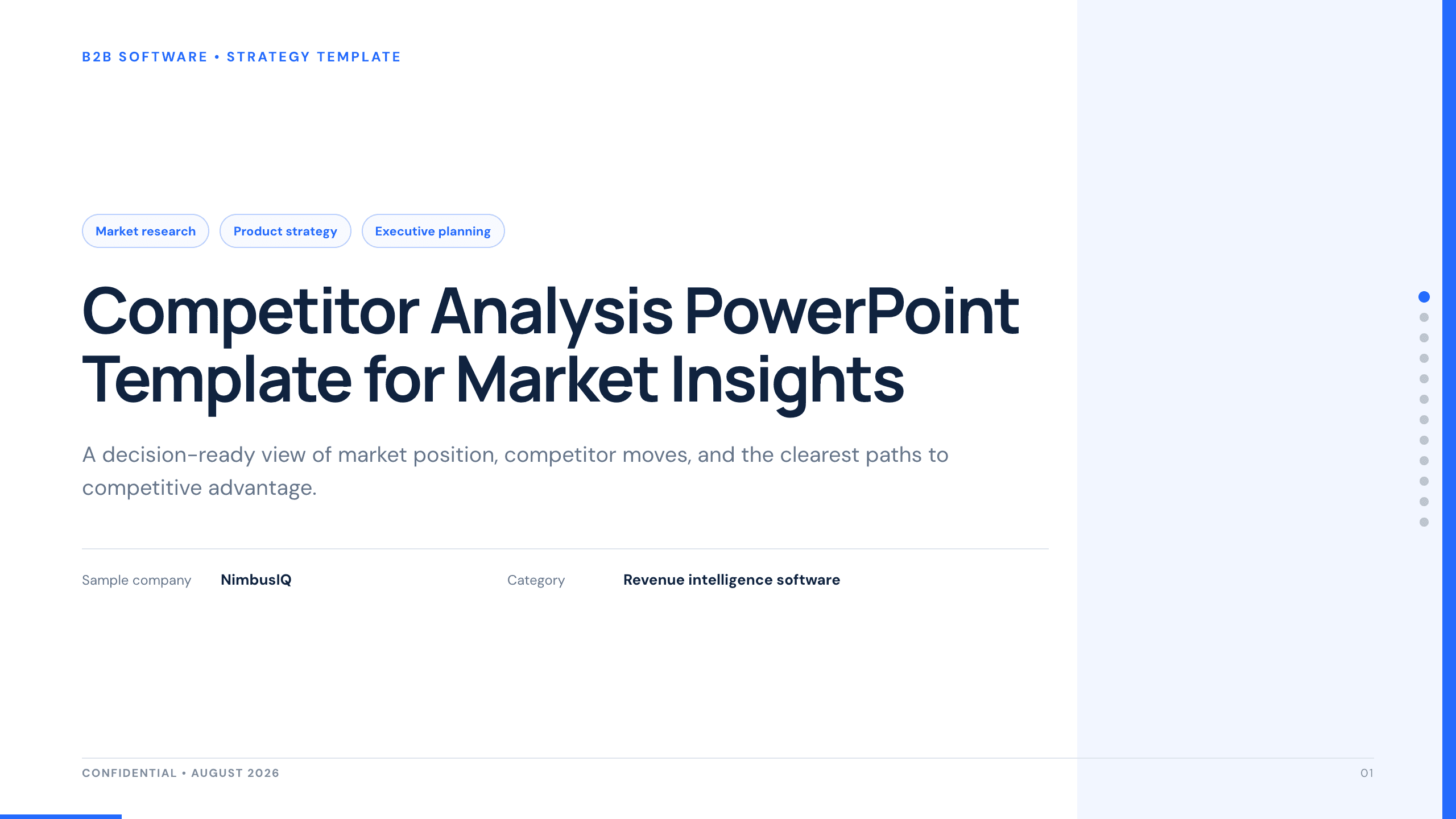
Competitor Analysis PowerPoint Template
Compare competitors with 12 slides covering market position, buyer needs, feature gaps, pricing, messaging, and strategic moves.
View template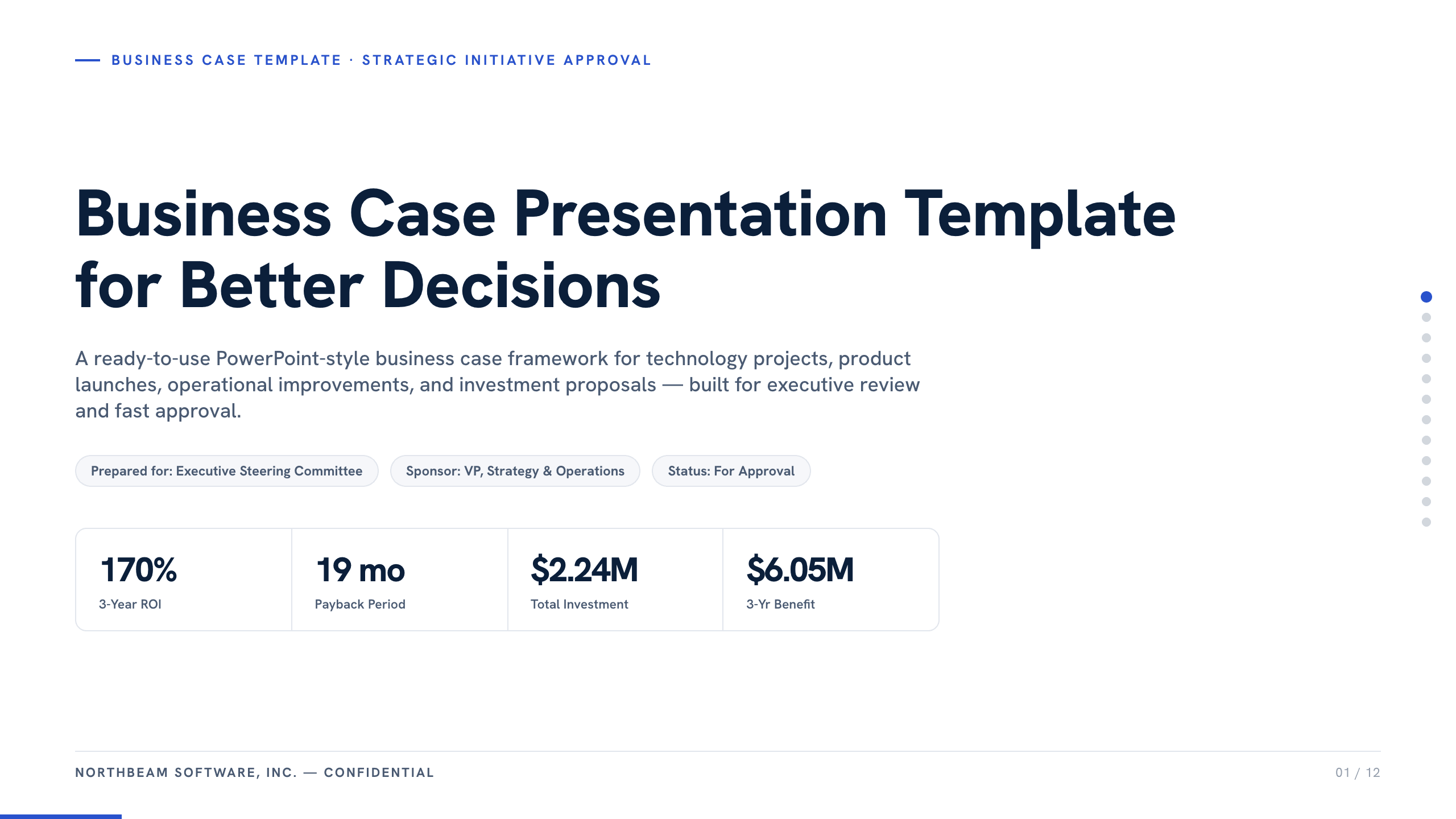
Business Case Presentation Template
Build the case for an investment with a worked 12-slide sequence covering the current-state problem, options, economics, delivery risk, resources, KPIs, and approval ask.
View templateExplore other template hubs
Customize the Google Slides Pitch Deck Template with Julius AI
1
Preview the complete example
Inspect all 9 slides to understand the narrative, layouts, and level of detail before replacing the example content.
2
Add your content and direction
Give Julius AI your source material, evidence, audience, constraints, and desired outcome.
3
Review and export
Check the narrative, facts, and design, then export an editable version to Google Slides for final delivery.