UX Case Study Presentation Template for Design Portfolios
Build a 12-slide UX case study covering product context, user problem, research, journey, insight, iterations, testing, outcome, and reflection.
Preview the 12-slide UX Case Study Presentation Template
Follow the complete Farebase redesign from checkout evidence and research through journey friction, concepts, usability testing, final flow, and measured outcome.
What you're getting
A UX case study that shows how evidence changed the design
This 12-slide template creates a portfolio-ready case study from product context and user problem through research, journey, insight, design principles, concepts, iteration, testing, final experience, outcome, and reflection.
The Farebase example demonstrates the difference between showing process and proving a decision. Replace fictional metrics, explain your role and collaborators, protect participant and client information, and qualify which outcomes the design can credibly claim.
- Included
- 12 case-study slides
- Best for
- UX portfolios and interviews
- Export
- PowerPoint or Google Slides
Built for
Product designers building a portfolio case
Practitioners explaining context, research, decisions, craft, collaboration, evidence, and impact.
UX candidates preparing an interview
Designers tailoring a deeper case walkthrough to the role and likely reviewer questions.
Design teams documenting a launch
Groups preserving the product problem, learning, iteration, outcome, and next opportunity.
Getting started
Tell the case through the decisions only your evidence can explain
Curate the process around turning points rather than showing every artifact in chronological order.
- 1
Set context and contribution
State the product, users, business problem, constraints, team, timeframe, and your responsibility.
- 2
Present research with limits
Explain methods, participants, evidence, uncertainty, privacy, and the insight that changed the direction.
- 3
Show design reasoning
Connect principles to flows, concepts, trade-offs, accessibility, technical constraints, and iteration.
- 4
Use testing as evidence
Describe tasks, observations, changes, unresolved issues, and why the final design was considered ready.
- 5
Qualify the outcome
Report comparable measures and attribution carefully, then close with reflection and the next product question.
Explore more
Related templates worth comparing
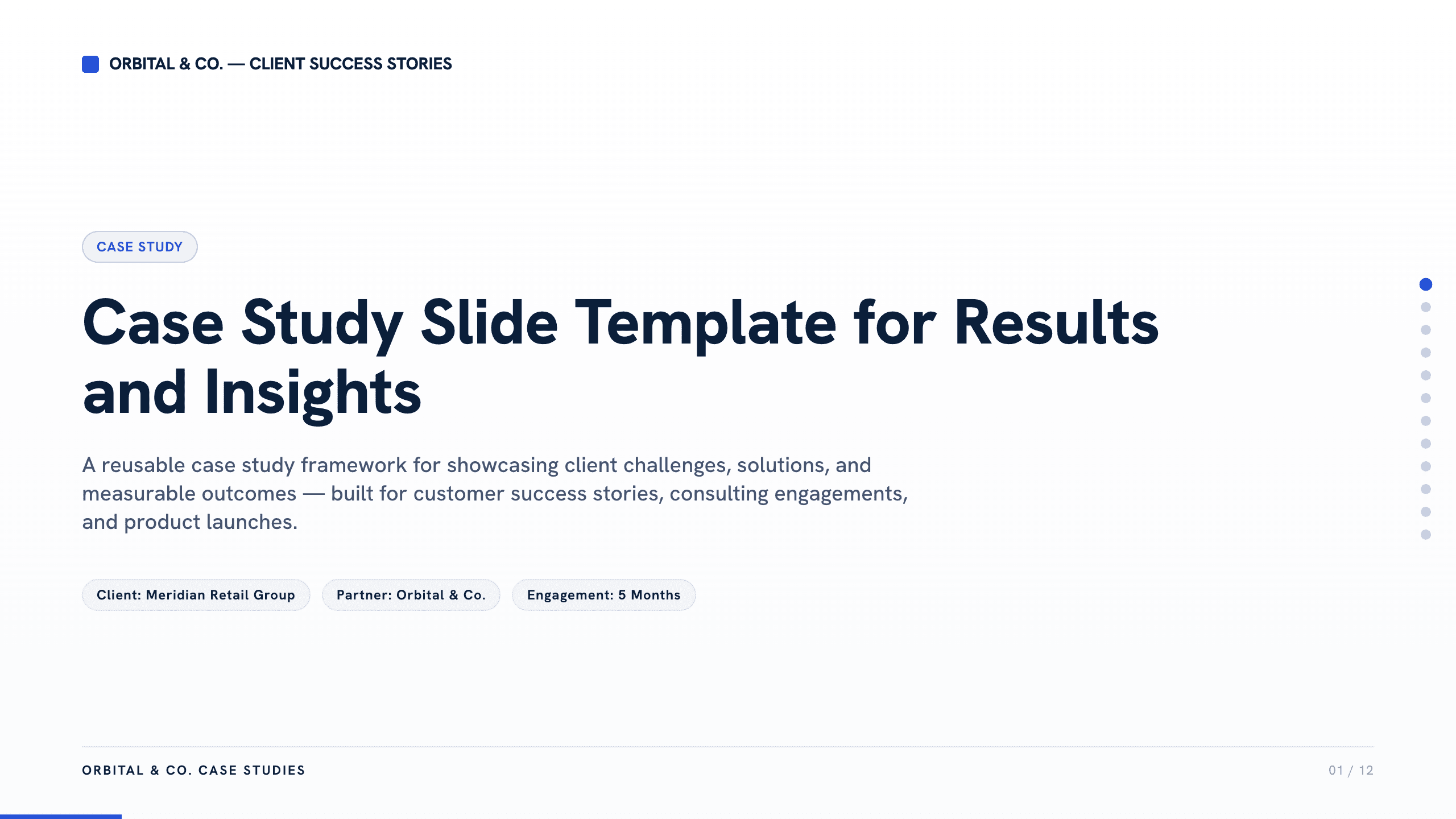
Case Study Slide Template
Tell a credible client or project story with 11 slides connecting the starting challenge, discovery, solution, rollout, measurable results, and lessons learned.
View template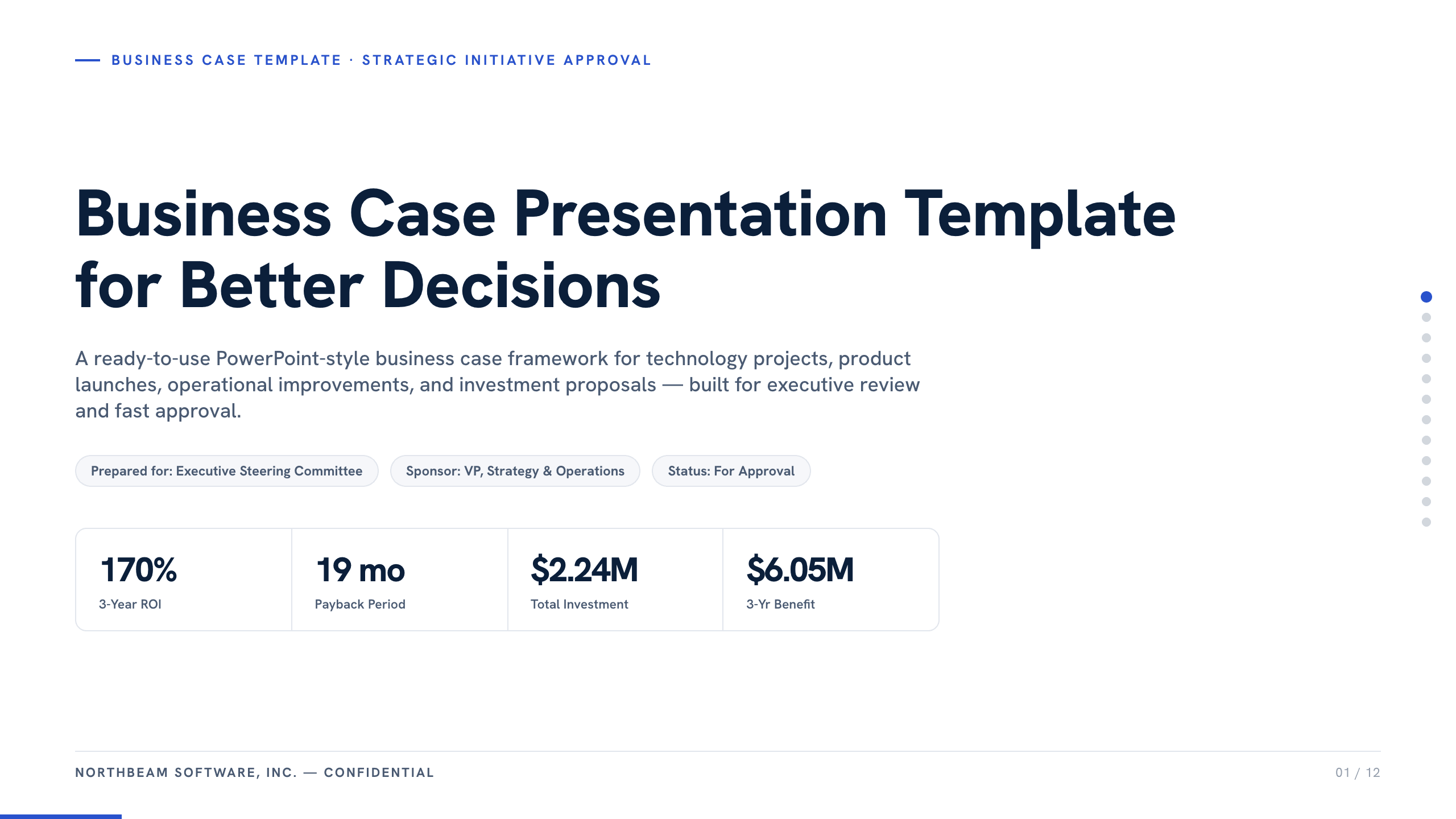
Business Case Presentation Template
Build the case for an investment with a worked 12-slide sequence covering the current-state problem, options, economics, delivery risk, resources, KPIs, and approval ask.
View template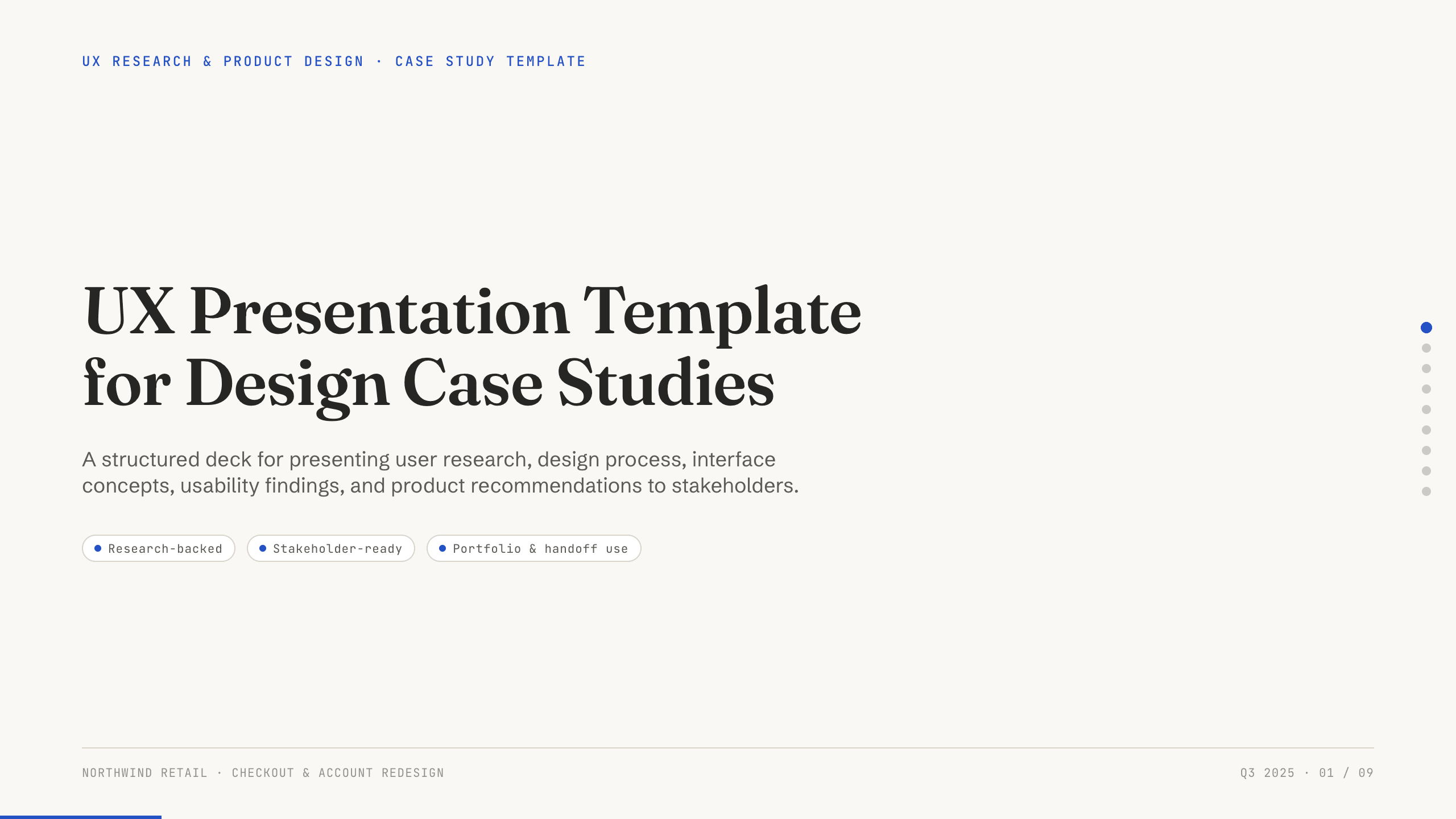
UX Presentation Template
Present a UX project in nine slides covering the product problem, research, journey, insight, design decisions, usability evidence, outcome, and recommendation.
View template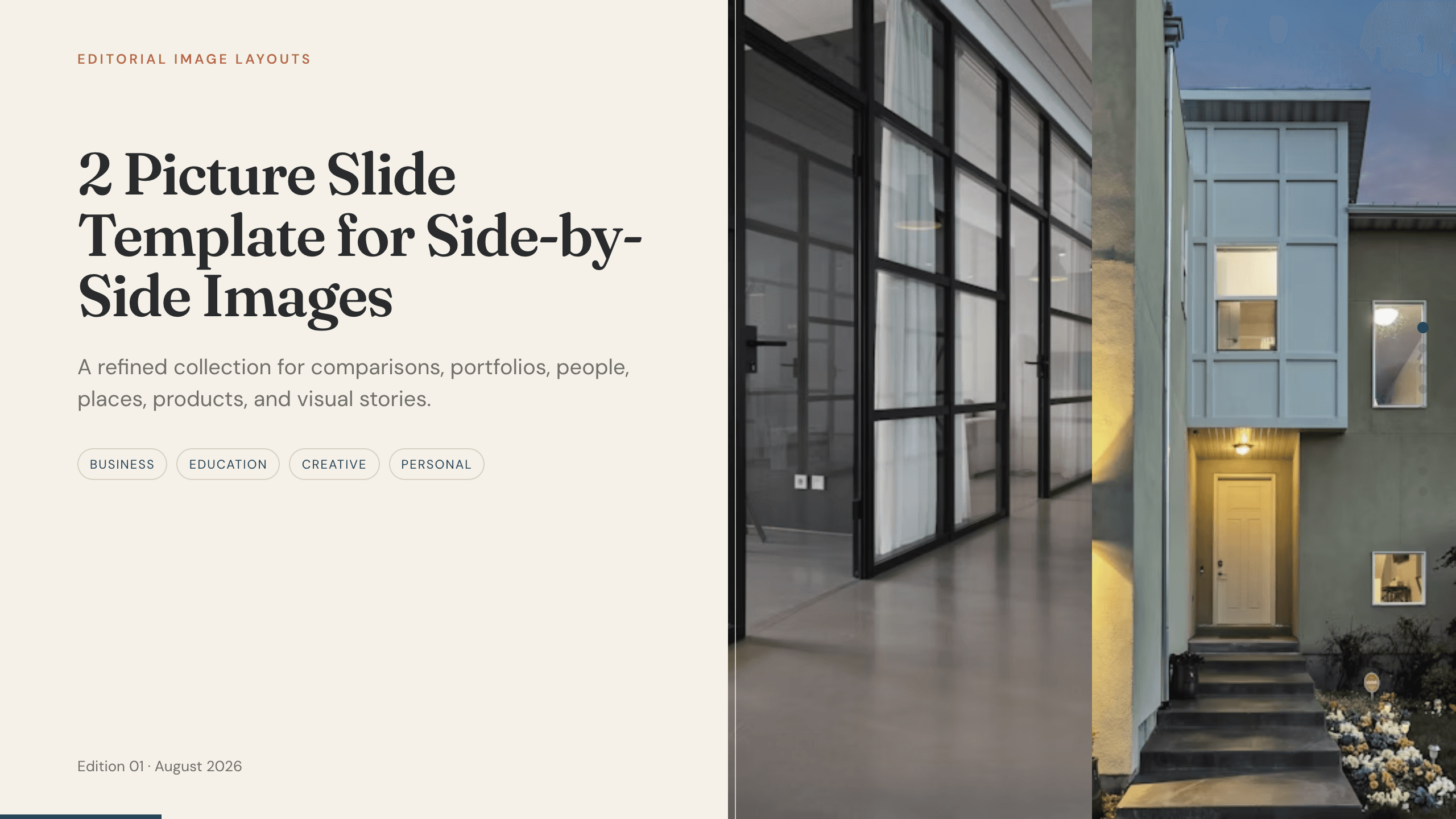
2 Picture Slide Template
Use nine two-picture slide layouts for clear before-and-after, option, person, place, product, portfolio, and process comparisons with minimal supporting copy.
View template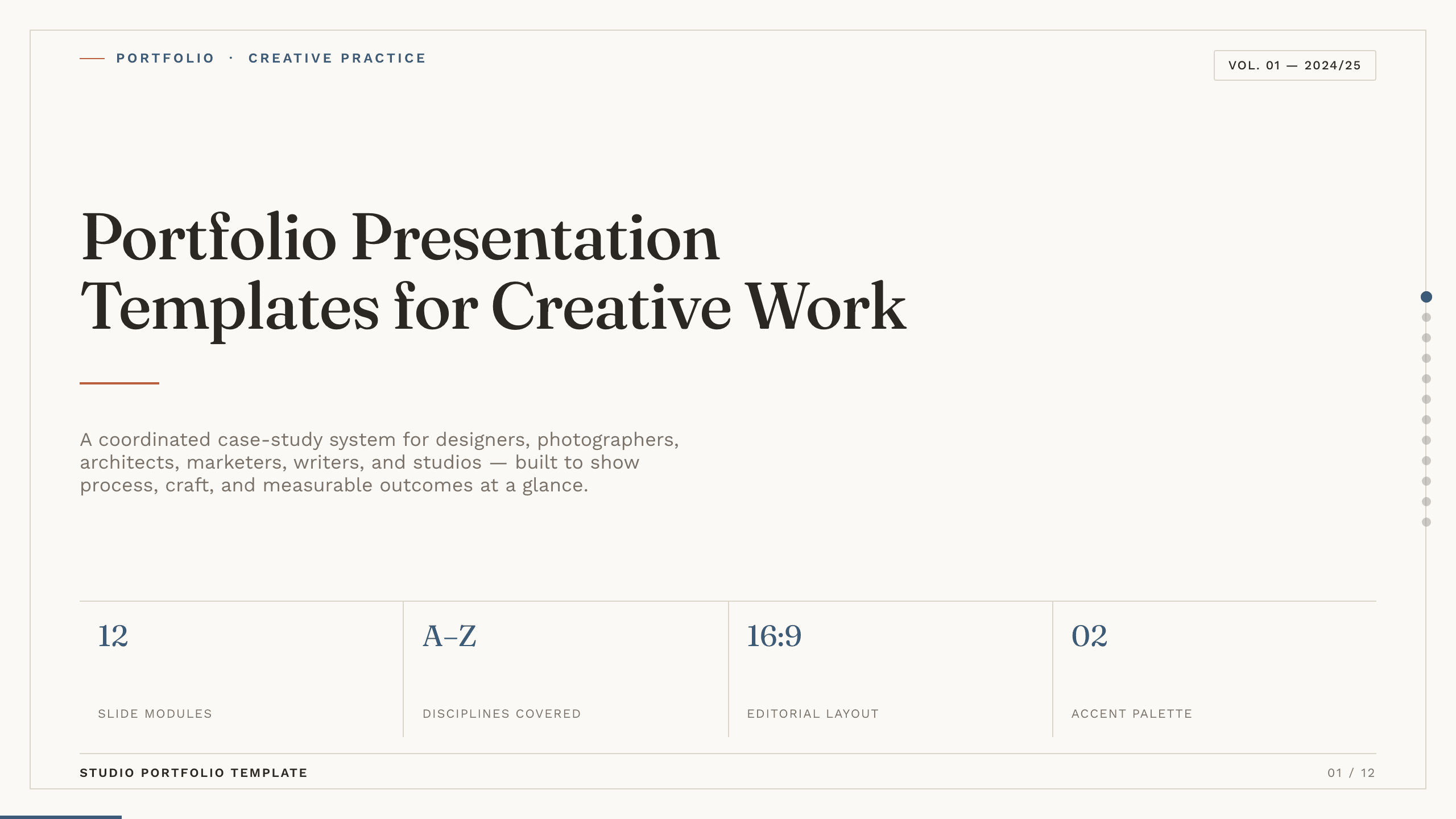
Portfolio Presentation Templates
Inspect a 10-slide featured example and find a starting point for creative work.
Browse collection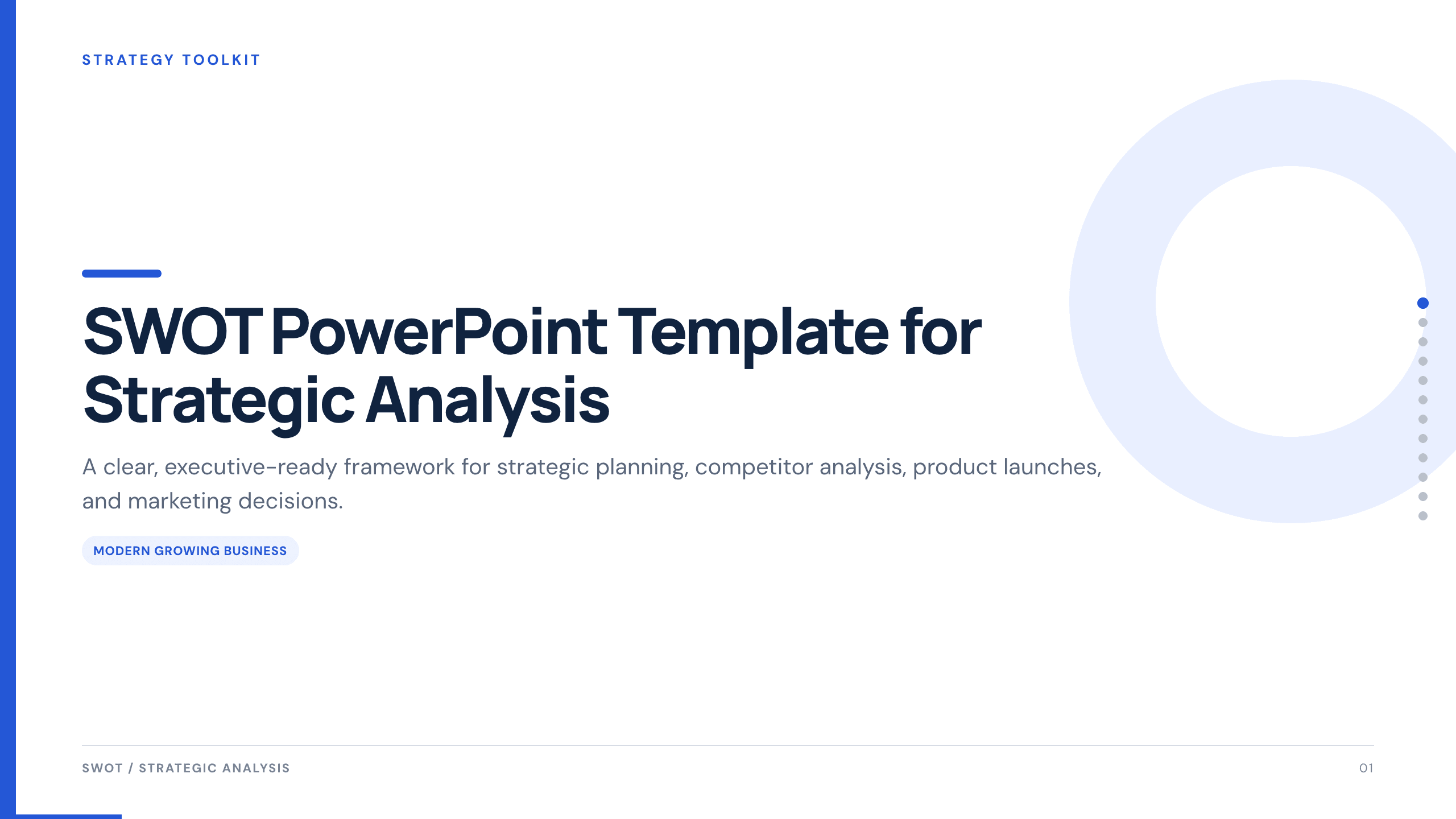
SWOT PowerPoint Template
Use a complete 12-slide SWOT deck to separate internal and external factors, prioritize what matters, and turn the analysis into concrete strategic actions.
View templateExplore other template hubs
Customize the UX Case Study Presentation Template with Julius AI
1
Preview the complete example
Inspect all 12 slides to understand the narrative, layouts, and level of detail before replacing the example content.
2
Add your content and direction
Give Julius AI your source material, evidence, audience, constraints, and desired outcome.
3
Review and export
Check the narrative, facts, and design, then export an editable version to PowerPoint or Google Slides for final delivery.