UX Presentation Template for Design Case Studies
Present a UX project in nine slides covering the product problem, research, journey, insight, design decisions, usability evidence, outcome, and recommendation.
Preview the 9-slide UX Presentation Template
Follow the worked checkout redesign from conversion problem and user evidence through journey friction, design response, testing, final experience, and next step.
What you're getting
A UX presentation that traces the design back to evidence
This nine-slide template creates a concise stakeholder story from product problem to user research, journey, insight, concept, interaction decision, usability evidence, final experience, and recommendation. It is designed for a review conversation rather than a process diary.
The checkout example demonstrates causal logic without claiming the design solved everything. Replace the sample research and outcomes, distinguish observed behavior from interpretation, and make your individual and team contributions clear.
- Included
- 9 UX slides
- Best for
- Design reviews and case studies
- Export
- PowerPoint or Google Slides
Built for
Product designers presenting a review
Practitioners connecting user evidence, constraints, decisions, prototypes, tests, and open risks.
UX researchers sharing implications
Teams translating study findings into prioritized product questions and design opportunities.
Product leaders evaluating a direction
Decision-makers who need the user problem, business impact, evidence quality, trade-offs, and next test.
Getting started
Build a traceable line from user problem to product decision
Select the research and artifacts that explain the decision; the deck does not need to reproduce every workshop or screen.
- 1
Define the product outcome
State the user task, current behavior, business consequence, scope, and success measure.
- 2
Present the relevant research
Describe participants, method, evidence, limitations, and the observations that changed the team’s view.
- 3
Frame the design insight
Connect the underlying need or barrier to explicit principles and prioritized opportunities.
- 4
Show decisions and trade-offs
Use journeys, flows, concepts, screens, and tests to explain why the chosen experience is credible.
- 5
Close with evidence and next risk
Report measured outcomes honestly and name the question or dependency the team should test next.
Explore more
Related templates worth comparing
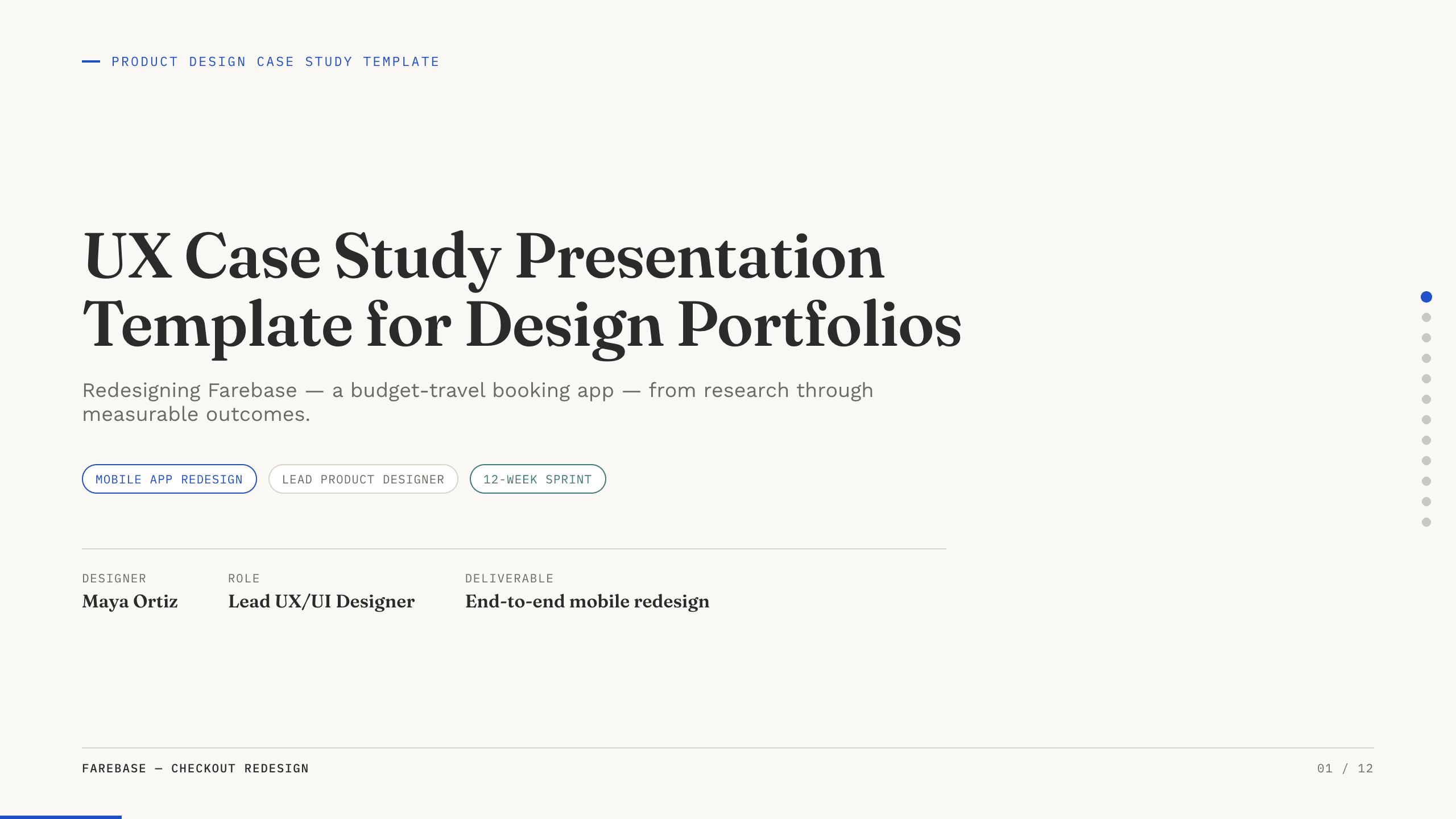
UX Case Study Presentation Template
Build a 12-slide UX case study covering product context, user problem, research, journey, insight, iterations, testing, outcome, and reflection.
View template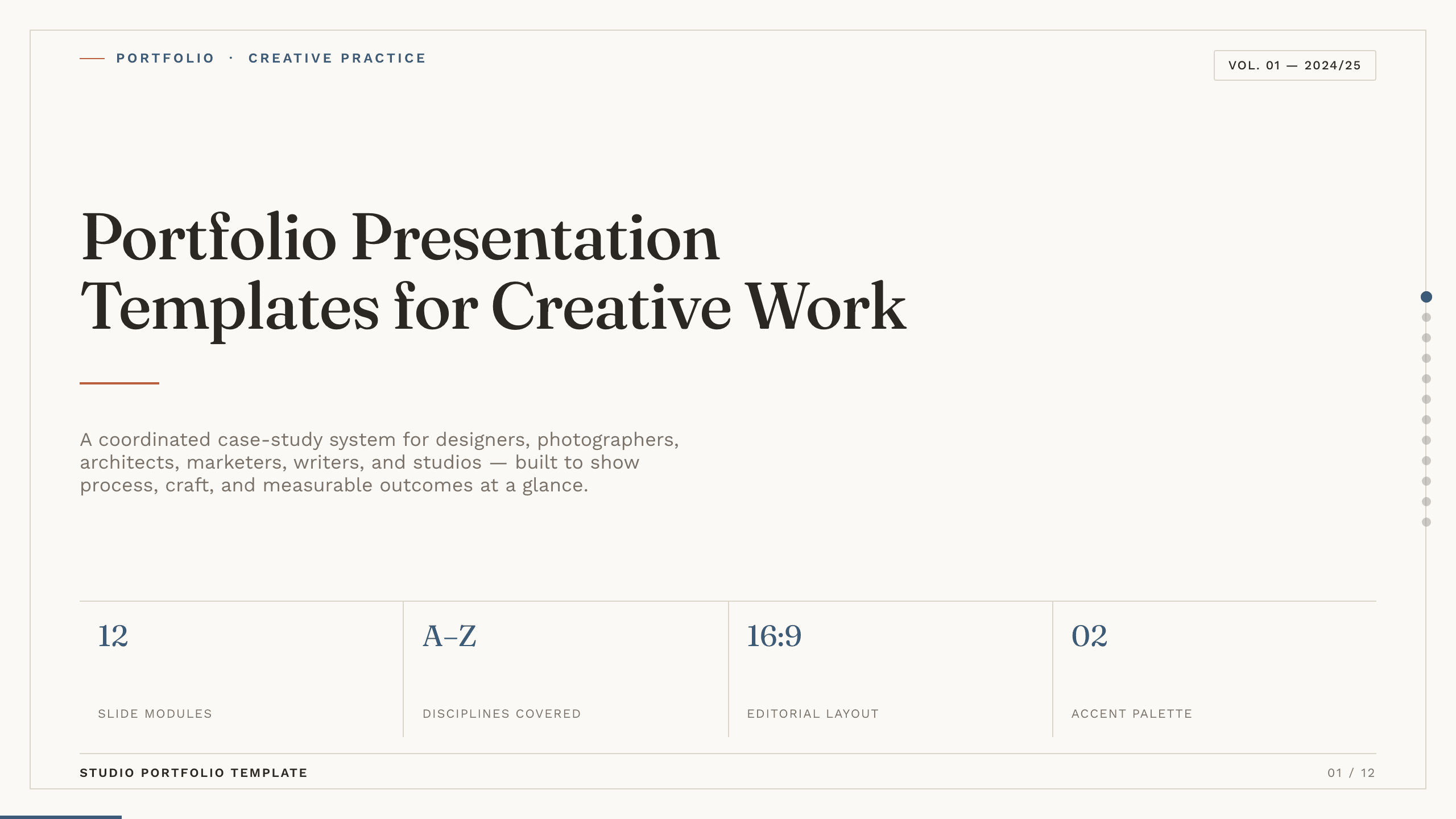
Portfolio Presentation Templates
Inspect a 10-slide featured example and find a starting point for creative work.
Browse collection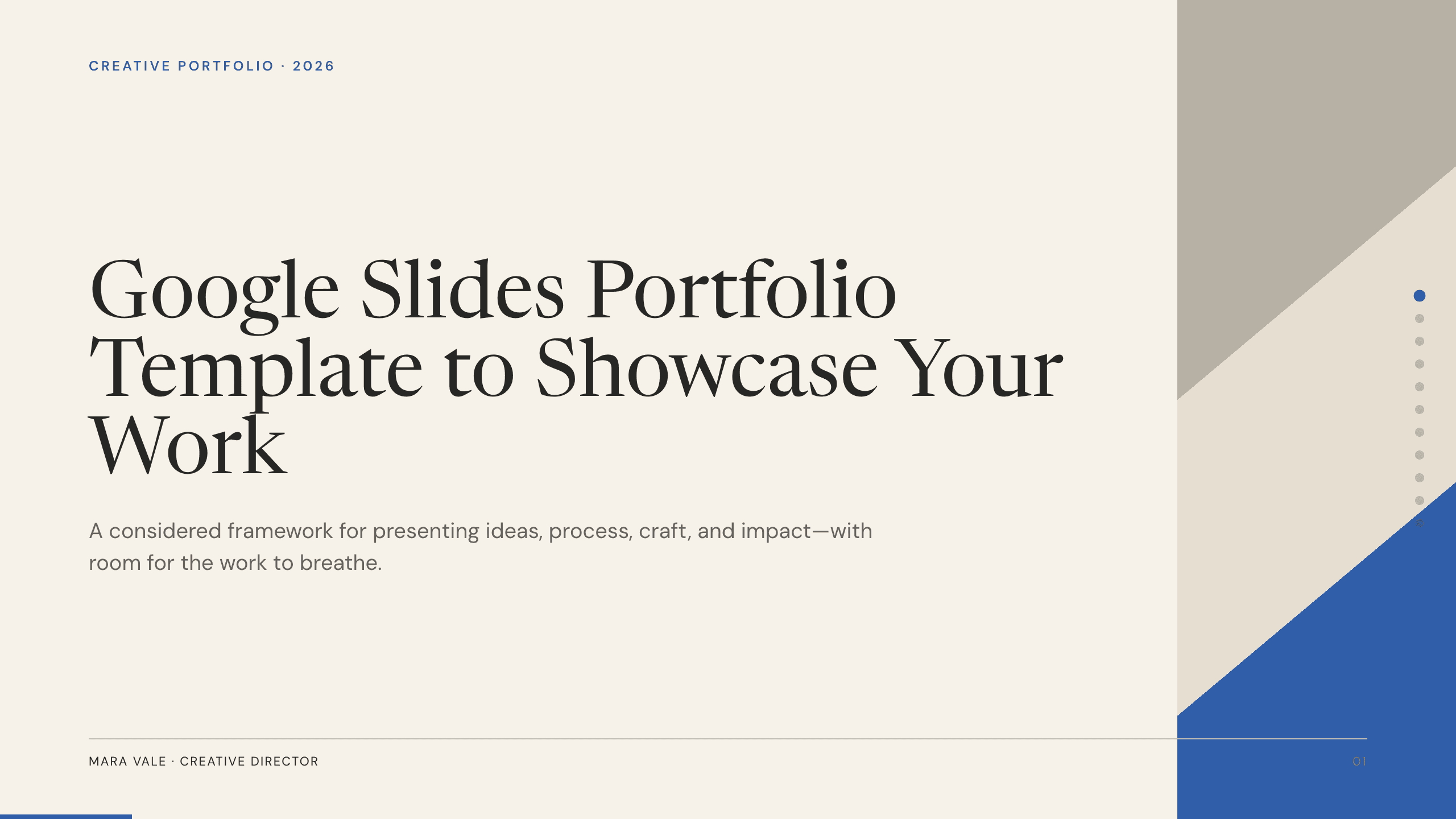
Google Slides Portfolio Template
Showcase selected work in nine editorial Google Slides layouts covering your point of view, capabilities, project context, process, outcomes, and contact.
View template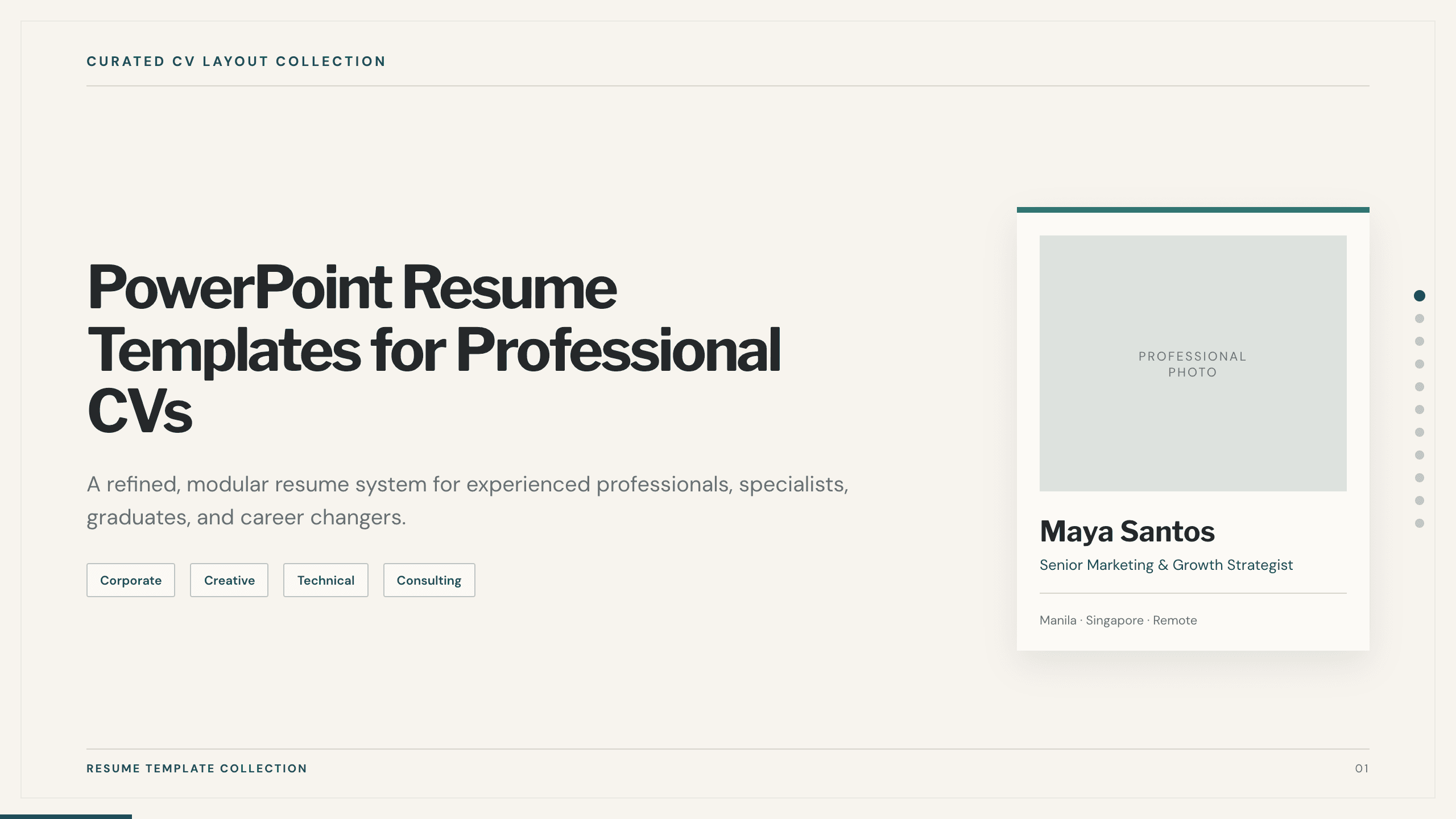
PowerPoint Resume Templates
Inspect a 11-slide featured example and find a starting point for professional CVs.
Browse collection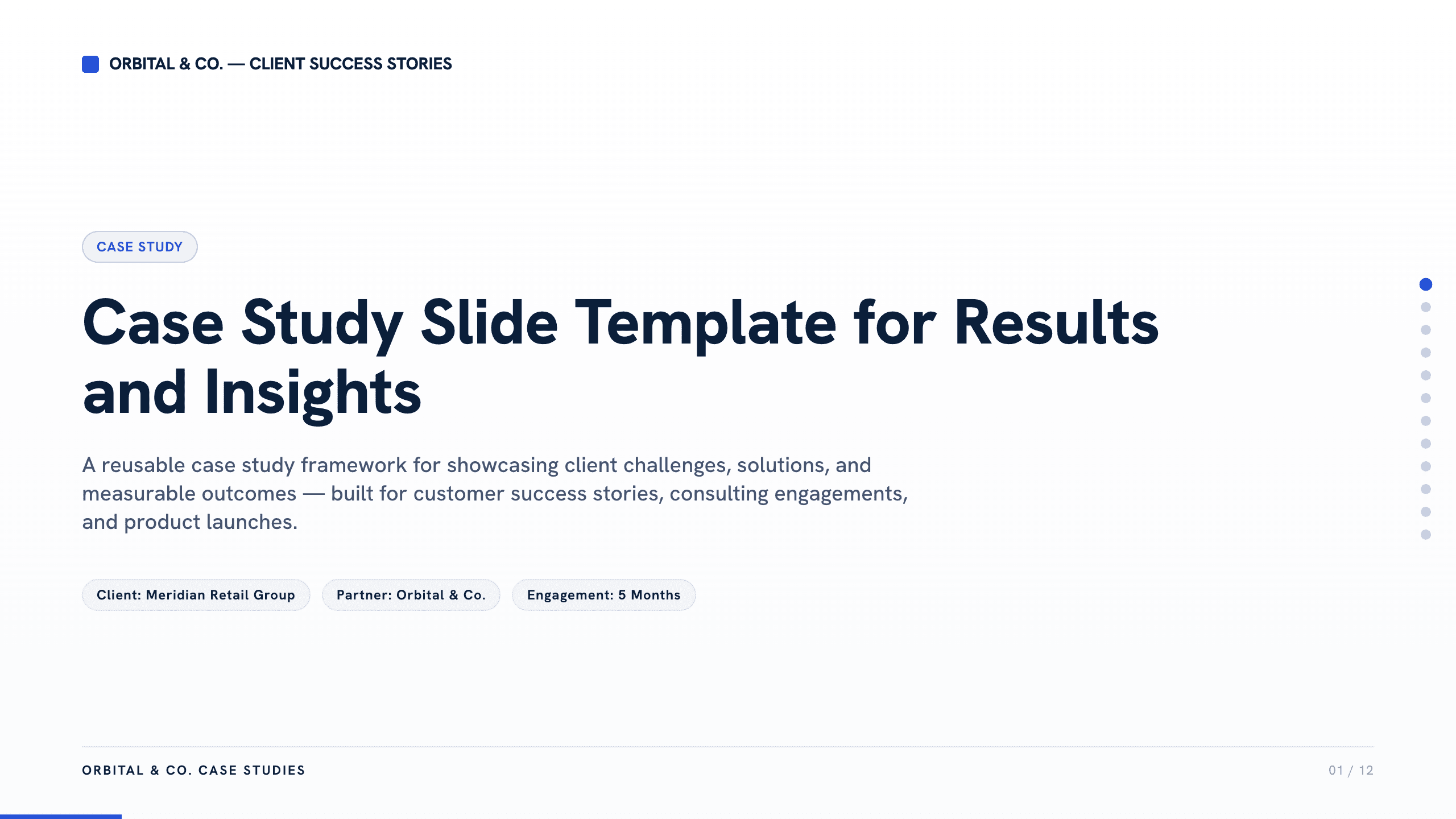
Case Study Slide Template
Tell a credible client or project story with 11 slides connecting the starting challenge, discovery, solution, rollout, measurable results, and lessons learned.
View template
Real Estate Presentation Template
Present a property or portfolio with 12 slides for market context, neighborhood, specifications, floor plan, amenities, comparables, marketing, and next steps.
View templateExplore other template hubs
Customize the UX Presentation Template with Julius AI
1
Preview the complete example
Inspect all 9 slides to understand the narrative, layouts, and level of detail before replacing the example content.
2
Add your content and direction
Give Julius AI your source material, evidence, audience, constraints, and desired outcome.
3
Review and export
Check the narrative, facts, and design, then export an editable version to PowerPoint or Google Slides for final delivery.