PowerPoint Resume Templates for Professional CVs
A presentation resume can be a concise career profile, a project portfolio, or a case-led proof of expertise. Compare six structures before deciding what belongs in your story.
Browse the collection
Explore PowerPoint Resume Templates
Review complete resume, portfolio, and case-study decks for professionals, specialists, graduates, and career changers.
Choose by proof
Show the evidence that matters for the opportunity
A slide resume should not be a paper résumé stretched across several pages. It earns the format by showing work, outcomes, decisions, and personality in ways a one-page document cannot.
Use the resume collection when your career history and range matter most. Choose a portfolio or case-study structure when the audience needs to understand the quality of your work or how you think through a specific problem.
- Options
- 6 professional story formats
- Best for
- Applications, interviews, and introductions
- Format
- Editable widescreen slides
Compare the options
Choose how you want to prove your value
Every option introduces a person, but the evidence changes. Decide whether the audience should remember your career progression, body of work, specialist process, or one strong result.
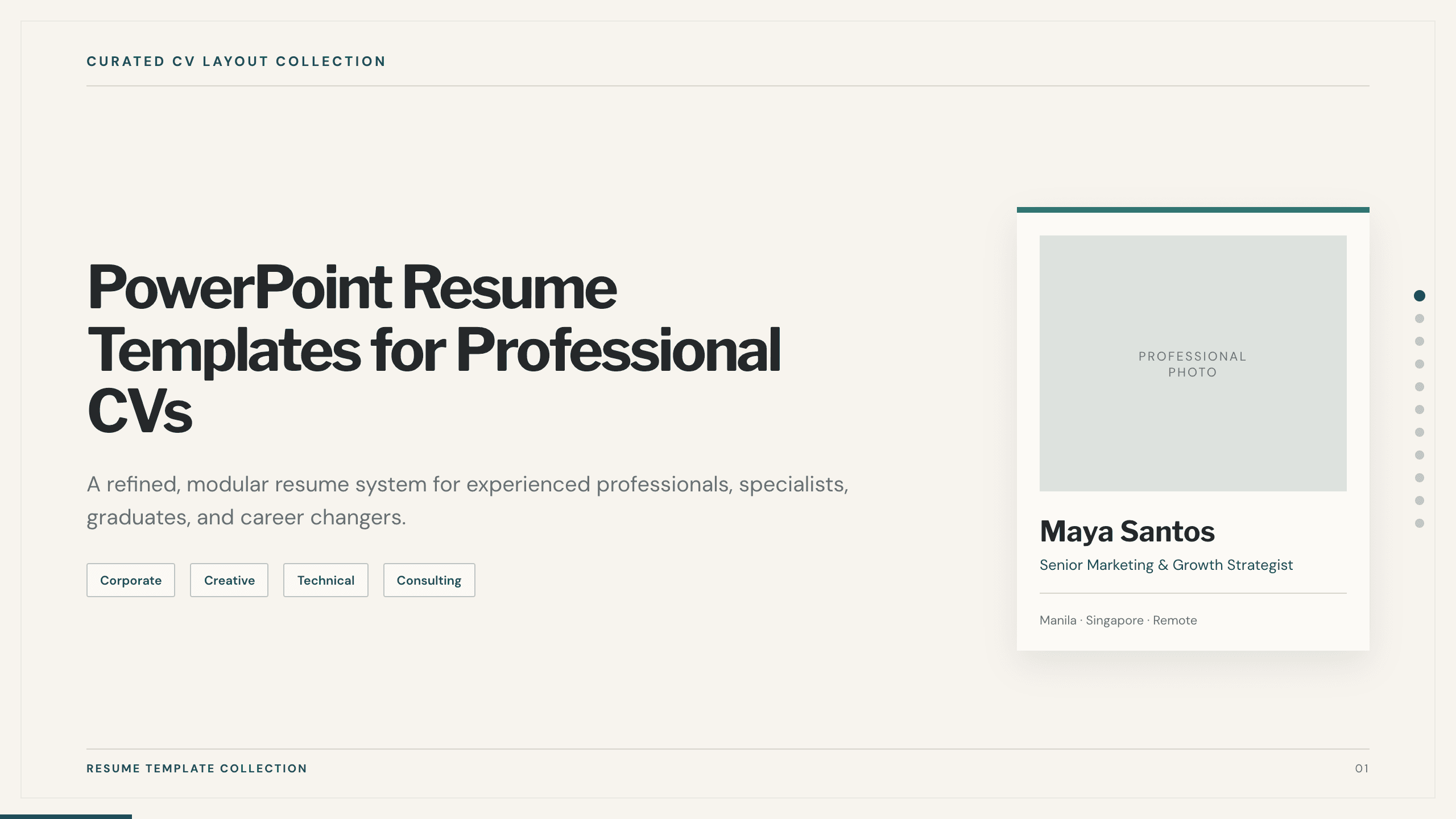
Best for
A complete career overview
Presentation resume collection
Combine a profile, strengths, experience, outcomes, selected work, qualifications, tools, and a career timeline in one professional narrative.
Preview this collection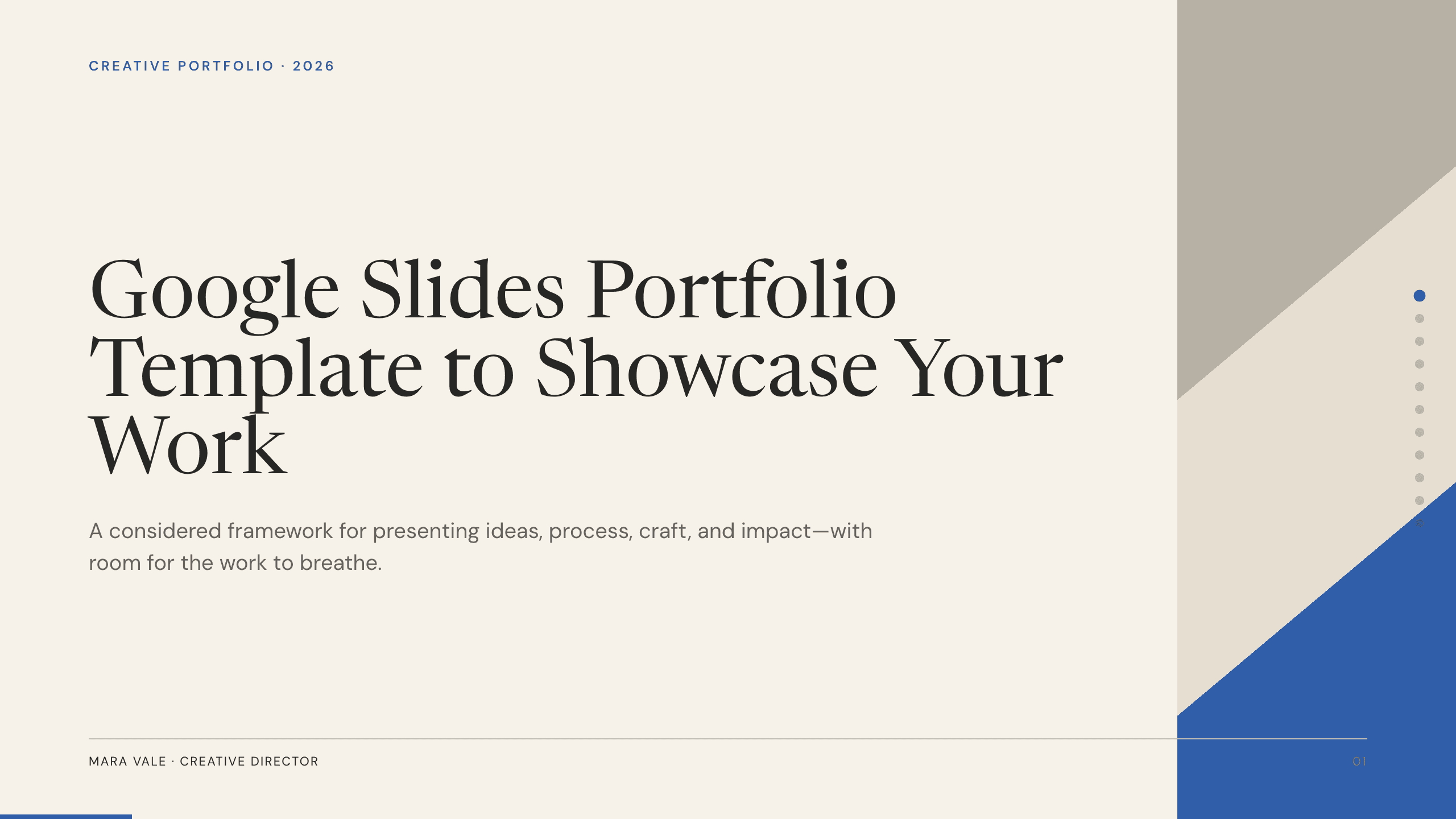
Best for
Creative and general professional portfolios
Google Slides Portfolio Template
Show a curated set of projects with context, contribution, process, outcomes, capabilities, and an easy path to continue the conversation.
View template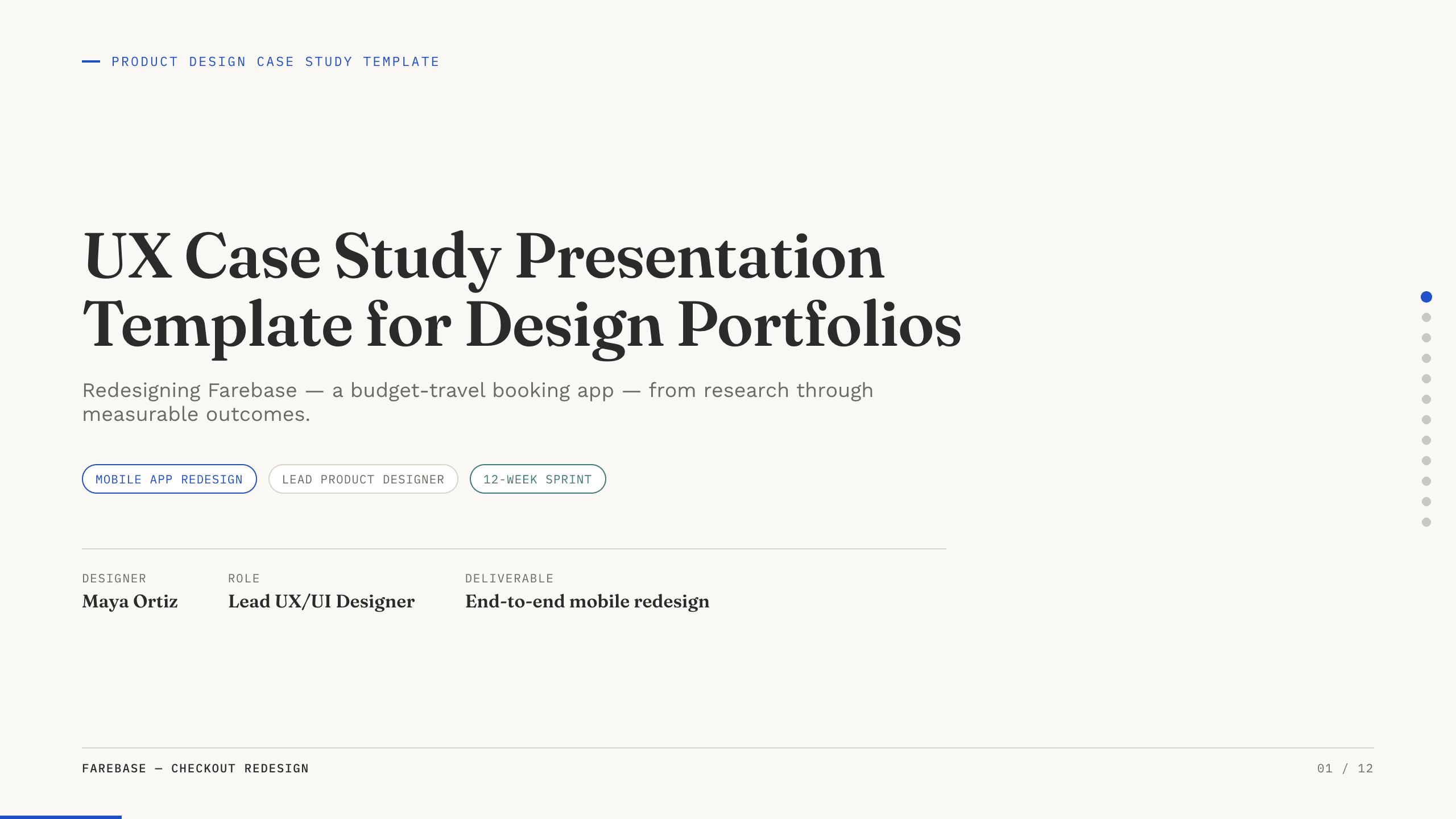
Best for
UX interviews and design reviews
UX Case Study Presentation Template
Walk through a product problem, research, insight, design decisions, iterations, final experience, and evidence of impact.
View template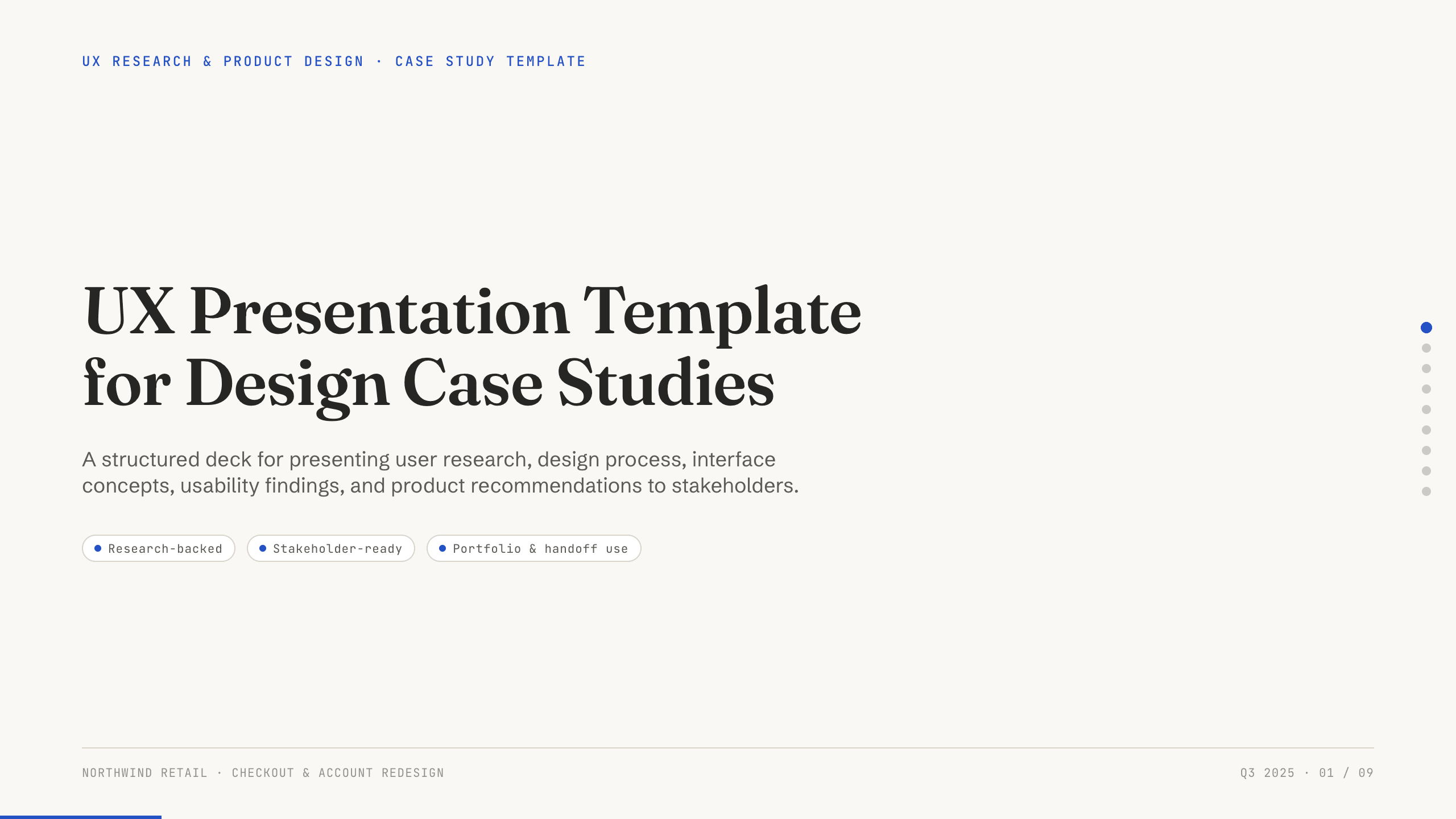
Best for
UX capabilities and process presentations
UX Presentation Template
Present a broader view of UX practice, from user and business context through research, principles, concepts, testing, and next iteration.
View template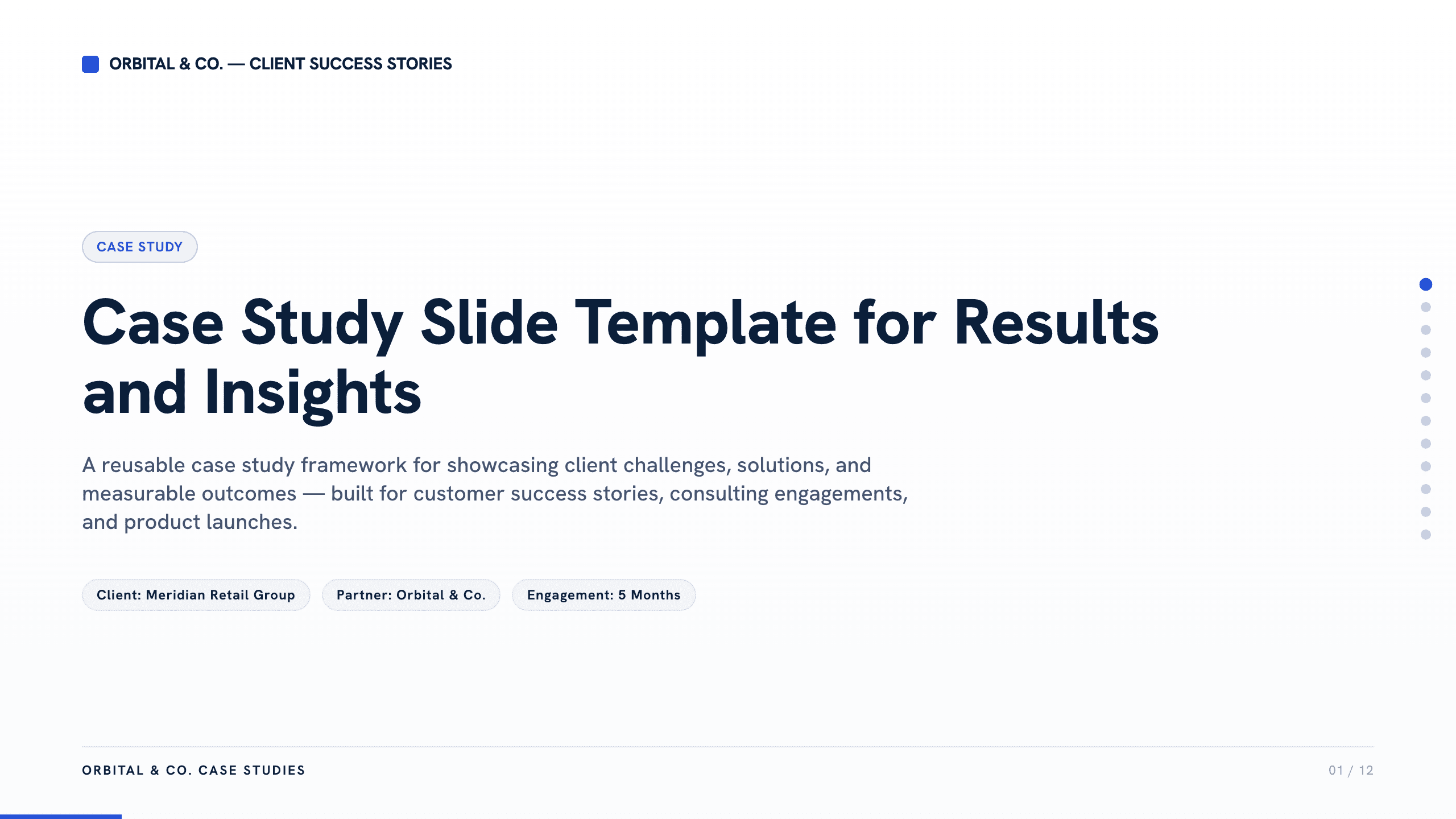
Best for
Consultants and outcome-led specialists
Case Study Slide Template
Build credibility around one challenge, your approach, the implementation, measurable results, and what the audience can learn from it.
View template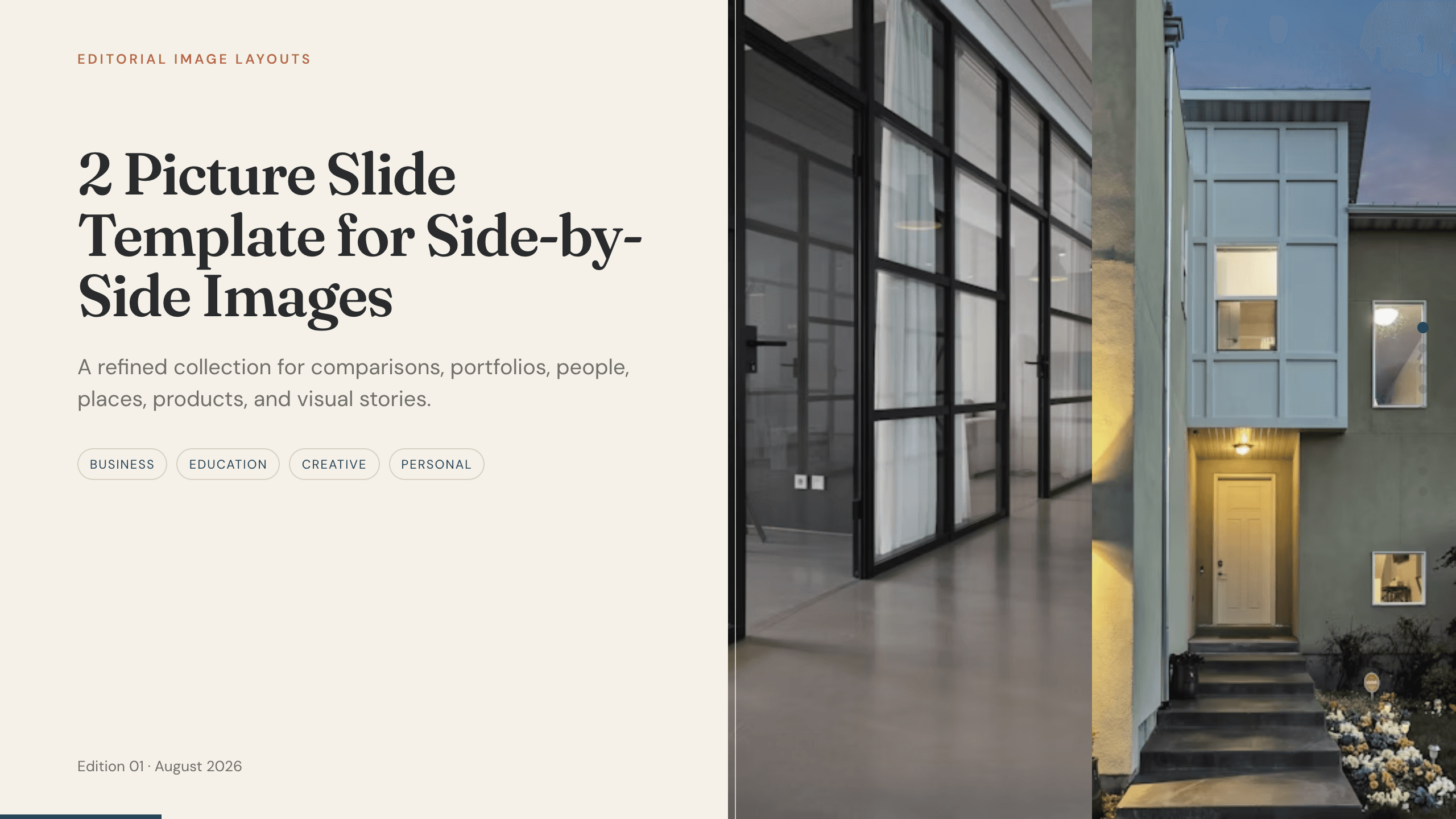
Best for
Visual work samples and transformations
2 Picture Slide Template
Put two visuals in direct conversation to show before and after, alternative directions, details, or paired examples without crowding the page.
View templateMake the choice
Lead with the evidence the reviewer will trust
The most polished deck is not automatically the most persuasive. Match the structure to how the opportunity evaluates candidates.
- 1
Use a resume story for range and progression
It works when experience, increasing responsibility, qualifications, and transferable strengths all contribute to the decision.
- 2
Use a portfolio for breadth of work
It helps when several projects collectively demonstrate taste, judgment, technical range, or a consistent point of view.
- 3
Use a case study for depth and causality
It is strongest when one project can reveal how you framed a problem, made decisions, handled constraints, and produced an outcome.
Customize a design from PowerPoint Resume Templates with Julius AI
1
Compare the complete previews
Open the live 16:9 decks and choose the structure that best fits your audience and presentation goal.
2
Add your content and direction
Give Julius AI your source material, evidence, audience, constraints, and desired outcome.
3
Review and export
Check the narrative, facts, and design, then export an editable version to PowerPoint for final delivery.