Google Slides Portfolio Template to Showcase Your Work
Showcase selected work in nine editorial Google Slides layouts covering your point of view, capabilities, project context, process, outcomes, and contact.
Preview the 9-slide Google Slides Portfolio Template
Review the complete creative portfolio, including positioning, selected work, project context, process evidence, impact, and a purposeful closing invitation.
What you're getting
A portfolio that explains the thinking behind the work
This nine-slide Google Slides template balances finished work with the context that makes it credible. It provides room for a clear point of view, selected projects, process decisions, outcomes, and a closing invitation without turning the deck into a visual résumé.
The worked design portfolio demonstrates pacing and specificity. Replace it with a small set of projects relevant to the opportunity, protect confidential client information, and make your own contribution unmistakable.
- Included
- 9 portfolio slides
- Best for
- Creative and professional work
- Export
- Editable Google Slides
Built for
Designers preparing for interviews
Candidates showing problem framing, process, decisions, craft, collaboration, and measurable impact.
Freelancers pitching a client
Independent practitioners selecting relevant work and explaining how they approach a similar problem.
Studios presenting capabilities
Teams connecting a point of view, representative projects, disciplines, and outcomes in one concise deck.
Getting started
Curate for the opportunity, not for completeness
A smaller portfolio with clear relevance and honest context is stronger than every project you have ever touched.
- 1
Define the audience
Choose the role, client, discipline, or brief the portfolio must address.
- 2
Select a tight body of work
Prioritize projects that demonstrate the needed capability, range, and level of responsibility.
- 3
Explain the context
State the problem, constraints, team, timeline, and your individual contribution for each project.
- 4
Show decisions and results
Use artifacts and evidence to connect your process to a better user, business, or creative outcome.
- 5
End with a useful invitation
Close with the kind of problem you want to solve and a clear, current way to continue the conversation.
Explore more
Related templates worth comparing
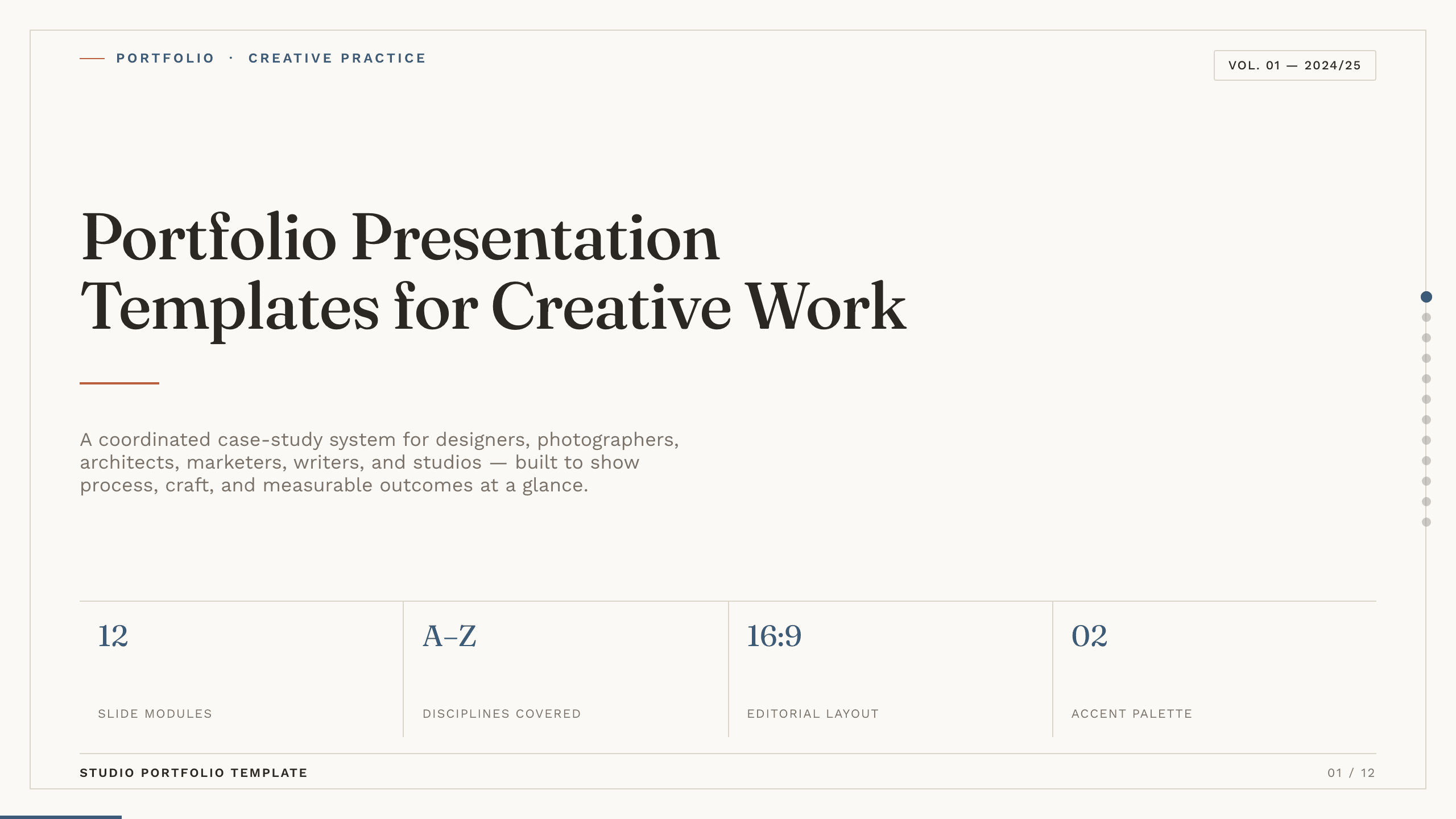
Portfolio Presentation Templates
Inspect a 10-slide featured example and find a starting point for creative work.
Browse collection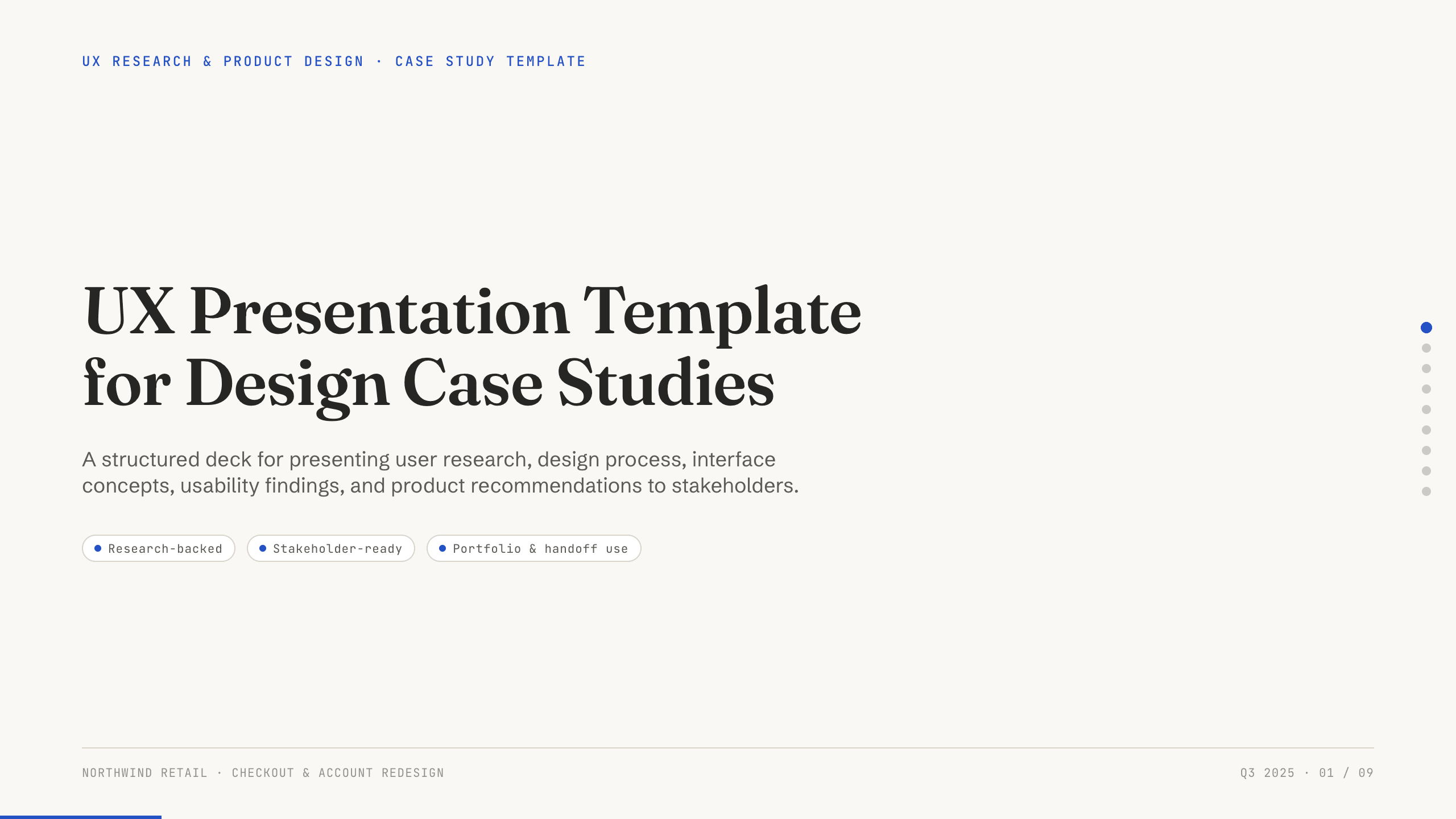
UX Presentation Template
Present a UX project in nine slides covering the product problem, research, journey, insight, design decisions, usability evidence, outcome, and recommendation.
View template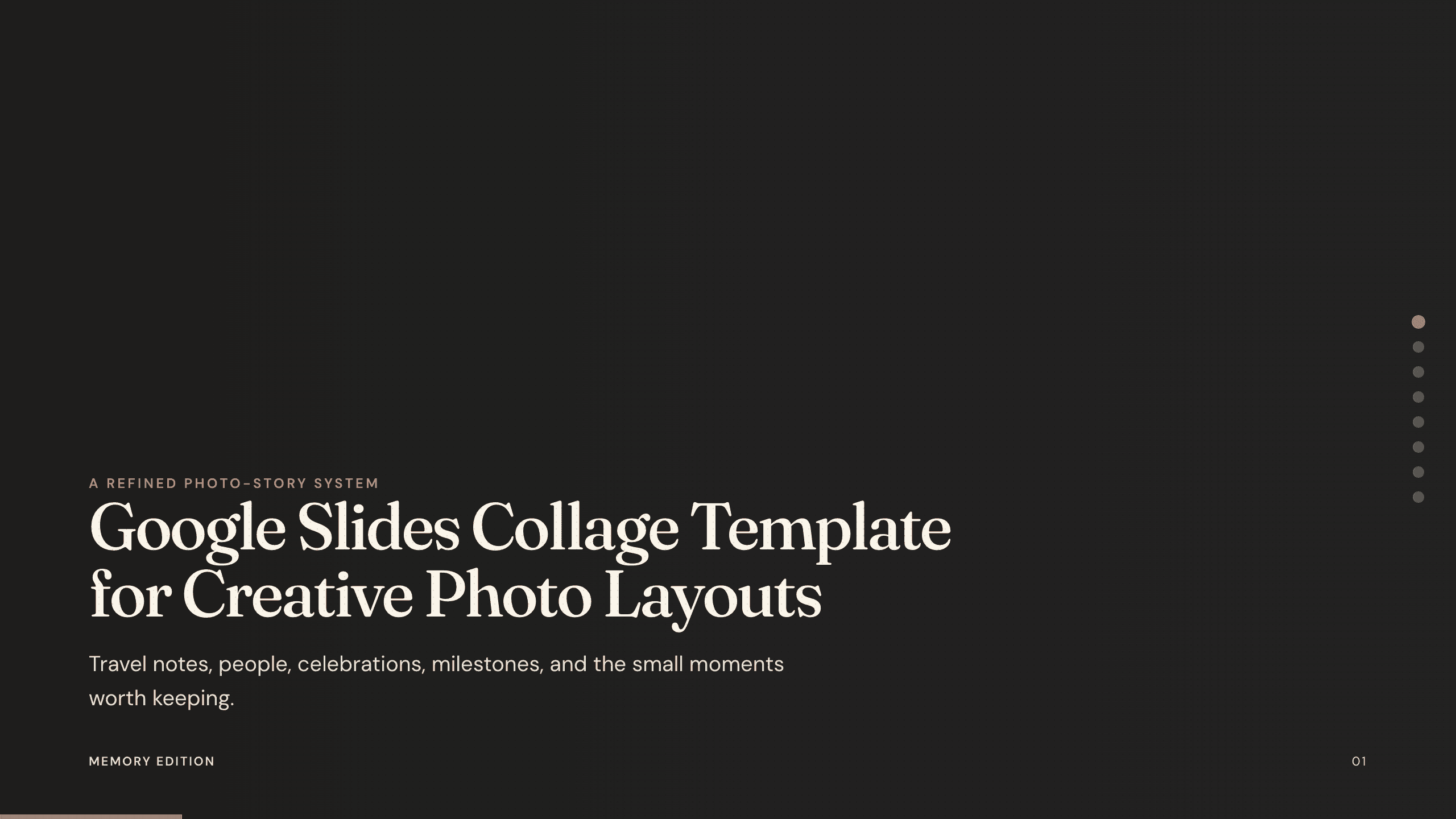
Google Slides Collage Template
Arrange travel, celebration, milestone, and everyday photos in eight flexible Google Slides collage layouts with room for dates, captions, and reflection.
View template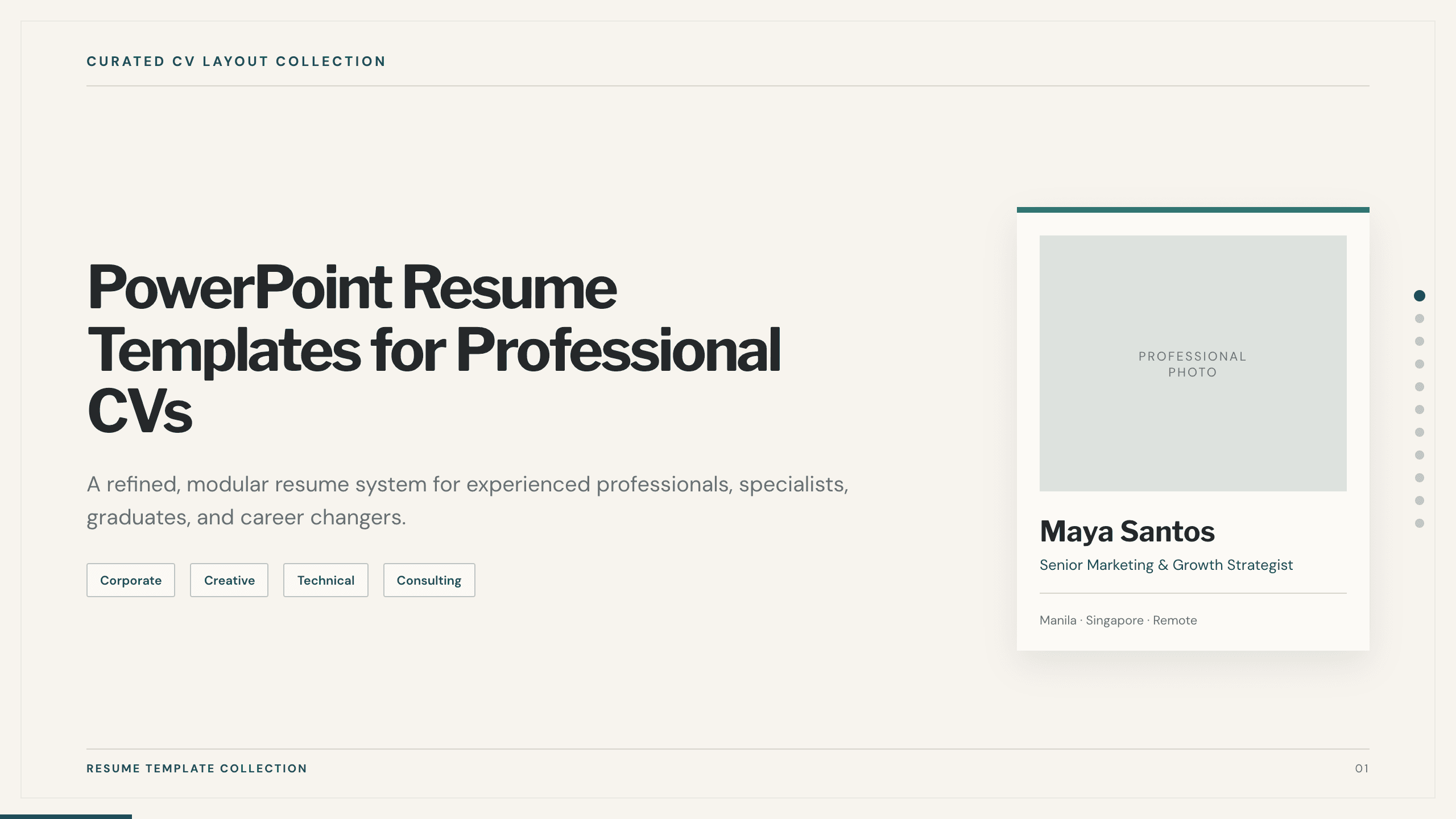
PowerPoint Resume Templates
Inspect a 11-slide featured example and find a starting point for professional CVs.
Browse collection
UX Case Study Presentation Template
Build a 12-slide UX case study covering product context, user problem, research, journey, insight, iterations, testing, outcome, and reflection.
View template
Real Estate Presentation Template
Present a property or portfolio with 12 slides for market context, neighborhood, specifications, floor plan, amenities, comparables, marketing, and next steps.
View templateExplore other template hubs
Customize the Google Slides Portfolio Template with Julius AI
1
Preview the complete example
Inspect all 9 slides to understand the narrative, layouts, and level of detail before replacing the example content.
2
Add your content and direction
Give Julius AI your source material, evidence, audience, constraints, and desired outcome.
3
Review and export
Check the narrative, facts, and design, then export an editable version to Google Slides for final delivery.