Real Estate Presentation Template for Property Listings
Present a property or portfolio with 12 slides for market context, neighborhood, specifications, floor plan, amenities, comparables, marketing, and next steps.
Preview the 12-slide Real Estate Presentation Template
Explore the worked property portfolio from local market perspective and advisor profile through listings, comparable context, selling plan, and contact.
What you're getting
A real estate deck that gives the property useful context
This 12-slide template balances visual property presentation with the information a buyer, seller, investor, or partner needs to evaluate it. It covers location, specifications, floor plan, condition, amenities, comparable evidence, positioning, process, and next steps.
The sample portfolio is illustrative. Replace photographs, measurements, pricing, availability, disclosures, and market data with verified current information, and follow the advertising and licensing requirements in your jurisdiction.
- Included
- 12 property slides
- Best for
- Listings and property advice
- Export
- PowerPoint or Google Slides
Built for
Agents presenting a listing
Professionals combining the property story, evidence, marketing plan, and transaction path in one deck.
Developers and leasing teams
Teams introducing a project, unit mix, amenities, location advantage, availability, and commercial terms.
Buyers or investors comparing assets
Decision-makers organizing specifications, comparable sales, risks, returns, and diligence questions.
Getting started
Make every property claim verifiable
Use the deck to create interest, then make it easy for the audience to find the details they need for diligence.
- 1
Confirm the audience and objective
Decide whether the deck markets, advises, compares, raises capital, or documents a portfolio.
- 2
Verify property facts
Check ownership, address, dimensions, condition, inclusions, restrictions, pricing, availability, and required disclosures.
- 3
Build the location story
Use relevant access, neighborhood, market, demographic, or planning evidence rather than generic lifestyle claims.
- 4
Show the asset honestly
Use current permitted photographs, clear captions, comparable scales, and notes where images are renderings.
- 5
End with the transaction path
State the viewing, inquiry, offer, diligence, or approval step and the responsible contact.
Explore more
Related templates worth comparing
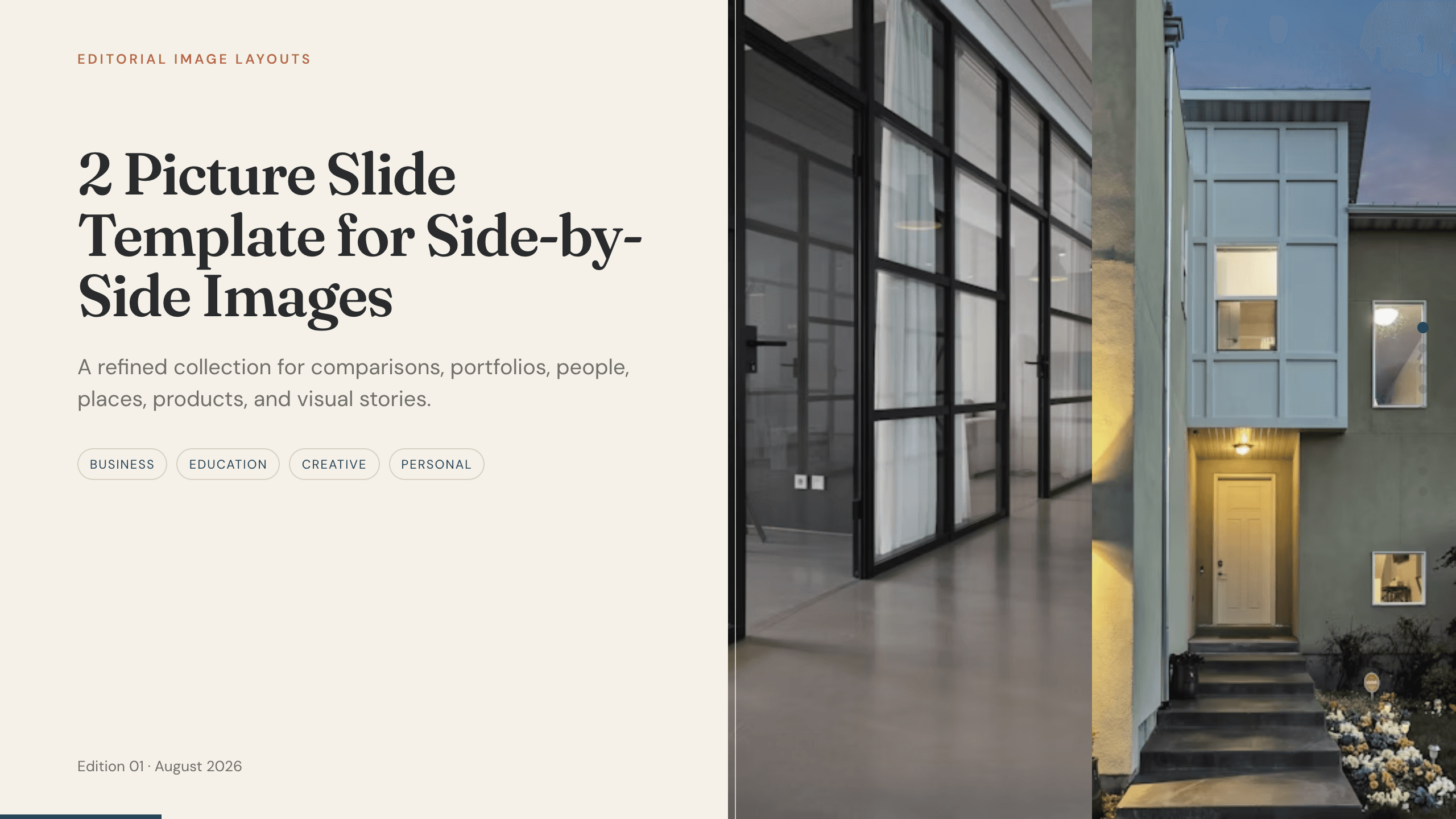
2 Picture Slide Template
Use nine two-picture slide layouts for clear before-and-after, option, person, place, product, portfolio, and process comparisons with minimal supporting copy.
View template
Portfolio Presentation Templates
Inspect a 10-slide featured example and find a starting point for creative work.
Browse collection
Google Slides Portfolio Template
Showcase selected work in nine editorial Google Slides layouts covering your point of view, capabilities, project context, process, outcomes, and contact.
View template
Google Slides Collage Template
Arrange travel, celebration, milestone, and everyday photos in eight flexible Google Slides collage layouts with room for dates, captions, and reflection.
View template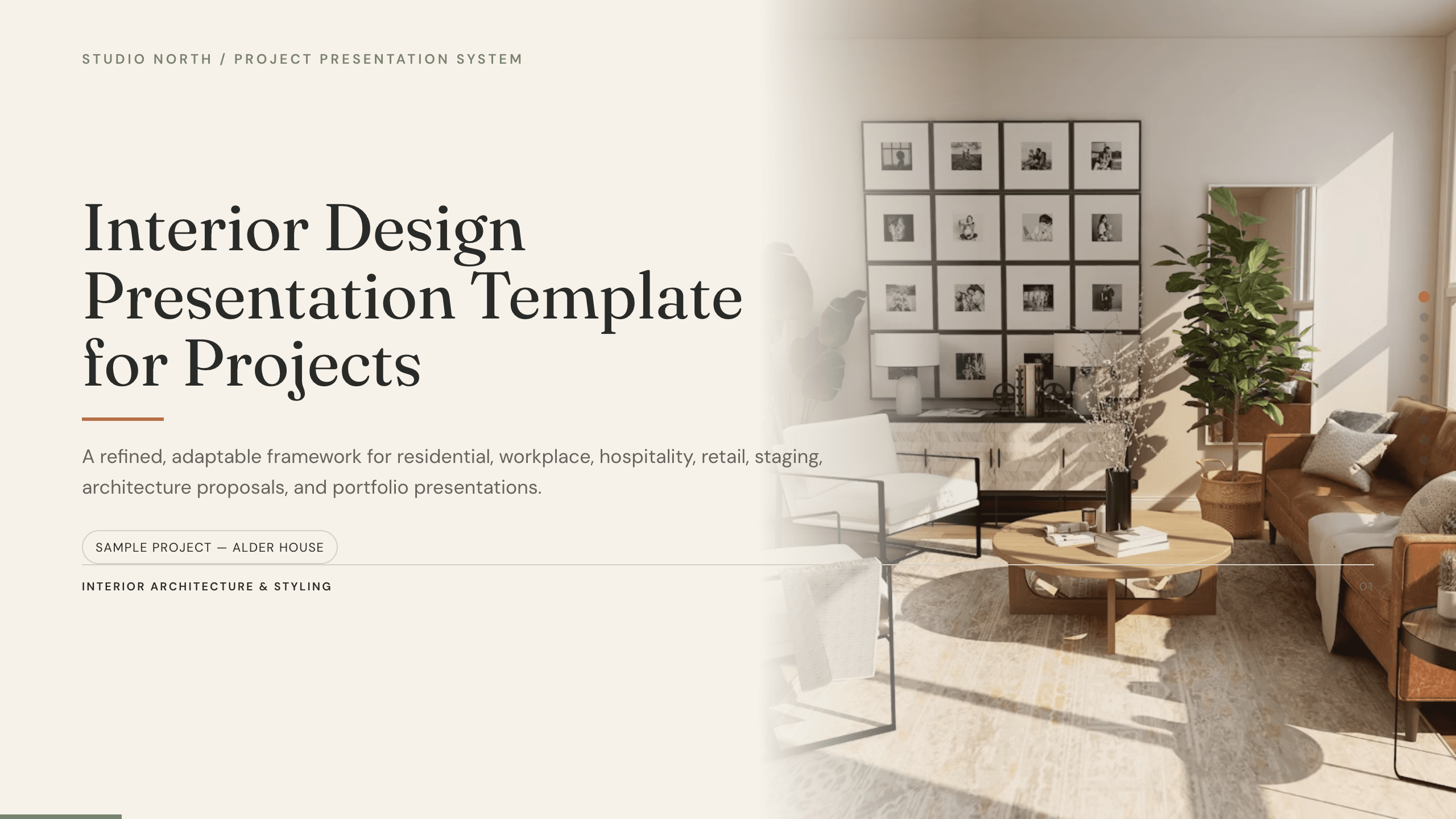
Interior Design Presentation Template
Present an interior design project with 12 slides for brief, concept, plan, palette, materials, furniture, lighting, rooms, budget, schedule, and approval.
View template
UX Presentation Template
Present a UX project in nine slides covering the product problem, research, journey, insight, design decisions, usability evidence, outcome, and recommendation.
View templateExplore other template hubs
Customize the Real Estate Presentation Template with Julius AI
1
Preview the complete example
Inspect all 12 slides to understand the narrative, layouts, and level of detail before replacing the example content.
2
Add your content and direction
Give Julius AI your source material, evidence, audience, constraints, and desired outcome.
3
Review and export
Check the narrative, facts, and design, then export an editable version to PowerPoint or Google Slides for final delivery.