Portfolio Presentation Templates for Creative Work
A portfolio should reveal judgment, not just display output. Compare six ways to present a body of work, a specialist process, a single case, or a visual transformation.
Browse the collection
Explore Portfolio Presentation Templates
Review complete portfolio and case-study formats for creative practices, UX work, consulting outcomes, property stories, and highly visual projects.
Choose by evidence
Curate the work around the question you want to answer
A useful portfolio explains why each project belongs. It gives the audience enough context to understand the constraints, your contribution, the quality of the response, and the outcome, then moves on before the evidence becomes repetitive.
The collection includes broad portfolios and more focused case formats. Use a general portfolio to establish range; use a specialist or case-led deck when depth, process, and a defensible result matter more.
- Options
- 6 portfolio and case formats
- Best for
- Creative, technical, and advisory work
- Format
- Editable widescreen slides
Compare the options
Choose the shape of the proof
These templates differ in how much space they give to breadth, process, visuals, and outcomes. Start with the one that reflects how your work is actually evaluated.
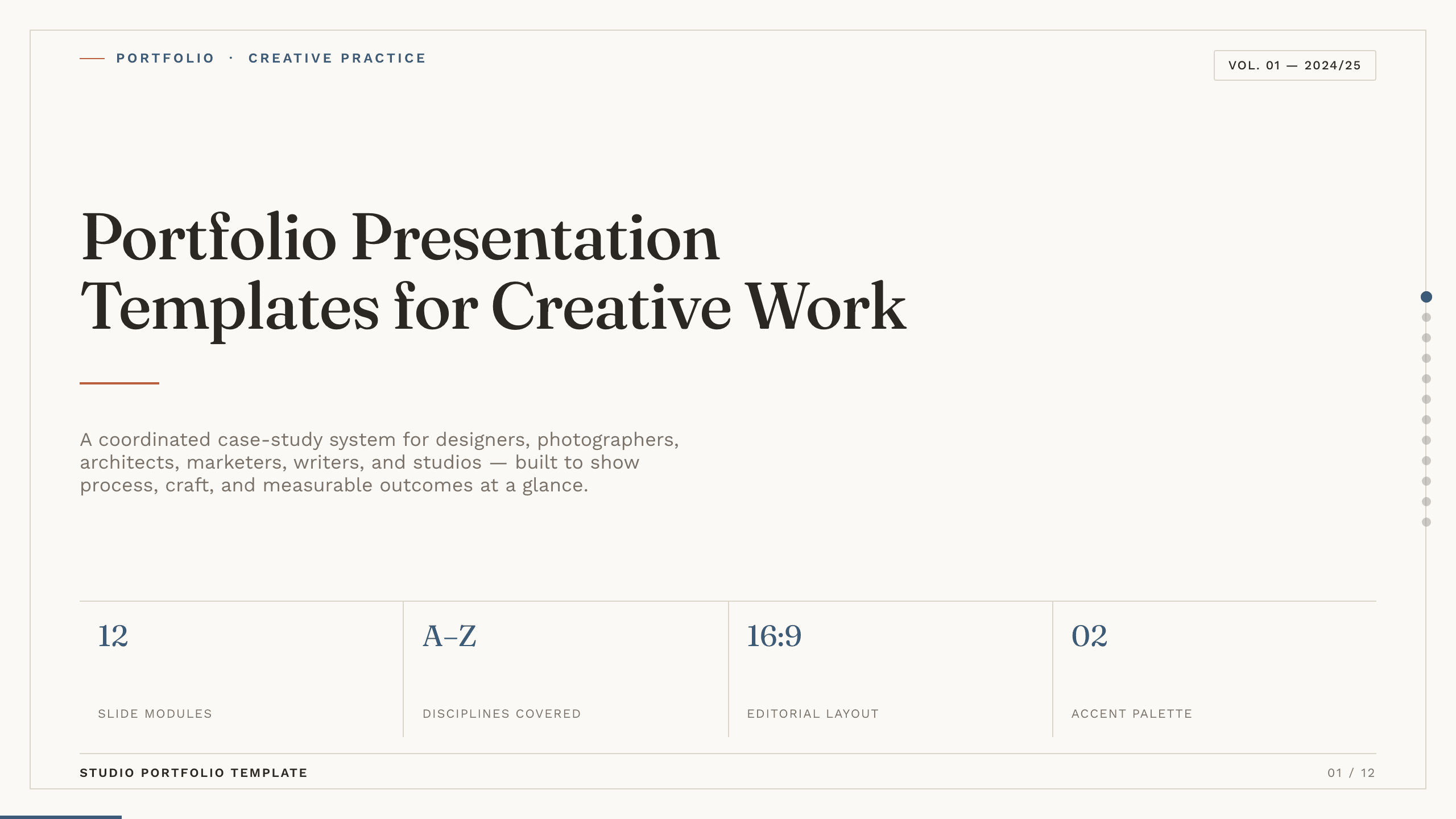
Best for
Studios and multidisciplinary creatives
Portfolio presentation collection
Introduce your point of view and capabilities, show a project grid, develop a case study, explain the process, and close with results and a clear invitation.
Preview this collection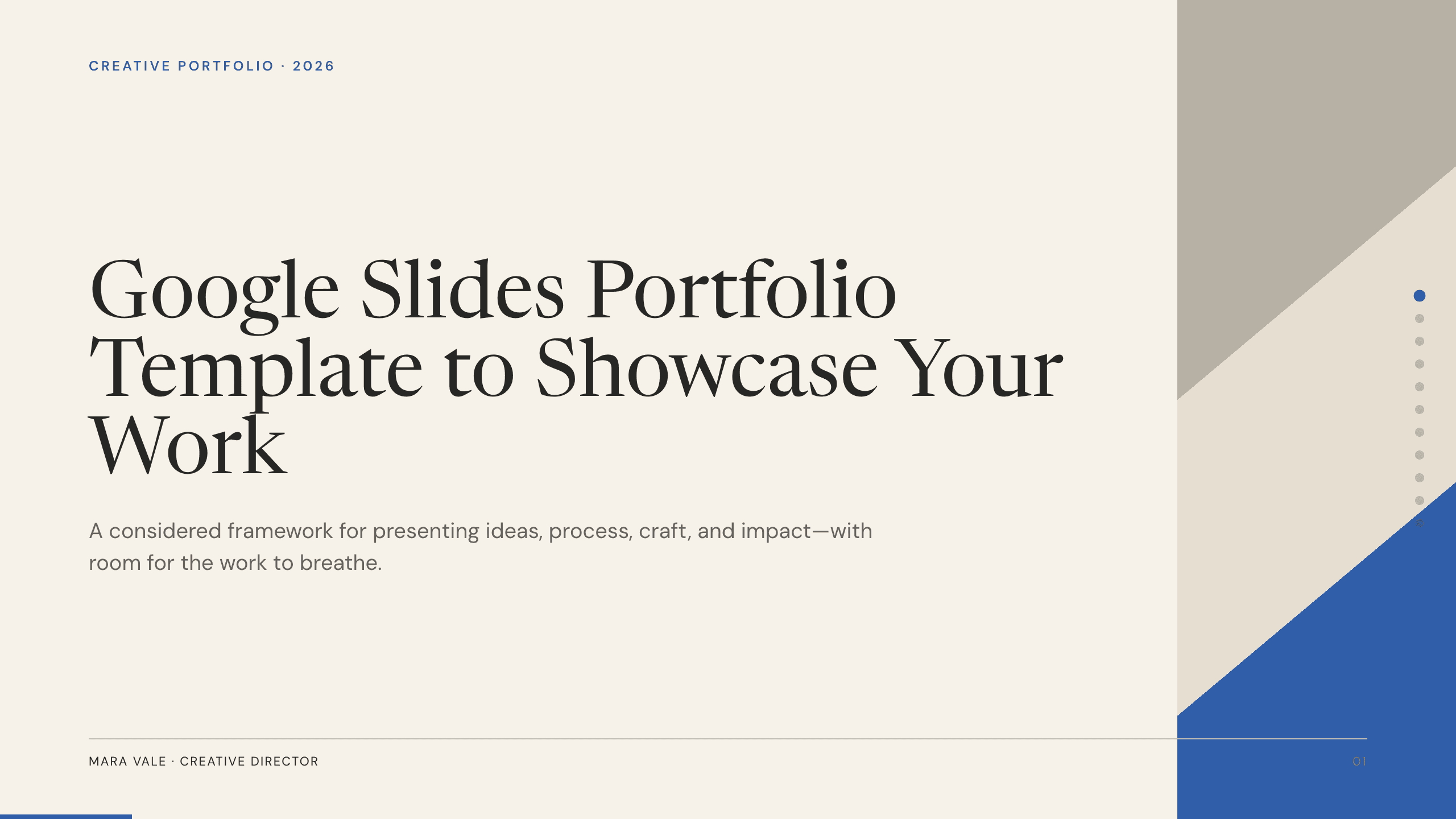
Best for
General professional and creative portfolios
Google Slides Portfolio Template
Present selected work in a compact nine-slide story that is easy to share, collaborate on, and continue editing in Google Slides.
View template
Best for
Product design interviews and reviews
UX Case Study Presentation Template
Show how research and insight led to design choices, iterations, a final experience, and evidence of impact.
View template
Best for
Consultants, agencies, and specialists
Case Study Slide Template
Center one client or project challenge, then make the approach, implementation, result, and transferable lesson easy to verify.
View template
Best for
Property and interior project portfolios
Real Estate Presentation Template
Combine property photography with location, features, floor plan, market context, comparable properties, and financial details.
View template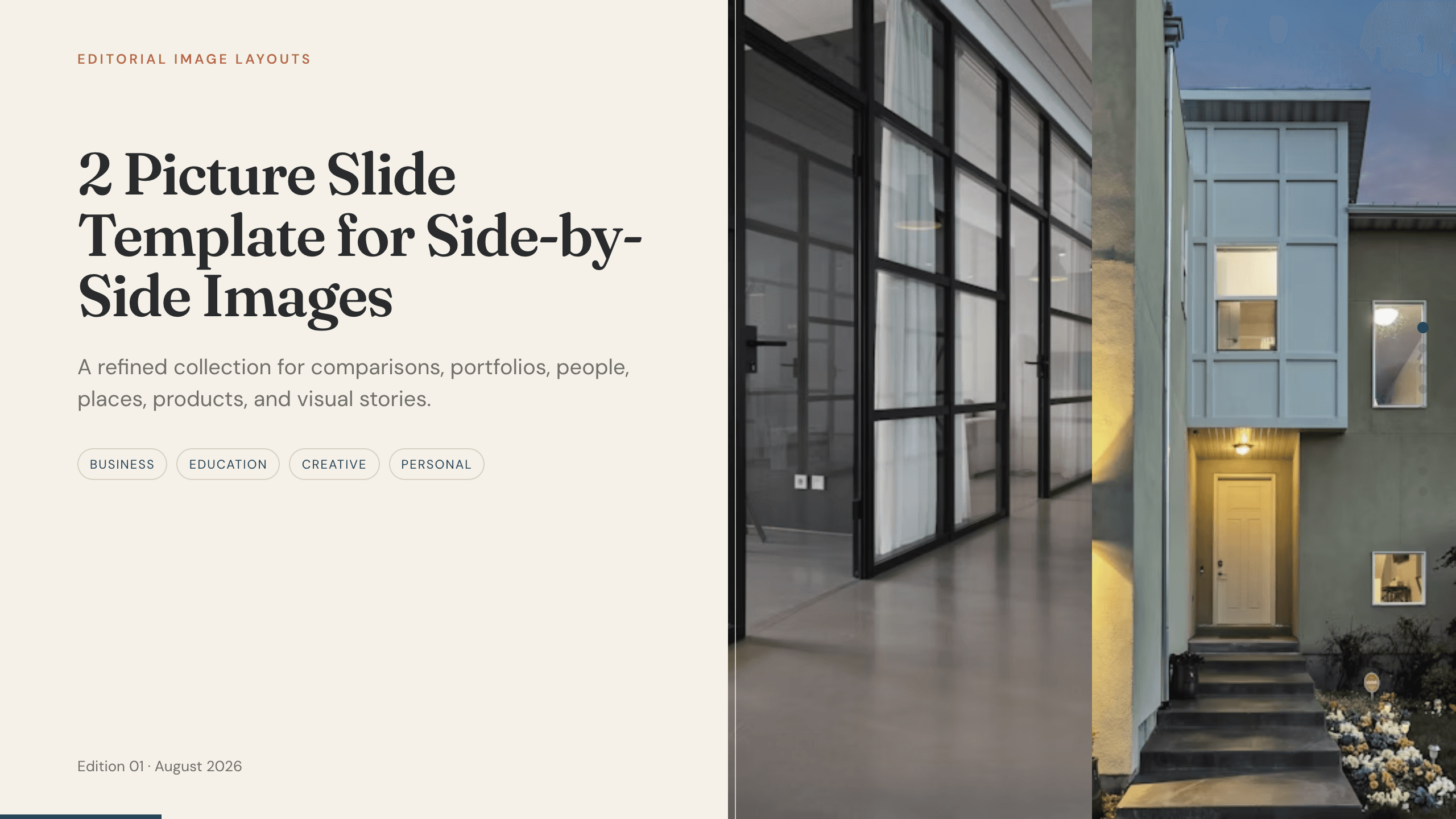
Best for
Photography, architecture, and transformations
2 Picture Slide Template
Use paired images to compare concepts, show before and after, reveal details, or let two related pieces share the page without visual clutter.
View templateMake the choice
Edit for the reviewer’s limited attention
Select fewer projects and give each one a clear reason to be there. The template should help the audience see a pattern in your work, not force them to infer it.
- 1
Use a broad portfolio to establish range
Choose the collection or Google Slides format when several projects together demonstrate your capabilities and point of view.
- 2
Use a case study to expose your thinking
Choose UX or case study when research, constraints, decisions, iteration, and outcomes are as important as the final artifact.
- 3
Use a visual format when images are the evidence
Choose real estate or paired-picture layouts when composition, space, transformation, or fine visual differences must remain prominent.
Customize a design from Portfolio Presentation Templates with Julius AI
1
Compare the complete previews
Open the live 16:9 decks and choose the structure that best fits your audience and presentation goal.
2
Add your content and direction
Give Julius AI your source material, evidence, audience, constraints, and desired outcome.
3
Review and export
Check the narrative, facts, and design, then export an editable version to PowerPoint or Google Slides for final delivery.