Interior Design Presentation Template for Projects
Present an interior design project with 12 slides for brief, concept, plan, palette, materials, furniture, lighting, rooms, budget, schedule, and approval.
Preview the 12-slide Interior Design Presentation Template
Review the complete residential concept from client rituals and design direction through spatial plan, finishes, furniture, lighting, schedule, and next approval.
What you're getting
An interior design deck that connects atmosphere to decisions
This 12-slide template translates a design concept into a reviewable project direction. It connects client needs, spatial strategy, mood, palette, materials, furniture, lighting, room applications, cost, schedule, and the decisions required to proceed.
The sample residence demonstrates a coherent visual language, but product availability, dimensions, pricing, and code conditions are illustrative. Replace them with verified specifications and distinguish inspiration imagery from proposed deliverables.
- Included
- 12 design slides
- Best for
- Concept and client review
- Export
- PowerPoint or Google Slides
Built for
Interior designers presenting a concept
Practitioners connecting the client brief to space planning, atmosphere, material, furnishing, and lighting choices.
Architects coordinating an interior package
Teams aligning design intent with dimensions, systems, procurement, schedule, and technical dependencies.
Clients reviewing a project direction
Decision-makers who need to understand options, trade-offs, allowances, approvals, and next steps.
Getting started
Trace every design choice back to the brief
The presentation should help the client approve a direction, not merely collect attractive reference images.
- 1
Confirm the client brief
Document users, routines, priorities, constraints, existing conditions, budget range, and approval process.
- 2
Write the concept in plain language
Describe the experience and principles before selecting images, colors, or products.
- 3
Build the spatial and material system
Connect plans, zones, palette, finishes, furniture, lighting, and key details consistently.
- 4
Verify feasibility
Check dimensions, lead times, durability, maintenance, accessibility, code, pricing, and substitutions.
- 5
Request specific approvals
List what is approved, what remains open, allowances, responsible parties, and the next documentation stage.
Explore more
Related templates worth comparing
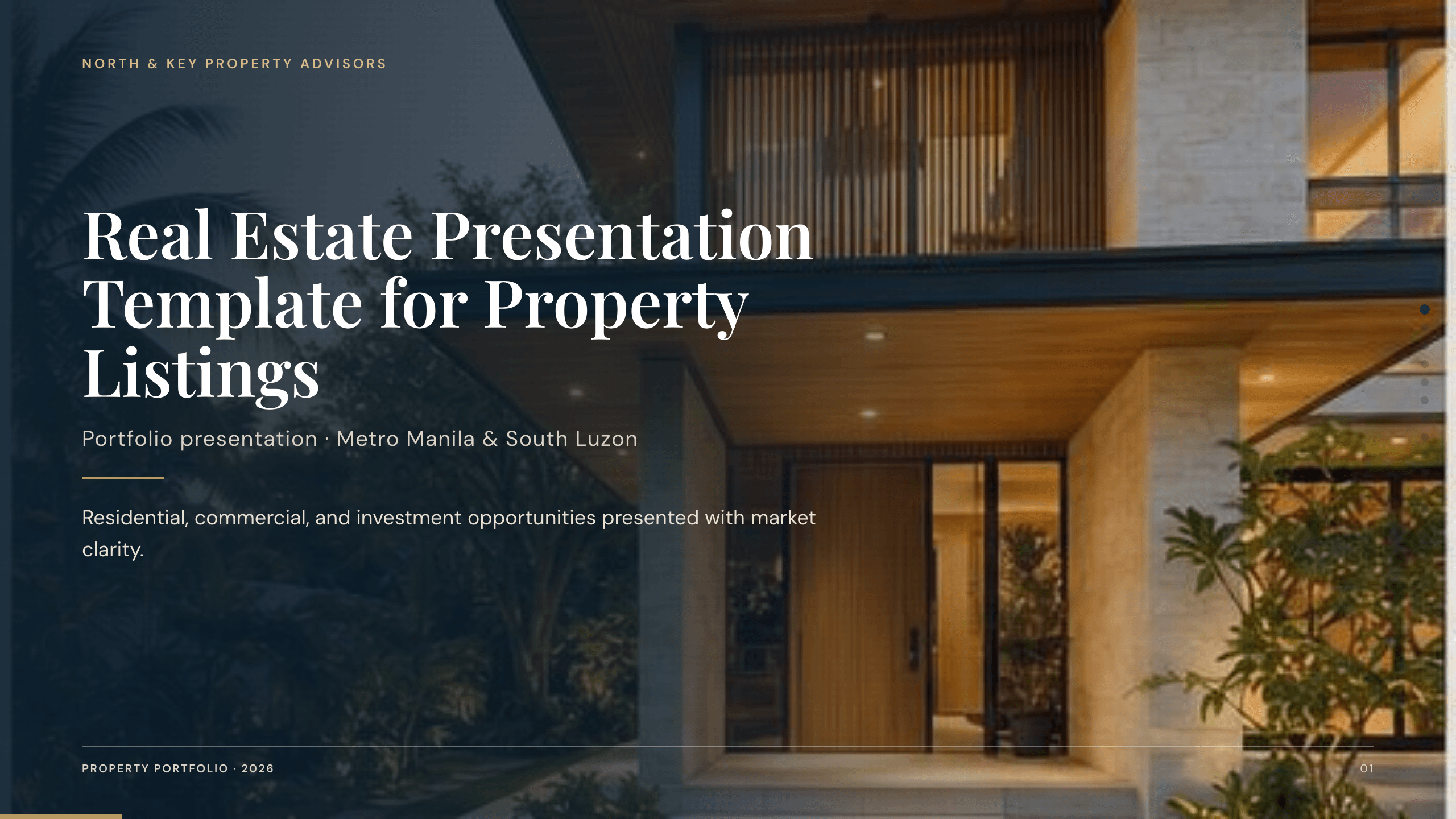
Real Estate Presentation Template
Present a property or portfolio with 12 slides for market context, neighborhood, specifications, floor plan, amenities, comparables, marketing, and next steps.
View template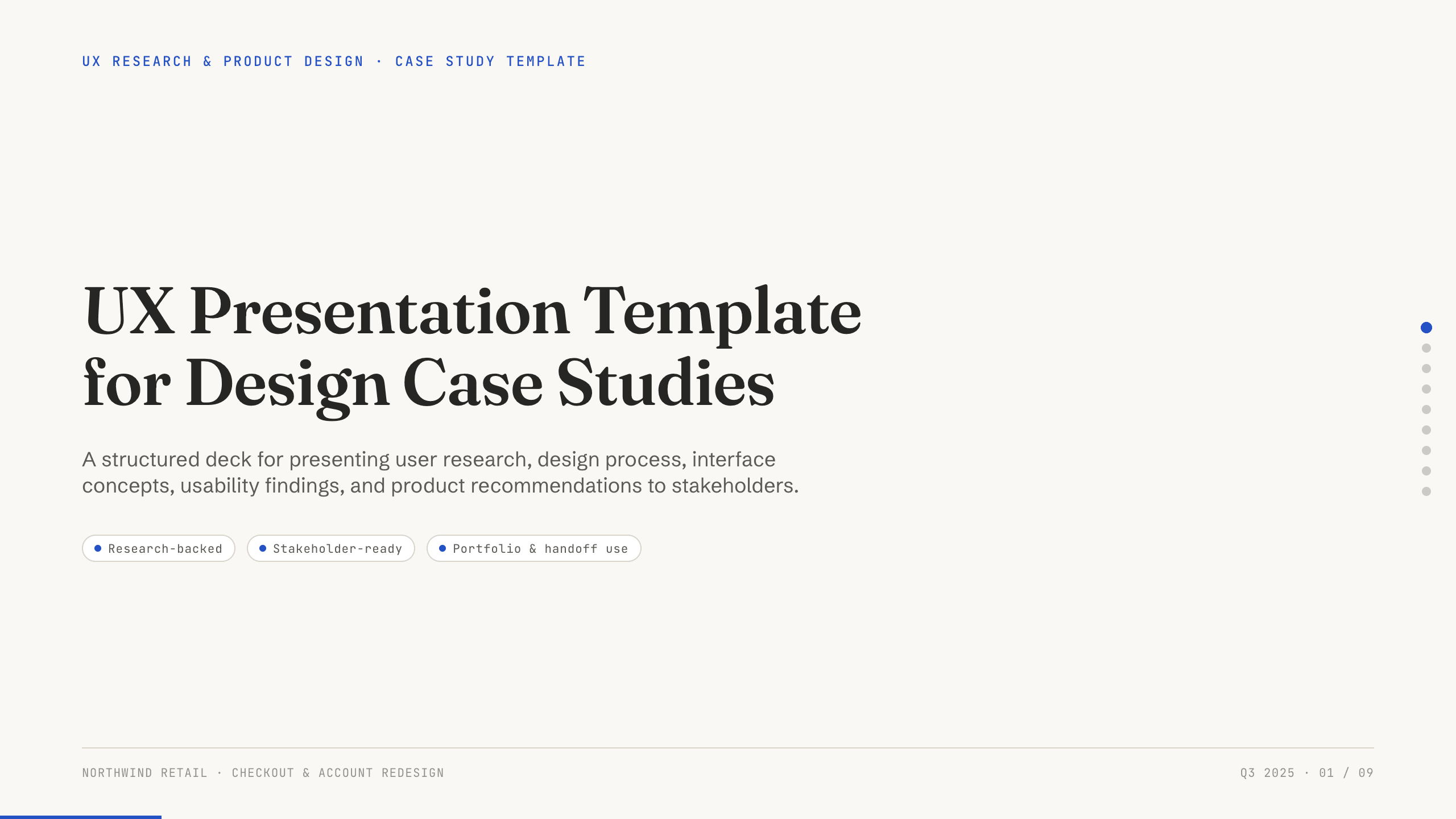
UX Presentation Template
Present a UX project in nine slides covering the product problem, research, journey, insight, design decisions, usability evidence, outcome, and recommendation.
View template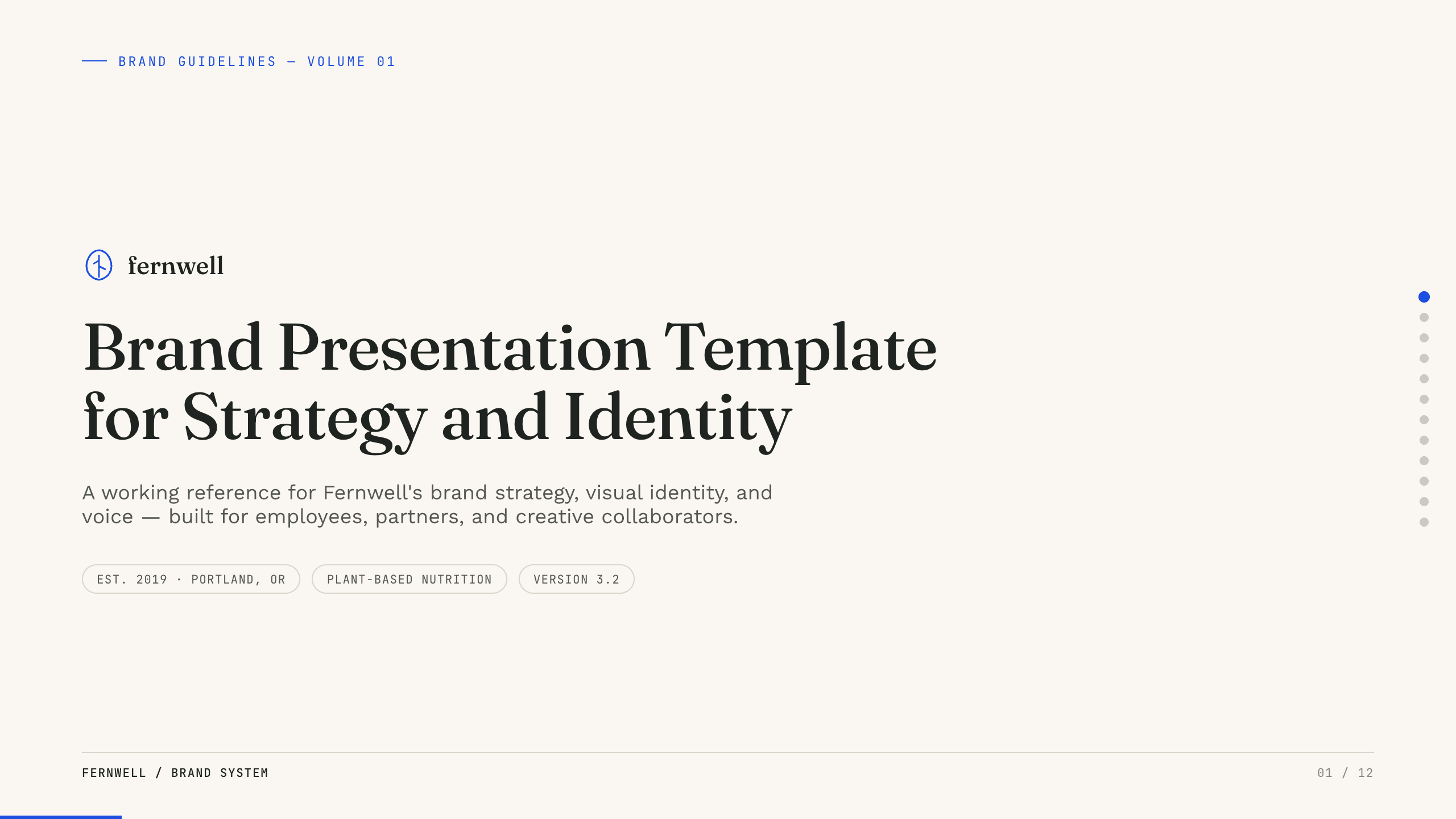
Brand Presentation Template
Create an 11-slide brand guide covering purpose, audience, positioning, personality, voice, identity, messaging, applications, and governance.
View template
UX Case Study Presentation Template
Build a 12-slide UX case study covering product context, user problem, research, journey, insight, iterations, testing, outcome, and reflection.
View template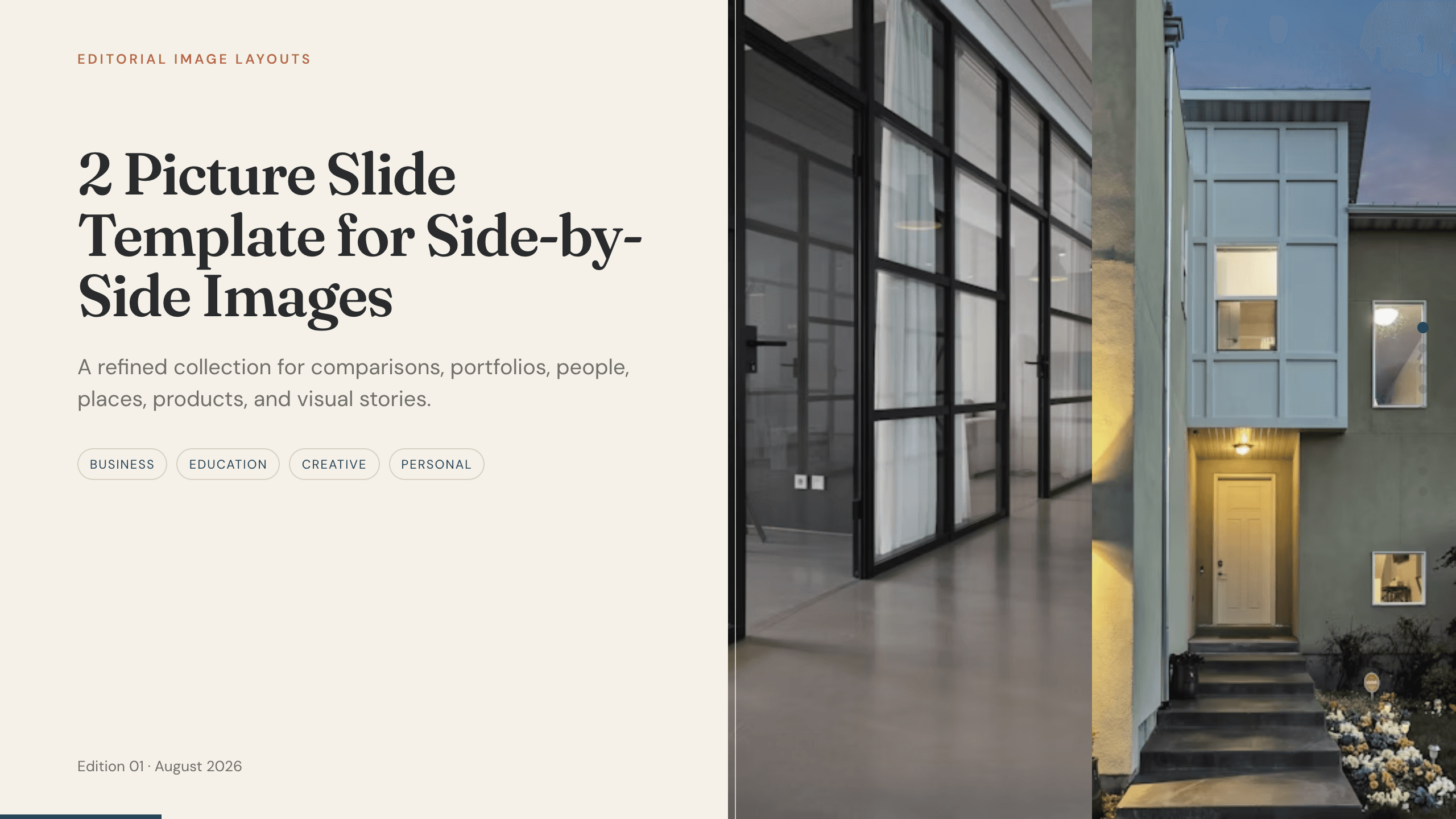
2 Picture Slide Template
Use nine two-picture slide layouts for clear before-and-after, option, person, place, product, portfolio, and process comparisons with minimal supporting copy.
View template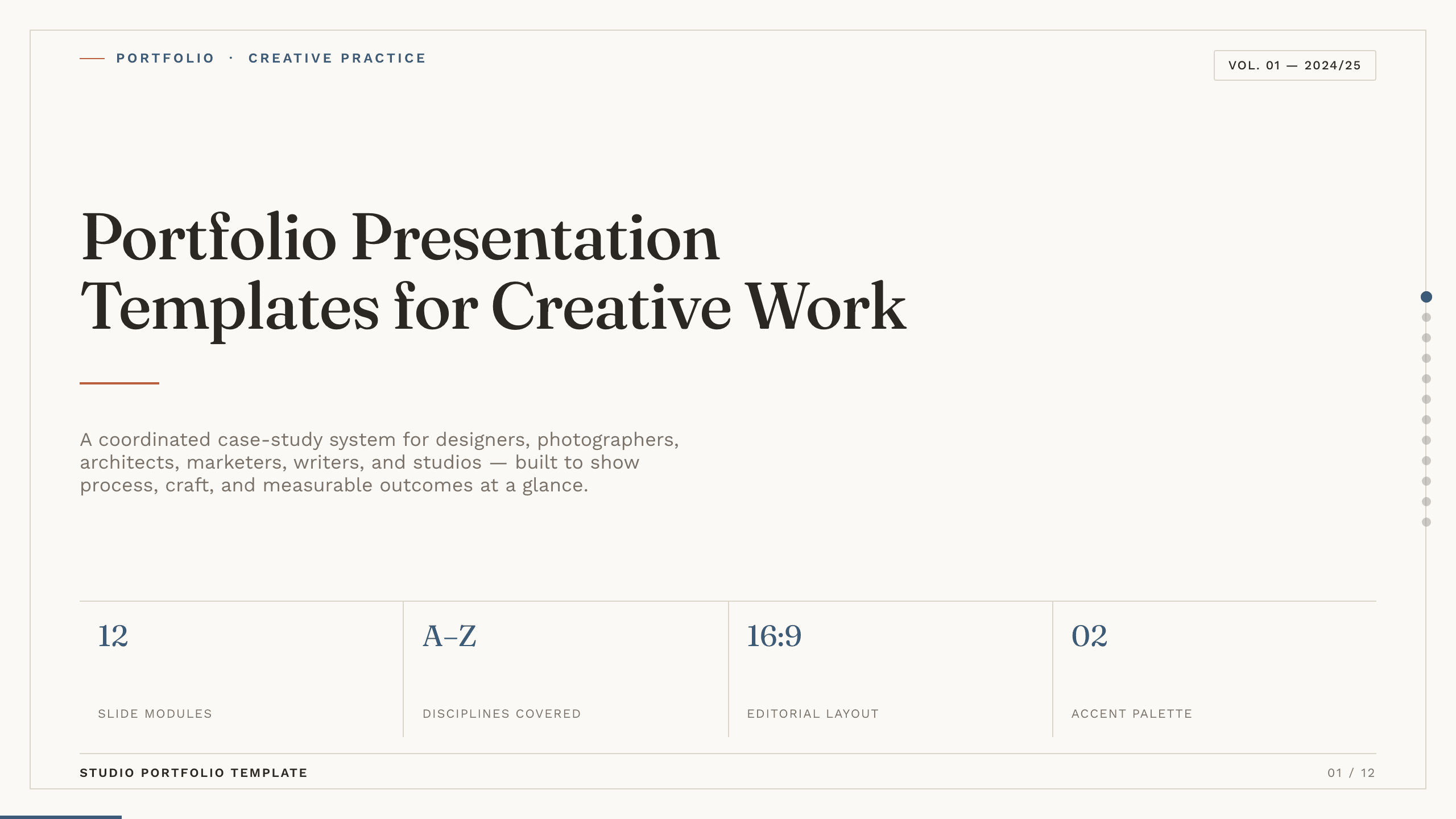
Portfolio Presentation Templates
Inspect a 10-slide featured example and find a starting point for creative work.
Browse collectionExplore other template hubs
Customize the Interior Design Presentation Template with Julius AI
1
Preview the complete example
Inspect all 12 slides to understand the narrative, layouts, and level of detail before replacing the example content.
2
Add your content and direction
Give Julius AI your source material, evidence, audience, constraints, and desired outcome.
3
Review and export
Check the narrative, facts, and design, then export an editable version to PowerPoint or Google Slides for final delivery.