Brand Presentation Template for Strategy and Identity
Create an 11-slide brand guide covering purpose, audience, positioning, personality, voice, identity, messaging, applications, and governance.
Preview the 11-slide Brand Presentation Template
Review the complete Fernwell example from guide purpose and brand foundation through personality, voice, identity, messaging, applications, and stewardship.
What you're getting
A brand presentation teams can use to make real choices
This 11-slide template turns brand strategy into practical guidance for people creating messages, products, campaigns, and experiences. It connects purpose, audience, positioning, personality, voice, visual principles, messaging, applications, and governance.
The Fernwell example shows the level of specificity needed to guide decisions. Replace the sample brand with approved strategy and assets, include concrete do-and-don’t examples, and identify who resolves ambiguity as the system evolves.
- Included
- 11 brand slides
- Best for
- Identity and messaging
- Export
- PowerPoint or Google Slides
Built for
Brand teams documenting a system
Leaders creating a shared reference for strategy, verbal identity, visual identity, and governance.
Creative partners onboarding to a brand
Agencies and freelancers learning the audience, position, voice, assets, and application standards.
Company teams communicating consistently
Employees applying the brand across product, sales, support, recruiting, and internal communication.
Getting started
Translate brand strategy into repeatable creative decisions
Use examples and boundaries to show how the brand behaves, not just adjectives that every company could claim.
- 1
Confirm the strategic foundation
Align purpose, audience, competitive frame, position, promise, reasons to believe, and key tensions.
- 2
Define personality and voice
Turn traits into observable writing choices, tonal ranges, vocabulary, and clear do-and-don’t examples.
- 3
Document the visual system
Use approved logos, color, type, image, layout, icon, motion, and accessibility guidance.
- 4
Show real applications
Demonstrate how the system works in the channels and situations teams use most often.
- 5
Set governance
Name asset locations, approval roles, exception handling, version date, and the process for evolving the brand.
Explore more
Related templates worth comparing

Real Estate Presentation Template
Present a property or portfolio with 12 slides for market context, neighborhood, specifications, floor plan, amenities, comparables, marketing, and next steps.
View template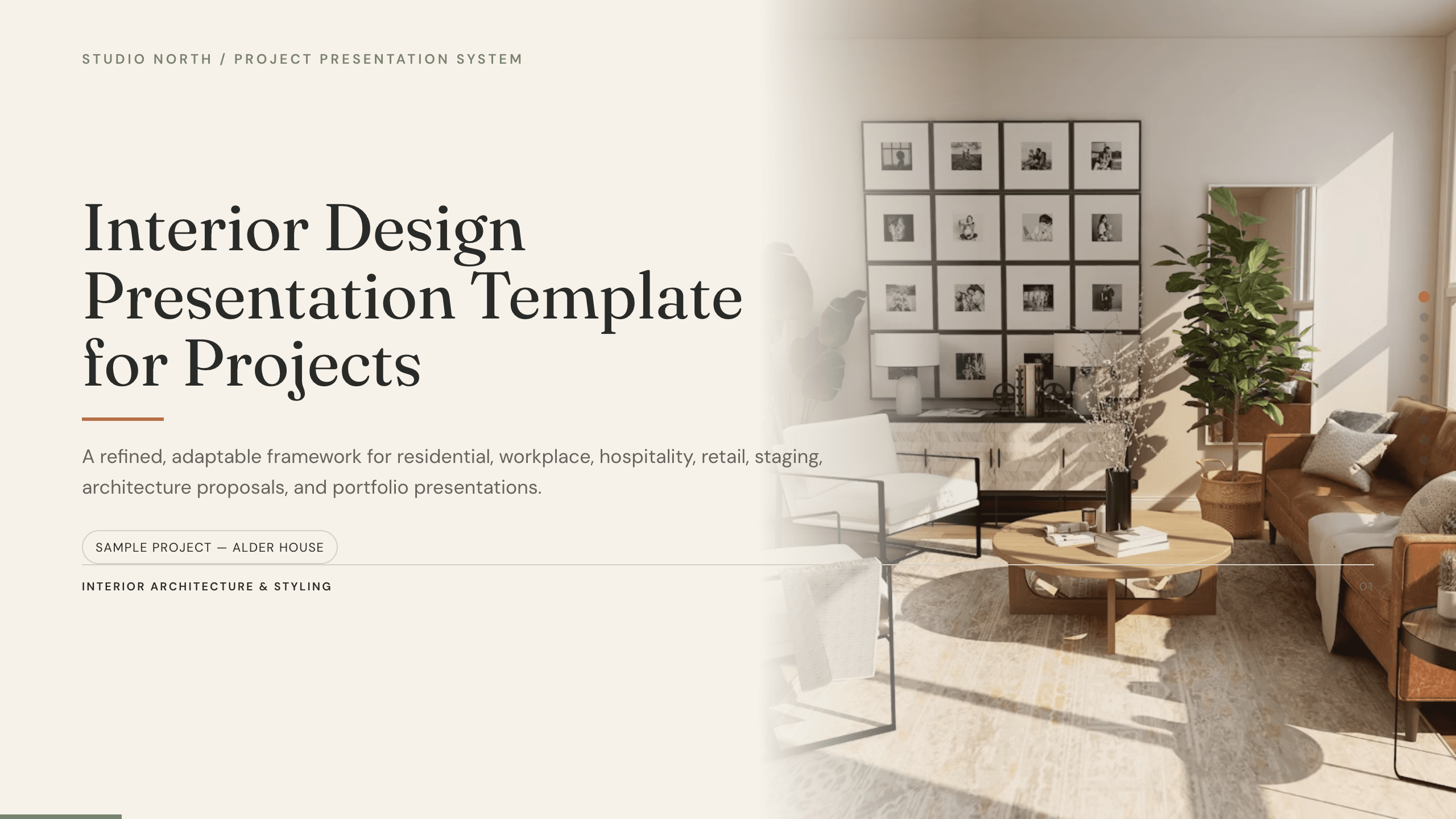
Interior Design Presentation Template
Present an interior design project with 12 slides for brief, concept, plan, palette, materials, furniture, lighting, rooms, budget, schedule, and approval.
View template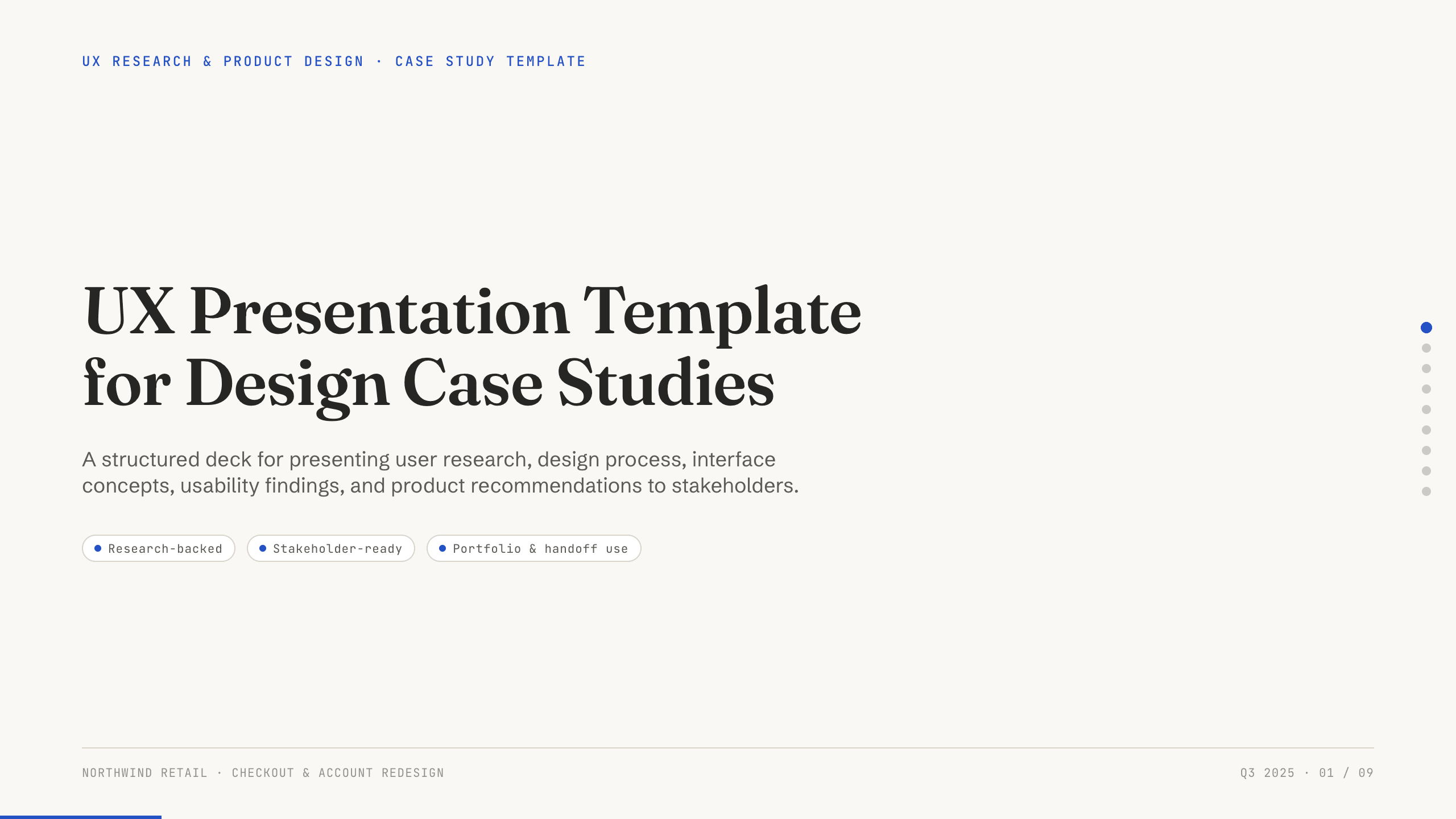
UX Presentation Template
Present a UX project in nine slides covering the product problem, research, journey, insight, design decisions, usability evidence, outcome, and recommendation.
View template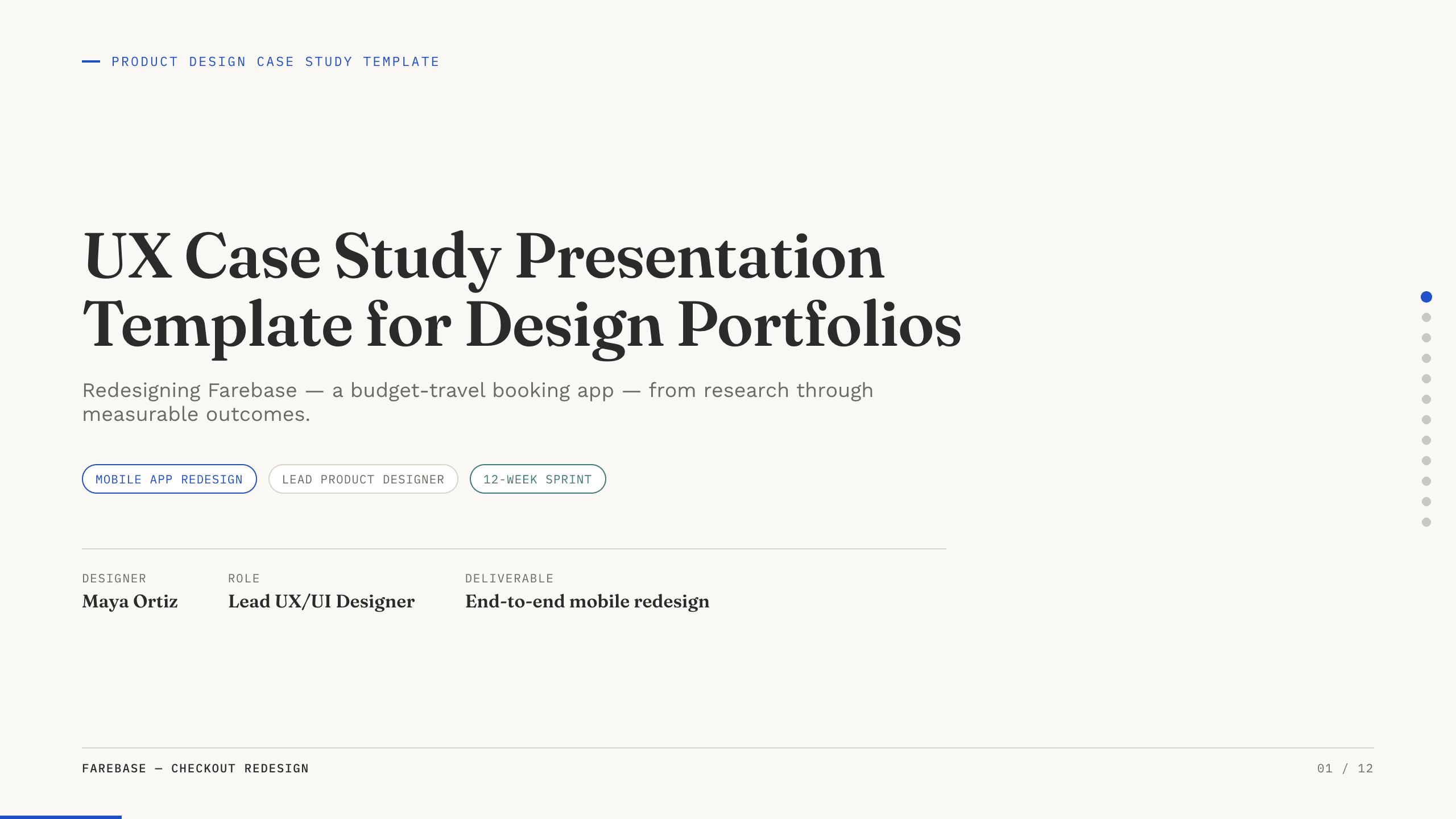
UX Case Study Presentation Template
Build a 12-slide UX case study covering product context, user problem, research, journey, insight, iterations, testing, outcome, and reflection.
View template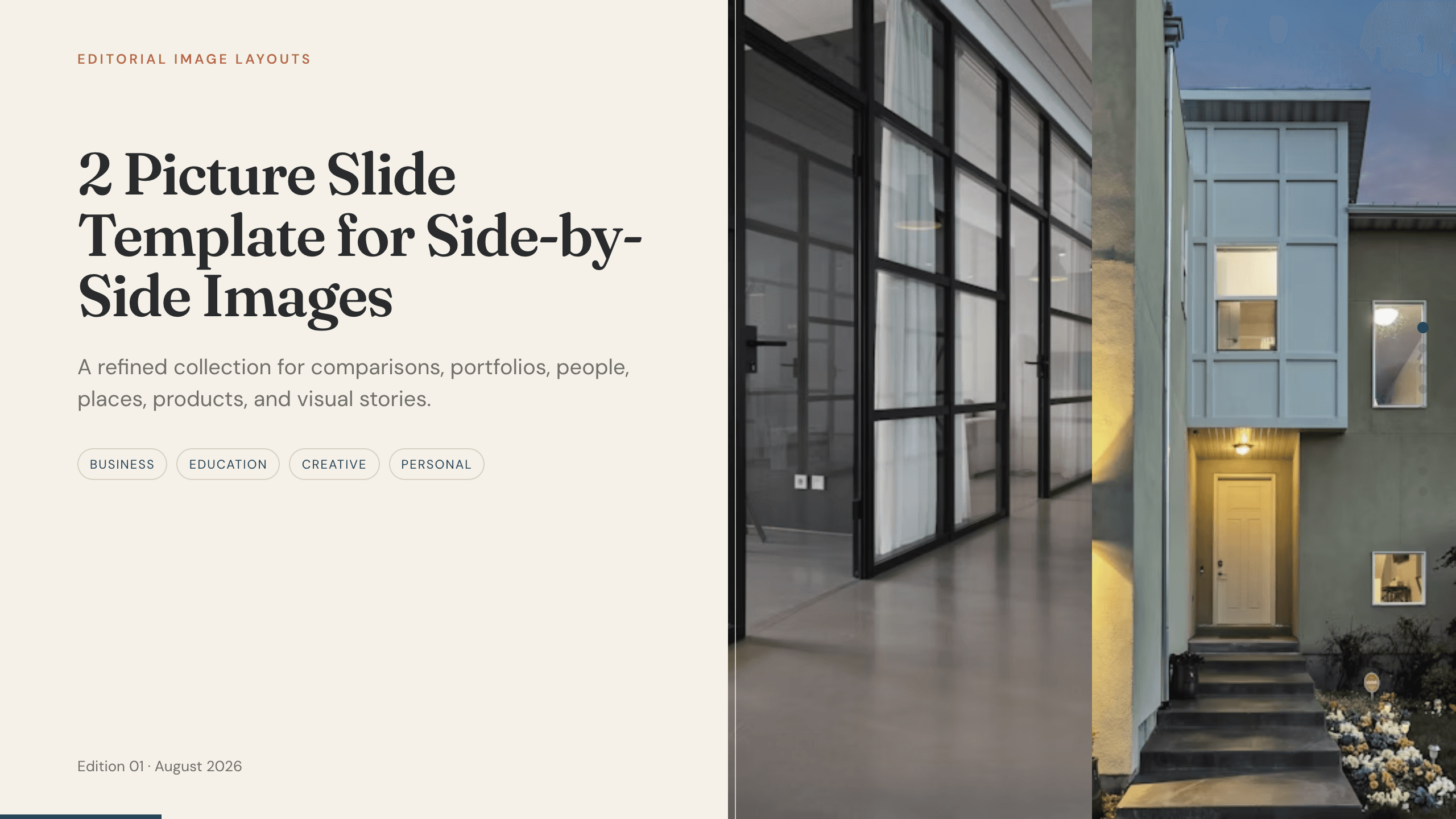
2 Picture Slide Template
Use nine two-picture slide layouts for clear before-and-after, option, person, place, product, portfolio, and process comparisons with minimal supporting copy.
View template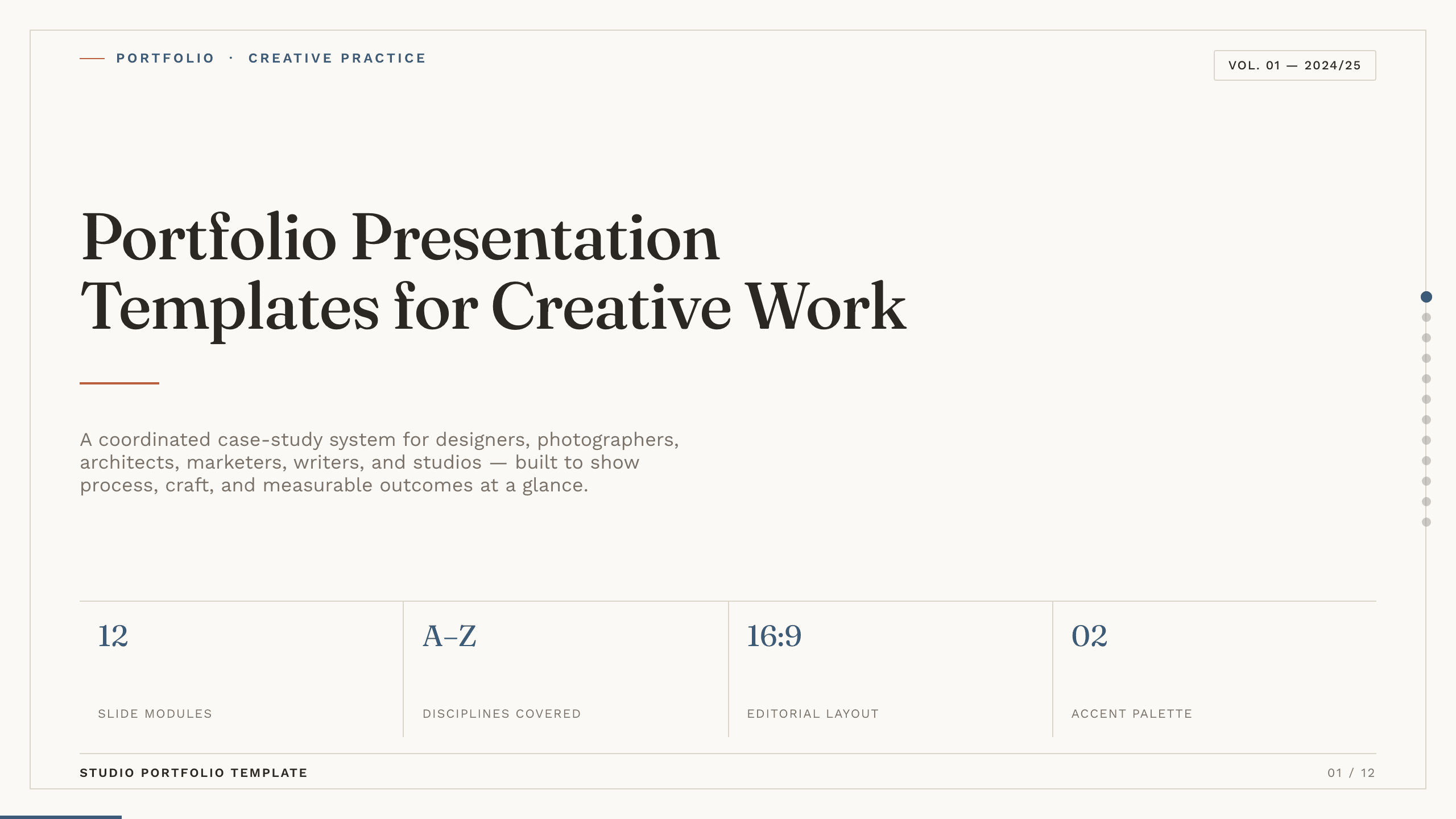
Portfolio Presentation Templates
Inspect a 10-slide featured example and find a starting point for creative work.
Browse collectionExplore other template hubs
Customize the Brand Presentation Template with Julius AI
1
Preview the complete example
Inspect all 11 slides to understand the narrative, layouts, and level of detail before replacing the example content.
2
Add your content and direction
Give Julius AI your source material, evidence, audience, constraints, and desired outcome.
3
Review and export
Check the narrative, facts, and design, then export an editable version to PowerPoint or Google Slides for final delivery.